
Free AI Product Photography for Ecommerce Brands
Turn any product photo into channel-ready studio imagery — no studio, no reshooting.
Explore workflowRemove unwanted objects, people, and distractions from photos — the background fills itself naturally
A workflow built around your real creative needs — from first direction to final asset.
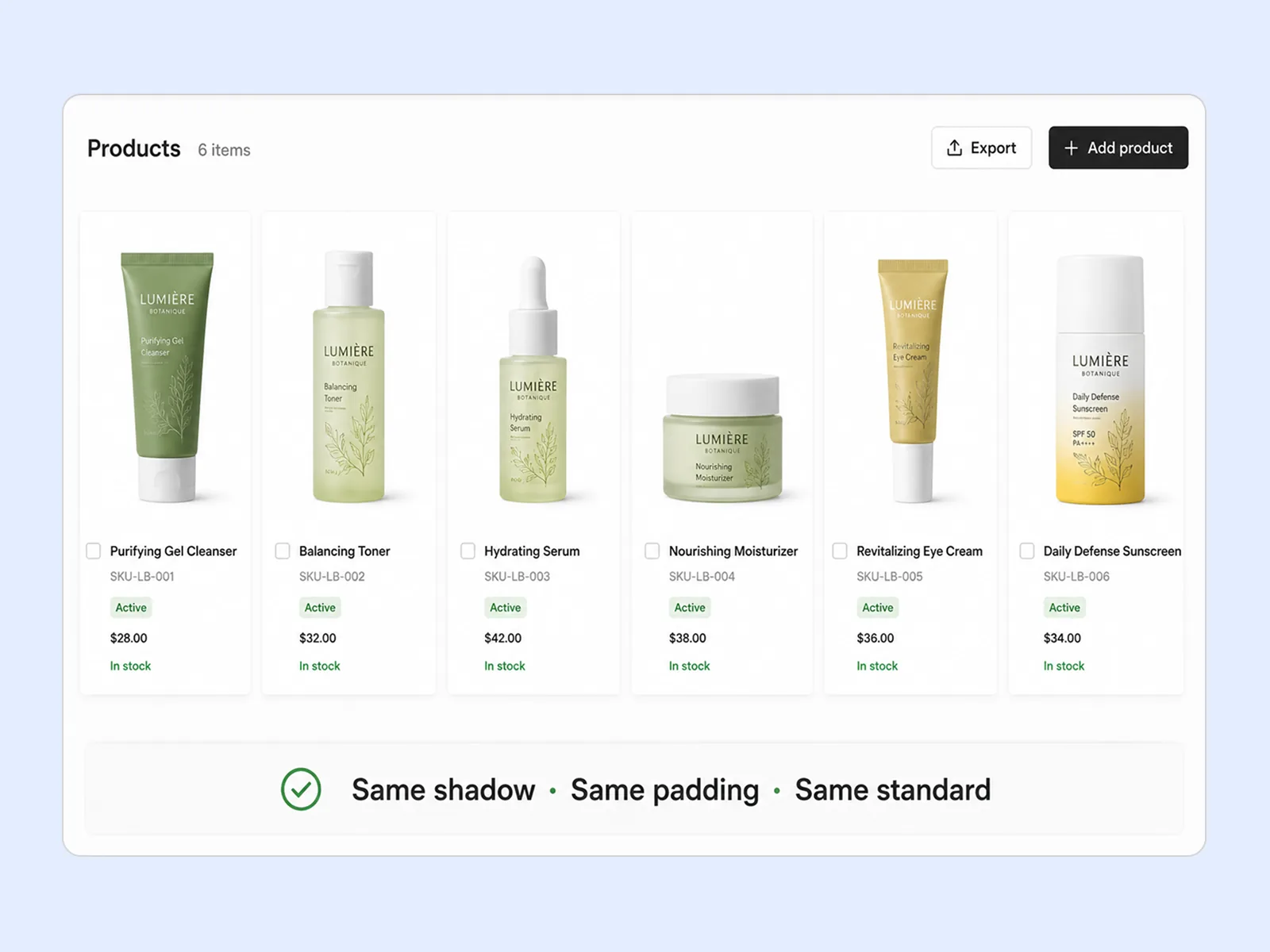
Paint over the object you want removed — a person in the background, a reflection, an unwanted logo, a size tag on a garment, or a stray prop. The AI removes it cleanly and fills the space using the surrounding image as context. No empty patches, no visible seams.
Try for free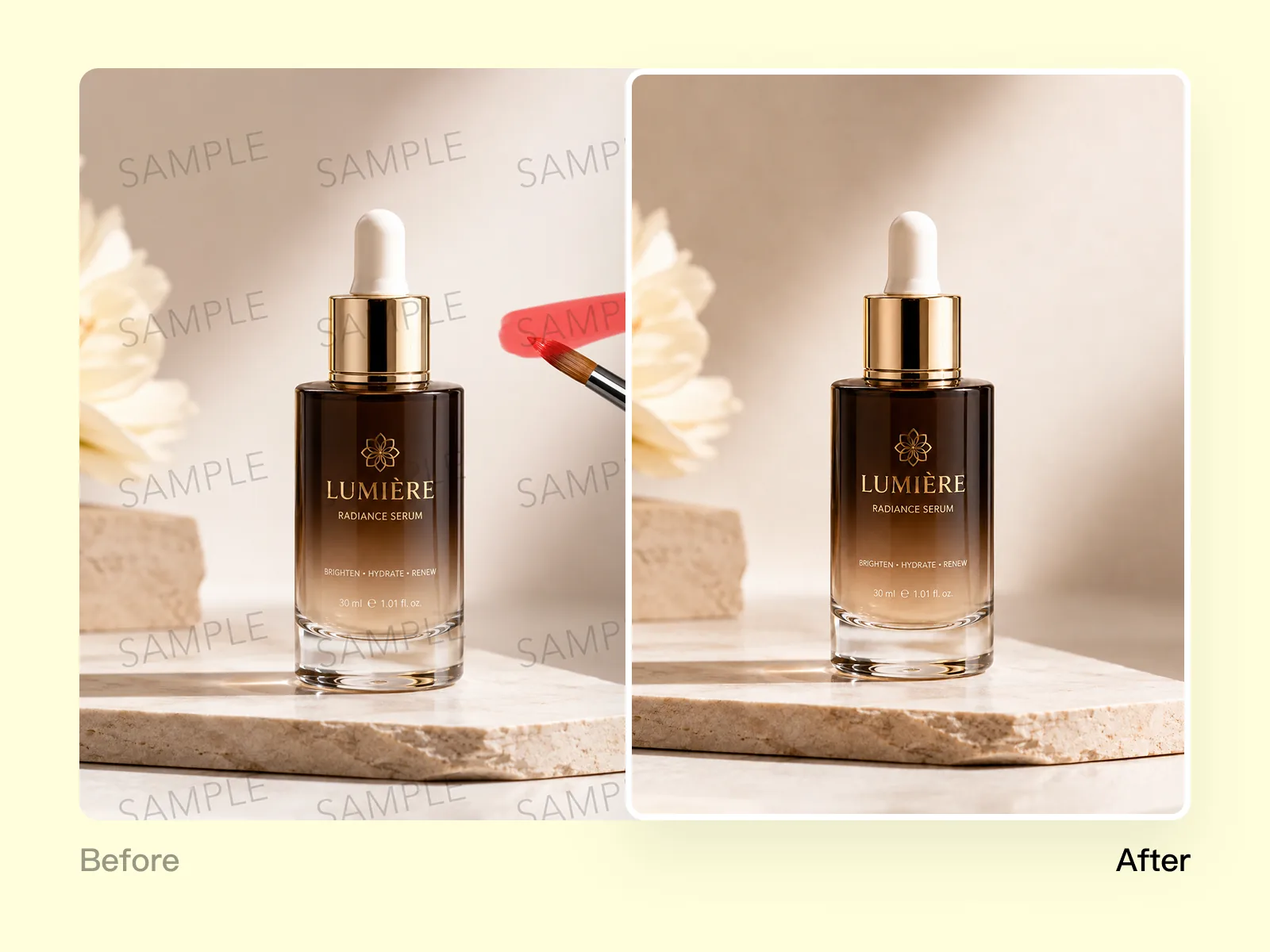
After removal, the AI reconstructs what would naturally be there — continuing the texture, color gradient, or pattern from the surrounding area. The result looks like the object was never in the shot. Works on simple studio backgrounds, textured surfaces, and complex scenes.
Try for free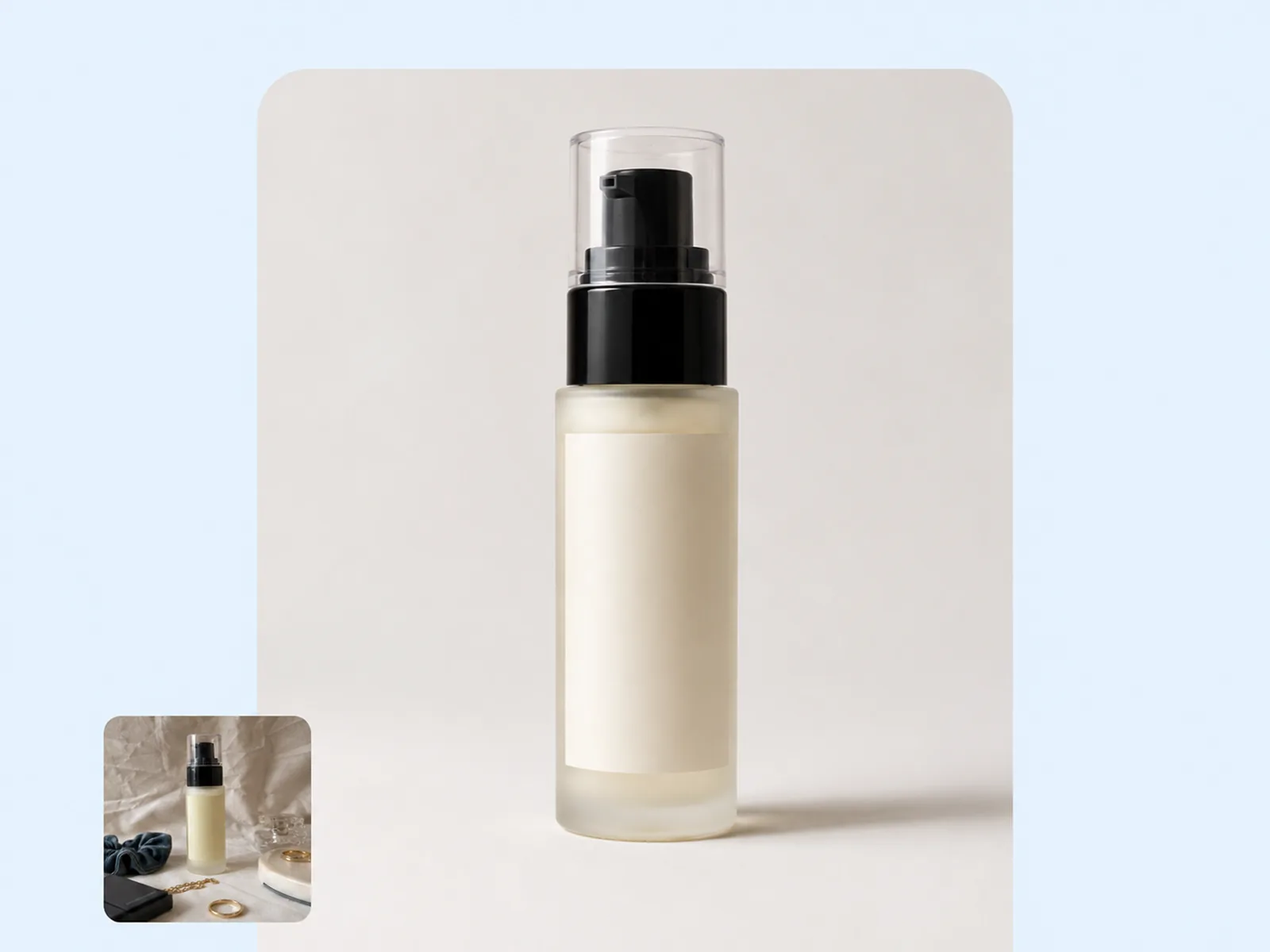
Supplier product images often come with unwanted props, hangers, size stickers, and background clutter. Lifestyle shots pick up people, signage, and distracting elements. Object Remover handles both — post-process any source image into a clean, professional visual without booking a new shoot.
Try for freeBrush over anything you want gone — a hanger, a price tag, a person in the background. Playyy treats your brushstroke as the exact region to erase, so you stay in control of what gets removed.
After removal, Playyy reconstructs the area using the surrounding texture, color, and lighting — not a smeared clone. The filled region looks like it was always empty.
The fill blends at the pixel level, matching grain, compression artifacts, and lighting gradients from adjacent areas. Zoom in to 100% and you won't find an edge.
Removing an object in front of a busy background — a crowd, a patterned floor, a cluttered shelf — is where simpler tools fail. Playyy reconstructs the occluded background correctly even when it has to invent what was behind the object.
Paint the mask and hit remove. Most objects process in under five seconds regardless of image resolution. No progress bars, no queuing.
Remove the mannequin, then the shadow, then the stray prop — all in the same editing session without re-uploading. Each removal is independent so you can undo one without affecting the others.
“Every product shoot has things that need to come out — hangers, clips, studio stands, the odd shadow from a light rig. I used to do this in Photoshop's content-aware fill and it would leave smears I had to repaint by hand. Playyy's fill is cleaner and I'm done in a fraction of the time.”

James Walker
Ecommerce Creative Strategist
“I pull a lot of reference photography into design mockups, and there's always something in the frame that doesn't belong. Playyy removes it and fills in the background so cleanly that I can drop the image straight into Figma without any additional retouching.”

Aiko Tanaka
Independent Designer & Visual Systems Consultant
“We shoot a lot of lifestyle content and it's never perfectly clean — there's always a cable, a logo on someone's shirt, or a cluttered corner we missed. Playyy removes those distractions in seconds so we can use photos we'd otherwise have to reshoot.”

Emily Carter
Growth Marketing Strategist
Playyy doesn't just delete pixels — it reads the surrounding texture, lighting direction, and color temperature to synthesize what should be there. On a wooden floor it reconstructs planks; on a tiled shelf it continues the grout lines. The result is a fill that matches the scene, not a blurred patch that signals something was removed.
Studio photos are easy — real-world photos have mixed lighting, noise, and cluttered backgrounds that expose weak inpainting. Playyy was built on consumer and ecommerce photography, not stock images. It handles direct flash, outdoor shadows, and JPEG compression without producing artifacts that require manual cleanup.
Object removal feeds into the same editor where you resize, retouch, and export — you don't bounce between tabs or re-upload a cleaned file. Remove the distraction, then add your branding, resize for the channel, and export, all in one session.
Turn any product photo into channel-ready studio imagery — no studio, no reshooting.
Explore workflow
Standardize product images across every SKU — background removal, cleanup, and upscaling that meet marketplace specs.
Explore workflowPeople, logos, props, signage, packaging stickers, watermarks, cables, shadows, furniture, and most solid objects. The tool works best when the removed object sits against a consistent or reconstructable background.
The AI reconstructs the background from surrounding context — matching texture, color, light direction, and pattern. For simple backgrounds like walls, floors, and sky, reconstruction is seamless. Complex, high-detail scenes may need a light review pass.
Yes. After removing the first object, the result updates in place. Continue brushing over other elements to remove them sequentially. Each pass uses the updated image as its context.
Yes. Brush over the person and the AI removes them and fills the background. Results are cleanest when the person isn't overlapping the primary subject. For complex occlusions, a follow-up with AI Inpaint can refine specific areas.
Background Remover removes the entire background and returns a clean cutout of the subject. Object Remover targets specific elements within the image and reconstructs the surrounding area. Use Background Remover to isolate a subject; use Object Remover to clean up a scene while keeping everything else.
See how teams are using Playyy to ship better visuals, faster.
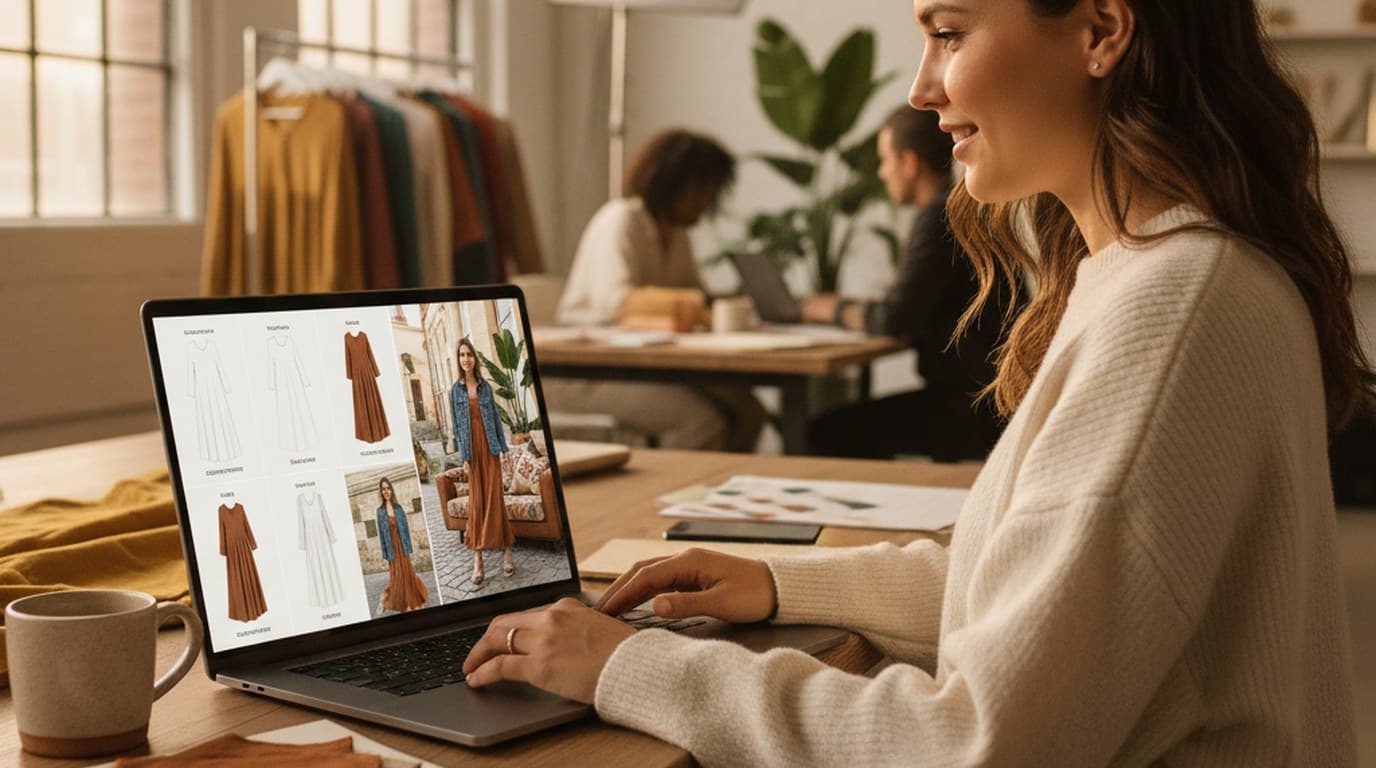
Sixty lifestyle images, three days, no studio. How one Shopify brand cut product shoot costs by 80% using AI photo editing.
 James Walker
Phone photos, an AI photo editor, and a clear brand vision — how one indie maker's first launch looked like a studio produced it.
 Minji Park
Six creative directions, one working day, real market data — before the studio was ever booked.
 Emily Carter
Keep every image on brand, control the final look, and turn campaign ideas into polished assets without waiting on another design cycle.


