7 Best Picsart Alternatives in 2026 (Free & Paid)
 Minji Park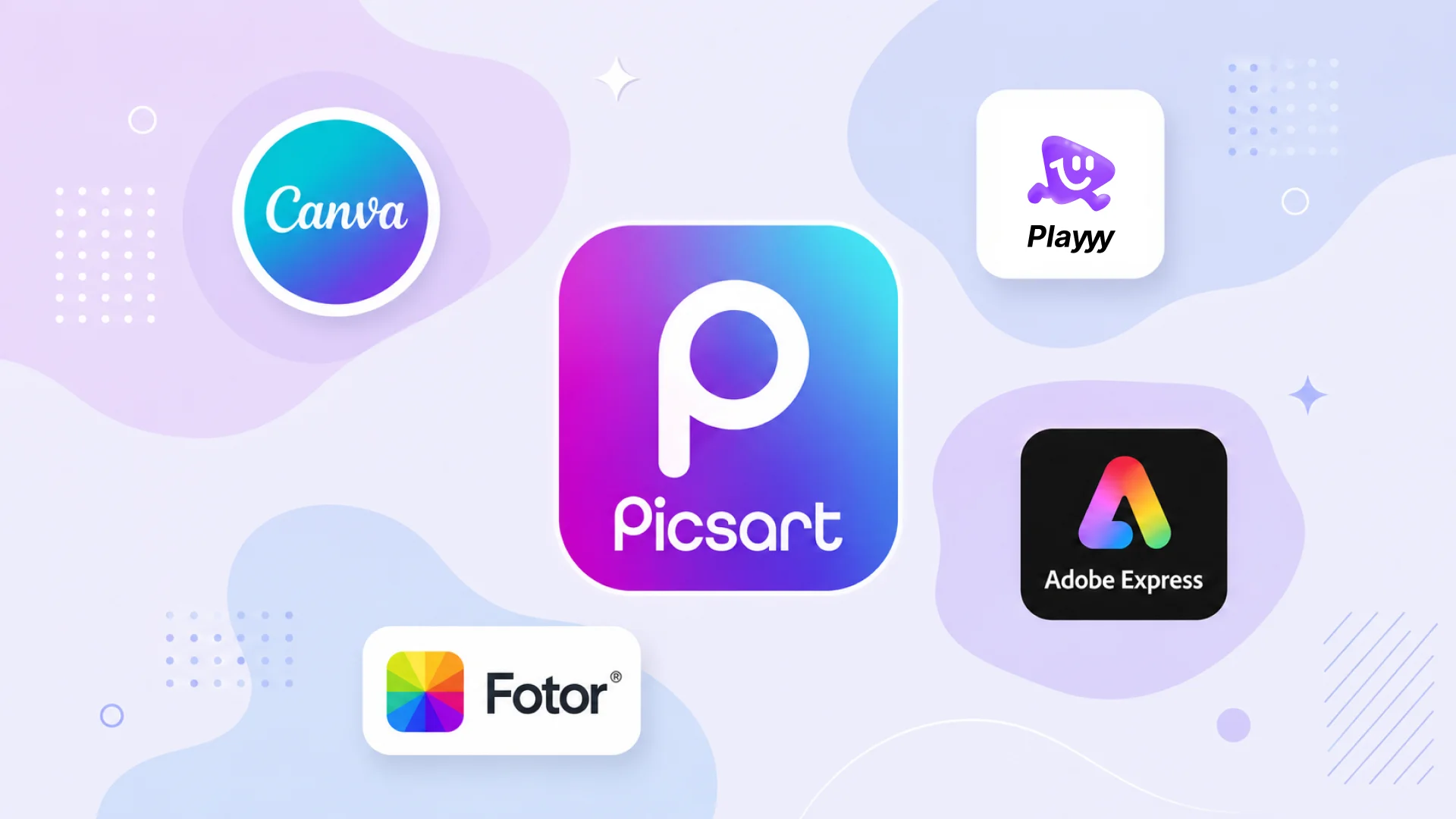
Picsart is one of the largest creative platforms on mobile, and the breadth is genuinely impressive: AI generation, background removal, collage maker, stickers, effects and a basic design workspace. The friction points are free-tier restrictions — AI features come out watermarked — and cost escalation for a platform trying to be everything at once. If you primarily use one or two features, you're paying for a lot you don't need.
Direct answer. The best Picsart alternatives in 2026 depend on your primary use: Playyy for brand content and product photos with a clean free tier, Canva for template-driven branded social content, and Snapseed for professional photo editing at no cost. For creative filters and community effects, Picsart still leads, but most creators find a focused tool performs better for their core workflow.
1. Playyy — AI-First Design and Photo Editing
Best for: Creators who use Picsart for product photos, background removal, and brand content rather than pure creative effects.
Playyy's strength is the combination of AI tools and design workflow in a single platform. Background removal, AI product photo generation, image enhancement, and 1,000+ templates cover most of what Picsart's paid subscribers use the platform for — without the watermarked free experience.
The brand kit is a meaningful differentiator for creators building a consistent visual identity: paste your website URL and Playyy pulls your colors, fonts, brand voice and logo into a kit the AI uses for new designs. In Picsart, brand consistency requires manual reapplication every time.
For social content with a product or brand focus, Playyy's workflow is faster. For purely creative or personal content — applying aesthetic filters, creating collages, using community stickers — Picsart's creative assets are deeper.
Pricing: Free tier available. Paid plans from $18/month (Basic; $15/month billed annually).
Standout features: AI background removal, product photo generation, brand kit, templates.
2. Canva — Template-Based Social Content Creation
Best for: Social media managers and marketers who create consistent branded content at volume.
Canva is the most widely used Picsart alternative for professional social content creation. The template library is larger, the design tools are better structured for repeatable branded content, and the brand kit enforces visual consistency automatically.
The free tier is more useful than Picsart's: templates, basic editing, and exports without watermarks on standard features (background removal requires Pro, and free accounts get only a limited number of AI uses). For content creators who primarily need well-designed templates with consistent branding rather than creative filters and effects, Canva is the faster daily driver.
Pricing: Free (limited). Pro at US$144/year (as of October 2026).
Standout features: Huge template library, brand kit, AI generation (Pro), Magic Resize.
3. Adobe Express — High-Quality Assets and Creative Tools
Best for: Creators who want professional-quality templates and Adobe's asset library.
Adobe Express combines template-based design with access to Adobe Stock photography, thousands of professional fonts, and Firefly AI generation. For content creators who want better source material than Picsart's library, Express's asset quality is significantly higher.
The Animate feature turns static designs into video content for Reels and TikTok — a workflow Picsart covers but Adobe handles with smoother transitions. Express Premium is also bundled into some Adobe plans, such as Creative Cloud Pro.
Pricing: Free tier available. Premium at $9.99/month (as of October 2026; also bundled in some Adobe plans).
Standout features: Adobe Stock, professional fonts, Firefly AI, animation for video content.
4. Snapseed — Professional Free Photo Editing
Best for: Photographers and creators who use Picsart primarily for photo quality improvements rather than creative effects.
Snapseed (Google) is completely free and produces better photo editing results than Picsart for most technical adjustments. The Healing tool, selective adjustments, curves, and Portrait mode provide a professional editing toolkit that Picsart doesn't match on technical quality.
The tradeoff is breadth: Snapseed is a photo editor, not a design platform. There are no templates, no brand tools, no AI generation. For Picsart users who primarily use it for photo quality rather than design, Snapseed is a better tool at no cost.
Pricing: Free (Google).
Standout features: Professional healing, selective adjustments, Portrait mode, curves, completely free.
5. Fotor — Photo Enhancement with Design Tools
Best for: Creators who need photo enhancement and basic design templates without a heavy creative platform.
Fotor sits between a photo editor and a design tool. One-click enhancement, AI portrait retouching, and an AI image generator cover the photo editing side. Design templates handle social media, e-commerce, and marketing formats.
The interface is less overwhelming than Picsart's, which makes it faster to use for people who find Picsart's feature density distracting. The free tier watermarks exports; Pro costs $8.99/month billed annually.
Pricing: Free (watermarked). Pro at $8.99/month billed annually (as of October 2026).
Standout features: One-click enhancement, AI portrait retouching, AI image generator, social templates.
6. Lightroom Mobile — Professional Photography Editing
Best for: Photographers and serious content creators who use Picsart primarily for photo quality improvements.
Adobe Lightroom Mobile handles color grading, RAW editing, AI masking, and batch processing at a professional level that Picsart can't match. The AI tools (Denoise, Masking, Enhance) produce technically superior results for photography-focused content.
The free tier includes basic editing tools. A paid plan — a mobile-only Premium plan, or the full Lightroom plan at $14.99/month since March 20, 2026 — unlocks full AI features, cloud sync, and presets sharing. For creators whose aesthetic requires high photo quality rather than creative effects, Lightroom is the professional standard.
Pricing: Free (limited). Paid mobile Premium or the Lightroom plan ($14.99/month).
Standout features: Professional color grading, AI masking, RAW editing, cloud sync.
7. Procreate (Pocket) — Creative Illustration and Art
Best for: Artists and illustrators who use Picsart primarily for creative and artistic effects.
If your Picsart usage is creative illustration, digital art, or complex creative effects, Procreate Pocket (iPhone) or Procreate (iPad), each a one-time App Store purchase, produces better artistic results than any filter-based app. The brush engine, layering system, and pressure sensitivity create actual artistic work rather than applied effects.
One-time pricing is an advantage over ongoing subscriptions. Procreate is for creation rather than editing — it doesn't handle photos, background removal, or templates.
Pricing: One-time App Store purchase (Pocket for iPhone, Procreate for iPad).
Standout features: Professional brush engine, large brush library, canvas size flexibility, one-time pricing.
A watermark is a different kind of limit from a usage cap. A cap still lets you finish and publish a small number of assets; a watermark makes every output unusable for the purpose you generated it for, which converts the free tier from a limited product into a demo. For brand-focused users that distinction decides the tool — a watermarked AI feature can't be evaluated on real work, only previewed.
Picsart Alternatives Compared
| Tool | AI Generation | Photo Editing | Templates | Free Tier | Best For |
|---|---|---|---|---|---|
| Playyy | ✅ Advanced | ✅ AI-powered | ✅ 1,000+ | ✅ No watermark | Brand content + product photos |
| Canva | ✅ Good | ⚠️ Basic | ✅ Huge | ✅ Limited | Branded social content |
| Adobe Express | ✅ Firefly | ⚠️ Basic | ✅ Large | ✅ Limited | Professional asset quality |
| Snapseed | ❌ No | ✅ Professional | ❌ No | ✅ Full | Photo quality editing |
| Fotor | ✅ Good | ✅ AI-enhanced | ✅ Yes | ⚠️ Watermark | Enhancement + design |
| Lightroom Mobile | ❌ No | ✅ Professional | ❌ No | ✅ Limited | Photography color + RAW |
| Procreate | ❌ No | ❌ No | ❌ No | ❌ One-time | Illustration and digital art |
If you primarily use Picsart for brand content and product photos, Playyy or Canva handle those use cases more efficiently. For photo quality, Snapseed (free) or Lightroom covers professional editing at lower cost. See social media branding tips for consistent content for how to maintain visual consistency across your content tools.

Minji Park
I help indie creators, online educators and small product teams prepare launch visuals and social campaigns. My goal is to make launches feel polished and trustworthy — even when you are working without a designer.
Frequently asked questions
For AI-first creative workflows, Playyy offers more generative capabilities with a cleaner design workspace. For social content creation with templates, Canva is more structured. For photo editing quality, Snapseed and Lightroom Mobile produce better results. 'Better' depends on whether you primarily use Picsart for creative effects, photo editing, AI generation, or social content — each has a stronger specialist alternative.