How a Founder Built a YouTube Brand Without a Designer
A legal-tech startup founder, no designer, 22 YouTube thumbnails — how the startup built a consistent channel identity in one week using Playyy's brand kit.
 Daniel Brooks
Generate channel banners, profile headers, and brand visuals in minutes. AI sets the look, Image Expander fits each platform ratio, then add name and tagline.
Start creating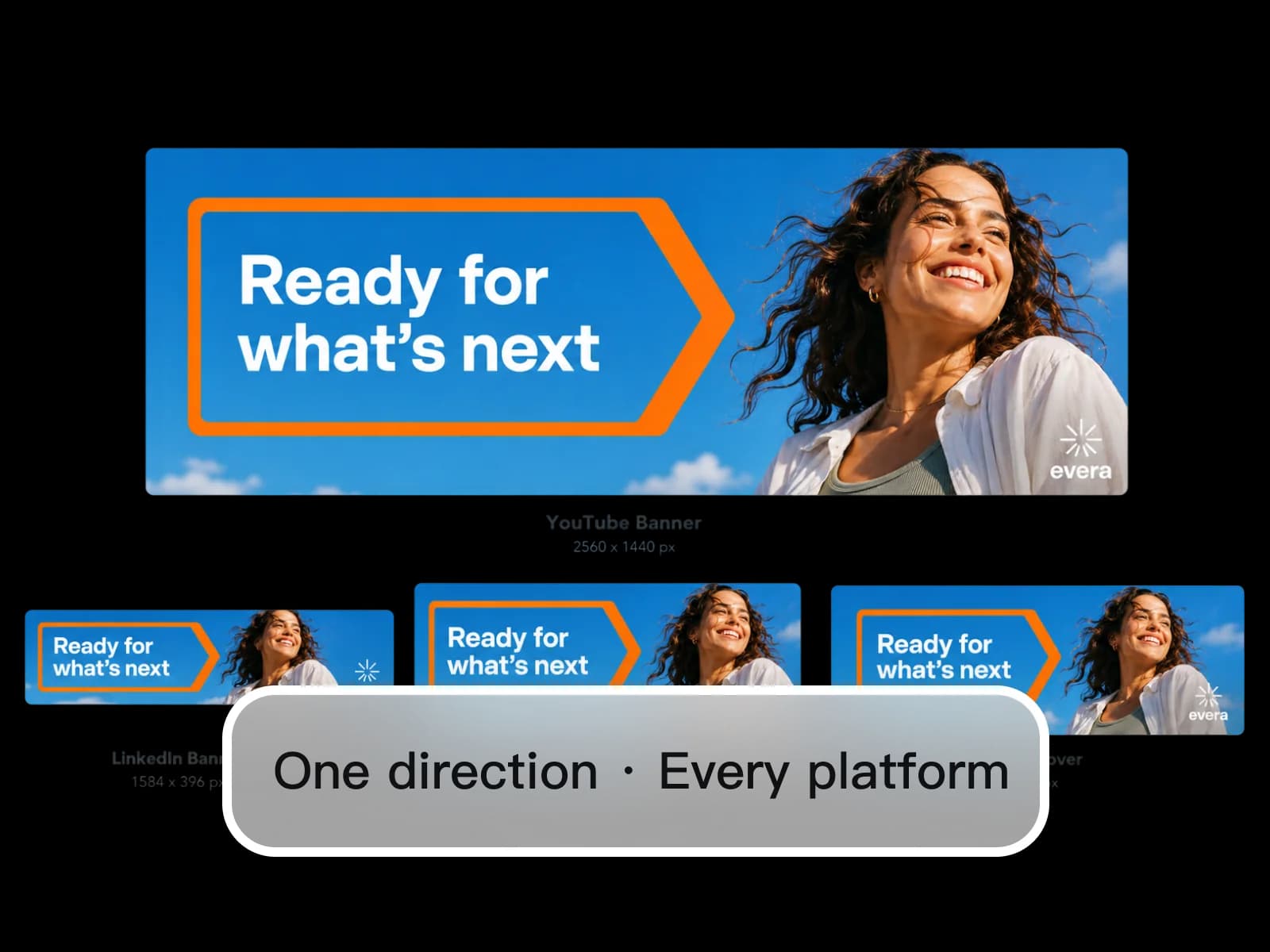
One AI creative direction. Every platform banner size — YouTube, LinkedIn, Twitter, Facebook — with your name and tagline placed accurately.
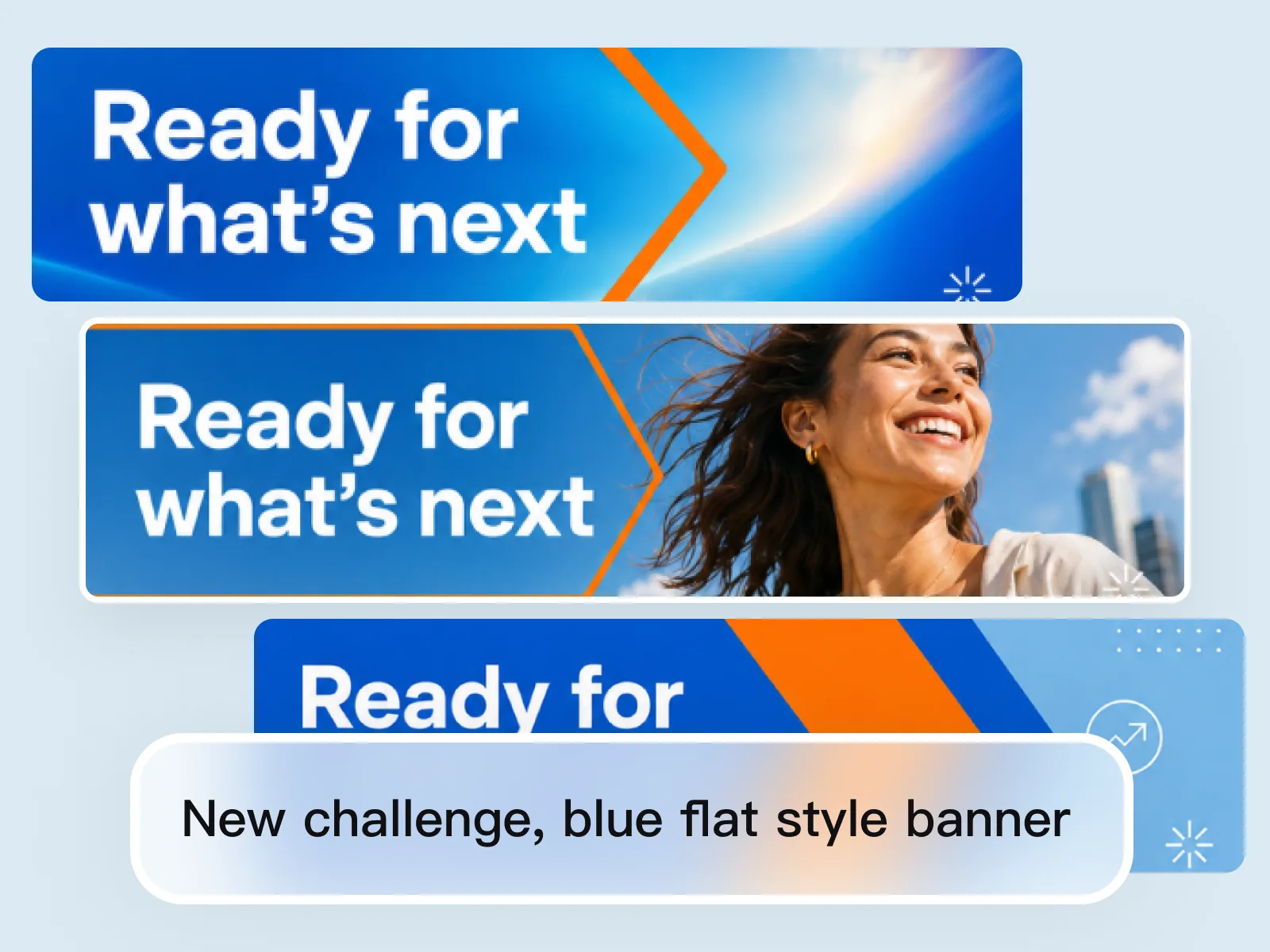
Brief the visual direction the same way you would brief a designer — background style, color palette, your industry's visual codes, whether you want a photo, illustration, or abstract treatment. The AI image generator produces 2–3 distinct directions from that brief. Choose the one that fits your brand identity before investing time in format adaptation. Banner design decisions made at the direction stage take minutes rather than the revision rounds a traditional designer requires.
Try for free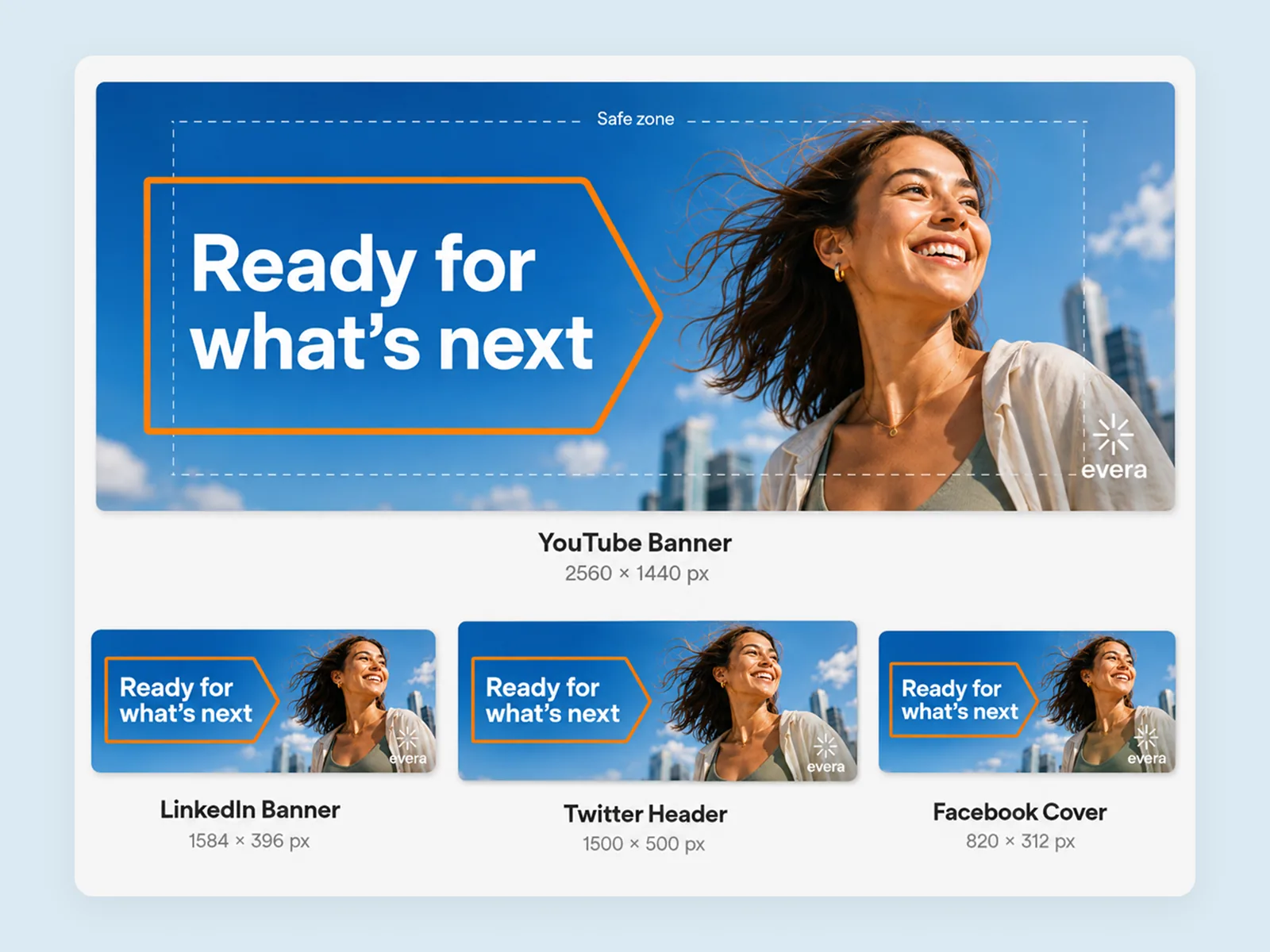
YouTube banners require 2560×1440px with a 1546×423px safe zone for TV display. LinkedIn headers display at 1584×396px. Twitter and X banners are 1500×500px. Facebook covers are 820×312px on desktop. Image Expander adapts the selected direction to each of these ratios without rebuilding the composition — the AI fills extended areas by reading the scene's spatial logic, so each platform version feels composed rather than stretched or padded. One design, every platform.
Try for free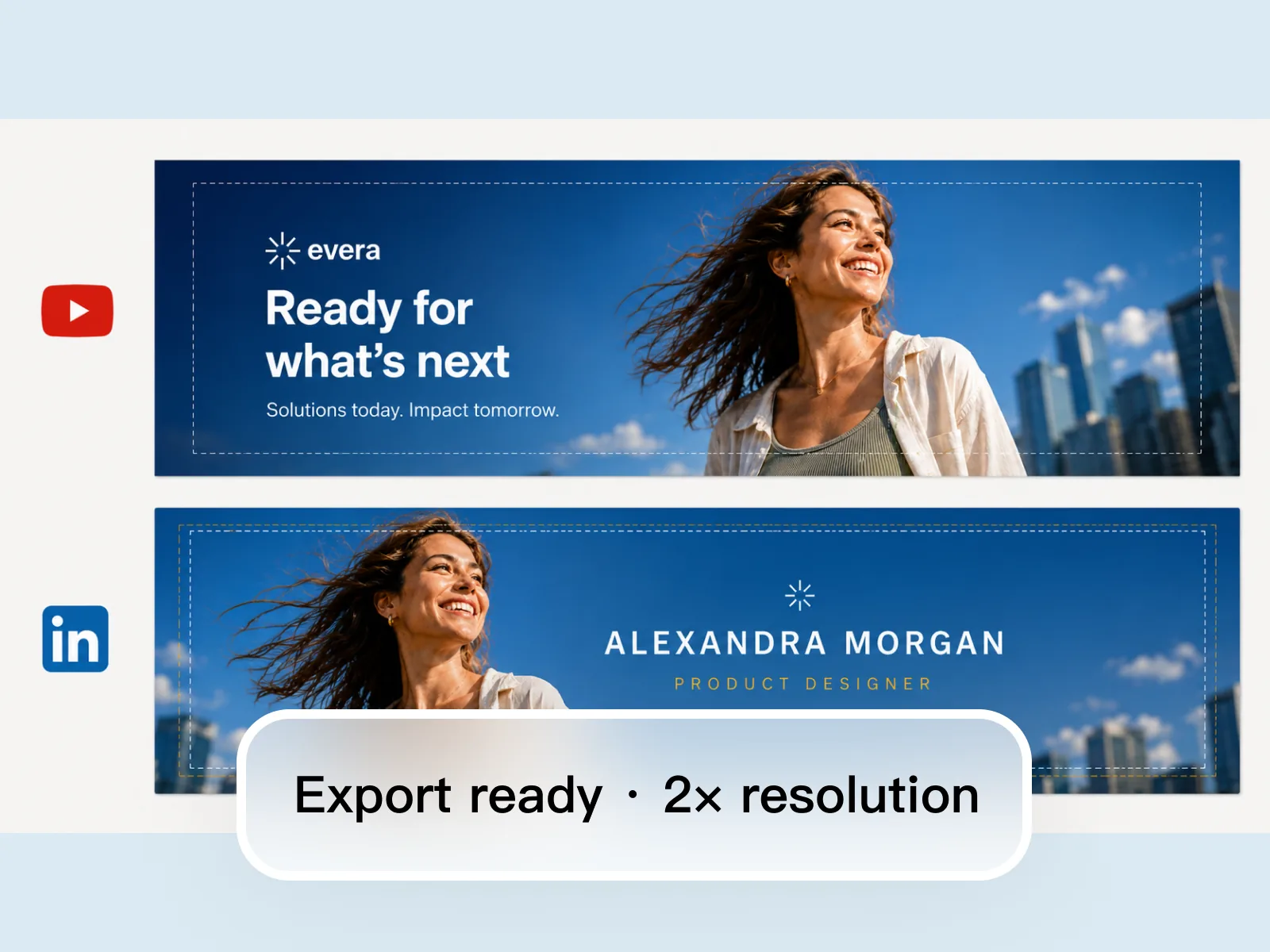
A banner without accurate text and brand elements looks unfinished to first-time profile visitors. Edit Elements places your channel name, professional title, tagline, and any CTA accurately across each platform format — adjusting text position for each platform's safe zone so copy stays legible at thumbnail scale. Export at the resolution each platform requires: 2× or higher for YouTube, native for LinkedIn and Twitter. The result is a complete banner kit ready to upload without a design review.
Try for freeDescribe your brand, role, or campaign and Playyy generates a LinkedIn banner or YouTube banner visual from scratch — no templates, no stock photography. The result is original imagery built around your specific context.
Image Expander outputs to the precise spec for each platform — LinkedIn banner at 1584×396, YouTube channel art at 2560×1440 with safe zone awareness, Twitter banner at 1500×500. No guessing at dimensions or cropping after the fact.
Edit Elements lets you place your name, tagline, logo, or CTA directly onto the banner at the right size and position for each platform. Adjust contrast and placement to ensure legibility at both desktop and mobile preview scale.
Style Transfer carries the same aesthetic from your LinkedIn banner to your YouTube banner and Twitter header — same color palette, same mood, same visual identity. Your presence looks intentional across every social media channel.
Playyy generates banners from your own brand direction, not from a library of pre-built templates. Your LinkedIn banner, YouTube channel art, and Twitter header are specific to you — no customizing someone else's layout.
Start with one hero image and use Image Expander to produce your LinkedIn banner, YouTube banner, Twitter header, and Facebook cover in a single session. One visual direction, every platform format, no rebuilding.
“YouTube, LinkedIn, Twitter, Facebook — four banners, four crops, one afternoon lost. I generate one direction in Playyy and expand to each spec so the channel art still looks like the same person.”

Sophie Whitmore
Social Media Manager & Brand Content Consultant
“A LinkedIn banner that looks fine at full width often fails on mobile. I place the name and the line in Playyy, check the crop, and export 1584×396 without uploading twice to see what got cut.”

Emily Carter
Growth Marketing Strategist
“Founder profiles used to mix a Canva header with a YouTube banner from another year. One visual system across every platform made the channels feel like a company, not a collection of leftover files.”

Daniel Brooks
Startup Brand & Content Advisor
See how teams are using Playyy to ship better visuals, faster.
A legal-tech startup founder, no designer, 22 YouTube thumbnails — how the startup built a consistent channel identity in one week using Playyy's brand kit.
Daniel Brooks
ChatGPT images buried in chat, no brand kit, no spec control. How a 12-person B2B SaaS team switched workflows and tripled creative output in the same time budget.
 Emily Carter
YouTube channel banner, profile picture, and 4 end-card variants — zero design cost, one afternoon, no designer.
 Luca Moretti
Image Expander outputs to the exact spec for every major platform — LinkedIn banner at 1584×396px, YouTube channel art at 2560×1440 with the 1546×423 safe zone respected, Twitter/X header at 1500×500. You don't need to look up dimensions or adjust after uploading and seeing it crop wrong. Every banner is production-ready the first time.
Generate a single hero image for your brand or campaign, then expand it to every platform ratio without re-composing the design. Style Transfer ensures the LinkedIn banner, YouTube channel art, and Twitter header all share the same aesthetic — same palette, same mood, same visual language. No rebuilding the concept four times for four different aspect ratios.
Edit Elements lets you position your name, title, and tagline with precision — and verify legibility at the small sizes LinkedIn and YouTube display on mobile. A banner that reads clearly at full scale often fails at thumbnail; Playyy lets you check and adjust before publishing. Your social media content creator profile looks polished at every size it appears.
YouTube banners display at 2560×1440px on TV screens and scale down on desktop, tablet, and mobile. The safe zone — the area guaranteed to be visible across all devices — is 1546×423px centered in the banner. Any text or logo should stay within this safe zone. Playyy's Image Expander generates the full 2560×1440px banner from your visual direction, and Edit Elements places channel name and tagline within the safe zone automatically.
LinkedIn profile banners display at 1584×396px on desktop, though the recommended upload size is 1584×396px at 72 DPI or higher. Mobile views crop the sides slightly, so keeping key elements centered is important. Playyy adapts your visual direction to this ratio with Image Expander, then places your name and title within the visible mobile area using Edit Elements. Export as JPEG at high quality — LinkedIn compresses uploads, so starting above 200KB preserves sharpness.
Yes. Playyy adapts one AI-generated visual direction to both YouTube (2560×1440px) and LinkedIn (1584×396px) banner formats in the same session using Image Expander. The YouTube format is wider and taller; the LinkedIn format is a horizontal strip. The AI fills the extended or compressed areas to match the original composition's spatial logic, so both platform versions share the same visual identity without manual rework. Text and branding are placed separately per format using Edit Elements.
Twitter and X banners display at 1500×500px on desktop and crop further on mobile, showing approximately the center 1500×200px. Designing with the center strip in mind — keeping key text and subject in the middle third of the banner — ensures the design reads correctly on both desktop and mobile. Playyy's Image Expander produces the 1500×500px format from your campaign direction, and Edit Elements positions text within the mobile-safe center zone.
Facebook cover photos display at 820×312px on desktop and 640×360px on mobile, with the mobile view cropping the top and bottom. The safe area for key content is approximately 820×250px centered in the frame. Playyy adapts your visual direction to the Facebook cover ratio with Image Expander, and Edit Elements places your business name or CTA within the cross-device safe zone. Export as JPEG at high quality — Facebook's compression is aggressive at lower file sizes.
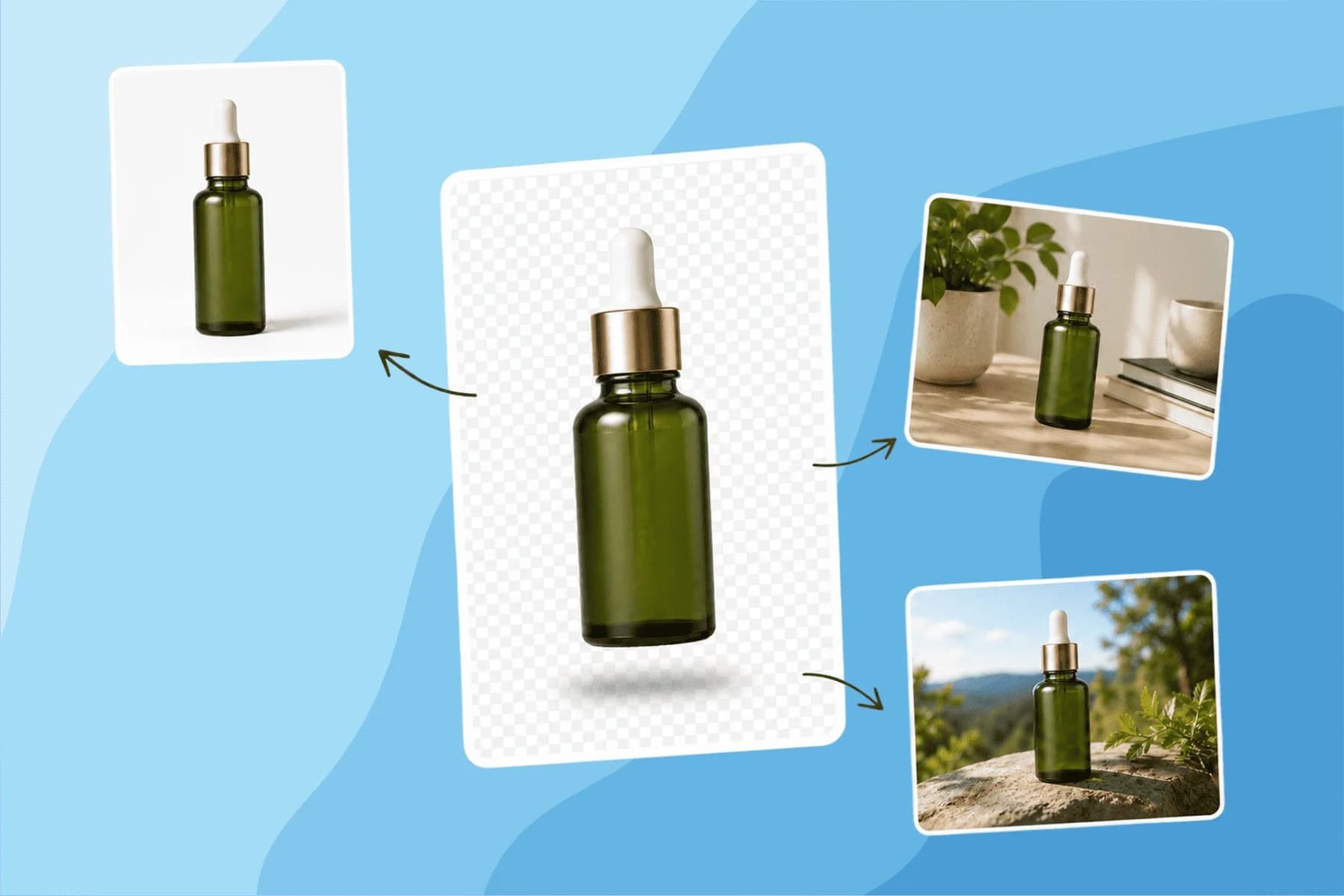
Turn any product photo into channel-ready studio imagery — no studio, no reshooting.
Explore workflow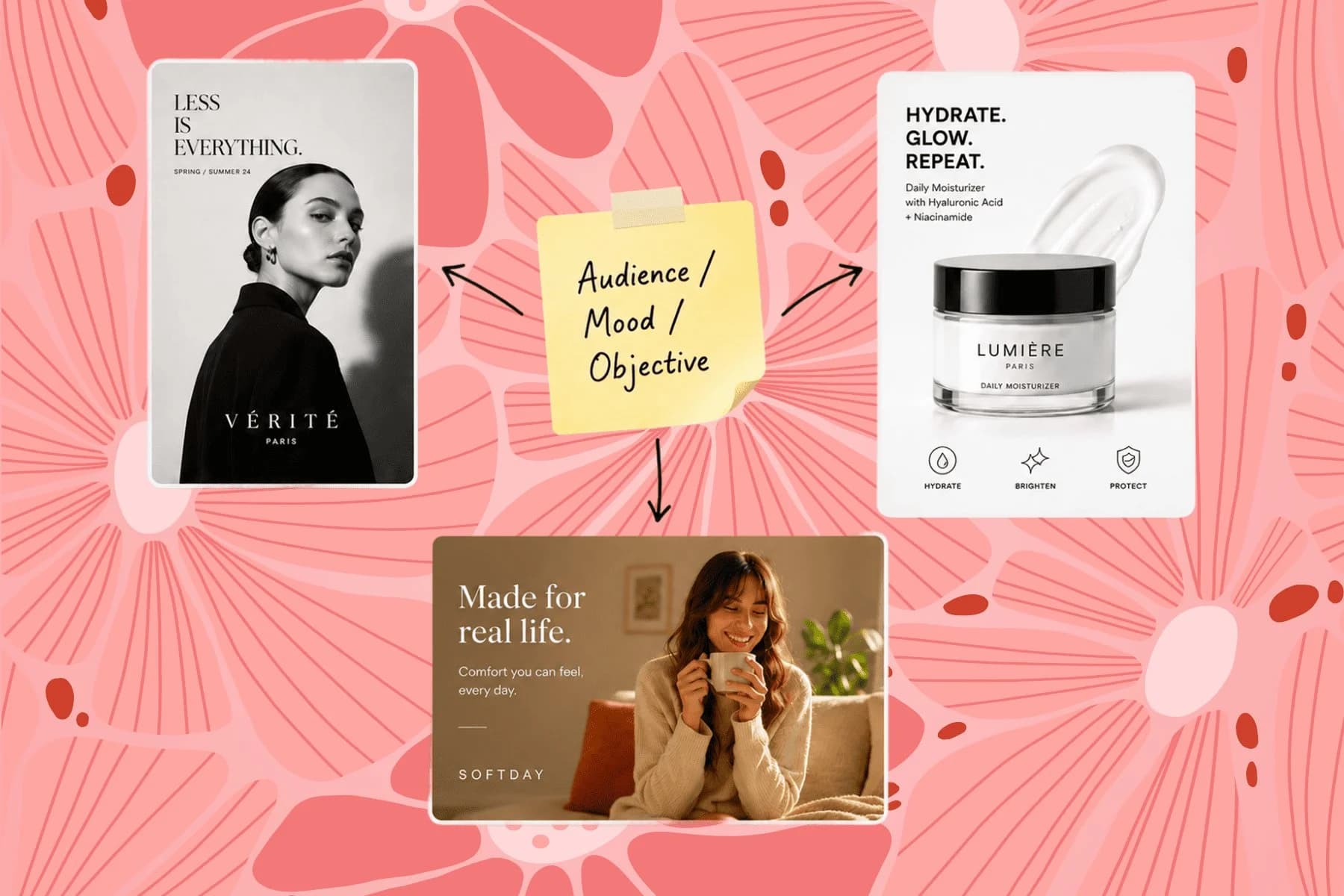
From one campaign brief to every channel asset — AI image generator, creator, and editor in one workflow.
Explore workflow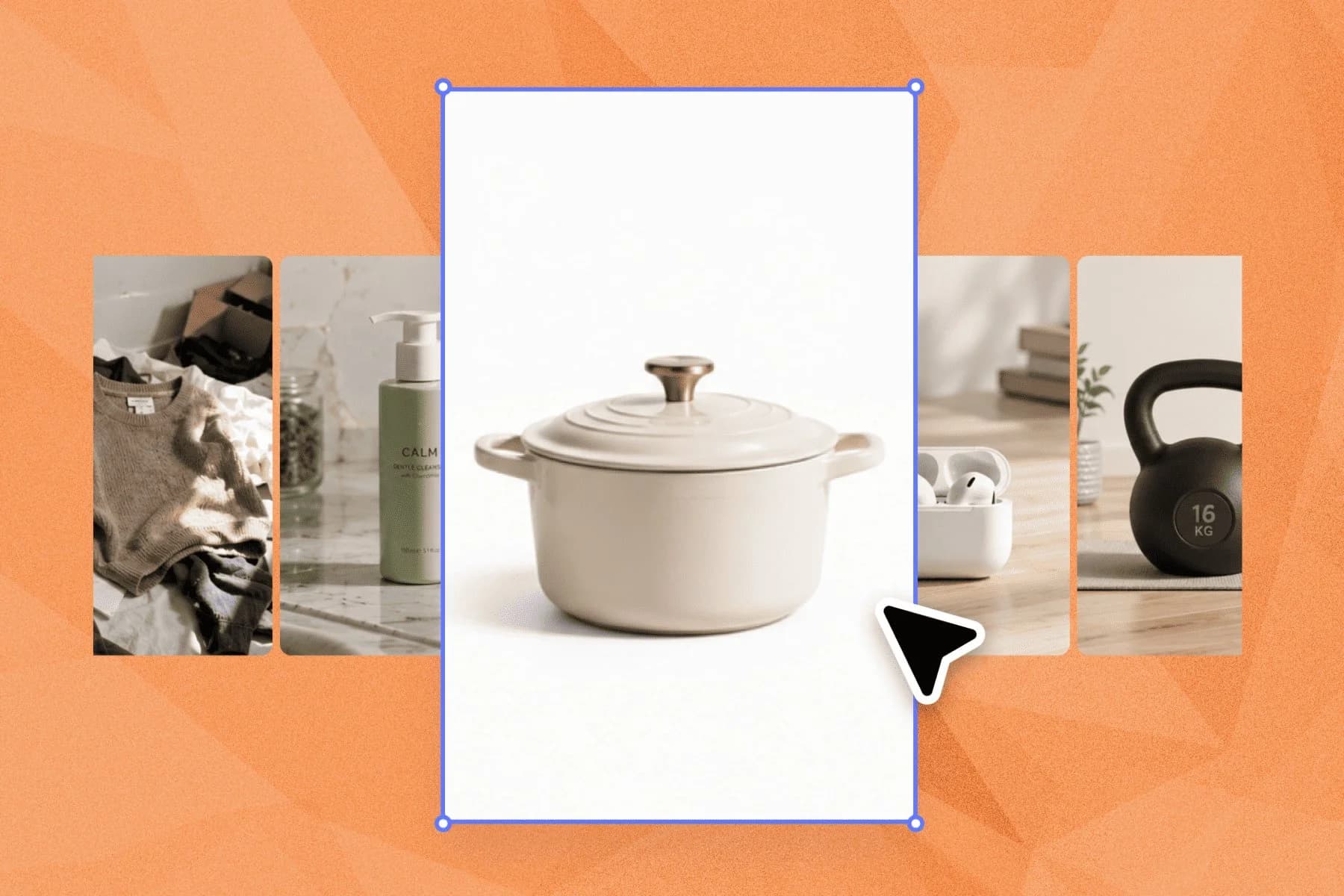
Ecommerce image editing across every SKU — background removal, cleanup, and upscaling that meet marketplace specs.
Explore workflowKeep every image on brand, control the final look, and turn campaign ideas into polished assets without waiting on another design cycle.














