5 Best Fotor Alternatives in 2026 (Free & Paid)
 Claire Dubois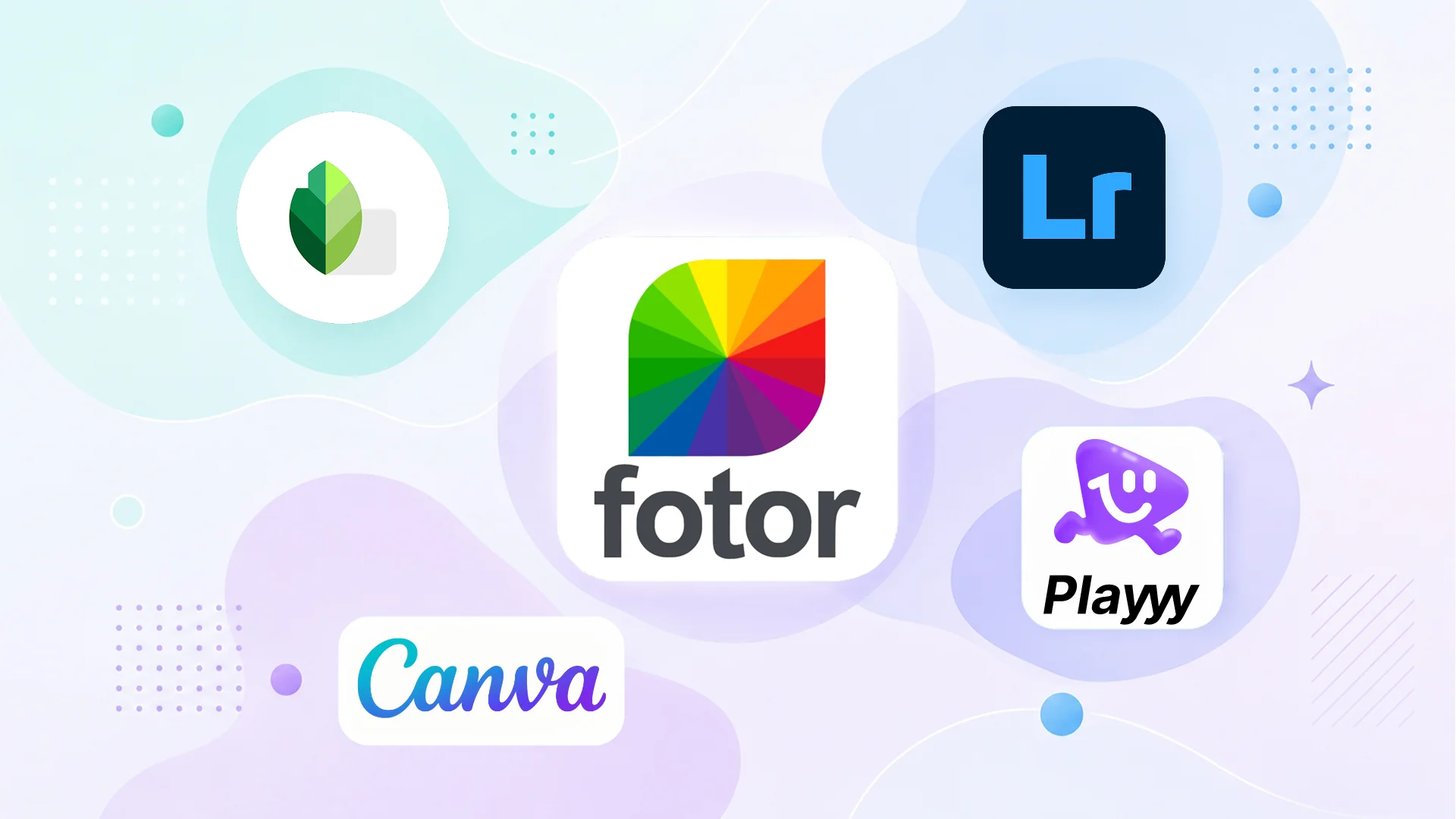
Fotor tries to be several things at once: a photo editor, a design tool with templates, and an AI generation platform. The combination works well enough for casual users, but the watermarked free tier and modest AI quality make it hard to justify now that alternatives have caught up — dedicated editors enhance photos better, Canva's template library is larger, and dedicated image models generate at higher quality.
Direct answer. The best Fotor alternatives in 2026 are Playyy for a combined photo editing and design workflow without watermarks, Canva for template-based content with a genuine free tier, Snapseed for professional photo enhancement at zero cost, Lightroom Mobile for serious color work, and BeFunky for collages and quick edits.
1. Playyy — Photo Editing and AI Generation in One Workflow
Best for: Creators and marketers who need photo enhancement, background removal, and design tools without switching platforms.
Playyy's AI photo editing tools cover the core use cases Fotor targets — image enhancement, background removal, product photo generation — without the free tier's watermark restriction. The brand kit and template library mean enhanced photos go directly into finished assets without exporting to a design tool.
For users who primarily use Fotor to enhance product photos and then create social assets, Playyy consolidates both steps. Enhancement, upscaling and Adjust controls (brightness, contrast, saturation, temperature) sit on the same canvas as the templates and brand kit, so the edited photo goes straight into the post.
Image quality affects how far a post travels, because engagement is what feeds distribution on every major platform — a post that stops the scroll gets shown to more people. AI enhancement tools that adjust compression, colour accuracy and sharpness per channel address that without requiring retouching expertise.
Pricing: Free plan with daily bonus credits. Paid plans from $18/month, or $15/month billed annually; as of October 2026 the first month of a monthly plan is half price ($9 for Basic).
Standout features: AI image enhancement, background removal, product photo generation, brand kit.
2. Canva — Template-Based Design Without the Watermark
Best for: Non-designers who create social content regularly and want template access without export restrictions.
Canva's free tier is more genuinely useful than Fotor's: templates, basic editing, and watermark-free exports on standard designs. Background removal is paid-only, but for most template-based work — social posts, presentations, marketing materials — the free tier covers it.
The design tools are more limited than Fotor's photo editing features, but the template quality and variety compensate for most content creation tasks. For users who don't need Fotor's photo enhancement and primarily want design templates, Canva is a cleaner experience.
Pricing: Free (limited). Pro at US$144/year for one person (as of October 2026).
Standout features: 1.6M+ templates on the free plan, brand kit, no watermark on standard exports.
3. Snapseed — Professional Photo Enhancement for Free
Best for: Photographers and creators who use Fotor primarily for photo enhancement and retouching.
Snapseed produces better photo enhancement results than Fotor for most image types. The selective adjustment tool, healing brush, and Portrait mode give manual control that Fotor's one-click tools don't match. The Curves and Tone tools handle professional color grading workflows.
Snapseed is completely free with no watermarks, no paid tier, and no export limits. The tradeoff is that it's a photo editor, not a design platform — there are no templates, brand tools, or AI generation.
Pricing: Free (Google).
Standout features: Professional selective adjustments, healing brush, Portrait mode, completely free.
4. Lightroom Mobile — Professional Color and Enhancement
Best for: Photographers who need Fotor's photo enhancement quality with professional color management.
Adobe Lightroom Mobile handles everything Fotor covers in photo enhancement — and handles it at a professional level. AI Denoise, Smart Masking, and the Develop panel give precise control over exposure, color, and detail that one-click tools can't replicate when the output needs to be specific.
The free tier includes basic editing tools and the mobile Develop module. The paid Lightroom plan ($14.99/month as of October 2026) adds the AI features, cloud storage, and desktop access. For photographers who use Fotor for serious photo work, Lightroom Mobile is the professional upgrade.
Pricing: Free (limited). Lightroom plan at $14.99/month.
Standout features: Professional color tools, AI Denoise, Smart Masking, cloud sync.
5. BeFunky — Simplified Photo Editing and Collage
Best for: Users who use Fotor for collages, quick touch-ups, and social graphics without needing professional editing tools.
BeFunky's Photo Editor and Collage Maker directly compete with Fotor's equivalent features. The interface is simpler, the collage tools are more flexible, and the free tier is cleaner than Fotor's — basic editing without the watermark pressure.
BeFunky also has an AI Image Generator (credits come with the paid plans), but its strength is the core editing and collage workflow. The paid Plus and Pro plans are broadly comparable to Fotor's paid tiers.
Pricing: Free (limited). Paid Plus and Pro plans.
Standout features: Collage maker, photo effects, clean free tier, simple interface.
Every major platform re-compresses uploads, which is why an image that looked sharp in your editor can arrive soft in the feed. Enhancement tools that target platform-specific display — sharpening before upload to survive re-compression, and correcting colour for each channel's rendering — address a technical problem rather than an aesthetic one, which is why the improvement holds even when the original photo was competent.
Fotor Alternatives Compared
| Tool | AI Enhancement | Design Templates | Free Exports | AI Generation | Best For |
|---|---|---|---|---|---|
| Playyy | ✅ Yes | ✅ 1,000+ | ✅ Yes | ✅ Yes | Photo editing + design workflow |
| Canva | ⚠️ Basic | ✅ 1.6M+ (free) | ✅ Yes (standard) | ✅ Pro | Template-based social content |
| Snapseed | ✅ Professional | ❌ No | ✅ Full | ❌ No | Photography enhancement |
| Lightroom Mobile | ✅ Professional | ❌ No | ✅ Limited | ❌ No | Professional color work |
| BeFunky | ⚠️ Basic | ✅ Yes | ✅ Limited | ✅ Paid | Collages and quick edits |
If you use Fotor for both photo enhancement and design work, Playyy covers the combination without the watermark issue. For pure photo quality, Snapseed (free) or Lightroom handles professional enhancement. See how to build a visual brand strategy for context on which tools fit different stages of your content workflow.

Claire Dubois
I advise fashion, beauty, lifestyle and hospitality brands on campaign direction, brand storytelling and visual consistency. I care deeply about how brands use AI tools while preserving taste, restraint and a coherent art direction.
Frequently asked questions
Fotor has a free tier, but exports include a watermark. Removing watermarks, accessing full AI features, and using high-resolution exports requires a paid Fotor plan (Pro, Pro+ or Max). Several alternatives — including Playyy, Canva free tier, and Snapseed — provide watermark-free exports at no cost.