Is Pixelcut Free? Plan Limits and 5 Alternatives
 James Walker
Pixelcut is the go-to app for quick product cutouts, which is why its free plan gets so much scrutiny. Sellers want to know whether they can remove backgrounds, upscale and download HD images without paying, and where the free plan stops. Short version: you can, a few times a day.
Is Pixelcut free? Yes. Pixelcut has a free plan with watermark-free exports and limited use of background removal, Magic Eraser, the upscaler, Generative Fill and Expand Image. AI Backgrounds, Pro Eraser, batch editing and unlimited use require Pixelcut Pro, which costs $10 a month or $8 a month billed yearly.
What Pixelcut's free plan includes (2026)
Details as of October 2026, per Pixelcut's pricing page and help center.
| Feature | Free | Pro ($10/mo, or $8/mo yearly) |
|---|---|---|
| Background removal | Limited | Unlimited |
| Upscaler (to 4K–16K) | Up to 3 downloads/day | Unlimited, plus batch |
| Magic Eraser | Limited | Included |
| Generative Fill, Expand | Limited | Up to 300/day |
| AI Backgrounds | Not included | Up to 300/day |
| Pro Eraser | Not included | Up to 300/day |
| Batch editing | Not included | 1,000 batch exports/month |
| AI credits | None | 600/month |
| Watermark | No watermark | No watermark |
| Commercial license | Not listed | Included |
Pixelcut's help center describes free access as "typically 3 uses/day" for its AI tools, per its usage limits article. That article still names older plan tiers, so treat the exact number as a guide rather than a guarantee.
What "Pixelcut HD" means
"HD" isn't a separate plan. Pixelcut's background remover keeps the original resolution of your photo, so the free cutout you download is full size, not a low-res preview. That is more generous than remove.bg, whose free website downloads are capped at 0.25 megapixels.
The Pixelcut image upscaler is a different tool: it enlarges images to 4K, 8K or 16K (the 16K option uses a Topaz Labs model) and is free for up to 3 downloads a day.
When the free plan runs out
The free plan works for a handful of listings a week. It stops working when you need to:
- Process a whole catalog at once (batch editing is Pro only).
- Generate AI backgrounds or lifestyle scenes behind a product.
- Run more than a few AI edits a day.
- Use images commercially with an explicit license (listed on Pro).
If that describes your workload, either upgrade or use one of the alternatives below, several of which have different free limits.
5 Pixelcut alternatives
1. Playyy: cutouts plus AI scenes on one canvas
Best for: sellers and marketers who want to go from cutout to finished listing or ad image without switching tools.
Playyy removes the background, then keeps the product on an editable canvas where you can generate a new scene around it, batch-edit a set of photos, erase stray objects, expand the frame to a new ratio and upscale. Generation runs on GPT Image 2.5 by default, with Nano Banana Pro and Nano Banana Lite also available, at 1K, 2K or 4K.
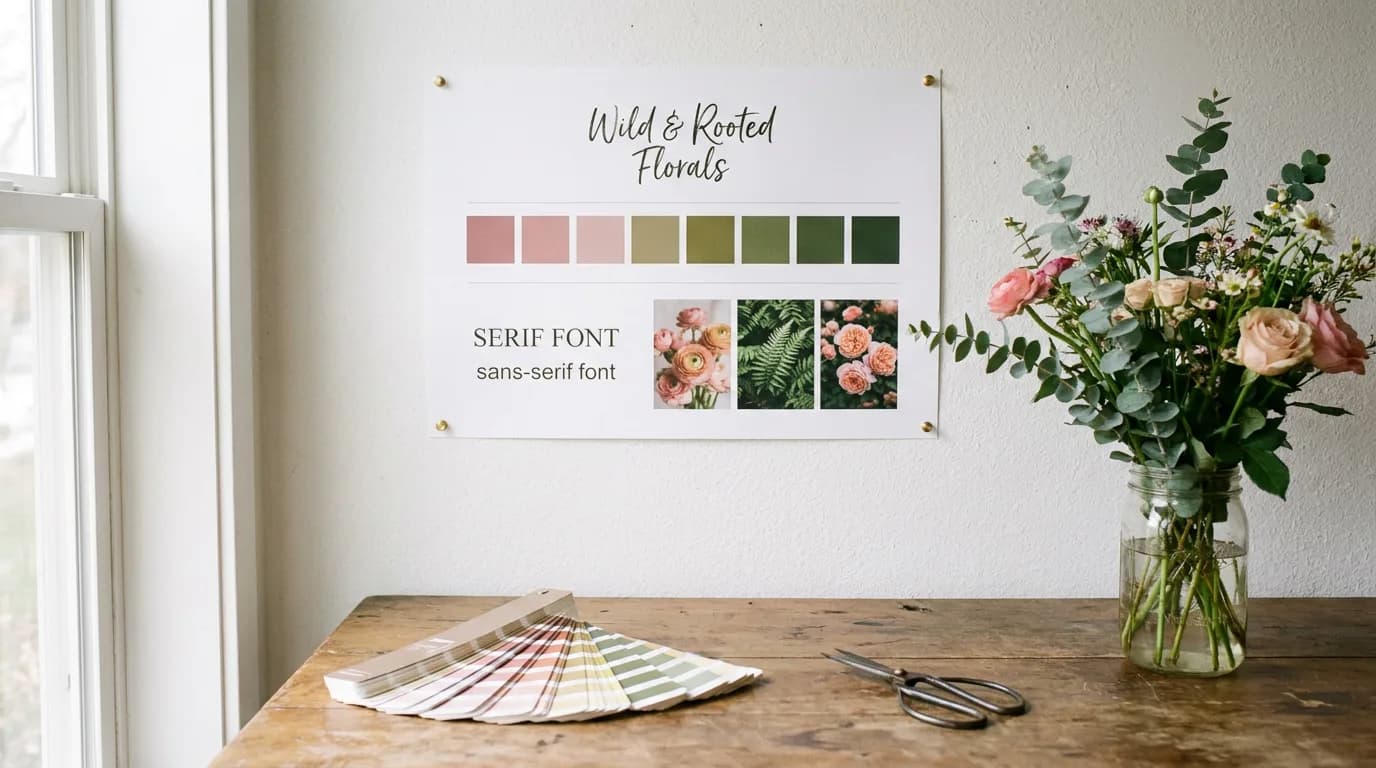
For ads and social posts, paste your store's URL and Playyy builds a brand kit from it, extracting your brand colors, fonts, voice and tone, and logo, then uses that kit to draft on-brand designs around your product. You don't have to re-enter your colors or upload your logo for every listing. There are also 1,000+ templates to drop a cutout into, and the Prompt Gallery has 1,000+ ready-made prompts for scenes and styles.
For a pure white-background marketplace image, the white background tool is the quickest route.
Free plan: yes, with daily bonus credits. Basic is $18 a month or $15 a month billed annually, Pro $48 ($39 annually) and Mega $98 ($79 annually), per Playyy pricing; as of October 2026 the first month of a monthly plan is half price ($9, $24 or $49). Watch out for: Playyy is browser-based, not a phone-first camera app like Pixelcut.
2. Photoroom: the closest like-for-like app
Best for: mobile sellers who want Pixelcut's workflow with a larger library of AI backgrounds.
Photoroom targets the same job: shoot on your phone, cut out, place on a clean or generated background. Its free plan allows 100 exports a month, per Photoroom's help center, with a 2000×2000 maximum on web per its resolution limits article, and free accounts are licensed for personal, non-commercial use only. Pro is $12.99 a month or $89.99 a year, per Photoroom pricing. Our Photoroom alternatives guide covers its own limits.
3. PicWish: the most free cutouts per day
Best for: sellers who need lots of background removals without paying.
PicWish says users can download 50 background-removed images a day free without watermarks. It's mainly a cutout and enhancement tool, with fewer design features. See PicWish alternatives for a closer comparison.
4. remove.bg: accurate cutouts, now moving to Canva
Best for: teams that relied on its API or credit packs.
remove.bg is free for low-resolution images up to 0.25 megapixels and gives 50 free previews a month through its app or API, per its help page. Note the change: remove.bg's banner says its background removal is moving to Canva and the standalone website will close on December 1, 2026. Don't build a new workflow around it; our remove.bg alternatives guide covers what changes for credits, the API and plugins.
5. Canva: cutout straight into a layout
Best for: sellers who turn product photos into social posts and ads with templates.
Canva's background remover is included only with paid plans, so it isn't a real free Pixelcut replacement. Canva Pro costs $144 a year for one person in the US. The advantage is what comes after the cutout: drop it into a template, add copy, resize for each channel.
Pixelcut vs alternatives: free plans compared
| Tool | Free cutouts | Free resolution | AI scenes |
|---|---|---|---|
| Pixelcut | Limited (about 3/day) | Original resolution | Pro only |
| Playyy | Daily bonus credits | 1K, 2K or 4K output | Yes |
| Photoroom | 100 exports/month | 2000×2000 on web | Limited |
| PicWish | 50/day without watermark | Not specified | No |
| remove.bg | Unlimited low-res; 50 previews/mo | 0.25 MP | No |
| Canva | Paid plans only | Not applicable | Yes, AI-limited |
A background remover's real cost is not the cutout. It's the steps that follow: making the background match a marketplace's rules, placing the product in a scene, then resizing for every channel. Free plans tend to look similar at the cutout stage and differ sharply after it, which is why the table above separates free volume, resolution and scene generation.
Which should you choose?
Stay on Pixelcut's free plan if you edit a few products a week on your phone. Upgrade to Pixelcut Pro ($8 a month yearly) if you like the app and need batch exports. Choose PicWish if you need many free cutouts per day, Photoroom if you want a similar mobile app with more scene options, and Playyy (from $15 a month billed annually) if you want cutouts, generated scenes and on-brand layouts from your own brand kit in one browser canvas. For the full workflow, read our guide to removing backgrounds from product photos.
Complete Guide: Background Remover: The Complete Guide (2026)

James Walker
I help Shopify and Amazon sellers improve product images, promotional banners and ad creatives. I focus on practical visual improvements that help products look more credible and conversion-ready — no design jargon, just what works.
Frequently asked questions
Pixelcut's free plan costs nothing. Pixelcut Pro is $10 a month, or $8 a month billed yearly, and includes 600 AI credits a month, unlimited background removal and upscaling, 1,000 batch exports a month and a commercial license. Business is $30 a month, or $24 a month billed yearly, per Pixelcut's pricing page as of October 2026.