
Free AI Product Photography for Ecommerce Brands
Turn any product photo into channel-ready studio imagery — no studio, no reshooting.
Explore workflowDriven by GPT Image 2.5 & Nano Banana Pro 🍌
Increase resolution and sharpen fine detail — from web quality to print-ready or Amazon zoom-ready, in one pass


A workflow built around your real creative needs — from first direction to final asset.
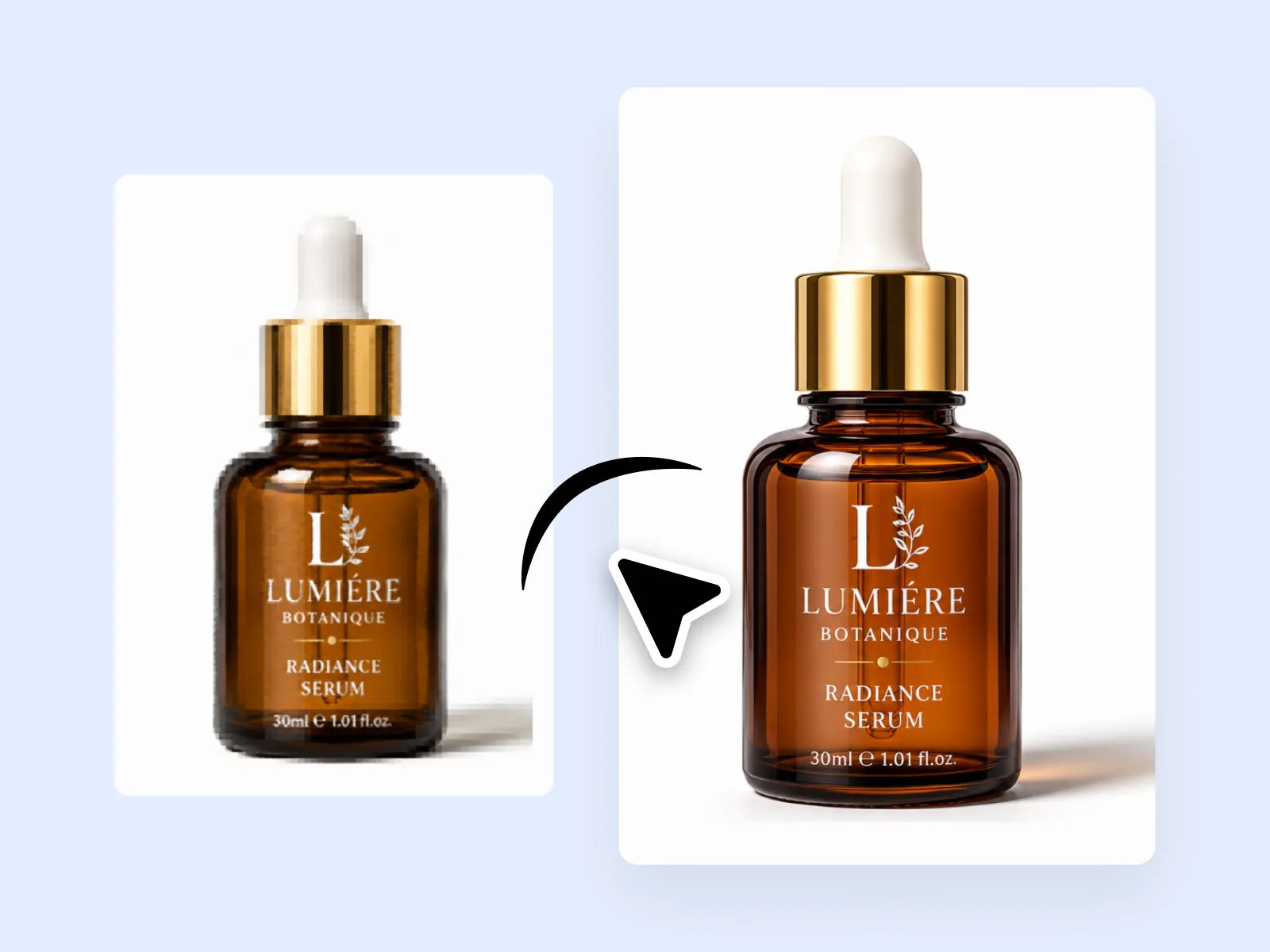
Standard upscaling algorithms interpolate pixels and produce soft results. Playyy's AI upscaler reconstructs fine detail — fabric texture, product labels, hair strands, edge sharpness — rather than just stretching what's already there. The output is sharper and more detailed than the source.
Try for free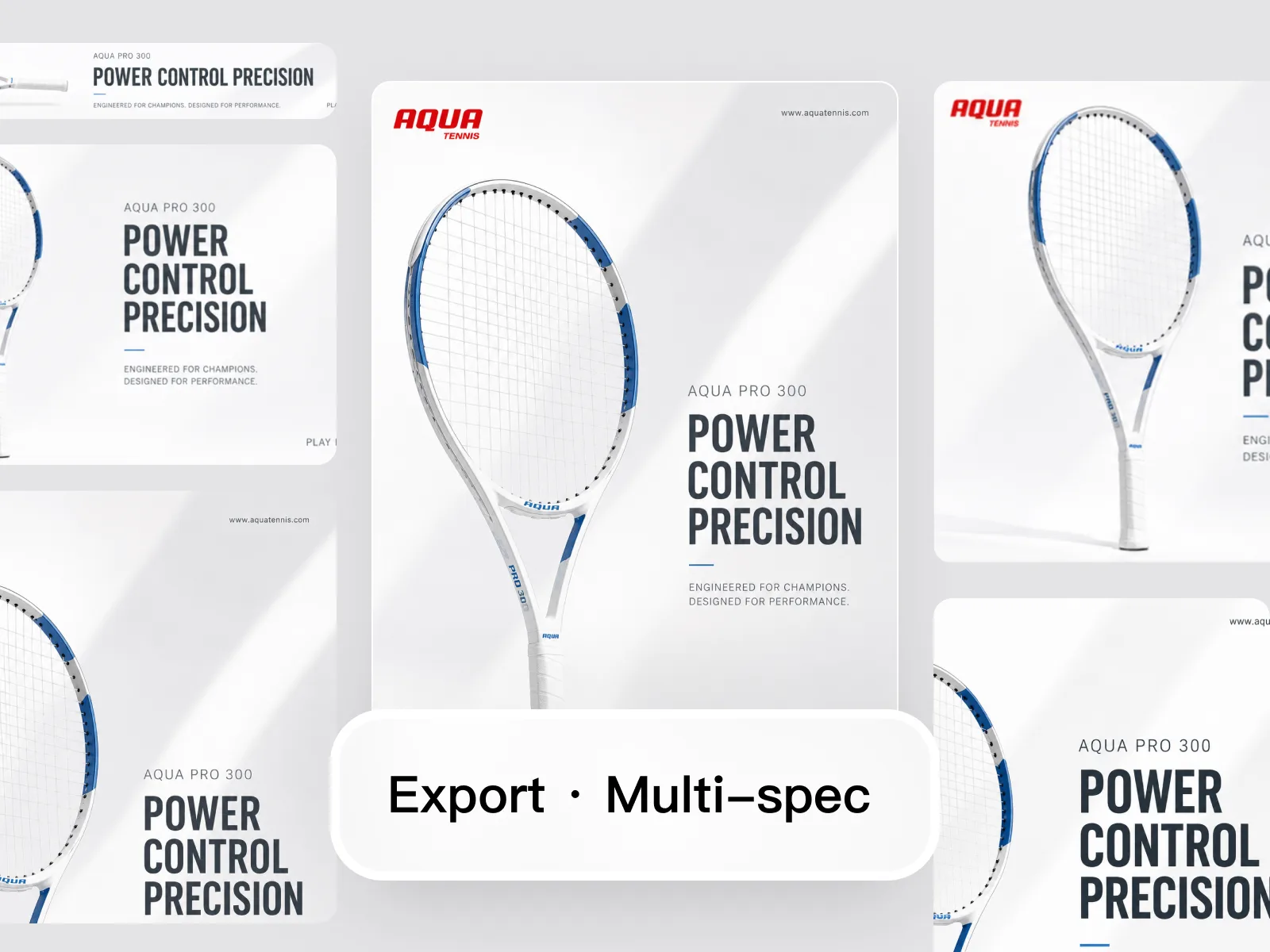
Amazon requires 1,000 px minimum for zoom activation. Shopify hero slots expect 2,048 px or higher. Print formats start at 300 DPI. A single upscale session takes a web-resolution source image and produces platform-ready files for all three — without reshooting or sourcing a higher-resolution original.
Try for free
Upscale once, then use Image Expander to adapt the result to every required aspect ratio. The same source image — a JPEG from a supplier or a phone shot — becomes the foundation for Shopify listings, Amazon PDPs, catalog prints, and social ad banners without revisiting the original file.
Try for freeChoose the scale that fits your target platform. 2× handles most social and web specs; 4× takes supplier JPEGs and phone shots all the way to print-grade or zoom-ready product images in a single step.
Amazon requires images to be at least 1000px on the longest side to enable the zoom feature. Playyy upscales to that threshold and beyond so your listings pass QA and give shoppers the detail they need to convert.
The AI doesn't just stretch pixels — it rebuilds fine detail at the new resolution. Text stays legible, fabric textures stay crisp, and product edges stay clean instead of going soft or blocky.
Run a full product catalog through the same upscale settings without touching each image individually. Consistent output across every SKU means less QA time before upload.
From Amazon's 1000px zoom minimum to Shopify's recommended 2048px and standard 300 DPI for print, presets cover the specs you actually need — no manual calculation, no guessing.
Common upscaling tools trade sharpness for size, leaving a blurry haze or a bright ring around edges. Playyy's model is trained specifically to avoid both artifacts, so the result looks like a higher-resolution original.
“My suppliers send 600px JPEGs and Amazon won't activate zoom below 1000px. I run everything through Playyy's 2× upscale before upload — zoom works, images pass QA, done.”

James Walker
Ecommerce Creative Strategist
“A client needed a hero image from a mid-res shoot blown up for a print banner. I used the 4× upscale and the detail held — clean edges, no softness, no embarrassing artifacts at large format.”

Aiko Tanaka
Independent Designer & Visual Systems Consultant
“We had a product launch with assets shot on phones. Playyy got them to Shopify's 2048px spec fast enough that we didn't have to push the go-live date.”

Daniel Brooks
Startup Brand & Content Advisor
Amazon's zoom feature only activates when the longest image side clears 1000px — below that threshold, shoppers can't inspect detail, and conversion drops. Shopify recommends 2048px for crisp display on high-density screens. Playyy upscales supplier JPEGs and phone shots to both specs in one step, so listings go live without revision requests from platform QA.
Scaling an image larger without rebuilding detail produces blur, not resolution. Playyy's edge-reconstruction model analyzes structure in the original and synthesizes the fine detail that belongs at the larger size — keeping fabric texture, label text, and product geometry crisp rather than soft.
Upscaling fits cleanly into the Playyy editing flow: enhance, remove background, upscale, then export at the spec your platform requires. No export-then-re-import between tools, no format conversion, no resolution recalculation on your side.
Turn any product photo into channel-ready studio imagery — no studio, no reshooting.
Explore workflow
Ecommerce image editing across every SKU — background removal, cleanup, and upscaling that meet marketplace specs.
Explore workflow2× and 4×. 2× is appropriate for most web-to-platform upgrades. 4× is used when starting from a low-resolution source and targeting print or large-format display.
It reconstructs plausible detail based on the image's visual patterns — sharpening edges, restoring texture consistency, and recovering compressed detail. It doesn't invent content that contradicts the source, but produces a sharper, more detailed result than the original pixel grid supports.
Yes. The AI addresses common JPEG compression artifacts — blockiness, edge halos, and color banding — as part of the upscaling process. The output is cleaner than a simple interpolation of the compressed source.
Yes. White-background product images are among the best candidates for upscaling — clean edges, consistent background, and a clear subject for the AI to reconstruct in detail.
Image Upscaler increases resolution and sharpens edges. AI Image Enhancer improves overall visual quality — lighting, color, contrast, and mood — while keeping the same resolution. They're complementary: upscale for resolution, then enhance for visual quality.
See how teams are using Playyy to ship better visuals, faster.

Sixty lifestyle images, three days, no studio. How one Shopify brand cut product shoot costs by 80% using AI photo editing.
 James Walker
Six creative directions, one working day, real market data — before the studio was ever booked.
 Emily Carter
30 ad creatives, two channels, three days — how a SaaS growth team ran a quarter-end campaign push without an agency on retainer.
Emily CarterKeep every image on brand, control the final look, and turn campaign ideas into polished assets without waiting on another design cycle.














