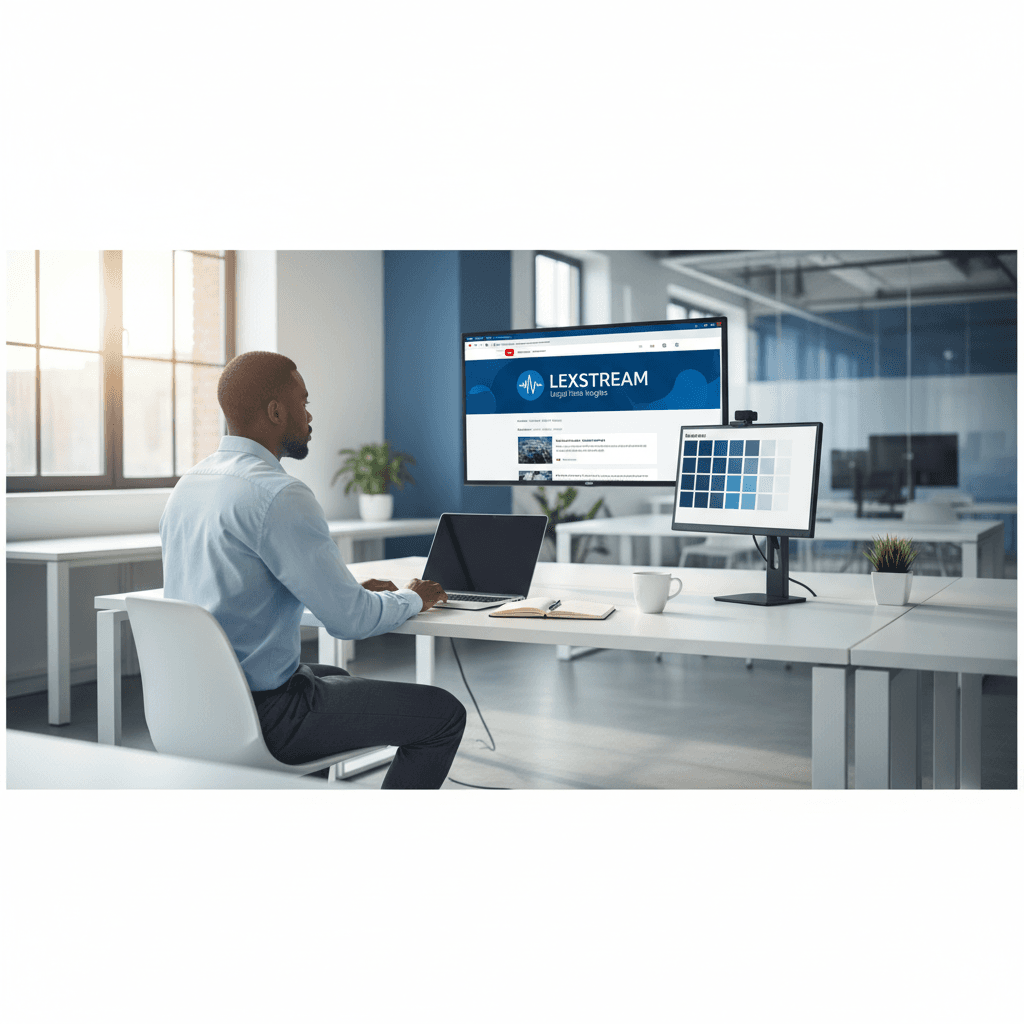
How a Founder Built a YouTube Brand Without a Designer
A legal-tech startup founder, no designer, 22 YouTube thumbnails — how the startup built a consistent channel identity in one week using Playyy's brand kit.
 Daniel Brooks
Free AI product photography tool. Studio-quality product images from any source — backgrounds removed, scenes generated, Shopify and Amazon ready.
Start creating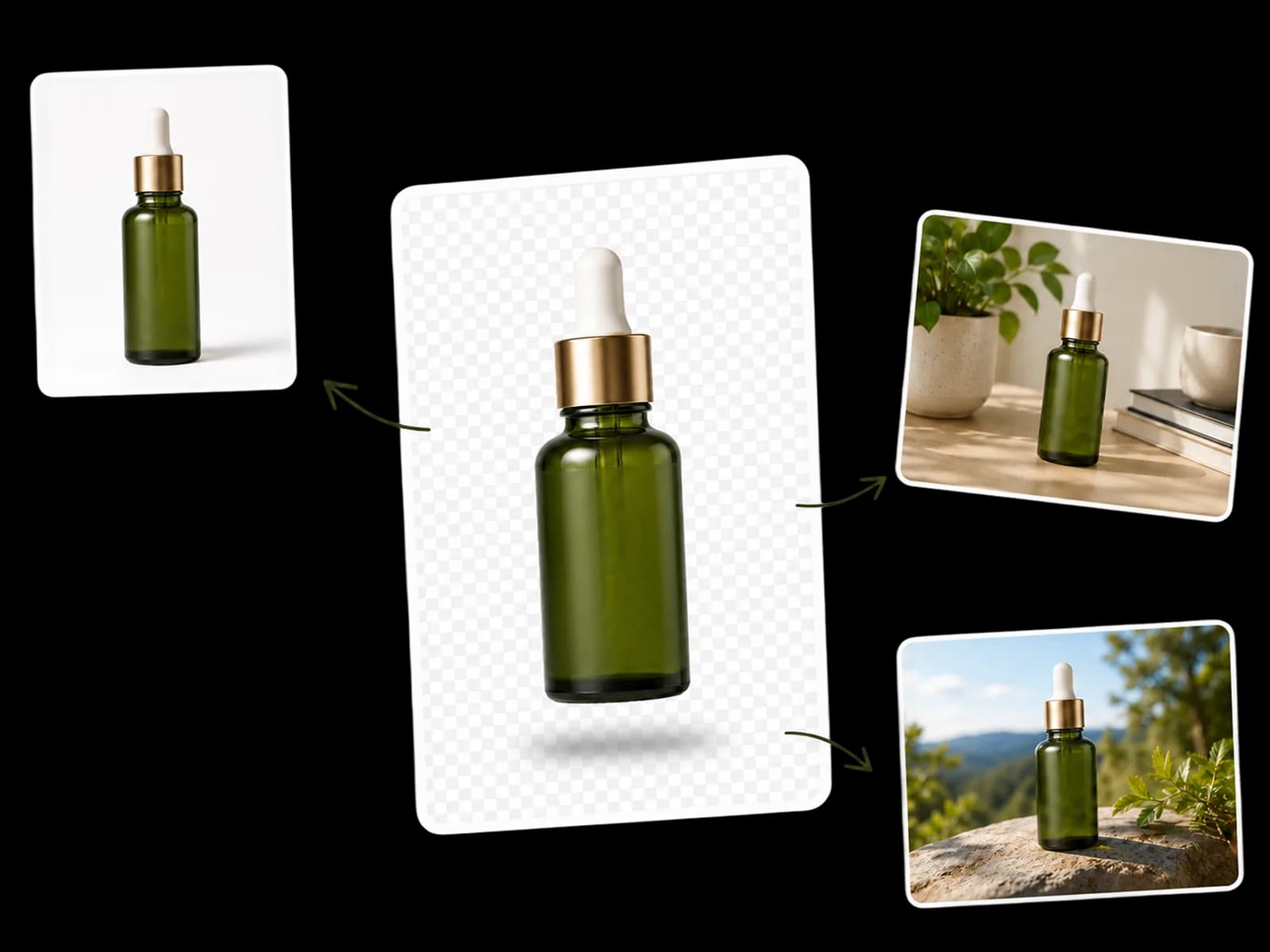
From any source photo to channel-ready product images — no studio, no crew, no reshooting.
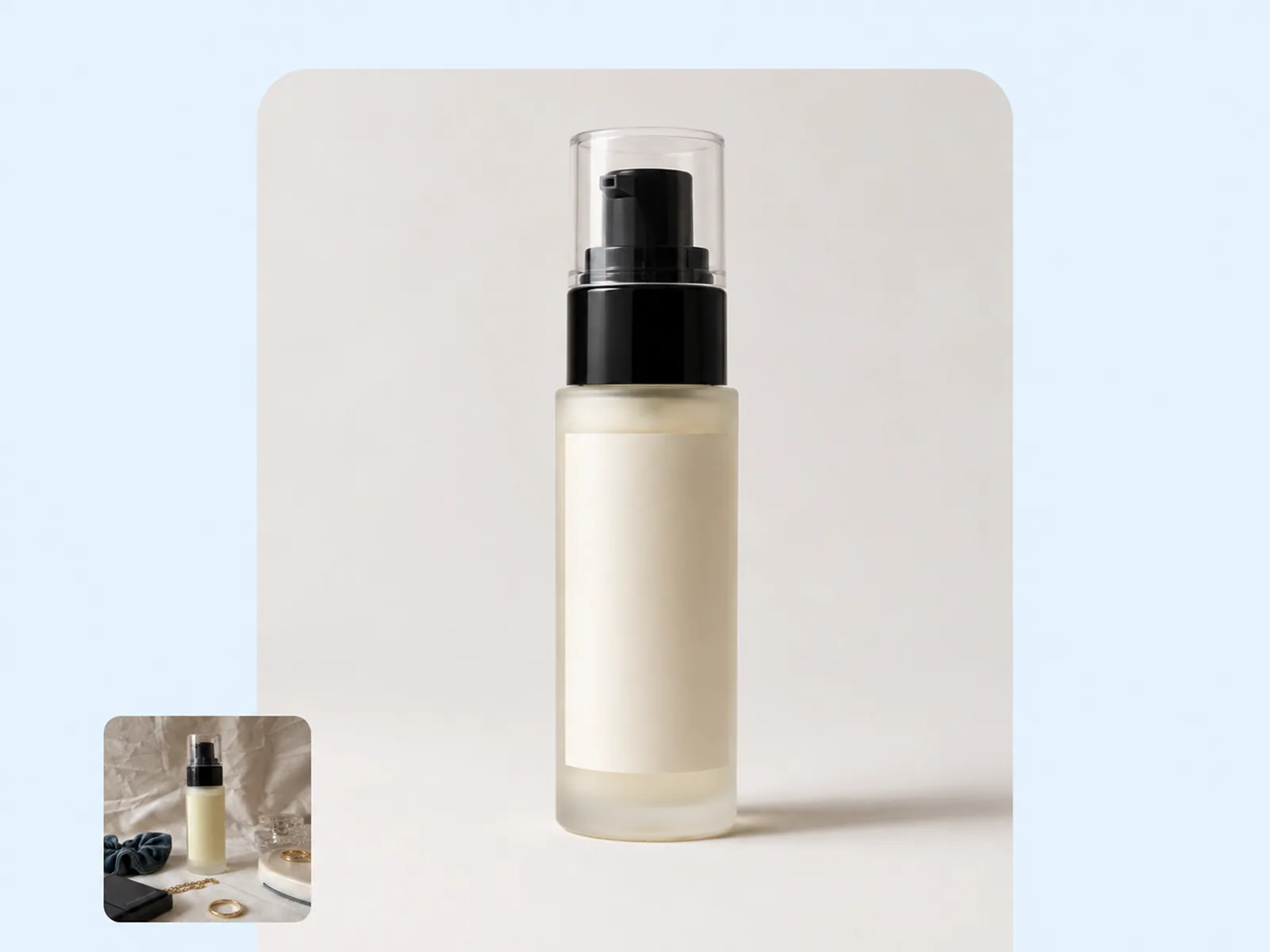
Start with whatever product image you already have — supplier JPEG, phone shot, or warehouse photo. Background Remover isolates the product with clean edges, no manual masking required. Object Remover handles what's left: hanger shadows, size tags, and props that weren't meant to be in frame.
Try for free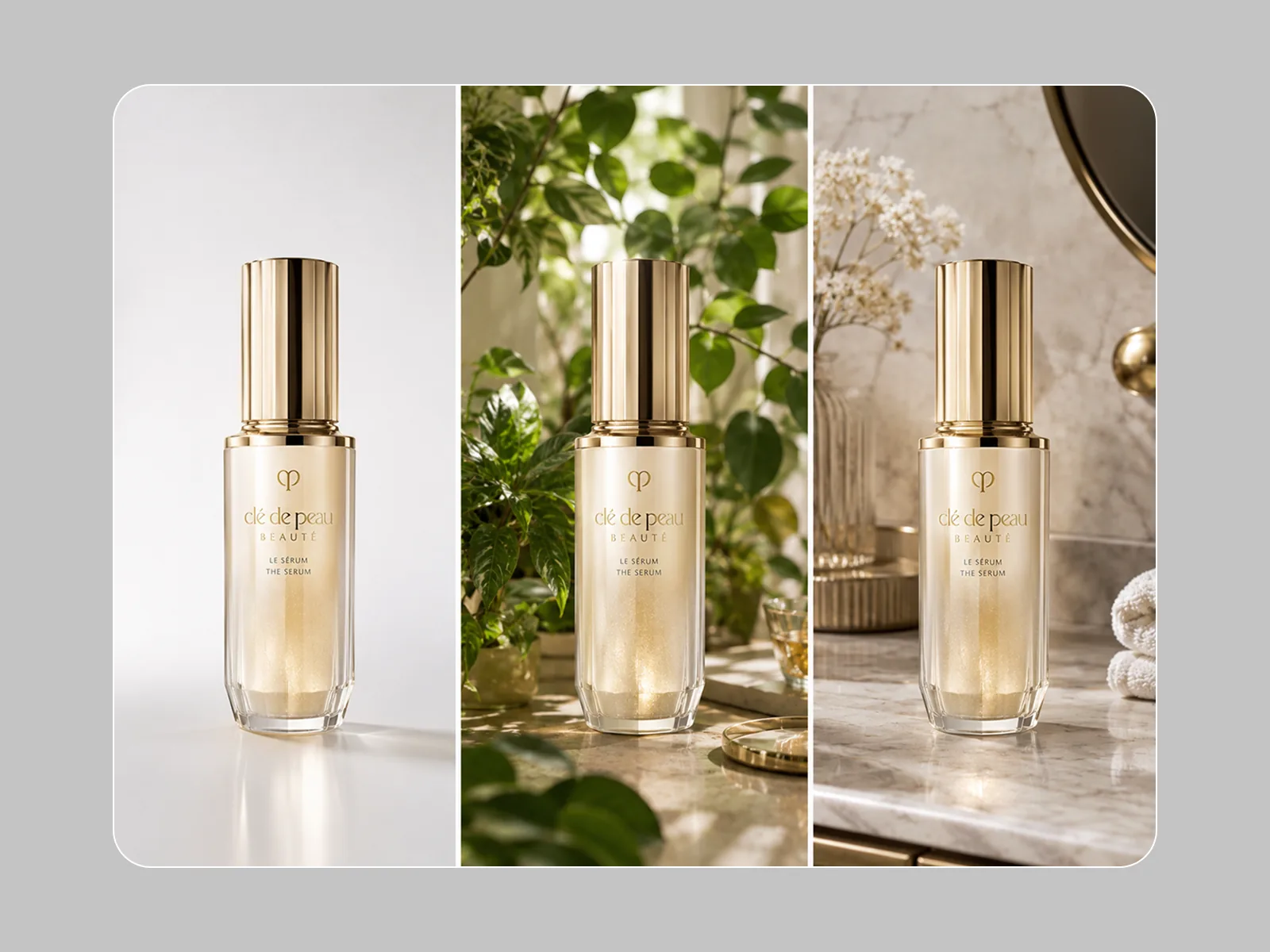
With the product isolated, Style Transfer and AI Image Generator place it into any visual context — studio minimalist, lifestyle setting, seasonal scene, or outdoor location. Brief the scene the way you'd brief a photographer: surface material, light quality, time of day. One session produces 3–5 scene variations per product without booking a set.
Try for free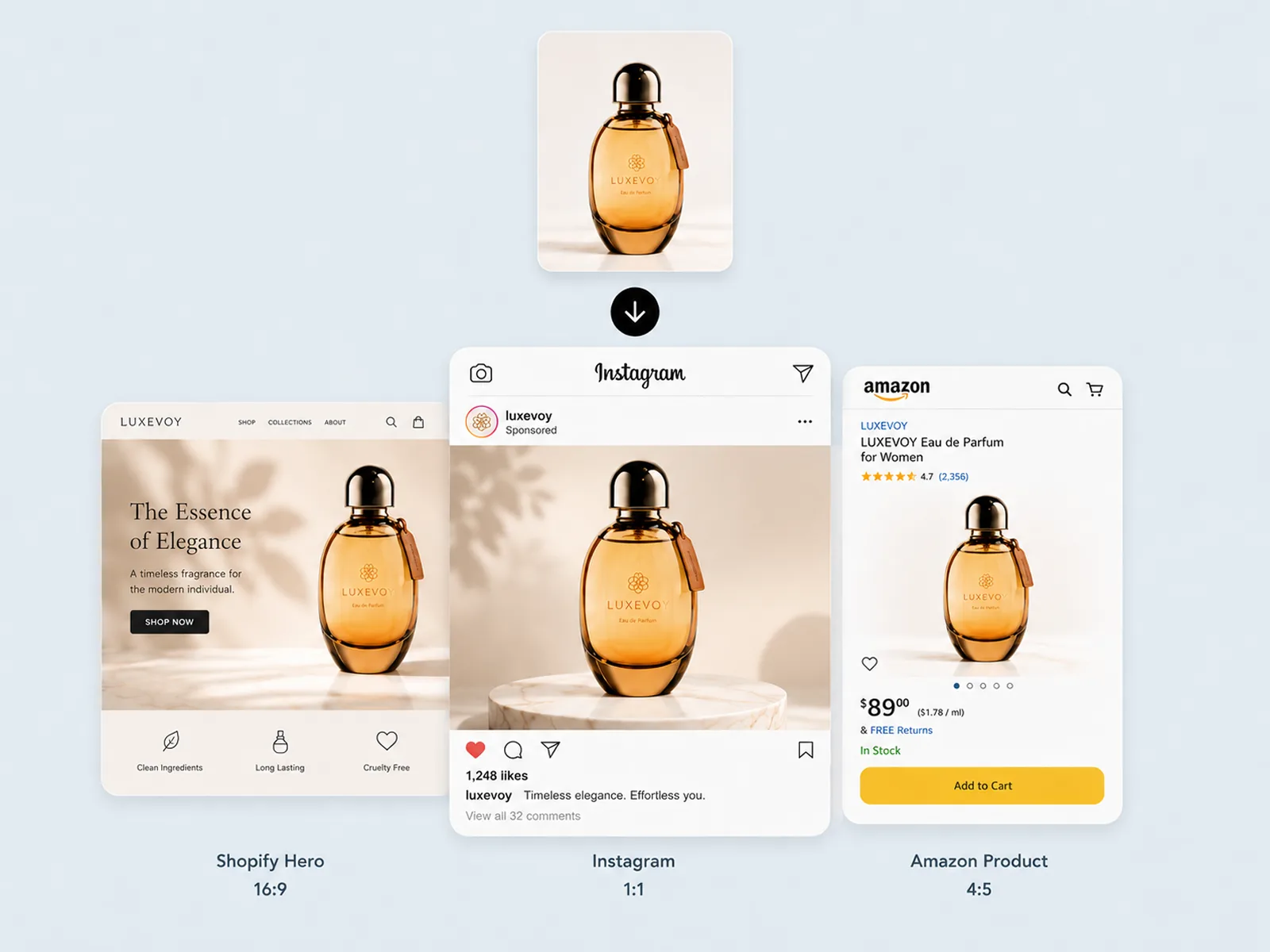
Product images need to meet different resolution floors per platform — Amazon requires 1,000px minimum for zoom activation, Shopify hero slots expect 2,048px+. Visual Enhancer brings images to 2× or 4× resolution without blurring. Image Expander adapts the finished image to every required format — Shopify hero, Amazon listing, social banner — without cropping the subject. One product, one session, a full set of channel-ready product images.
Try for freeUpload supplier JPEGs, phone shots, or studio exports — Playyy's AI photo editor removes backgrounds, corrects exposure, and isolates your product in seconds. No reshooting required when a source image is slightly off.
Describe the setting you want — marble countertop, outdoor lifestyle, white studio — and the AI generates a photorealistic background around your product. Each AI photoshoot takes minutes, not days.
Export product images that meet Amazon's pure white RGB 255,255,255 background requirement and 1000px zoom minimum, or Shopify's recommended 2048px spec. Compliance is built into the export, not an afterthought.
Process dozens of SKUs without leaving Playyy — apply the same background treatment, upscale resolution, and export every product in batch. Ecommerce photo editing that used to take a week now fits in an afternoon.
Resize and crop product images to square for Amazon, landscape for Google Shopping, and vertical for Instagram Stories — all from the same source file. Image Expander fills the canvas when proportions change.
AI product photography eliminates booking fees, lighting rigs, and scheduling delays. Start with whatever photo you have and finish with images that look like they came from a professional shoot.
“Supplier JPEGs used to go live with whatever warehouse background they arrived in. I run them through Playyy — cutout, scene, upscale — and the listing looks like we booked a studio, without booking one.”

James Walker
Ecommerce Creative Strategist
“Performance ads need a clean product on a few different scenes, not one hero we crop to death. I start from the same source photo and leave with Amazon white, a lifestyle set, and social crops in one session.”

Emily Carter
Growth Marketing Strategist
“Most AI product shots still look generated. Playyy keeps the product honest — labels, colour, edges — and only rebuilds the world around it. That is the difference between a catalog image and a campaign still.”
Claire Dubois
Creative Director & Brand Aesthetic Consultant
See how teams are using Playyy to ship better visuals, faster.
A legal-tech startup founder, no designer, 22 YouTube thumbnails — how the startup built a consistent channel identity in one week using Playyy's brand kit.
Daniel Brooks
ChatGPT images buried in chat, no brand kit, no spec control. How a 12-person B2B SaaS team switched workflows and tripled creative output in the same time budget.
 Emily Carter
YouTube channel banner, profile picture, and 4 end-card variants — zero design cost, one afternoon, no designer.
 Luca Moretti
Most product images start as supplier JPEGs or hurried phone shots — Playyy's background removal isolates the product cleanly, even around hair, mesh, or transparent edges. From there, AI generates a scene background matched to your brand context. The whole workflow from raw photo to publish-ready product image runs in a single session.
Amazon requires a pure white background and at least 1000px on the longest side; Shopify recommends 2048px for zoom quality. Playyy's Image Upscaler handles resolution in 2× or 4× increments, and background removal produces the clean white canvas marketplaces demand. Export presets keep every format spec-correct without manual checks.
A traditional AI photoshoot involves scheduling, travel, lighting setup, and post-production that spans days. Playyy compresses that to a browser session — upload, remove background, generate scene, upscale, and export. Teams regularly process full product catalogs in the time it would take to brief a photographer.
A JPEG works fine. Playyy's AI photo editor is designed to work from the source images you already have — supplier JPEGs, phone shots, and warehouse photos are all valid starting points. RAW files are not required, and the workflow produces professional results from standard compressed formats.
Yes. Background Remover isolates the product from its surroundings with clean edge detection, leaving the product itself untouched. Object Remover then handles residual elements like shadows or tags. The product's colors, textures, labels, and fine details remain accurate through the entire process.
AI product photography starts from whatever source image you have — supplier JPEG, warehouse photo, or phone shot. Unlike a studio booking, there's no scheduling, no set fees, and no waiting for edited files. Background removal, scene generation, and upscaling all run in one session, producing the same range of product images a full shoot would deliver at a fraction of the time and cost.
AI product photography works across most categories — apparel, accessories, cosmetics, home goods, electronics, food packaging, and small hardware. Products with complex materials like glassware, chrome, or sheer fabric take longer to isolate cleanly and benefit from a final review pass. The workflow is most efficient for products where the source image has clear separation between product and background, though it handles difficult edges significantly better than manual masking.
Amazon requires a pure white background (RGB 255,255,255) and a minimum 1,000px image for zoom activation. Shopify hero slots perform best at 2,048px or larger. Playyy's workflow covers both: Background Remover outputs to Amazon's white spec, Visual Enhancer brings resolution to 2× or 4× without blurring, and Image Expander adapts to the exact slot each platform requires. One product, one session, compliant images for both platforms.
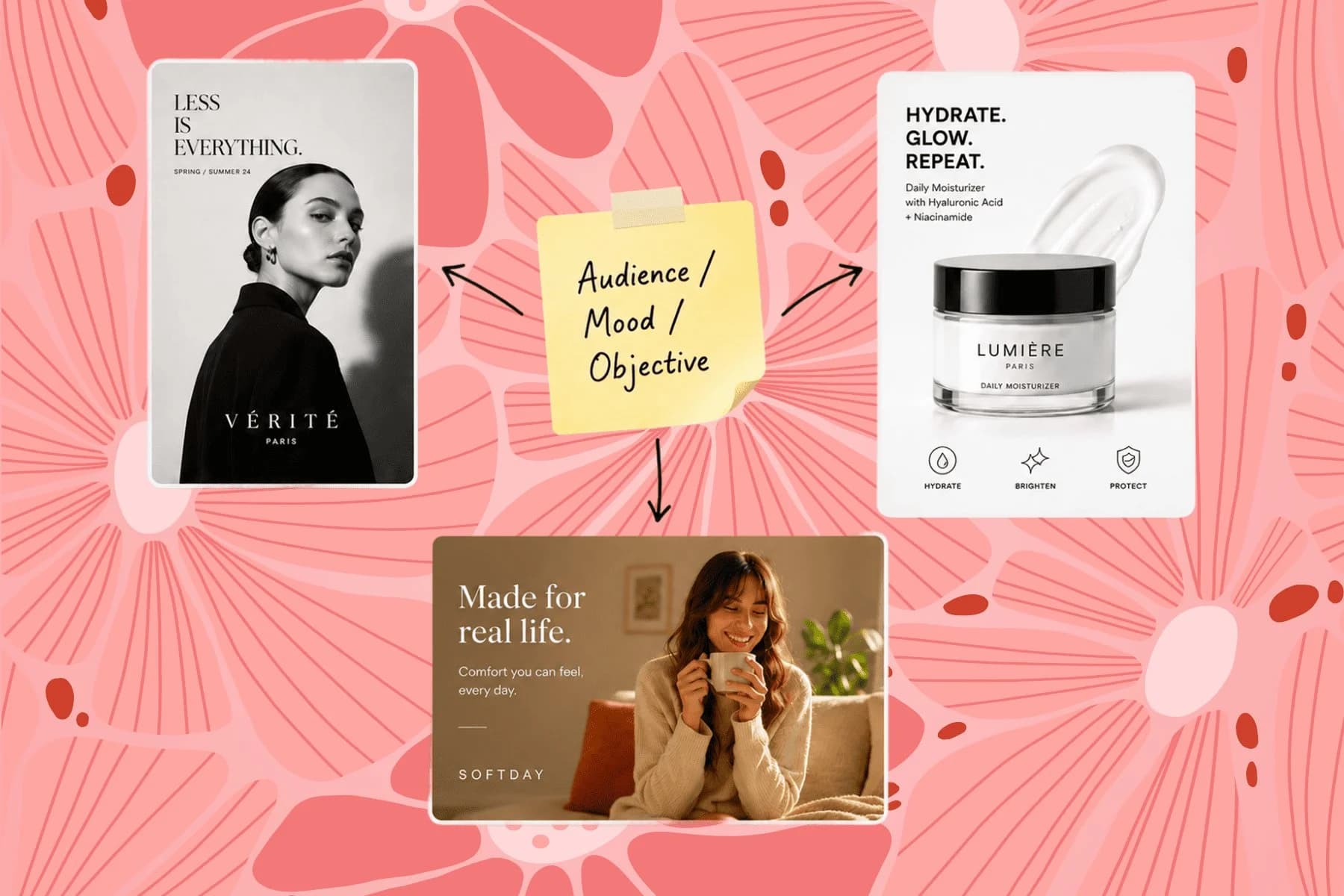
From one campaign brief to every channel asset — AI image generator, creator, and editor in one workflow.
Explore workflow
Ecommerce image editing across every SKU — background removal, cleanup, and upscaling that meet marketplace specs.
Explore workflow
One hero visual, every platform format — YouTube, LinkedIn, Instagram — without manual resizing.
Explore workflowKeep every image on brand, control the final look, and turn campaign ideas into polished assets without waiting on another design cycle.














