
What Is a Brand Board? Examples and a Template
One page, eight parts, no guesswork. Here's the anatomy of a brand board, six example layouts for different businesses, and a simple template to make your own.
 Aiko Tanaka
Practical guides on AI image generation, photo editing, and brand design. Everything you need to produce campaign-ready visuals.
One page, eight parts, no guesswork. Here's the anatomy of a brand board, six example layouts for different businesses, and a simple template to make your own.
Aiko Tanaka
Eleven columns, a CSV you can paste into any spreadsheet app, and the counting routine that keeps the numbers honest after week one.
 James Walker
Most project trackers are accurate for two weeks and stale by the third. This template keeps one row per task, one owner and one status, so it stays easy to update.
 Daniel Brooks
One sheet for names, addresses, RSVPs, meals, tables and thank-you notes. Copy the template, then use the A/B/C list method to get to a headcount your venue can hold.
 Luca Moretti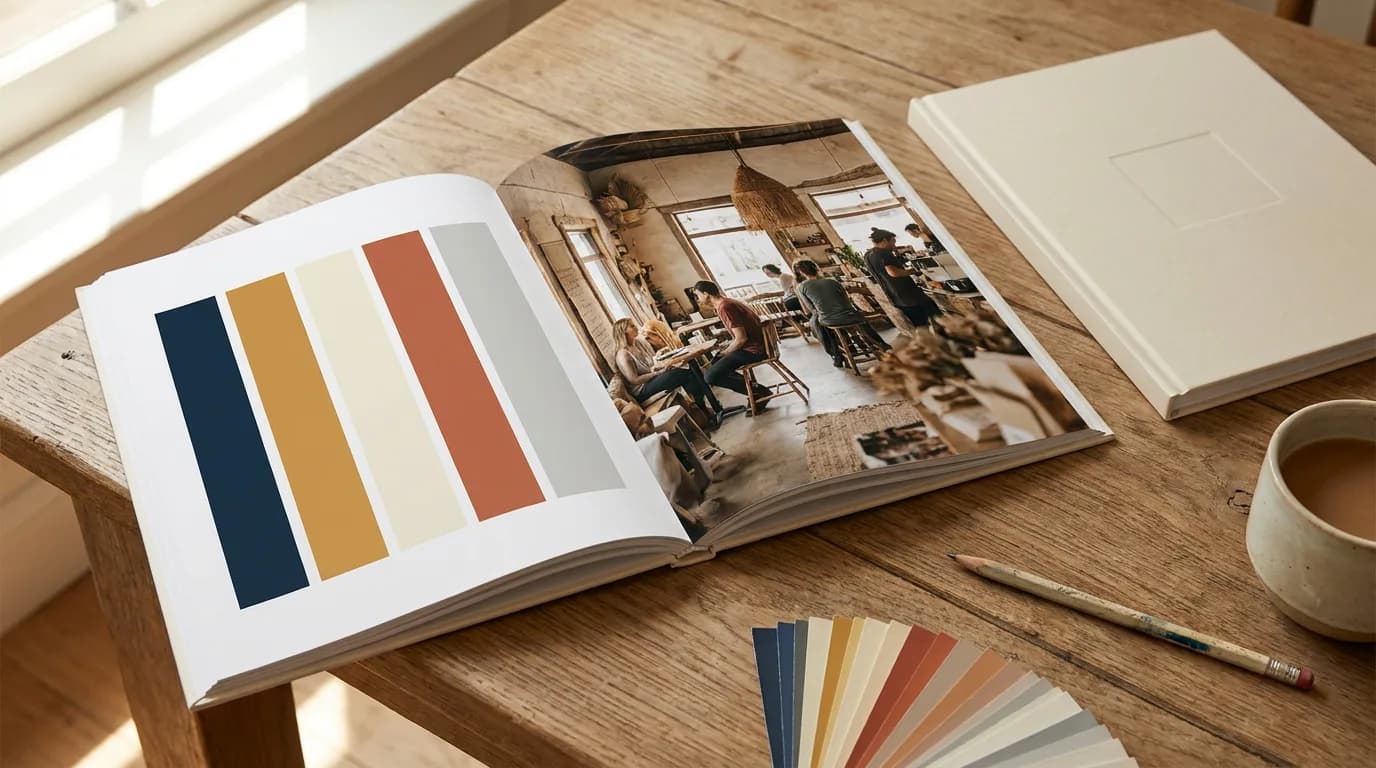
A brand book holds the story and the rules in one document. Here's what each chapter covers, how it differs from brand guidelines and a brand kit, and how to put one together.
 Claire Dubois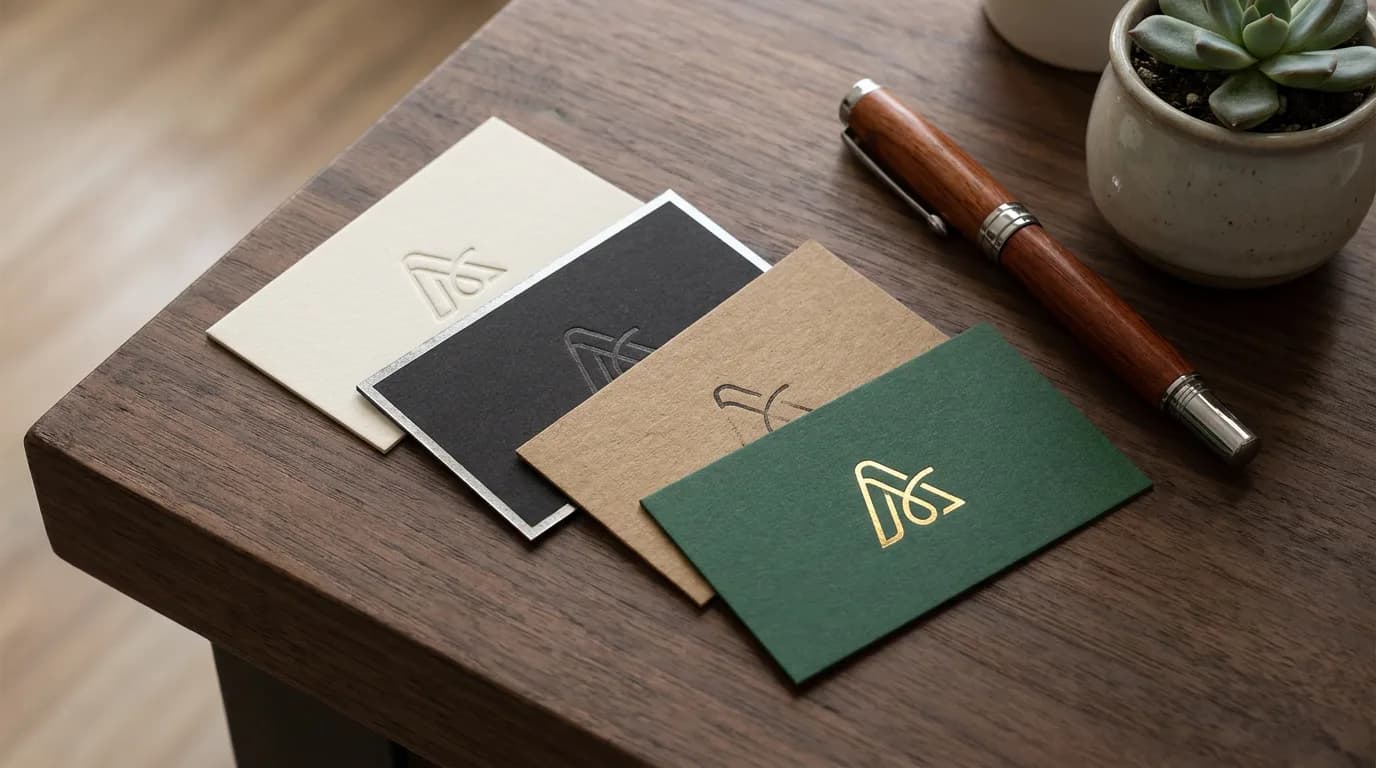
A business card has one job: make it easy to remember you and reach you. Here's what to put on one, and 20 business card examples by profession.
Aiko Tanaka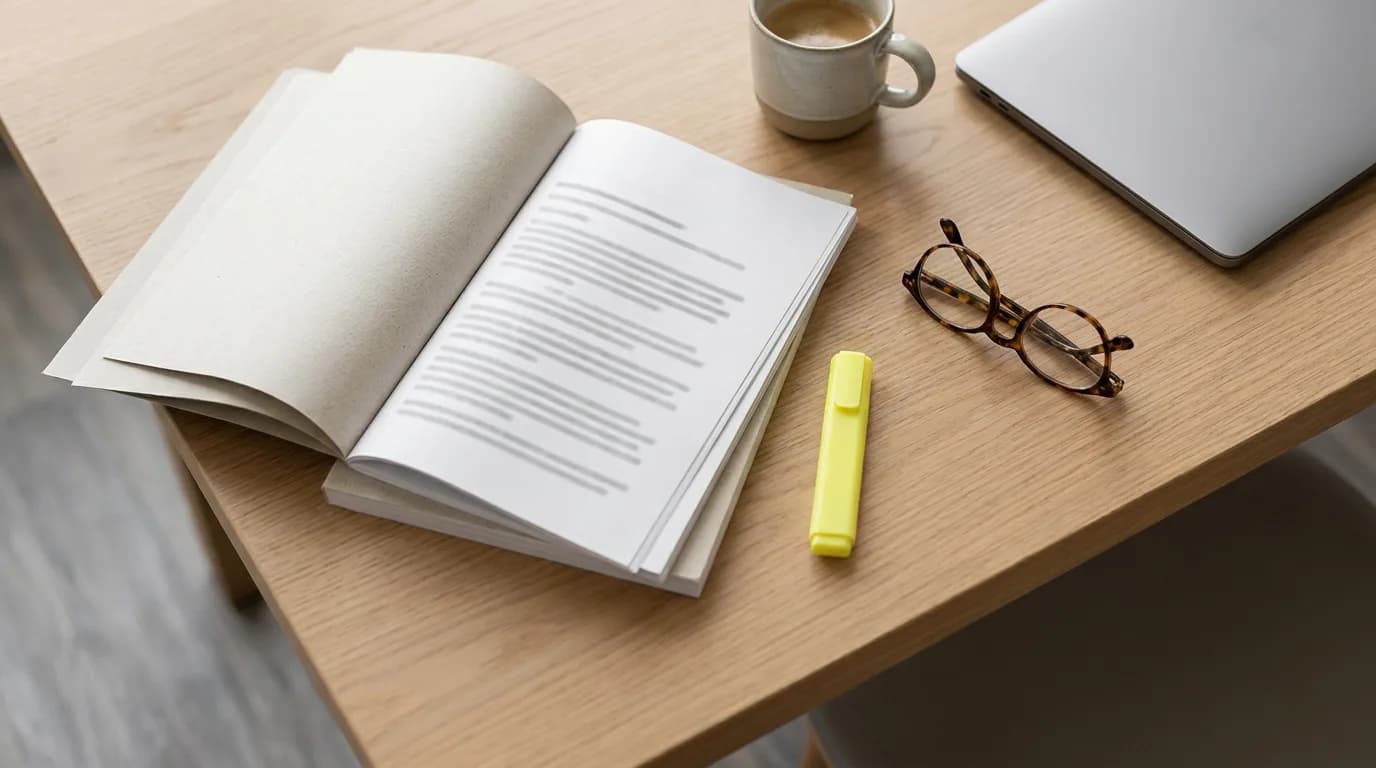
A report, a proposal and a business plan each need a different executive summary. Here are three annotated examples and the structure that makes them work.
Daniel Brooks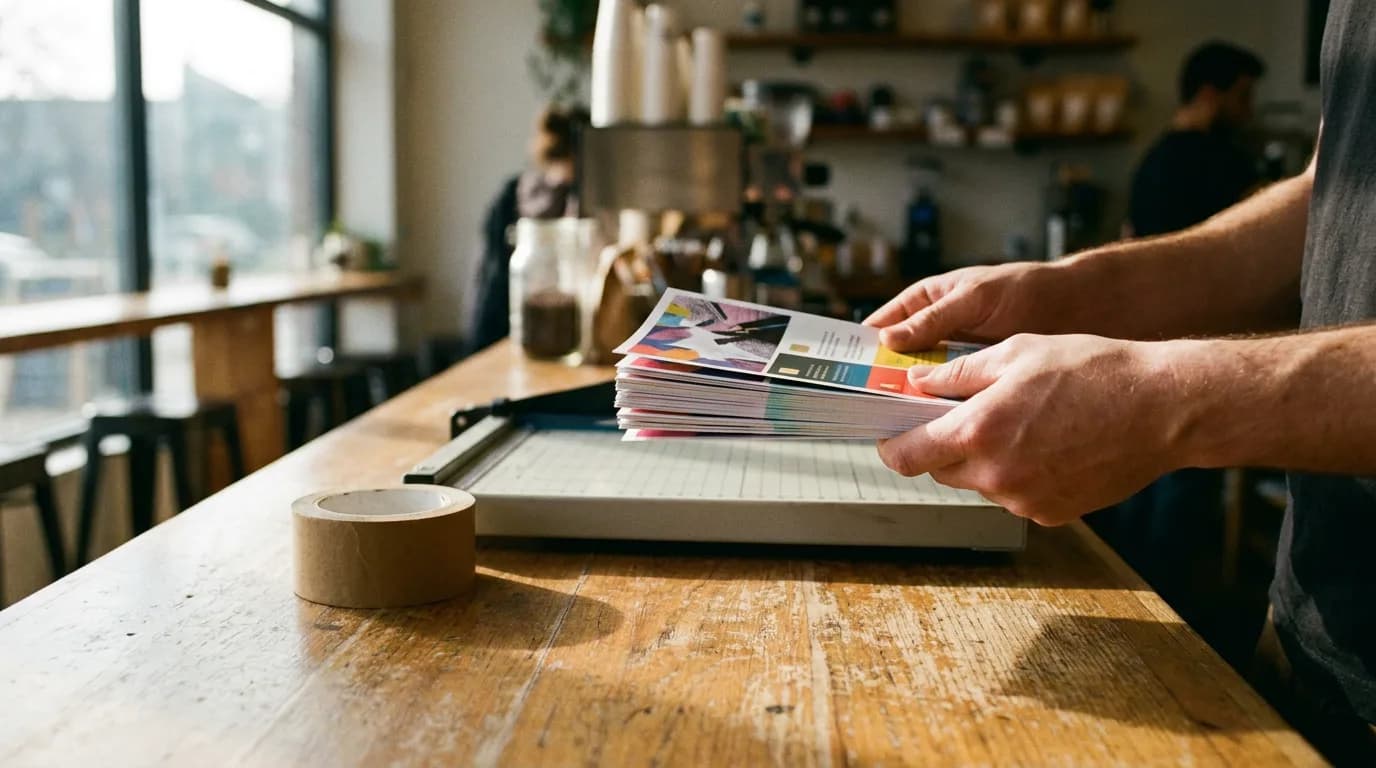
Most flyers fail before anyone opens a design app: the purpose is fuzzy and the copy is too long. Here's how to make a flyer step by step, with examples.
Luca Moretti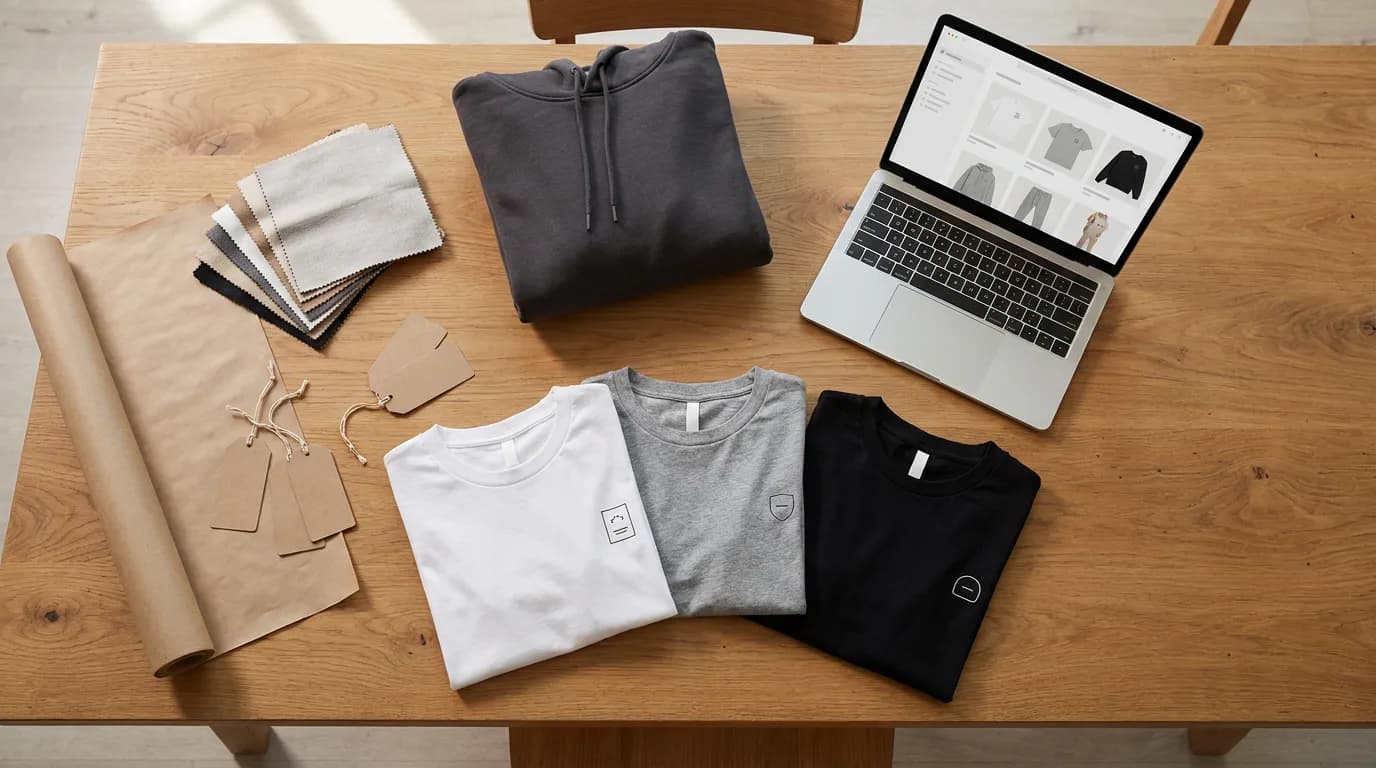
Most first clothing brands stall between the idea and the first listing. Here's the step-by-step route from niche to live store, built around print on demand and AI mockups.
James Walker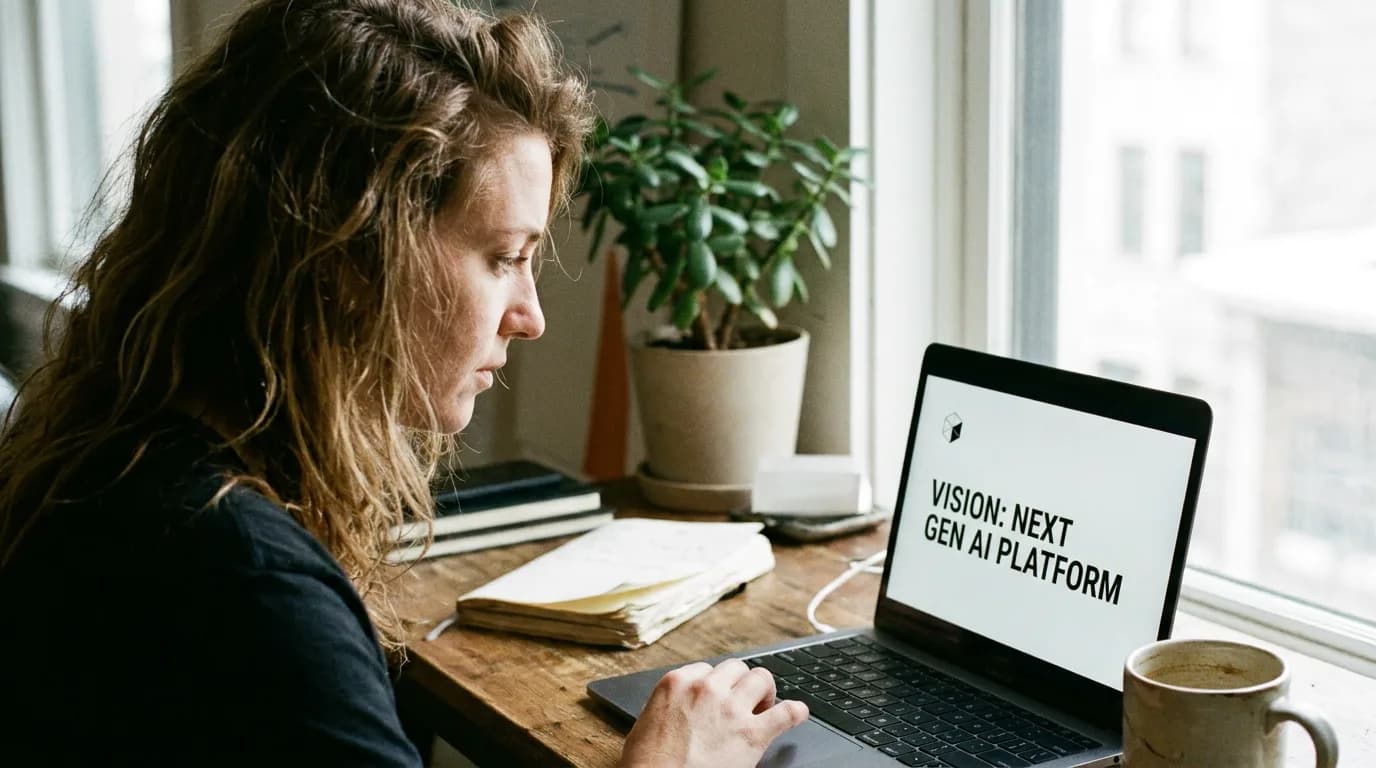
Two founder-published decks, read slide by slide, show the same pattern: thesis first, proof early, ask last. Here's how to copy the pattern, not the slides.
Daniel Brooks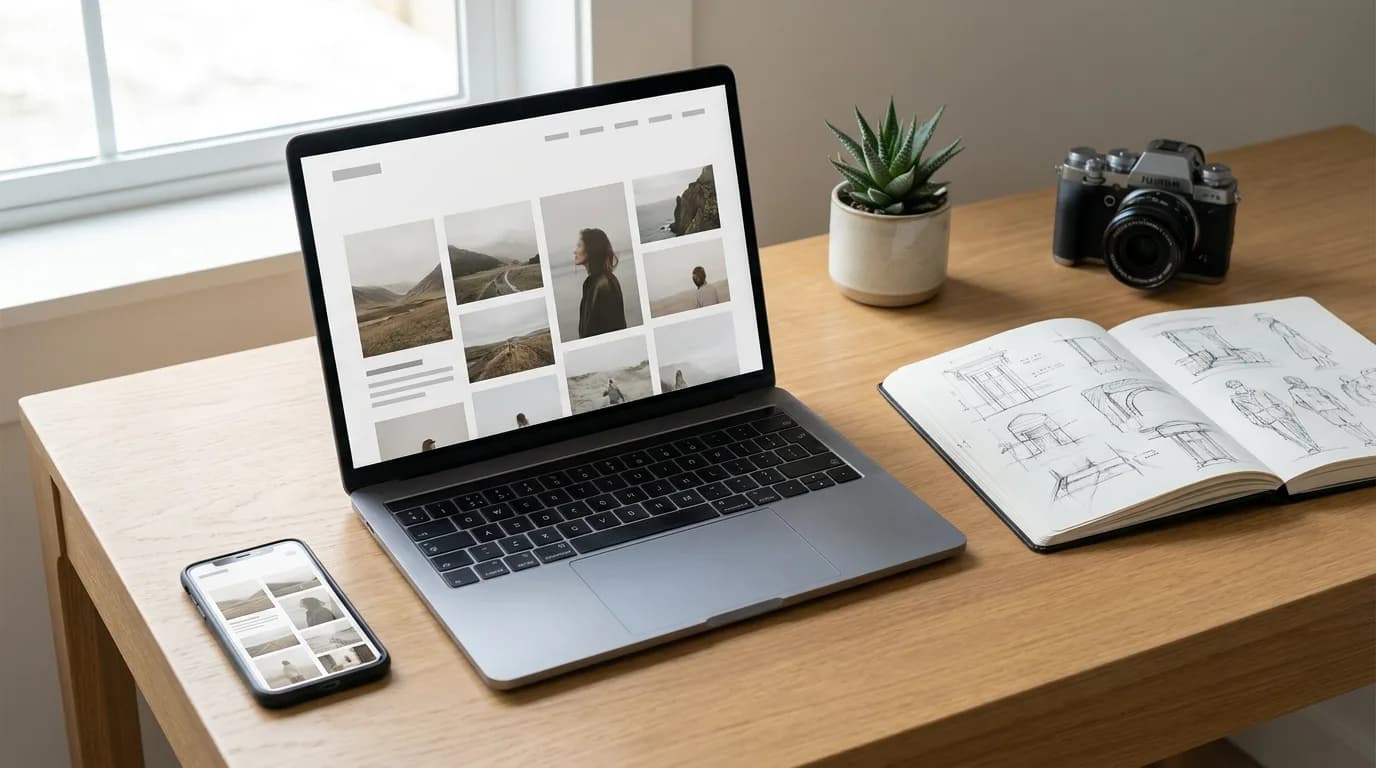
A photographer's portfolio and a developer's portfolio solve different problems. Here are 20 portfolio website patterns grouped by profession, plus one page website examples that work.
Aiko Tanaka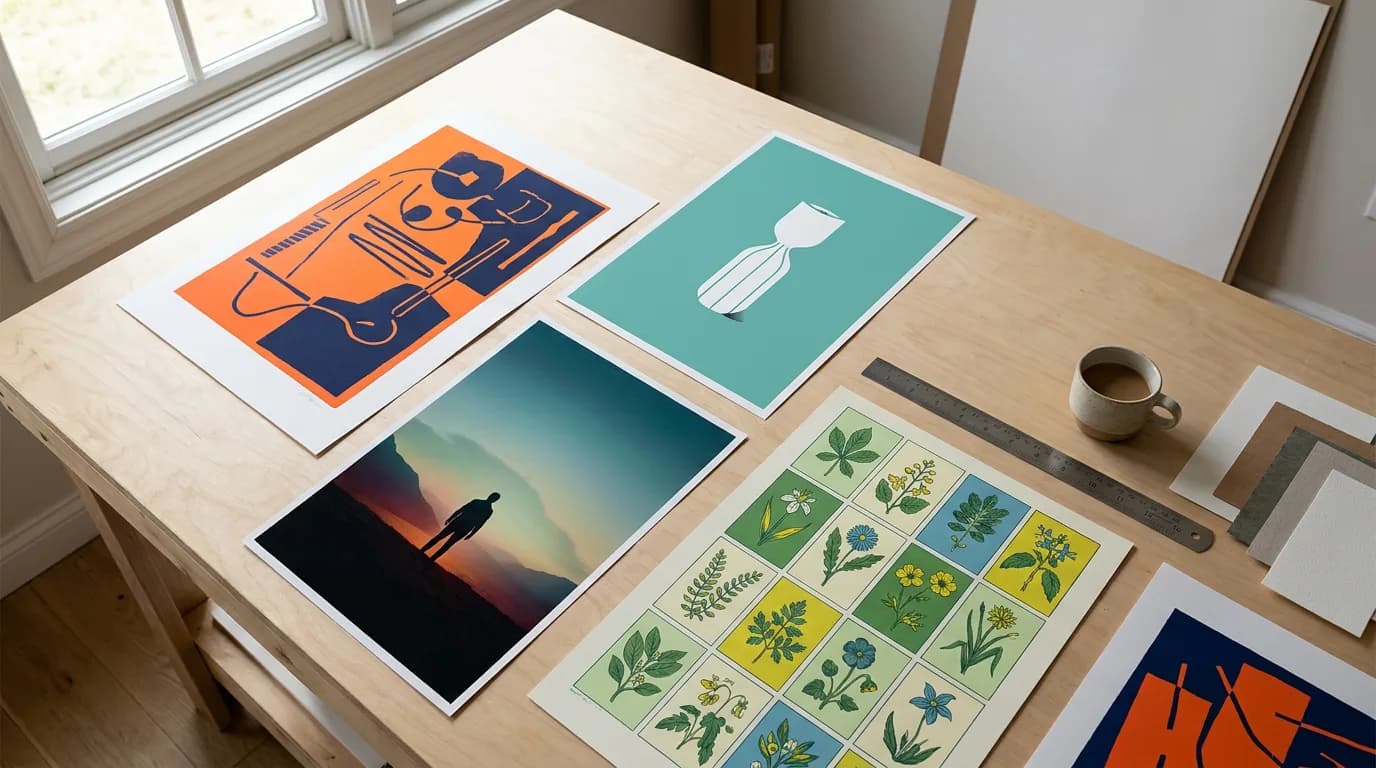
A poster idea only works once you know where it hangs and what it has to do. Here are 25 poster ideas grouped by purpose, with the design move behind each one.
Luca Moretti
Half of a good presentation is how the slides look, the other half is what you talk about. Here are 15 design ideas and 25 topic ideas, sorted by audience.
 Emily Carter
Seven sections, a prompt for each one, and a short worked example. Copy the project proposal template, fill in the blanks, then turn it into a branded PDF.
Daniel Brooks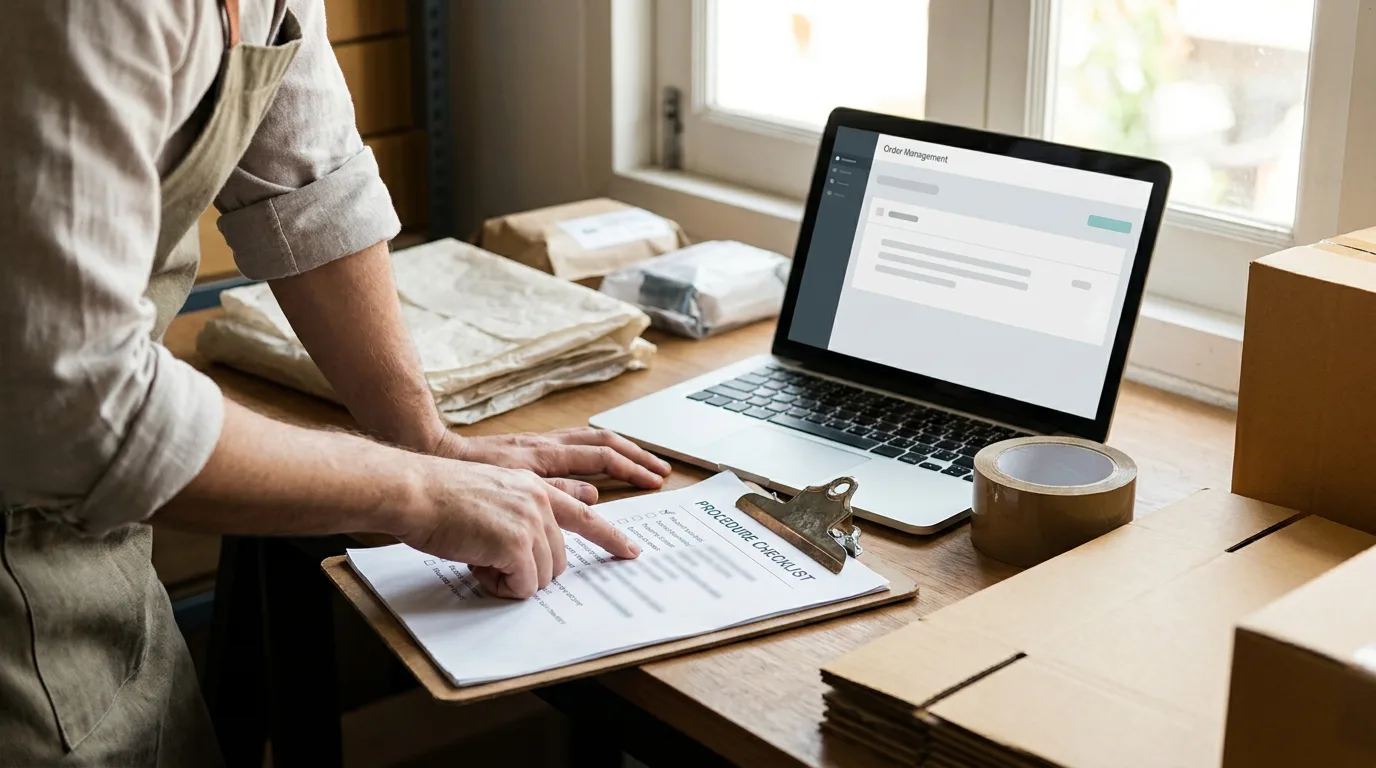
Copy the SOP template, see each section filled in for a real-world task, pick between step list, hierarchical and flowchart formats, then draft yours with AI.
Emily Carter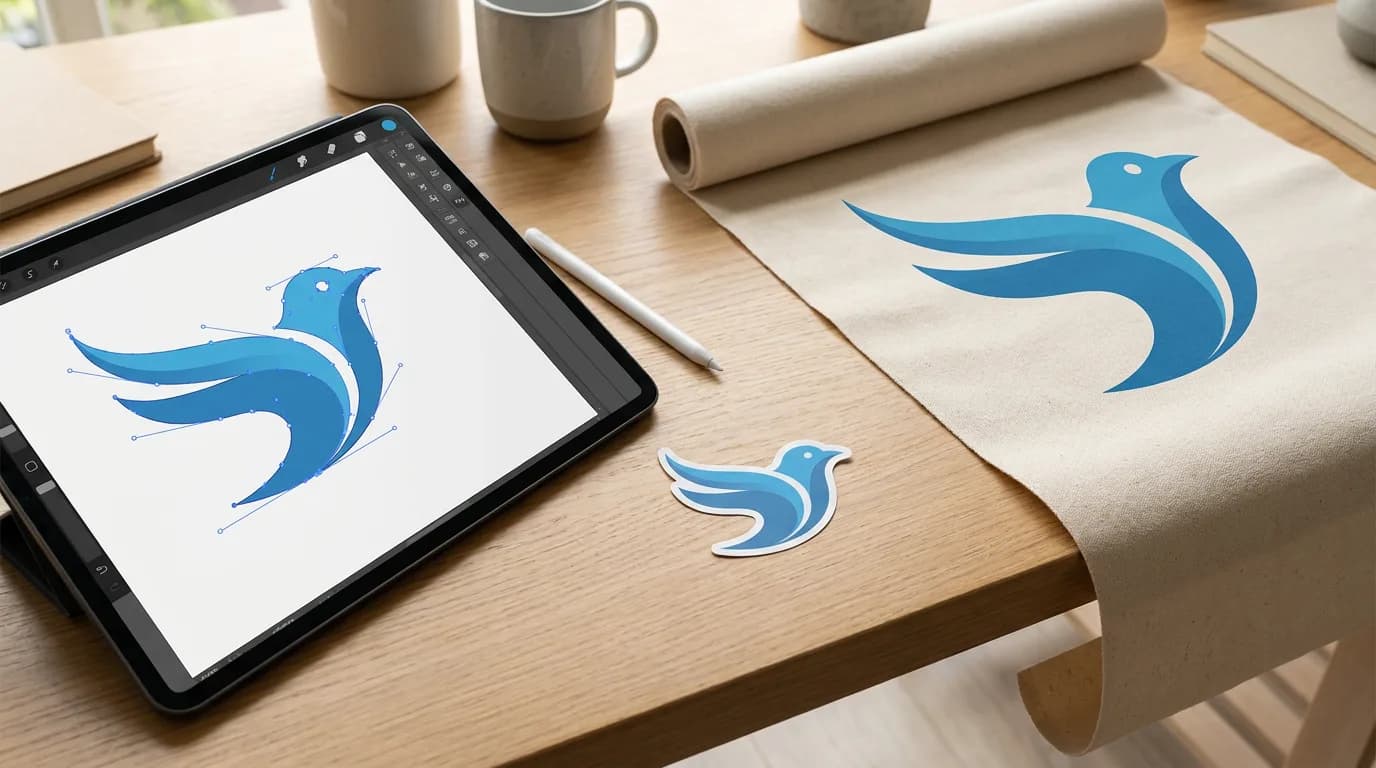
A vector file stores shapes as math, so it scales to any size. A PNG stores pixels. Here's the difference, which formats are which, and how to convert one to the other.
Aiko Tanaka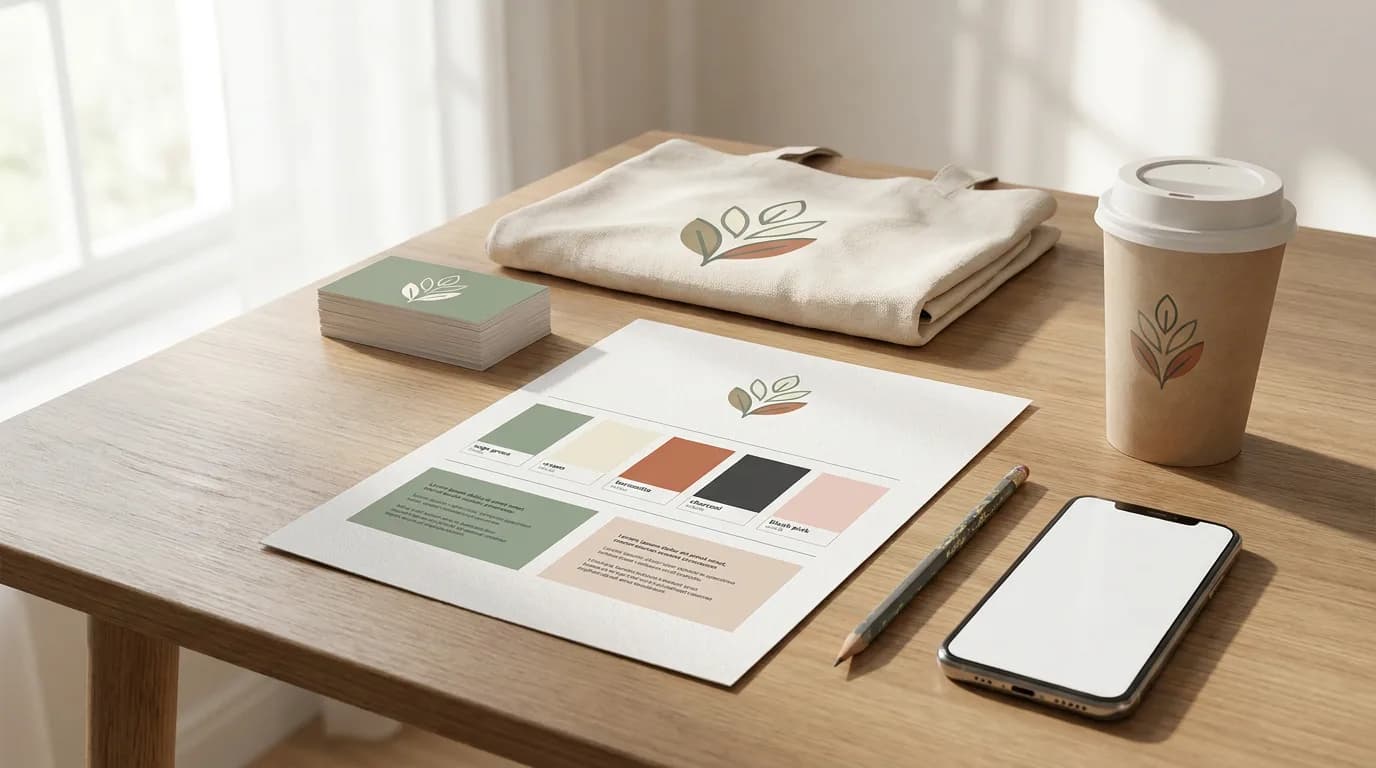
A brand kit is the toolbox, not the rulebook. Here's what goes in one, how kits differ for a café, a clothing label and a SaaS startup, and how to build yours from your website.
Claire Dubois
ChatGPT can edit your photos now: upload one, describe the change or comment directly on the image, and Images 2.5 redraws it. Here's the step-by-step, a set of edit instructions that hold up, where the ChatGPT photo editor breaks (drift, crops, exact color), and how to make those precise edits on a canvas instead.
Aiko Tanaka
ChatGPT's GPT Image 2.5 and Google's Nano Banana Pro are the two leading image models for marketing work. Here's where each one is stronger, based on what OpenAI and Google have published, and how to test both on the same prompt.
Emily Carter
A good image prompt describes what a camera or designer would see, in a fixed order, and edits change one thing at a time. The five parts of a prompt, rewrites that show the difference, and the rules for text, edits and reference photos.
Claire Dubois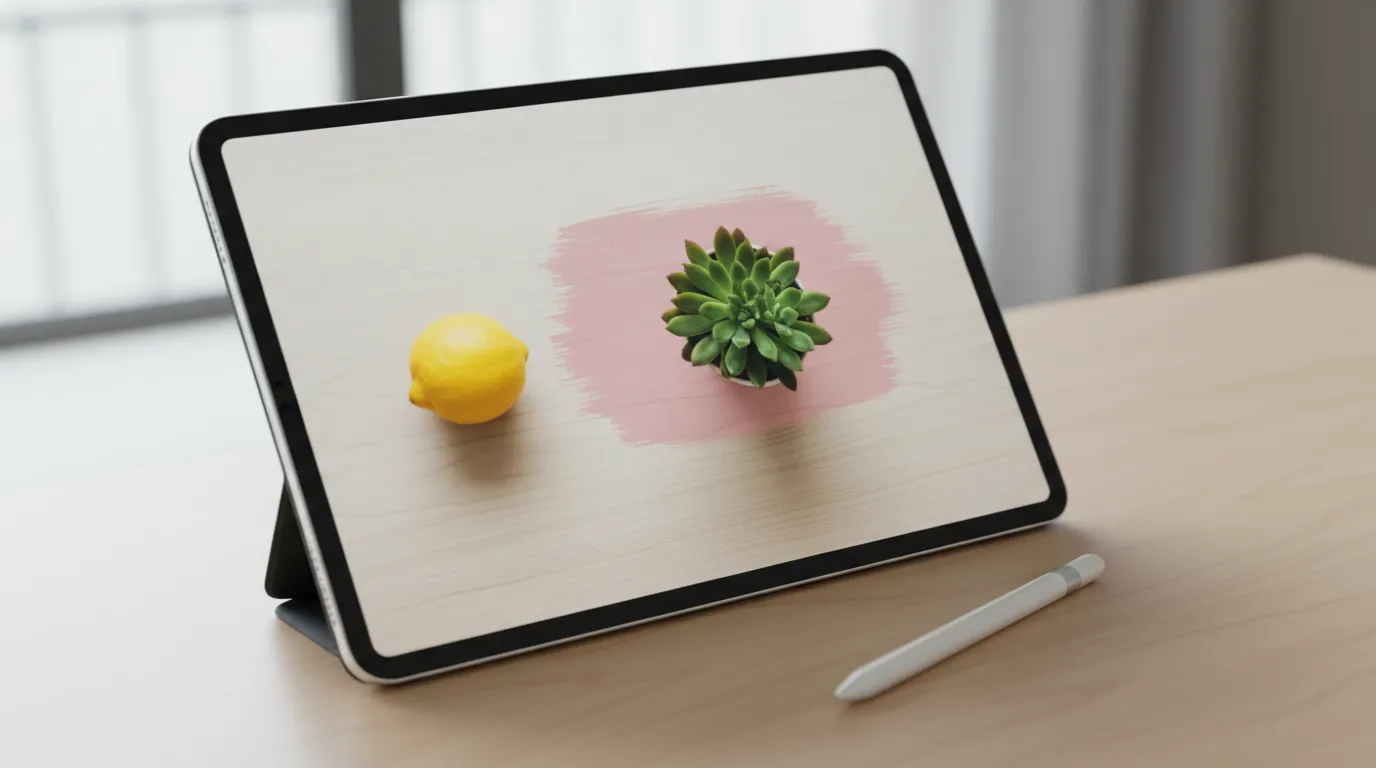
Inpainting rebuilds one selected area of an image and leaves everything else alone. A plain-language guide to how AI inpainting works, how it compares with outpainting and object removal, and how to get clean results.
James Walker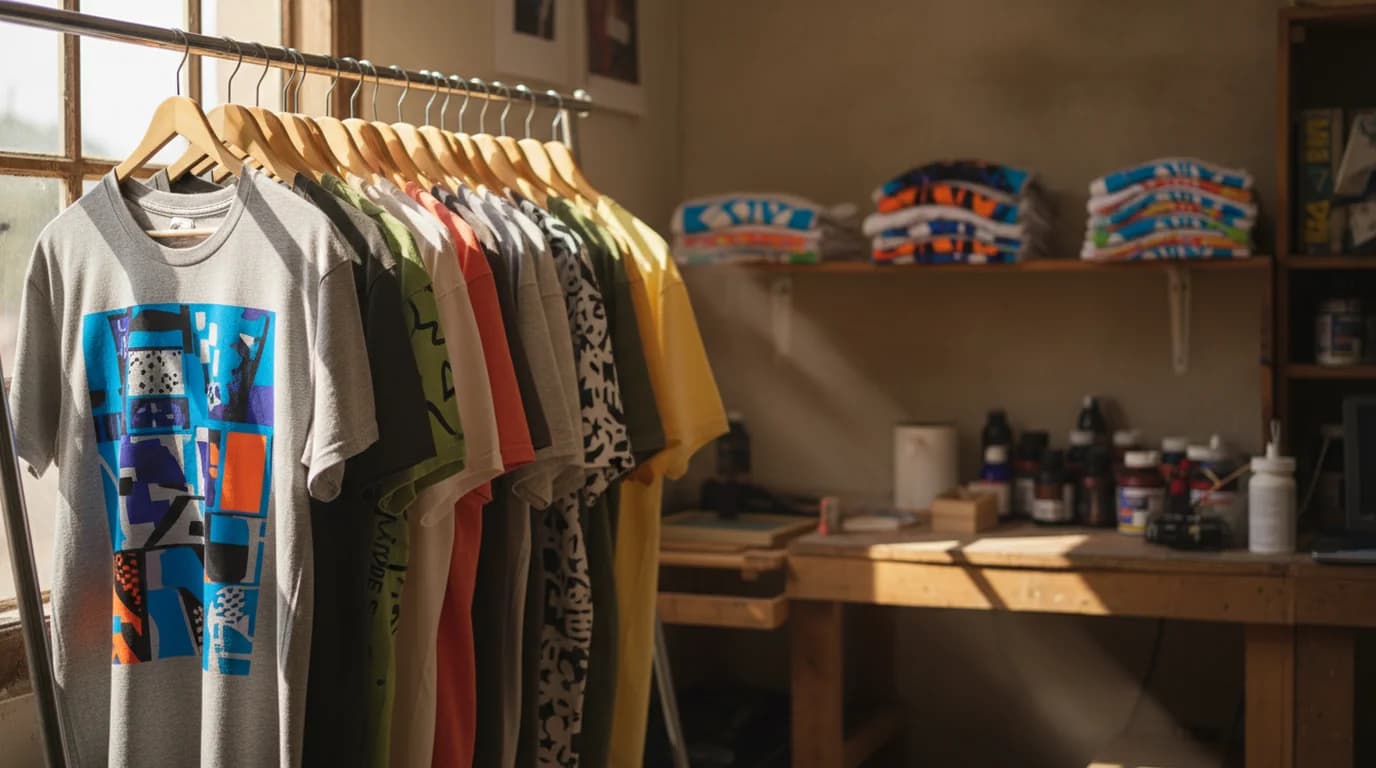
Plenty of t-shirt design ideas look good on screen and disappear on cotton. These ten hold up, and the reason they do is the same reason the detailed ones fail.
 Minji Park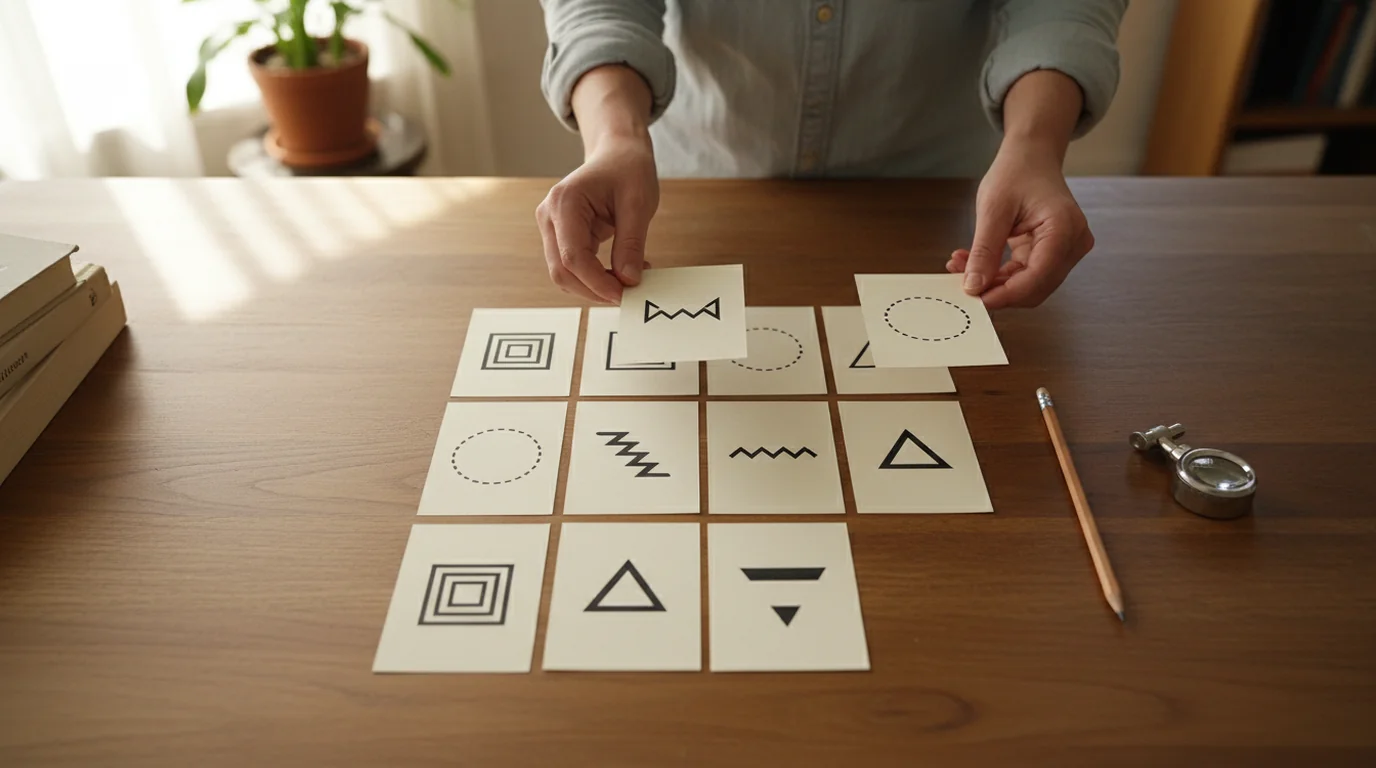
Logo lists disagree on the count because they mix two different things: what a mark is made of, and how many versions of it you have to ship. Separate those and the choice gets simple.
Aiko Tanaka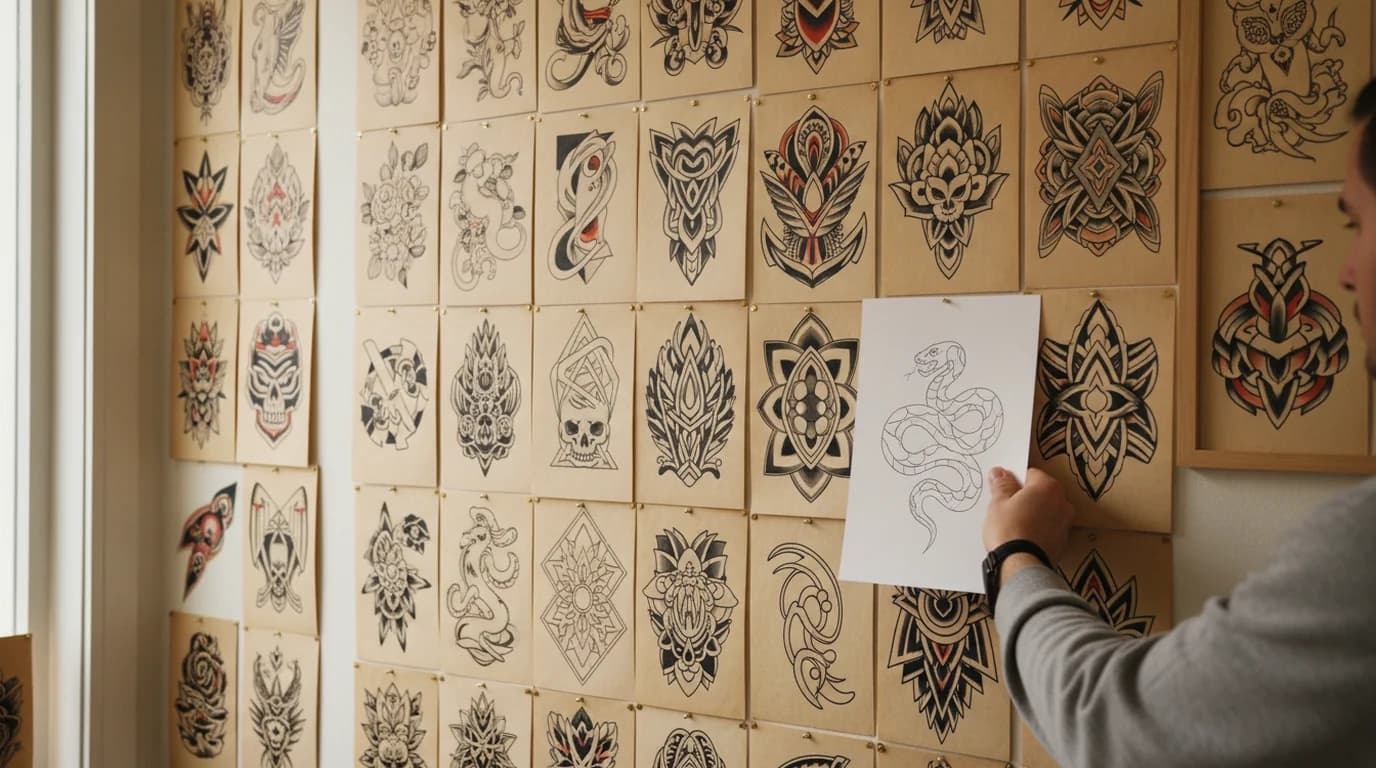
Tattoo styles differ in more than looks. Line weight, ink density and contrast decide how a piece holds up over decades, which makes ageing the most useful way to tell the styles apart.
Claire Dubois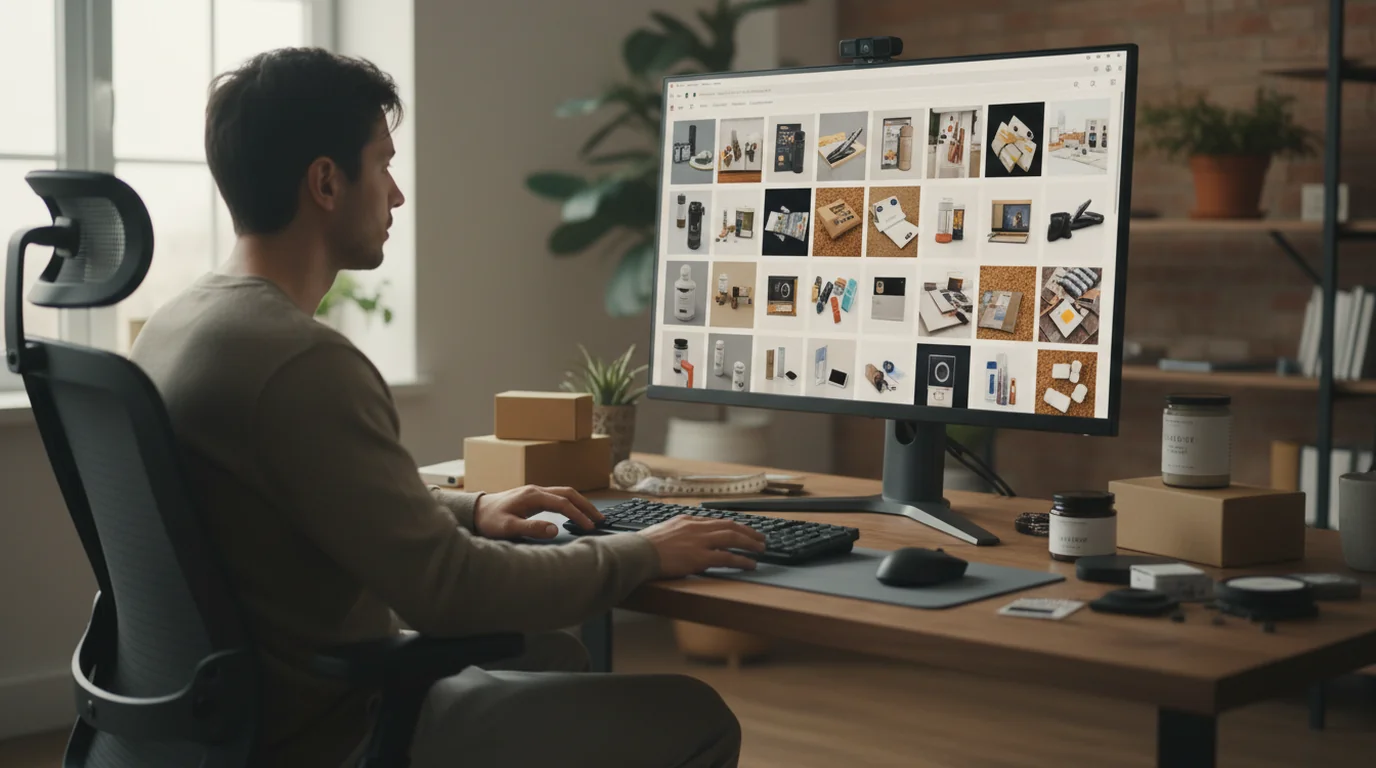
A+ Content replaces the plain product description with image modules. Here is what Amazon itself claims it delivers, who can use it, and how to plan the modules as a sequence.
James Walker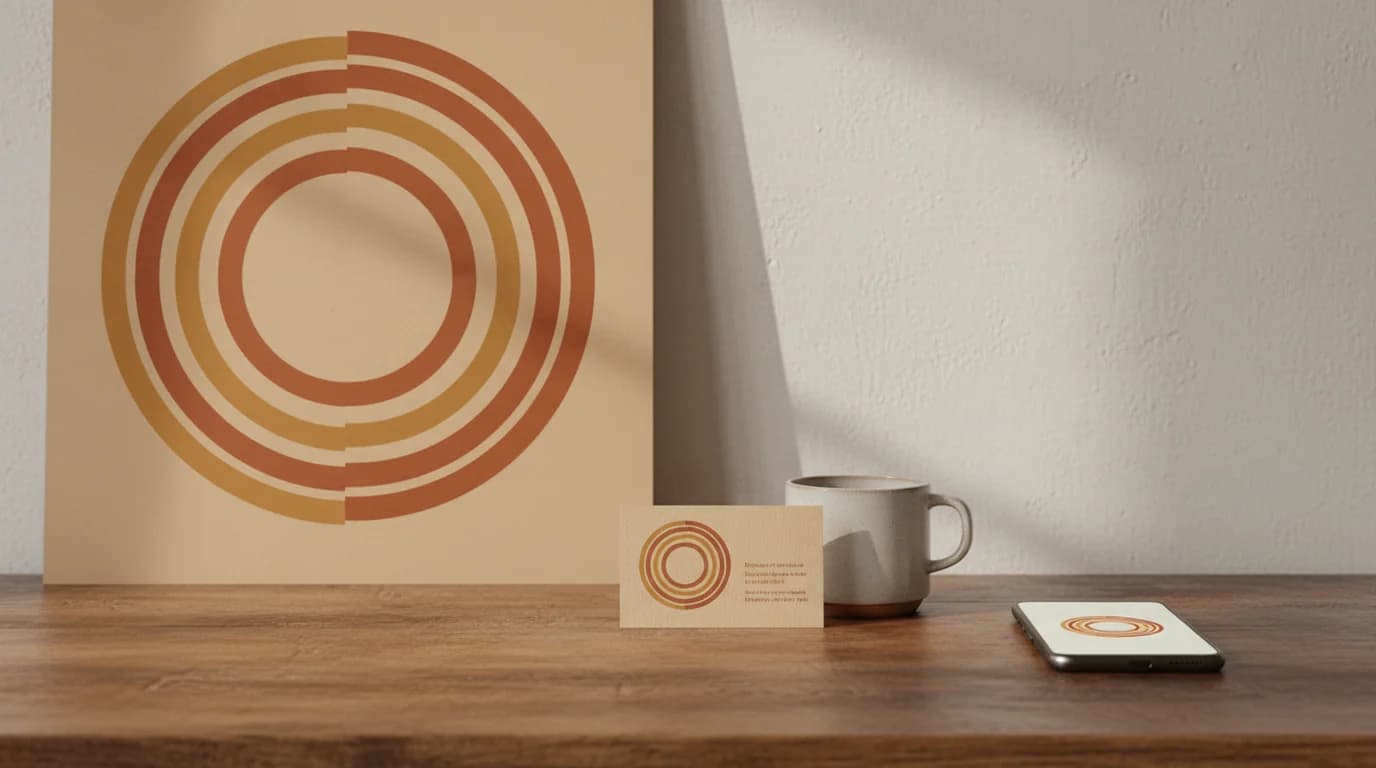
Size charts go stale because platforms change and most do not publish a fixed number anyway. Three rules cover every slot a logo has to fit, now and later.
Daniel Brooks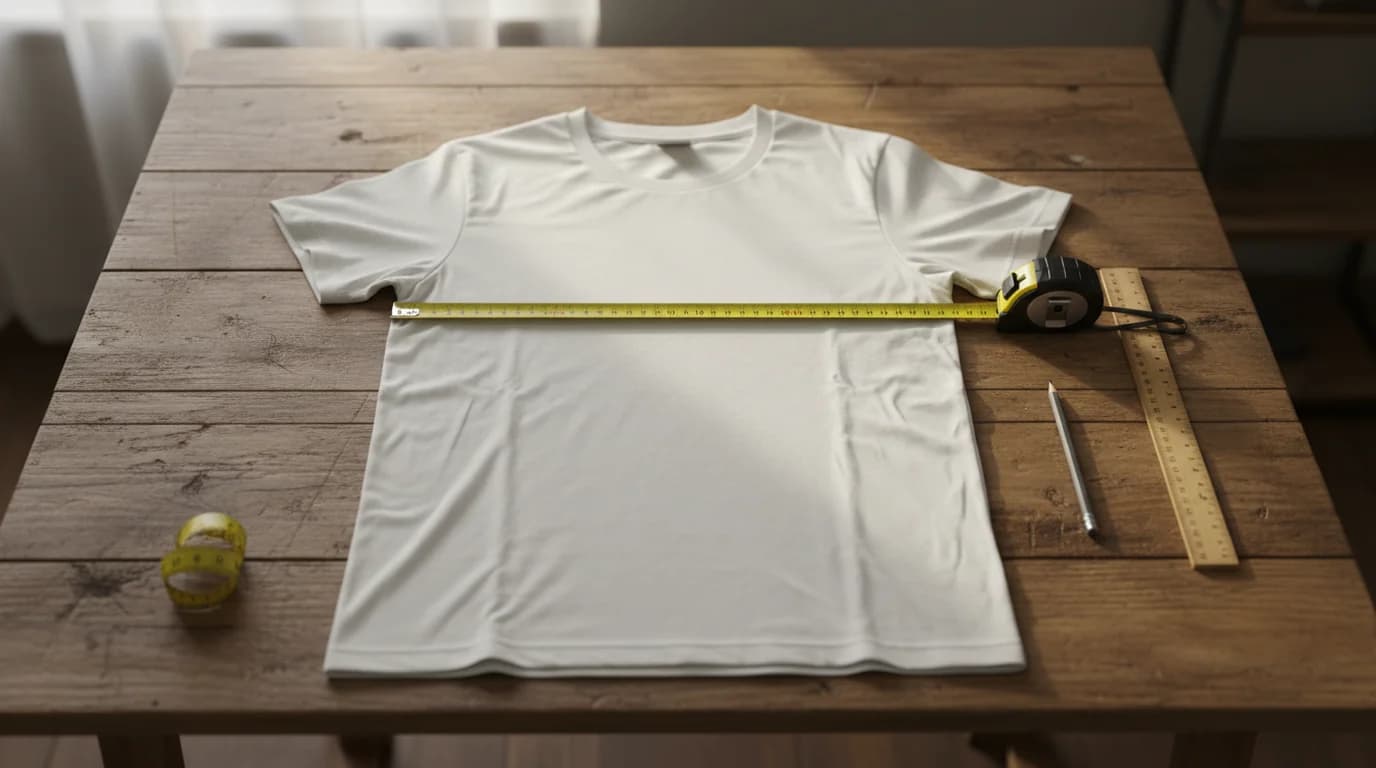
Inches and pixels answer two different questions, and confusing them is behind most apparel reprints. Here are the print areas, the resolution maths, and the placement rules.
Minji Park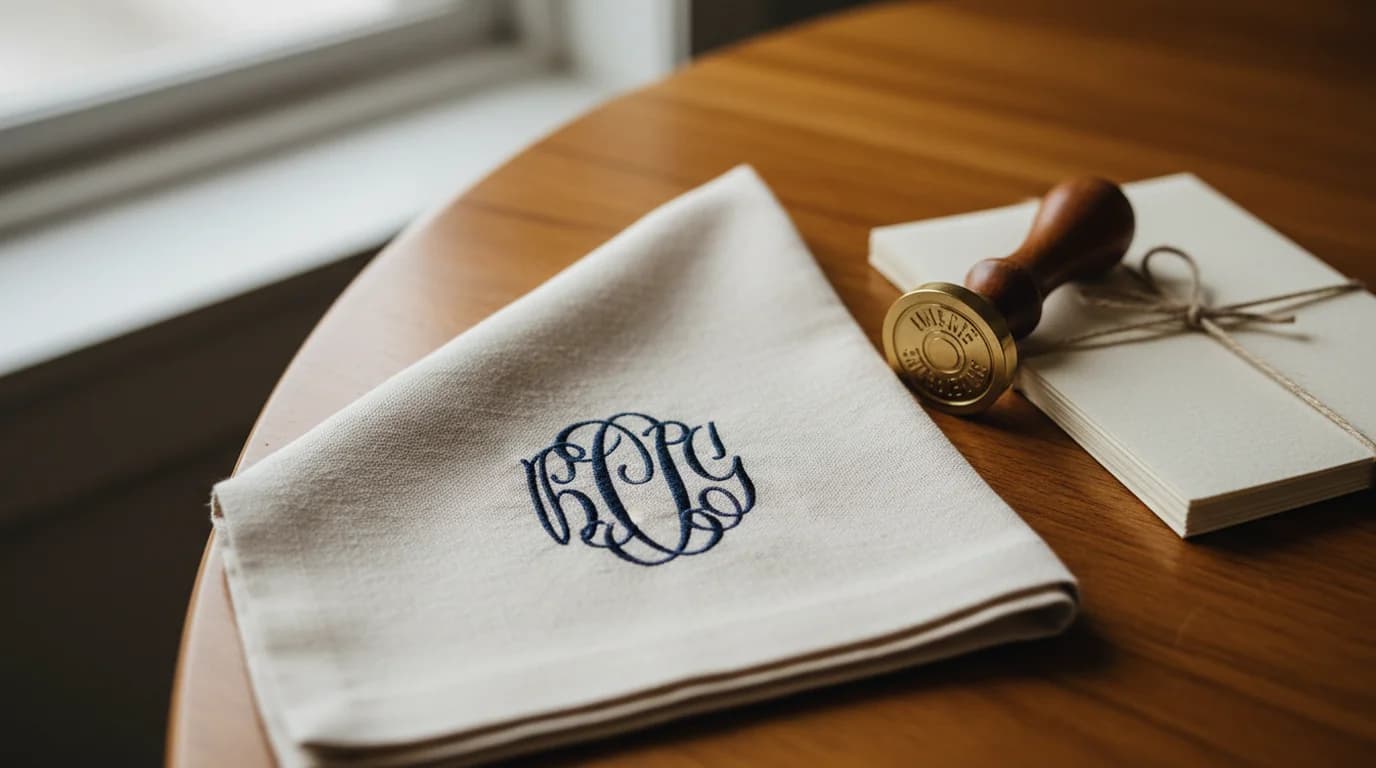
A monogram is two or three initials drawn as one mark. Here is the definition, where the word comes from, how a monogram differs from a logo, the rules for which initial goes where, and how to design one that survives thread, foil and a cutting machine.
Aiko Tanaka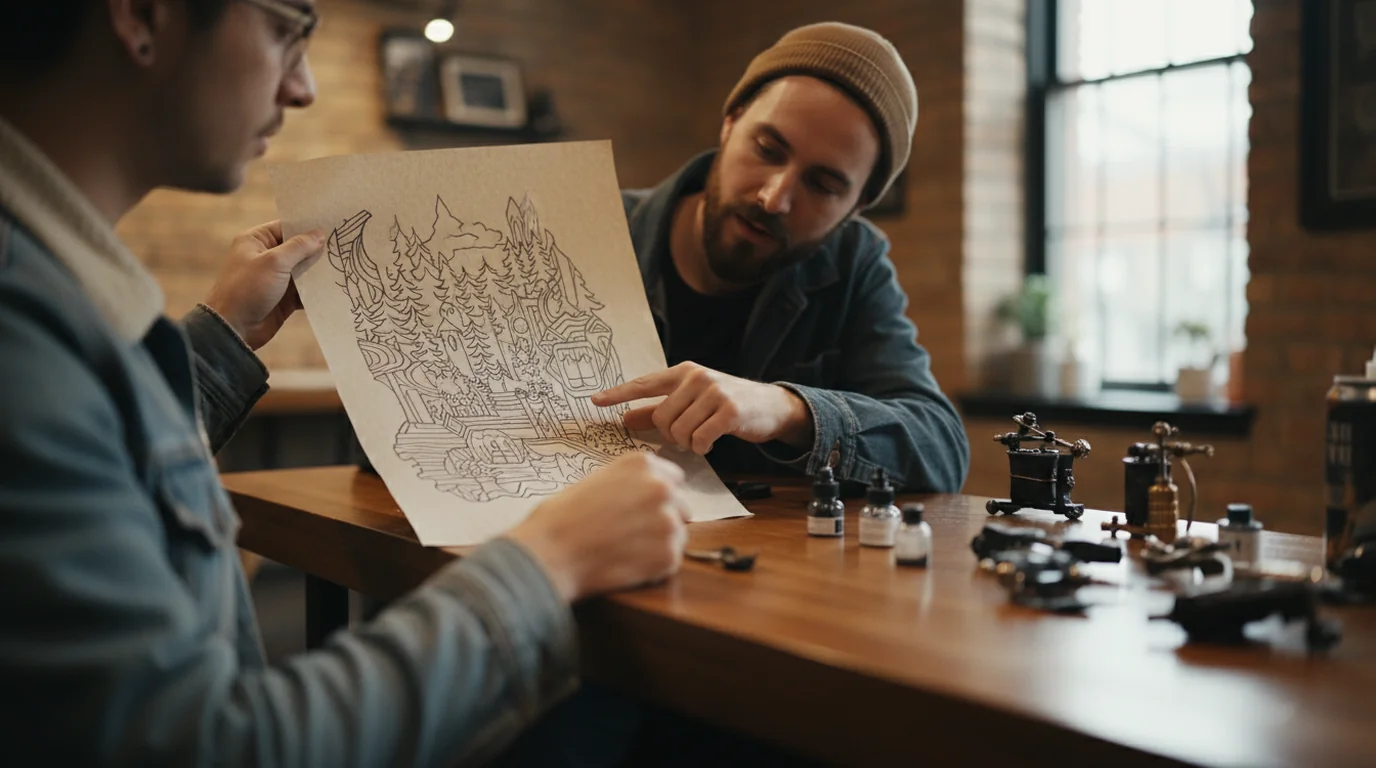
Placement and size are one decision, not two, and both are settled before the stencil goes on. Here is how to make them, and what an artist actually needs from you.
Claire Dubois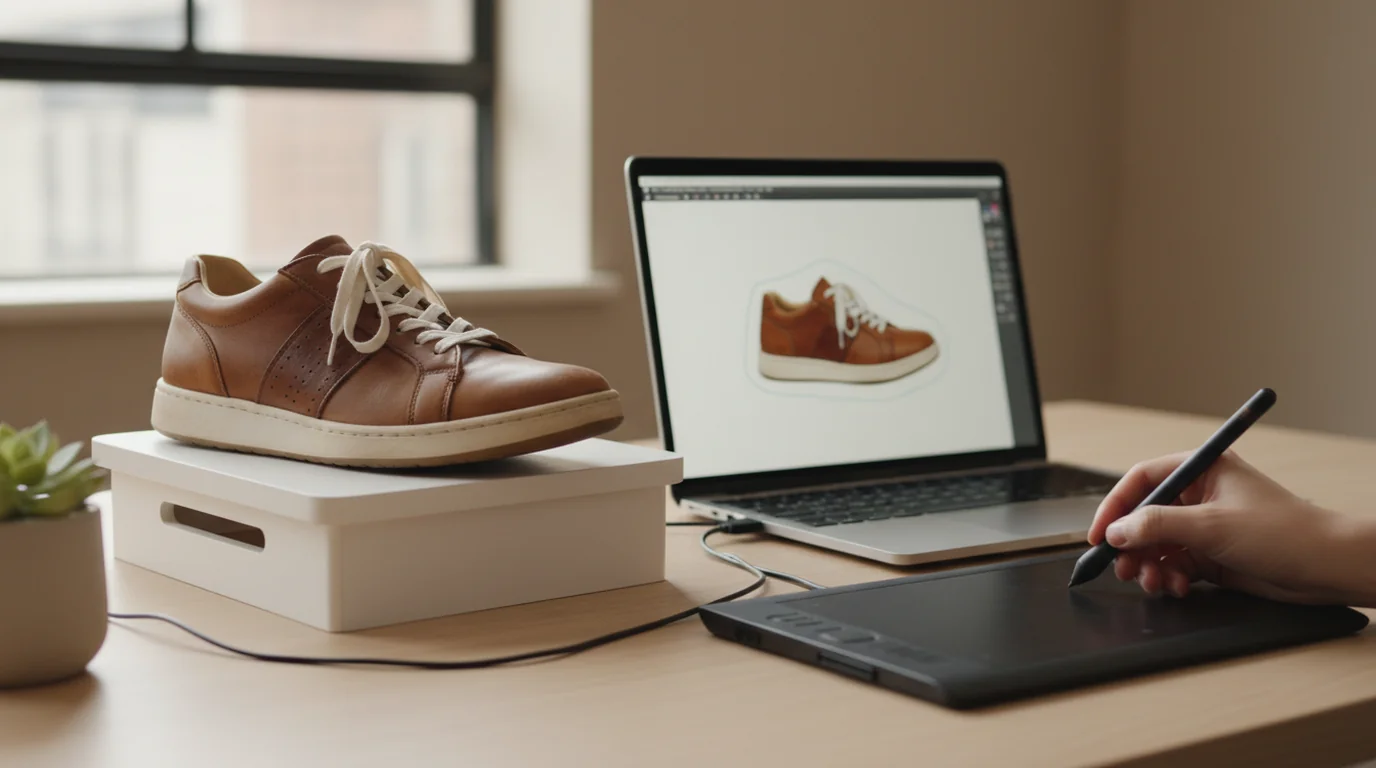
Clipping path services price per image and per turnaround hour. Here is what that costs at catalogue scale, where the handwork is still worth paying for, and where it is not.
James Walker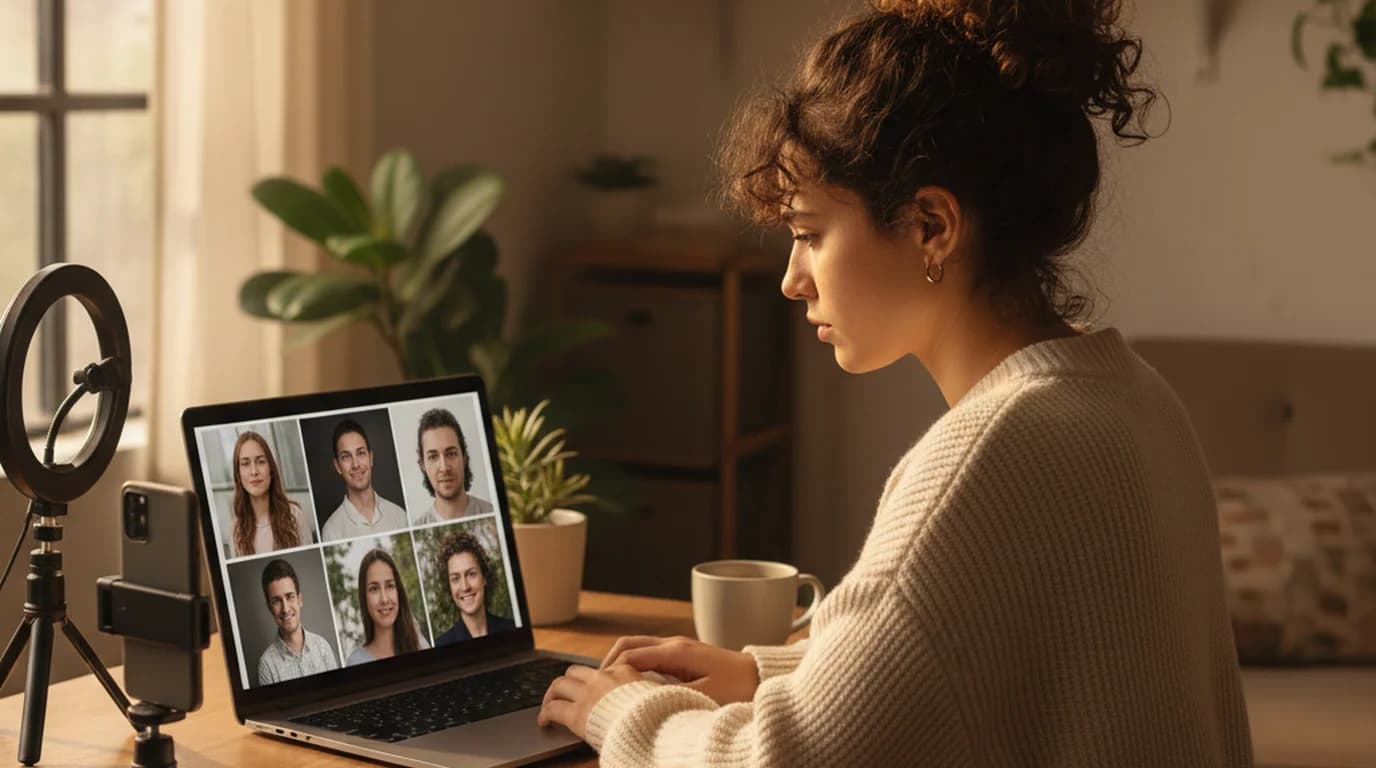
Synthetic faces, edits of your own photo, and face swaps all get filed under the same name. Here's how to tell them apart, how to fix the details that make a generated face look wrong, and where you can legally use the result.
Minji Park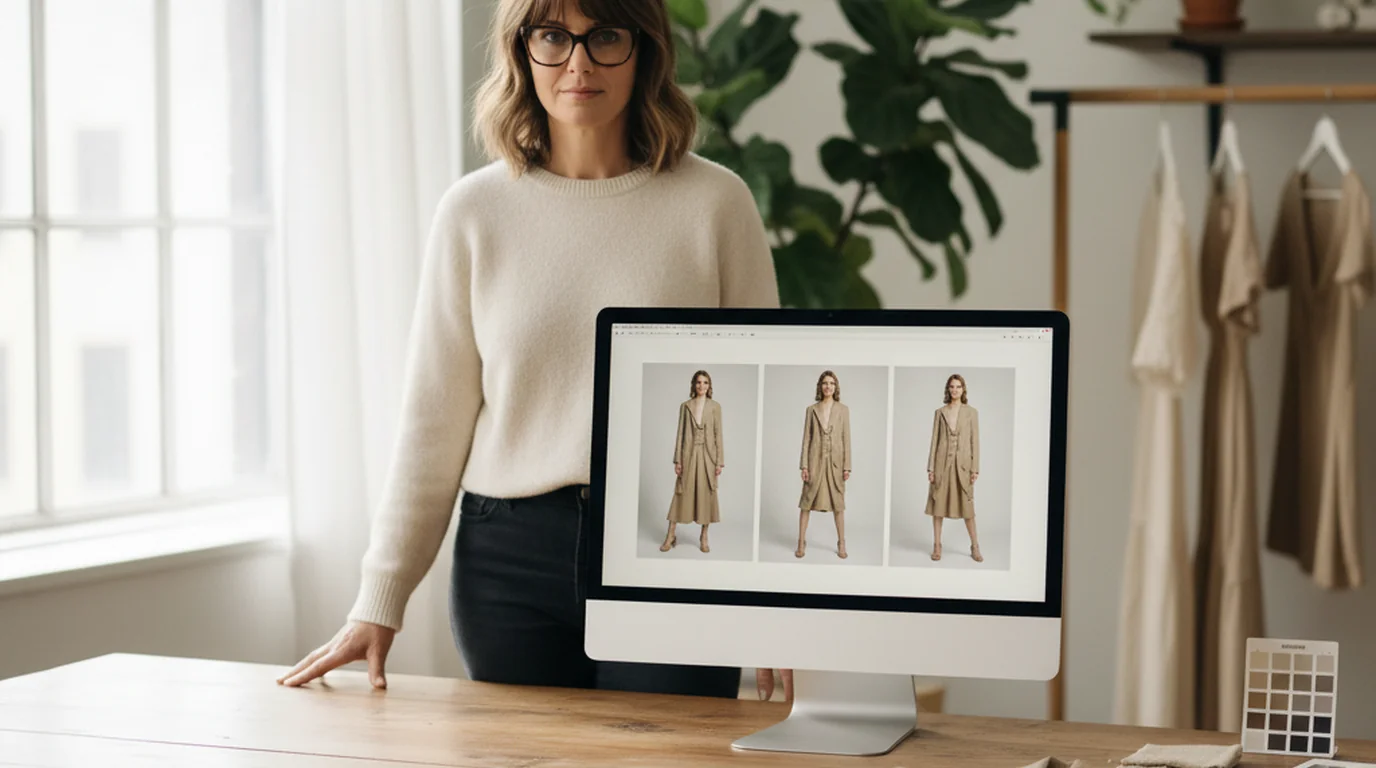
An AI fashion model is a generated person wearing your actual product. Here's the workflow from a single garment photo, the marketplace rules the output has to satisfy, and what you now have to disclose in the EU.
Claire Dubois
Backdrops, light tents, and bounce cards are gone. The workflow now starts from one phone photo in ordinary light and generates a multi-angle view set plus white-background, in-use, and on-model frames, sized for each marketplace's specs.
James Walker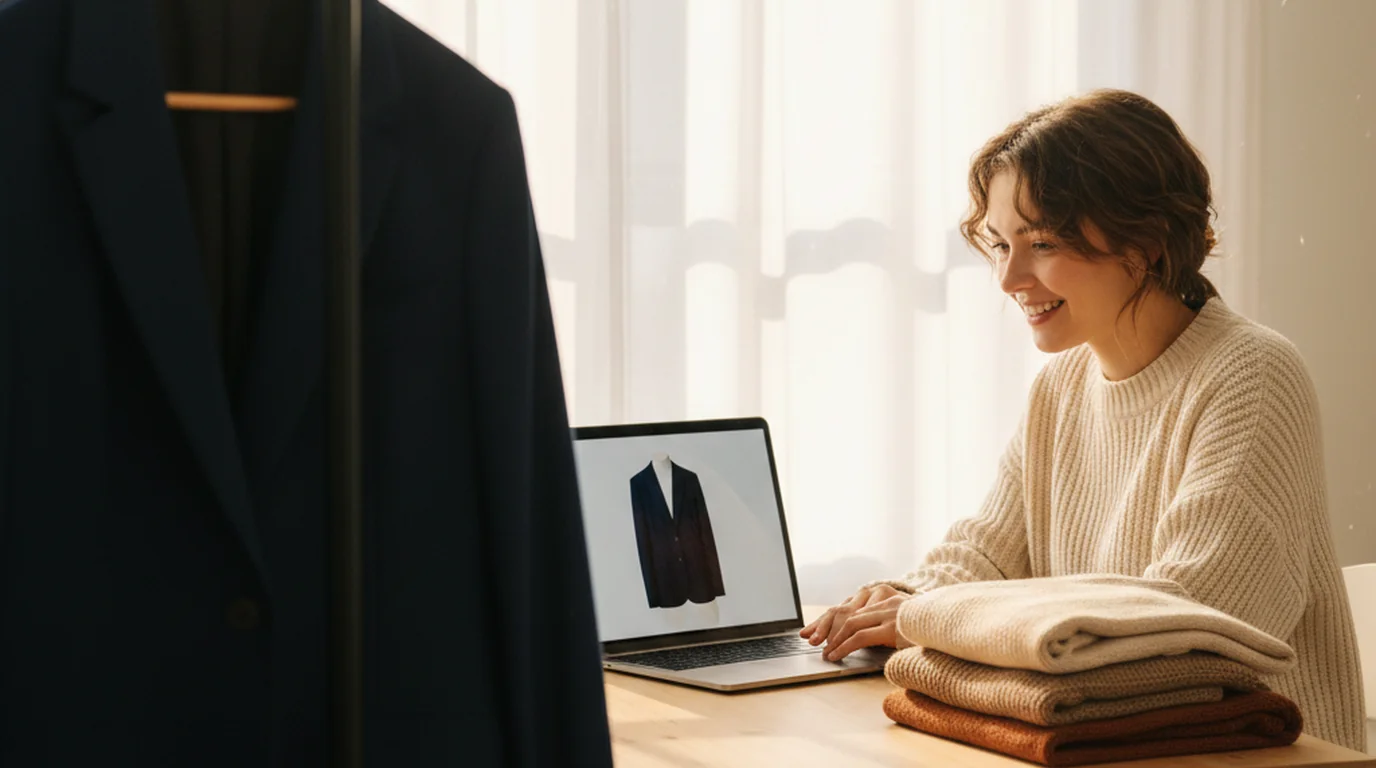
Ghost mannequin photography shows a garment holding its own shape — volume, drape, and a visible interior — instead of lying flat. Here is what creates that dimensional effect, how to produce it from a single photo, and which listing slots accept the result.
James Walker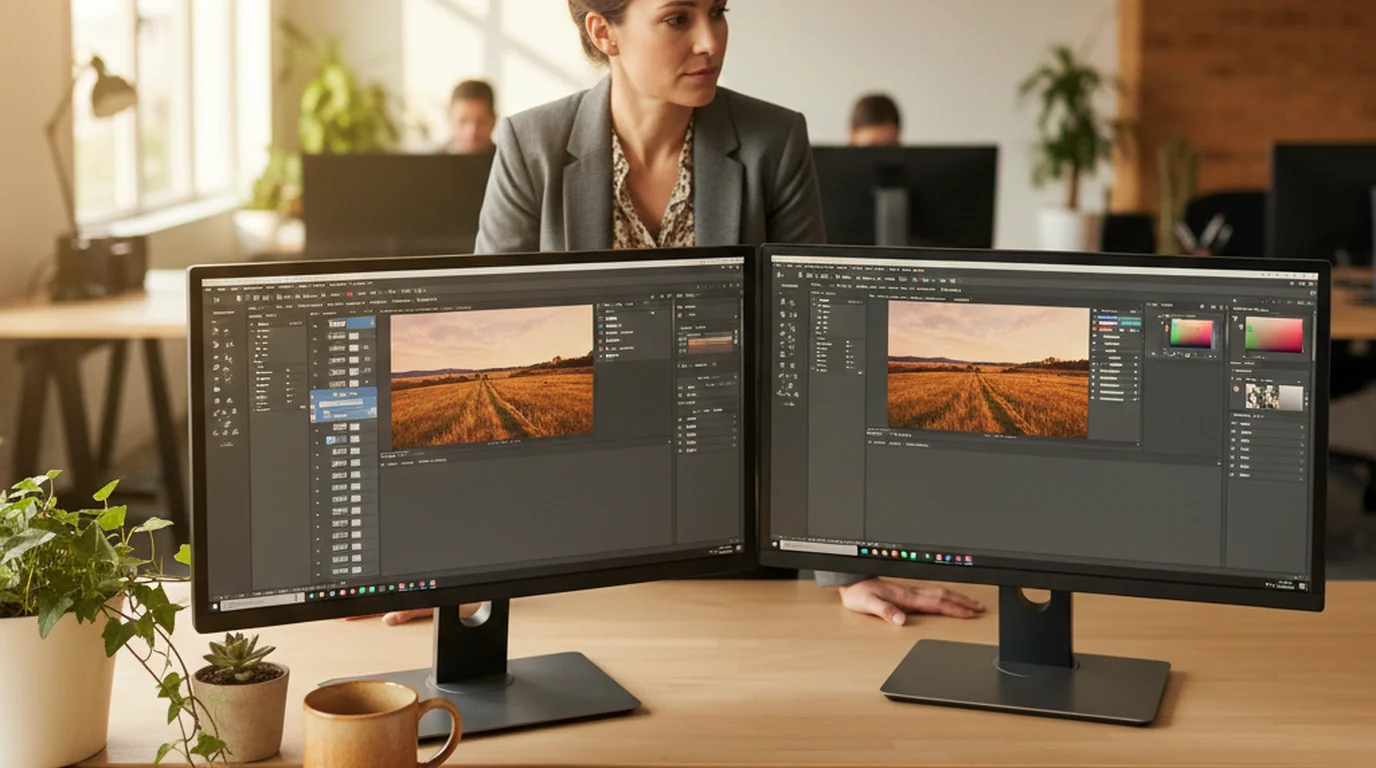
Demo quality tells you almost nothing about whether a tool will hold up across a month of real work. Here are the eight criteria that do, and a short evaluation protocol that surfaces the failures before you commit.
Emily Carter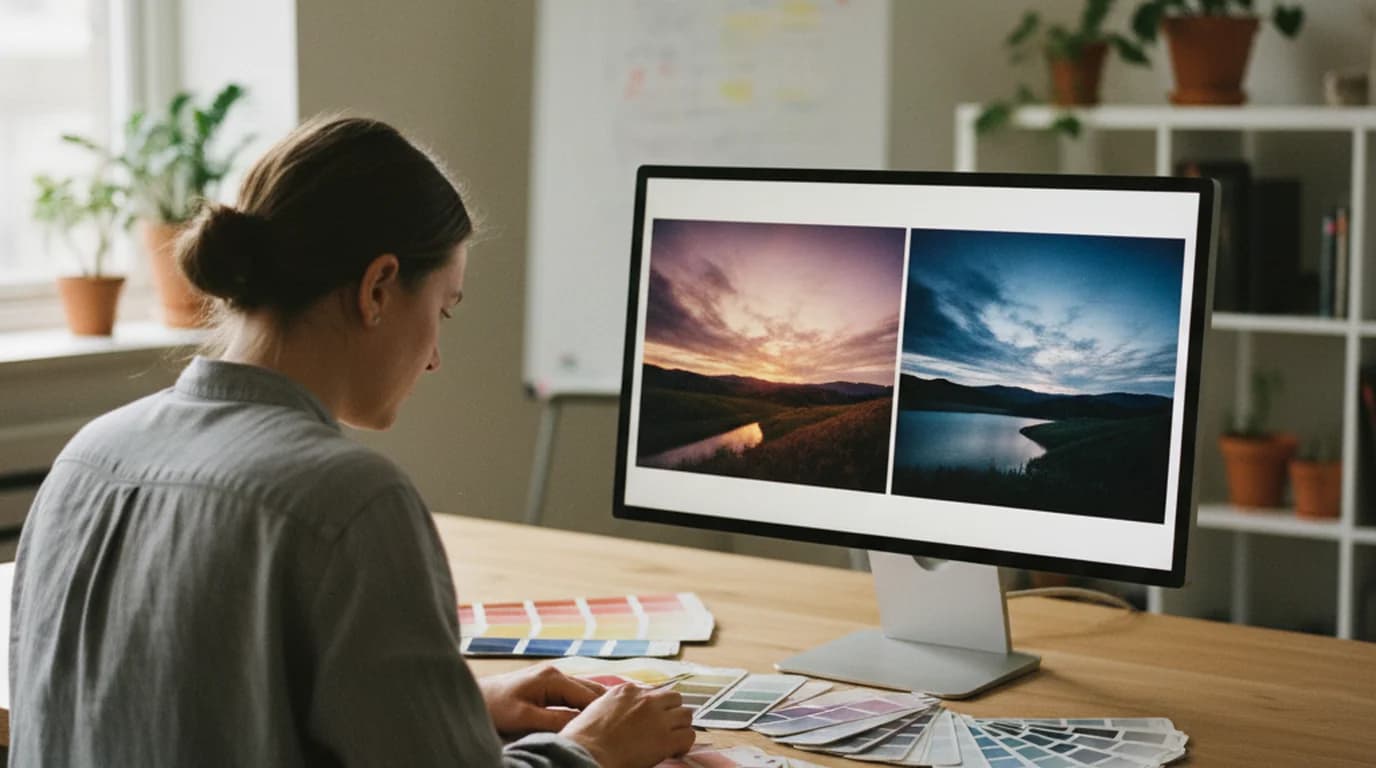
Style transfer separates what a photo shows from how it looks, then replaces the second — which makes trying a visual direction almost free. Here's how to test styles on a product shot or a poster, specify a look precisely, and tell a good result from a plausible one.
Aiko Tanaka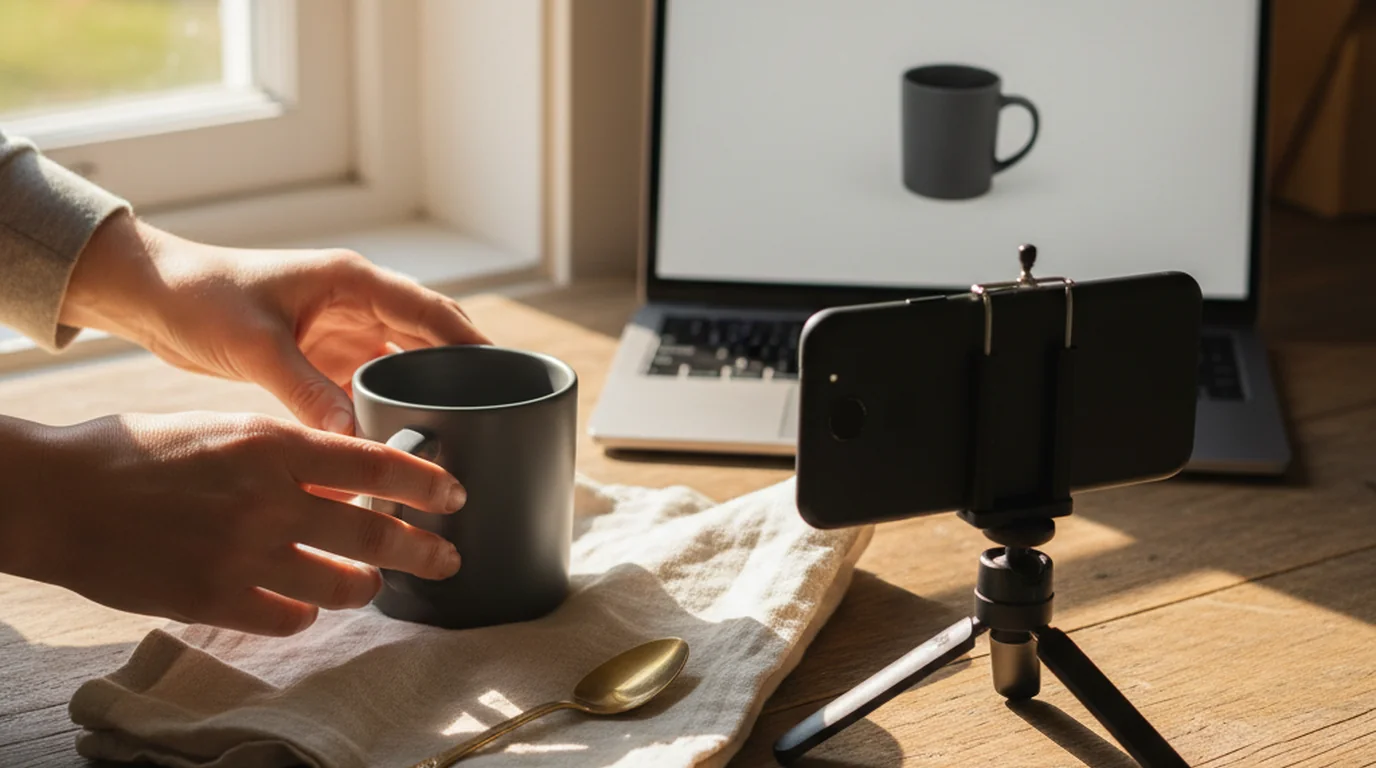
Lifestyle product photography answers the questions a white-background packshot can't: how big is it, what is it made of, where does it live. Here's how to produce those frames from the photo you already have.
Emily Carter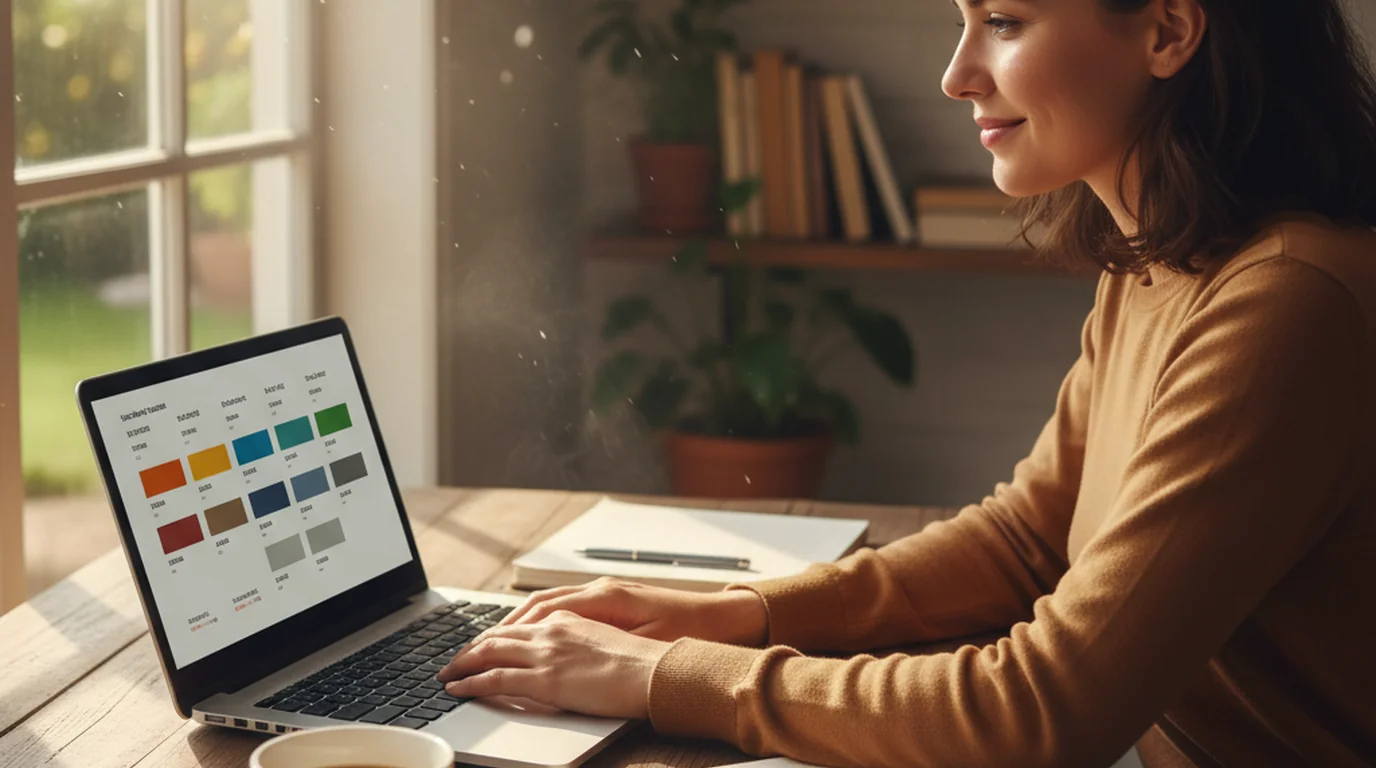
VisualGPT bundles a large model roster and a long tool list behind a credit system. Here's what the free plan includes, what the paid tiers cost, and which limits matter before you build a workflow on it.
Daniel Brooks
AI outpainting grows the canvas instead of cutting the subject. Here's how the model infers what belongs outside the frame, why edges fail, and which source images expand cleanly.
James Walker
Two famous early-stage decks, read slide by slide. What each one got right, why it worked in 2008, and which parts you should not copy today.
Daniel Brooks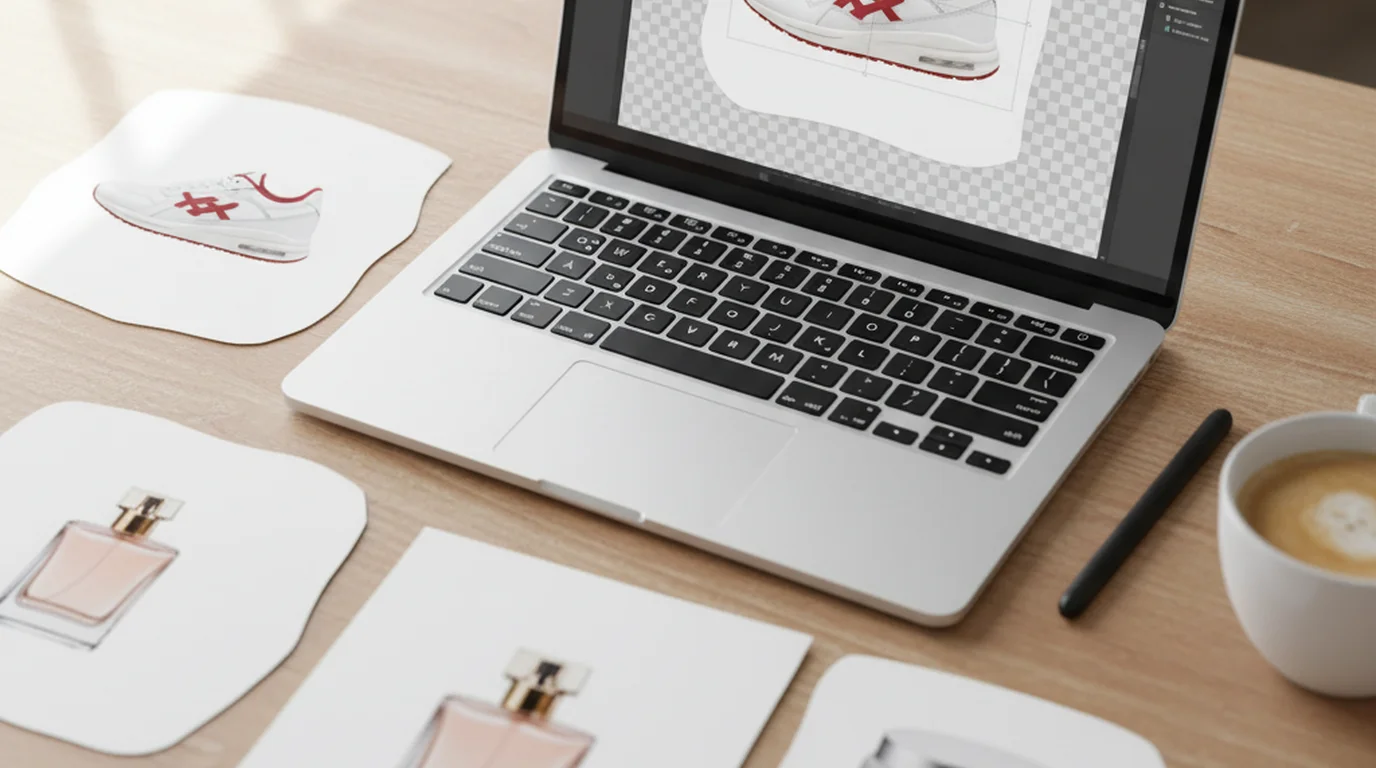
Almost every tool nails a sneaker on a white backdrop. The differences show up at volume, at full resolution, and at the moment you hit the paywall. Eight tools, with every free tier taken from the vendor's published pricing.
James Walker
Cute slides fail for one reason nobody mentions: soft palettes lose their contrast the moment a projector gets involved. These seven directions come with hex codes that survive the room.
Minji Park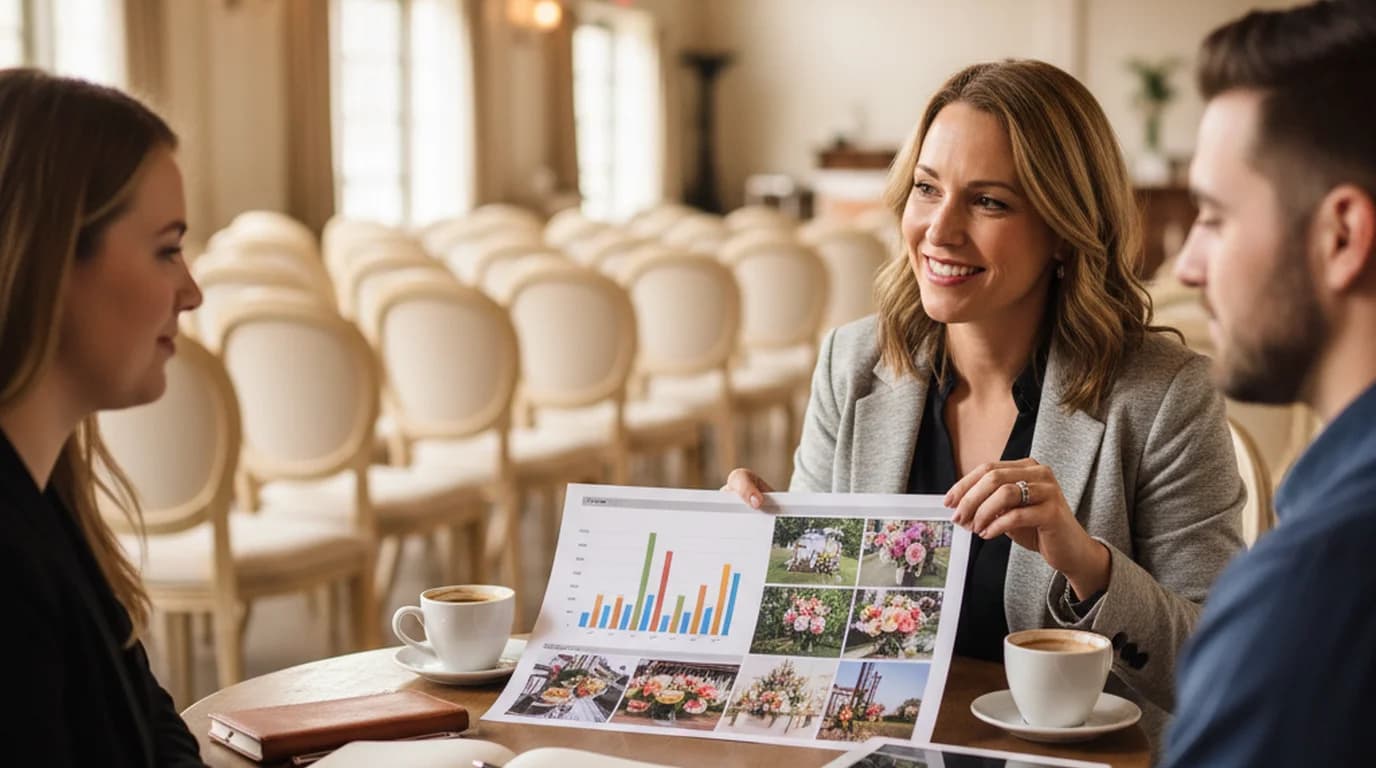
The seven sections an event proposal needs, what belongs under each heading, and why the layout of the document changes whether a client believes you can run the event.
Luca Moretti
The two slides that get the least design attention get the most audience attention. Practical rules for the opening slide, the closing slide, and the business model slide that holds the argument together.
Claire Dubois
The order your sections appear in changes the buyer's first reaction more than the words do. Here's how to write a sales proposal when you're a team of one.
Daniel Brooks
Five one pager examples broken down by layout, the nine grid, type and whitespace decisions behind them, and a fill-in template that turns your notes into a page people actually scan.
Aiko Tanaka
eBay accepts PNG. Amazon accepts PNG. Etsy accepts PNG but not transparent PNG. Here's what each marketplace really allows — formats, pixel floors, file-size ceilings — and why a transparent cutout can quietly ruin a main image.
James Walker
Reflections sit on top of a surface. Blown highlights are missing data. Telling them apart in ten seconds decides whether you retouch or reshoot.
James Walker
A one-pager is one page: problem, solution, proof, ask. Here's what belongs on it for investors, product teams, and sales — and when to send one instead of a deck.
Daniel Brooks
A slide deck is an ordered set of slides that makes one case to one audience. Here's what that means in practice: the anatomy of a deck, slide-by-slide examples for five common types, a 10-slide outline you can copy, and how a deck differs from a PowerPoint.
Emily Carter
AI gets you to a complete pitch deck in minutes. Here are five tools compared, and the structural problems no generator will catch for you.
Daniel Brooks
Instead of another opinion list, this ranking follows Design Arena's public leaderboard, then looks at what the leaderboard can't measure: editing the slides afterwards.
Emily Carter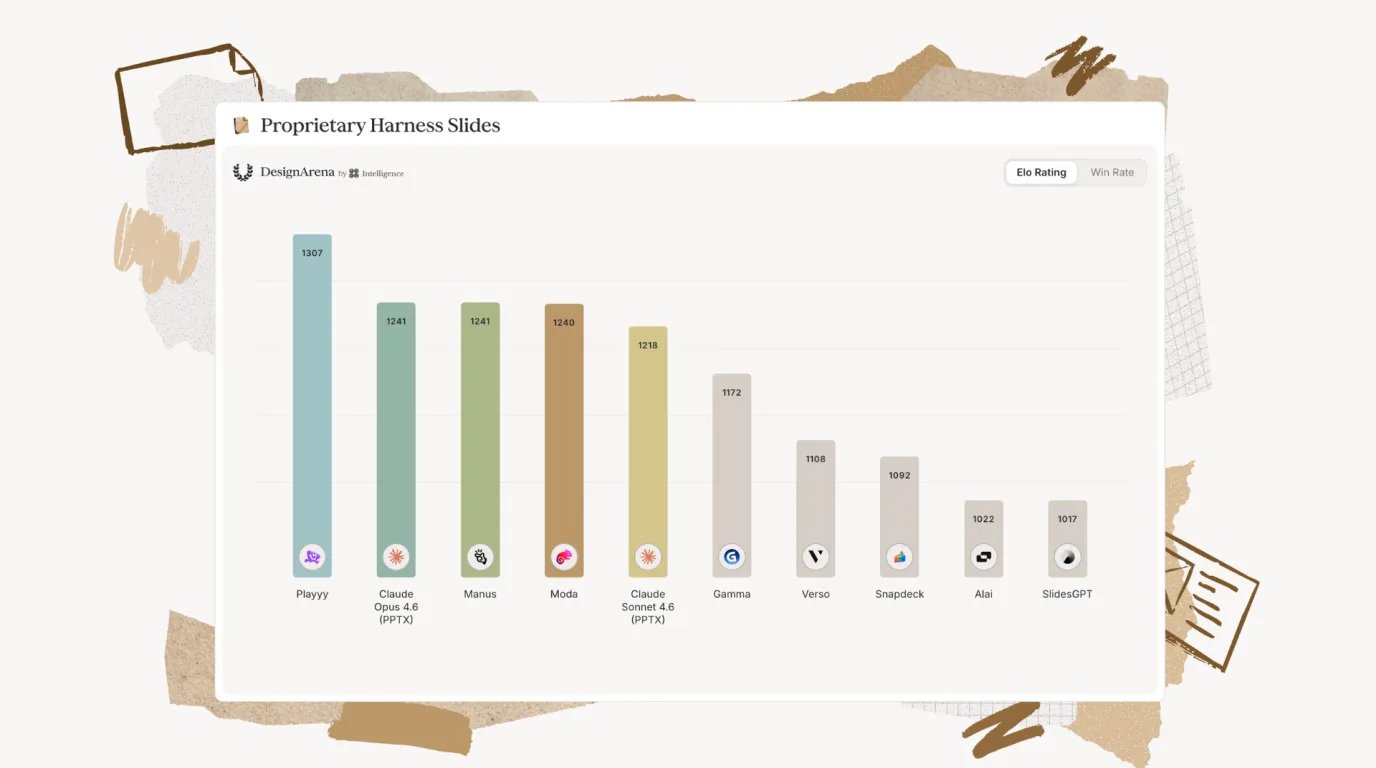
People pick the better slide in a blind comparison. Here's what Design Arena's slides ranking currently shows, and what it cannot tell you.
Daniel Brooks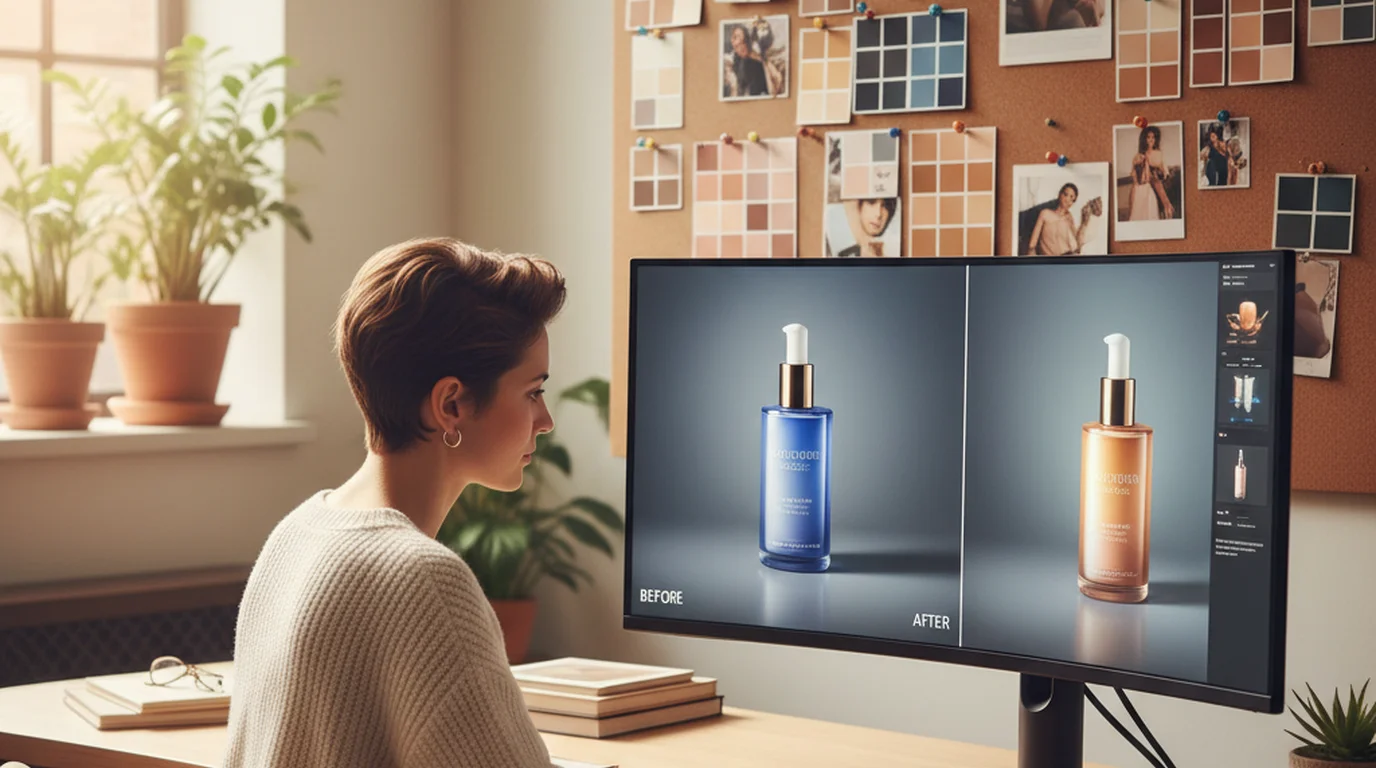
Most brand visuals aren't bad because of the subject matter. They're bad because of flat lighting, dull color, low resolution, or cluttered backgrounds. Here's how to fix each one.
Claire Dubois
Magic Eraser is useful for quick fixes on your phone. But it only runs in the Google Photos app, and it's limited in what it can remove. Here's when to use it — and what to use instead.
 Sophie Whitmore
Picsart Flow is Picsart's no-code AI workflow canvas. Building a workflow is free; running its AI steps uses credits, and free accounts get only a limited number. Here's how it works, what the plans cost, and five alternatives with more generous free tiers.
Minji Park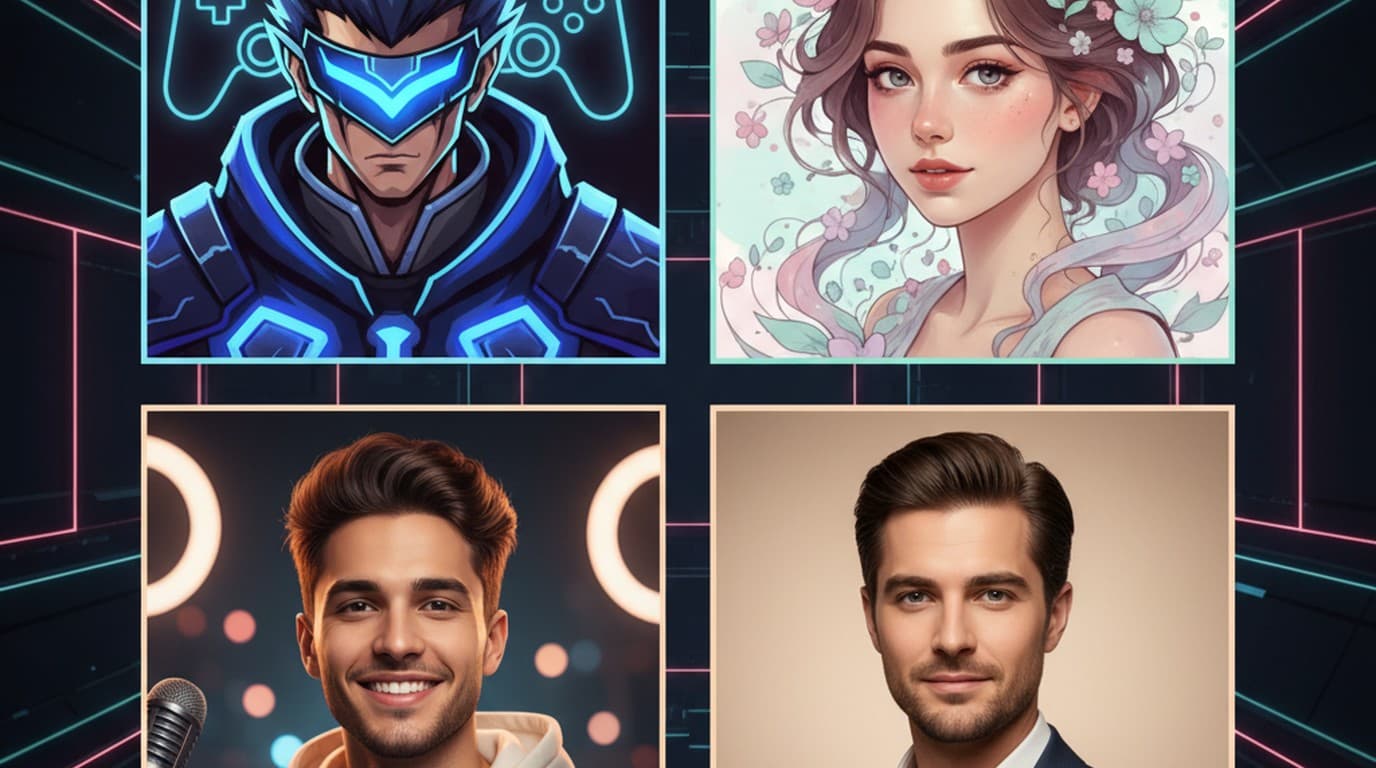
Your PFP is the first thing people see on any platform. Here's how to make one that actually matches your vibe — from Roblox avatars to YouTube channel art — using AI in minutes.
Minji Park
Which photo editing software is best depends on what you edit. Start with a decision table that matches 12 picks to 12 needs, from Photoshop and Lightroom to Affinity, darktable, Snapseed and Playyy, then read the details and official prices for each.
James Walker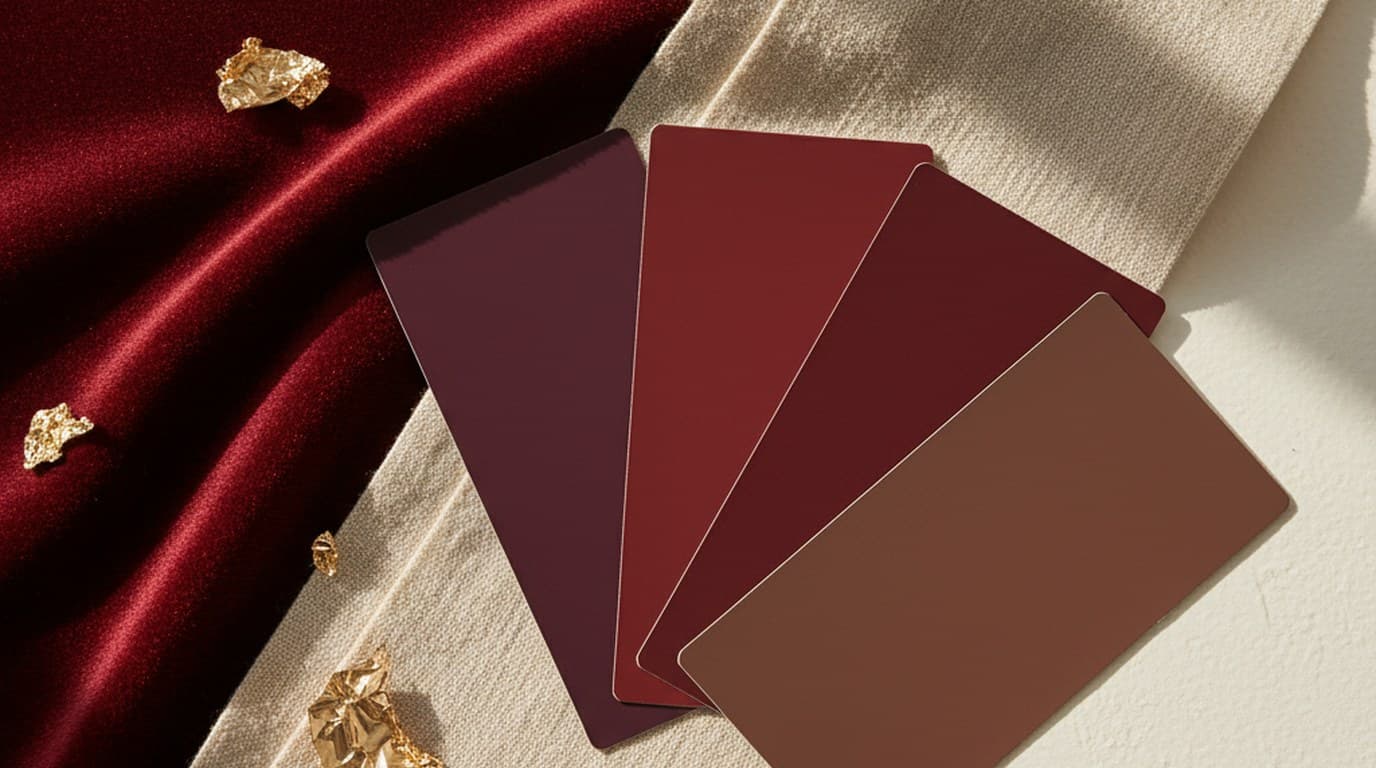
Burgundy is #800020, RGB 128, 0, 32. Here are the codes in every format, a chart of 20 burgundy shades from black cherry to blush, six five-color palettes to copy, and the colors that pair best with it.
Aiko Tanaka
Open a chat, describe the picture, refine it, download it. Here's the ChatGPT image generator step by step on Images 2.5, a reusable prompt formula, 25 copy-paste prompts sorted by use case, how the free limit works, and how to fix the size and color of a result afterwards.
Emily Carter
Most profile photos fail for the same handful of reasons. Here's what makes a profile picture work — and how to fix yours without booking a photographer.
Claire Dubois
Plenty of LinkedIn profiles still show the default banner — the one that tells recruiters and clients absolutely nothing. Here's how to fix that in a few minutes.
Sophie Whitmore
Your YouTube banner is a billboard, not a decoration. Here's how to get the specs right and make your channel art do real brand work.
Daniel Brooks
YouTube banner specs confuse most first-timers — and a cluttered design makes a weak first impression. Here's the complete size guide, what to put in your banner, and how a simple white design gets results for local businesses and small creators.
Luca Moretti
Seven free AI photo editors compared on the parts that decide whether the free plan is usable: how many AI edits you get, whether background removal is included, whether you need an account, and which one fits product photos, ads or quick fixes.
Emily Carter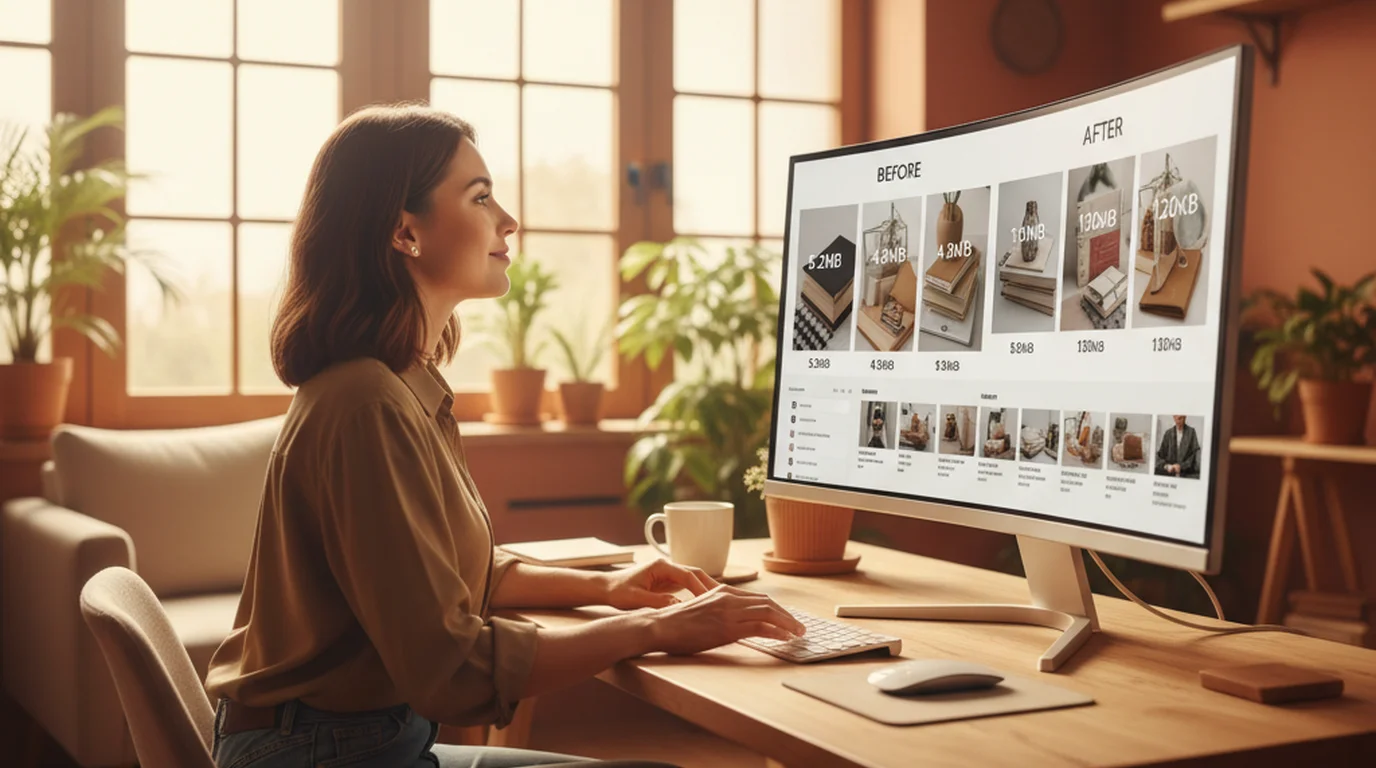
Compressing images the wrong way costs you image quality, page load speed, or both. Here's what actually works for JPG, PNG, WebP, and SVG — and what most guides get wrong.
James Walker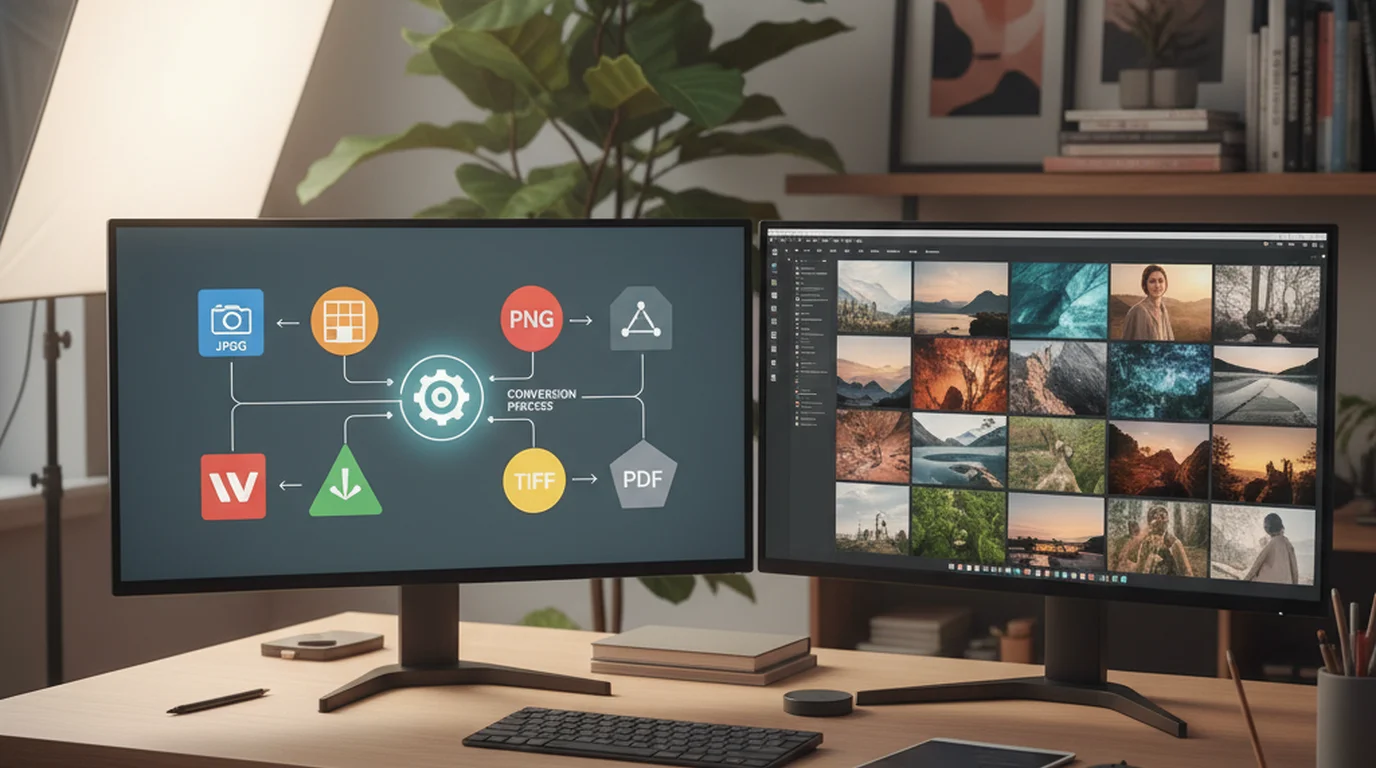
Every platform wants a different format. Print vendors ask for TIFF. Shopify takes almost anything and serves its own optimized copies. Email clients render JPEG most reliably. And your iPhone shoots HEIC. Here's the complete guide to converting between image formats — and when each conversion makes sense.
Aiko Tanaka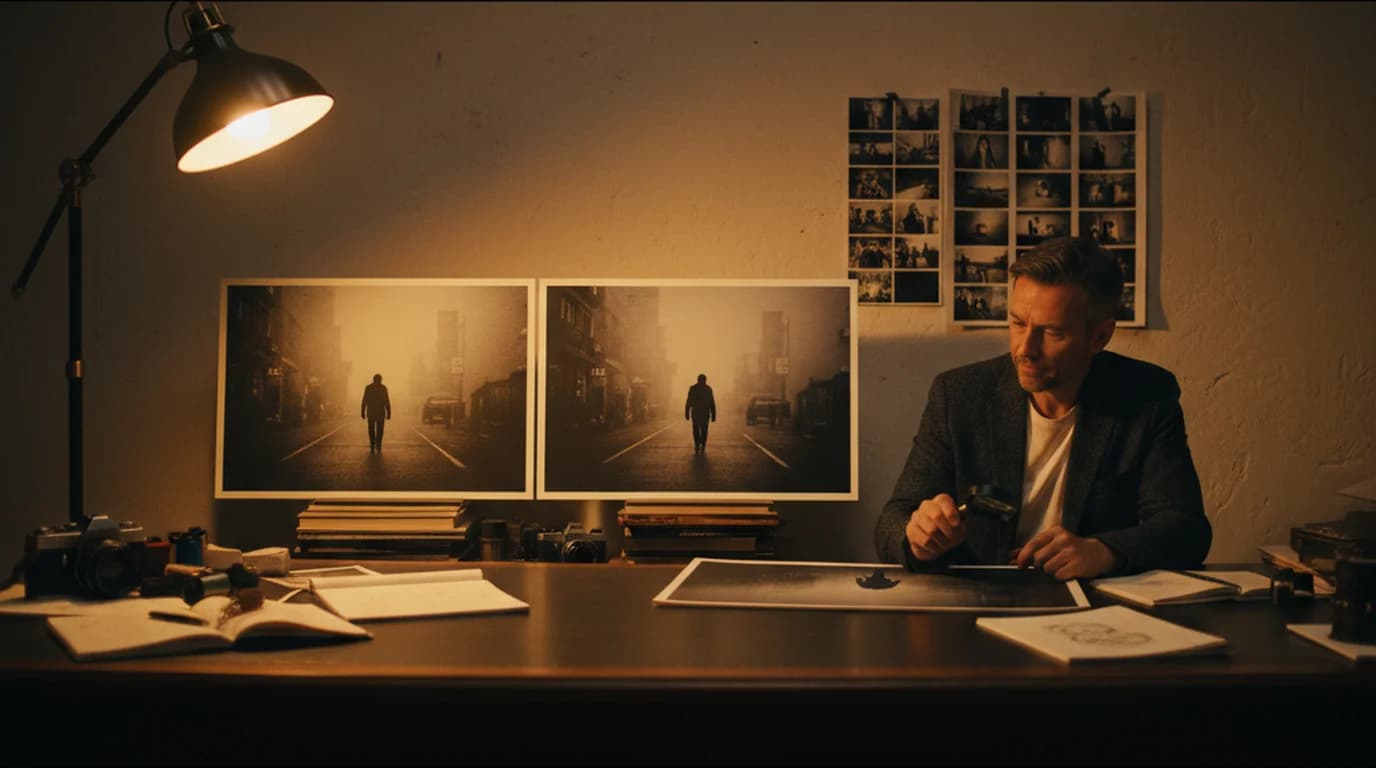
A creative director's take on image noise: when it's aesthetically intentional, when it's technically damaging, and how AI denoising recovers detail that standard tools erase along with the grain.
Claire Dubois
From AI background removal to one-tap color grading, these free online photo editors cover every need for social media creators. No download required. Here's what actually works in 2026.
Sophie Whitmore
ChatGPT Images 2.0 brought readable text, a thinking mode and 2K output in April 2026. Five months later Images 2.5 took over with faster generation, sturdier edits and new tools like Sketch. Here's the full timeline from DALL·E 3, a side-by-side comparison, and when GPT Image 2 is still the right pick.
Minji Park
There is no one-word answer to which free tool to alter photos with. The right editor depends on whether you're fixing a food shot, cleaning up an event flyer background, or making a menu look good enough to post. Here are 7 tools that cover those jobs.
Luca Moretti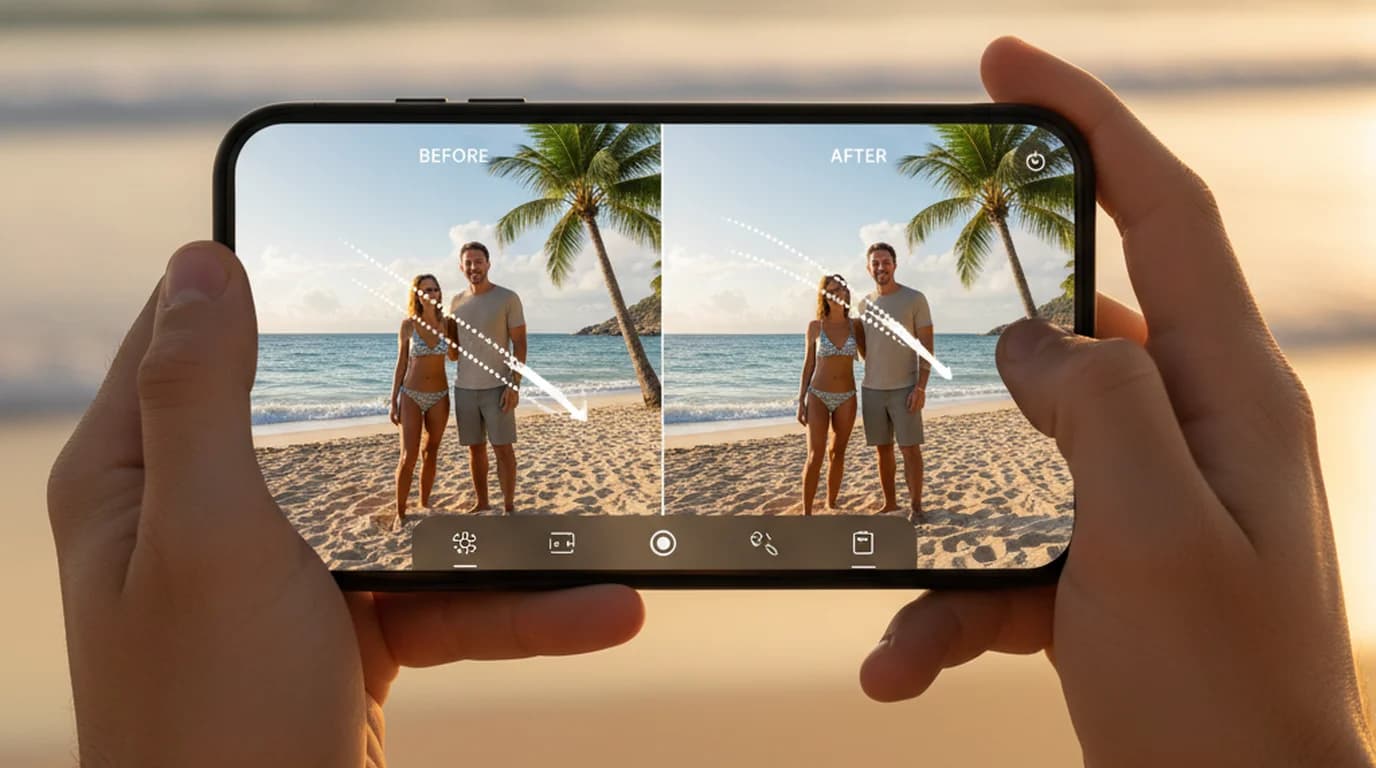
Magic Eraser is free for every Google Photos user on an eligible phone or Chromebook Plus. Here are the exact steps on Android, Pixel and iPhone, a before-and-after example, seven fixes for when the tool is missing, and where its results fall short.
James Walker
Midjourney makes some of the most visually impressive AI-generated images on the market. But for startup founders who need brand-consistent launch assets fast, the Discord workflow, no free tier, and limited brand control create real friction. Here's what you need to know before you commit.
Daniel Brooks
NightCafe AI has broad model access and a free daily credit system — but is it actually good enough for creative or brand work? Here's the honest answer.
Claire Dubois
Adobe Photoshop's AI features are genuinely useful — but they're built for a specific kind of user and workflow. Here's what each tool actually does, the limitations Adobe doesn't advertise, and how they compare to lighter alternatives for different creative needs.
Aiko Tanaka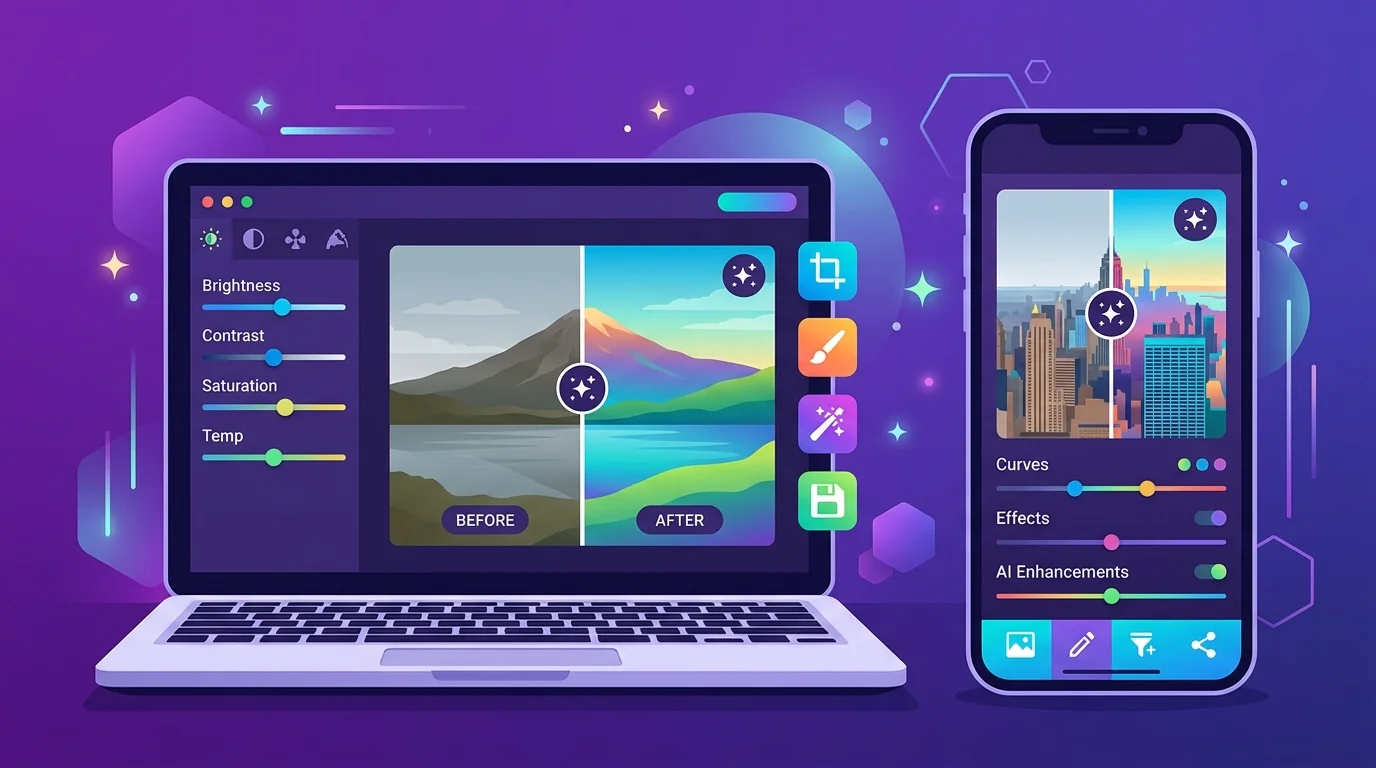
Not all picture altering apps are built for the same workflow. Here's a ranked breakdown of the 7 best options in 2026, from AI-first editors to mobile-friendly tools.
Emily Carter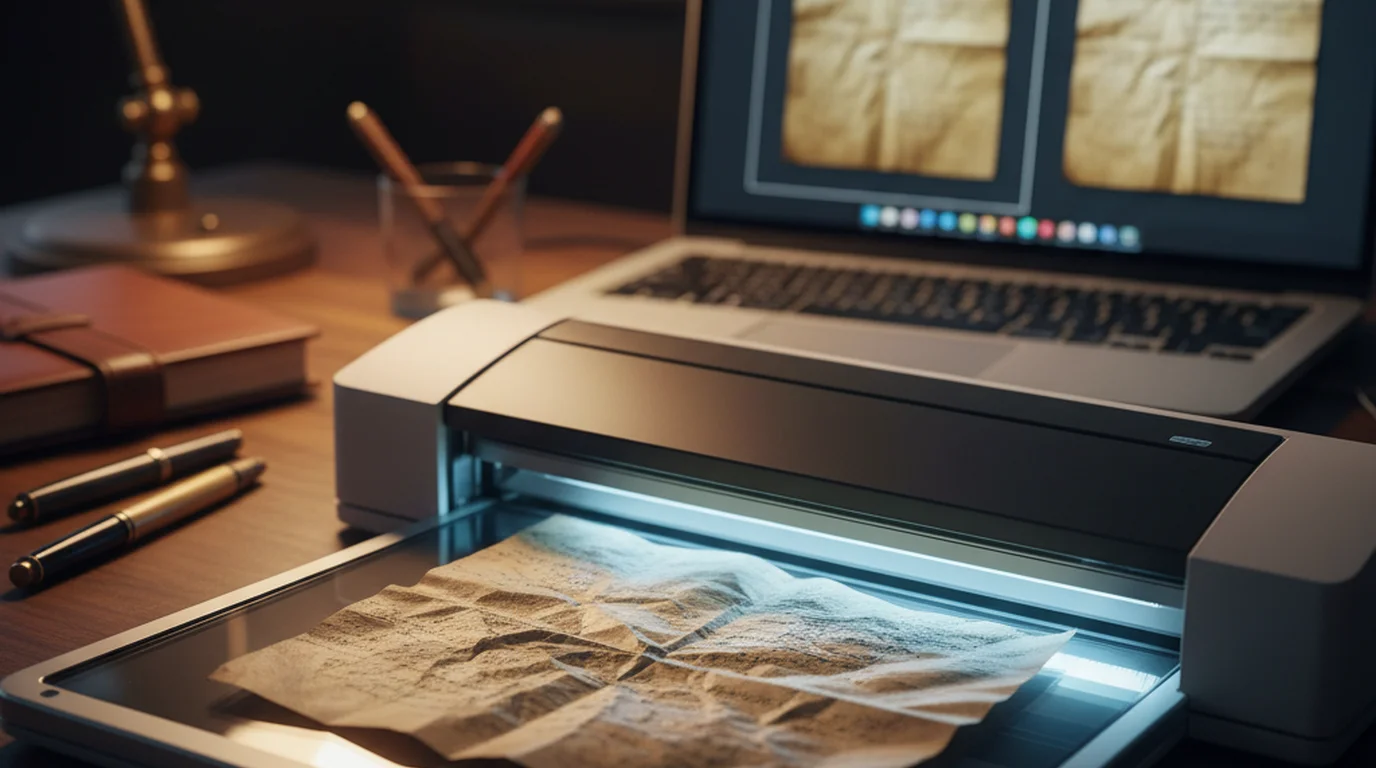
Creased scans are a real problem for founders digitizing pitch decks and archival assets. Here's the AI editing workflow that fixes them in minutes.
Daniel Brooks
When people say 'AI photography,' they usually mean one of three very different things. Understanding which one you need changes which tools and workflows apply.
Minji Park
The honest answer to 'can AI make me look better in photos' is yes — for specific, realistic improvements. Here's what those improvements are and how to achieve them.
Sophie Whitmore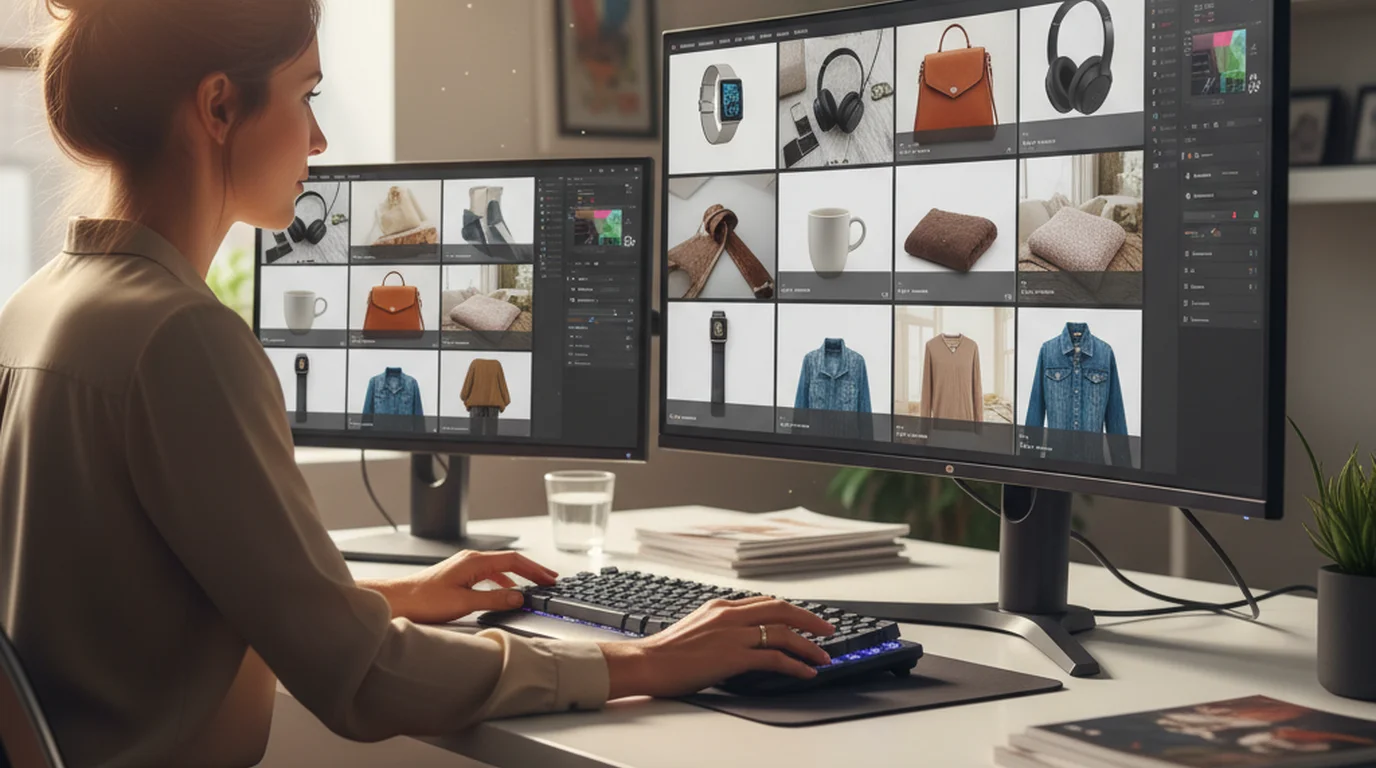
One product launch can require 200+ images. Batch photo editing is how ecommerce sellers process them without losing a week. Here's what actually works in 2026.
James Walker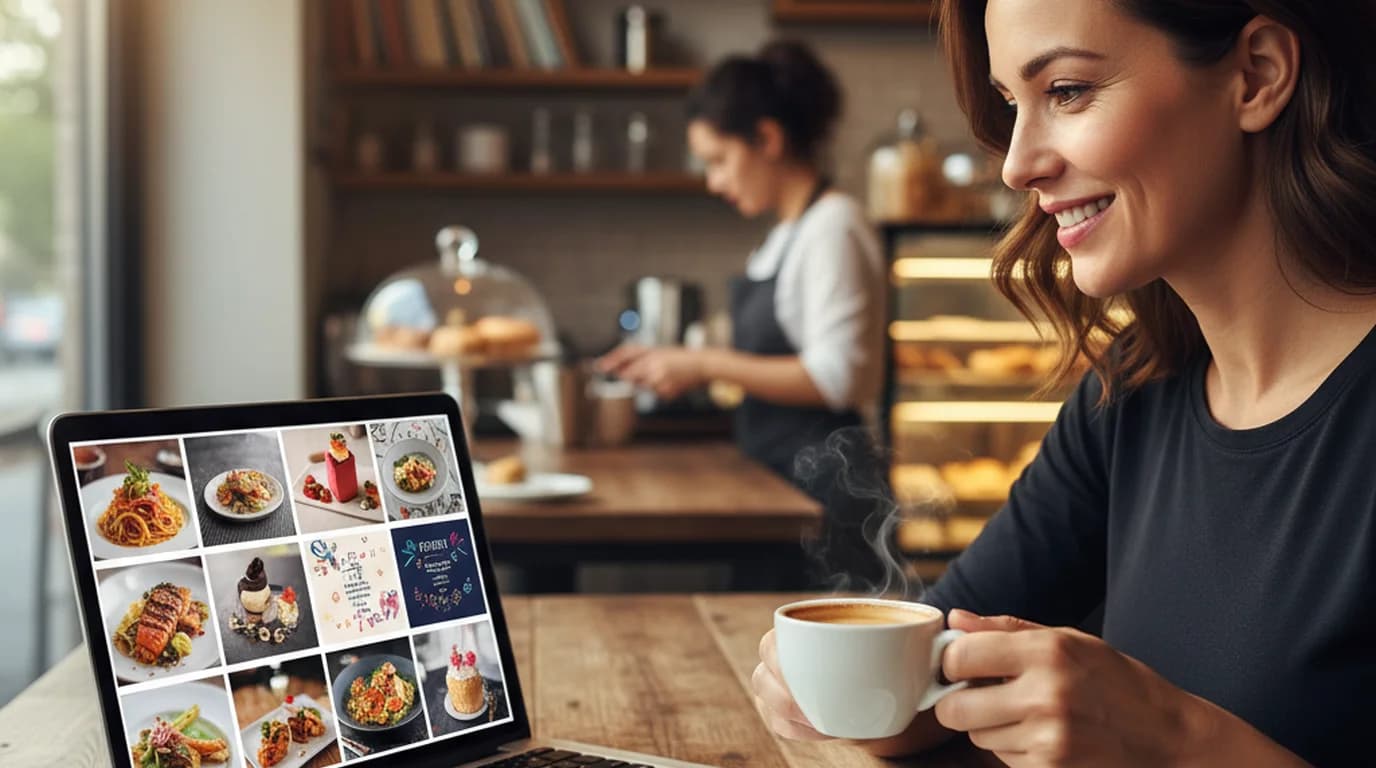
Local businesses need fresh visuals every week with no production budget. These 7 free AI image generators cover the full visual workflow — from a restaurant's seasonal menu to a studio's event flyer.
Luca Moretti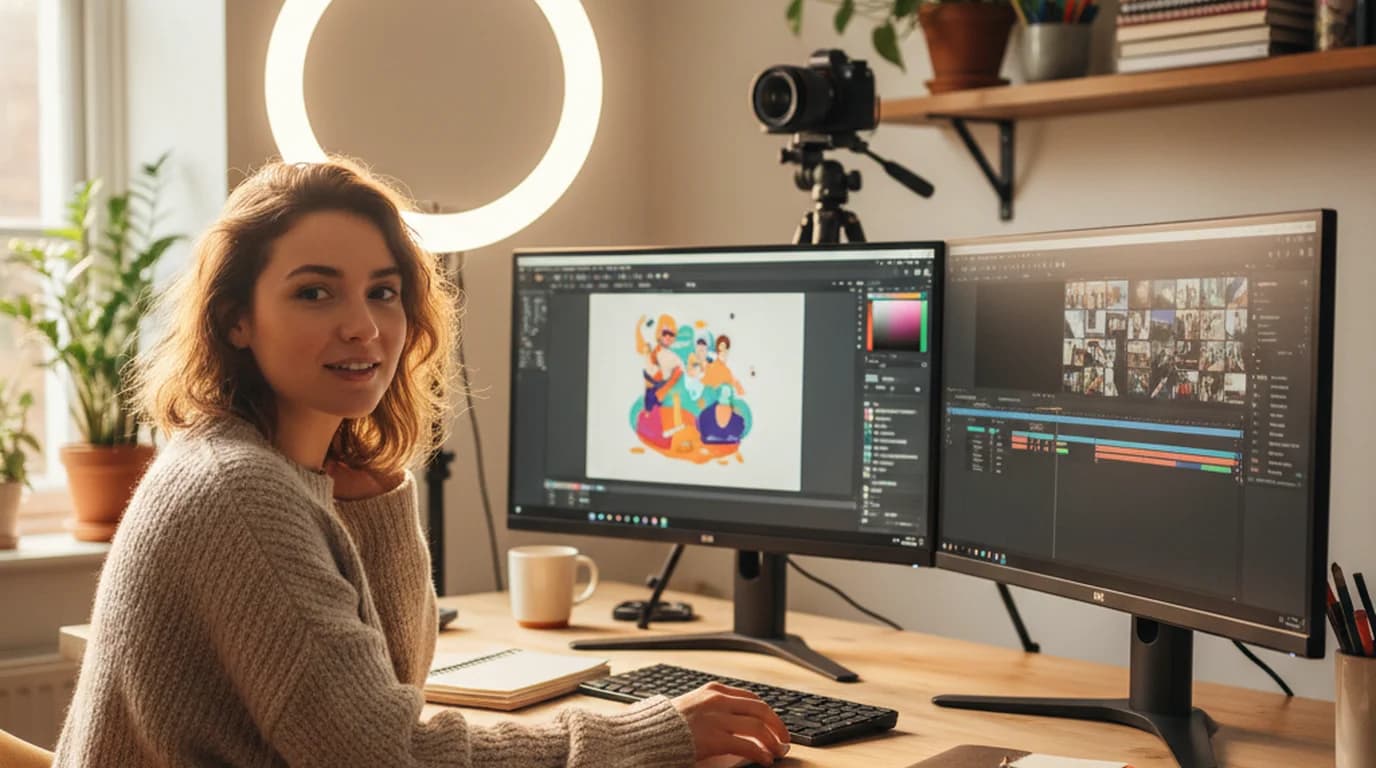
Most content creation tools have a meaningful free tier. These 9 cover image editing, video production, design, stock assets, and AI writing — the full stack for creators who aren't paying for a creative suite yet.
Emily Carter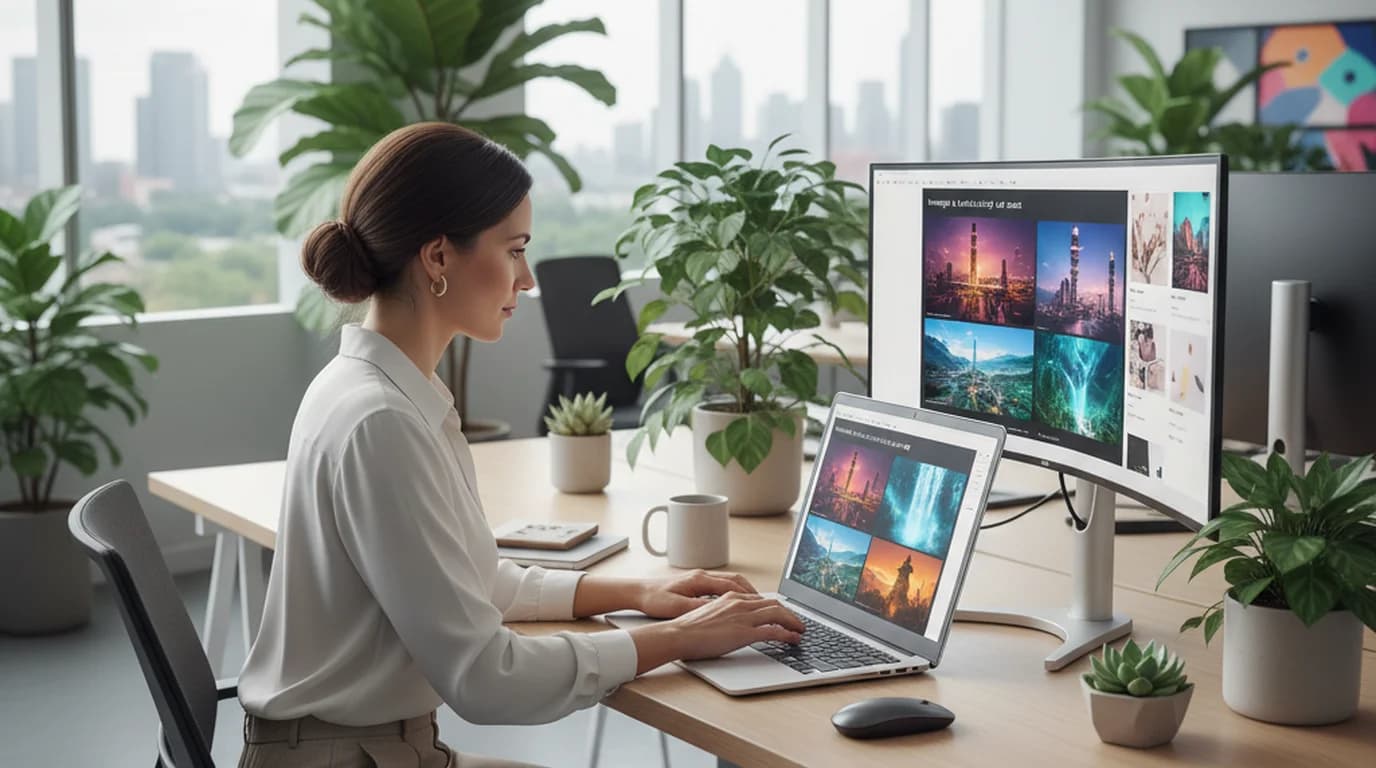
Generating an OK image with Gemini is easy. Generating a campaign-ready one takes a system. Here's the prompt formula and templates marketing teams actually use.
Emily Carter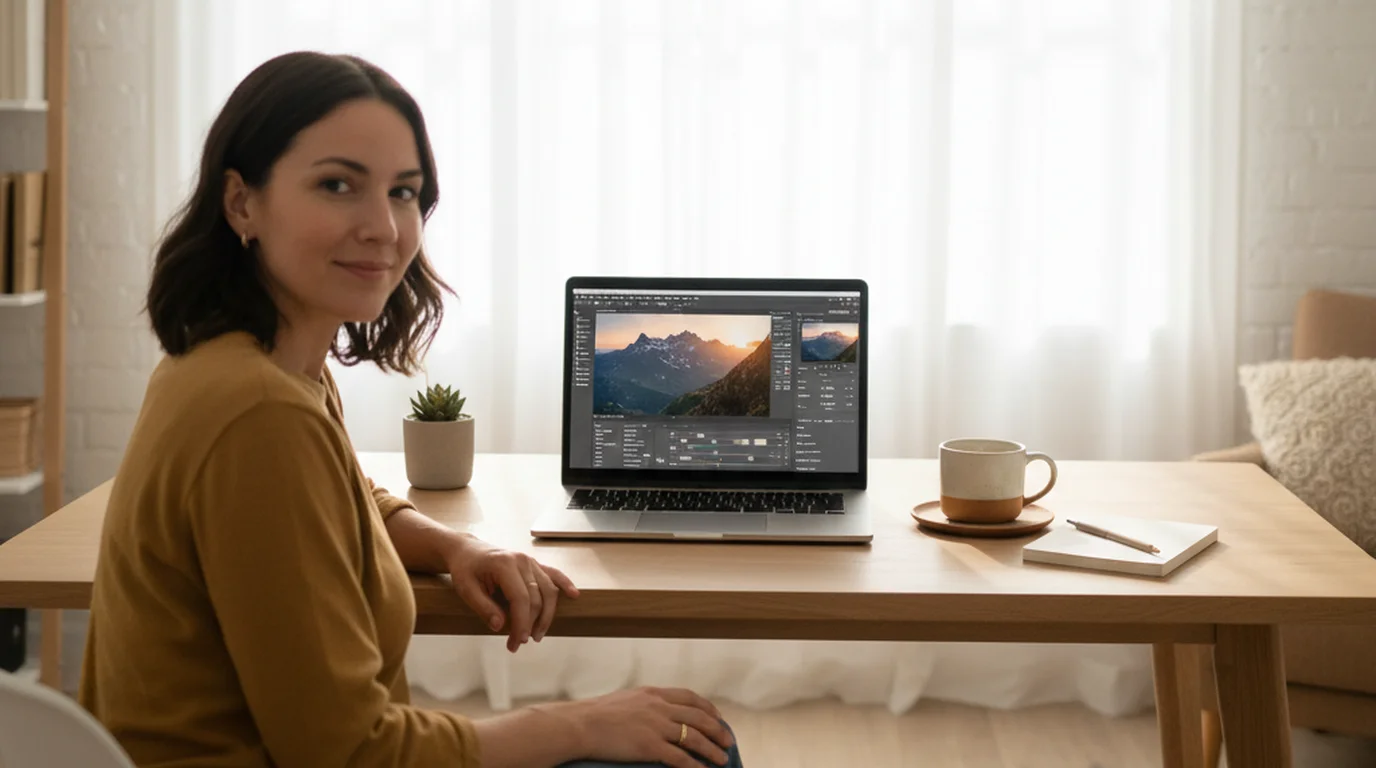
Start with a free, slider-based editor on the device you already use, learn five adjustments in the right order, and move to pro software only when you hit a real limit. Here's the beginner path, with a first edit to follow.
Claire Dubois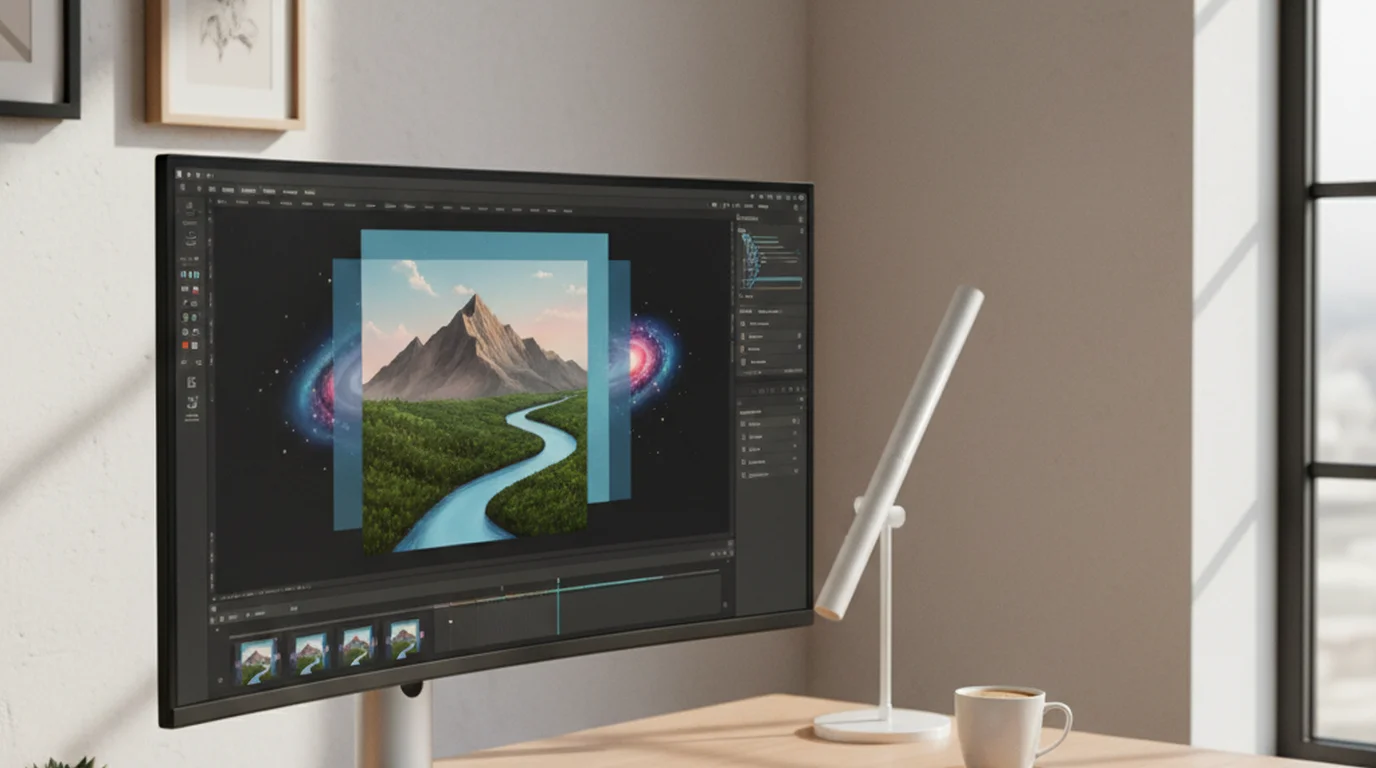
Layering images used to mean Photoshop. A picture on picture editor does the same job in a browser, without the learning curve or the monthly fee.
Aiko Tanaka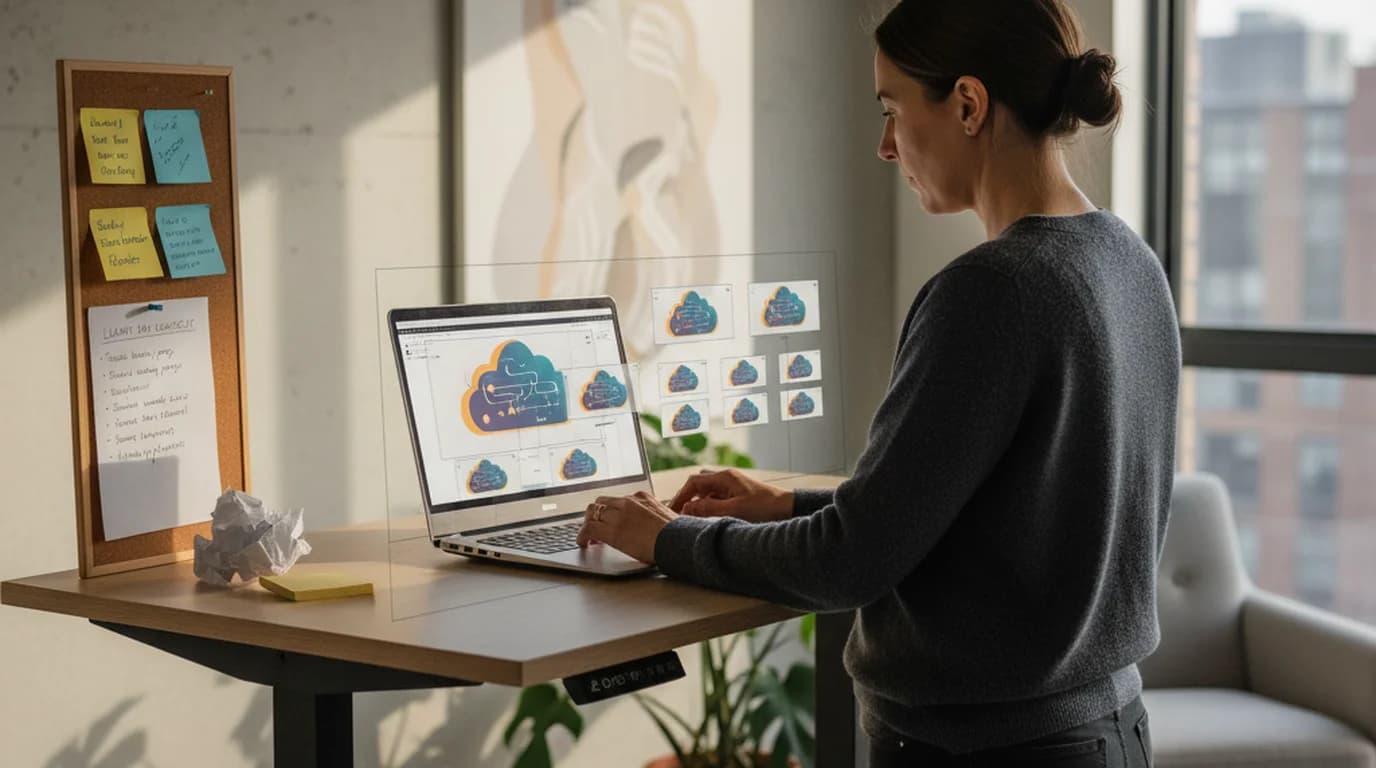
SaaS launches run on tight timelines. Here is how an AI image expander turns one hero illustration into every channel-specific asset without re-briefing a designer the night before launch.
Daniel Brooks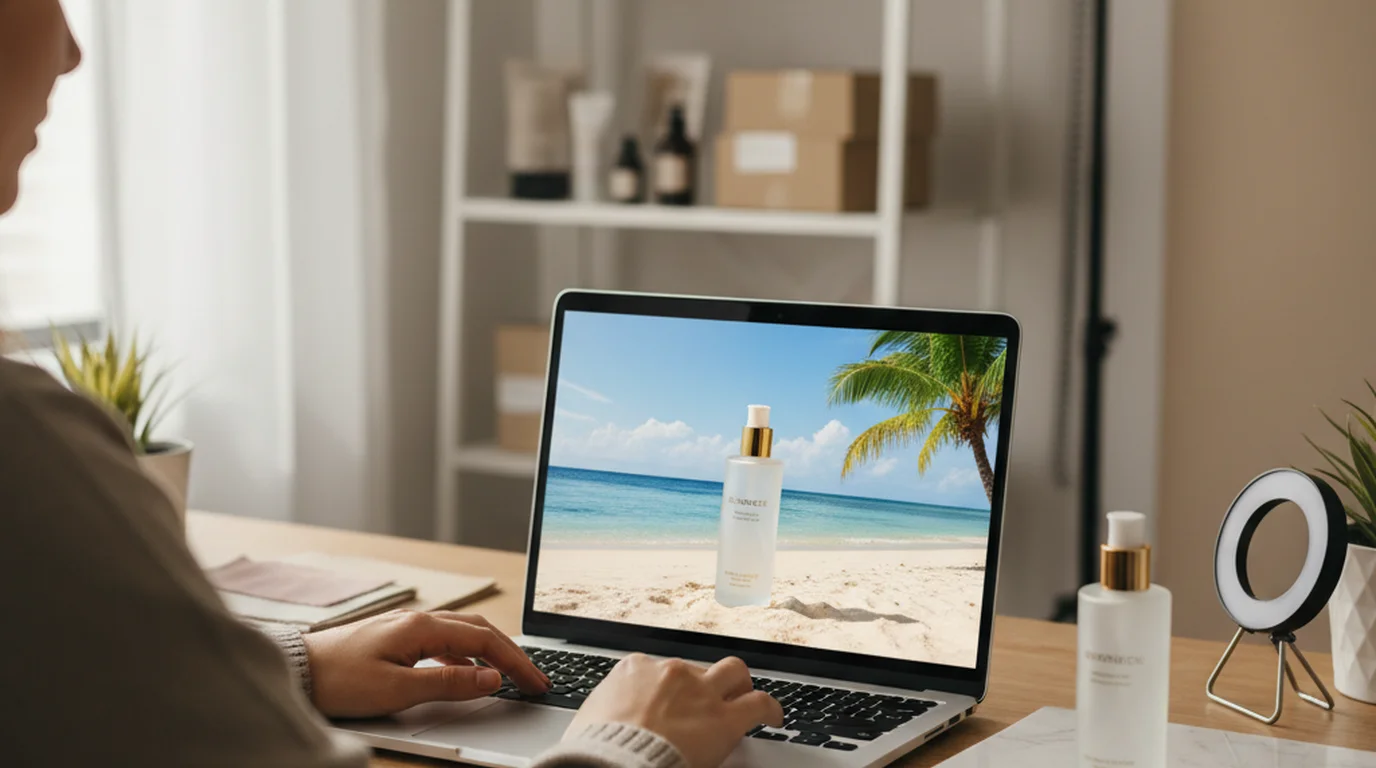
Background swapping is the easy part. The time goes into what follows — refining product color and labels and resizing for every marketplace and ad format — and an editable canvas handles all of it from one upload.
James Walker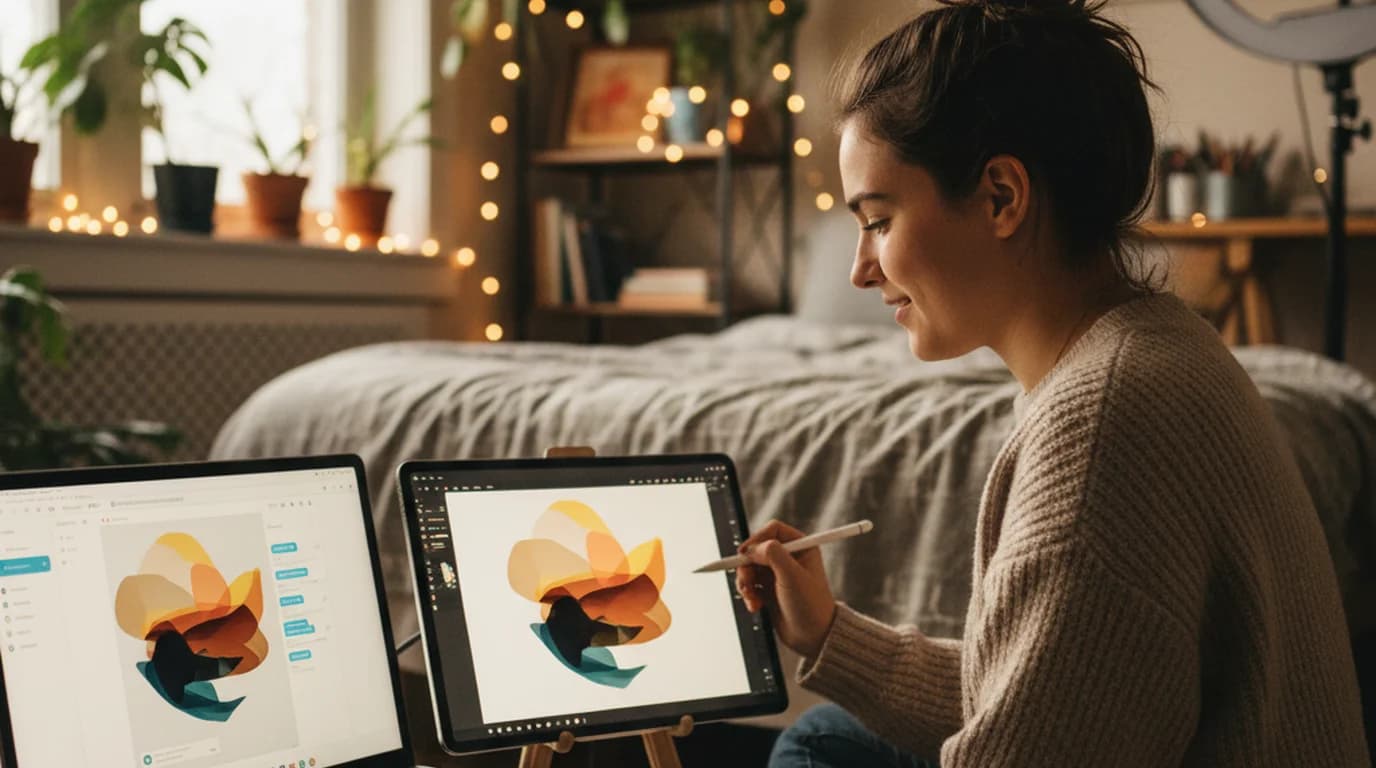
ChatGPT Images 2.5 generates great first drafts, but every edit redraws the whole image. Here's the workflow creators use on Playyy's new AI Image Editor to fix, swap and finish AI images without restarting the prompt.
Minji Park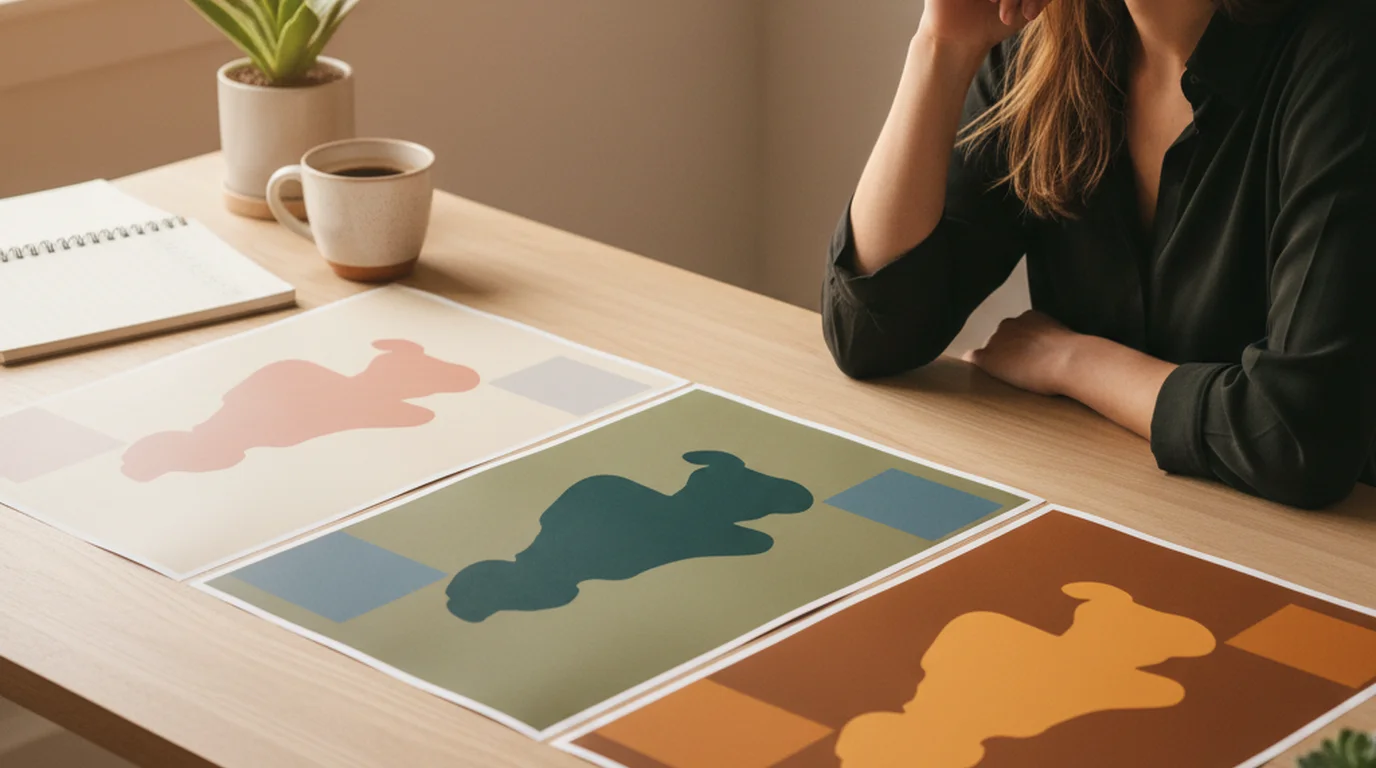
How to use Playyy's AI Image Editor to recolor one source visual into a full A/B test matrix of paid social creatives without re-briefing a designer or opening Photoshop.
Emily Carter
Most free AI photo editors collapse the second a campaign asks for taste. Here is what changed when the canvas became fully editable in the browser — and where it still earns restraint.
Claire Dubois
An event marketer's mobile playbook for building posters, menus, and invitation collages from an iPhone — generate, cut out, arrange, and resize on one editable canvas.
Luca Moretti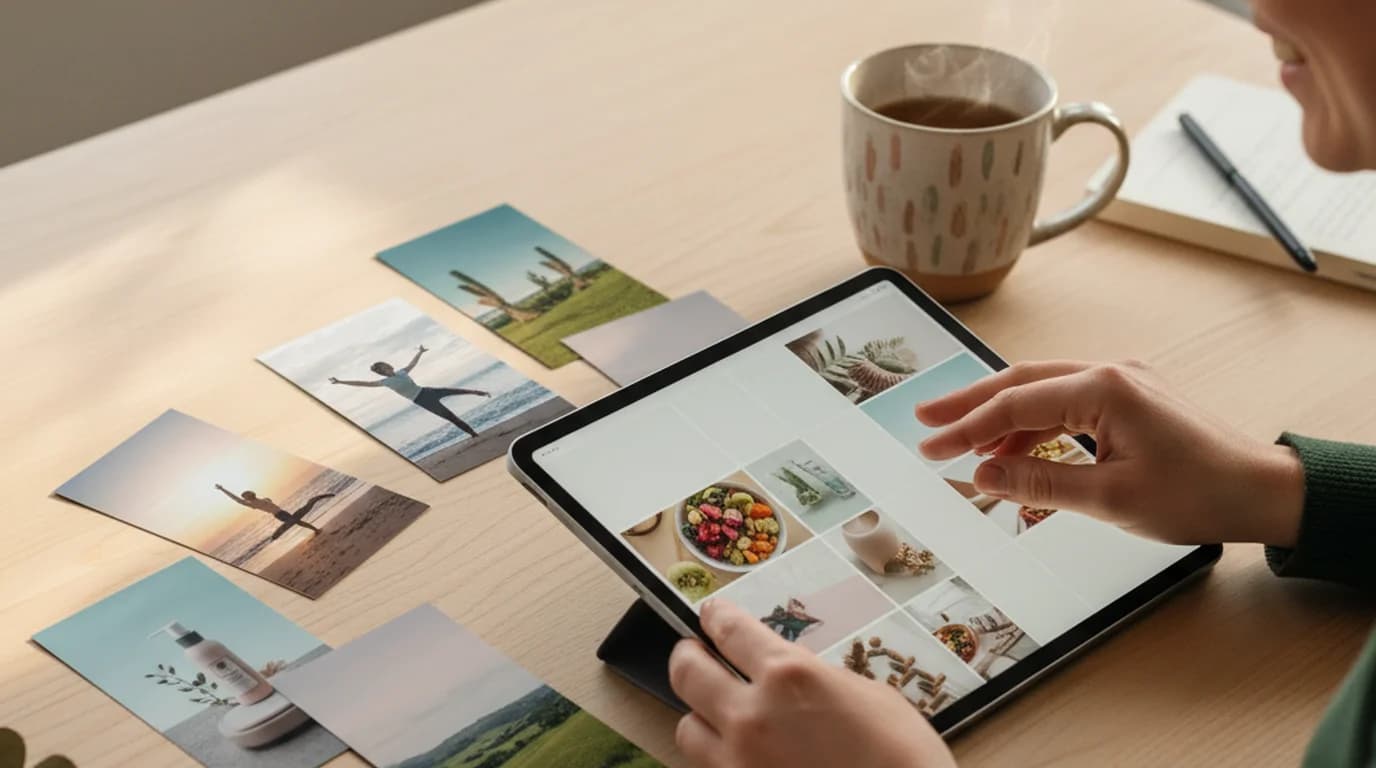
A social media manager's playbook for building on-brand, multi-platform photo collages on a single editable AI canvas — no Canva juggling, no Photoshop detours.
Sophie Whitmore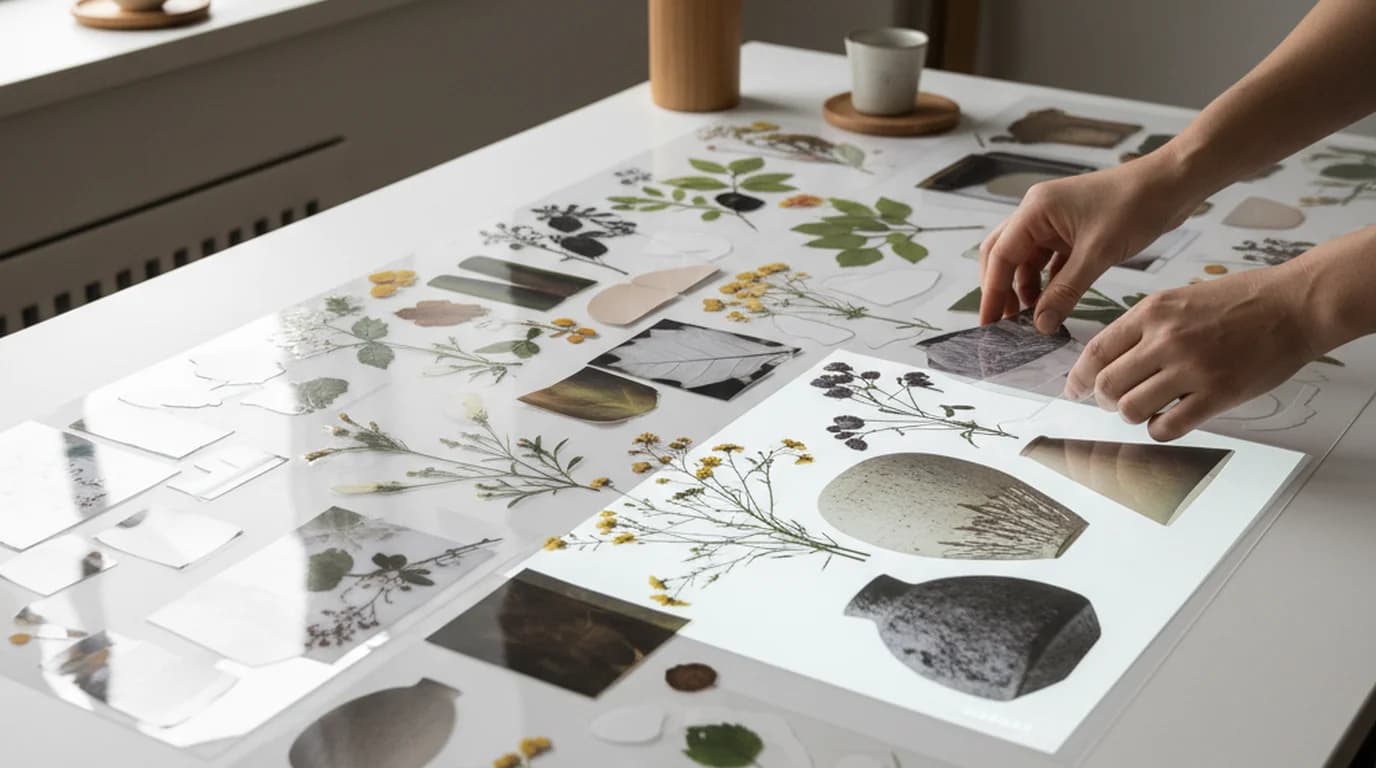
A designer's end-to-end workflow for turning a generated image into a transparent PNG and composing it into a layered moodboard on Playyy's editable AI canvas — no Photoshop roundtrip required.
Aiko Tanaka
AI background removal has hit a production threshold — but accuracy still varies significantly by subject type. Packaged goods, apparel and electronics now come out production-ready; hair, glass and reflective surfaces are where edges still need a check.
James Walker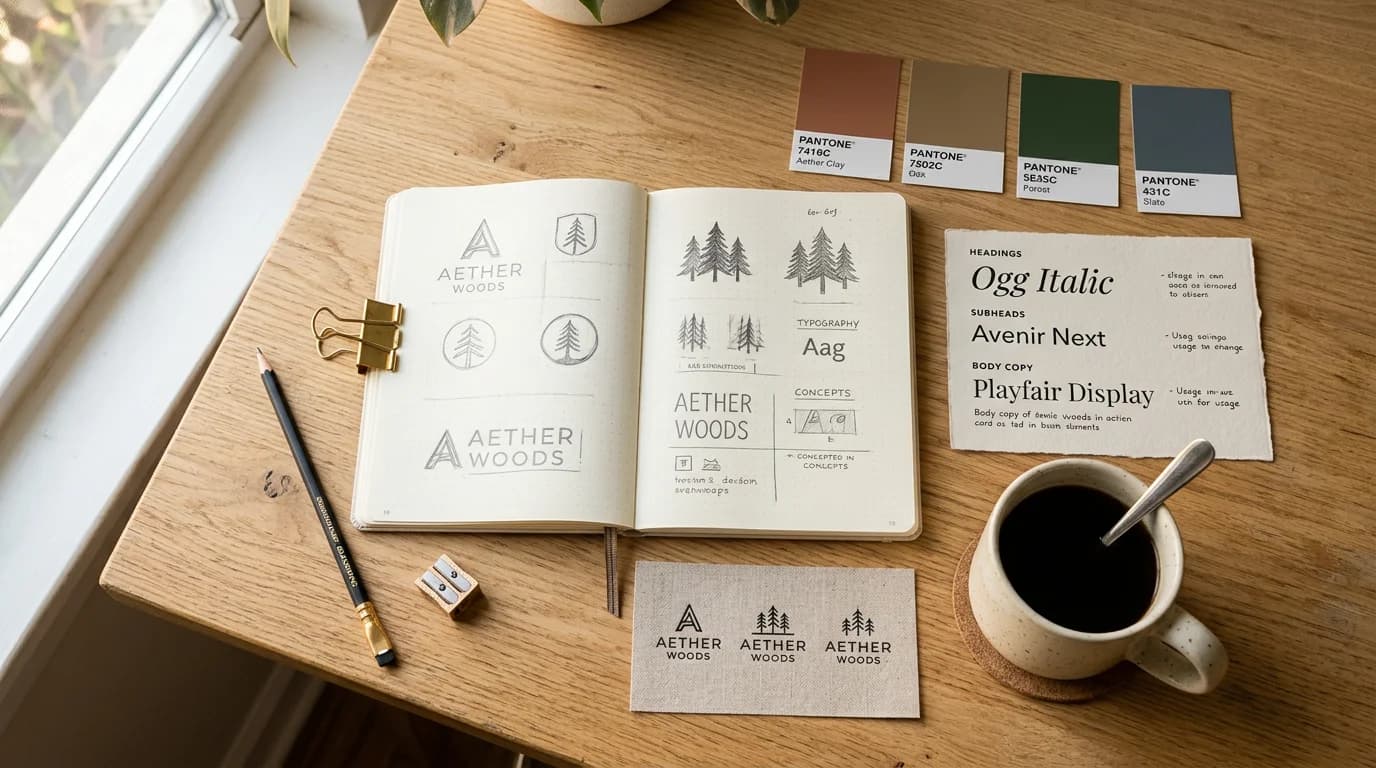
Twelve brand identity examples, from a neighborhood café to Coca-Cola, grouped by type of business. Each one shows the specific choice that makes it recognizable and how to borrow it.
Daniel Brooks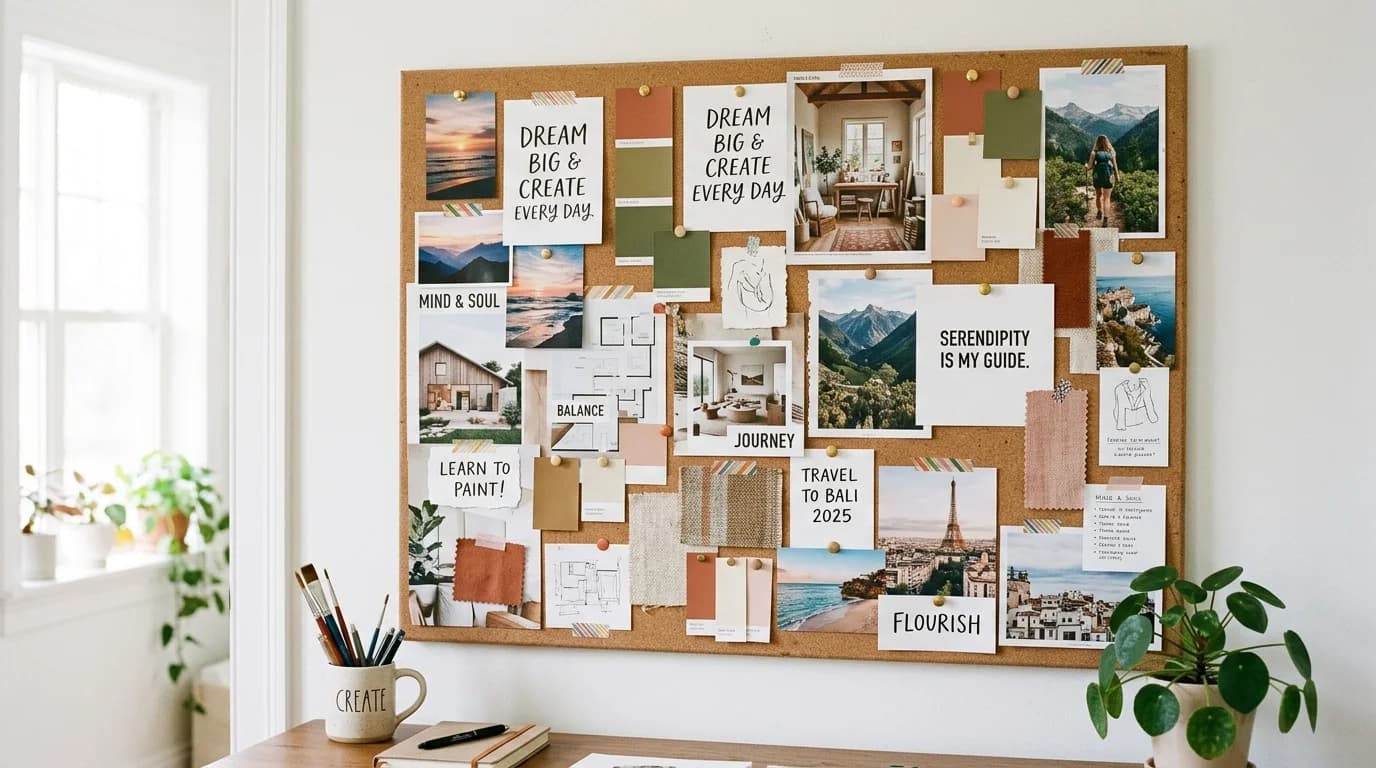
The boards that get used — that guide real decisions over time — share one quality: visual coherence.
Aiko Tanaka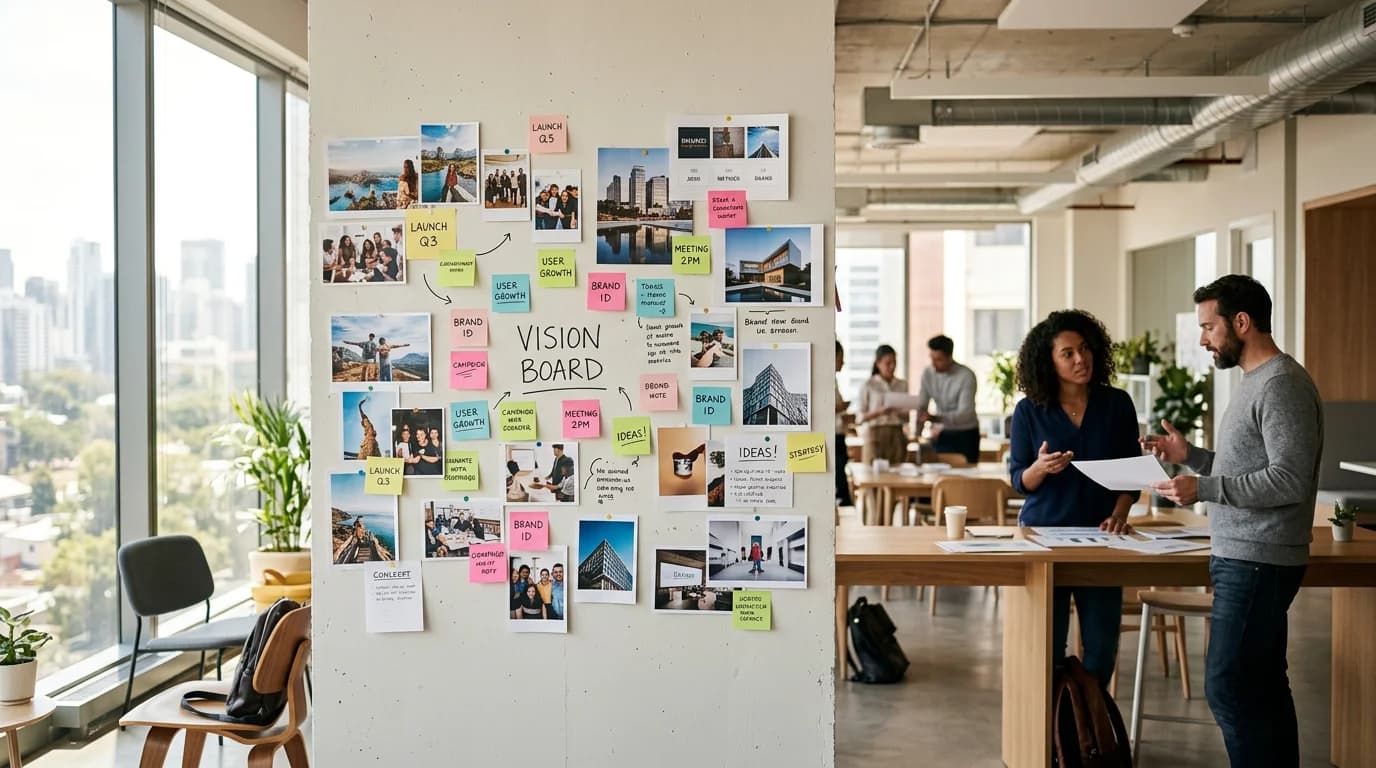
A business vision board isn't a personal vision board at work. It's a different tool — used to align teams, brief designers, and make fast decisions about visual direction without rounds of revision.
Daniel Brooks
The aesthetic is the strategy. Here are 15 vision board ideas with specific colors, textures, and image sourcing guidance for each visual direction.
Claire Dubois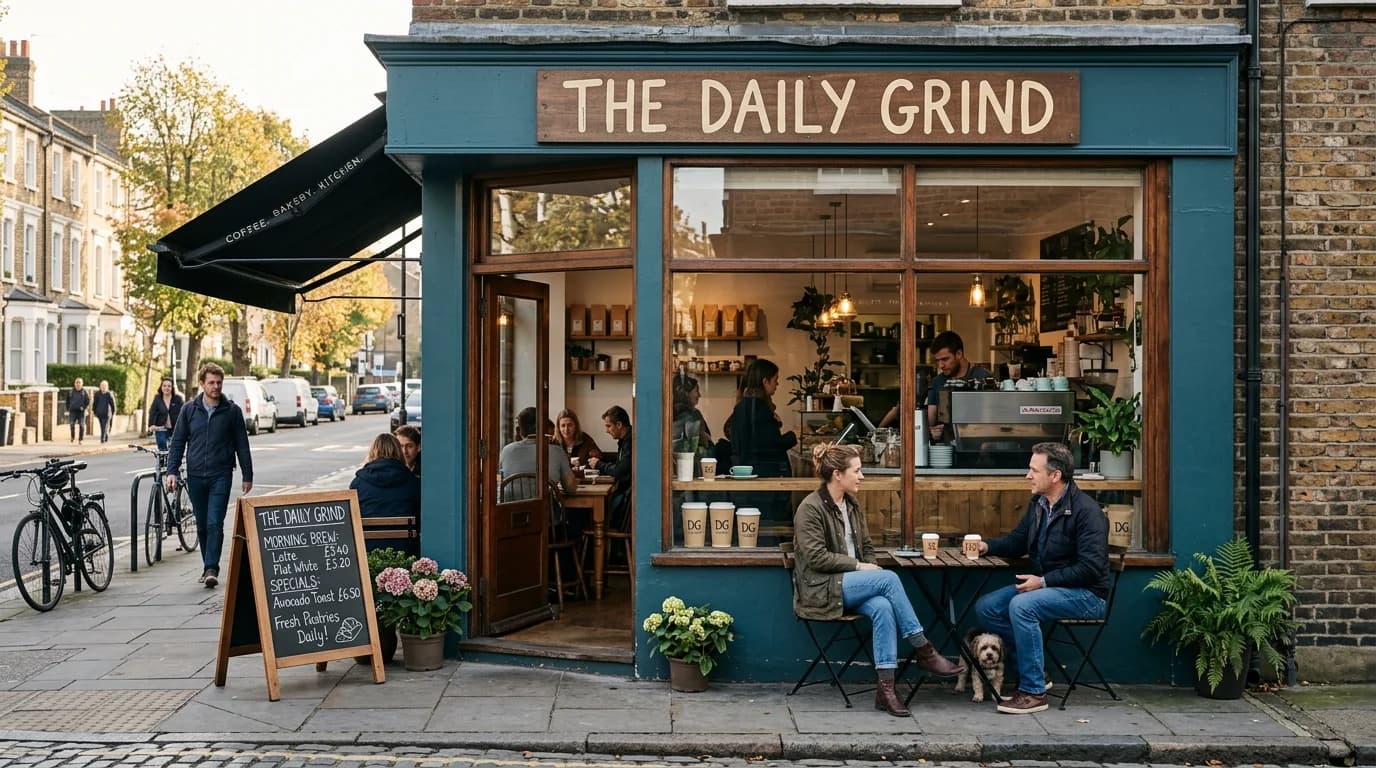
Regulars recognize a local business before they read its name. That's brand consistency at work. Here are six local examples, the most common ways it breaks, and a checklist to keep it steady.
Luca Moretti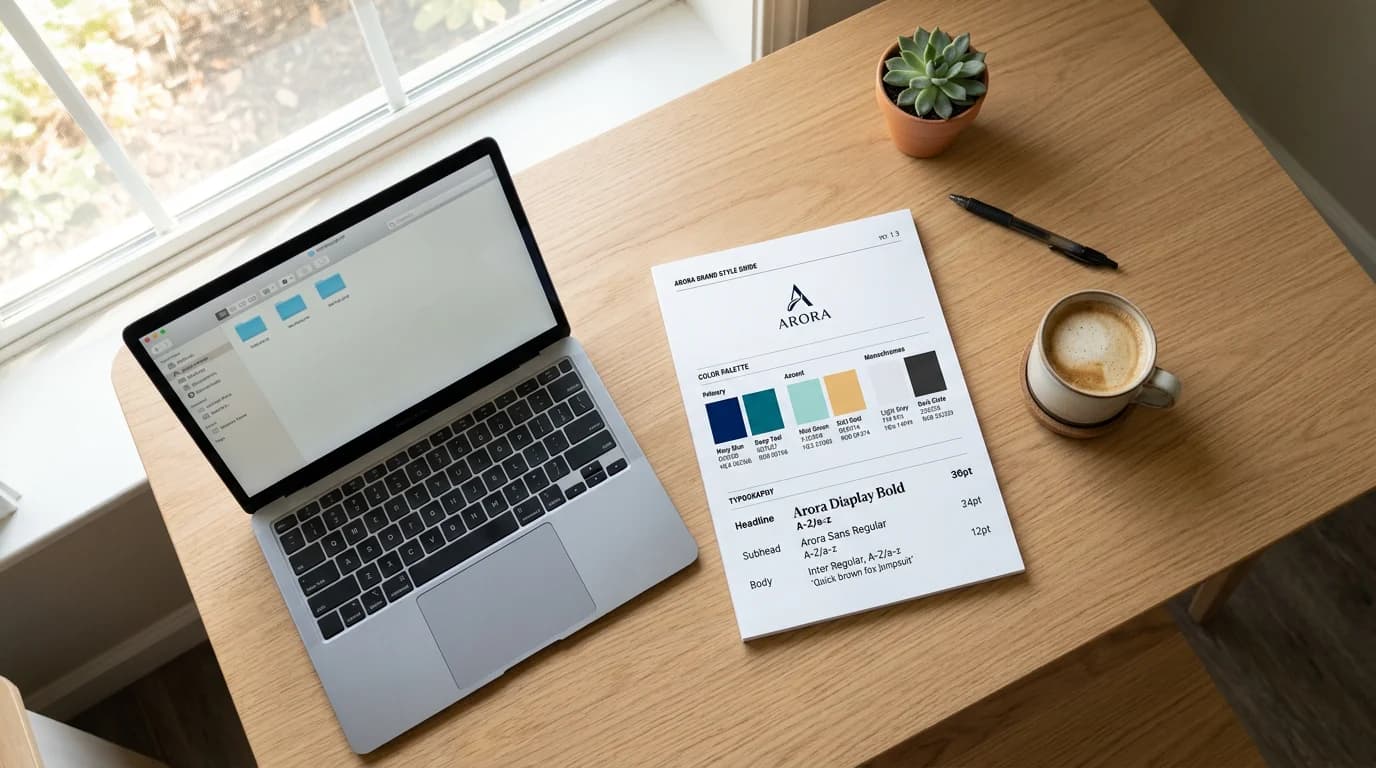
A fill-in brand guidelines template for early-stage teams, section by section. What to include now, what can wait until Series A, and how to turn it into a PDF your whole team can find.
Daniel Brooks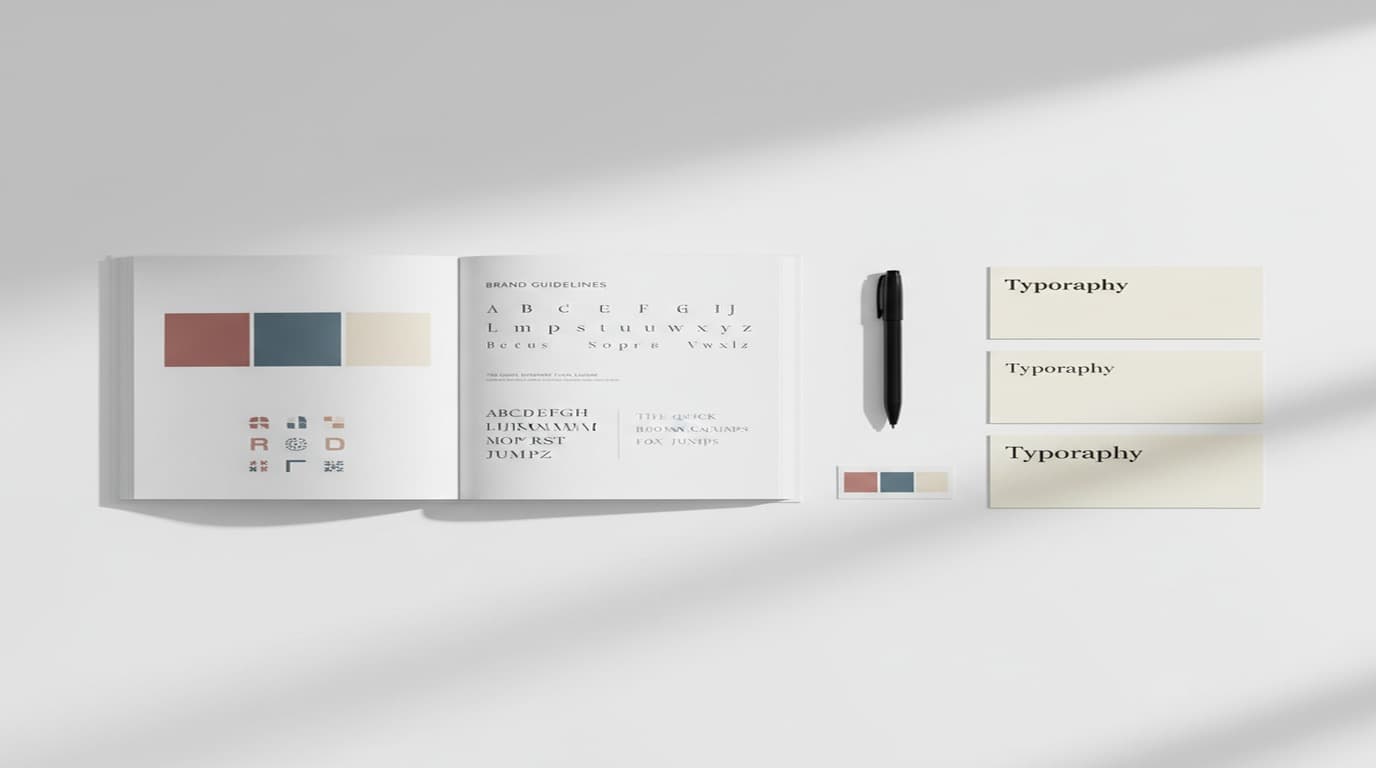
What each section of a brand style guide looks like in practice, using public guides from Spotify and Mailchimp, the patterns good guides share, and a one-page template you can copy.
Aiko Tanaka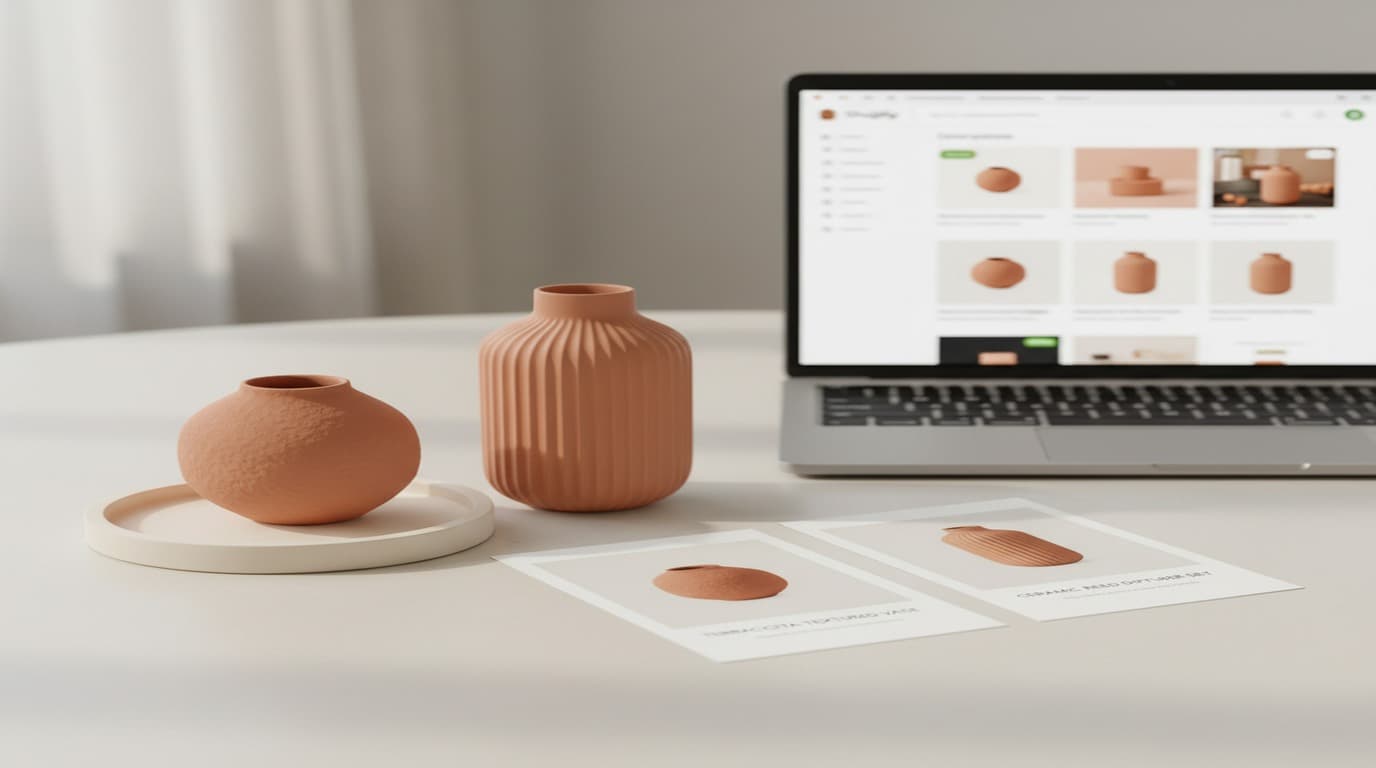
Product images alone don't make a brand. Here's how Shopify and Amazon sellers build a visual identity that converts cold traffic into buyers — and buyers into repeat customers.
James Walker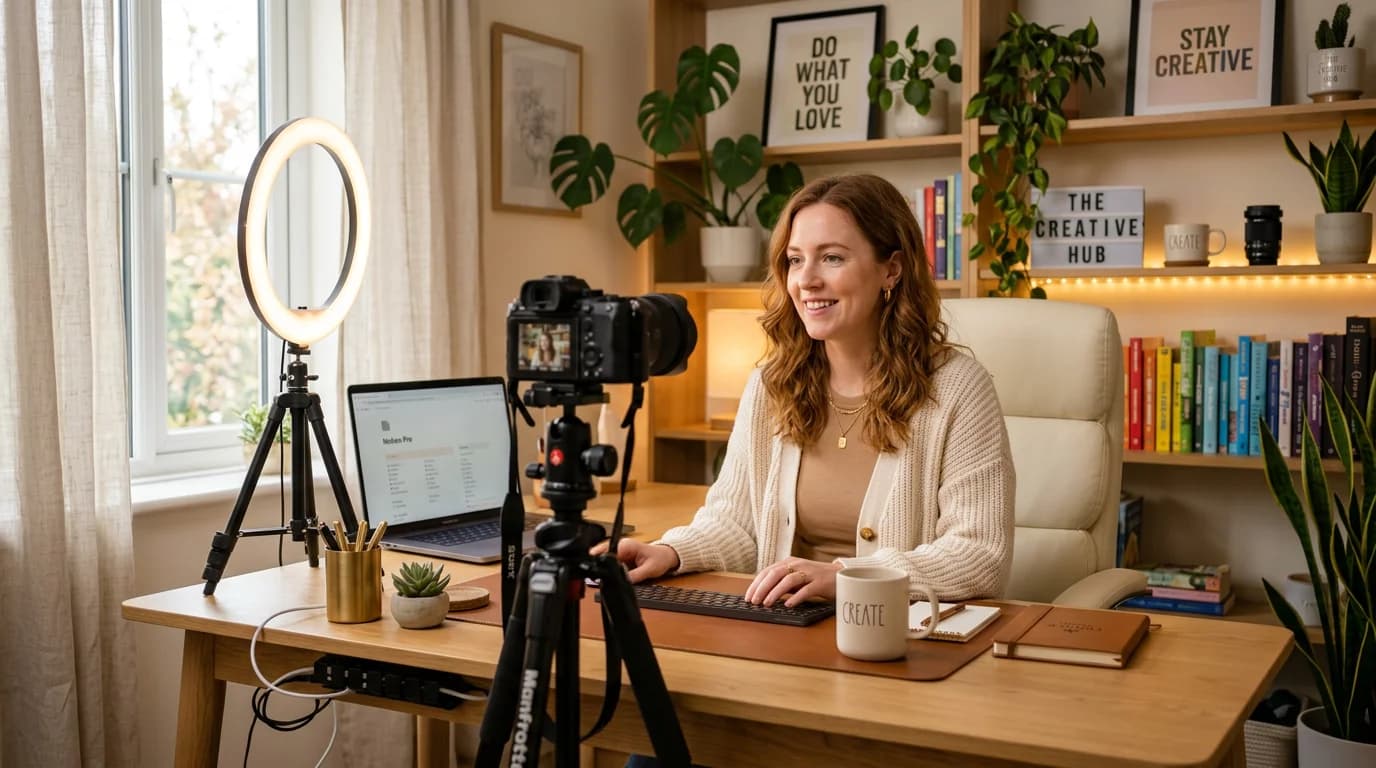
What a strong personal brand looks like for an educator, a designer, a fitness coach, a podcaster, a founder and more, and how to build yours from a one-line promise and a small brand kit.
Minji Park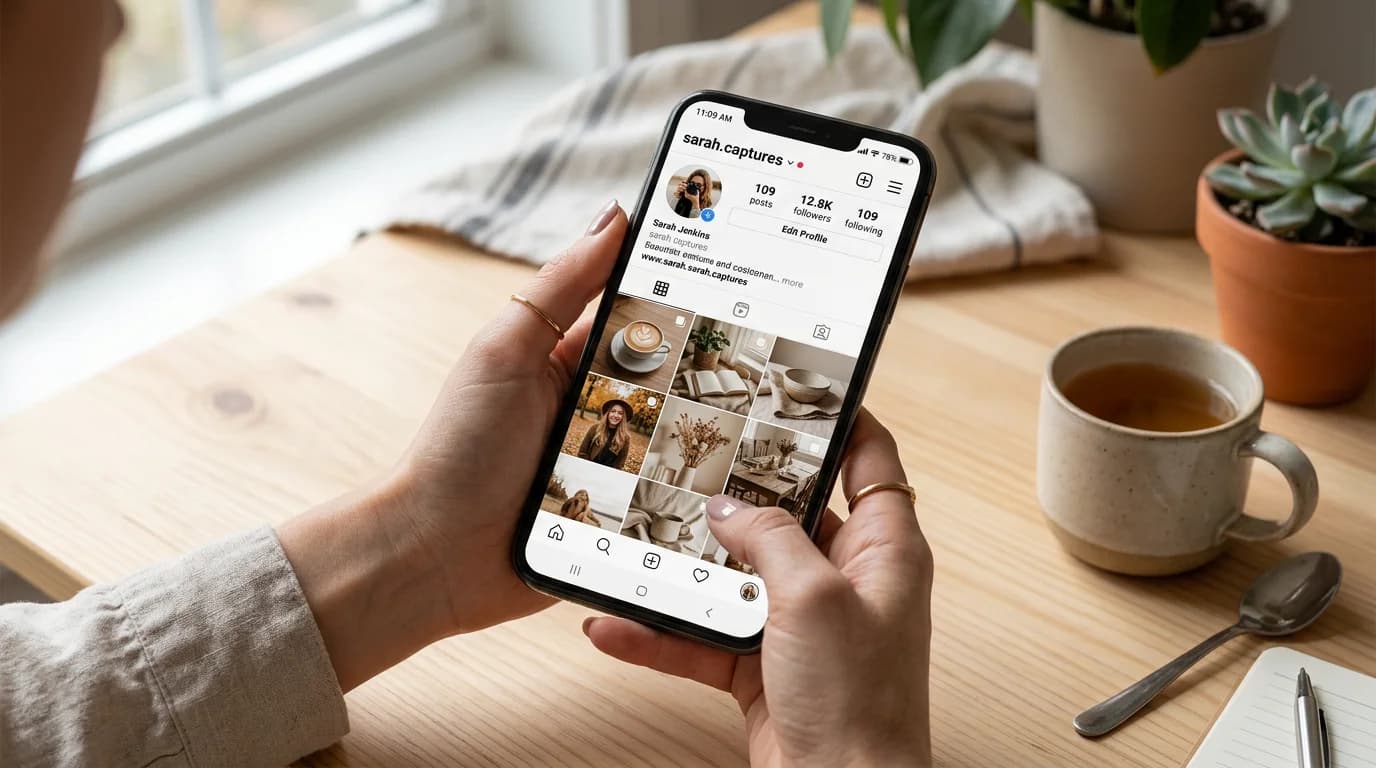
Instagram, TikTok, LinkedIn, email — same brand, four different formats. Here's how to build a visual system that keeps everything consistent without rebuilding from scratch every week.
Sophie Whitmore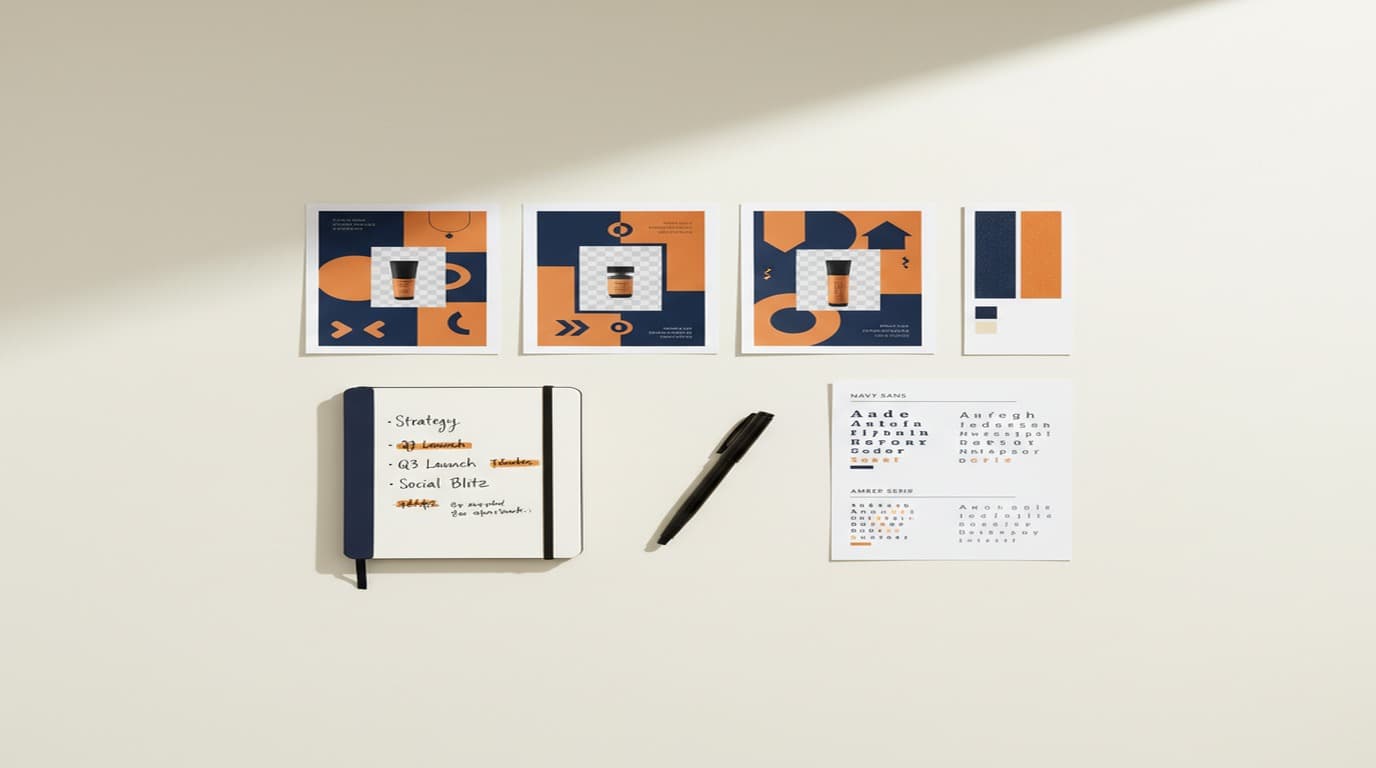
Your brand strategy is only as strong as the assets it produces. A practical framework for keeping every campaign visual, ad creative, and social post aligned — even when you're moving fast.
Emily Carter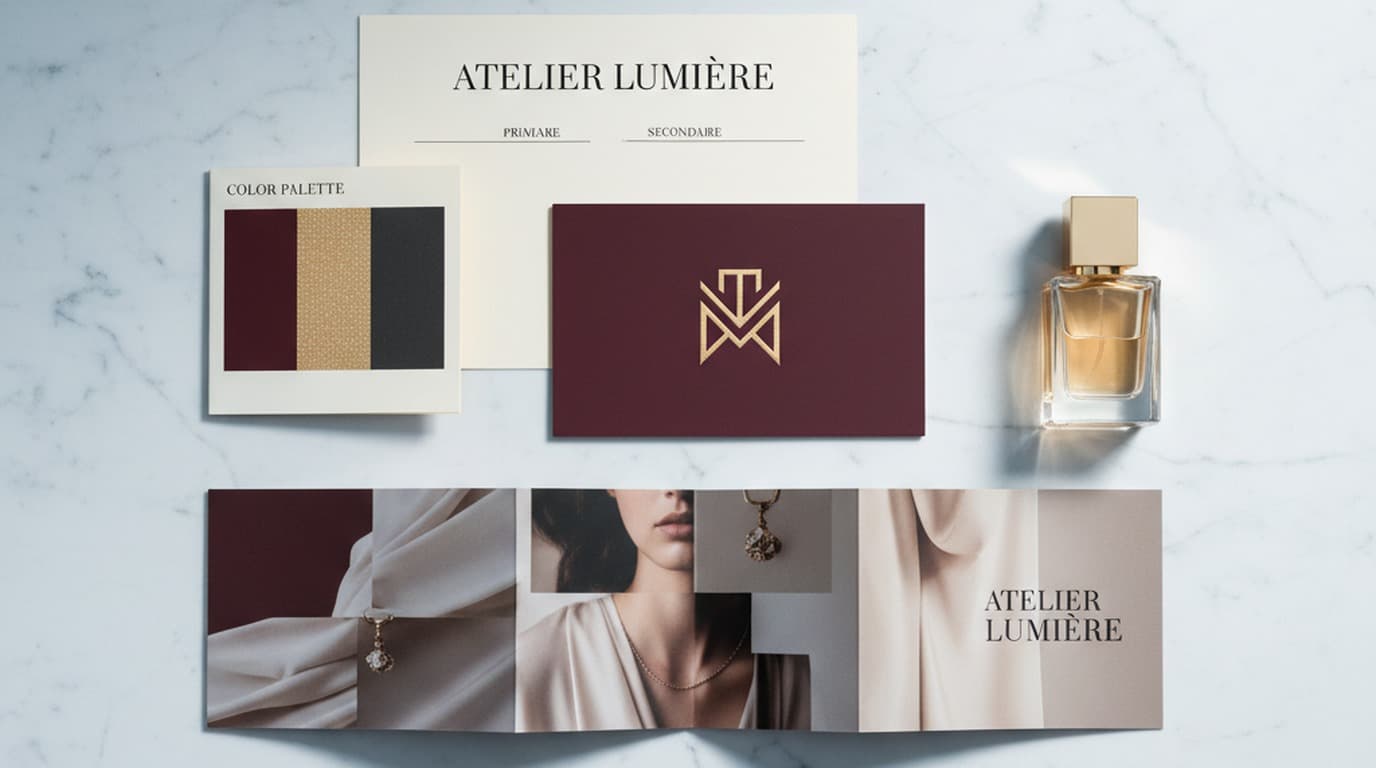
Brand identity is everything a business deliberately chooses about how it looks and sounds. Brand image is what people take away. Here's the full definition, the five pillars, and how to write yours down.
Claire Dubois
AI headshots have gotten genuinely good. Here's an honest take on when they work, when they don't, and how to avoid the uncanny valley.
Daniel Brooks
An AI photoshoot can cost nothing and take minutes. Here's how creators are replacing expensive studio shoots with AI-generated photos.
Minji Park
Most FAQ pages answer the wrong questions in the wrong order. Here's the template structure that actually reduces churn.
Emily Carter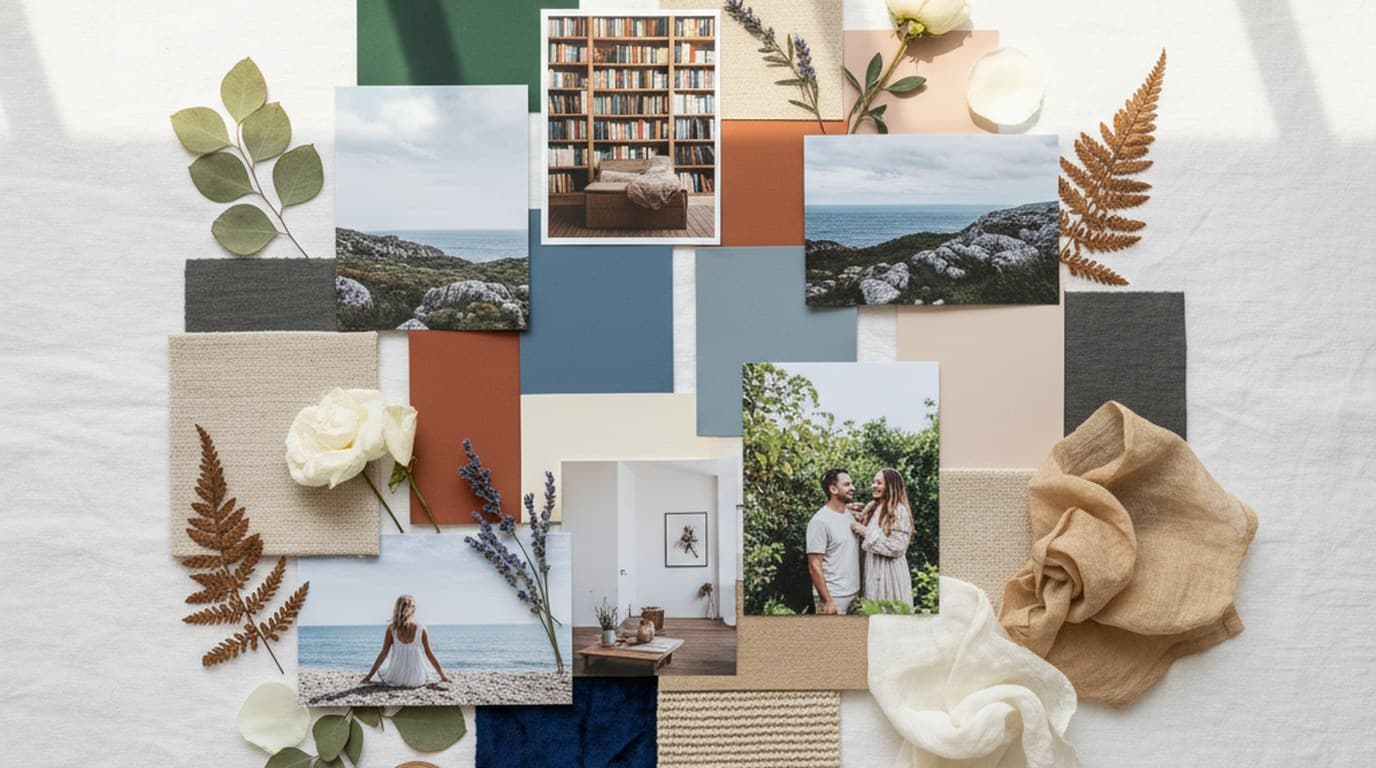
A vision board works when images feel intentional, not random. Here's how to build one with real visual coherence.
Aiko Tanaka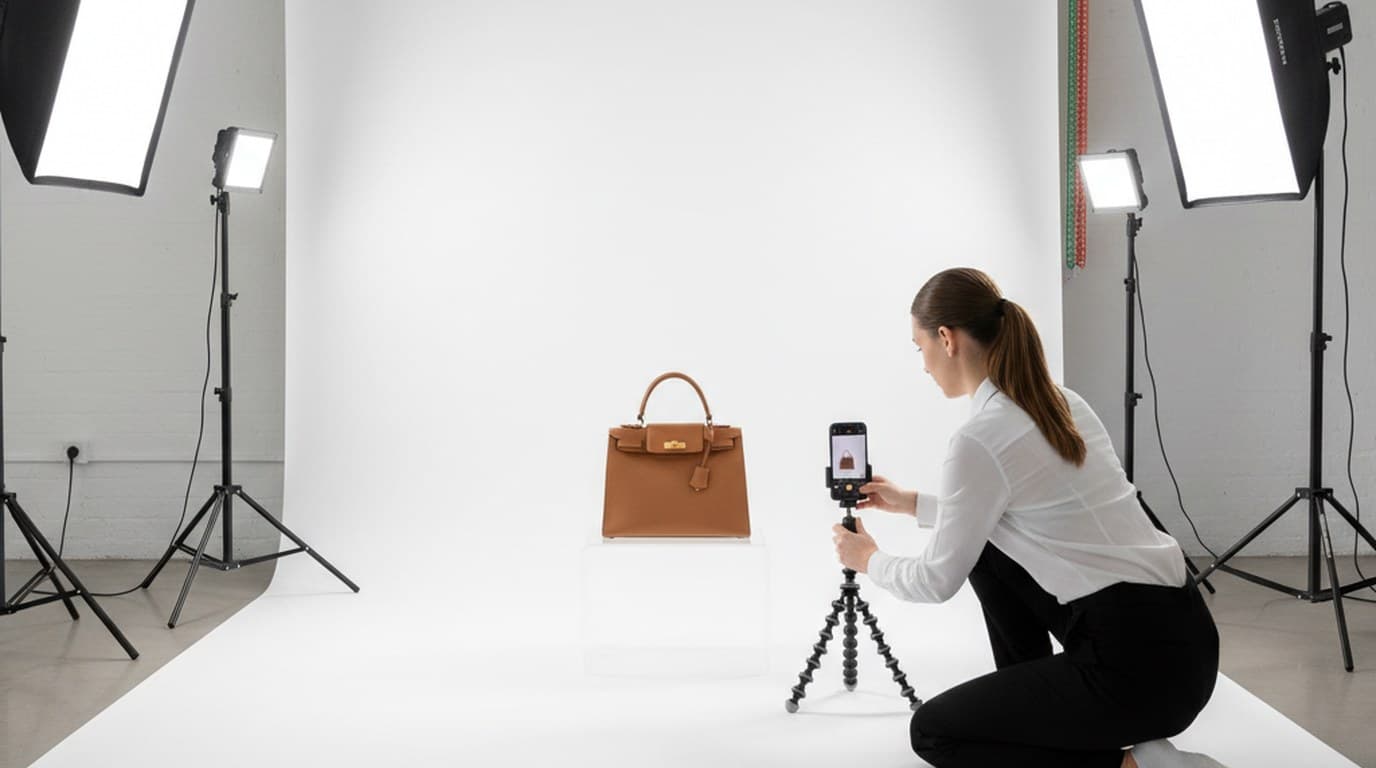
Clean product backgrounds aren't optional on Amazon, and they lift Shopify listings too. Here's how to remove them in seconds, for free.
James Walker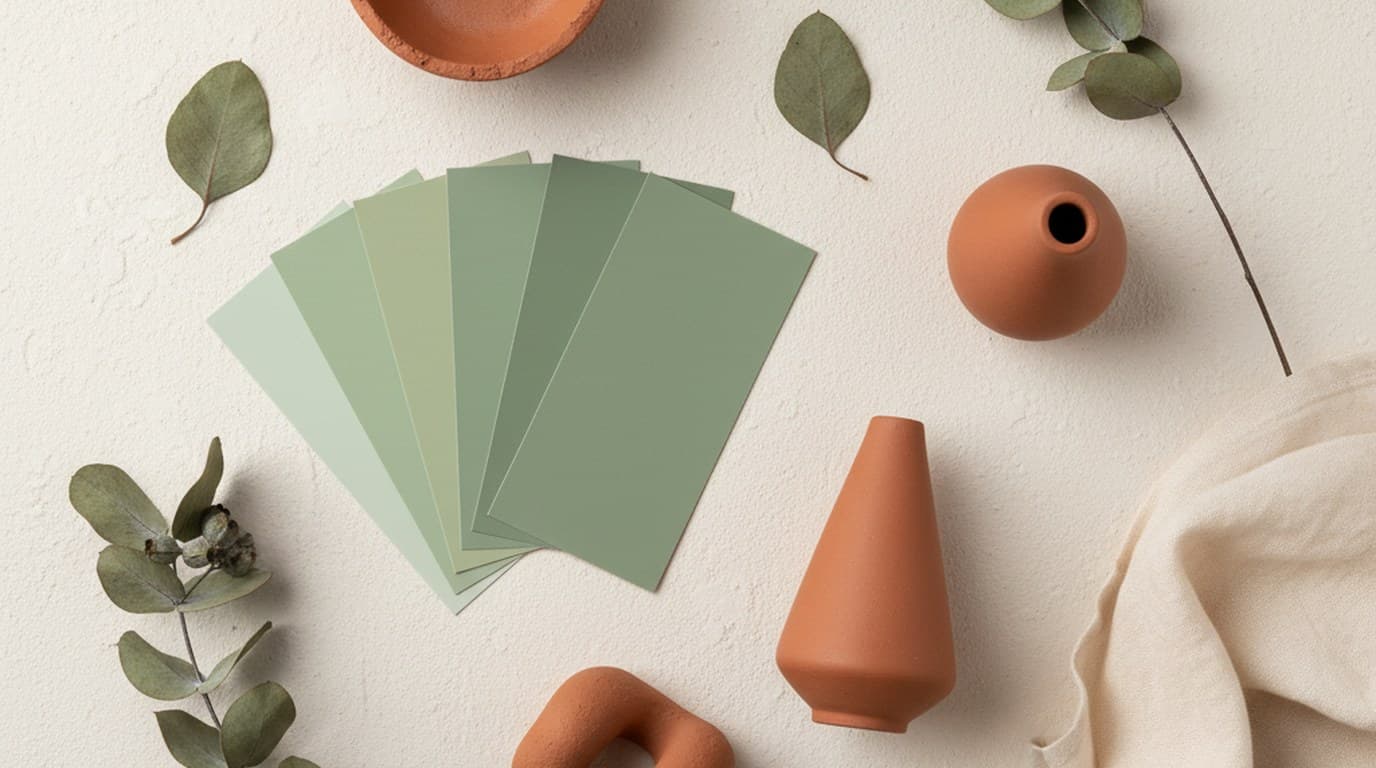
Sage green is one of the most versatile brand colors right now — if you know how to use it with restraint.
Claire Dubois
Wrong image dimensions get cropped, compressed, or silently downgraded by the algorithm. Here are the exact specs for every platform.
Sophie Whitmore
Pick the wrong poster size and you'll waste money at the printer. Here are the sizes that work for each real-world use case.
Luca Moretti
EzCreate AI is a credit-based, prompt-driven photo editor that resells models like Nano Banana and GPT Image 2. Here's what it costs in practice, where it falls short, and seven alternatives matched to the job.
James Walker
The remove.bg website closes on December 1, 2026 and its background removal moves into Canva. Here is what changes for accounts, credits and the API, and which remove.bg alternatives fit each kind of user.
James Walker
Beautiful.ai's smart slides genuinely work, but there's no free tier and team pricing climbs fast. Five alternatives, plus an honest look at what you'd give up.
Aiko Tanaka
Gamma made AI decks mainstream, but credits run out and slides can look templated. Five alternatives, compared on editing after the first draft.
Emily Carter
Manus is a general agent, so 'alternative' depends entirely on which task you use it for. Five replacements, sorted by job rather than by feature count.
Daniel Brooks
Slidesgo's free plan has two catches: the monthly download cap and the attribution slide. Here's how each alternative handles both, including the route that starts from your own brand.
Minji Park
ImagineArt puts images, video, and voice in one credit pool that expires monthly. If that's not working for you, here's what to switch to — and why.
Daniel Brooks
ImagineArt is a broad AI suite, Yuptees is a free apparel generator, and Playyy is a brand production workspace. Which one wins depends on what you make every week.
James Walker
Lovart hands you a whole asset set from one brief. The trade-off is credit burn and less control. Here's what to switch to, depending on which part you actually use.
Daniel Brooks
Which tool is right for t-shirt and POD design depends on what you need beyond apparel — free and focused, design control, or full brand production. Here's how Kittl, Yuptees, and Playyy compare.
Aiko Tanaka
Recraft, Yuptees, and Playyy solve different problems. Which fits your workflow depends on whether you need professional vectors, purpose-built POD apparel design, or AI brand content production.
Daniel Brooks
Airbrush is built for portrait editing and beauty filters — but its use case is narrow. These 5 alternatives cover portrait retouching alongside broader AI photo editing and design tools.
Claire Dubois
The best Canva alternatives and apps like Canva in 2026, grouped by what you need instead: an all-round design suite, social video, AI-first creation, or a free and open-source tool. Each entry lists who it suits and what the free plan really includes.
Sophie Whitmore
Fotor covers photo enhancement, templates, and basic AI generation — but the free tier watermarks exports and the AI tools are less polished than dedicated alternatives. Here are 5 better options.
Claire Dubois
The best Kittl alternative depends on what you're missing — a free tier that lasts, stronger AI generation, merch mockups, or real vector control. These 7 cover all four.
Aiko Tanaka
Krea AI is great for creative exploration — but limited for commercial production, and its free daily allowance runs out quickly for production work. Here's what to switch to instead.
Daniel Brooks
Magic Studio covers the basics of AI background removal and cleanup well — but the tool set is narrow. These 5 alternatives go further with design workspaces, brand tools, and generative AI.
Emily Carter
Media.io handles video conversion, editing, and AI media tools — but the free tier is limited and the interface is fragmented. These 5 alternatives offer cleaner workflows for media creation.
Sophie Whitmore
Photopea is impressive for free browser-based editing — but it has limits. Here are 7 alternatives that cover everything from AI-assisted design to professional photo editing.
Aiko Tanaka
Photoroom is solid, but it's not the only option. Here are the 7 best alternatives — including a free AI-first tool that handles background removal, product photos, and brand assets in one workspace.
James Walker
Picsart is great for creative social content, but its free tier watermarks AI features and the pricing can stack up. These 7 alternatives offer comparable creativity with more generous access.
Minji Park
PicWish is fast and accurate for background removal and quick photo fixes. These 5 alternatives cover what it doesn't: brand kits, design workspaces, mobile capture and manual edge control.
James Walker
Pixelcut is free to start: watermark-free exports and limited background removal, upscaling and erasing. Here is exactly what the free plan covers in 2026, what Pro adds, and five alternatives for product photos.
James Walker
Pixlr changed its free tier significantly in recent years. Here are 7 alternatives that offer generous free plans, better AI tools, or more powerful editing without the limitations.
Emily Carter
Recraft is strong for AI-generated brand visuals and vector illustrations — but it's limited outside of generation. These 7 alternatives cover brand design with more complete workflows.
Daniel Brooks
VisualGPT handles basic AI image generation, but the output quality and workflow have clear limits. These 5 alternatives go further — from commercial-grade generation to full design integration.
Daniel BrooksKeep every image on brand, control the final look, and turn campaign ideas into polished assets without waiting on another design cycle.














