Free Brand Guidelines Template for Startups
 Daniel Brooks
A few weeks before launch, someone on the team usually notices that the social posts, the landing page and the pitch deck look like they came from three slightly different companies. Nobody made a bad call. The colors, fonts and photo choices were just decided by different people on different days, with nothing written down. A brand guidelines template fixes that faster than a design project does: fill in the blanks once, share the file, and every new asset starts from the same decisions.
Direct answer. A startup brand guidelines template needs eight sections: a one-paragraph brand summary, logo rules, exact color values, two named fonts, an imagery reference, voice notes, three finished examples, and where the files live. Fill it in with real values, keep it to one to three pages, and share it as a dated PDF.
Below is the template itself, then what to include in each section, what a startup can safely skip for now, and how to turn the finished document into a brand guidelines PDF.
The Brand Guidelines Template (Copy and Fill In)
Paste this into Google Docs, Notion or Word. Replace everything in brackets. If a line doesn't apply yet, delete it rather than leaving it vague.
BRAND GUIDELINES — [Company name]
Version [1.0] · Updated [Month Year] · Owner: [name]

1. BRAND IN ONE PARAGRAPH
   What we do:      [one sentence]
   Who it's for:    [one sentence]
   Personality:     [three adjectives, e.g. plain-spoken, precise, warm]
   We sound:        [X] but not [Y]   (e.g. confident but not smug)

2. LOGO
   Files:           primary (SVG + PNG), icon only, white version, black version
   Clear space:     [e.g. the height of the icon] on every side
   Minimum size:    [__ px] on screen / [__ mm] in print
   Never:           stretch, recolor, add shadows, place on busy photos

3. COLOR
   Primary:         [name]  #______  RGB ___ ___ ___   Use: [buttons, key accents]
   Secondary:       [name]  #______  RGB ___ ___ ___   Use: [highlights, charts]
   Neutrals:        text #______ · background #______ · lines #______
   Rough balance:   [60% neutral / 30% primary / 10% secondary]
   Safe text pairs: [#______ on #______], [#______ on #______]

4. TYPOGRAPHY
   Headings:        [font name], [weight]
   Body:            [font name], [weight], [size] / [line height]
   Fallback:        [system font to use when ours isn't installed]
   Font files:      [link]

5. IMAGERY
   Reference folder: [link] (10–15 images)
   Always:          [e.g. natural light, real product in use, people mid-task]
   Avoid:           [e.g. posed stock handshakes, heavy filters]

6. VOICE
   Write like:      [one sentence, e.g. a sharp colleague explaining over coffee]
   Words we use:    [__, __, __]
   Words we avoid:  [__, __, __]
   Example line:    "[a real headline written in our voice]"

7. APPLICATIONS (finished examples)
   Social post [1080 x 1350]:  [link to file]
   Pitch deck slide:           [link to file]
   Email or web header:        [link to file]

8. WHERE THINGS LIVE
   Brand folder:     [link]
   Brand kit in:     [design tool name]
   Questions go to:  [name, channel]
That's the whole document. Most early-stage teams can fill it in during one afternoon, because almost every answer already exists somewhere: in the website's CSS, in the logo folder a freelancer delivered, in the deck the founders pitched with last month.

What to Include in Brand Guidelines, Section by Section
Each section exists to answer one question someone will ask you on Slack. Write the answer so they don't have to ask.
1. Brand in one paragraph
This is the part people skip, and then every contractor guesses at tone. Two sentences on what you do and for whom, three personality adjectives, and one "X but not Y" pair. The pair does more work than the adjectives, because it marks the edge. "Friendly but not cute" tells a copywriter far more than "friendly" on its own.
2. Logo
List the actual files, not just "our logo". You need an SVG for design tools and the website, a transparent PNG for slides and documents, and separate white and black versions for dark and light backgrounds. Then add two numbers: a clear-space rule (the height of the icon is a common, easy-to-measure choice) and a minimum size. Finish with three or four "never" examples. Stretching, recoloring and dropping the logo onto a busy photo cover most real mistakes.
3. Color
This is where startup guidelines most often break. A "brand blue" that exists only as a remembered shade turns into five slightly different blues within a year. Write every color as a hex code with RGB beside it, and say what each one is for. Add a rough balance (most interfaces sit around 60% neutral, 30% primary and 10% accent) and two or three text-on-background pairs that are known to be readable.
4. Typography
Name the font and the weight, never just the style. "A clean sans-serif" produces a different result for every person who reads it; "Inter SemiBold for headings, Inter Regular 16/24 for body" produces the same one. Include a fallback for situations where your font isn't installed, such as a sales rep editing slides on a borrowed laptop, and link to the font files. If you use Google Fonts, everyone can download the exact same files for free.
5. Imagery
Mood words like "modern" and "authentic" describe a feeling, not a photo. A folder of 10 to 15 reference images does the job instead, plus two short lists: what on-brand images always have, and what they avoid. These references are also the most useful input you can hand an AI image tool, since they show the light, framing and setting you want rather than describing it.
6. Voice
Keep it practical: one sentence on how you write, a few words you use, a few you avoid, and one real example line. That example matters most, because people copy examples far more reliably than they follow descriptions.
7. Applications
Three finished designs, in the formats you produce most. For most startups that's a social post, a pitch deck slide and an email or web header. When a new hire needs to make something in a format they haven't touched before, the closest example answers the question in seconds.
8. Where things live
The last section is just links and a name: the shared brand folder, the design tool that holds your brand kit, and the person who answers questions. Without it, the guidelines PDF gets forwarded around while the actual files stay lost.
What a Startup Can Skip Until Later
Big-company brand books are long because they cover situations an early-stage team doesn't have yet. Here's where the line usually falls.
| Section | Include now | Can wait until you're scaling |
|---|---|---|
| Logo | Approved files, clear space, minimum size | Co-branding and partner lockups |
| Color | Hex and RGB for 3–5 colors, readable pairs | Pantone and CMYK print specs, chart palette |
| Typography | Two fonts with weights and a fallback | A full type scale for every channel |
| Imagery | A reference folder and two short lists | Commissioned photography and illustration |
| Voice | Three adjectives, one pair, one example line | A full editorial style guide and glossary |
| Applications | Three finished examples | A template library for every format |
| Everything else | — | Motion, sound, signage, packaging, merch |
The rule of thumb: add a section when the same question has come up twice. Until then, a shorter document that people actually open beats a thorough one they don't.
How to Turn Your Guidelines Into a Brand Guidelines PDF
A PDF is still the easiest format to send to a freelancer, attach to an agency brief or drop into an investor data room. A few habits keep it useful.
Export from a live document. Write the guidelines in an editor you'll keep updating, then export. In Google Docs it's File, then Download, then PDF Document, as described in Google's help page on downloading files. Playyy's document editor works the same way: build the page with tables, columns and your logo, then export it as a PDF.
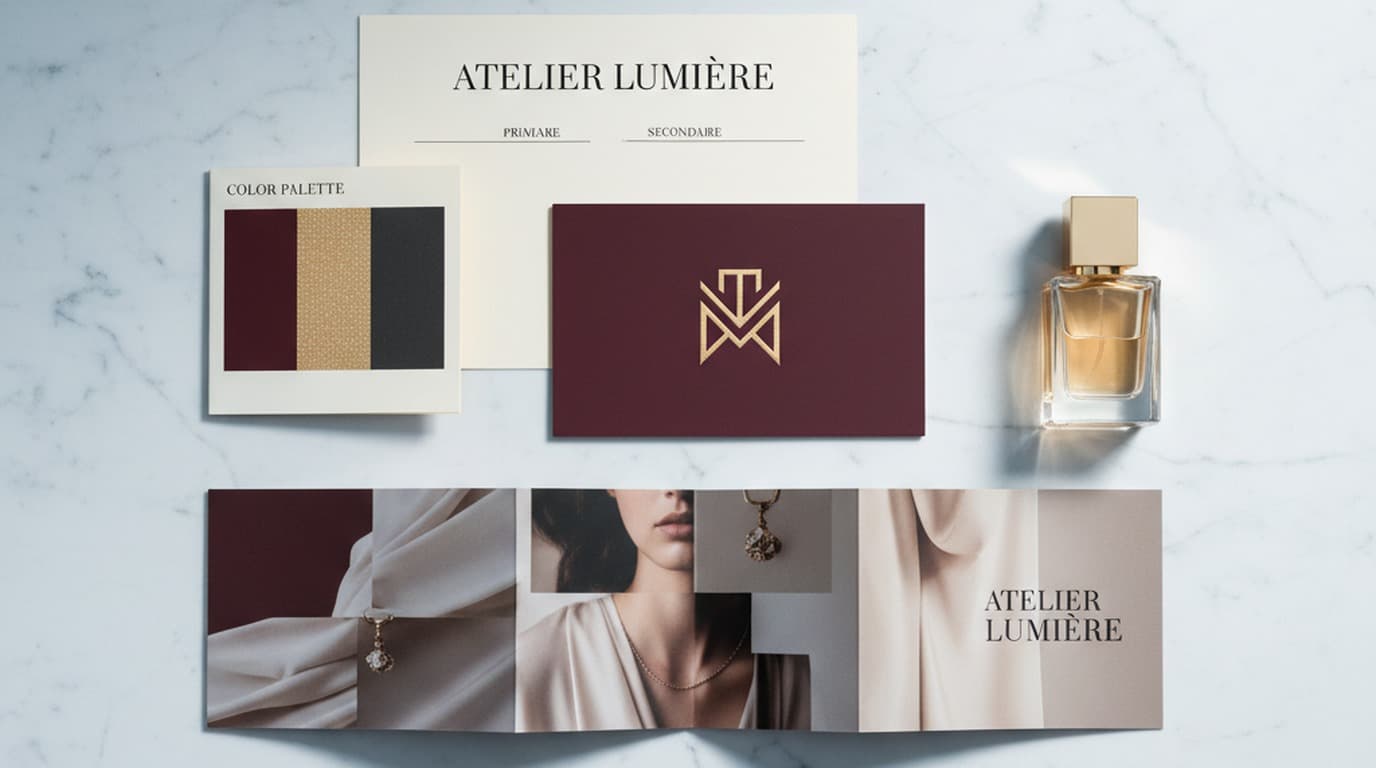
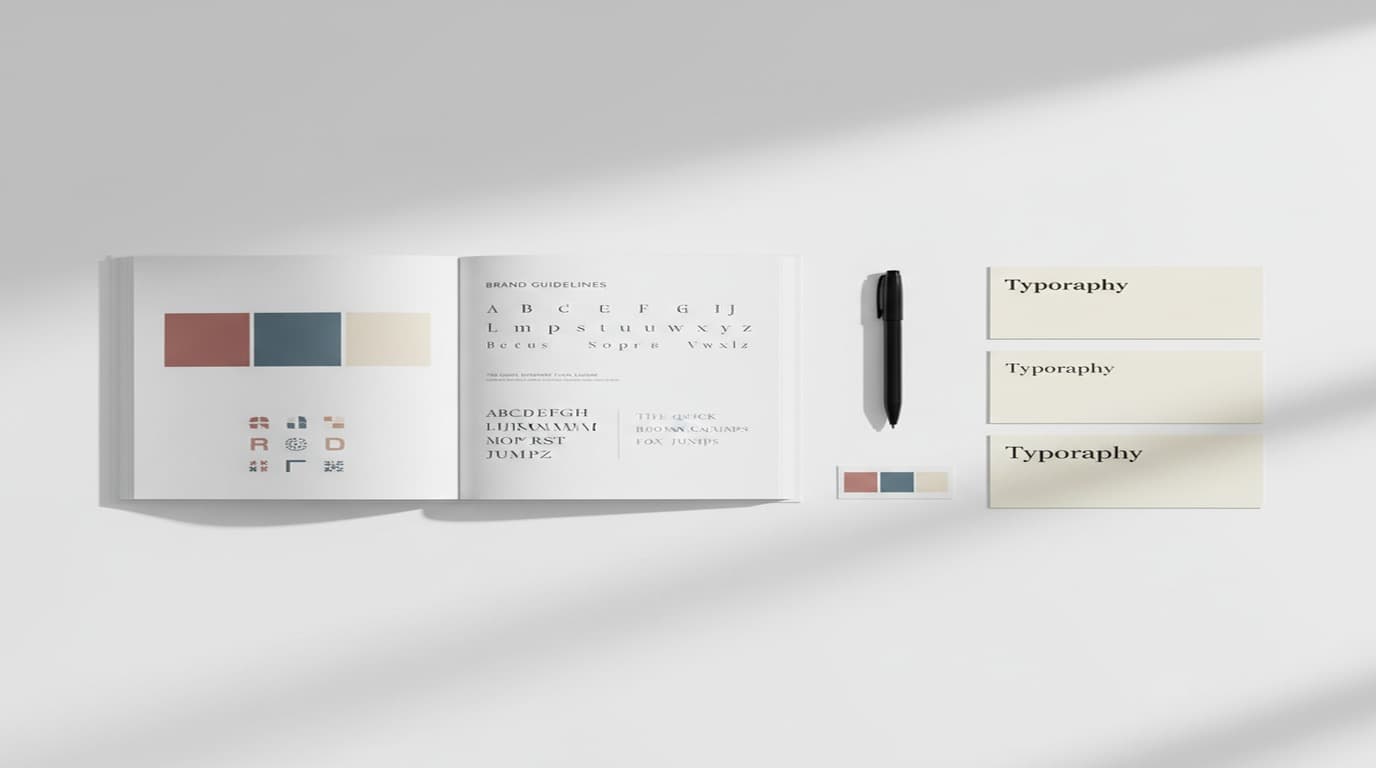
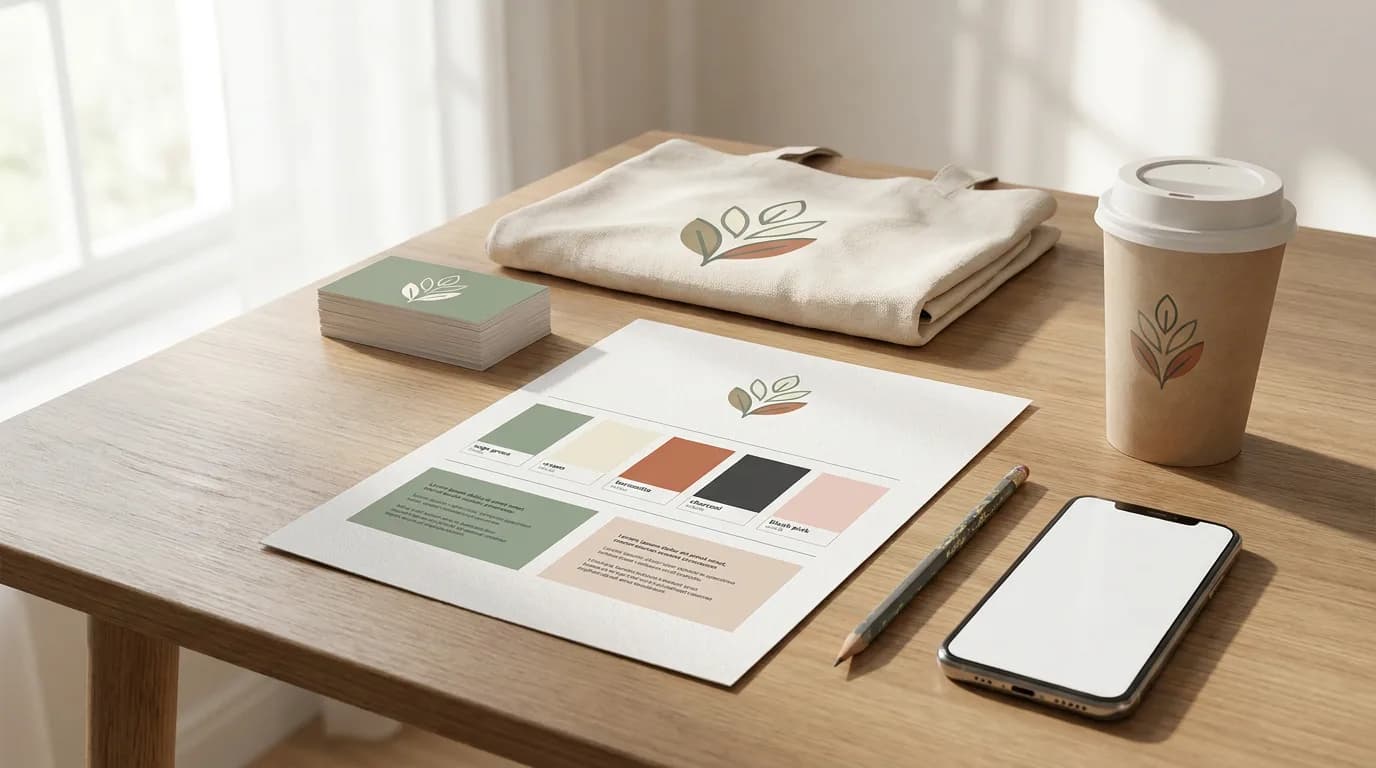
Show, don't just type. Put real color swatches next to each hex code, the logo on both light and dark backgrounds, and small thumbnails of the three application examples. A guidelines PDF that's all text gets skimmed and forgotten.
Name it with a date. Use a file name like acme-brand-guidelines-2026-10.pdf and put the version and date on the first page. When the palette changes, people should be able to tell at a glance which file is current.
Share a link and the file. Pin the live document link in your team chat and keep the PDF in the brand folder for outsiders. Archive old versions rather than deleting them, so you can trace when a decision changed.
Where the Guidelines Live Day to Day
The PDF is the reference. The day-to-day version needs to sit inside the tools people design with, so the right logo and colors are the default rather than something to remember. That's the job of a brand kit: the logo files, color codes, fonts and reference assets the guidelines point to. Our guide to what a brand kit includes covers how the two fit together.
If your website already reflects your brand, a brand kit generator can do much of the first draft for you. In Playyy, paste your site URL and it pulls your logo, brand colors and headline and body fonts, then writes guidelines covering personality, voice, color usage, typography, logo usage, imagery and composition. Those settings apply automatically to every new design, and on team plans everyone shares the same kit. Treat that output as a starting draft: check the colors against your CSS, then copy the final values into the template above.
For a look at how established companies present the same sections, our collection of brand style guide examples walks through real guides one section at a time.
Keep It Current Without a Rebrand
Early brand guidelines should be specific but easy to change. A few habits help.
- Decide firmly, revise on schedule. Pick a font and use it everywhere, but note that the choice gets reviewed at a fixed milestone, such as your first big hire in marketing or a Series A.
- Review after three months. Pull up everything the team produced. Where did people drift? Which questions kept coming up? Tighten those rules and add any missing section.
- Check against your audience. Once you have real customers, ask whether the visual and verbal style matches how they see you. Positioning often sharpens after launch, and the guidelines should follow it, not the other way round.
The startups that end up with a recognizable brand rarely have the longest guidelines. They made clear decisions early, wrote them down where everyone could find them, and kept applying them. Fill in the template, export the PDF, and build your first assets from it. When you're ready to turn the guidelines into a polished document, the AI document generator can lay it out with your brand colors and export a shareable PDF.

Daniel Brooks
I work with SaaS founders, indie makers and early-stage teams on positioning, launch assets, pitch visuals and founder-led content. I write for small teams making smart decisions with limited time and resources.
Frequently asked questions
Eight short sections: a one-paragraph brand summary, logo files with clear space and minimum size, exact color values, two named fonts, an imagery reference folder, three voice adjectives with an example line, three finished application examples, and a note on where files live and who answers questions. That covers almost every decision a small team or contractor makes in a normal week.