
Ecommerce Product Photo Editing: Amazon & Shopify
Ecommerce image editing across every SKU — background removal, cleanup, and upscaling that meet marketplace specs.
Explore workflowA workflow built around your real creative needs — from first direction to final asset.
Select your file, pick JPG, PNG, or WebP as the output format, and download the converted image. Processing runs locally in your browser — no software to install, no account, and no server upload.
Every platform has different format requirements: Amazon accepts JPG and PNG, Google Ads has file-size limits, email clients render JPEG most reliably, and modern sites often prefer WebP. Convert locally to the format each channel needs without uploading files to another service.
Conversion starts directly in your browser, so there is no upload queue or server wait. Files stay on your device.
JPG, PNG, and WebP — the three formats this browser converter supports. Pick an output format and convert without uploading files.
Add files and start converting without an upload step. Each result is ready as soon as processing finishes.
Queue up to 10 JPG, PNG, or WebP files and convert them locally to the output format you choose.
Choose the balance between file size and detail. PNG also offers lossless output when the image must stay unchanged.
Files are processed locally in your browser and never uploaded. Nothing is stored on our servers after download.
Each converted file gets its own download button as soon as it is ready.
“We had PNG exports from design and WebP assets from the site mixed together. Converting everything to JPG locally in one batch saved a separate upload step before editing.”

Aiko Tanaka
Independent Designer & Visual Systems Consultant
“Shopify wants JPEG, our site uses WebP, and email still needs PNG. I convert between the three formats locally in one session instead of juggling separate upload tools.”

Luca Moretti
Local Business & Event Marketing Consultant
“We switched our web stack to WebP but had years of JPEG assets in the library. Playyy batch-converted the entire archive in under an hour — everything web-optimized without touching the originals.”

Minji Park
Creator Marketing Strategist
This browser converter focuses on the three formats that matter most for web delivery — JPG, PNG, and WebP — with local processing and no upload step.
Choose files, pick the output format, and download the results. No software, account, or server upload is required.
Choose JPG for broad compatibility, PNG for transparency or lossless output, and WebP for efficient web delivery.
Ecommerce image editing across every SKU — background removal, cleanup, and upscaling that meet marketplace specs.
Explore workflow
From content gap to publish-ready creative — AI image generator, brand style matching, and copy placement in one session.
Explore workflowJPG, PNG, and WebP are supported. Pick your output format and convert locally — files never leave your device.
No. Conversion runs directly in your browser. Files stay on your device and are not stored on our servers.
JPG uses lossy compression, so some detail may change. Adjust quality before converting, or choose PNG lossless output when the image must stay unchanged.
Yes. Queue up to 10 images and choose one output format for the batch. Download each file as soon as it is ready.
Converting changes the file format — for example PNG to WebP. Compressing reduces file size within the same format. Many workflows do both: convert for compatibility, then compress for delivery. Playyy supports both steps in sequence.
See how teams are using Playyy to ship better visuals, faster.

Sixty lifestyle images, three days, no studio. How one Shopify brand cut product shoot costs by 80% using AI photo editing.
 James Walker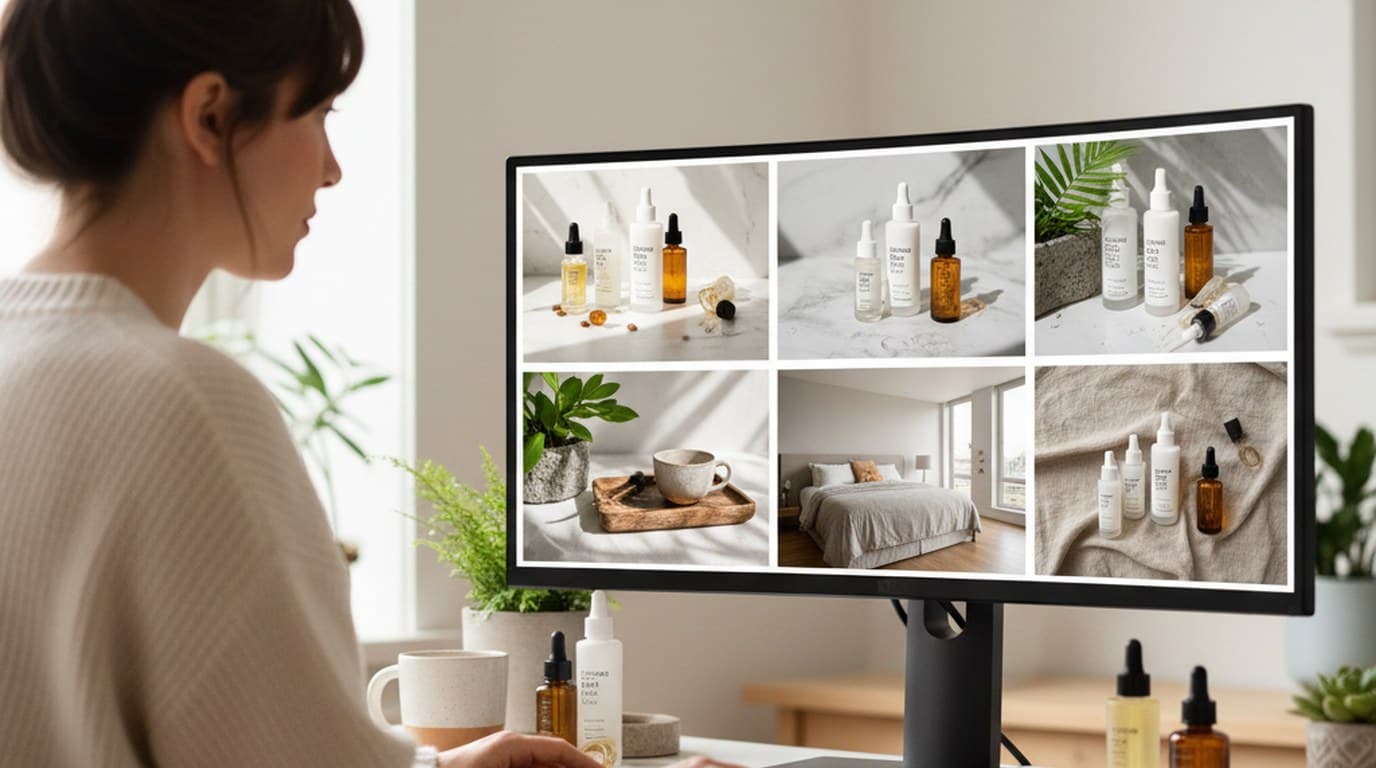
Six creative directions, one working day, real market data — before the studio was ever booked.
 Emily Carter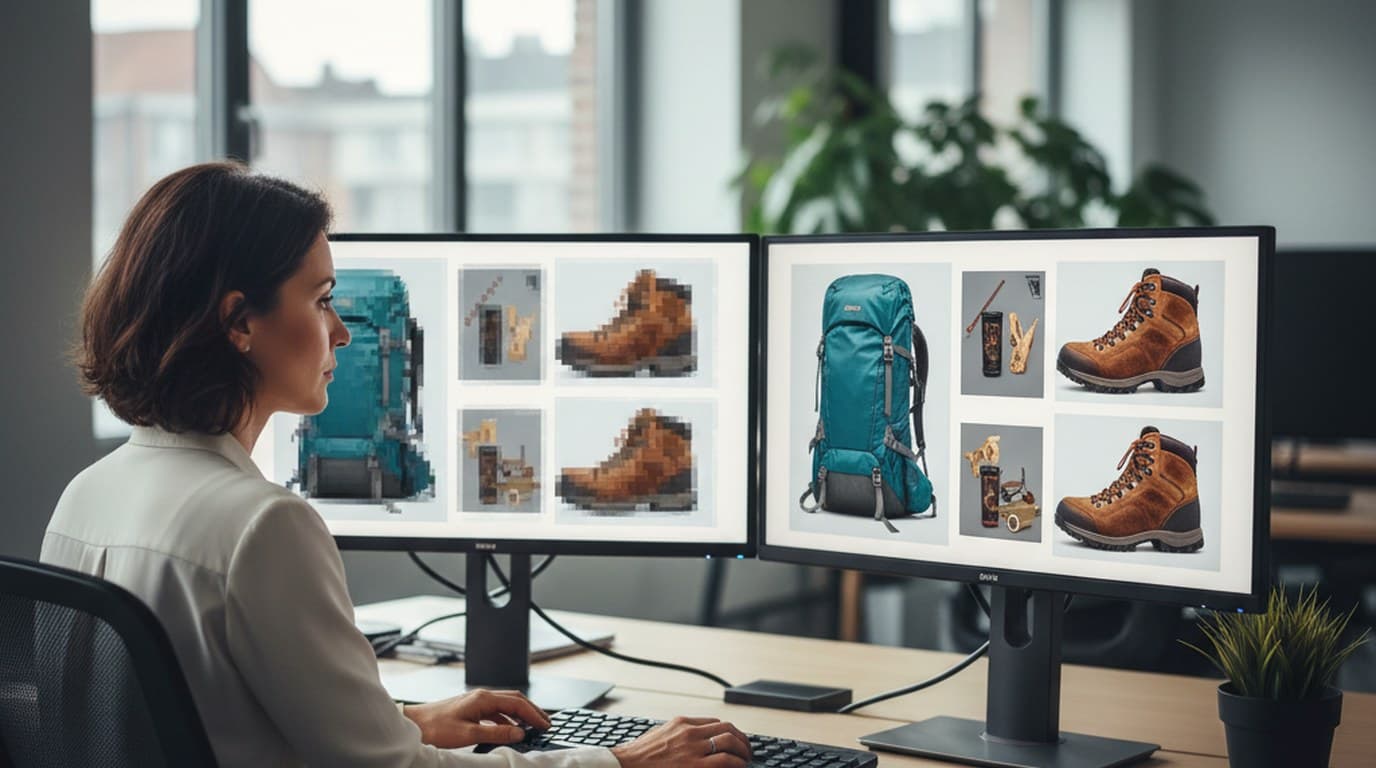
200 blurry and watermarked legacy images, two days, one campaign deadline — how Elena Torres recovered her entire visual archive with AI.
James WalkerKeep every image on brand, control the final look, and turn campaign ideas into polished assets without waiting on another design cycle.














