Launch Visuals for Creators and Indie Makers Without a Design Team
From brand identity direction to a complete launch kit — without hiring a designer or an agency.
Explore workflowDriven by GPT Image 2.5 & Nano Banana Pro 🍌
Describe the brand, a shape, or just the style you want, and generate a logo you can actually ship — vector SVG for signage and packaging, transparent PNG for the web
A prompt is enough to start — the business, a shape, a color, a mood. Getting a file you can put on a sign, a favicon, and an invoice is the part that usually breaks.
Describe the business and how the brand should read — what it does, who it's for, a color or shape you're already set on, or something the logo has to include. Generate once, then steer from what comes back — simpler, more geometric, drop the gradient, swap the palette, put the name beside the symbol.
Try for free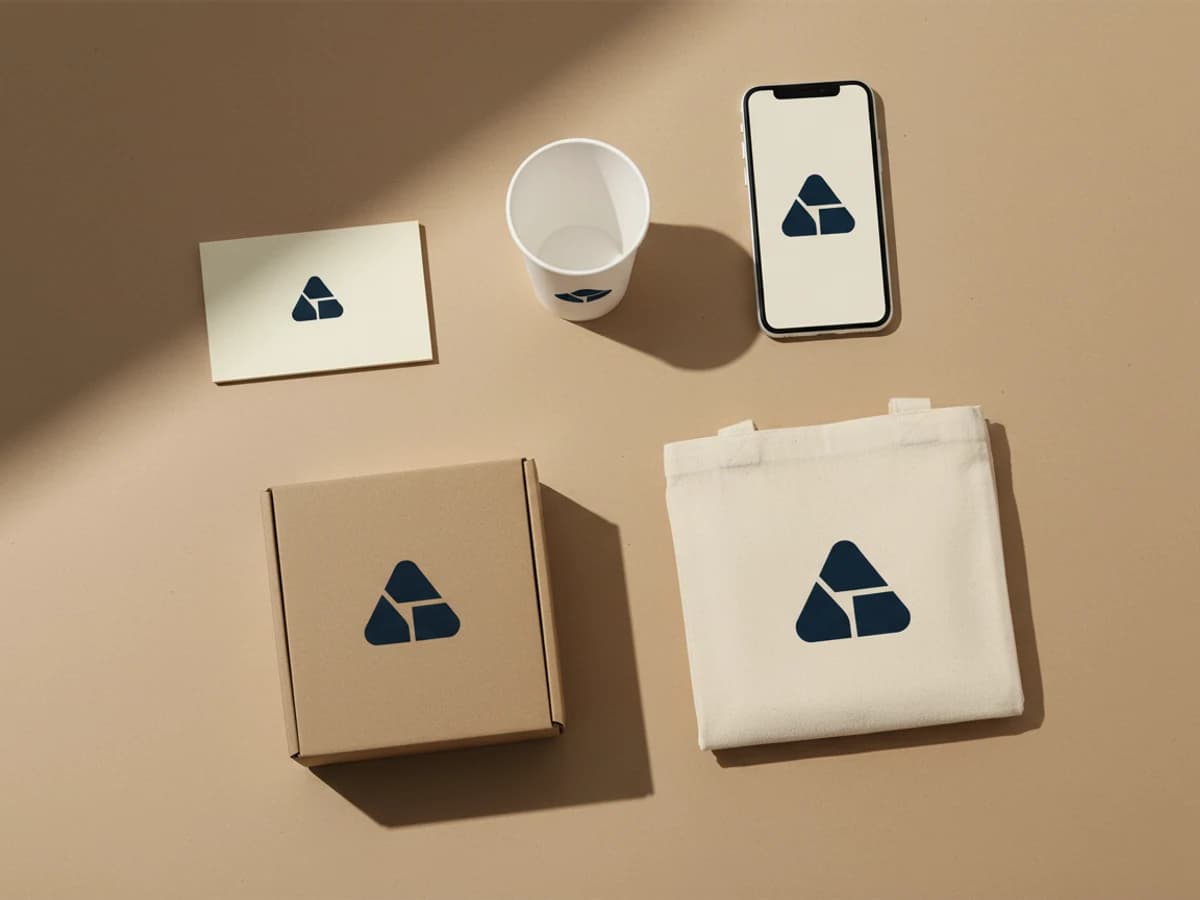
A mark that looks confident at hero size can turn to mush on a business card or a bottle cap. Put the logo on the things it has to survive — a card, a cup, packaging, a tote, an app icon — and look for the failure modes that only show up in context: strokes too thin to print, counters that fill in, detail that vanishes below 32 pixels.
Try for free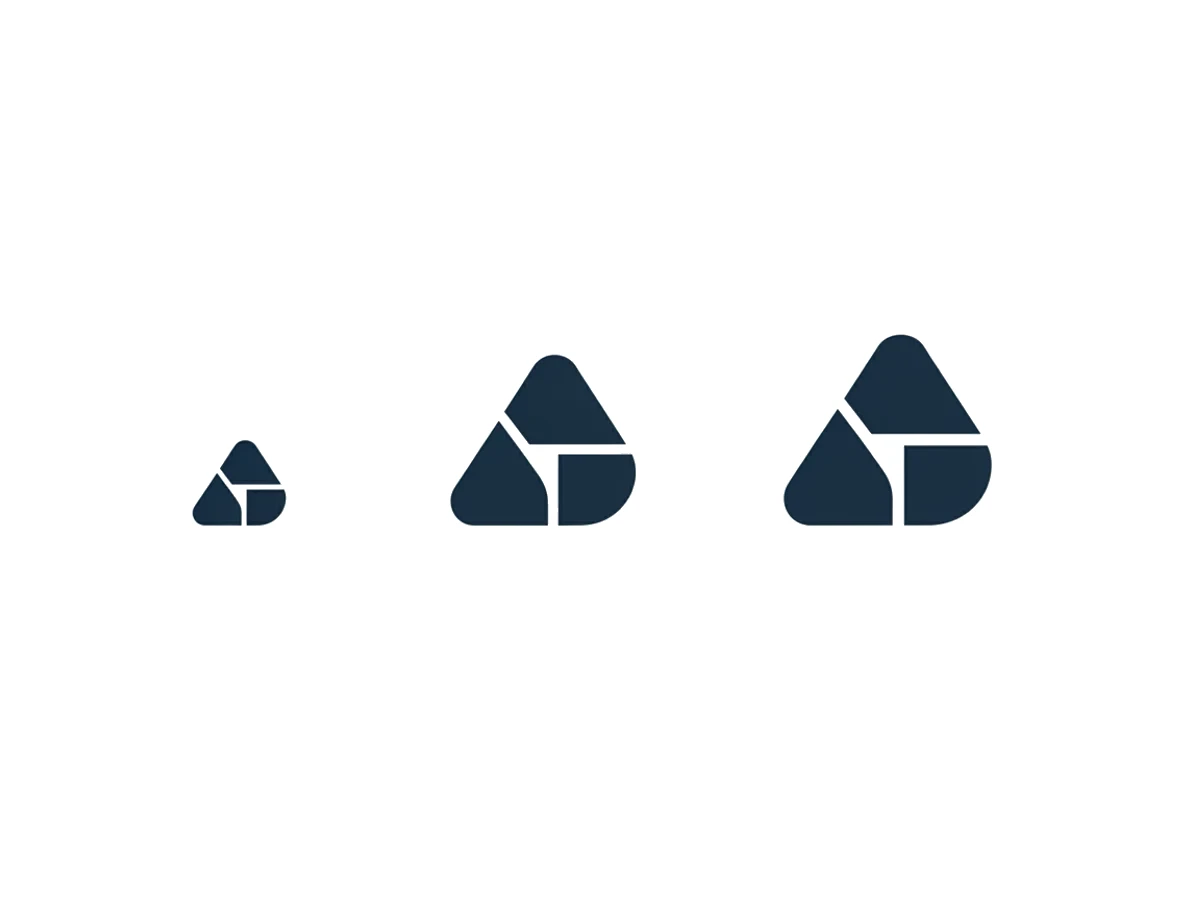
Download the logo as an SVG and it has no resolution ceiling: the favicon and the storefront sign come from one file. That's the practical line between a logo you can build a brand on and an image you'll have to redraw the first time a printer asks for vector artwork. Transparent PNGs are there for the places that only take raster.
Try for freeWant the name itself to be the logo? Make a wordmark instead
The business, a shape, a color, or a mood — whatever you can put in words. The AI draws marks from it rather than asking you to pick an icon from a library.
Abstract marks, monoline icons, and combination logos that pair a symbol with your name — generated in the style you ask for. A logo built from the name alone has its own tool.
Vector for signage, packaging, embroidery, and print; transparent raster for the web, social, and app stores.
Light and dark versions, a stacked and a horizontal lockup, and a simplified mark that still reads at favicon size.
A vector logo holds its edges from a 16-pixel favicon to a storefront window without regenerating anything.
See the mark on cards, packaging, signage, and app icons before you decide it's the one.
Plenty of AI tools generate a handsome logo image and then hand you a PNG. Vector export is what makes a logo usable by a printer, a sign shop, or an embroiderer.
The first generation is a starting point. Simplifying, recoloring, and rebalancing a mark you already like beats rolling the dice again for a completely new one.
Most logos fail at favicon size, not at hero size. Reviewing the mark in context catches the thin strokes and closed counters before they ship.
From brand identity direction to a complete launch kit — without hiring a designer or an agency.
Explore workflow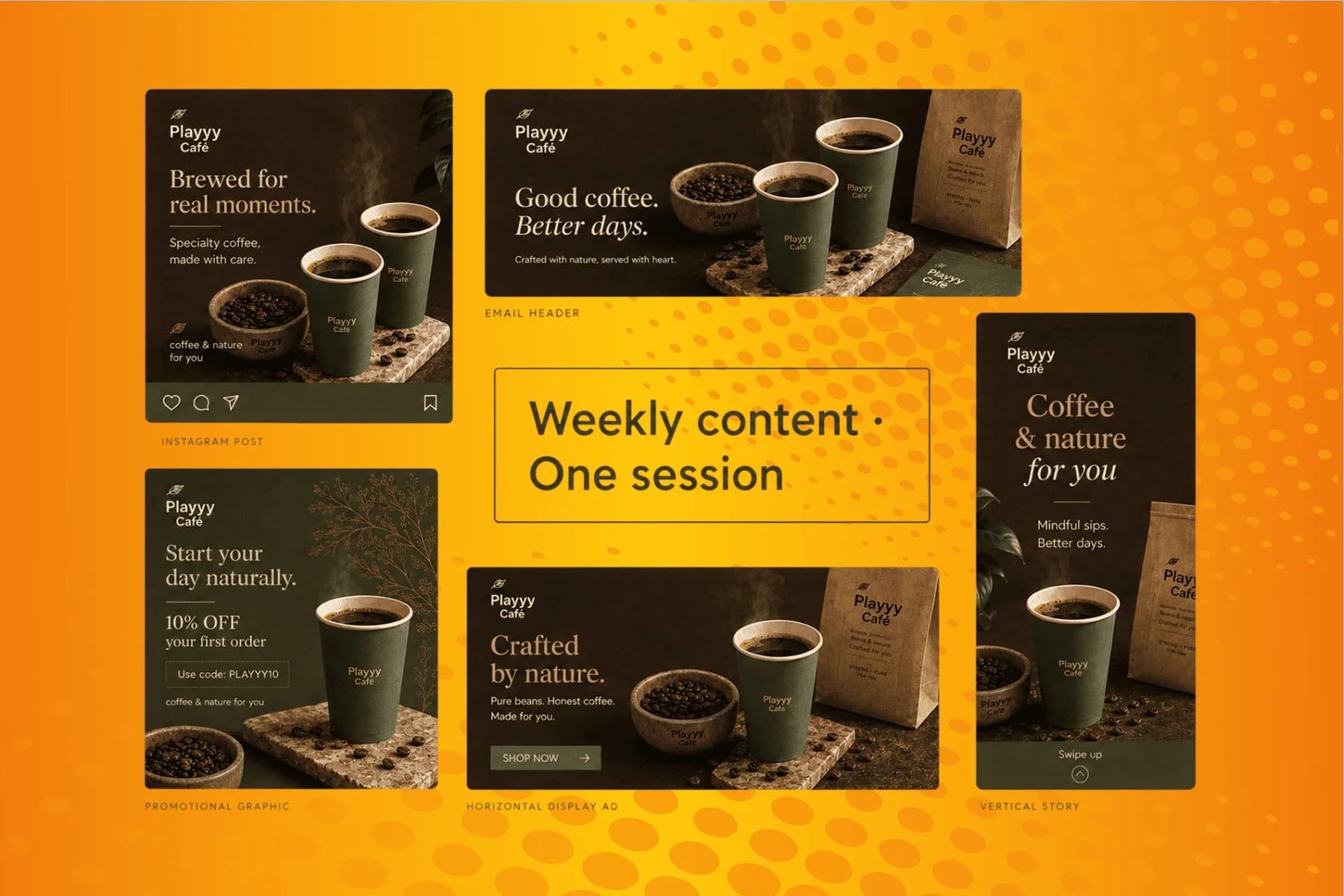
From content gap to publish-ready creative — AI image generator, brand style matching, and copy placement in one session.
Explore workflowGenerating logo concepts and refining them is free. You sign in to download the vector SVG and transparent PNG files.
Yes — SVG export is the point. A vector logo has no fixed resolution, so one file covers a favicon, a business card, a t-shirt, and a building sign. It's also the format printers, sign makers, and embroidery digitizers ask for.
Yes, logos you generate here are yours to use commercially. Two practical cautions apply to any generated logo: don't prompt for an existing brand's mark, and before you build an identity on it, search for visually similar logos in your industry and check trademark availability in the markets you operate in. Generation doesn't clear a name or a mark for you.
Yes — give the exact company name and say whether it should sit beside the symbol or below it, then check the spelling and letter spacing carefully on the result. Generated lettering can drop or duplicate a character, and a typo in a logo is expensive to discover late. If the name is meant to be the whole logo, with no symbol at all, the wordmark logo maker is built for that case.
Fewer elements, thicker strokes, and open counters. Gradients, thin outlines, and fine internal detail all disappear below about 32 pixels. Generate a simplified version of your mark specifically for favicons and app icons rather than shrinking the full one.
Template makers let you combine a stock icon with a font, which means other businesses can assemble the same mark from the same library. Generating from a description produces original artwork instead. The other difference is the file you leave with — check whether a tool gives you vector before you commit to it.
Yes. Recolor the mark for light and dark backgrounds, or generate a single-color version for embroidery and one-color printing, without redrawing the shape.
See how teams are using Playyy to ship better visuals, faster.
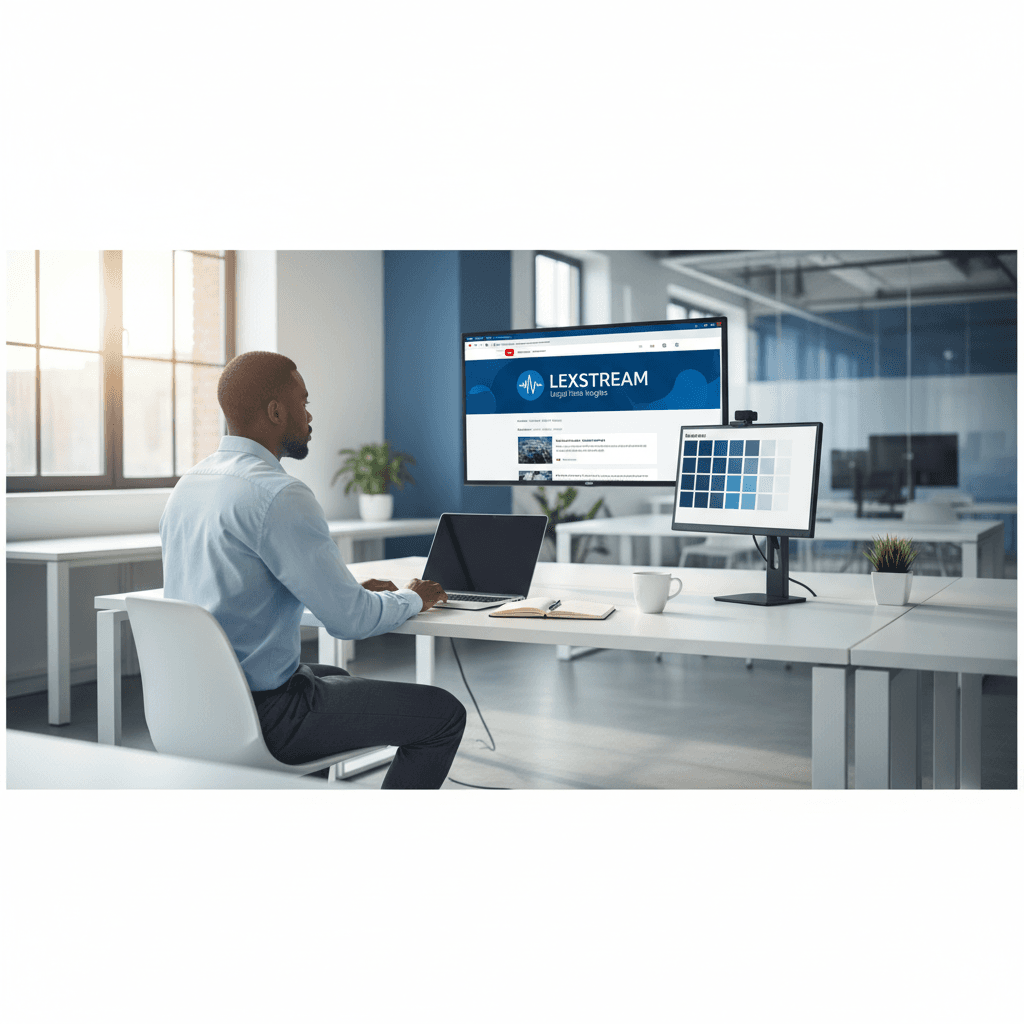
A legal-tech startup founder, no designer, 22 YouTube thumbnails — how the startup built a consistent channel identity in one week using Playyy's brand kit.
 Daniel Brooks
18 staff, new brand colours, £3,200 designer quote — and a 3-week timeline. The managing director finished the LinkedIn rollout in 3 days with Playyy.
 Sophie Whitmore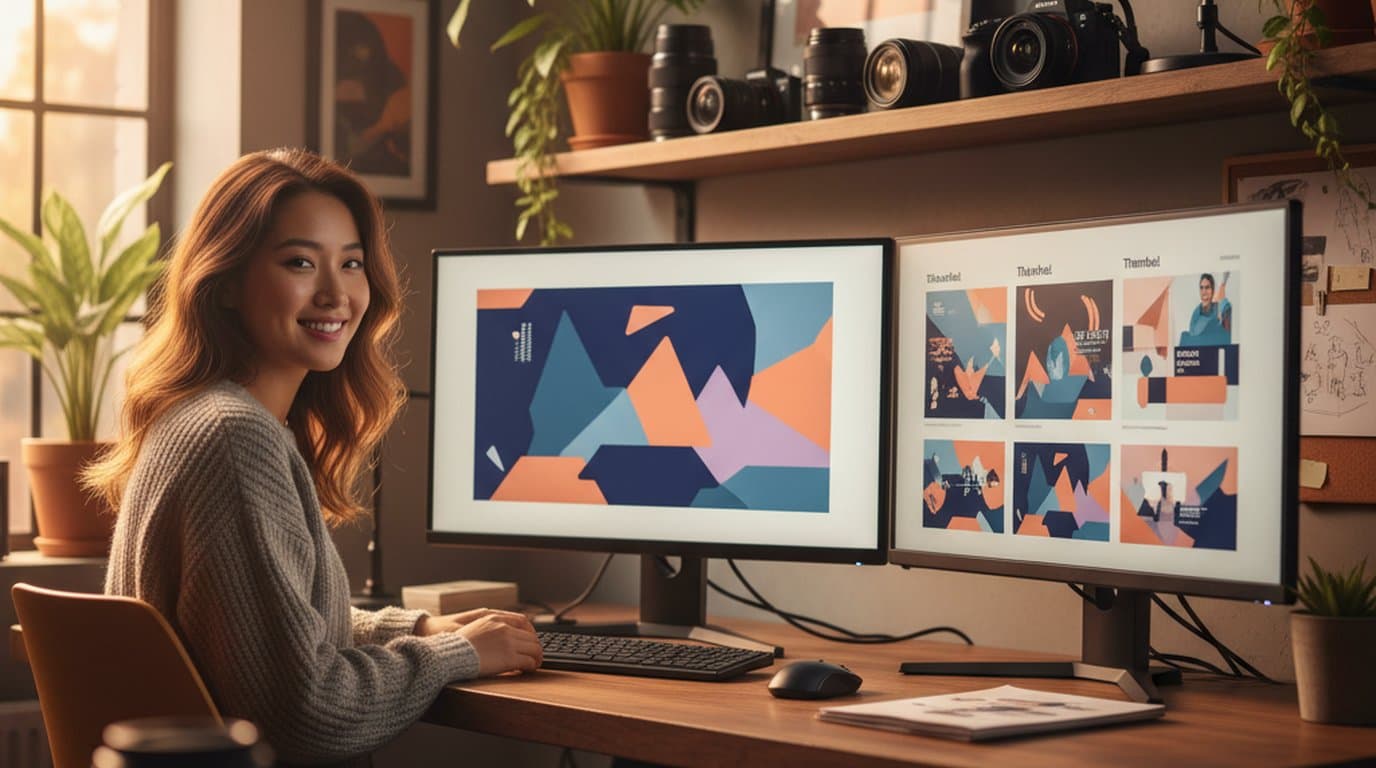
Channel repositioning, three visual touchpoints, one weekend — how a YouTube creator built a new visual identity without a designer.
 Minji Park
Keep every image on brand, control the final look, and turn campaign ideas into polished assets without waiting on another design cycle.














