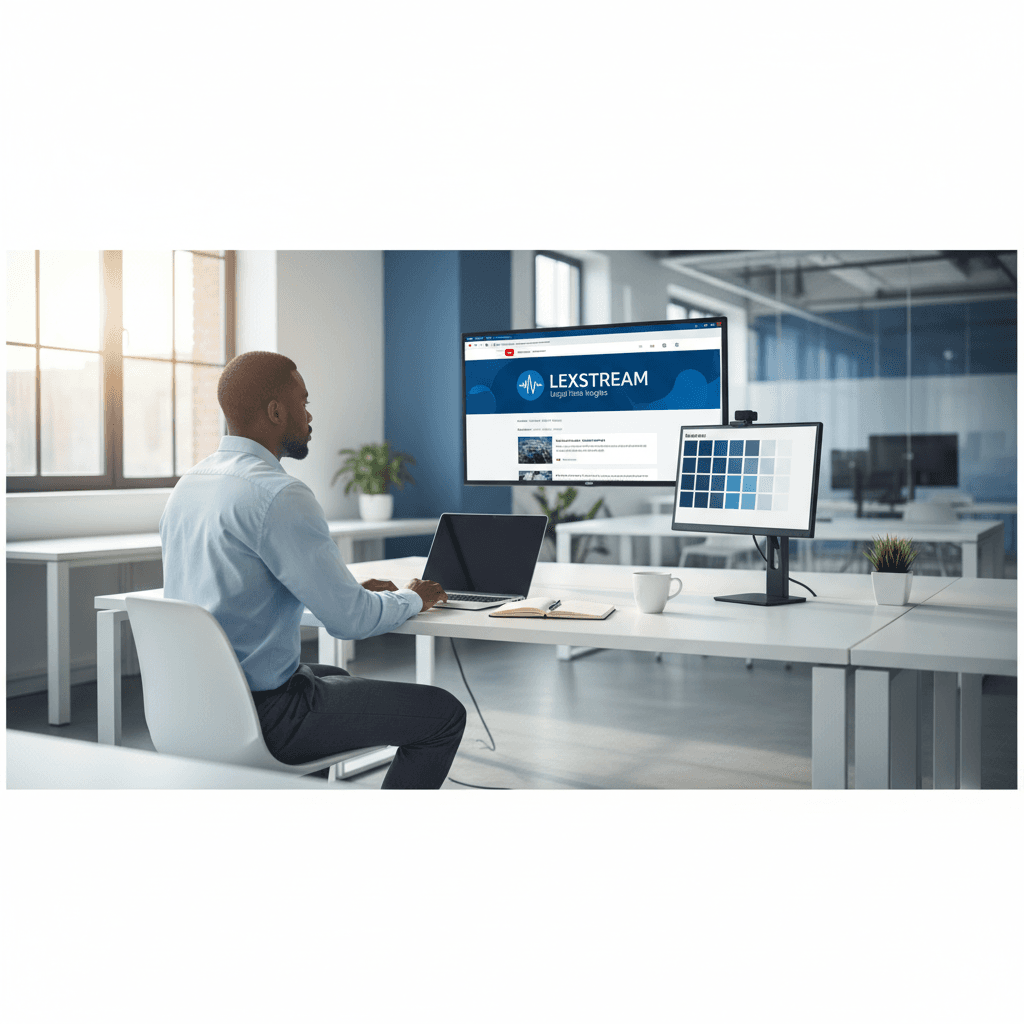
How a Founder Built a YouTube Brand Without a Designer
A legal-tech startup founder, no designer, 22 YouTube thumbnails — how the startup built a consistent channel identity in one week using Playyy's brand kit.
 Daniel Brooks
Design marketing, educational, and corporate presentations in one browser tab. Load a brand kit, generate the slides, edit any element, then share a live link or export a PPT.
Start creating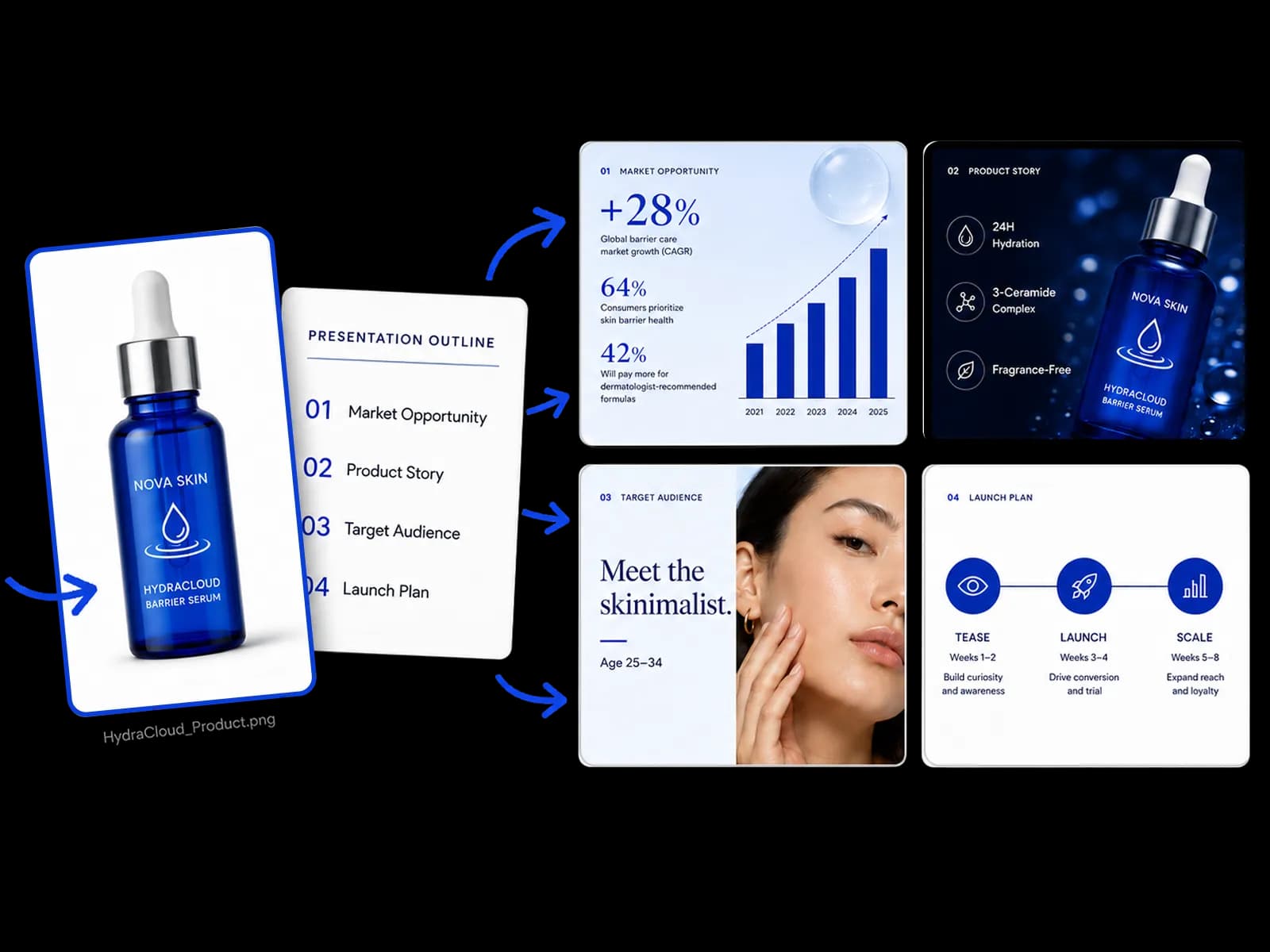
From a brand kit, a photo, or a brief to finished slides that you can share as a link or export as a PPT.
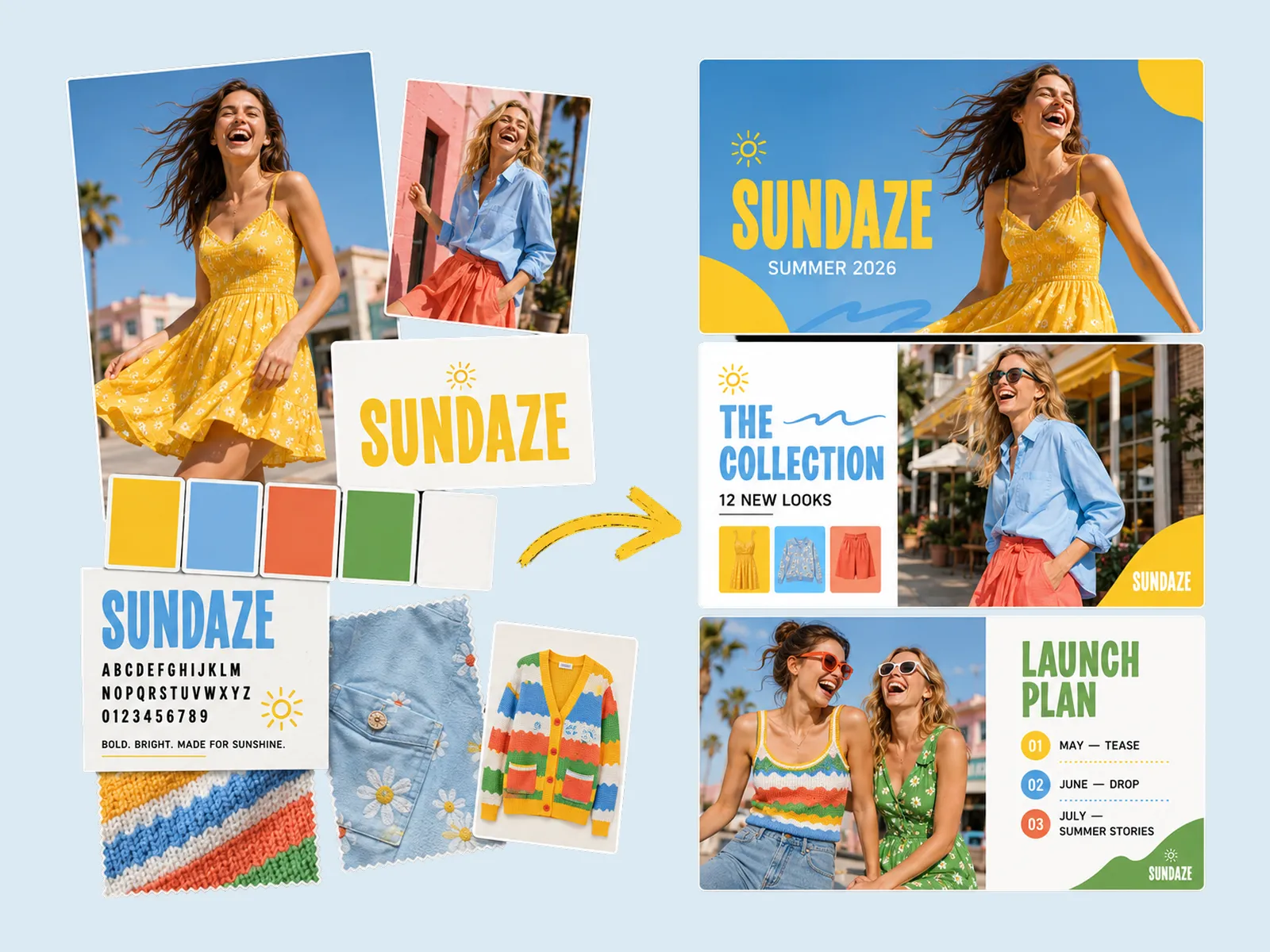
Presentation design starts from the kit you already have — colours, type, imagery rules, and a few reference shots. Playyy locks that system before it lays out a single slide, so headings, body copy, charts, and photography share one look. A campaign deck, a board update, and a training module built this way all read as the same organisation instead of three unrelated template downloads.
Try for free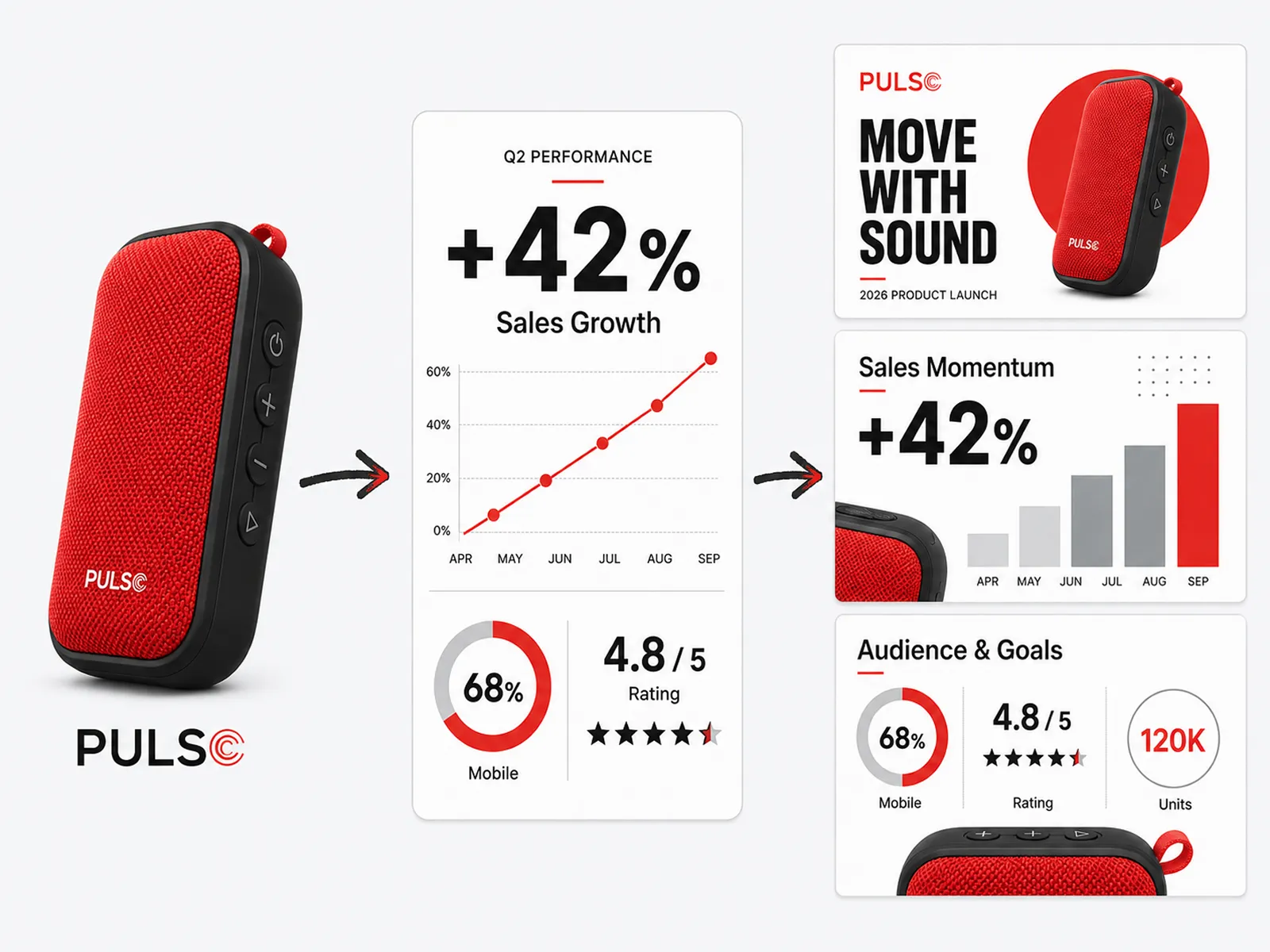
A product photo, a one-line brief, a report, or a screenshot is enough to build the whole presentation. Playyy decides the outline first — context, argument, evidence, next steps — then designs slides around the source material. You never start from a blank PowerPoint theme, and the asset carries through every slide instead of sitting in a placeholder box.
Try for free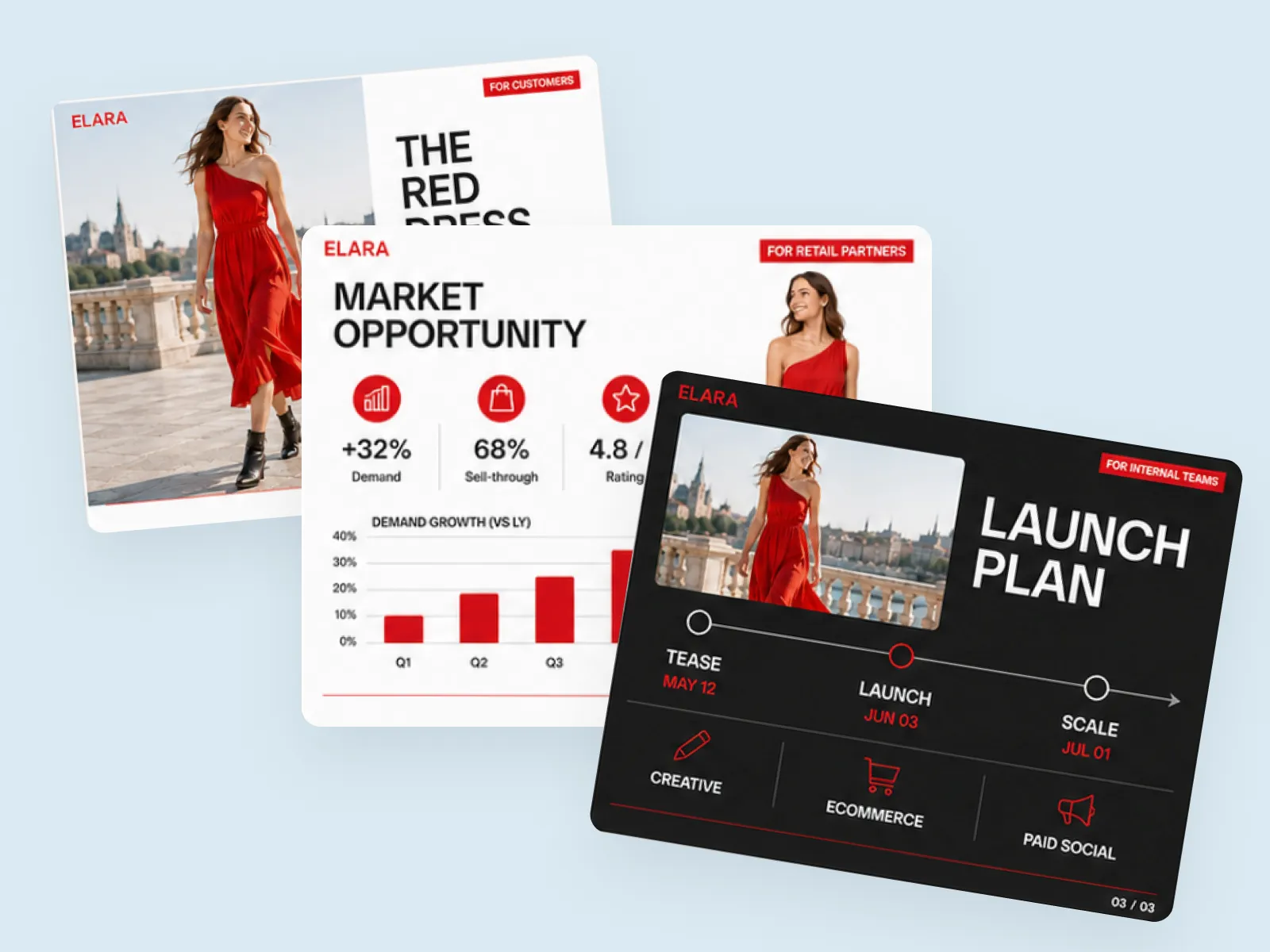
Present the same material to whoever is in front of you — customers, retail partners, the board, or a classroom — without rebuilding anything. Click an element, describe the change, and that slide updates. Make the product larger, rewrite a headline, simplify a chart for a non-technical audience: every other slide stays on-brand. When a version is ready, share a live link or export a PPT.
Try for freeNo PowerPoint licence, no desktop install, no plugin. Open the tab, drop in your assets, and the layout happens in the browser.
Load colours and type once and they hold from the title slide to the last one. Update the kit later and the whole deck follows.
The structure gets decided first — context, argument, evidence, next steps — so the slides make a case instead of just filling space.
Generated slides are not a flat export. Click a product, a headline, or a chart and describe the change in plain language.
Fork the customer version into a partner, board, or classroom version by editing only the slides that differ. Everything else stays identical.
Send a live link for a review or a walkthrough, the same way you would from Canva or Pitch. Download a PPT when the meeting needs a file — both stay available.
“I build the customer version first, then fork it for partners and the internal team. Because the brand kit sits on the deck rather than on each slide, the versions I did not touch stay pixel-identical — which is the part that used to eat my afternoon.”

Minji Park
Creator Marketing Strategist
“I run workshops, so my slides have to survive an hour of someone reading them, not ten minutes of me talking over them. Getting the structure decided before the layout is what made these usable as training material rather than as a pitch.”

Luca Moretti
Local Business & Event Marketing Consultant
“The board update and the campaign deck now come out of the same place and actually look related. Previously one was a corporate template and the other was whatever the agency sent, and you could tell from across the room.”

Emily Carter
Growth Marketing Strategist
See how teams are using Playyy to ship better visuals, faster.
A legal-tech startup founder, no designer, 22 YouTube thumbnails — how the startup built a consistent channel identity in one week using Playyy's brand kit.
Daniel Brooks
ChatGPT images buried in chat, no brand kit, no spec control. How a 12-person B2B SaaS team switched workflows and tripled creative output in the same time budget.
 Emily Carter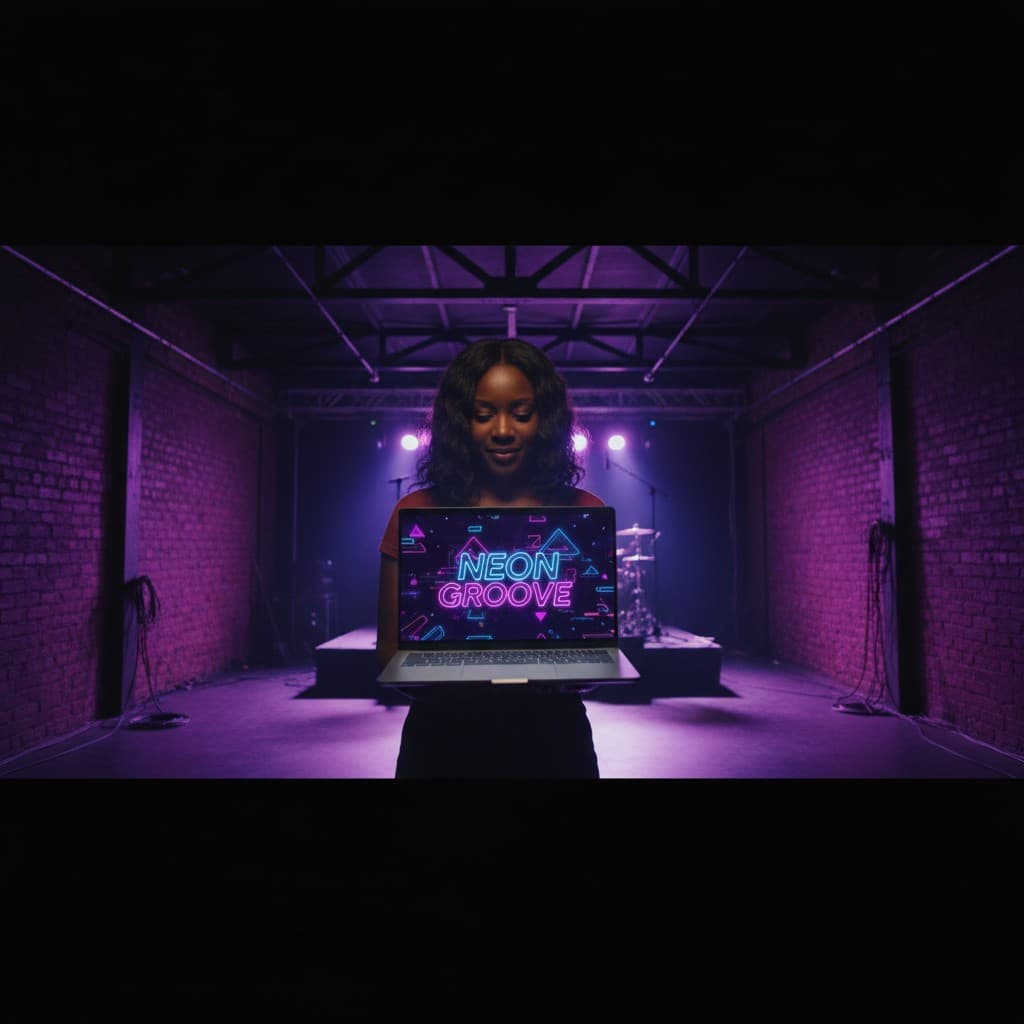
YouTube channel banner, profile picture, and 4 end-card variants — zero design cost, one afternoon, no designer.
 Luca Moretti
Design Arena runs blind head-to-head votes on AI-generated slides. Playyy is #1 on the overall slides leaderboard. It is a live board, so standings can move — the comparison is still made on real decks, not feature lists.
Most slide tools hand you a themed shell and leave the hard part to you. Playyy reads what you have, proposes the structure, and lays out each slide against it — so the first pass is close enough to present rather than something you rebuild.
Slides are not a separate tool here. The click-to-edit workflow that produces ads, product shots, and social visuals produces the presentation too — so the deck and the creative you ship come out of one place and actually match.
Presentation software is the tool you use to build and deliver slides — historically PowerPoint or Keynote on the desktop, now mostly browser-based. The category has split in two: template libraries, which hand you a themed shell to fill in, and design tools, which lay out the slides from your content. Playyy is the second kind, so the output is a designed deck rather than a theme with your text dropped in.
Yes — Playyy runs entirely in a browser tab with no PowerPoint licence, no desktop install, and no plugin. Open it, drop in a brand kit or a photo, and the slides are designed in the browser. Paid plans add volume rather than unlocking the core design-and-edit workflow.
A template library gives you a finished-looking shell and leaves the hard part — deciding what goes on each slide and how it is arranged — to you. Presentation software that designs from content works the other way around: it reads what you have, proposes the structure, and lays out each slide against it. The tell is what happens on slide fourteen: templates drift, because every slide is styled by hand.
Give the tool a visual system to work from rather than picking a theme. Load your colours, type, and a few real photographs, and let those constraints drive every slide — that is most of what a designer would enforce anyway. Then edit at the element level: change a crop, resize a product, simplify a chart. The result looks considered because the constraints were set once instead of negotiated slide by slide.
Audience and burden of proof. A marketing deck argues commercial fit to an external audience — positioning, audience, channel plan, proof of demand — and leans on visual impact. A corporate presentation argues internally: results, risk, and what happens next, usually with more data per slide and less decoration. The same brand system serves both; the slide order and the density change.
Yes. Course material, onboarding decks, and workshop slides are the same problem in a different register — a sequence that has to stay legible for an hour rather than persuade in ten minutes. Structure the outline around what the audience should be able to do afterwards, keep one visual system across the run, and use the click-to-edit pass to strip anything decorative that competes with the point.
Consistency comes from applying the brand kit at the deck level rather than per slide. Load colours and type once, and headings, charts, and image crops inherit them across the run. The usual failure mode is slide fourteen, where a different font crept in — that only happens when each slide is styled individually instead of inheriting from one system.
Match it to the room, not to a template. A partner or retail conversation usually runs ten to fifteen slides; an internal review can be shorter because context is shared; a training module runs as long as the material needs. If the deck is being sent rather than presented, a one-page summary alongside it often does more work than adding slides.
Both. Share a live link the same way you would from Canva or Pitch — send it for a review or present from the browser. Export a PPT when a meeting, a client, or a corporate template needs a file. Neither path locks you out of the other.

Turn any product photo into channel-ready studio imagery — no studio, no reshooting.
Explore workflow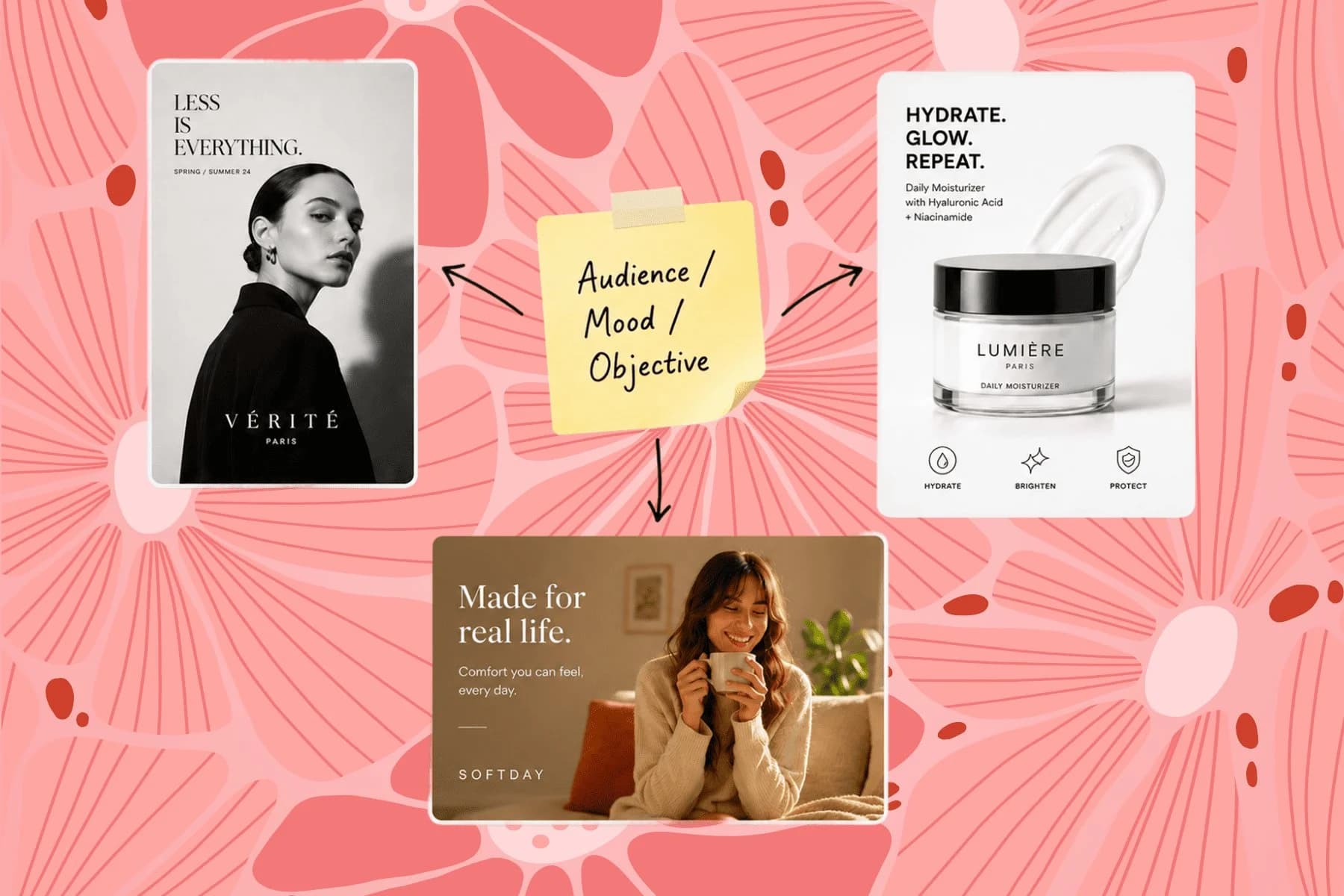
From one campaign brief to every channel asset — AI image generator, creator, and editor in one workflow.
Explore workflow
Ecommerce image editing across every SKU — background removal, cleanup, and upscaling that meet marketplace specs.
Explore workflowKeep every image on brand, control the final look, and turn campaign ideas into polished assets without waiting on another design cycle.














