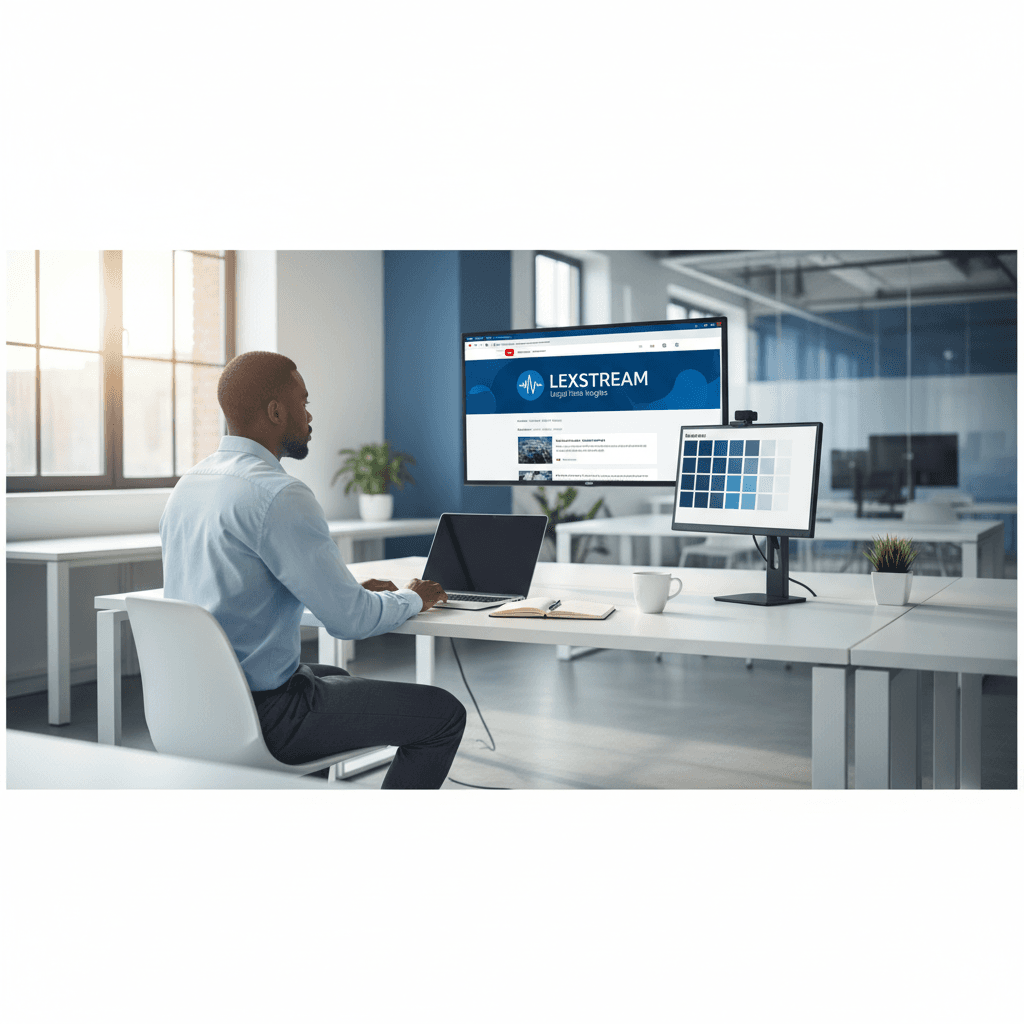
How a Founder Built a YouTube Brand Without a Designer
A legal-tech startup founder, no designer, 22 YouTube thumbnails — how the startup built a consistent channel identity in one week using Playyy's brand kit.
 Daniel Brooks
Turn any photo into a professional headshot, design a LinkedIn banner, and create portfolio visuals for your CV — no photographer or designer needed.
Start creating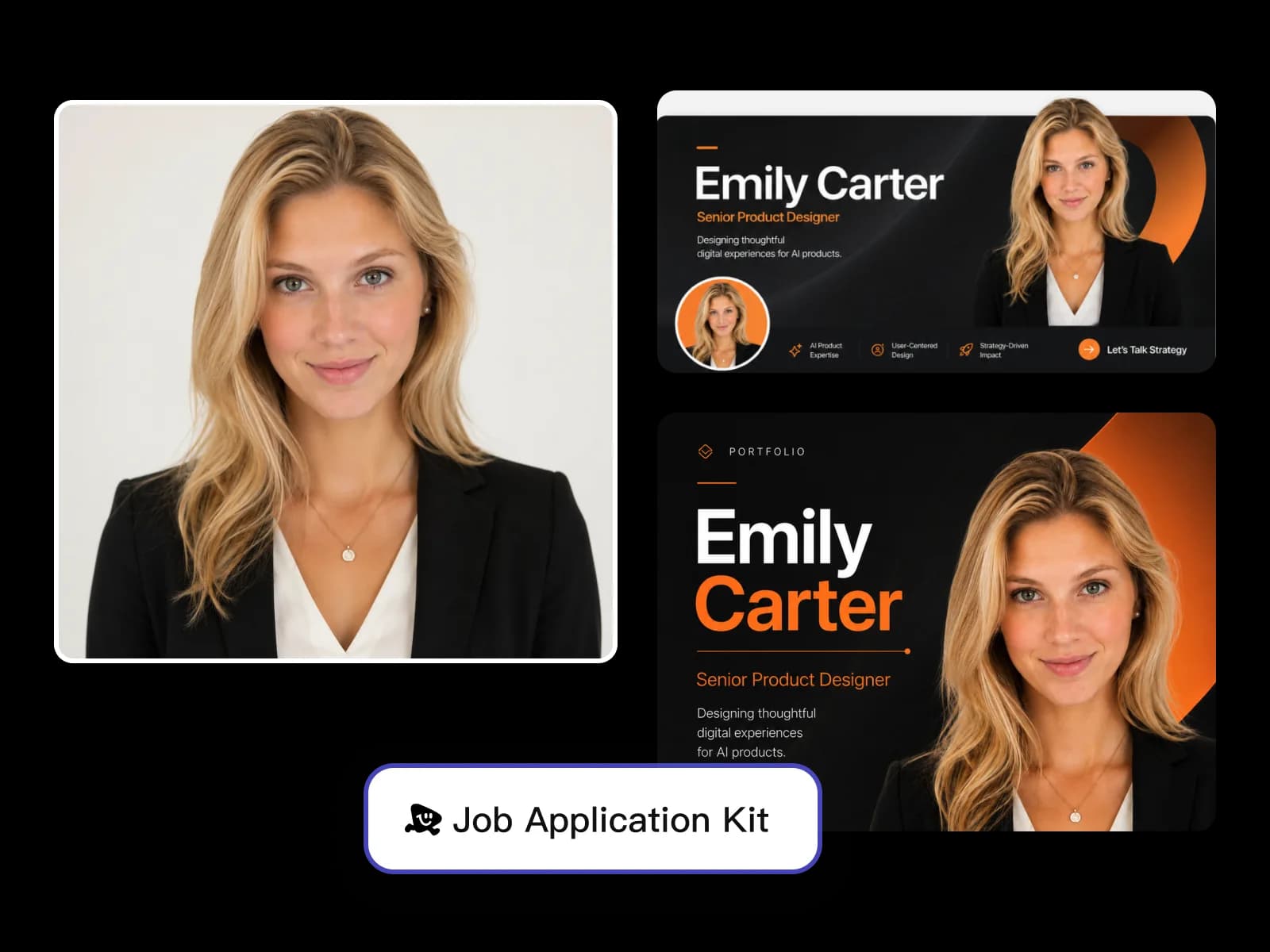
From any existing photo to a professional headshot, LinkedIn banner, and portfolio visuals — everything your job application needs in one session.
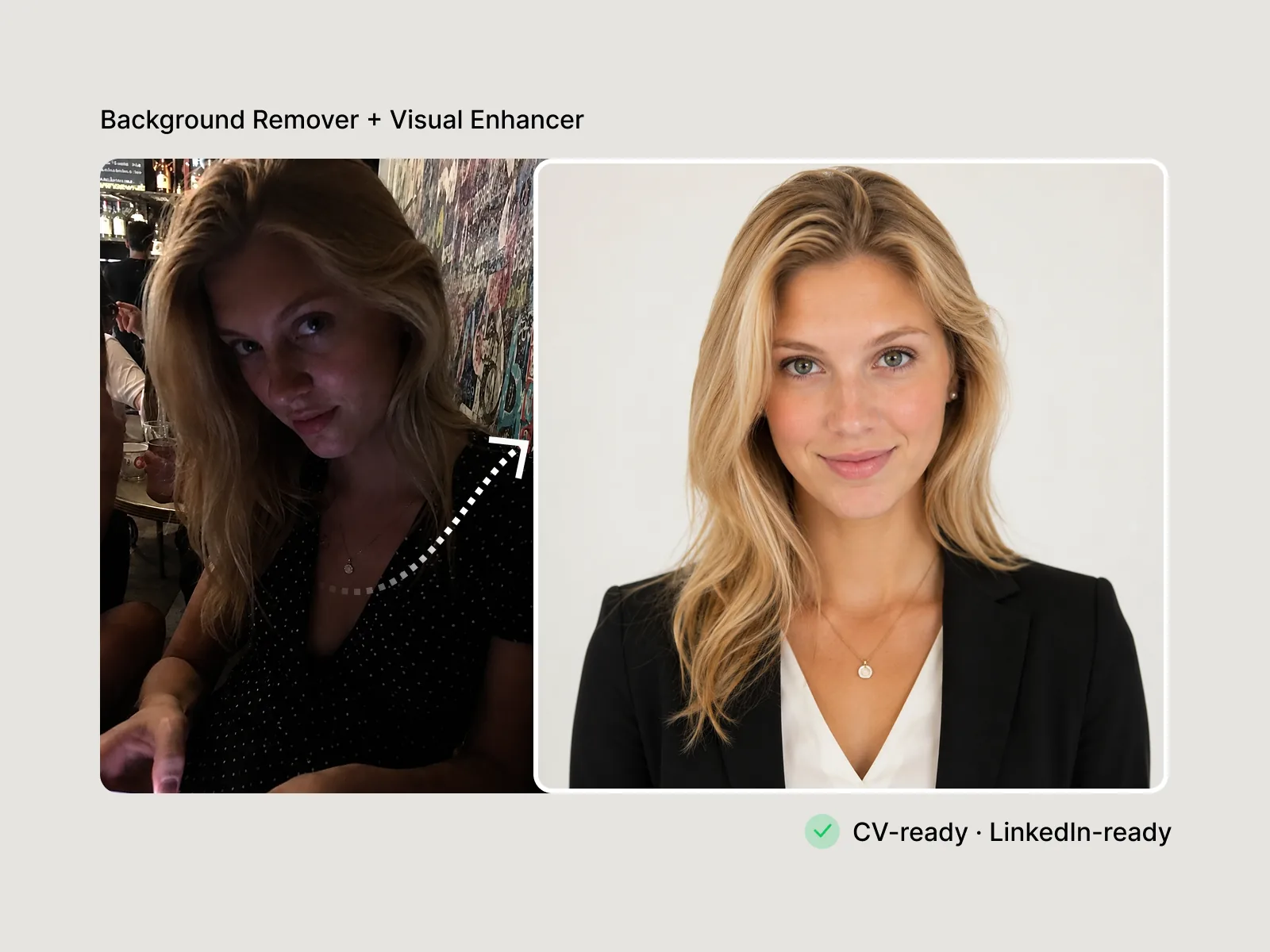
Resume and CV headshots communicate professionalism before a hiring manager reads a word of your application. Background Remover isolates your subject from any photo and replaces the background with a clean studio white or soft neutral. Visual Enhancer corrects exposure and restores sharpness in the same pass — producing a headshot that reads as intentional rather than a cropped selfie.
Try for free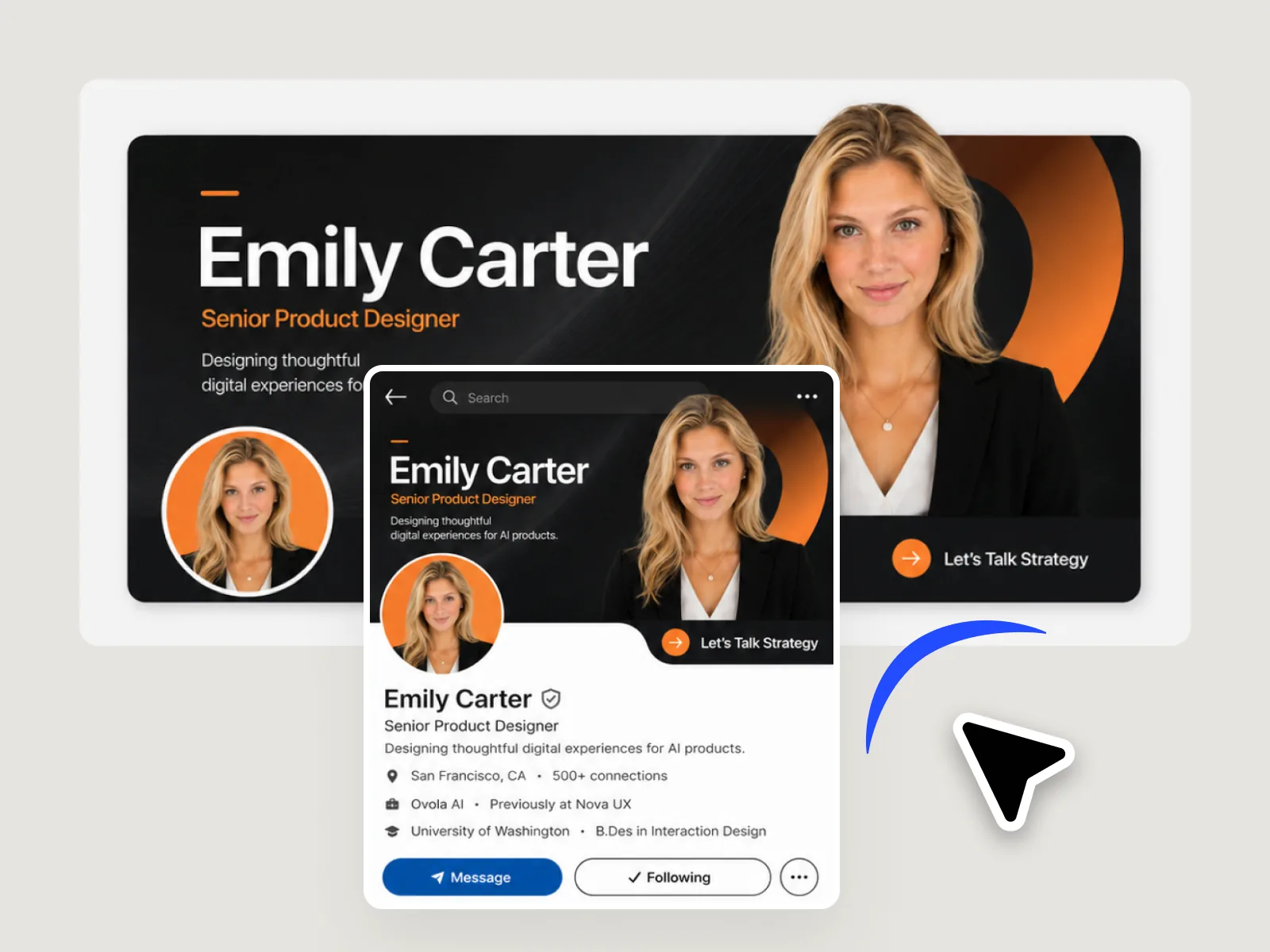
Job seekers with a complete LinkedIn presence receive more recruiter outreach than those with a blank profile banner. AI Image Generator produces a professional background visual from a brief — industry color palette, abstract gradient, or clean typographic layout. Edit Elements places your name, role, and positioning line within the LinkedIn banner safe zone at 1584×396px, ready to upload without a designer or template.
Try for free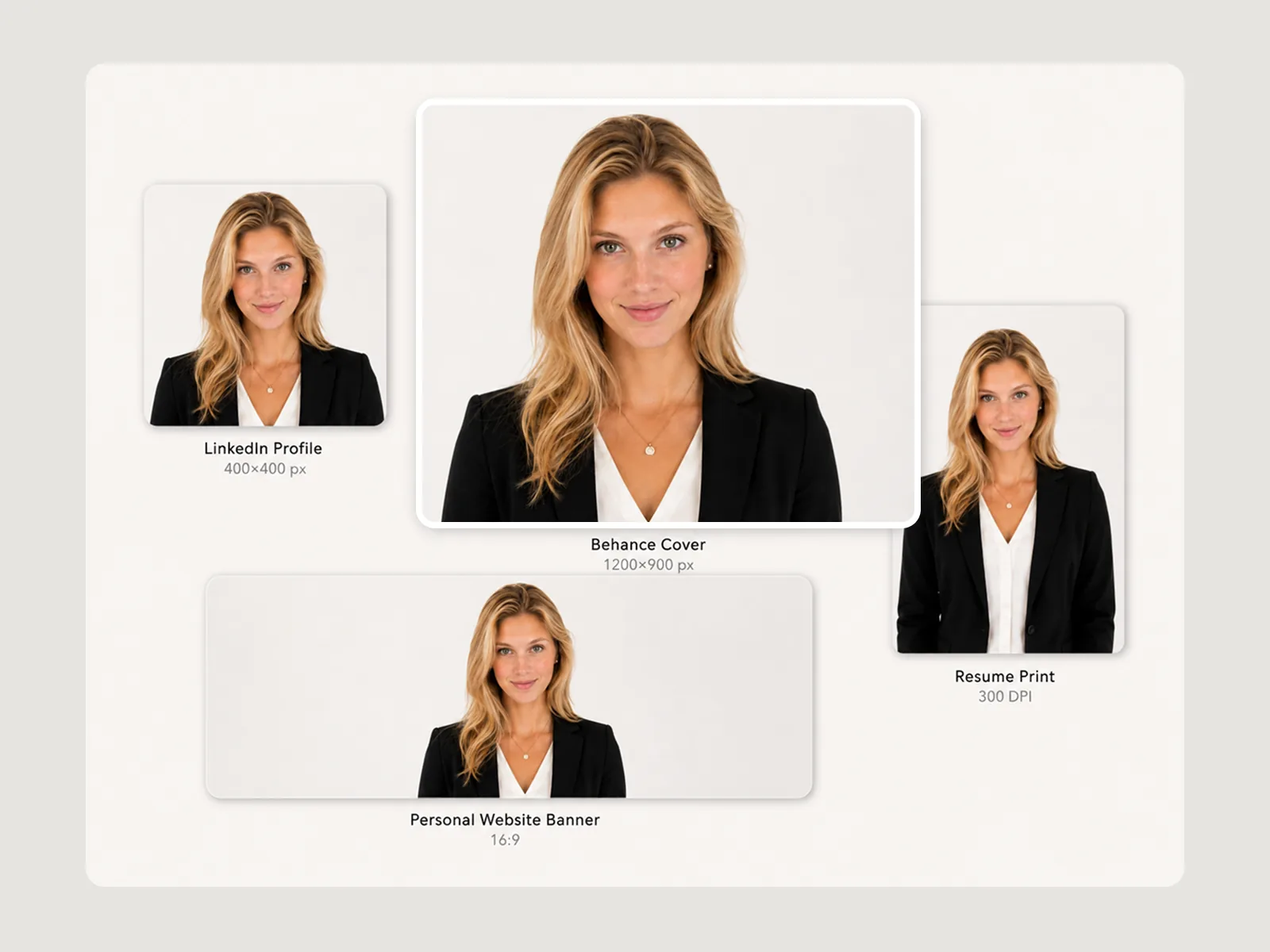
Each application format requires a different output: CV headshot at 300 DPI for print, LinkedIn profile picture at 400×400px, portfolio cover at the dimension your submission format requires. Image Expander adapts your approved headshot or visual direction to each ratio without rebuilding the composition. Export print-ready JPEG for CV submission and screen-optimized PNG for digital portfolios in the same session.
Try for freeBackground Remover isolates your subject from any source photo — casual, outdoors, or poorly lit — and Visual Enhancer brings it to professional headshot clarity with corrected brightness and sharpness. No photography session required.
Generate a LinkedIn banner at the exact 1584×396px spec, with imagery and tone matched to your industry — finance, tech, creative, or healthcare. Your profile signals professional context before a recruiter reads a single line.
Clean background, correct framing, and the brightness recruiters expect — Playyy produces a professional headshot that holds up at LinkedIn thumbnail scale. Works for your resume photo and portfolio cover too.
Edit Elements adds your name, current title, and a one-line positioning statement to your banner with precise placement and legibility at mobile preview size.
One session in Playyy produces your LinkedIn banner, professional headshot, resume photo, and portfolio cover — all from the same visual direction at the correct spec for each platform.
Get a professional headshot and a field-appropriate LinkedIn banner without booking a photographer or hiring a designer. Playyy covers the full visual profile from a photo you already have.
“I needed a headshot that belonged on a CV and a LinkedIn banner that did not look like a default gradient. Playyy took a photo I already had and produced both in one sitting — no photographer, no extra subscriptions.”
Daniel Brooks
Startup Brand & Content Advisor
“Applications fall apart when the resume photo, the banner, and the portfolio cover look like three different people. One session, one visual direction, every spec. Recruiters see a coherent profile.”
Minji Park
Creator Marketing Strategist
“The LinkedIn banner is the first brand impression in a job search. I generated a scene that actually signals the field, placed the line of copy so it reads on mobile, and exported at 1584×396 without guessing.”

Emily Carter
Growth Marketing Strategist
See how teams are using Playyy to ship better visuals, faster.
A legal-tech startup founder, no designer, 22 YouTube thumbnails — how the startup built a consistent channel identity in one week using Playyy's brand kit.
Daniel Brooks
ChatGPT images buried in chat, no brand kit, no spec control. How a 12-person B2B SaaS team switched workflows and tripled creative output in the same time budget.
 Emily Carter
YouTube channel banner, profile picture, and 4 end-card variants — zero design cost, one afternoon, no designer.
 Luca Moretti
Background Remover isolates your subject cleanly from any source — a smartphone photo, a group shot, an outdoor candid — so you're not starting from a controlled studio image. Visual Enhancer then brings the result to professional headshot standard: corrected brightness, sharpened detail, and the neutral clarity that reads as credible at LinkedIn thumbnail scale. No new photography session, no photographer fee — your best existing photo becomes a professional headshot.
Generate a scene-appropriate LinkedIn banner visual for your industry — a clean tech environment, a financial context, a creative workspace — so your profile communicates professional intent before a recruiter reads your headline. Edit Elements places your name and positioning statement at the correct size and contrast for both desktop and mobile banner display. The result is a 1584×396px spec-compliant banner that does real positioning work, not just decorative background fill.
One Playyy session produces your LinkedIn banner, AI headshot, resume photo, and portfolio cover — all from the same visual direction so your professional profile looks coherent across every surface a recruiter might encounter. Image Expander handles the format changes so the same source image outputs at every required spec without manual cropping or quality loss. You show up consistently whether someone finds you on LinkedIn, receives your resume, or visits your portfolio.
Yes. Playyy's Background Remover isolates your subject from any existing photo and replaces the background with a clean professional setting — studio white, soft grey, or a subtle gradient. Visual Enhancer sharpens the result to the resolution a printed CV or digital profile requires. The output reads as a professional headshot without the cost or scheduling of a photography session.
Three adjustments separate a casual photo from a professional headshot: background, exposure, and sharpness. Background Remover replaces distracting or informal backgrounds with a clean neutral. Visual Enhancer corrects low-light exposure and restores detail lost to compression. The result is a consistent professional look suitable for a resume, CV, and LinkedIn profile without a reshoot.
A job seeker's LinkedIn banner should communicate professional identity at a glance — your current role or target title, a short positioning line, and optionally a contact prompt. Keep text minimal, as LinkedIn compresses uploads and small text loses legibility at banner scale. Design at 1584×396px with key content centered, since mobile crops the sides to approximately 1584×220px. Playyy's Edit Elements places name and role within the visible safe zone automatically.
LinkedIn profile pictures display at 400×400px — upload at that size or higher since the platform crops and scales down. LinkedIn banners display at 1584×396px on desktop; mobile shows approximately the center 1584×220px. Keep logos and text away from the edges. Playyy adapts your headshot to the profile picture ratio and your banner design to 1584×396px without manual cropping or rebuilding.
Portfolio covers follow the dimensions of the platform or format: A4 PDF covers at 2480×3508px for print, 1200×900px for Behance, 800×600px for a personal site. Playyy's Image Expander adapts one approved visual direction to each of these ratios without rebuilding the composition. Edit Elements places your name, role, and project title on each cover — consistent visual branding across every portfolio submission.
AI-enhanced headshots — where an existing photo is cleaned up, background-swapped, and sharpened — are widely accepted on CVs, LinkedIn profiles, and job applications across industries. The professional standard for headshots is consistent lighting, a clean background, and clear facial visibility. Playyy's workflow works from your existing photos rather than generating a synthetic portrait, so the result is your image presented professionally.
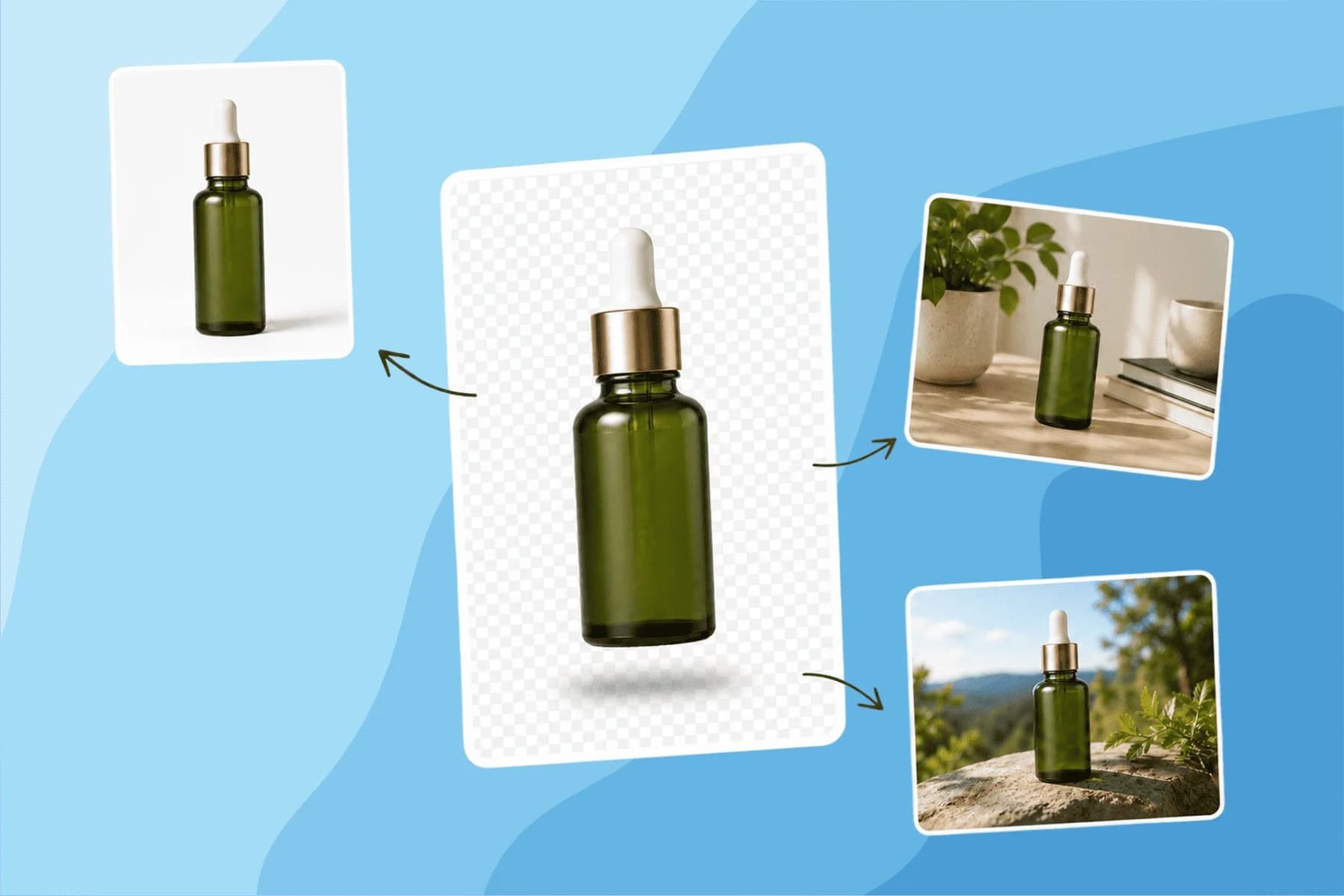
Turn any product photo into channel-ready studio imagery — no studio, no reshooting.
Explore workflow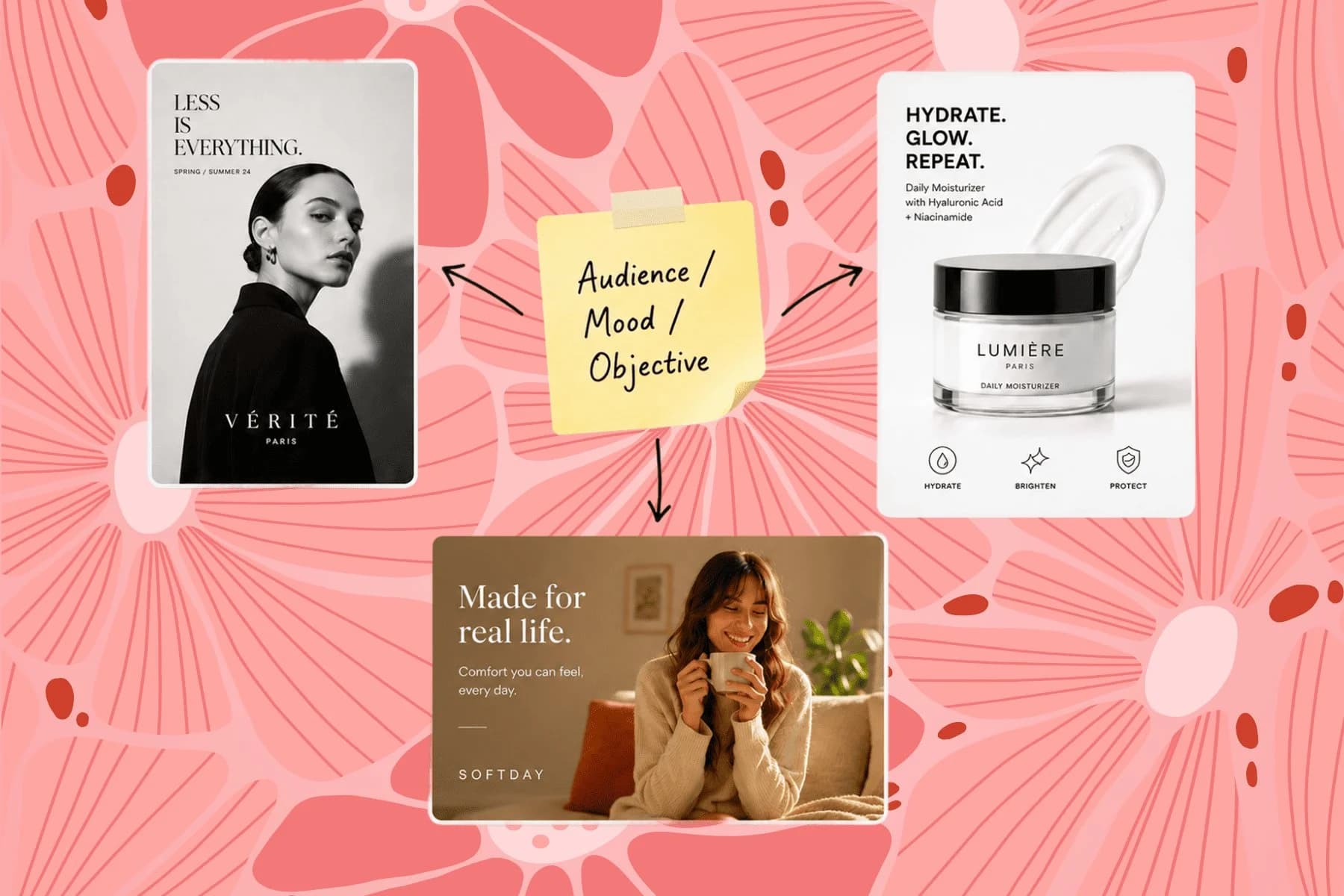
From one campaign brief to every channel asset — AI image generator, creator, and editor in one workflow.
Explore workflow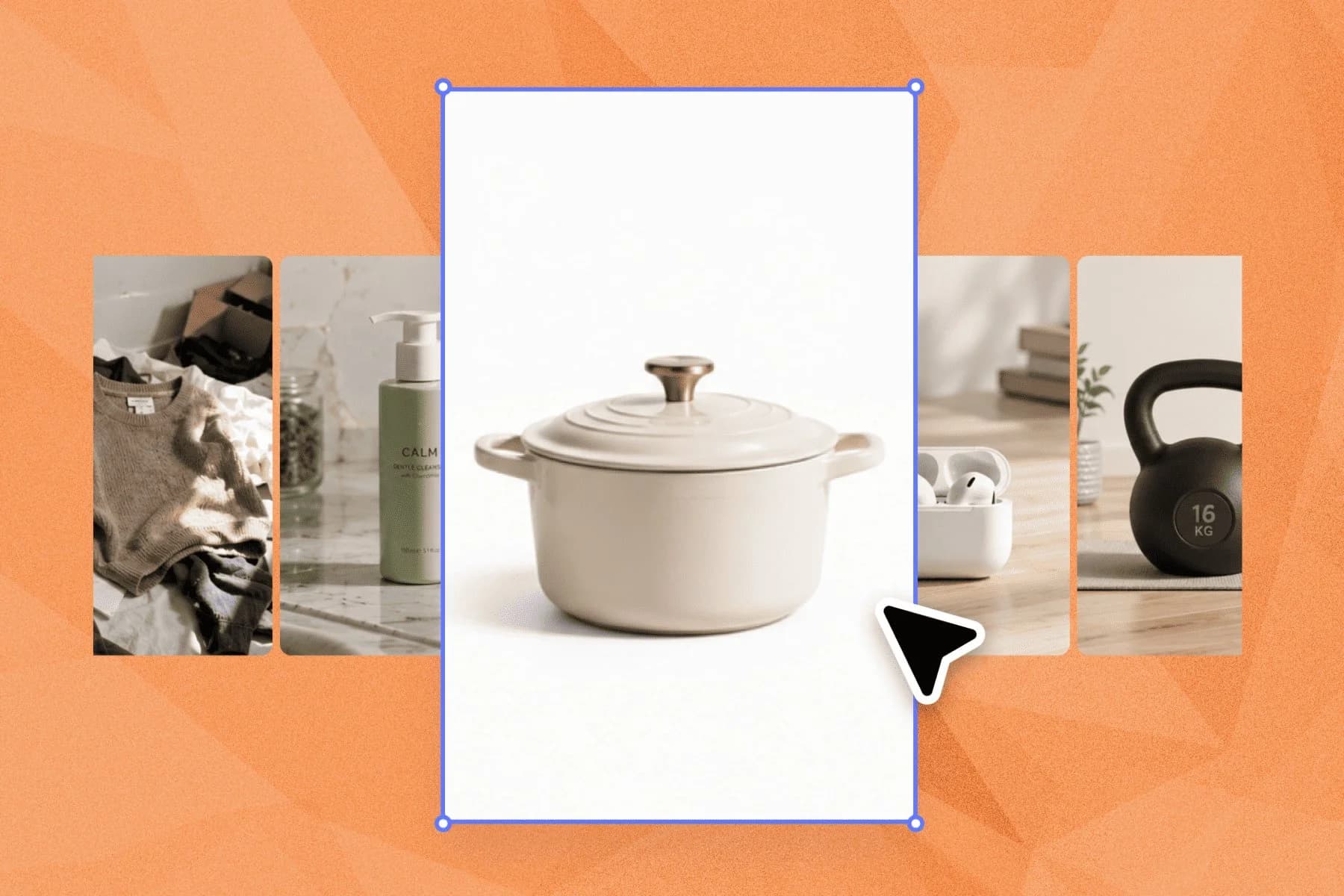
Ecommerce image editing across every SKU — background removal, cleanup, and upscaling that meet marketplace specs.
Explore workflowKeep every image on brand, control the final look, and turn campaign ideas into polished assets without waiting on another design cycle.














