
Free AI Product Photography for Ecommerce Brands
Turn any product photo into channel-ready studio imagery — no studio, no reshooting.
Explore workflowPlace any product into realistic rooms, outdoor sets, and in-use scenes — no studio, no props, no reshoot
Upload a packshot, describe the scene, and get lifestyle product photos with matching light and surfaces.
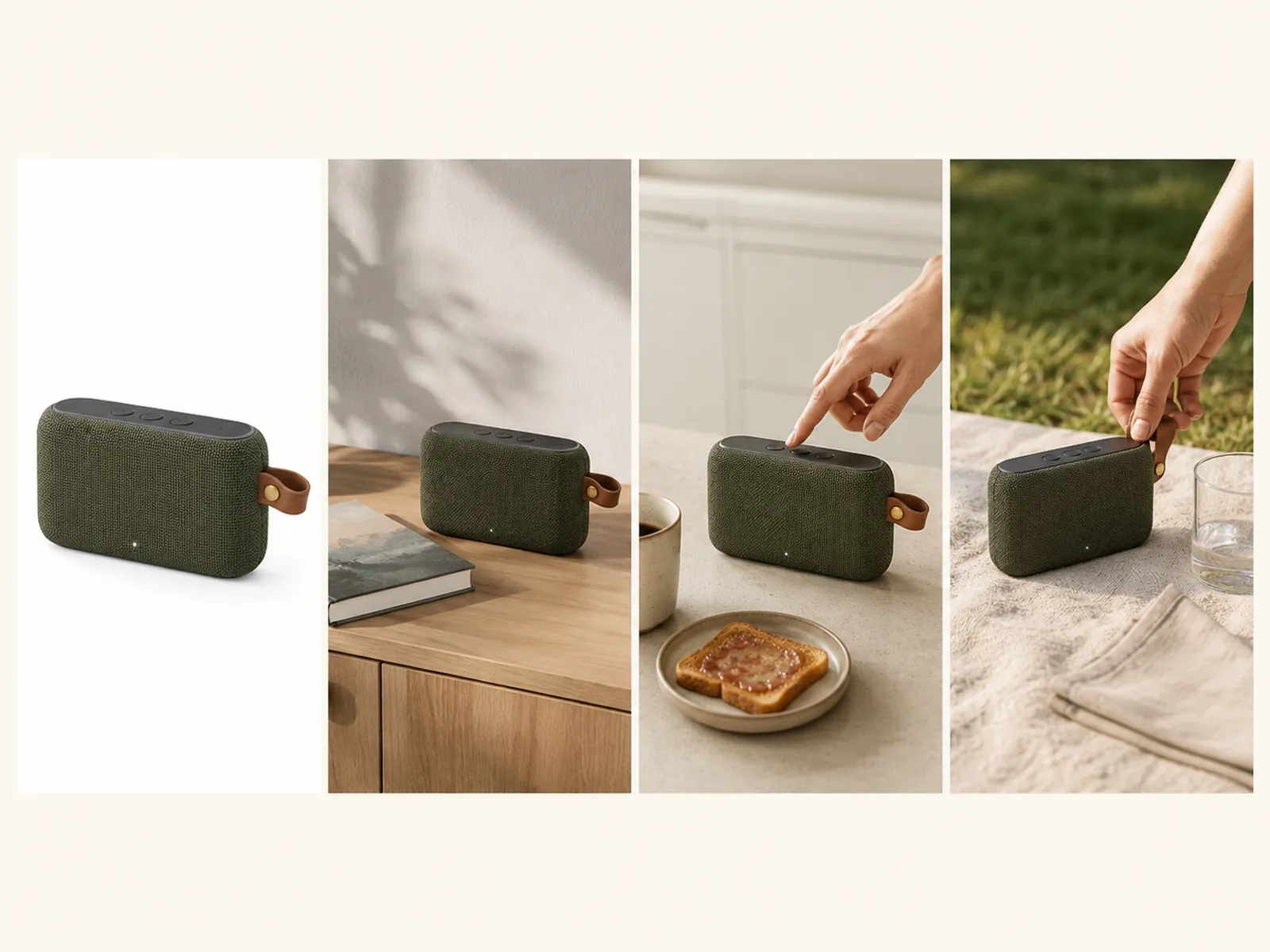
One speaker on white becomes a sunlit shelf, a breakfast counter, and a picnic blanket. Describe the room, the surface, and the mood; the product identity — color, materials, hardware — stays consistent across every scene.
Try for free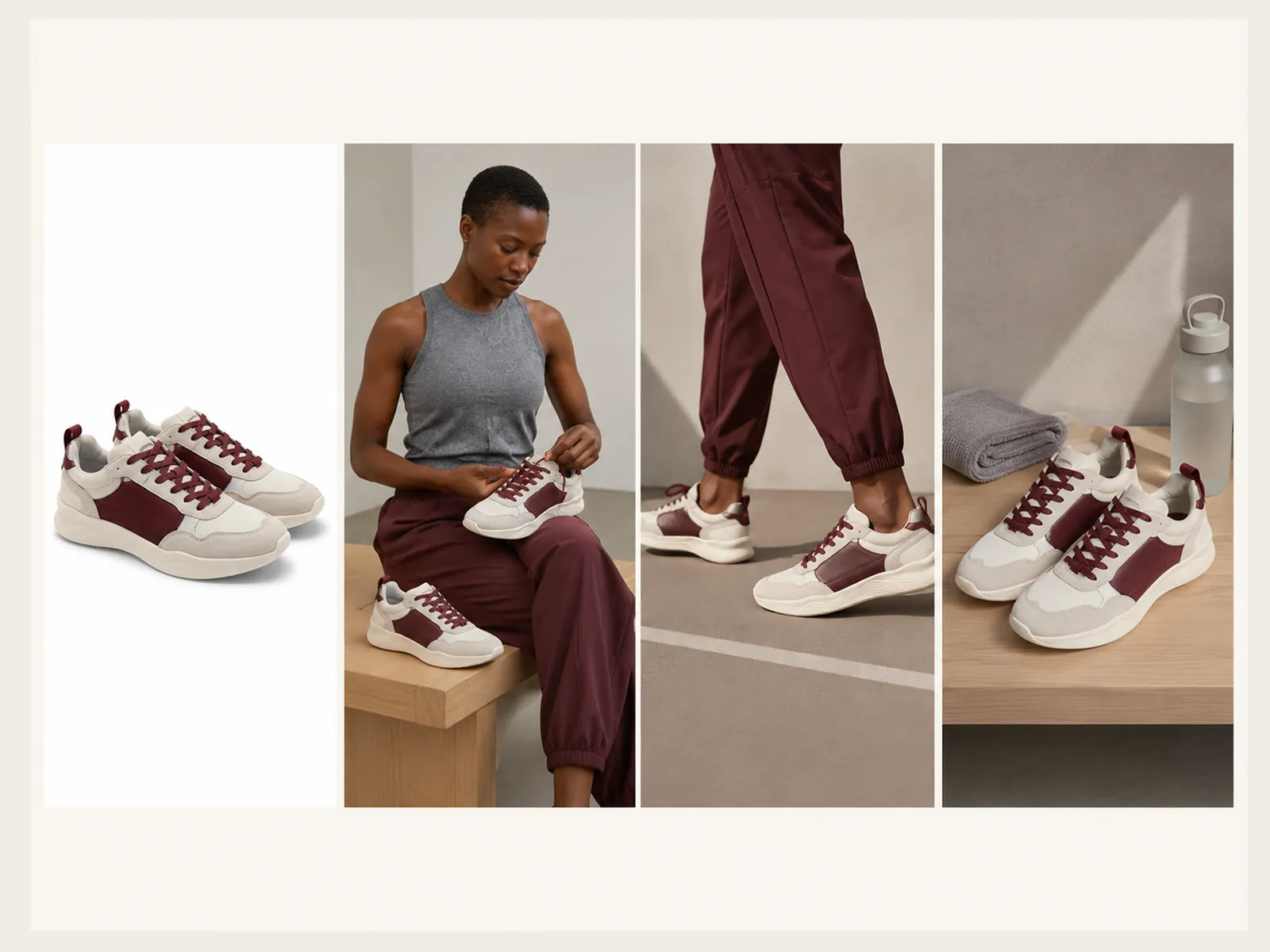
A white-background sneaker becomes a sitting portrait, a walking crop, and a gym still life. Lifestyle product photography adds the surface, wardrobe, and light that tell people how the product lives — while the shoe itself stays the hero.
Try for free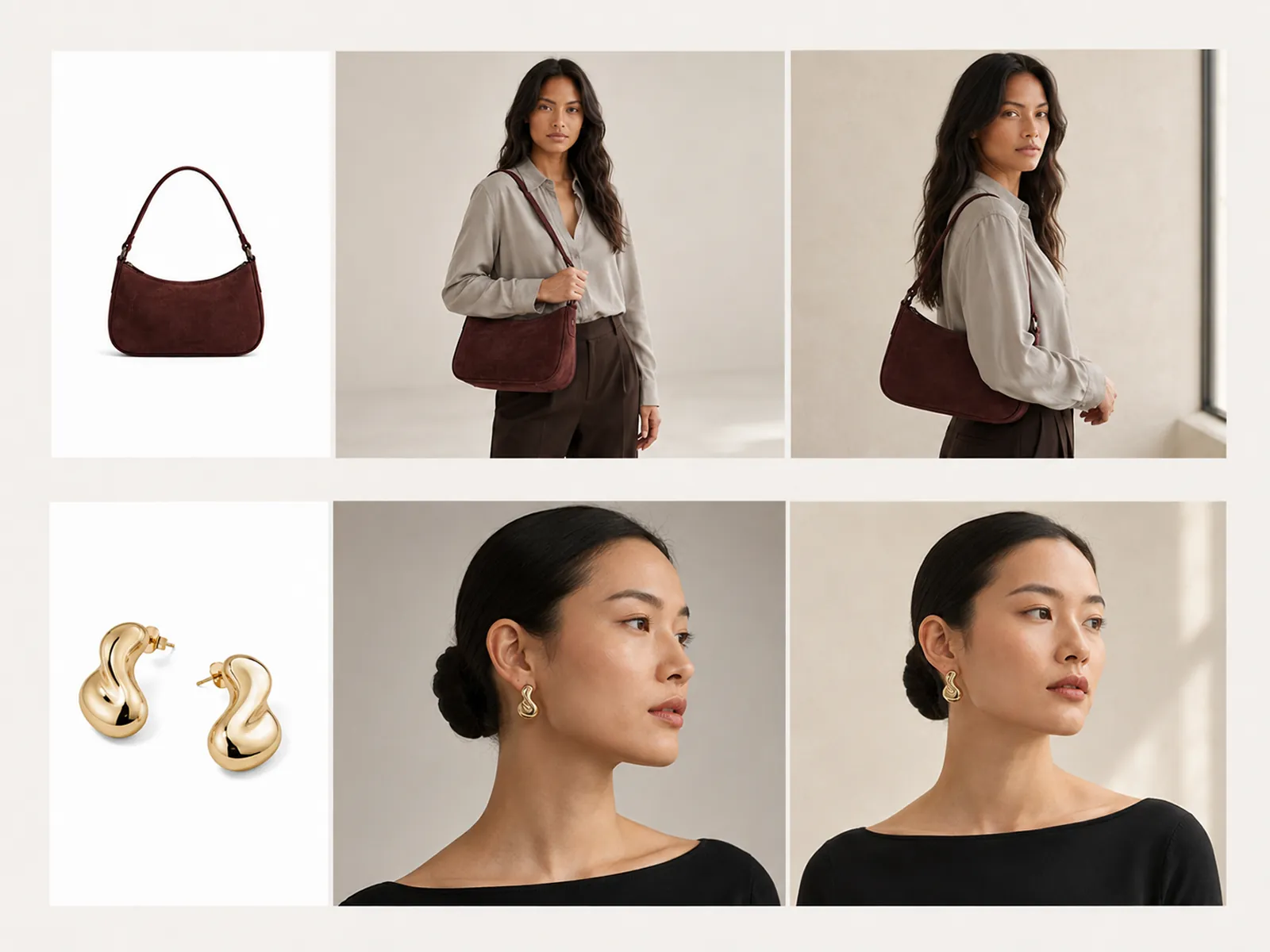
Shoppers need to see scale, fit, and how an item sits in real life — on a body, in a hand, or in daily use. Product staging puts the SKU in that wear-or-use frame so the product stays the subject. This is in-use staging, not a virtual-model swap.
Try for freeUpload a white-background or cutout product photo and generate a finished lifestyle frame — interiors, outdoor sets, or in-use crops.
Color, materials, labels, and proportions stay aligned with the source. The scene changes; the item shoppers are buying does not.
Home, studio, outdoor, seasonal — generate several contexts from one file so PDP, ads, and social are not the same white square.
Shadows, reflections, and color temperature follow the scene instead of looking pasted on. Surfaces read as wood, stone, fabric, or grass.
Holiday, summer, gift, and everyday versions of the same SKU without rebuilding a physical set each time the calendar changes.
Skip the tabletop build. Describe the setting and review the result — then export or keep editing in the same session.
“We had clean packshots and nothing to run in ads. Staging let me put the same bottle on a bathroom shelf, a travel bag, and a gym bench in an afternoon — and the product still matched the listing photo.”

Emily Carter
Growth Marketing Strategist
“Marketplace main images stay on white. Everything else — A+ content, Shopify lifestyle, Meta — needs a scene. I stopped booking tabletop days for those extras.”

James Walker
Ecommerce Creative Strategist
“My first launch was shot on a phone against a wall. Staging is how those photos looked like a brand instead of a bedroom. I still check every frame against the real product before it goes live.”

Minji Park
Creator Marketing Strategist
A packshot proves what the item is. A staged scene proves how it lives — scale on a counter, material in daylight, use in someone's hands. Playyy is for that second image: the one most catalogs skip because a lifestyle shoot was never in the budget.
Lifestyle generators that redraw the product are a liability on a PDP. Staging here starts from your photo and builds the room around it, so labels, finishes, and silhouette remain reviewable against the real SKU.
Remove the background, stage the scene, then upscale for zoom. Apparel can move from ghost mannequin to on-model to still-life without leaving the editor or re-uploading a cleaned file.
Turn any product photo into channel-ready studio imagery — no studio, no reshooting.
Explore workflow
Ecommerce image editing across every SKU — background removal, cleanup, and upscaling that meet marketplace specs.
Explore workflowAI product staging places an existing product photo into a generated lifestyle or commercial scene — a room, a surface, outdoor light, supporting props — so shoppers see the item in use. The product comes from your packshot; the environment is created around it.
Hard goods, beauty, electronics, home, food, footwear, and accessories all stage well. Apparel can be staged as still life or worn in context. Best input is a clean product photo with the item fully visible.
Yes. Describe the location, surface, light, supporting objects, and mood. Generate a few variants, keep the one that matches the brand, and refine details in the editor if a prop or shadow needs a pass.
Review materials, color, labels, and proportions against the source before you publish. Staging is meant to keep product identity intact; if a generated scene drifts, regenerate or edit that region rather than shipping it unreviewed.
Background Remover isolates the subject and returns a cutout. Product staging builds a full scene around the product — surfaces, light, and context. Use Background Remover for white marketplace images; use Product Staging for lifestyle PDP and campaign frames.
Interiors like kitchens, shelves, and bathrooms; outdoor sets like gardens, streets, and picnics; and flat surfaces — marble, wood, linen — for a cleaner staged look. Describe the product staging background you want, or generate a few options and pick the one that fits the brand.
See how teams are using Playyy to ship better visuals, faster.

Sixty lifestyle images, three days, no studio. How one Shopify brand cut product shoot costs by 80% using AI photo editing.
 James Walker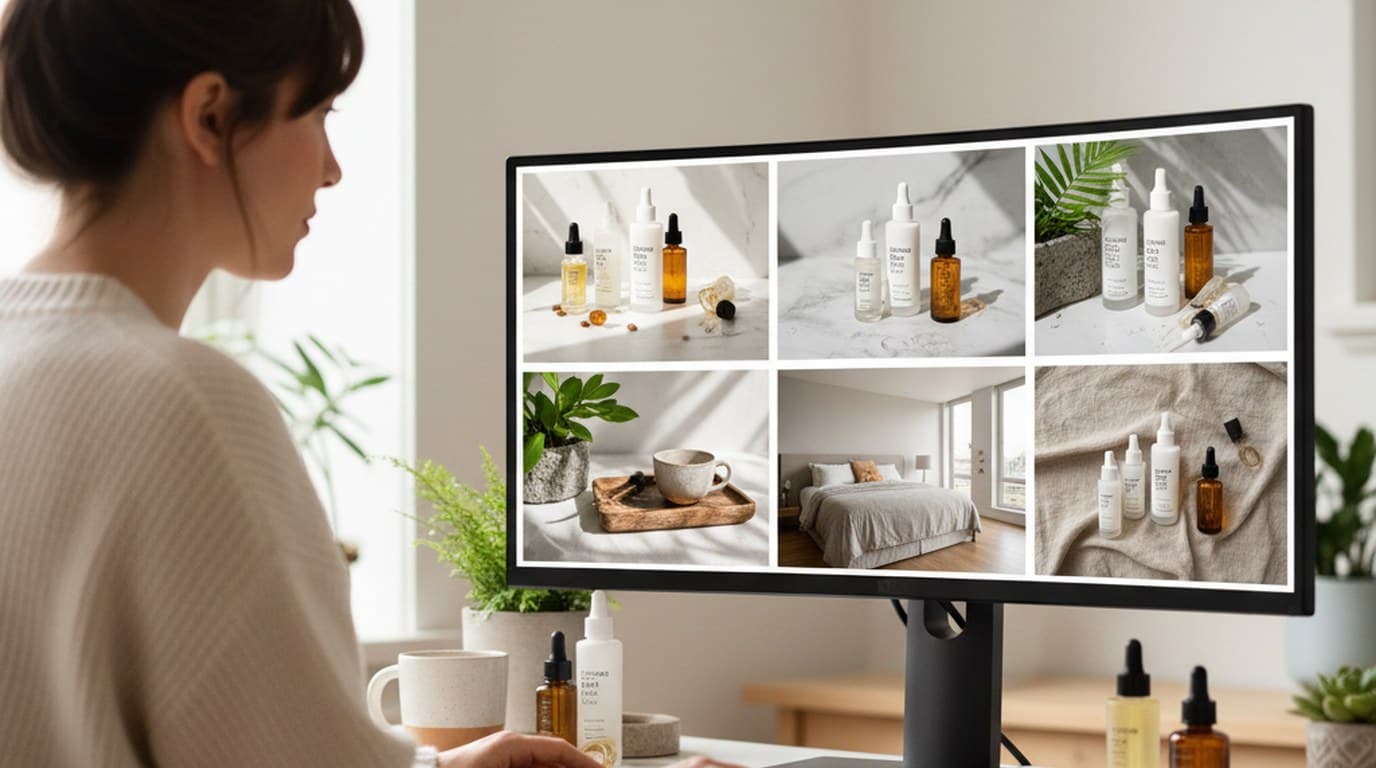
Six creative directions, one working day, real market data — before the studio was ever booked.
 Emily Carter
Phone photos, an AI photo editor, and a clear brand vision — how one indie maker's first launch looked like a studio produced it.
 Minji Park
Keep every image on brand, control the final look, and turn campaign ideas into polished assets without waiting on another design cycle.














