
Free AI Product Photography for Ecommerce Brands
Turn any product photo into channel-ready studio imagery — no studio, no reshooting.
Explore workflowDriven by GPT Image 2.5 & Nano Banana Pro 🍌
Photograph one product from every side without a reshoot — pick the angles a listing needs and get each one on pure white
A workflow built around your real creative needs — from first direction to final asset.
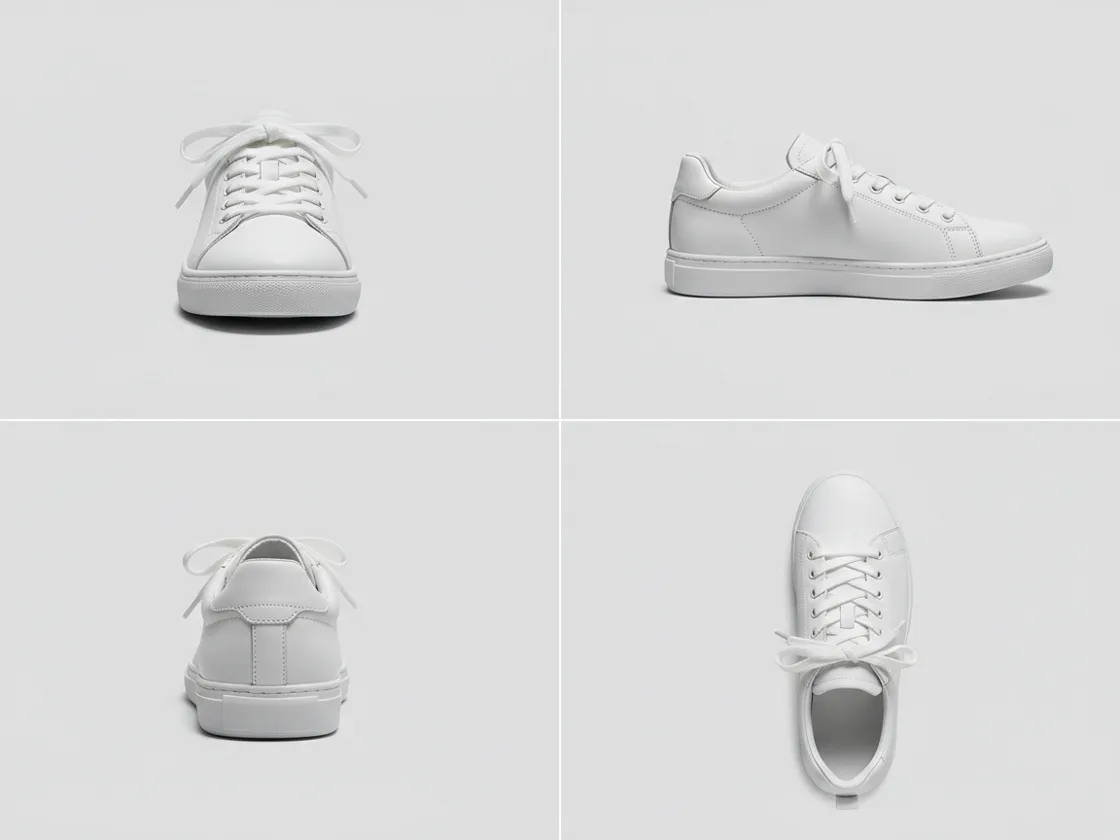
Six camera positions, the ones marketplace galleries are built around: front, three-quarter, left, right, back and top. Choose the ones you need and each comes back as its own finished photograph in catalog order — not a contact sheet, not a turnaround strip, not a collage you then have to cut up.
Try for free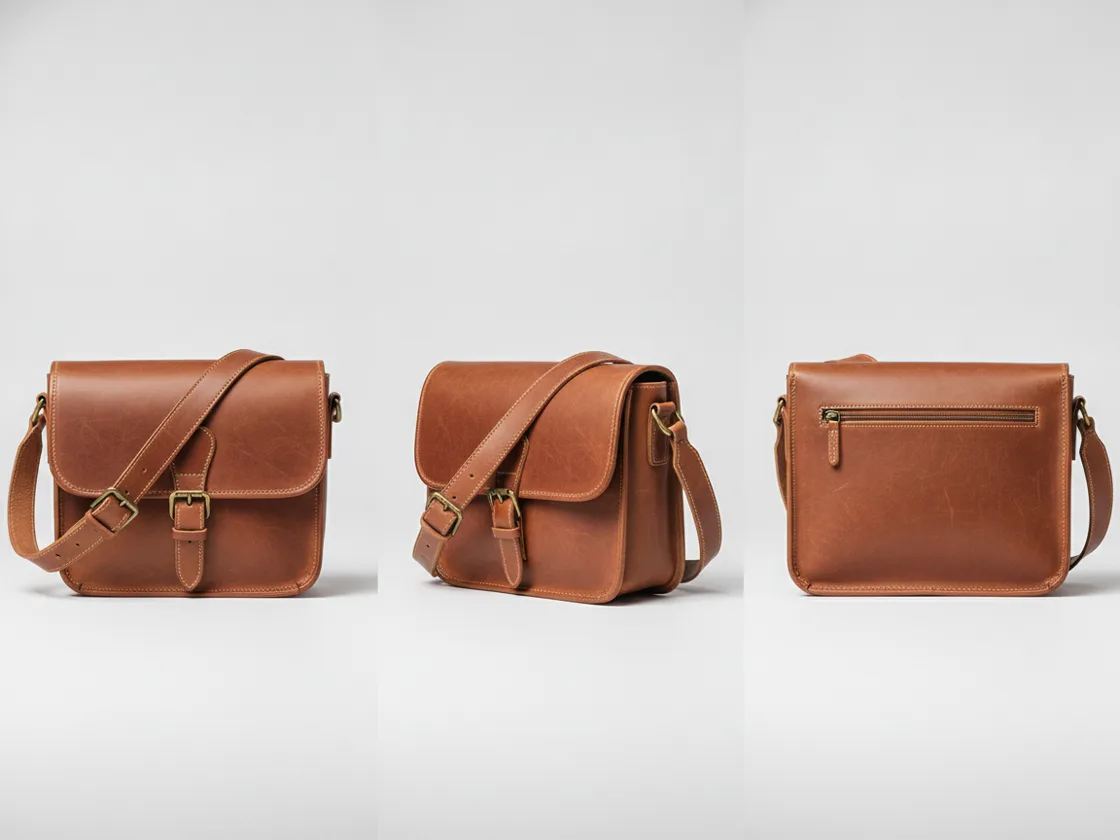
A front shot contains no information about the back, so that view has to be worked out from the object's construction, its category, its materials, and how the light falls — then rendered as a photograph. That is the hard part, and it is why warping the pixels you already have falls apart the moment the angle changes meaningfully. If you have a second photo that shows a side, it is read from there instead of inferred.
Try for free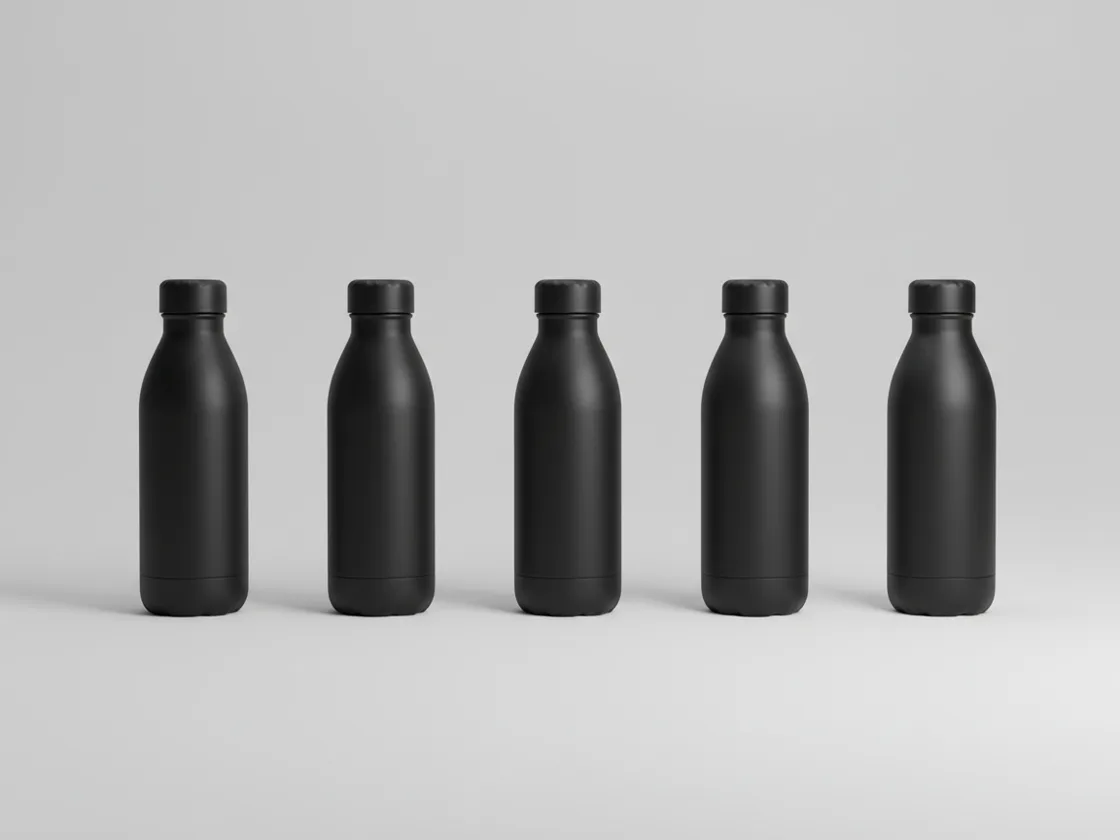
Every angle is a product-only photograph on pure white — no scene, no props, no copy — so the set drops into the alternate slots of a listing without further editing. Proportions, finish, color, hardware and included parts hold across the views, which is what makes four images read as one object photographed repeatedly rather than four near-misses.
Try for freeMain image still shot on a kitchen counter? Reshoot it on pure white first
Front, three-quarter, left, right, back and top — the camera positions a marketplace gallery actually asks for, rather than a slider you have to guess with.
Silhouette, proportions, color, material, print placement, logos, closures and hardware carry across every view, so the set reads as one object.
Light direction, shadow softness and background are constant across the angles, which is what makes a gallery grid look deliberate instead of assembled.
If you have a front and a back, both are used as references for every shot — a side is read from the photo that shows it rather than continued from another side.
Product-only photographs with no scene and no text, ready for the alternate image slots without a second pass.
No studio booking, no shipping the product, no crew — short enough to generate the alternates while the listing copy is still being written.
“We had one photo per SKU from the supplier and no budget to reshoot a catalog that size. Generating the side and back views meant our listings finally had a full gallery instead of a single image.”

Emily Carter
Growth Marketing Strategist
“The thing I check first is whether the hardware matches between angles — the buckle, the stitching, the zip pull. It carries across, which is what makes the set usable rather than a novelty.”

Luca Moretti
Local Business & Event Marketing Consultant
“It doesn't replace a proper shoot for a hero product. For the long tail of SKUs that were never going to get photographed twice, it's the difference between one image and a full listing.”

James Walker
Ecommerce Creative Strategist
There is no 3D model here and nothing to spin. Producing a back view means reasoning about what the back of this object plausibly looks like from its front, its category and its construction, then photographing that. A tool that merely warps the source frame gives itself away as soon as a face appears that the original never contained.
Any one generated angle is easy to judge alone. What matters is whether four of them sit together in a gallery without one looking like a different product — same finish, same proportions, same light. Generating them all from the same source is what holds those constant.
Most sellers have one supplier image per SKU and no realistic route to more; reshooting hundreds of products is a budget question rather than a scheduling one. That is why the alternate slots usually stay empty and the listings stay thin.
Turn any product photo into channel-ready studio imagery — no studio, no reshooting.
Explore workflow
Ecommerce image editing across every SKU — background removal, cleanup, and upscaling that meet marketplace specs.
Explore workflowUpload the photo you have, pick the angles you need from the six presets — front, three-quarter, left, right, back, top — and each one comes back as a separate finished photograph on white. The product's shape, materials and lighting are read from your source frame and carried into every view.
A sharp, well-lit shot with the whole product in frame and an uncluttered background. Front-facing or three-quarter is the easiest starting point. If you also have a photo of the back, add it — a side that is visible somewhere is read rather than inferred.
Photographs, not a 3D model. There is no mesh to spin and no interactive viewer — you get individual images at the angles you asked for, ready to upload as listing images.
Visible features carry across accurately. Detail on a face your photo never showed is worked out from the object's form and category, so it is plausible rather than measured. Review the angles before publishing, particularly where a hidden side carries branding or specific hardware.
As alternate and supporting images, yes. Check the policy of the marketplace you sell on — several require the main image to be an unmodified photograph of the actual product, so keep your real shot as the primary and use generated angles for the supporting slots.
No. A 360 spin is a turntable rig producing dozens of frames for an interactive viewer. This produces a small number of still photographs at named angles — the images a listing gallery takes, not a spin widget.
Start with the White Background maker, which reshoots your existing photo as a studio packshot at the viewpoint you took it from, then use this for the sides it deliberately does not change.
See how teams are using Playyy to ship better visuals, faster.
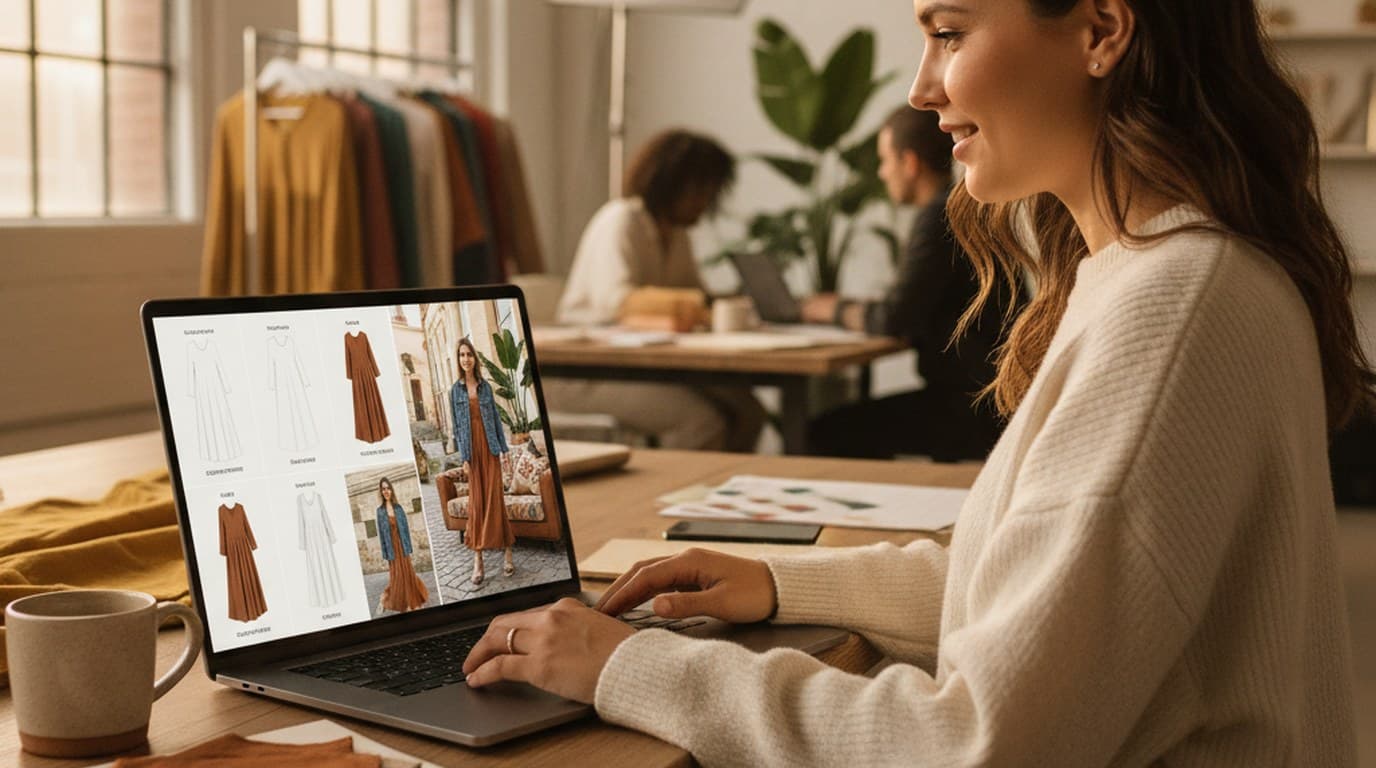
Sixty lifestyle images, three days, no studio. How one Shopify brand cut product shoot costs by 80% using AI photo editing.
 James Walker
Ninety marketplace-ready product images, four days, no studio. How one pet brand replaced its entire catalog workflow with AI.
James Walker
A 200-SKU Amazon pet brand used AI image expansion to turn one product shot into every channel format — and cut per-SKU image cost by 70%.
James WalkerKeep every image on brand, control the final look, and turn campaign ideas into polished assets without waiting on another design cycle.














