Marketing Creatives: AI Image Generator for Social, Email, and Ads
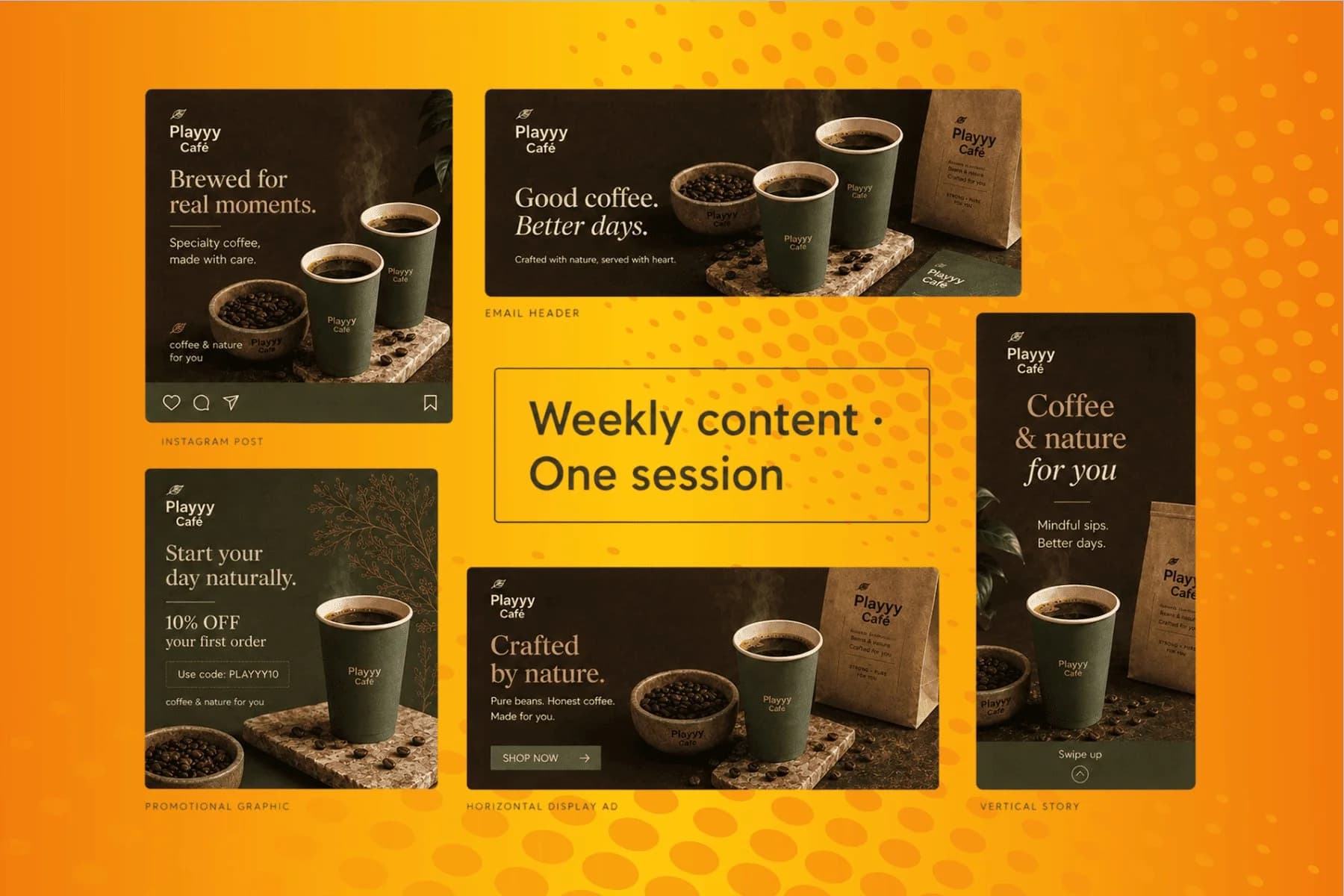
From content gap to publish-ready creative — AI image generator, brand style matching, and copy placement in one session.
Explore workflowGenerate with GPT Image 2.6 or switch to GPT Image 2.5 in the prompt box. Edit the result on a canvas to crop, recolor or adjust details.
A workflow built around your real creative needs — from first direction to final asset.
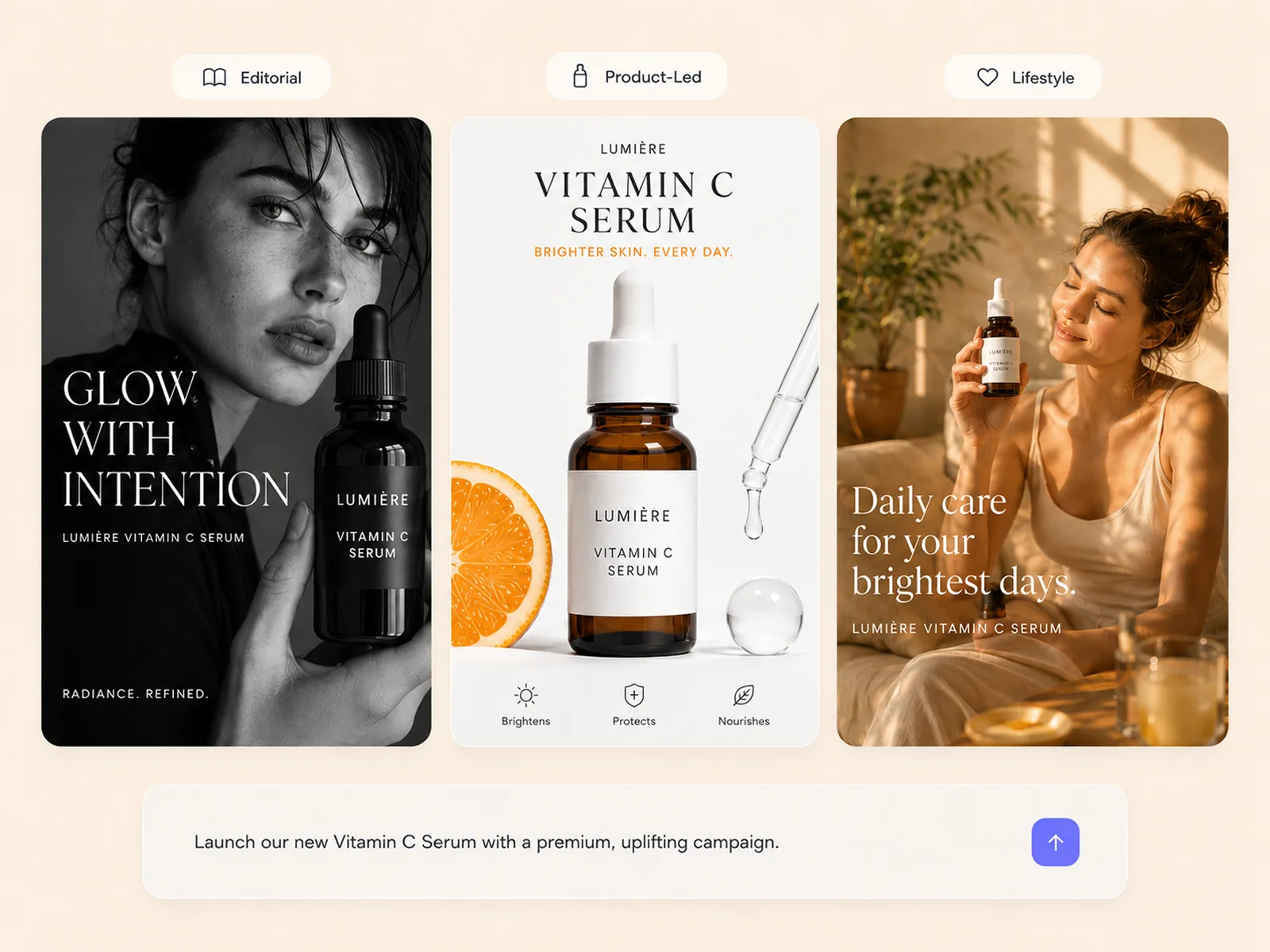
GPT Image 2.5 is OpenAI's image model released in September 2026 — the one that powers ChatGPT Images 2.5. It renders text inside images reliably, keeps the subject of a reference photo intact, and generates up to twice as fast as GPT Image 2. This generator starts with GPT Image 2.6 selected. Switch to GPT Image 2.5 in the prompt box whenever you want to use that version.
Try for free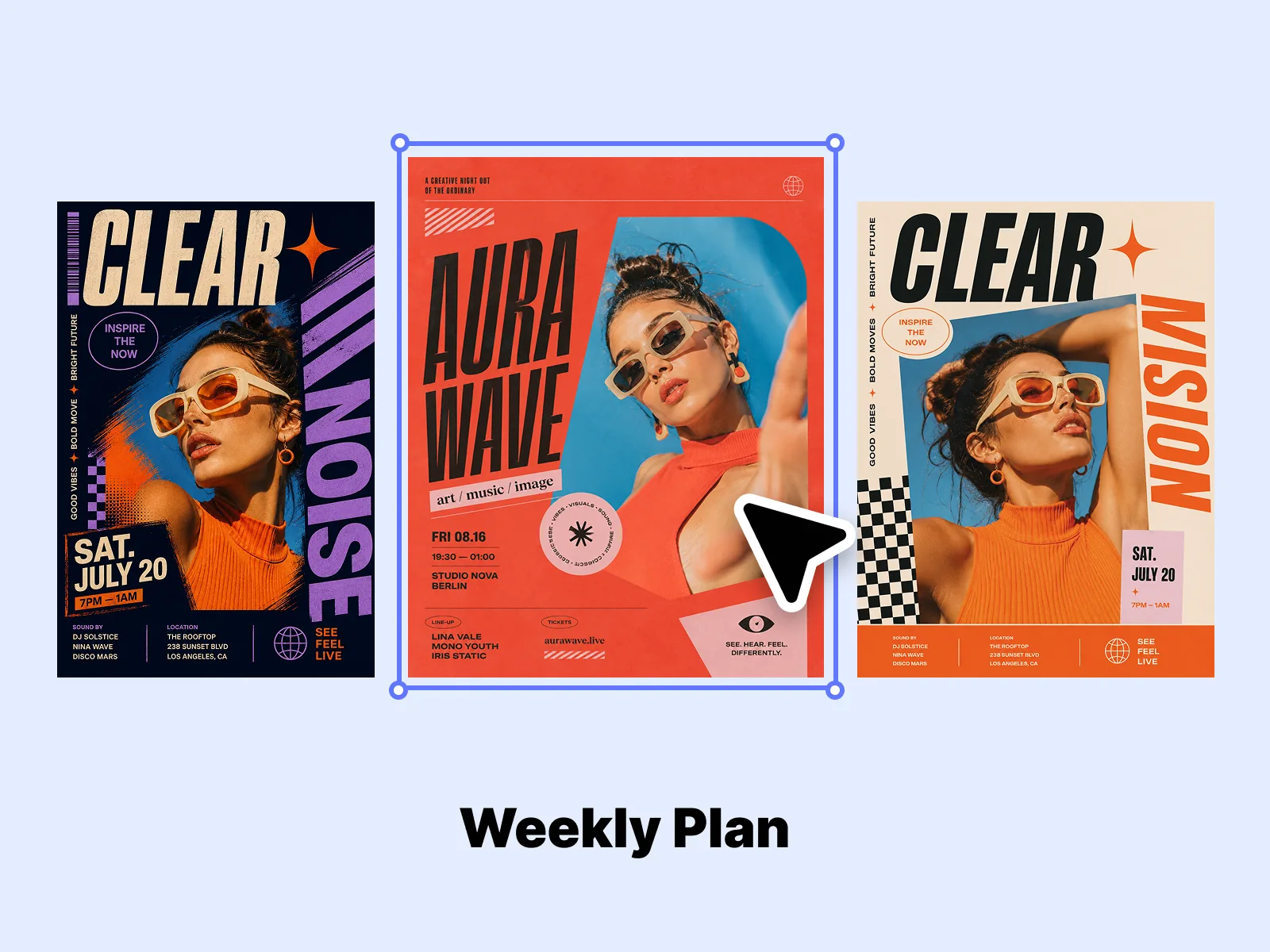
Choose from nine aspect ratios — square, 4:5 and 9:16 for social, 16:9 for banners and thumbnails, 3:2 and 4:3 for print — and generate at 1K, 2K or 4K. The image comes out at the size the platform needs, so there is no follow-up request to make it vertical and no upscaling step before a print run.
Try for free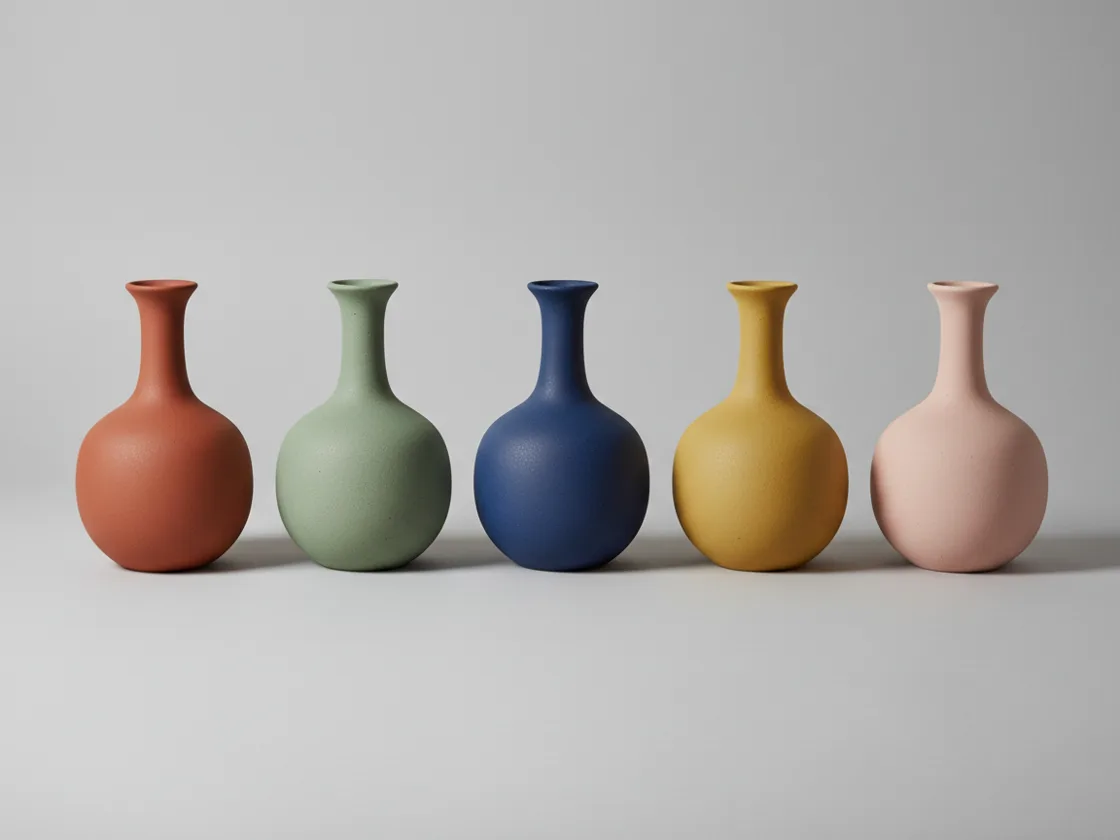
In ChatGPT, asking for a small change regenerates the whole picture and the details drift. In Playyy the result lands on an editable canvas: crop it to a social preset, adjust brightness, contrast and color, remove the background or an object, expand the frame, or click one element and describe the change. The parts you liked stay exactly as they were.
Try for freeUse GPT Image 2.6 or switch to GPT Image 2.5 before sending your prompt. The Playyy workspace offers additional image models.
Set the format before generating in the Playyy workspace. It offers 1:1, 4:5, 5:4, 3:4, 4:3, 2:3, 3:2, 9:16 and 16:9.
The Playyy workspace offers 1K for drafts, 2K for web and social, and 4K for print or a large display.
Upload an existing image and describe the change. GPT Image 2.5 and 2.6 both edit as well as generate, and keep the original subject recognizable while they work around it.
Crop, adjust light and color, erase objects, remove the background, expand or upscale — without writing another prompt.
Start from 1,000+ ready GPT Image and Nano Banana prompts in the Prompt Gallery, or from 1,000+ templates for social posts, ads, posters and more, instead of a blank prompt box.
ChatGPT is a good place to explore ideas, but every follow-up is a new generation. Playyy uses the same GPT Image models and then hands you direct controls — ratio, resolution, crop, color, erase — so a near-miss becomes a finished image instead of ten more attempts.
Paste your website URL and Playyy builds a brand kit from it — your colors, fonts, voice and logo — so GPT Image 2.5 drafts designs that already look like your brand. In a chat, you would re-describe the brand in every prompt.
Use the menu here to switch between GPT Image 2.6 and 2.5. The Playyy workspace also offers Nano Banana Pro and H3-Image, and the results open on the same canvas.
From content gap to publish-ready creative — AI image generator, brand style matching, and copy placement in one session.
Explore workflow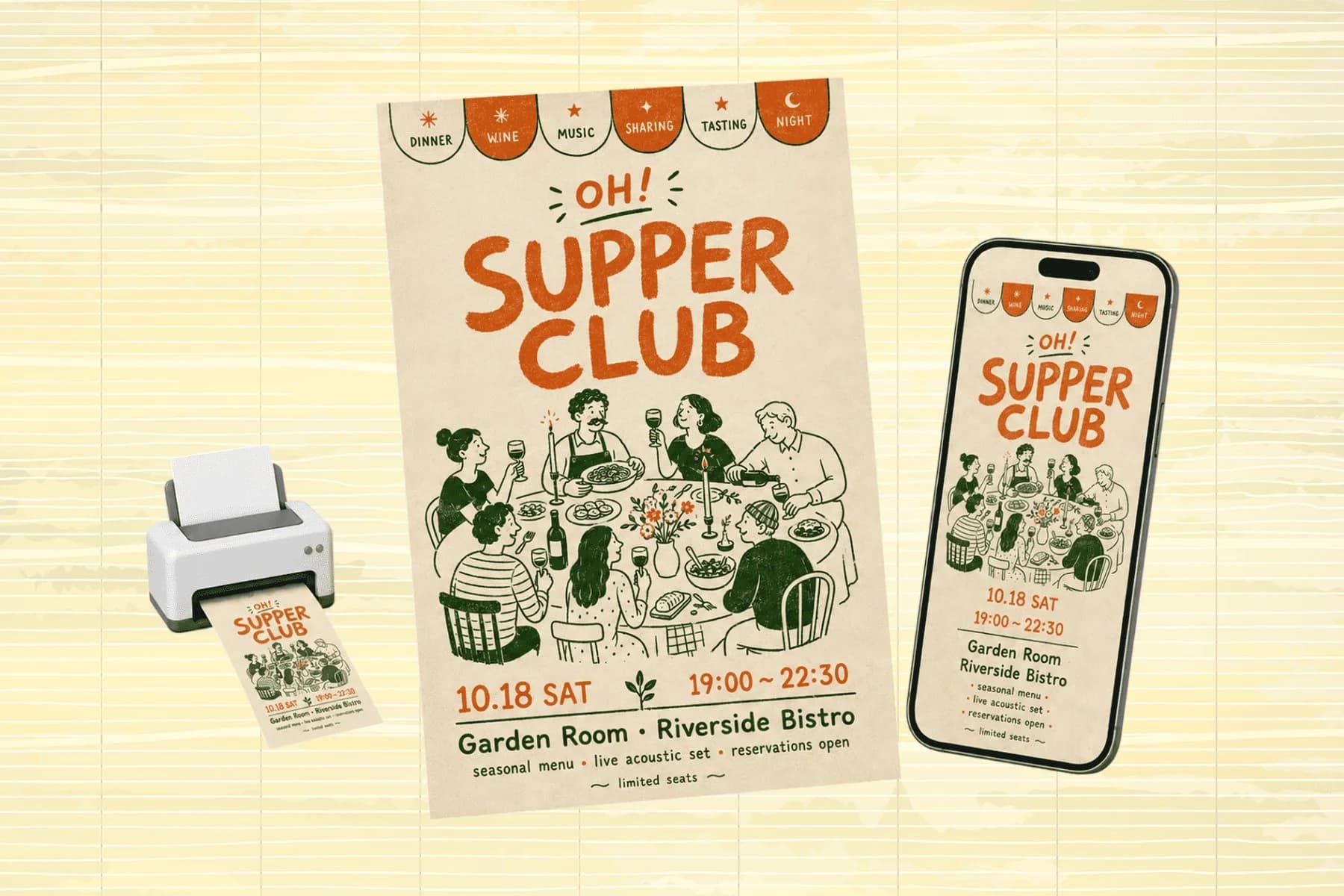
One hero visual, every platform format — YouTube, LinkedIn, Instagram — without manual resizing.
Explore workflowOpen the model menu in the prompt box and choose GPT Image 2.5 before you send your prompt. The result opens on an editable canvas where you can crop, recolor, erase or change text. You can start free.
GPT Image 2.5 is OpenAI's image generation model released on September 8, 2026, the model behind ChatGPT Images 2.5. Compared with GPT Image 2 it generates up to 50% faster, renders finer detail and more natural lighting, preserves the subject of reference photos better and follows editing instructions more reliably across several turns.
Yes. You can start free on Playyy. Select GPT Image 2.5 in the prompt box before submitting.
It is the same underlying model, used in a different tool. ChatGPT wraps the model in a conversation and adds features like Sketch and in-image comments. Playyy opens the result on an editable canvas. The workspace also lets you set the aspect ratio and resolution before generating. Playyy is not affiliated with OpenAI.
GPT Image 2, released in April 2026, made text inside images reliable and introduced reasoning before drawing. GPT Image 2.5 keeps those strengths and is faster, sharper and better at multi-turn edits and at keeping a reference subject intact. The menu on this page lets you choose between GPT Image 2.5 and GPT Image 2.6.
GPT Image 2.6 is the newest GPT Image model in Playyy's model menu, listed next to GPT Image 2.5. It adds two quality levels above High, Extra high and Max, a complexity setting that controls how much it plans a scene before drawing at no extra credit cost, and looping GIF output. Like 2.5, it comes in Flare and Sunburst variants and edits uploaded images as well as generating new ones. GPT Image 2.6 is selected by default on this page.
In the Playyy workspace, choose from nine aspect ratios at 1K, 2K or 4K. For an exact platform size such as a 1584 × 396 LinkedIn banner, generate at the closest ratio and crop to the preset on the canvas.
Playyy's Prompt Gallery has 1,000+ ready prompts for GPT Image and Nano Banana, organized by use, and you can run any of them with GPT Image 2.5 in one click. There are also 1,000+ templates if you would rather start from a finished layout.
Yes. Upload the image, pick GPT Image 2.6 or 2.5, and describe what should change. For precise changes you can also skip the prompt and use the canvas tools: crop, adjust, erase, remove the background, or click a single element to change it.
See how teams are using Playyy to ship better visuals, faster.
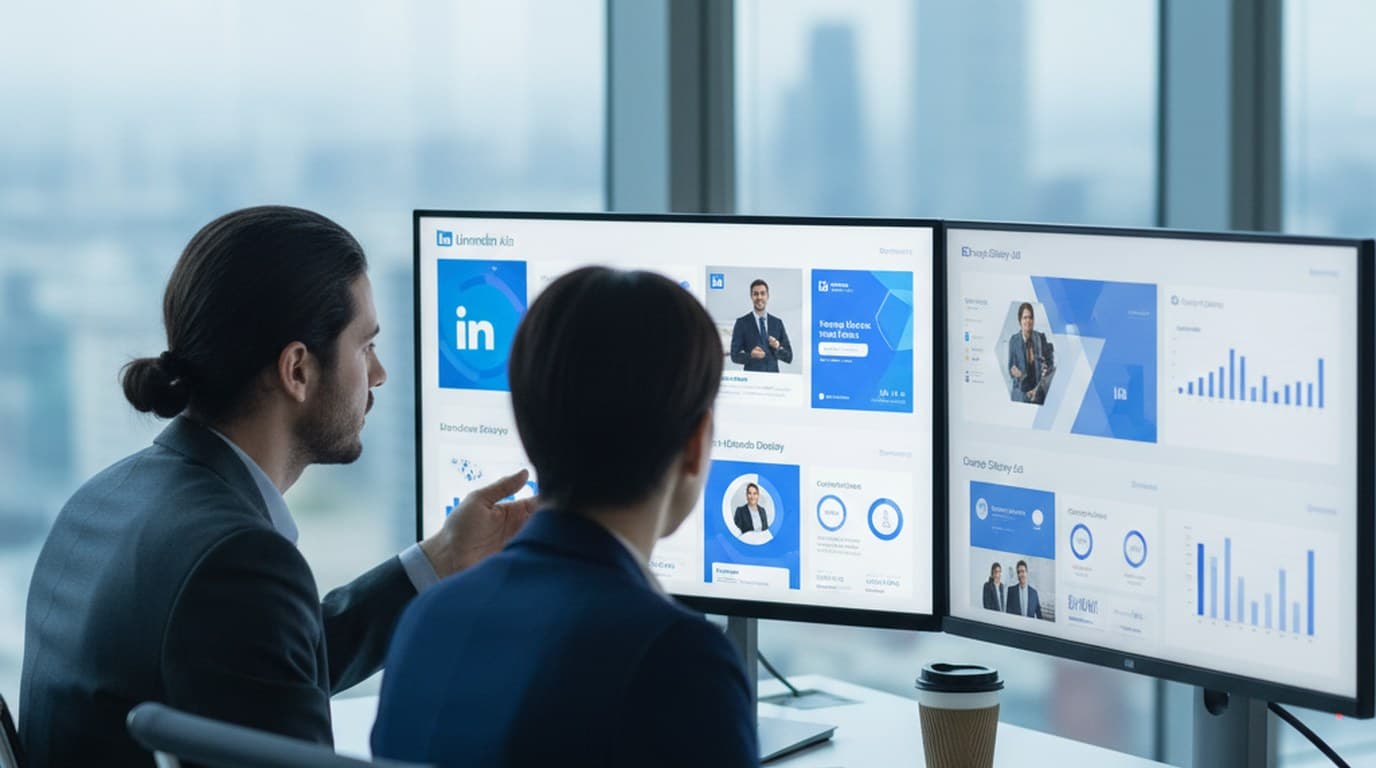
30 ad creatives, two channels, three days — how a SaaS growth team ran a quarter-end campaign push without an agency on retainer.
 Emily Carter
ChatGPT images buried in chat, no brand kit, no spec control. How a 12-person B2B SaaS team switched workflows and tripled creative output in the same time budget.
Emily Carter
Sixty lifestyle images, three days, no studio. How one Shopify brand cut product shoot costs by 80% using AI photo editing.
 James Walker
Keep every image on brand, control the final look, and turn campaign ideas into polished assets without waiting on another design cycle.