7 Best Photopea Alternatives in 2026 (Free & Paid)
 Aiko Tanaka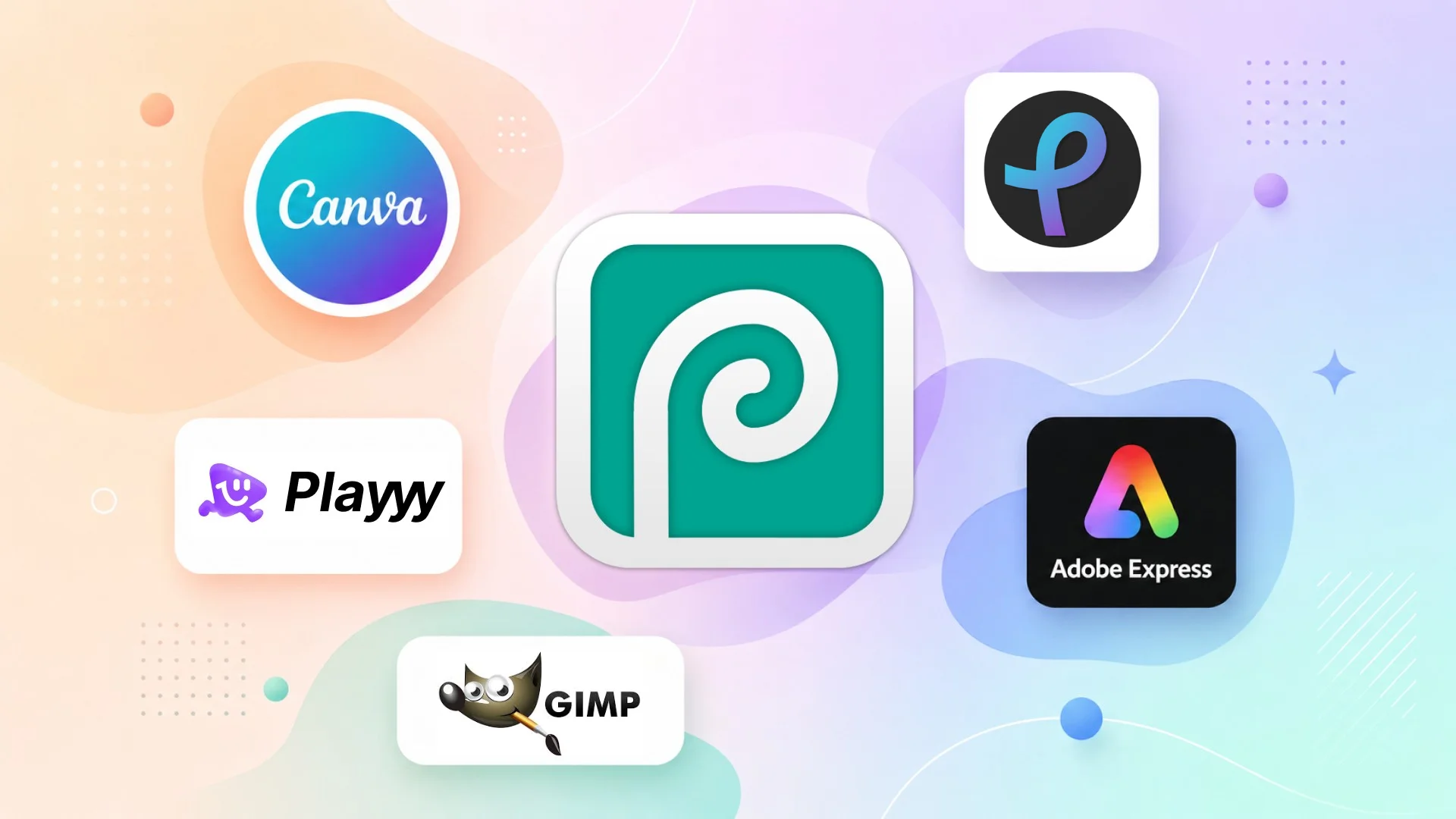
Photopea earns its reputation: a free browser-based editor that reads PSD files, supports layers, and handles most Photoshop workflows without installation. But its strengths are also its constraints — it's built on a Photoshop metaphor that assumes you already know layer-based editing, with no AI-assisted design, no templates and no content workflow. The interface is dense, the free version shows ads, and anything past basic manipulation requires knowing what you're doing.
Direct answer. The best Photopea alternatives in 2026 are Playyy for AI-assisted design and photo editing without the learning curve, Canva for template-driven content creation, and GIMP for professional desktop editing at no cost. If you specifically need professional desktop editing without a subscription, Affinity (now free from Canva) is the strongest option.
1. Playyy — AI-First Design and Photo Editing
Best for: Creators and small teams who need design tools, AI photo editing, and brand asset management without a steep learning curve.
Playyy approaches photo editing from the opposite direction to Photopea. Where Photopea gives you a Photoshop-like canvas and expects you to know what to do with it, Playyy starts with intent: what are you trying to create? The AI tools — background removal, product photo generation, object replacement, image enhancement — handle the technically difficult parts automatically.
The design workspace includes 1,000+ templates, a brand kit for storing logos and colors, and AI-powered generation tools for creating product photos, social assets, and marketing materials. For teams who used to reach for Photopea to polish an image or remove a background, Playyy covers those tasks in fewer steps.
Routine tasks such as background removal, color correction and resizing for multiple platforms take fewer manual steps than in a layer-based editor. The tradeoff: no PSD layer editing, no scripting, no professional retouching pipeline.
Pricing: Free tier available. Paid plans from $18/month (Basic; $15/month billed annually).
Standout features: AI background removal, product photo generation, brand kit, 1,000+ templates.
2. Canva — Template-First Design Platform
Best for: Marketing teams, social media managers, and non-designers who create content regularly.
Canva is the most widely used Photopea alternative for practical reasons: it's faster for most content creation tasks, requires no design knowledge to start, and the template library covers every format from Instagram posts to pitch decks.
The editing tools are simpler than Photopea's — no advanced layer controls, no professional retouching pipeline — but for most design work done by non-designers, they're sufficient. Canva Pro adds background removal, Magic Resize, and the AI image generator, which covers the remaining gaps for most teams.
If your Photopea usage is primarily for creating marketing assets rather than complex image manipulation, Canva is a faster daily driver.
Pricing: Free (limited). Pro at US$144/year (as of October 2026).
Standout features: Huge template library, Brand Kit, AI image generation, Magic Resize.
3. Adobe Express — Lighter Adobe Alternative
Best for: Adobe users who want a simplified tool for quick content creation.
Adobe Express sits between Photopea and Photoshop in complexity. It's significantly simpler than either — no layer-based editing, no PSD support — but it produces clean results quickly with a large asset library and strong Adobe font integration.
The free tier is genuinely useful: templates, basic editing, and limited AI generation at no cost. The premium tier ($9.99/month) adds full Adobe Stock access, brand kits, and Advanced AI features. Express Premium is also bundled into some Adobe plans, such as Creative Cloud Pro.
Pricing: Free tier available. Premium at $9.99/month (as of October 2026; also bundled in some Adobe plans).
Standout features: Adobe font library, brand kit, large template library, AI generation.
4. Pixlr — Browser-Based Photo Editor
Best for: Users who need basic photo editing online without Photopea's complexity.
Pixlr is the closest browser-based alternative to Photopea in terms of interface. Pixlr Editor (the advanced version) supports layers, adjustment tools, and filters. Pixlr Express (the simplified version) is faster for quick edits with a cleaner UI.
The free tier includes ads. Pixlr Plus ($1.99/month billed annually) removes them. The AI tools are more limited than Canva or Playyy, but the editing toolkit is solid for users who want layer control without Photopea's steeper learning curve.
Pricing: Free (with ads). Paid plans from $1.99/month billed annually (Plus).
Standout features: Layer support, advanced filters, Pixlr Editor and Express versions, AI background removal.
5. GIMP — Free Open-Source Desktop Editor
Best for: Photographers and developers who need professional photo manipulation without a subscription.
GIMP is the only tool on this list that matches Photopea for raw editing capability — and exceeds it in several areas: scripting, batch processing via Script-Fu, and professional-grade color correction. It's fully free and open-source, with no watermarks or export limits.
The cost is setup friction: GIMP requires installation, has a more complex interface than any tool here, and lacks modern AI features. For designers who need Photopea's capabilities but prefer a desktop tool with no browser dependency, GIMP is the correct answer.
Pricing: Free, open-source.
Standout features: Full layer editing, scripting, advanced filters, no usage limits.
6. Fotor — Photo Enhancement and Design
Best for: Photographers who need quick editing, enhancement, and AI tools without Photopea's complexity.
Fotor is better positioned as a photo enhancement tool than a full editor. One-click adjustments for exposure, color, and sharpness produce good results faster than manual layer work. The AI Portrait Retoucher and AI Image Generator add generative capabilities Photopea doesn't have.
The design workspace with templates makes it a reasonable daily driver for creators who mainly need enhanced photos and social assets rather than complex image editing.
Pricing: Free (watermarked exports). Pro at $8.99/month billed annually (as of October 2026).
Standout features: AI enhancement, portrait retouching, AI image generator, design templates.
7. Affinity — Professional Desktop Editor
Best for: Professionals who need Photoshop-level capabilities without an Adobe subscription.
Affinity (formerly Affinity Photo, now part of Canva) is the most technically capable tool on this list. It handles RAW files, professional color workflows, HDR merging, and complex retouching at a level comparable to Photoshop. Unlike Photopea, it's a native desktop application, which means faster processing for large files.
Affinity is now free for individuals, with no subscription, which makes it attractive for professionals burned by Adobe pricing. It's not beginner-friendly and won't replace Photopea for quick browser-based tasks, but for serious photo editing work, it's the strongest non-subscription option.
Pricing: Free for individuals (as of October 2026).
Standout features: RAW editing, HDR merging, professional color tools, free for individuals.
Template-based tools and layer-based editors optimise for opposite users. A template starts from a finished layout and asks you to substitute content, so a non-designer reaches a publishable asset without making a single compositional decision. A layer-based editor like Photopea starts from a blank canvas and assumes you already know what a clipping mask is. Neither is better — but for someone whose output is social and marketing content rather than image manipulation, the gap in time-to-first-asset is enormous.
Photopea Alternatives Compared
| Tool | PSD Support | AI Tools | Templates | Free Tier | Best For |
|---|---|---|---|---|---|
| Playyy | ❌ No | ✅ Advanced | ✅ 1,000+ | ✅ Yes | AI-first design + photo editing |
| Canva | ❌ No | ✅ Good | ✅ Huge | ✅ Limited | Non-designer content creation |
| Adobe Express | ❌ No | ✅ Good | ✅ Large | ✅ Limited | Adobe ecosystem users |
| Pixlr | ⚠️ Basic | ⚠️ Basic | ✅ Yes | ✅ With ads | Browser editing with layers |
| GIMP | ✅ Yes | ❌ No | ❌ No | ✅ Full | Professional desktop editing |
| Fotor | ❌ No | ✅ Good | ✅ Yes | ⚠️ Watermark | Photo enhancement |
| Affinity | ✅ Yes | ❌ No | ❌ No | ✅ Full | Pro editing, no subscription |
If you're leaving Photopea because you want faster workflows and AI tools rather than more layer control, Playyy covers the use cases that come up most often: background removal, product photos, brand assets, and social content. See how to build a consistent visual brand for context on which editing tools fit different content workflows.
For users who specifically need PSD support or professional retouching, GIMP (free, desktop) or Affinity (free, desktop) are the right replacements.

Aiko Tanaka
I work with boutique brands, cafes, creators and small businesses on visual systems, layout discipline, typography and moodboards. My focus is on fast concept exploration that still has a strong design point of view.
Frequently asked questions
Photopea is the strongest free browser-based Photoshop alternative for PSD compatibility and layer-based editing. For most design and photo editing tasks that don't require PSD round-tripping, Playyy and Canva are faster and more beginner-friendly. GIMP remains the strongest desktop alternative for complex layer work and scripting.