
How a Founder Built a YouTube Brand Without a Designer
A legal-tech startup founder, no designer, 22 YouTube thumbnails — how the startup built a consistent channel identity in one week using Playyy's brand kit.
 Daniel Brooks
Set a brand identity direction, apply it to every launch touchpoint, and ship a complete visual kit. Built for solo creators and small teams with no designer.
Start creating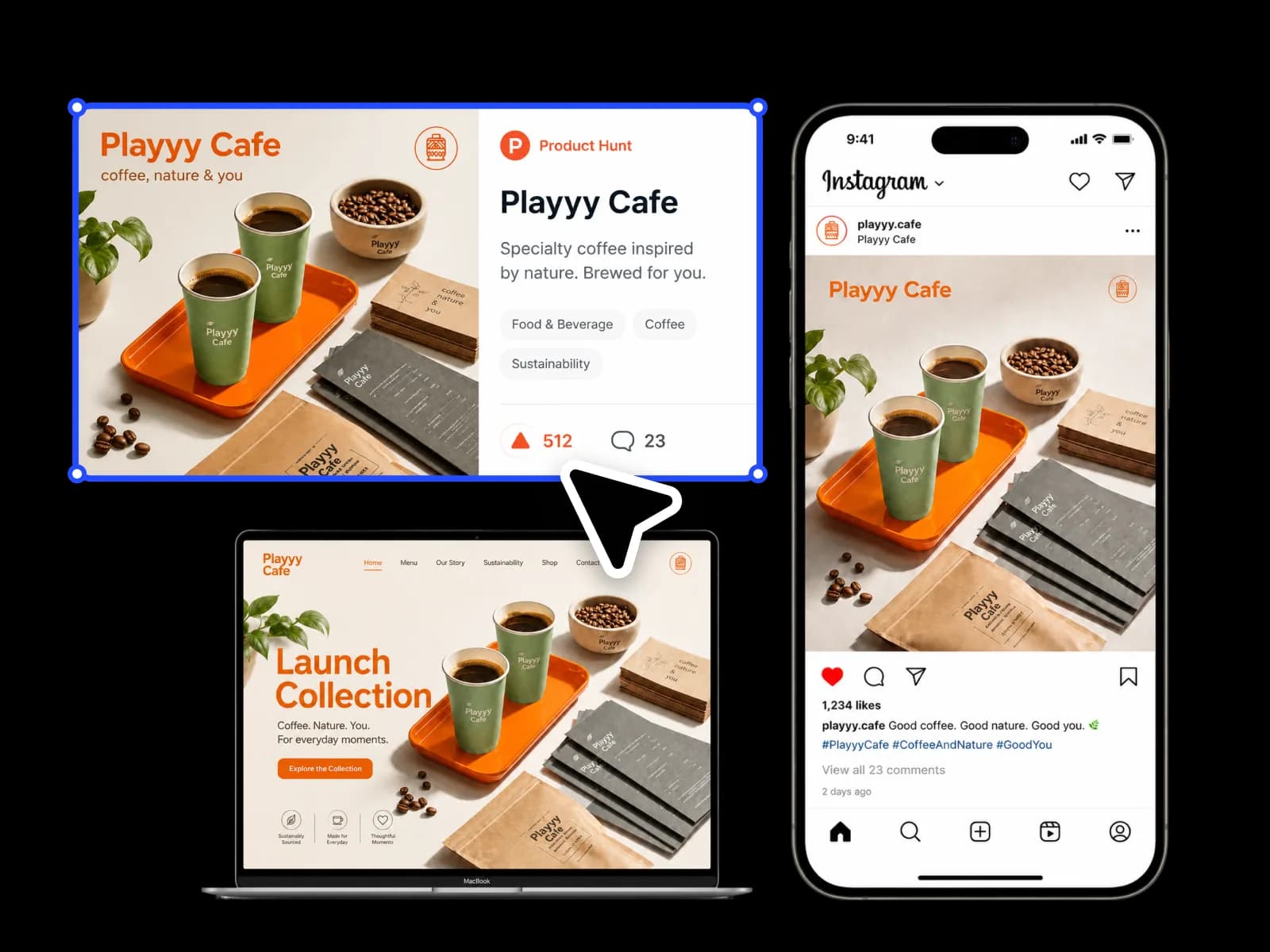
From brand identity direction to a complete launch kit — one session covers every touchpoint without a designer or a formal brand guide.
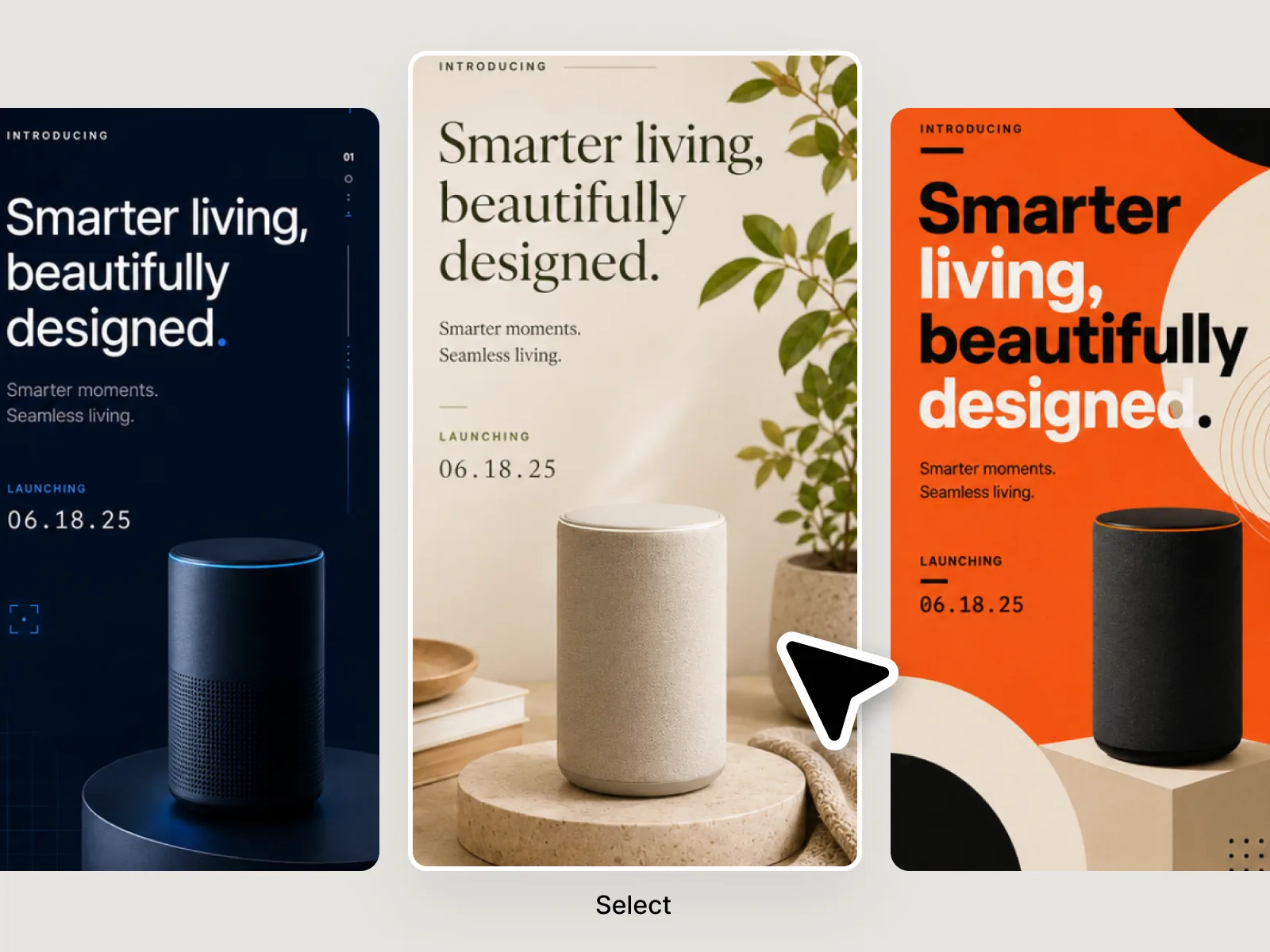
Generate 2–3 visual directions from a description of your product, audience, and tone. Show the options to target users — their reaction reveals which direction resonates without requiring you to rely on personal preference. The direction that gets genuine responses from the right people becomes the foundation for the entire launch kit. Brand identity decisions made before visual production starts are the highest-leverage decisions in a launch.
Try for free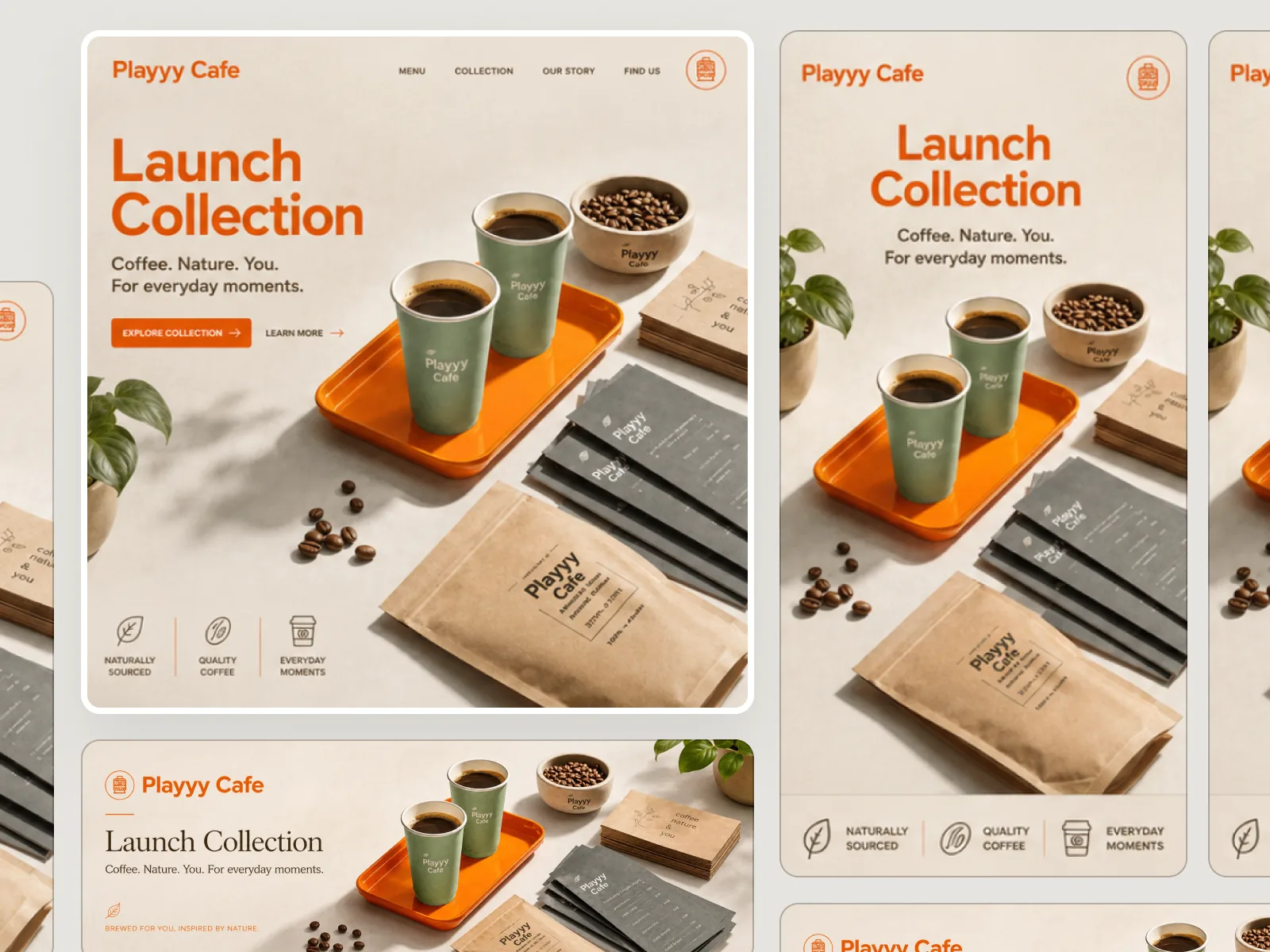
A launch needs visual consistency across landing page hero, Product Hunt thumbnail, social media posts, and email headers — inconsistent visuals signal an unfinished product to first-time visitors. Style Transfer carries the confirmed brand identity direction to every new scene without re-prompting from scratch. One session covers every launch surface, giving creators and small teams the visual coherence of a professional brand without the cost of a designer.
Try for free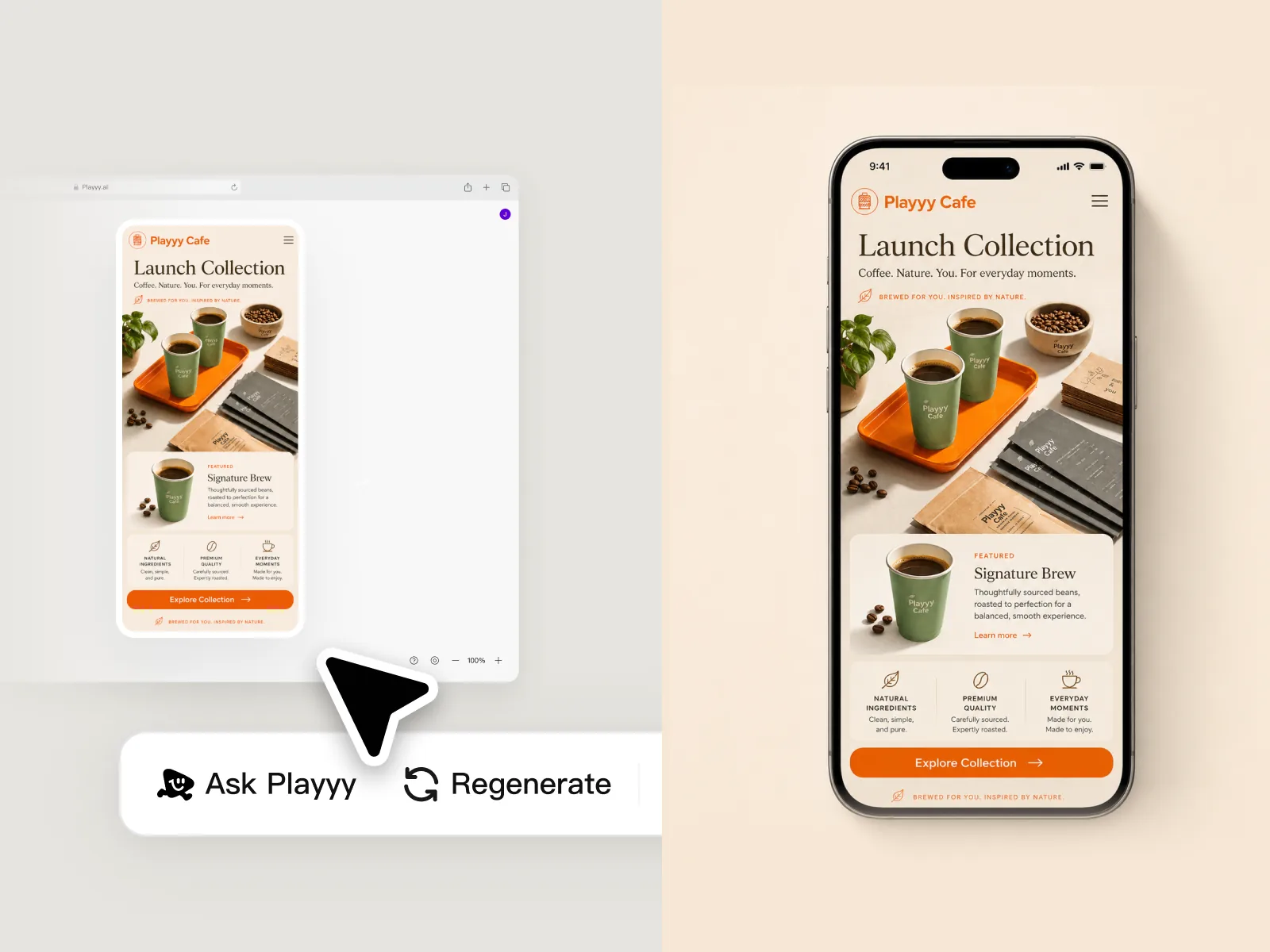
Small detail errors at launch are disproportionately visible to first-time visitors who have no prior relationship with the brand. Check text legibility at mobile screen sizes, verify product name and CTA accuracy across every touchpoint, and confirm visual hierarchy holds at thumbnail scale. Edit Elements makes these final adjustments without rebuilding the composition. The output is a launch kit ready to publish — not a set of drafts.
Try for freeUse Playyy's realistic AI image generator to produce 2–3 distinct visual directions from your brief — different tones, palettes, and moods — before locking in your brand identity. Test options with your team or target users without spending a single design hour.
Once you've chosen a visual direction, Style Transfer carries that aesthetic to every surface — Product Hunt thumbnail, social announcement, email header, landing page hero. Your product launch looks unified from day one, not pieced together.
Edit Elements lets you adjust text placement, fix legibility at thumbnail scale, and correct any copy before publishing. Catch a misaligned tagline or low-contrast heading in the final check, not after the launch post goes out.
Image Expander adapts your hero image to every format in the launch kit — Product Hunt thumbnail, social media post, email header, and landing page hero — all at the correct dimensions without rebuilding.
Generate, edit, and export a complete set of launch visuals without Photoshop, Figma, or a freelance handoff. Playyy covers the full production workflow so your team ships on the planned date.
From brand identity exploration to final export, the entire visual production workflow runs in one place. No tool-switching, no waiting on revisions — your complete launch kit is ready when the campaign brief is done.
“Launch week without a designer used to mean mismatched landing, email, and social. I lock a visual direction in Playyy first, then apply it across the kit so the announcement looks like one product, not three tools.”
Minji Park
Creator Marketing Strategist
“We did not have a brand guide — we had a prompt and a date. Playyy gave us two directions to pick from, then a hero, a header, and a social set that actually matched. No agency timeline.”

Daniel Brooks
Startup Brand & Content Advisor
“The expensive part of a launch is rebuilding assets after someone changes the palette. Style Transfer from one reference kept every touchpoint in the same system, so we shipped instead of restyling.”

Emily Carter
Growth Marketing Strategist
See how teams are using Playyy to ship better visuals, faster.
A legal-tech startup founder, no designer, 22 YouTube thumbnails — how the startup built a consistent channel identity in one week using Playyy's brand kit.
Daniel Brooks
ChatGPT images buried in chat, no brand kit, no spec control. How a 12-person B2B SaaS team switched workflows and tripled creative output in the same time budget.
 Emily Carter
YouTube channel banner, profile picture, and 4 end-card variants — zero design cost, one afternoon, no designer.
 Luca Moretti
Generate 2–3 distinct visual directions from a prompt before committing to a brand identity — different palettes, moods, and styles you can actually show to stakeholders or test with early users. Locking in direction before production prevents expensive rebuilds later in the launch cycle. You build everything else — landing page, email, social — on top of a visual identity you've already validated.
Use one reference image as the style anchor and Style Transfer applies that aesthetic to every new asset you produce — social graphics, email headers, landing page hero. You don't need a formal brand guide or a designer enforcing consistency; the visual logic carries forward automatically. Every touchpoint in your product launch looks like it came from the same creative brief.
Generate the hero image, expand it to every format with Image Expander, refine text and colors with Edit Elements, and export — all without leaving Playyy or handing off to a designer. Your landing page visual, social announcement, and email header are finished in the same session the brief was written. No agency timeline, no revision rounds, no launch delay.
A Product Hunt launch requires a 240×240px product icon, a 1270×760px maker thumbnail (the main gallery image), and optionally additional screenshots. The maker thumbnail is the highest-impact visual — it appears in the feed and determines whether someone clicks through. Playyy generates the base visual at the correct ratio, and Edit Elements places your product name and tagline. Export at 2× resolution for retina display clarity.
Start by generating 2–3 visual directions and choosing the one that receives the strongest response from target users. Once chosen, that direction functions as a working brand reference — every subsequent image is generated or adapted using it as style input. Style Transfer carries the color temperature, compositional approach, and subject treatment to any new scene. Consistency without a formal brand guide is achievable by treating the confirmed direction as a visual constraint.
Digital products have no physical object to photograph, which makes AI visual generation particularly useful. Brief the scene around the transformation your product delivers rather than the product itself — the state before and after, or the person using it in their context. For apps, interface screenshots combine well with AI-generated scene backgrounds. For courses and downloads, lifestyle scenes showing the user in their environment are more persuasive than product screenshots alone.
Yes, within specific conditions. Realistic AI image generators produce images indistinguishable from photography when the scene is grounded — a product on a surface, a person in a setting, an object in natural light. For launch visuals where brand authenticity matters, AI-generated photography is most effective when combined with real brand elements: an accurate product representation, the real logo, and verified brand colors placed via Edit Elements.
Generate the anchor image first — the landing page hero. Then use Image Expander to adapt it to the ratios required for social posts (1:1 Instagram, 9:16 Story) and email headers (1200×628). Style Transfer ensures new scene variations stay within the same visual system. Edit Elements adds platform-specific copy and CTA. The result is a launch kit where every touchpoint reads as the same brand, produced from the same direction without rebuilding per channel.
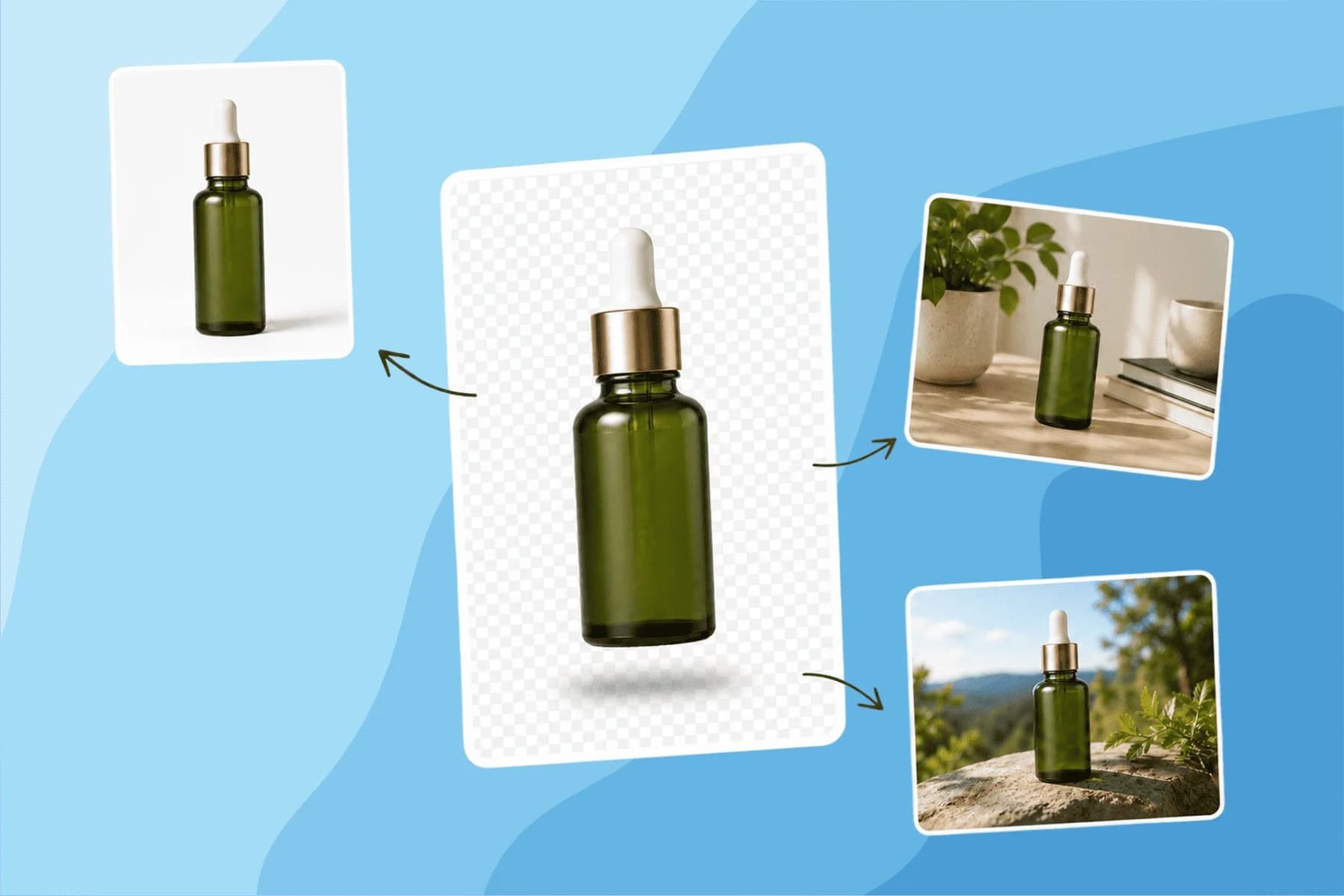
Turn any product photo into channel-ready studio imagery — no studio, no reshooting.
Explore workflow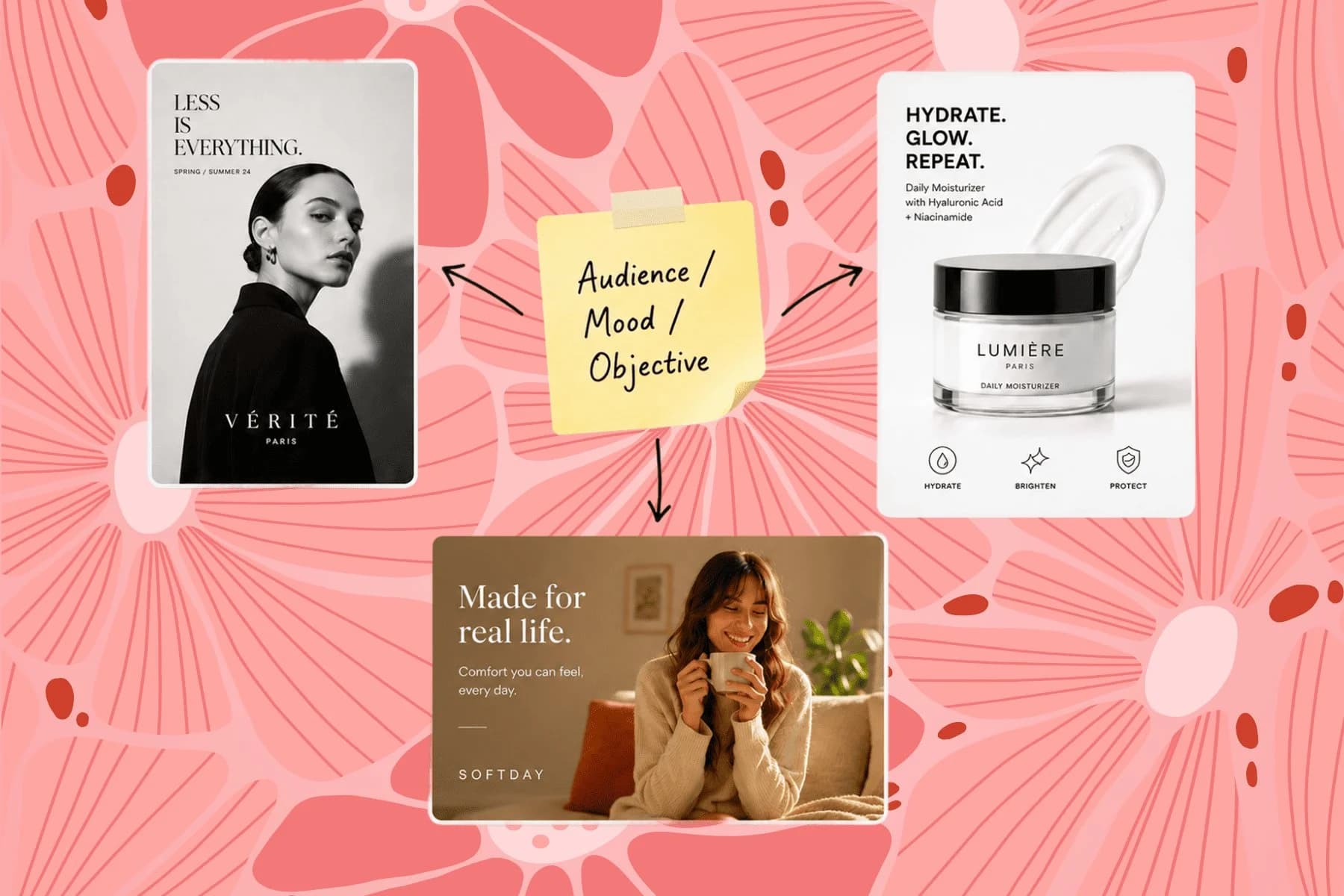
From one campaign brief to every channel asset — AI image generator, creator, and editor in one workflow.
Explore workflow
Ecommerce image editing across every SKU — background removal, cleanup, and upscaling that meet marketplace specs.
Explore workflowKeep every image on brand, control the final look, and turn campaign ideas into polished assets without waiting on another design cycle.














