

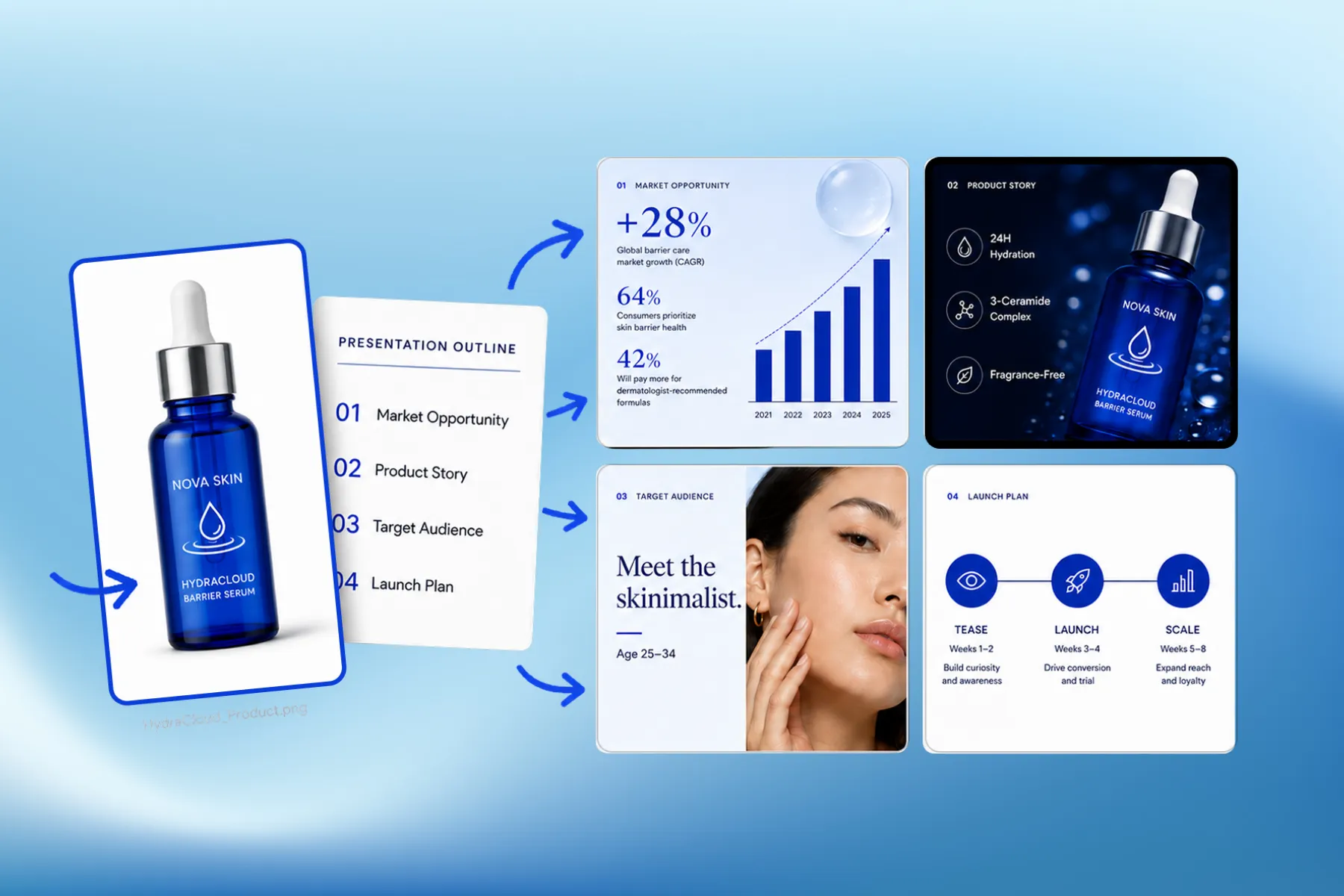
Presentation Software for Marketing, Educational & Corporate Decks
Presentation software that designs marketing, educational, and corporate decks from your brand kit — edit any slide, share a link, or export a PPT.
Explore workflowDrop in a product photo, a campaign brief, or lesson notes and Playyy designs the whole presentation.
Upload a product photo, a campaign brief, or lesson notes. Playyy writes the outline and designs the slides around it.
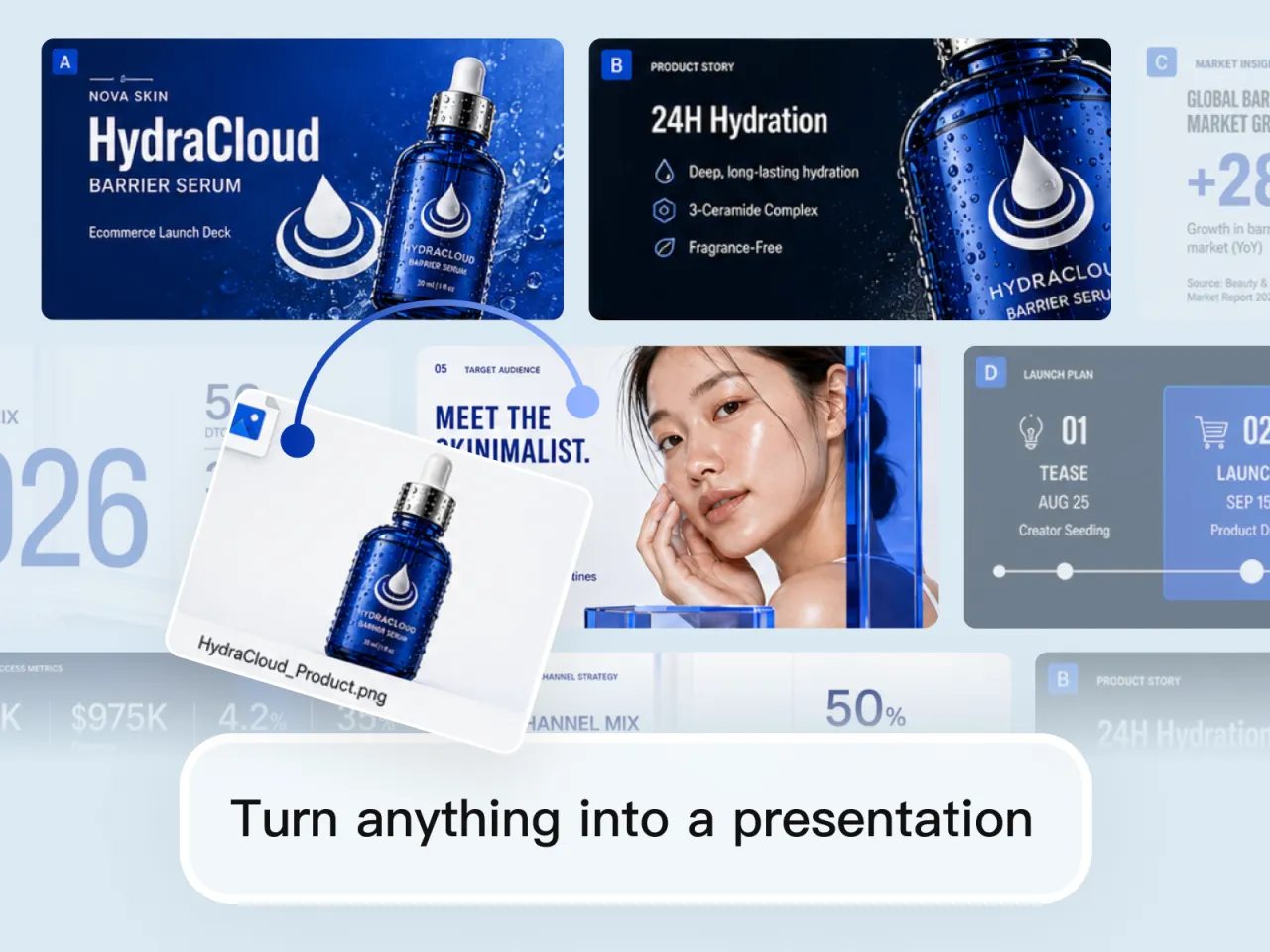
Drop in a product photo, a campaign brief, or lesson notes and Playyy builds the whole presentation around it — title slide, story, audience or learners, plan, and recap. There is no blank template to fill in first. Whatever you upload becomes the through-line across every slide.
Try for free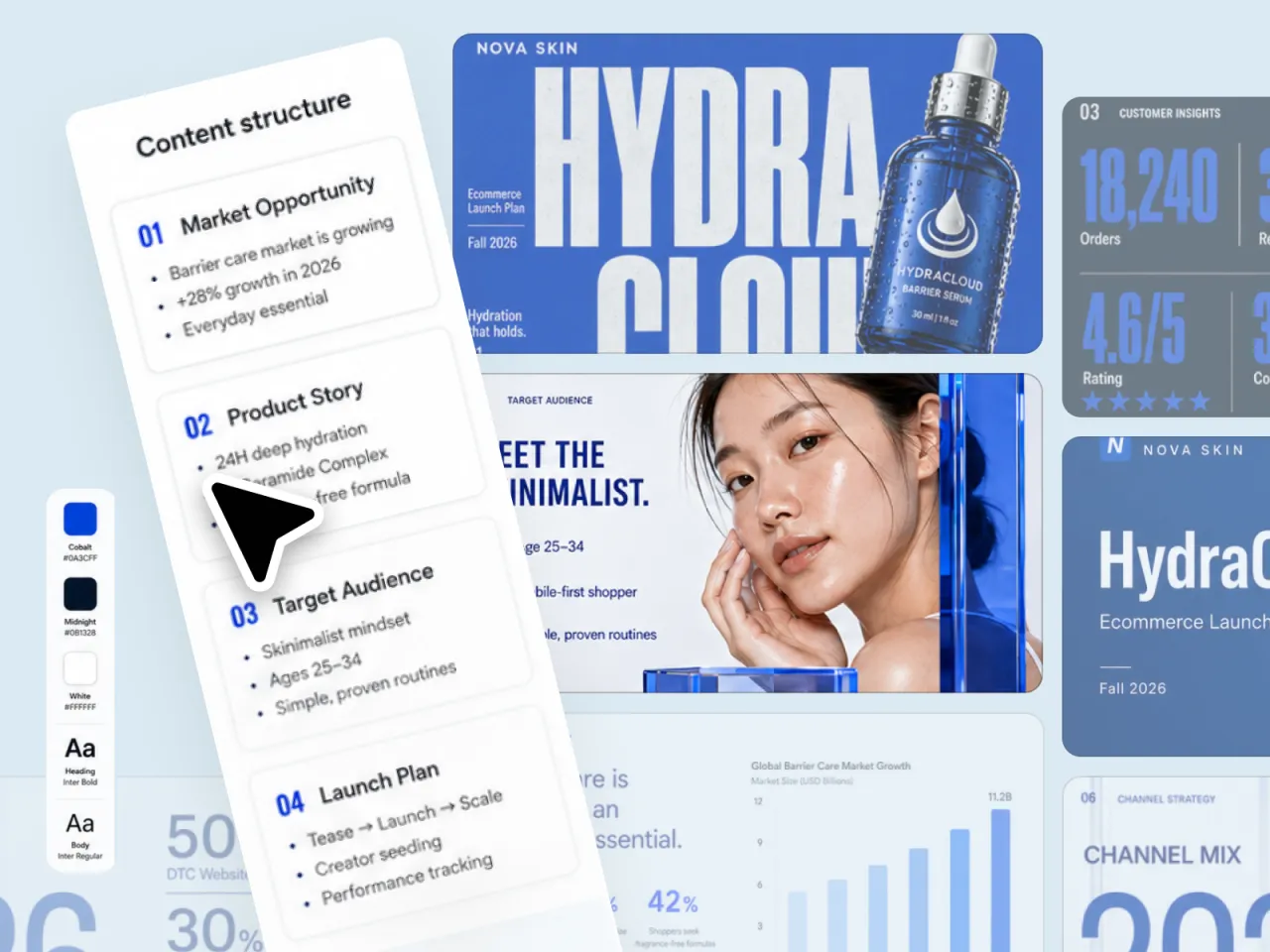
Playyy locks your colours, type, and content structure before it lays anything out. Headings, body copy, charts, and images then share one visual system — so a launch deck or a training module reads as one designed piece, not a pile of mismatched PPT templates.
Try for free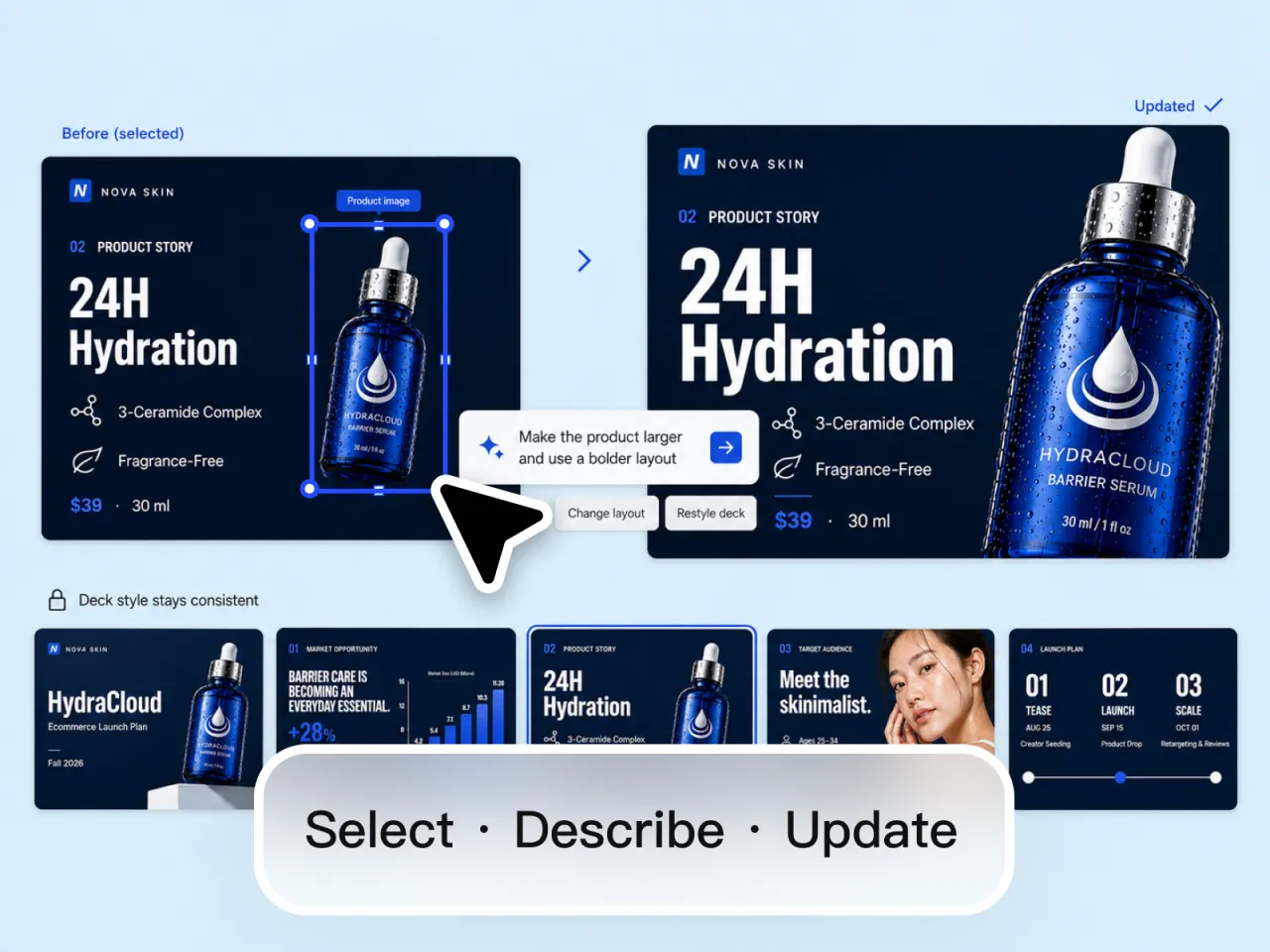
Click an element, describe the change, and the slide updates. Make the product larger, rewrite a headline, restyle the whole presentation — everything else stays on-brand. When it is ready, share a live link the same way you would from Canva or Pitch, or export a PPT for the meeting.
Try for freeStarting from nothing but the idea? Generate the slides from a prompt instead
A product photo, a campaign brief, lesson notes, or a screenshot is enough. Playyy turns the source into a structured presentation instead of asking you to pick a template first.
Colours, type, and visual style carry across the presentation automatically. Change the kit once and every slide restyles together.
Playyy proposes the outline — for a launch, a lesson, a review — then designs slides to match. You edit the story, not a pile of empty frames.
Select a product, a headline, or a chart and describe the update in plain language. The edit lands on that element without breaking the rest of the slide.
Layout, colour, and type stay locked as you iterate. Restyle once instead of hunting through twenty slides for leftover fonts.
Send a live link for a review or a walkthrough, the same way you would from Canva or Pitch. Download a PPT when the meeting, a client, or a corporate template needs a file.
“I used to spend a day in Google Slides turning a product brief into something presentable. I dropped the hero shot and the launch notes into Playyy and had a full deck the same afternoon — then clicked through the slides to tighten headlines before the review.”

Emily Carter
Growth Marketing Strategist
“Investor and sales decks used to stall on design. Now I start from the product image and the outline I already wrote. The first pass looks on-brand enough to present, and I only rewrite the slides that actually need a different story.”

Daniel Brooks
Startup Brand & Content Advisor
“Campaign reviews used to mean a pile of screenshots in a Google Doc. Building the same story as a deck — product, audience, plan, metrics — in one place made the meeting shorter and the follow-up obvious.”

Sophie Whitmore
Social Media Manager & Brand Content Consultant
Most presentation makers ask you to pick a theme and then fill empty boxes. Playyy starts from the photo, the brief, or the notes on your desk, and designs slides that belong to that source.
Each slide is a designed visual you can click into. Change a headline, restyle the palette, or resize a product shot, and the rest of the deck stays locked together.
Design Arena runs blind head-to-head votes on AI-generated slides. Playyy is #1 on the overall slides leaderboard. That is where this tool is tuned, and where the comparison was actually made.
Presentation software that designs marketing, educational, and corporate decks from your brand kit — edit any slide, share a link, or export a PPT.
Explore workflow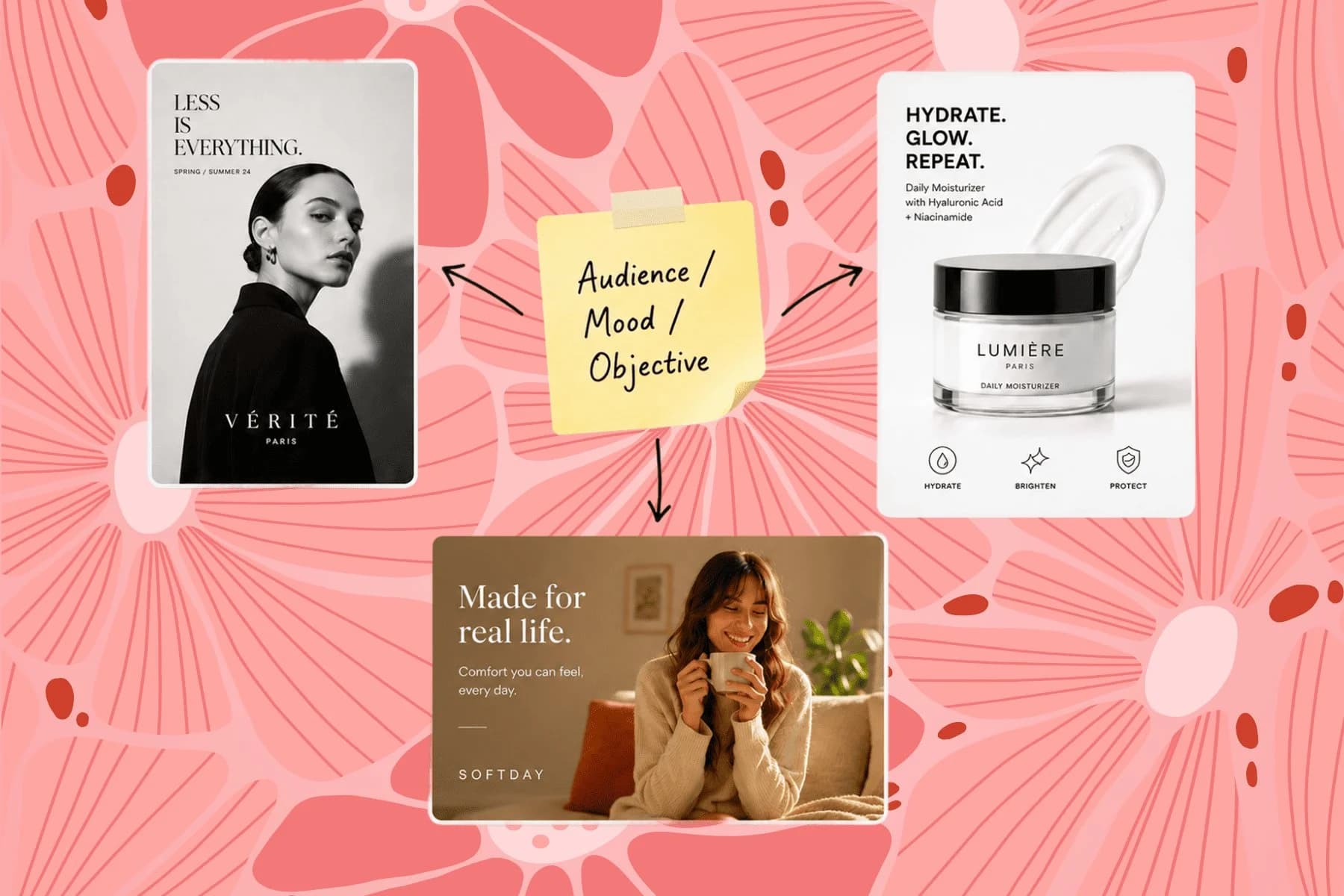
From one campaign brief to every channel asset — AI image generator, creator, and editor in one workflow.
Explore workflowYes. Give the AI something to work from — a product photo, a brief, lesson notes, or a screenshot — and Playyy generates the whole presentation: title, story, audience or learners, plan, and supporting visuals. What you upload stays the visual through-line across every slide, so it does not read like a stock PPT template.
Marketing and educational decks — product launches, campaign reviews, onboarding, and course material. Corporate decks such as board updates and sales walkthroughs use the same workflow. Design Arena, which runs blind head-to-head votes on AI-generated slides, ranks Playyy #1 overall and #1 in marketing and educational; it also leads corporate. It is a live leaderboard, so the standings can move.
Yes. Give it lesson notes, a course outline, or a few reference slides and Playyy designs the teaching deck around them — title, explanation, examples, recap — on one visual system. Restyle later and every module matches, so a workshop and a self-serve course do not end up looking like two different templates.
Yes, and it is the workflow this tool is built around. Upload the product image and Playyy designs the slides around it rather than dropping it into a placeholder box — the product sets the palette, the crops, and the layout rhythm for the rest of the presentation.
Playyy's is free to start. Sign up and turn a photo, a brief, or lesson notes into slides in the browser — no PowerPoint install and no template marketplace. Paid plans add volume, not the core generate-and-edit workflow.
Same engine, different starting point. This page is built around an asset you already have — a product photo, a campaign brief, lesson notes, a screenshot — which Playyy designs the presentation around. The AI presentation generator at /tools/presentation starts from a written prompt instead: describe the deck and it writes the outline and designs the slides from scratch. Either way you land in the same editor and can export a PPT.
Yes. Click any element — a product, a headline, a chart — and describe the change in plain language. You can also restyle the whole presentation at once so colour and type stay consistent.
Yes. Playyy applies your brand colours and type to every slide. When you restyle, the change lands across the whole presentation instead of one frame, so leftover fonts and off-palette accents do not creep in.
No. Playyy runs in the browser — upload the photo or brief, make the presentation, and edit it without installing anything. PowerPoint only matters at the end, and only if someone wants a file: export a PPT and open it wherever you like.
Yes. Finished decks share as a live link, the same way they do in Canva or Pitch — send it for a review or present from the browser without attaching a file. You can still export a PPT if someone needs one.
Yes. Download a PPT when a meeting, a client, or a corporate template needs a file. Sharing a live link does not replace export — both stay available, so you are not locked into one delivery format.
A product photo, a campaign brief, lesson notes, or a screenshot of an existing slide. You do not need a finished outline or a template library — Playyy proposes the content structure and designs the slides to match.
See how teams are using Playyy to ship better visuals, faster.

ChatGPT images buried in chat, no brand kit, no spec control. How a 12-person B2B SaaS team switched workflows and tripled creative output in the same time budget.
 Emily Carter
30 ad creatives, two channels, three days — how a SaaS growth team ran a quarter-end campaign push without an agency on retainer.
Emily Carter
LinkedIn ads and organic posts, two different tones, one brand — produced in a single creative session without separate workflows.
Emily CarterKeep every image on brand, control the final look, and turn campaign ideas into polished assets without waiting on another design cycle.














