
Free AI Product Photography for Ecommerce Brands
Turn any product photo into channel-ready studio imagery — no studio, no reshooting.
Explore workflowPut one garment photo on a realistic AI model — pick the model, the framing and the poses, and get a clean set without booking a shoot
Upload one photo of the garment, choose a model, and get on-model photography of that product being worn.
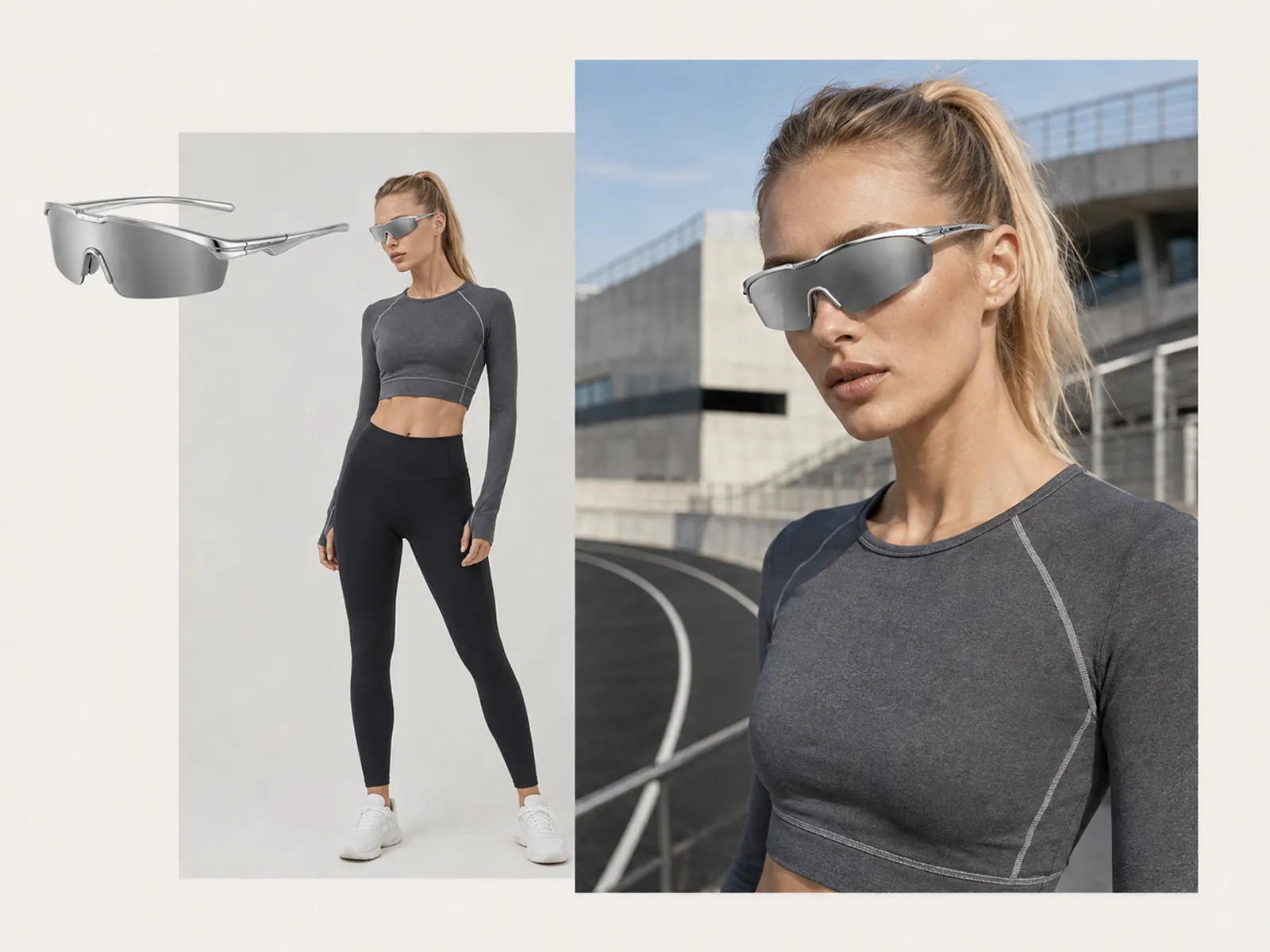
Six models to choose from — Mira, Imani, Freya, Arun, Mateo and Elise — each a consistent face and body you can come back to for the next drop. The garment you upload replaces what the model is wearing, so a flat lay shot on a bed becomes on-body photography of that exact piece: same color, same seams, same zip, same fit through the shoulder.
Try for free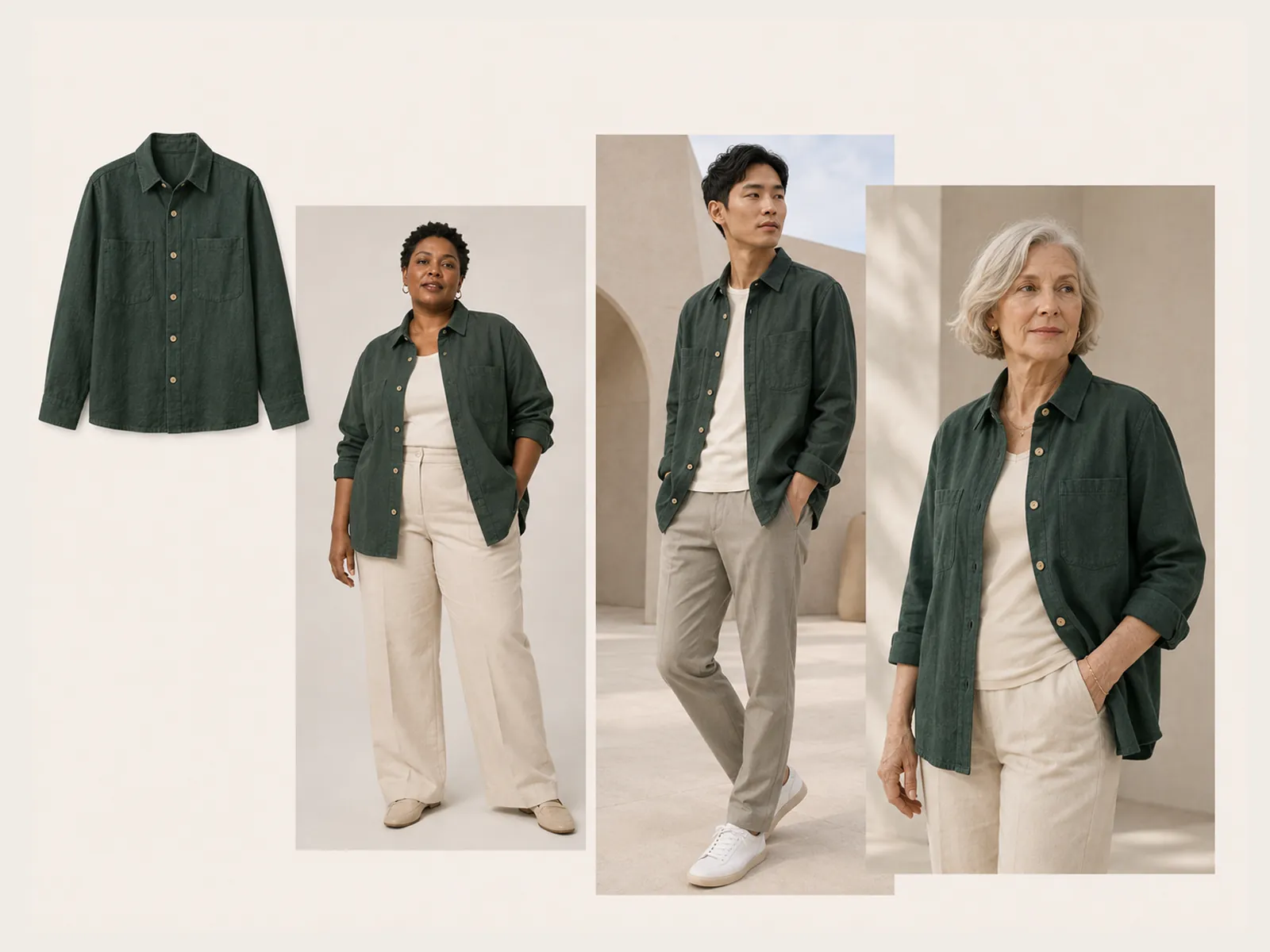
Three framings, each with a catalog of its own. Full-length gives you the twelve positions a lookbook runs on — front, turn left, turn right, side profile, catalog step, relaxed stance, hands behind, in pockets, low arm rest, collar touch, side pivot and look back. Waist-up has its own eight, built to read at that crop. Detail framing isn't poses at all: it's the parts of the garment a buyer zooms into — neckline, cuff, fastening, hem, pocket, fabric, back detail and shoulder seam.
Try for free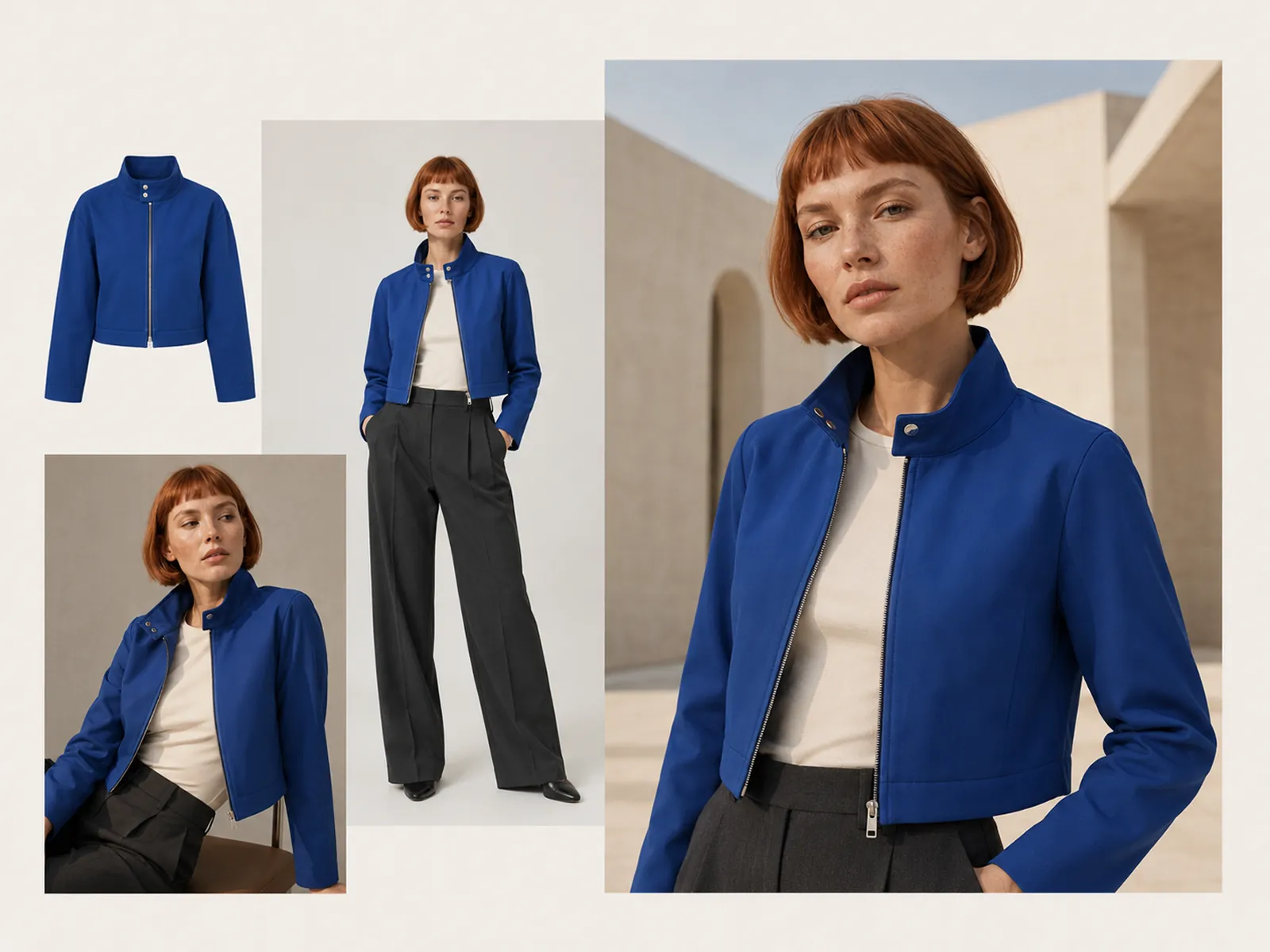
A consumer try-on app puts clothes on the customer's own photo. This is the other direction: it produces the on-model imagery a listing, a lookbook, or an ad needs, at 3:4 for the slots those take. The product is what has to survive — print placement, color, hardware and silhouette all carry from the source — because a model shot that restyles the garment is worse than no model shot at all.
Try for freeStart from a ghost mannequin, a hanger shot, or a garment laid out on a bed. The photo only has to show the piece clearly.
Mira, Imani, Freya, Arun, Mateo and Elise. Picking the same model across a range is what keeps a collection page looking like one shoot.
Full-length, waist-up, and a detail framing that crops to the garment's own parts rather than to the model.
Front, turns, side profile, catalog step, hands in pockets, look back and more — the positions a lookbook actually uses.
Print placement, color, hardware and silhouette are carried from your photo. The model changes; the garment doesn't.
A PDP set, a lookbook spread, and the detail crops for the gallery all come out of the same source photo in one session.
“I still book real talent for hero campaigns, but I will not wait on a studio for every mid-season colorway. Virtual models let me put the new fabric on a body the same day the sample photo lands.”
Claire Dubois
Creative Director & Brand Aesthetic Consultant
“Amazon wants a packshot. The brand site wants a model. Paid social wants lifestyle. I used to skip two of those because we could not afford three shoots. Now the packshot feeds all three.”

James Walker
Ecommerce Creative Strategist
“Using the same model across the range was the change that mattered. The collection page stopped looking like it was shot by four different people.”
Aiko Tanaka
Independent Designer & Visual Systems Consultant
Casting, fittings, and location permits are what make fashion photography slow. This skips that stack: the garment photo is the input and the output is a person wearing it. You still review likeness and product accuracy before anything ships — that review is the part that doesn't go away.
A model shot that quietly restyles the garment into a different cut is useless for ecommerce and actively harmful on a listing. Keeping print placement, color, hardware and silhouette aligned with the source packshot is the constraint the whole thing is built around.
Fixed models are a feature, not a limitation. A prompt-described face changes every time you run it, which is exactly what you don't want across a collection. Coming back to Freya for the whole range is what makes forty product pages read as one catalog.
Turn any product photo into channel-ready studio imagery — no studio, no reshooting.
Explore workflow
Ecommerce image editing across every SKU — background removal, cleanup, and upscaling that meet marketplace specs.
Explore workflowUpload one photo of the garment — flat lay, hanger shot, or ghost mannequin — pick one of the six models, choose a framing and the poses you want, and each comes back as a finished on-model photograph of that exact piece.
It's the seller's half of it. A consumer virtual try-on app puts clothes onto the shopper's own photo so they can preview a fit. This produces on-model product photography for listings, lookbooks and ads — same idea, opposite direction, and it's catalog imagery you get out of it rather than a fitting-room preview.
Yes — six of them, each with a consistent face and body: Mira, Imani, Freya, Arun, Mateo and Elise. They're fixed on purpose, so the same model can carry a whole range instead of a new face appearing on every product page.
Three framings. Full-length has twelve poses — front view, turn left, turn right, side profile, catalog step, relaxed stance, hands behind, in pockets, low arm rest, collar touch, side pivot and look back. Waist-up has its own set of eight. Detail framing crops to garment parts instead: neckline, cuff, fastening, hem, pocket, fabric, back detail and shoulder seam.
Apparel first — tops, jackets, dresses, knitwear. Results are strongest when the whole piece is visible in the source photo and the fabric and any print read clearly. A cluttered or extreme-angle shot is worth cleaning up first.
That's the review step. Check color, print placement, hardware and proportion against the source before publishing. The tool is built to preserve the product; if a detail drifts, regenerate that shot.
Ghost mannequin produces a hollow 3D garment with no person in frame — the construction shot for collection grids and Amazon alternate slots. This puts the product on a person, which is the on-figure format Amazon's Clothing & Accessories style guide specifies for adult apparel main images, and what lookbooks, PDP lifestyle and ads need. Many teams run both from the same photo.
See how teams are using Playyy to ship better visuals, faster.
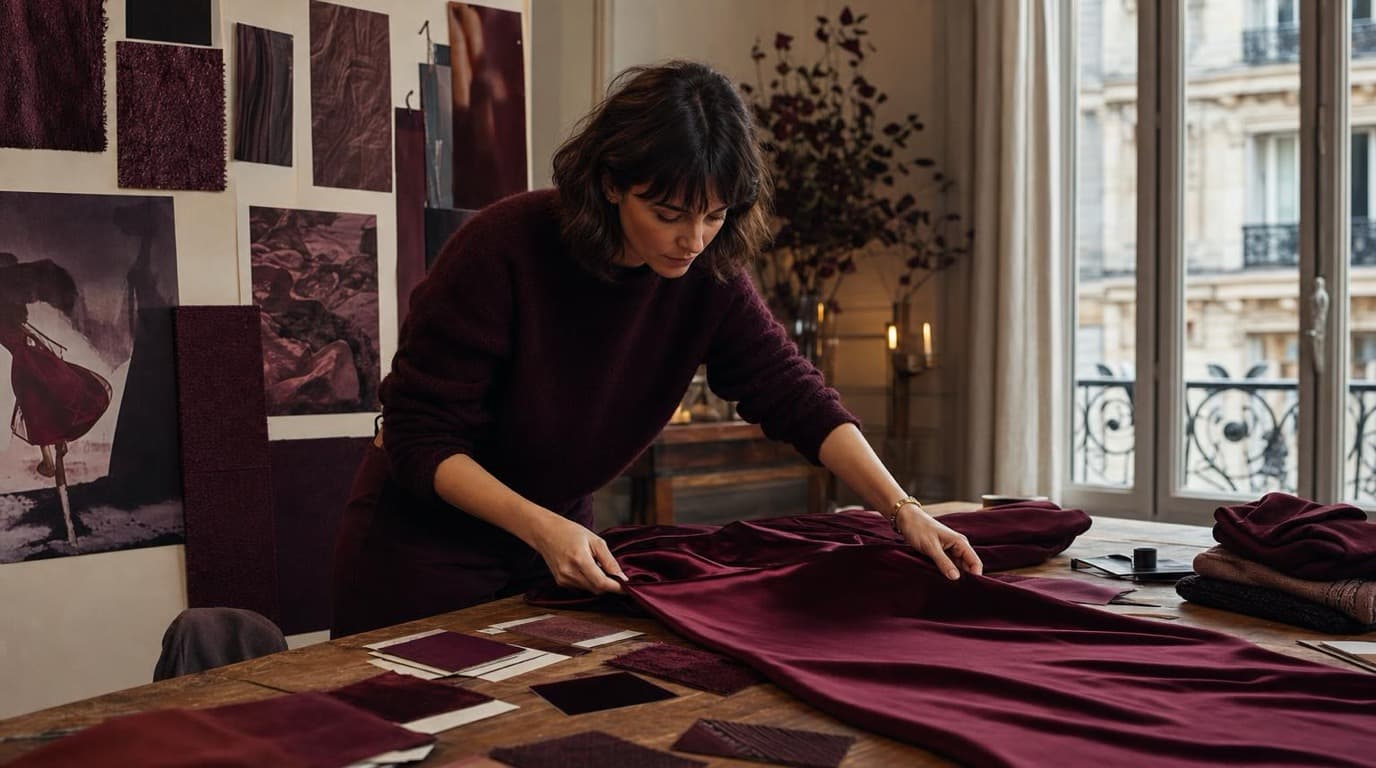
Thirty-four campaign images. Six days. One colour. How Camille Laurent built an entire autumn campaign around a burgundy colour story without booking a studio.
 Aiko Tanaka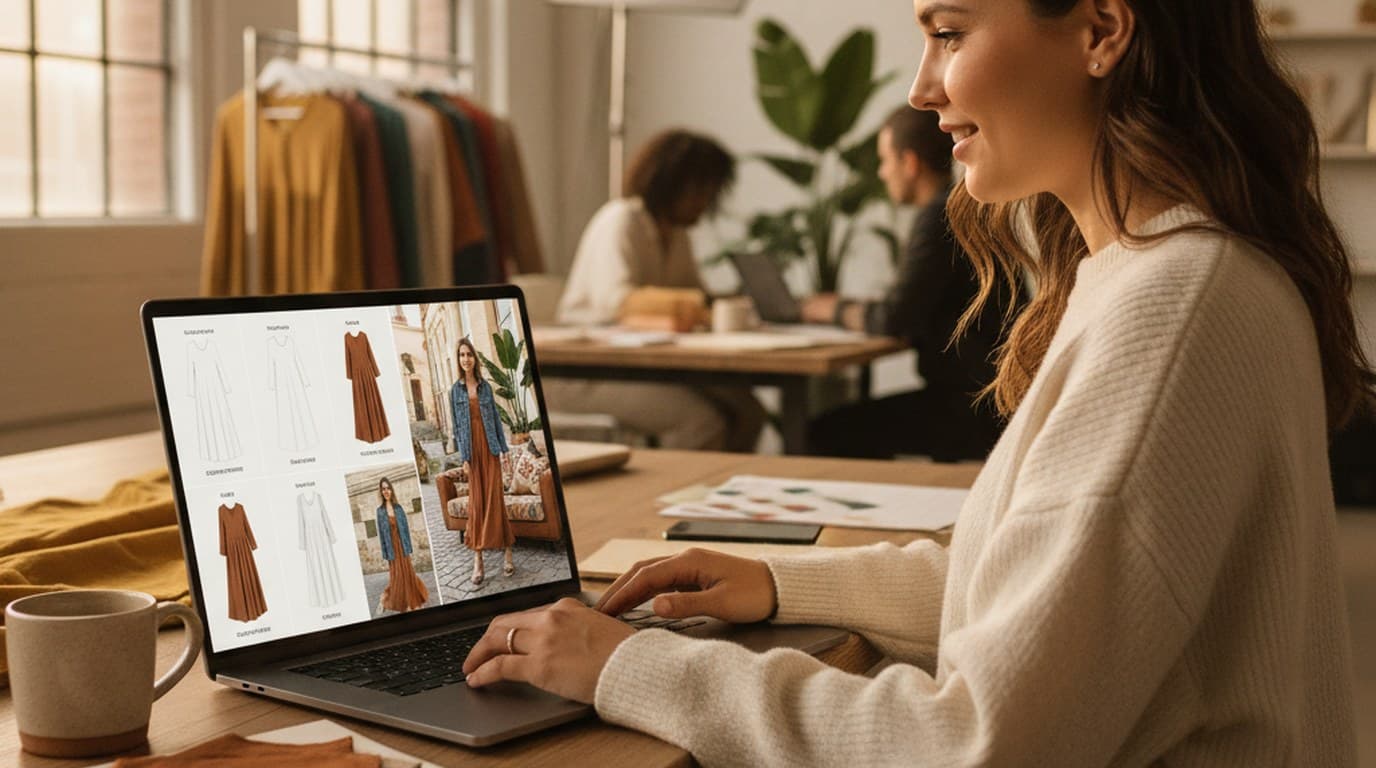
Sixty lifestyle images, three days, no studio. How one Shopify brand cut product shoot costs by 80% using AI photo editing.
 James Walker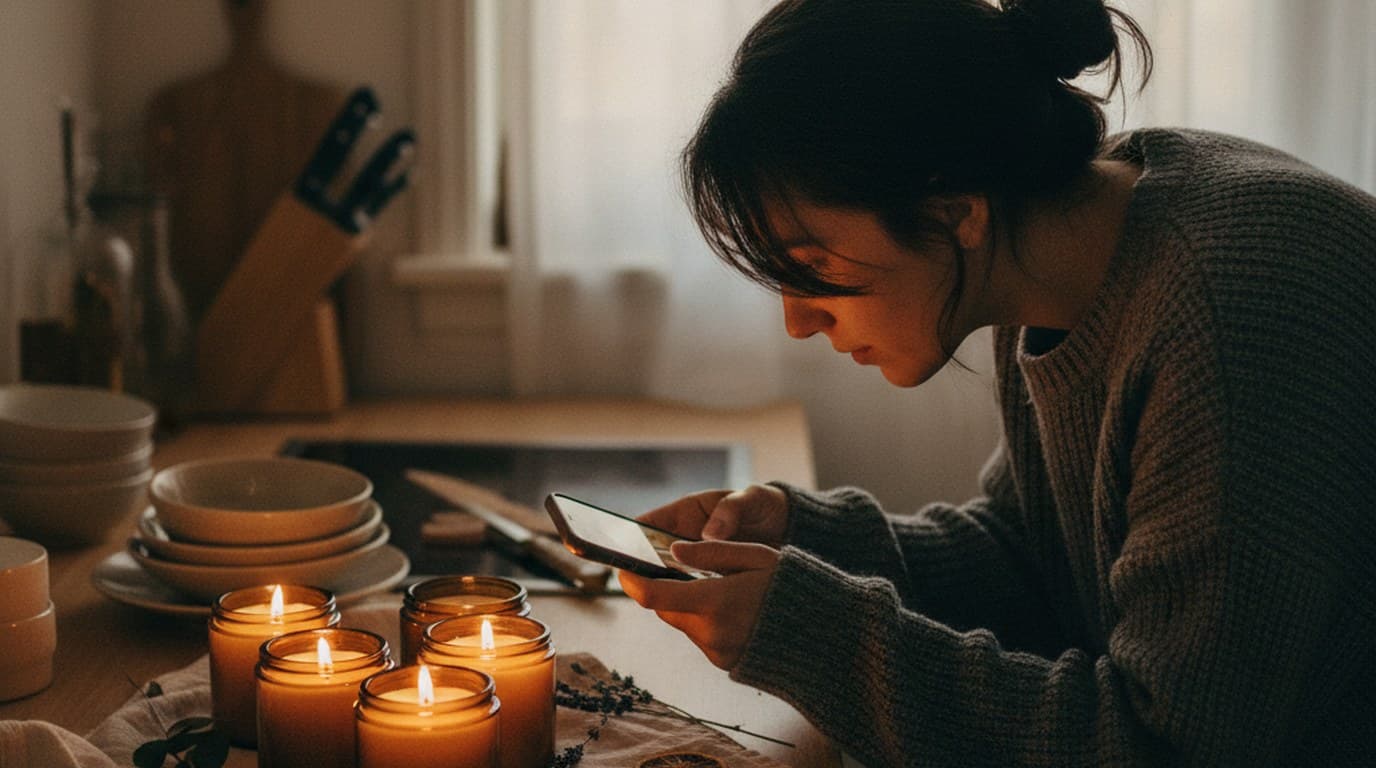
Phone photos, an AI photo editor, and a clear brand vision — how one indie maker's first launch looked like a studio produced it.
 Minji Park
Keep every image on brand, control the final look, and turn campaign ideas into polished assets without waiting on another design cycle.














