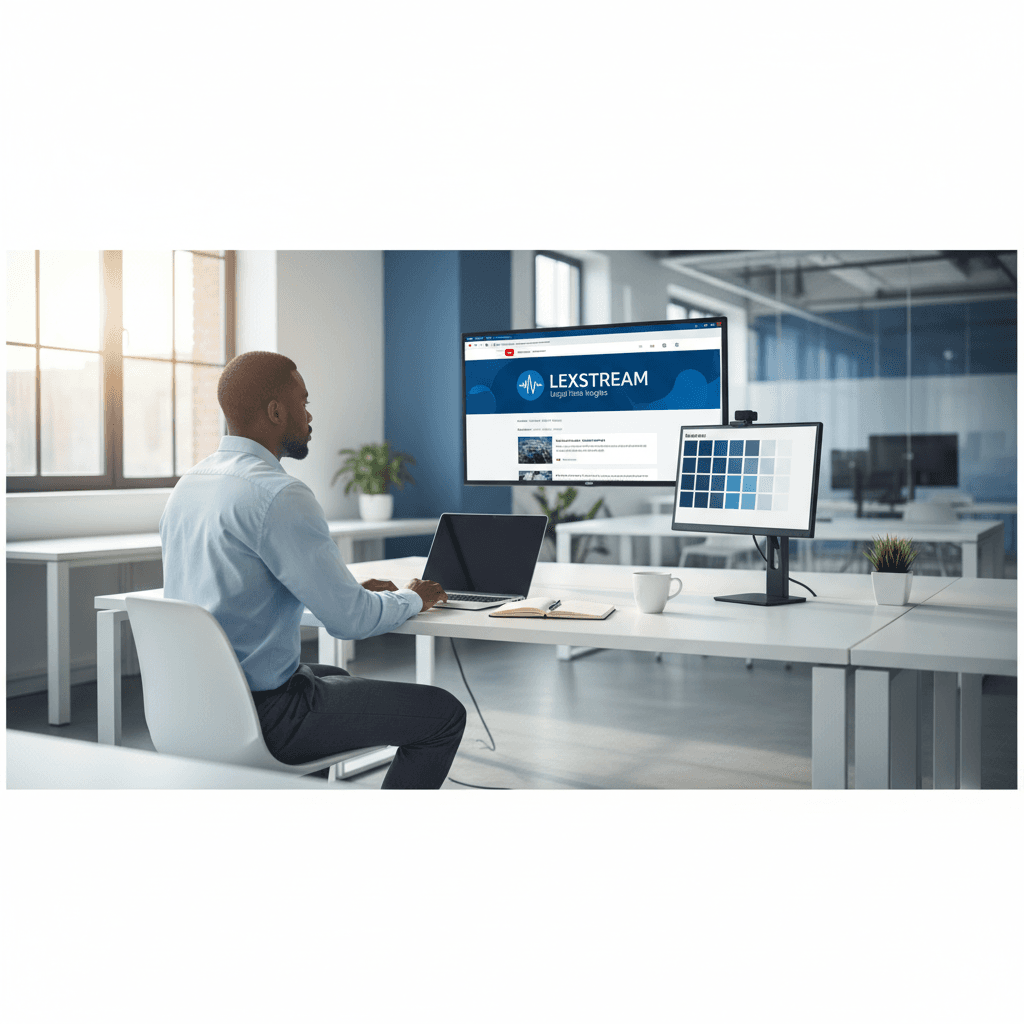
How a Founder Built a YouTube Brand Without a Designer
A legal-tech startup founder, no designer, 22 YouTube thumbnails — how the startup built a consistent channel identity in one week using Playyy's brand kit.
 Daniel Brooks
Free AI flyer maker and poster maker. Design event posters, invitations, and flyers for parties, concerts, and workshops — made for your event, not a template.
Start creating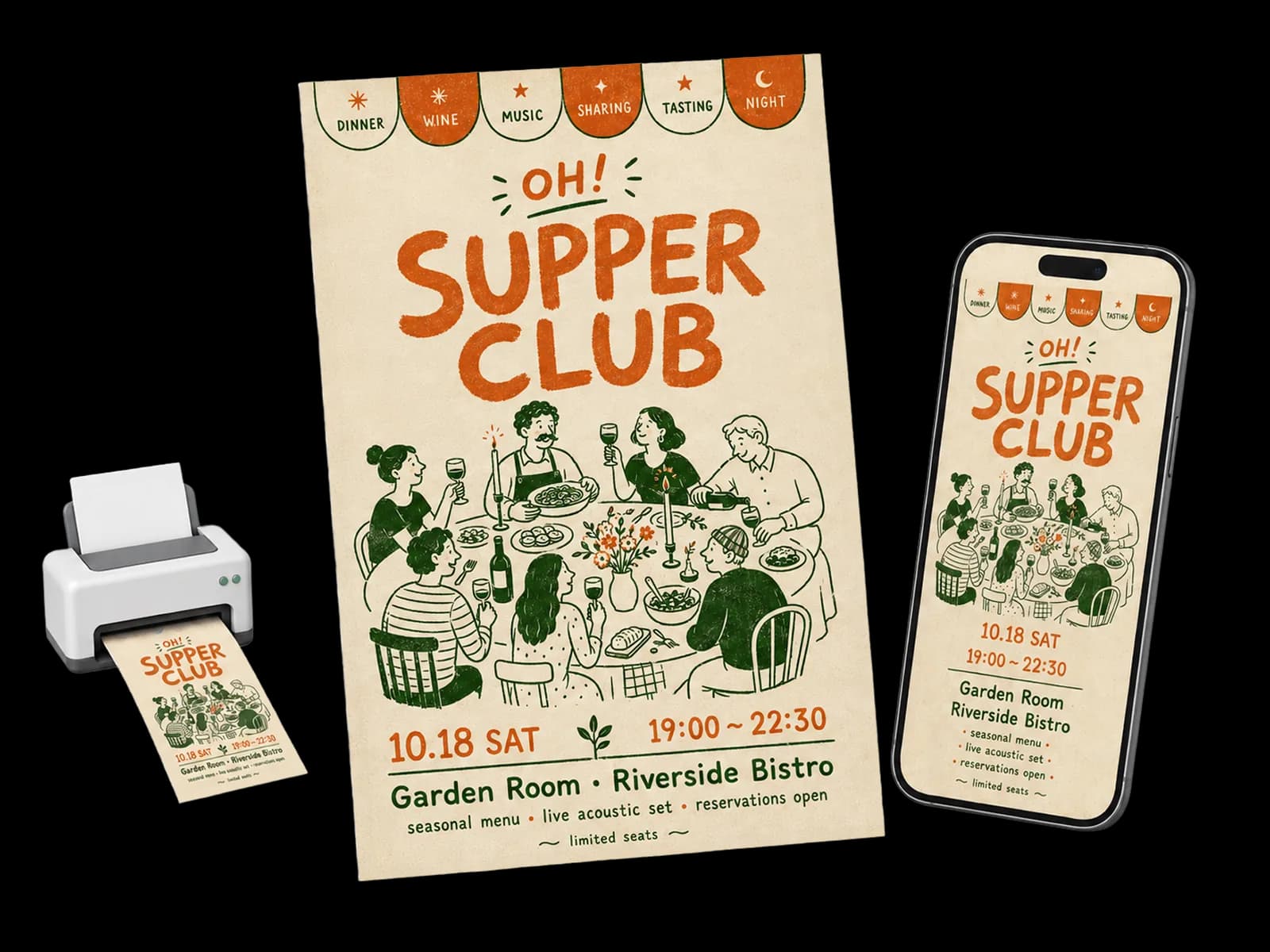
From event brief to print poster and digital invitation — scene generation, layout composition, and multi-format export in one session.
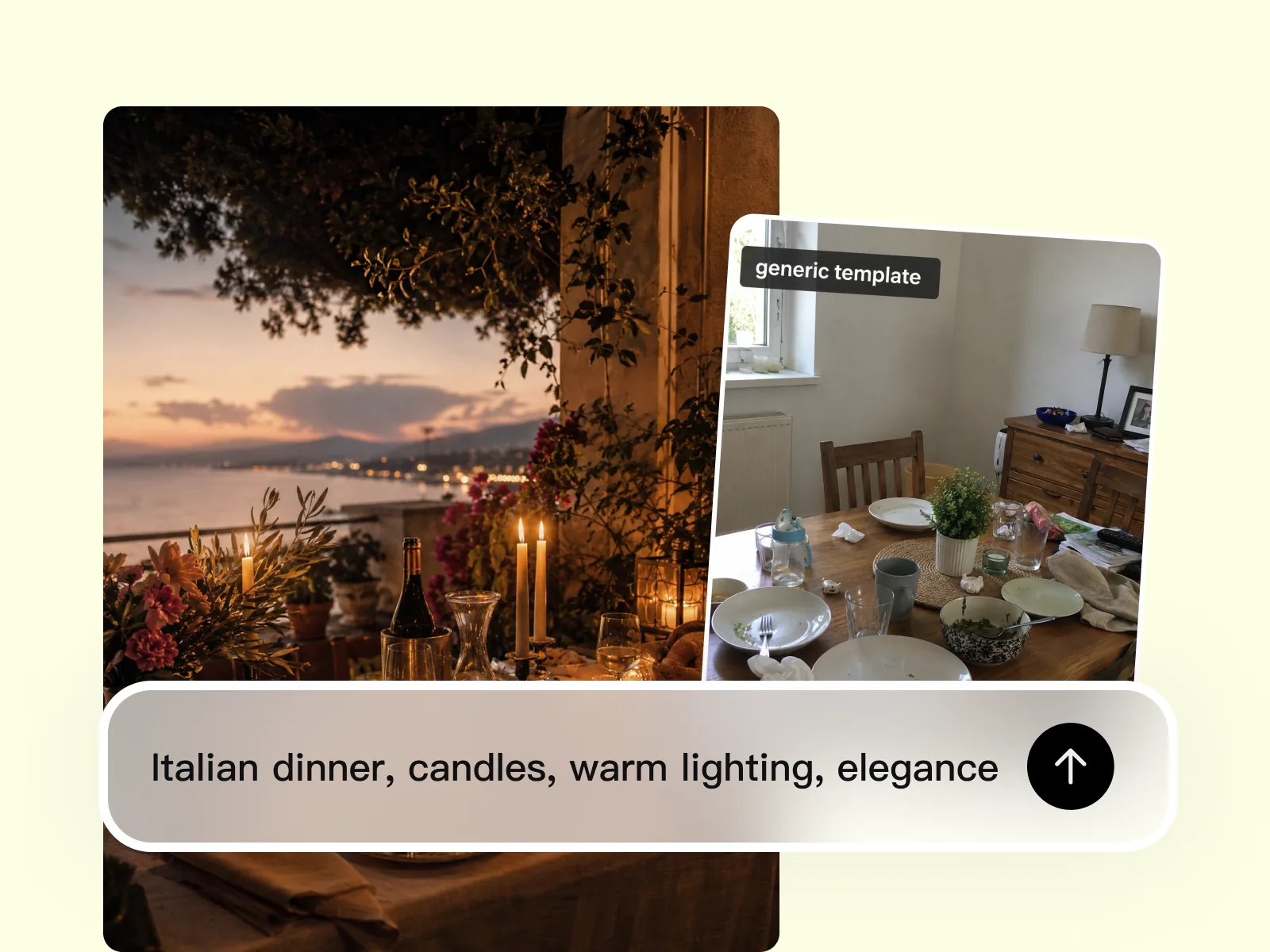
Describe the event's atmosphere, venue feeling, and tone — dinner soirée, birthday garden party, craft workshop. AI Image Generator produces a visual specific to that occasion, not a stock photo that could belong to any event. The result signals something worth attending before a word of the copy is read.
Try for free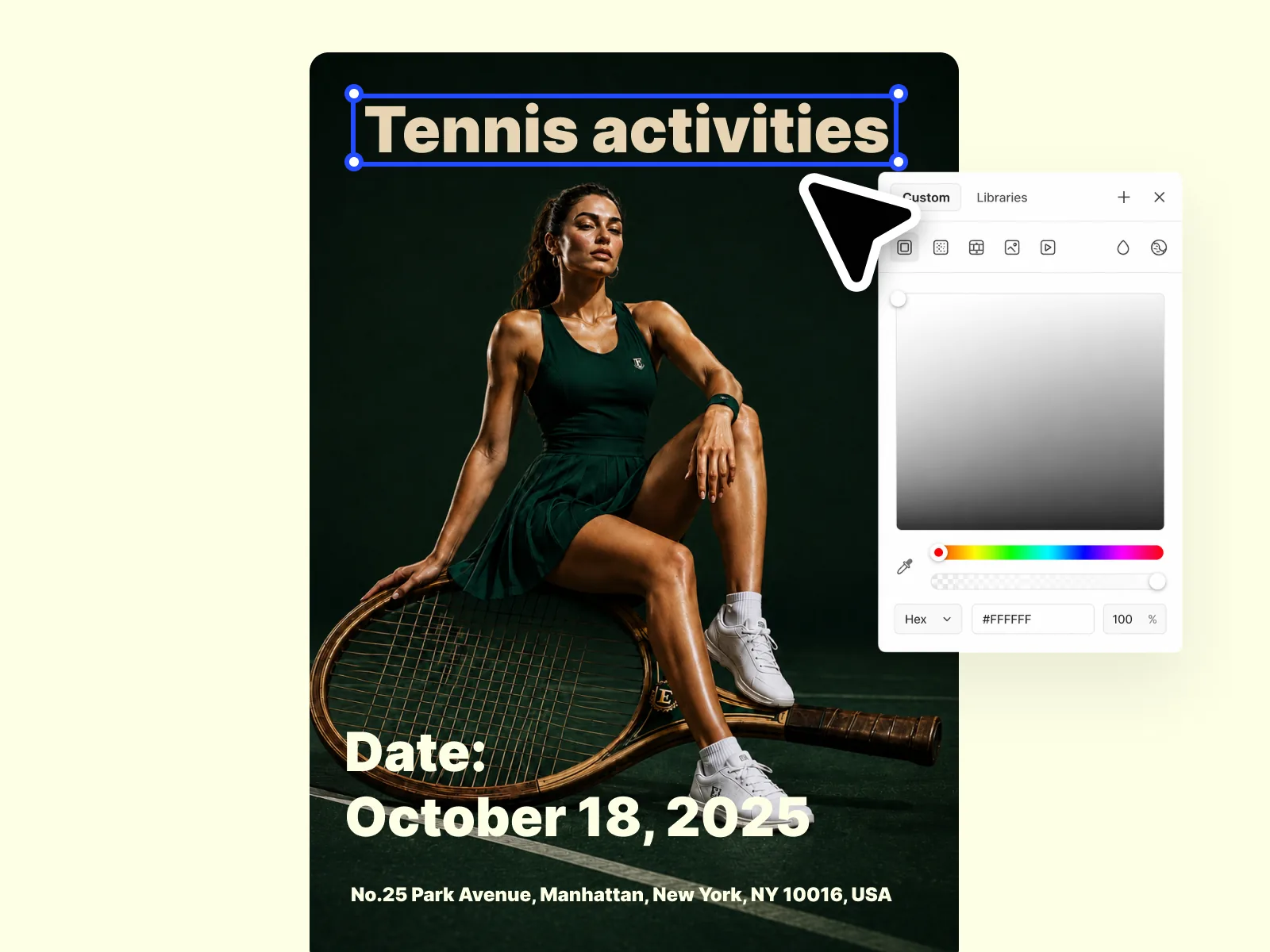
Edit Elements places the event name, date, location, and contact information directly onto the scene image. Adjust text position to avoid the focal point of the image and leave enough margin for print bleed. The layout step turns the generated visual into a complete event communication piece.
Try for free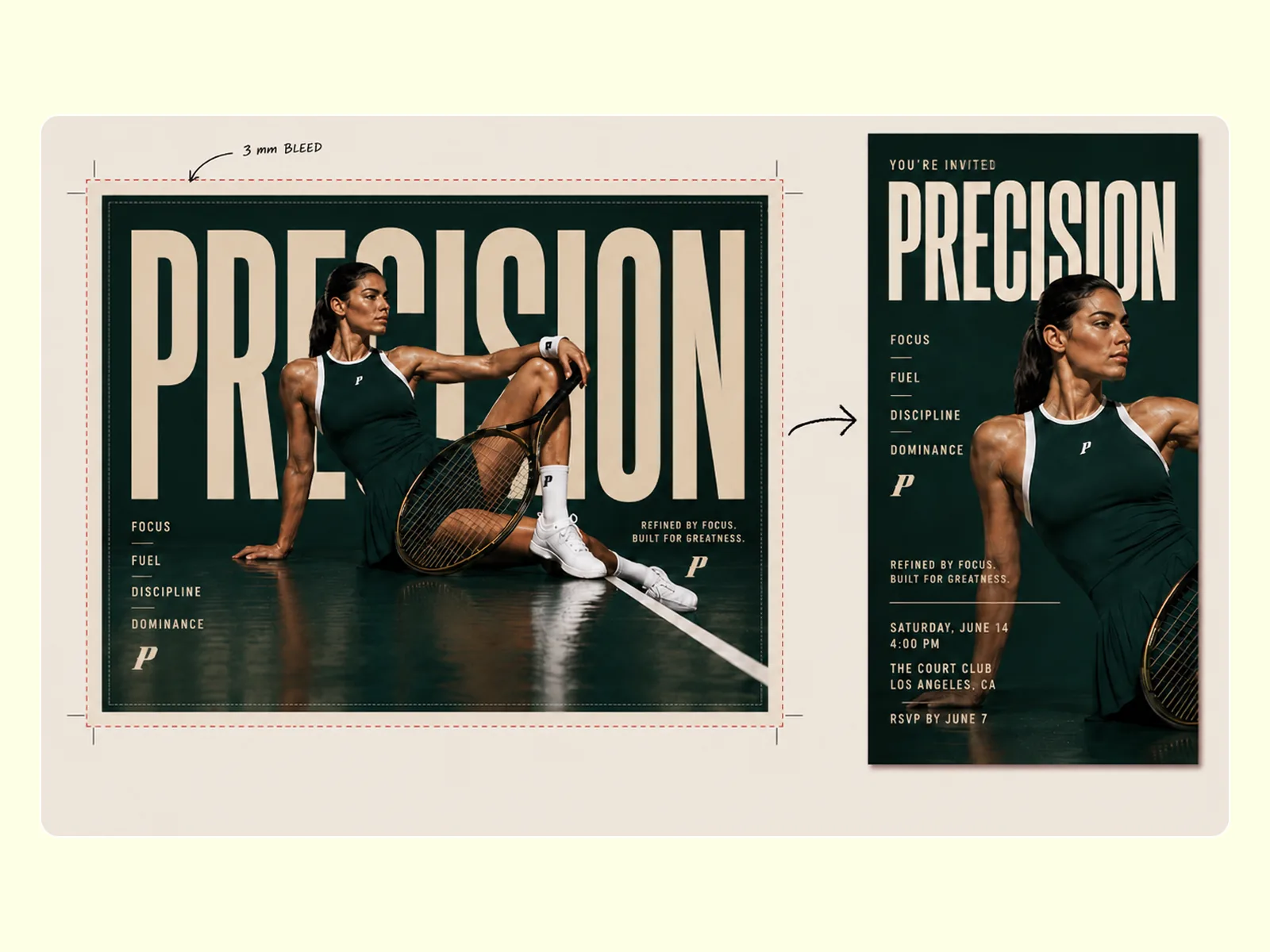
Visual Enhancer brings the design to the clarity required for A3 or A4 print without the softness that standard upscaling introduces. Use Image Expander to produce the 9:16 digital invitation version from the same design — no rebuilding the composition for a different format. Check text legibility at thumbnail scale before sending.
Try for freeDescribe the event — a rooftop jazz night, a charity 5K, a wedding reception — and the AI generates a background scene that fits the mood, not a recycled stock photo. Every event poster starts with a visual built for that specific event.
Use Edit Elements to place event name, date, venue, and ticket details directly onto the generated image. Adjust positioning, swap text, and refine until the flyer reads exactly as intended — no design software required.
Export the design at 9:16 for WhatsApp shares and Instagram Stories alongside the print-format poster. Digital invitations and event posters come from the same session without rebuilding the layout.
Export at A4 or A3 at 300 DPI for print-ready flyers, and at screen resolution for digital distribution — all from one source design. No separate files or separate workflows for print versus digital.
Playyy works as a free flyer maker and poster maker in one place, generating scene-specific visuals instead of locking you into a template library. Describe the event and get a poster or flyer that looks designed for it, not adapted from something else.
Use Image Expander to push the poster composition into square for Facebook events, vertical for Instagram, and wide for a website banner — one design session covers every placement.
“Template flyers all look like the same night out. I describe the actual event — venue mood, time of day, who is coming — and Playyy builds a scene that belongs to that night, not a stock party photo.”

Luca Moretti
Local Business & Event Marketing Consultant
“Print and Stories used to be two layouts. I design the poster once, export A3 for the door and 9:16 for WhatsApp, and the composition still holds. That is the job, not picking another Canva theme.”
Aiko Tanaka
Independent Designer & Visual Systems Consultant
“Small teams do not have a designer on call for every workshop. I drop in the date, the title, and a one-line mood, then fix the type in place. The invite looks considered without a production budget.”
Minji Park
Creator Marketing Strategist
See how teams are using Playyy to ship better visuals, faster.
A legal-tech startup founder, no designer, 22 YouTube thumbnails — how the startup built a consistent channel identity in one week using Playyy's brand kit.
Daniel Brooks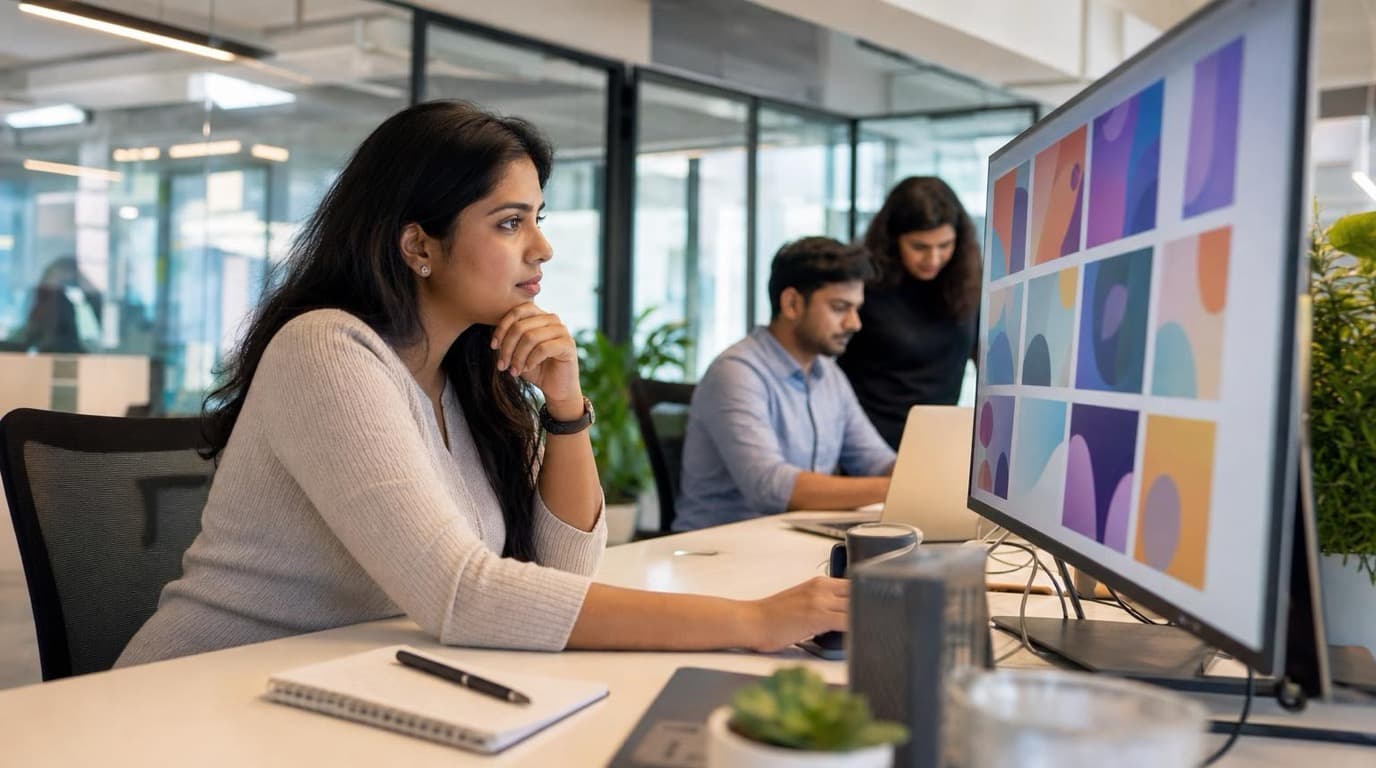
ChatGPT images buried in chat, no brand kit, no spec control. How a 12-person B2B SaaS team switched workflows and tripled creative output in the same time budget.
 Emily Carter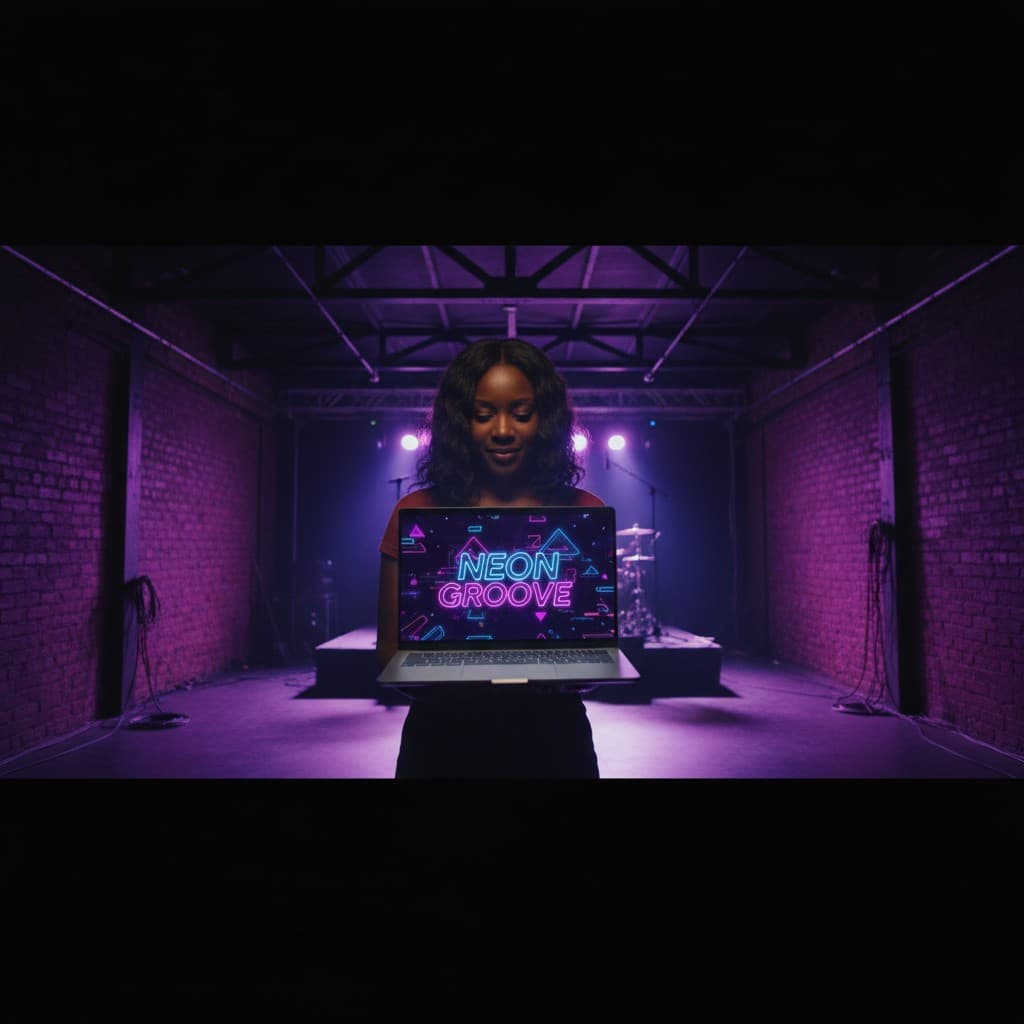
YouTube channel banner, profile picture, and 4 end-card variants — zero design cost, one afternoon, no designer.
 Luca Moretti
Template-based poster creators give you a generic layout with placeholder text — the visual was never designed for your event. Playyy generates the scene from a description of the event itself: the setting, the mood, the audience. A Halloween night market gets a different visual foundation than a corporate awards dinner, without either one looking like a stock photo with text slapped on top.
Design the event poster once, then export at A4 or A3 at 300 DPI for physical print and at 9:16 for digital invitations sent over WhatsApp or posted to Instagram Stories. Image Expander handles ratio changes so the composition stays intact across formats. One session produces the complete set of promotional materials — print flyers, digital invitations, and social assets.
Playyy is a free flyer maker that generates the visual, positions the text, and exports at the right spec — without requiring knowledge of typography, layout grids, or color theory. Describe the event in plain language and refine the output with Edit Elements until every detail is correct. Event organizers working without a designer or a budget get results that look like they had both.
For A4 print (210×297mm), export at 300 DPI — which means a minimum of 2480×3508px. For A3 (297×420mm), the minimum is 3508×4961px at 300 DPI. Visual Enhancer upscales to these resolutions cleanly. Always add 3–5mm bleed on each edge if the design goes edge to edge, and keep critical text and logos at least 10mm inside the trim line.
Yes. Start with the print-optimized version at the poster's aspect ratio and resolution. Then use Image Expander to adapt the composition to 9:16 for digital story-format invitations, or 1:1 for social sharing. The core visual and brand elements remain consistent across formats — only the crop and text positioning adjust for each output.
The key is generating a scene image specific to the event rather than choosing from a template library. Describe the setting, color mood, and atmosphere of the specific occasion — a garden birthday with soft afternoon light is different from a night-out birthday with moody restaurant lighting. That specificity in the generation step is what separates the result from a template.
Yes. The workflow applies to any event type — birthday party invitations, corporate events, wedding announcements, workshop flyers, or seasonal gatherings. Generate a scene image that reflects the event's specific mood, compose the layout with the event details, and export for digital sharing or print. Each result is specific to the occasion, not adapted from a stock template.
A digital invitation is an image file — typically JPEG or PNG — shared via messaging apps, email, or social media instead of printed and mailed. Design at 1080×1920px (9:16) for WhatsApp and Instagram Stories, or 1:1 for general sharing. Export the file at screen resolution (72–150 DPI), not print resolution. Playyy's Image Expander generates the digital format from the same source design as your print poster — no separate build required.
Yes. The same flyer maker workflow applies to corporate events — product launches, team offsites, conference sessions, and company milestones. Generate a scene image that matches the event's tone (professional, celebratory, technical), compose the layout with event details and company branding, and export for both email distribution and print. No design team or template license required.

Turn any product photo into channel-ready studio imagery — no studio, no reshooting.
Explore workflow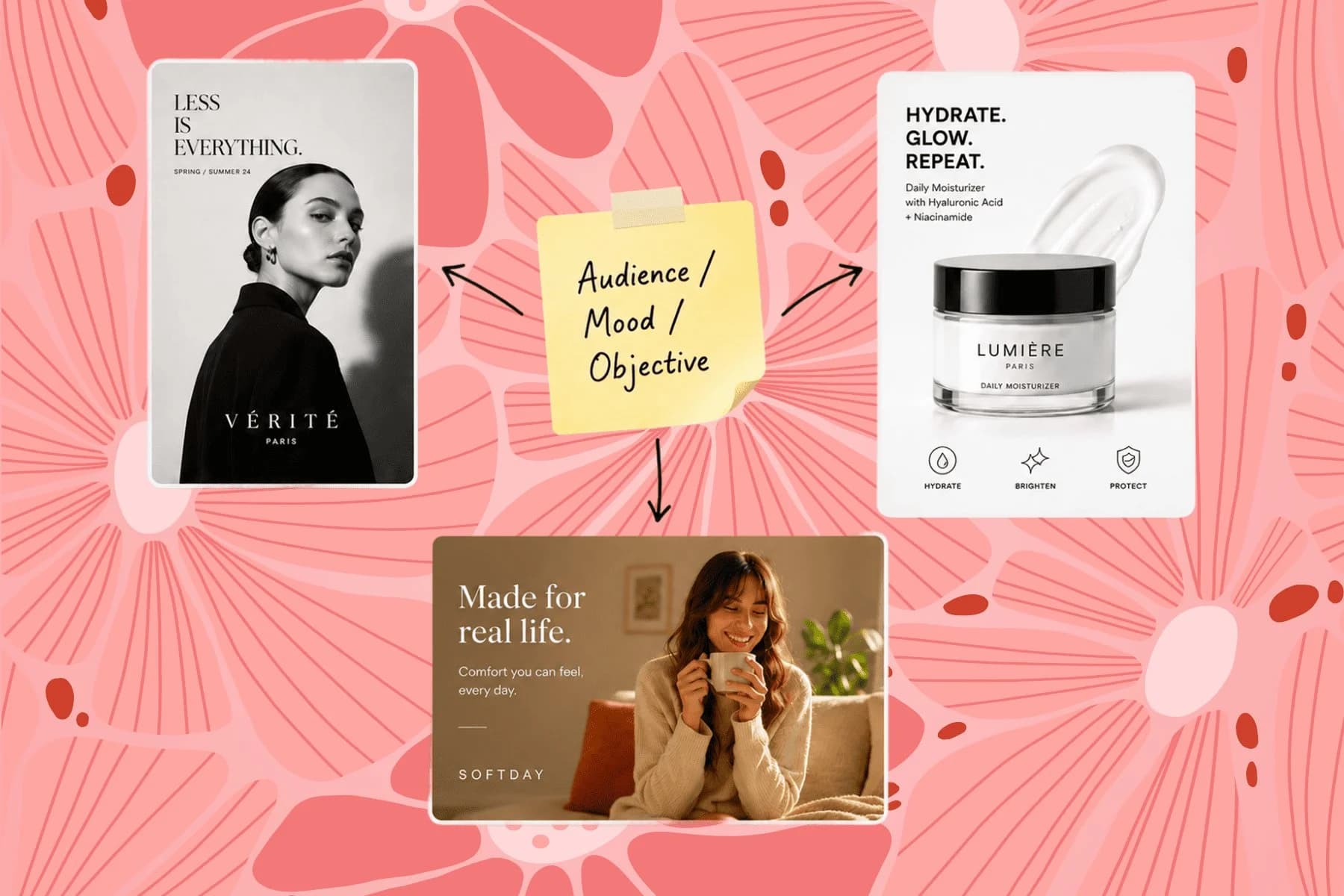
From one campaign brief to every channel asset — AI image generator, creator, and editor in one workflow.
Explore workflow
Ecommerce image editing across every SKU — background removal, cleanup, and upscaling that meet marketplace specs.
Explore workflowKeep every image on brand, control the final look, and turn campaign ideas into polished assets without waiting on another design cycle.














