12 Best Canva Alternatives in 2026 (Free & Paid)
 Sophie Whitmore
Canva is still the default for quick social posts, flyers and slide decks, but it isn't the best fit for every job. The free plan caps AI at 20 uses a month, background removal is a Pro feature, and teams that need vector precision, short-form video or AI-generated visuals often outgrow it. The alternatives below are grouped by what you need instead, and most of them work the way Canva does: open a size or template, design, export.
Short answer. The best Canva alternative for most people is Adobe Express (closest all-round match with a solid free plan). Choose Kittl for typography and merch, CapCut for social video, Playyy for on-brand AI designs built from a brand kit it pulls from your website, Affinity if you want professional tools for free, and Penpot or Figma for interface design.
Prices and free-plan details as of October 2026. They change often, so confirm before you subscribe.
Canva alternatives at a glance
| Tool | Best for | Free plan | Paid from |
|---|---|---|---|
| Adobe Express | All-round Canva replacement | Yes: 100K+ templates, 5GB, limited AI | Premium (~$9.99/mo US) |
| VistaCreate | Budget template design | Yes: 100K templates, 10GB, standard quality | $120/yr (Pro) |
| Kittl | Typography, logos, merch | Yes, personal use only | $12/mo billed yearly |
| Visme | Presentations, infographics, data | Yes: 500MB, 10 AI credits/mo | $12.25/mo billed yearly |
| CapCut | Short-form social video | Yes, premium templates limited | $19.99/mo (Pro) |
| Picsart | Photo effects and creator content | Yes, limited | $10.50/mo billed yearly |
| Playyy | On-brand AI designs from a brand kit | Yes, with daily bonus credits | $15/mo billed yearly ($18 monthly) |
| Microsoft Designer | Prompt-to-design for M365 users | Yes, with a Microsoft account | Included in Microsoft 365 plans |
| Affinity | Pro photo, vector and layout | Free for individuals | AI features need Canva premium |
| Penpot | Open-source interface design | $0 for up to 8 members | $7/editor/mo |
| Figma | Professional UI and team design | Yes: 3 design files | $16/mo per full seat |
| Photopea | Free Photoshop-style editing | Free with ads | Ad-free Premium |
For reference, Canva Free gives 5GB of storage, 1.6M+ templates and up to 20 AI uses a month, and Canva Pro is $144 a year for one person, per Canva's US pricing page.
All-round design suites (closest to Canva)
These are the apps most like Canva: template libraries, drag-and-drop editing, brand assets and one-click resizing.
1. Adobe Express: the closest overall match
Who it's for: anyone who wants Canva's template-first workflow with Adobe Stock and Adobe Fonts behind it.
Adobe Express is the most direct replacement. Templates for social posts, flyers, videos and documents cover the same ground, and resizing a design for another platform is one click. Its generative tools run on Adobe Firefly, which Adobe positions as safe for commercial use.
Free plan: 100,000+ templates, 1M+ Adobe Stock assets, 4,000+ Adobe Fonts, 5GB storage and a limited number of free generative AI uses, per Adobe Express pricing. Premium adds 250 generative credits a month and 100GB of storage.
Watch out for: Adobe doesn't publish one fixed free AI allowance on that page, and regional prices differ.
2. VistaCreate: the budget template library
Who it's for: small businesses that mostly need templates and animated social posts at a low price.
VistaCreate (formerly Crello) looks and works a lot like Canva, with a large library of static and animated templates. Its Pro plan is shared by up to 10 seats, which makes it cheap for small teams.
Free plan: 10GB storage, 100K templates and standard-quality downloads; the background remover and HD downloads are Pro, which costs $120 a year billed upfront, per VistaCreate plans.
3. Kittl: best for typography, logos and merch
Who it's for: designers making logos, posters, T-shirts and print-on-demand products.
Kittl's templates come from independent designers and lean on illustrated type, badges and vintage styles that Canva's defaults rarely match. Vector export makes it useful for print. We compare it in more depth in our Kittl alternatives roundup.
Free plan: personal use only, a curated subset of templates and locked premium exports. Pro is $15 a month, or $12 a month billed yearly, per Kittl pricing.
4. Visme: best for presentations and data
Who it's for: business teams making reports, infographics and interactive decks.
Visme does what Canva does for presentations but adds charts, interactive elements, animation and viewer analytics. If most of your Canva work is decks and one-pagers, it's the stronger tool.
Free plan: unlimited projects, 500MB storage, limited templates, JPG/PNG/PDF downloads and 10 AI credits a month. Starter is $147 a year ($12.25 a month), per Visme pricing.
Social media and video
If most of your Canva use is Reels, TikToks and Stories, a video-first app usually saves time.
5. CapCut: best for short-form video
Who it's for: creators and social teams publishing vertical video.
CapCut's web and mobile editors pair trending video templates with captions, effects and audio. It's a better tool than Canva for anything that moves. For still graphics it's thinner.
Free plan: basic editing with limited access to premium templates, effects and fonts. Pro is $19.99 a month or $179.99 a year, with regional variation, per CapCut's plan comparison.
6. Picsart: best for photo effects and creator content
Who it's for: creators who want stylized photo edits, stickers and effects more than business templates.
Picsart started as a photo editor and still feels like one: filters, cutouts, AI effects and a large creator community. It also offers batch edits and access to several third-party AI image and video models. See our Picsart alternatives guide if you're weighing it against similar apps.
Free plan: available with limits. Pro is $15 a month, or $10.50 a month billed yearly, per Picsart pricing.
AI-first design tools
These start from a prompt instead of a template. They're the better fit when the image itself is the hard part.
7. Playyy: on-brand AI designs from your website
Who it's for: marketers, sellers and creators who need original visuals rather than a template everyone else is also using.
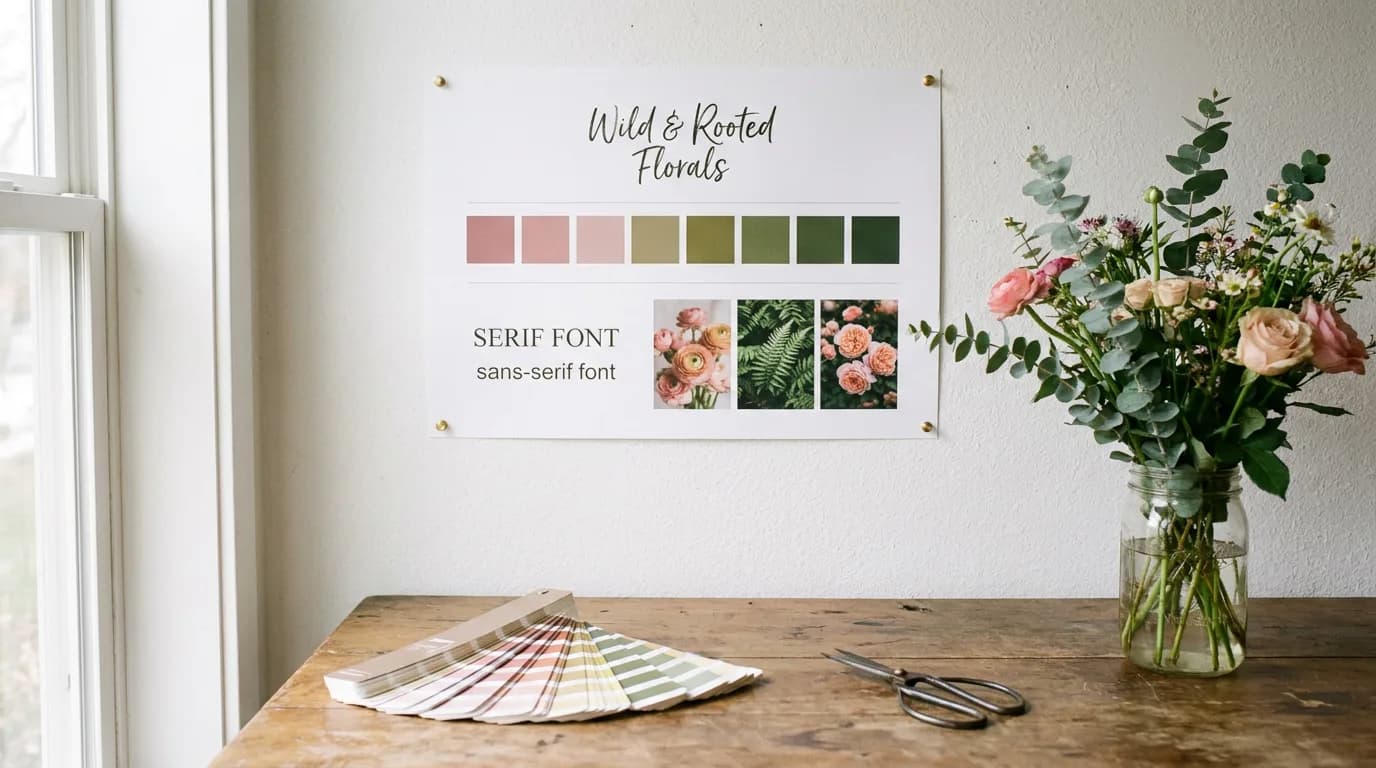
Playyy's brand kit is the feature Canva users notice first. Paste your website URL and Playyy extracts your brand colors, fonts, voice and tone, and logo into a brand kit, then uses it to draft designs that already look like your brand. You can also add a logo, colors and fonts by hand, which is the fallback when a site blocks automated visits. Canva's free Brand Kit, by comparison, holds three colors that you enter yourself.
Playyy also has 1,000+ templates, and its Prompt Gallery holds 1,000+ ready-made GPT Image and Nano Banana prompts, so you rarely start from a blank box.
Images are generated with GPT Image 2.5 by default, with Nano Banana Pro and Nano Banana Lite also available, in nine aspect ratios at 1K, 2K or 4K. The difference from a pure generator is what happens next: the result lands on a canvas where you can click any element and edit just that part, erase objects, remove the background, expand the frame, upscale, recolor and split the image into layers. In practice that means fixing a wrong prop or a misplaced headline without re-rolling the whole image.
Free plan: yes, with daily bonus credits. Basic is $18 a month ($15 billed annually), Pro $48 ($39 annually) and Mega $98 ($79 annually), per Playyy pricing. As of October 2026, the first month of a monthly plan is half price: $9 for Basic, $24 for Pro or $49 for Mega.
Watch out for: Playyy builds presentations, documents, websites and spreadsheets from a prompt rather than from a template catalogue, and its 1,000+ templates are a far smaller library than Canva's 1.6M+. If you mainly assemble documents, slide decks and flyers by filling in templates, Adobe Express or VistaCreate is the closer swap.
8. Microsoft Designer: prompt-to-design for Microsoft 365 users
Who it's for: people already in Microsoft 365 who want quick AI-made social posts, invitations and cards.
Describe what you need and Designer drafts layouts with images and text; Generative Erase and background tools handle quick cleanups. Microsoft says Designer is free to use with a Microsoft account, and that a subscription may be required to create more frequently.
Free, open-source and professional tools
9. Affinity: professional tools, now free
Who it's for: designers who want serious photo, vector and page-layout tools without a subscription.
Affinity, now owned by Canva, combined its photo, vector and layout apps into one and made it free. Per the Affinity site, it's "free for individuals" on Mac and Windows; only its AI tools require a Canva premium plan. It has a learning curve, but there's no cheaper route to professional output.
10. Penpot: open-source interface design
Who it's for: product and web teams that want an open-source, self-hostable alternative to Figma and Canva.
Penpot works with open standards (SVG and CSS) and runs in the browser. Its core plan is $0 with all core features for up to eight team members; Unlimited is $7 per editor per month, per Penpot pricing.
11. Figma: professional collaborative design
Who it's for: product and marketing teams that need components, auto layout and real-time collaboration.
Figma is overkill for a single Instagram post but far ahead of Canva for design systems and team handoff. The Starter plan is free but limited to three design files, per Figma's plan guide. A Professional full seat is $16 a month.
12. Photopea: free Photoshop-style editing in the browser
Who it's for: anyone who needs layers, masks and PSD support without paying.
Photopea opens PSD, XCF and Sketch files and copies Photoshop's interface. It's free with ads; a Premium account removes them. It's an editor rather than a template tool, so pair it with a template app if you need layouts. More options are in our Photopea alternatives list.
How to choose the right Canva alternative
Start from the job Canva handles poorly for you, not from feature counts:
- You want Canva, but with a better free plan or stock library: Adobe Express or VistaCreate.
- Your designs are type-led (logos, merch, posters): Kittl.
- Most of your output is video: CapCut.
- Templates make everything look the same: an AI-first tool. Generate with Playyy from a brand kit built from your own website, then size it for the channel with the Instagram post size or other presets.
- You need professional control and won't pay: Affinity, Penpot or Photopea.
- You design product UI with a team: Figma or Penpot.
Template tools and AI generators fail at different points. A template is fastest when your content fits a layout that already exists, and slowest when it doesn't: every new product or campaign means reworking the layout by hand. A generator inverts that. The first image takes some prompting, but the tenth variation costs almost nothing, as long as you can edit individual elements instead of regenerating the whole picture.
Conclusion
There's no single tool that beats Canva at everything, but each gap has a clear replacement: Adobe Express for an all-round swap, Kittl for type-led design, CapCut for video, Affinity and Penpot for free professional work, and Figma for product teams. If what you need is original imagery rather than another template, try generating it in Playyy's AI image generator and finishing it on the canvas. For keeping visuals consistent across whichever tools you end up using, see our guide to social media branding.

Sophie Whitmore
I help lifestyle, wellness and education brands keep visual content consistent across Instagram, TikTok, LinkedIn and email campaigns. I specialise in content calendar planning and multi-platform visual production for small teams.
Frequently asked questions
Yes. Canva Free includes 5GB of storage, more than 1.6 million templates, one Brand Kit with three colors, and up to 20 AI uses a month, according to Canva's pricing page. Background removal and Magic Resize sit in Canva Pro, which costs $144 a year for one person in the US. Most alternatives on this list also have a free plan.