Social Media Visuals for Every Platform, From One Image
One hero visual, every platform format — YouTube, LinkedIn, Instagram — without manual resizing.
Explore workflowDriven by GPT Image 2.5 & Nano Banana Pro 🍌
Turn flat designs into independent text and image layers you can move, resize, and reuse — no source file needed
A workflow built around your real creative needs — from first direction to final asset.
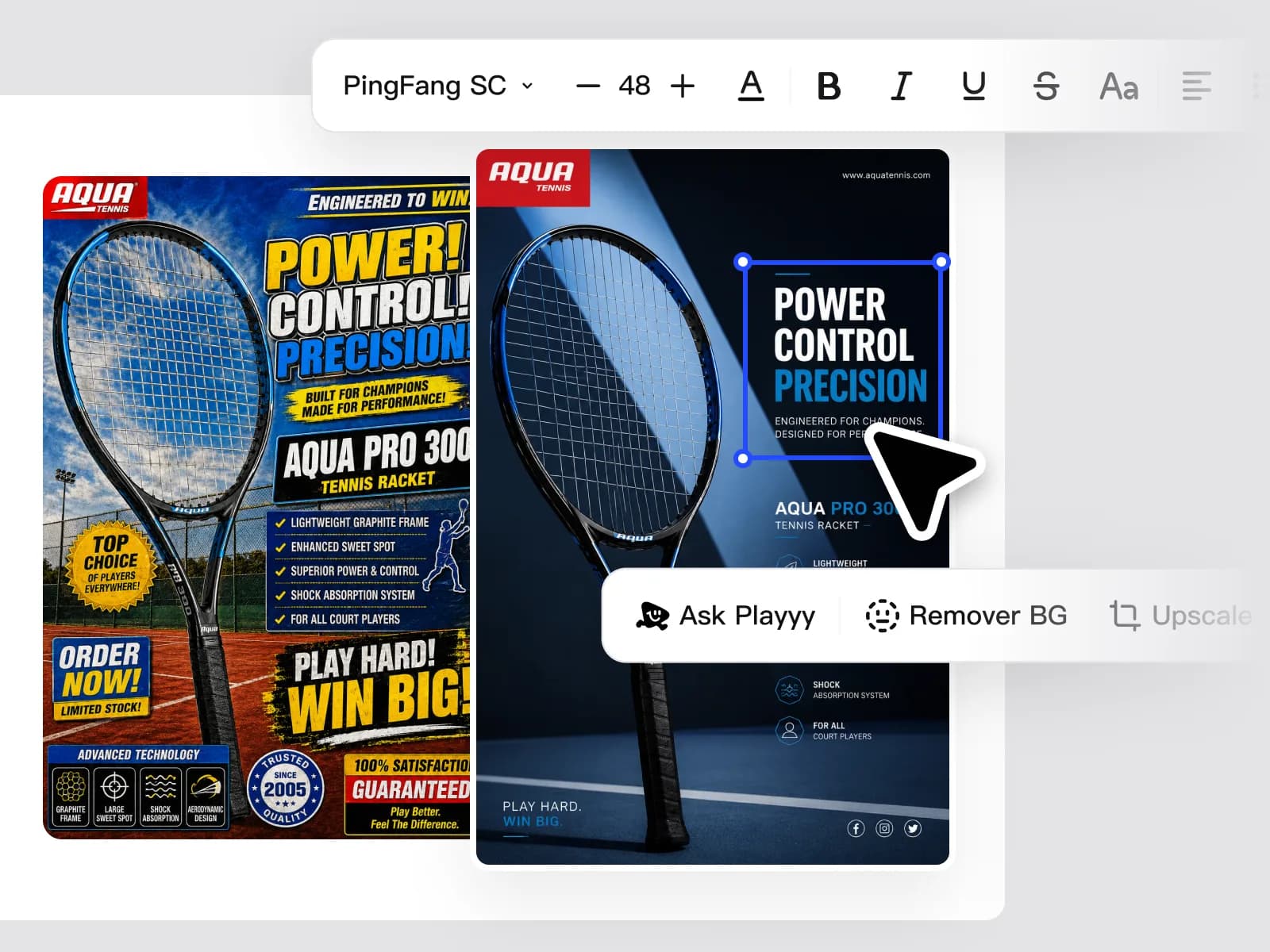
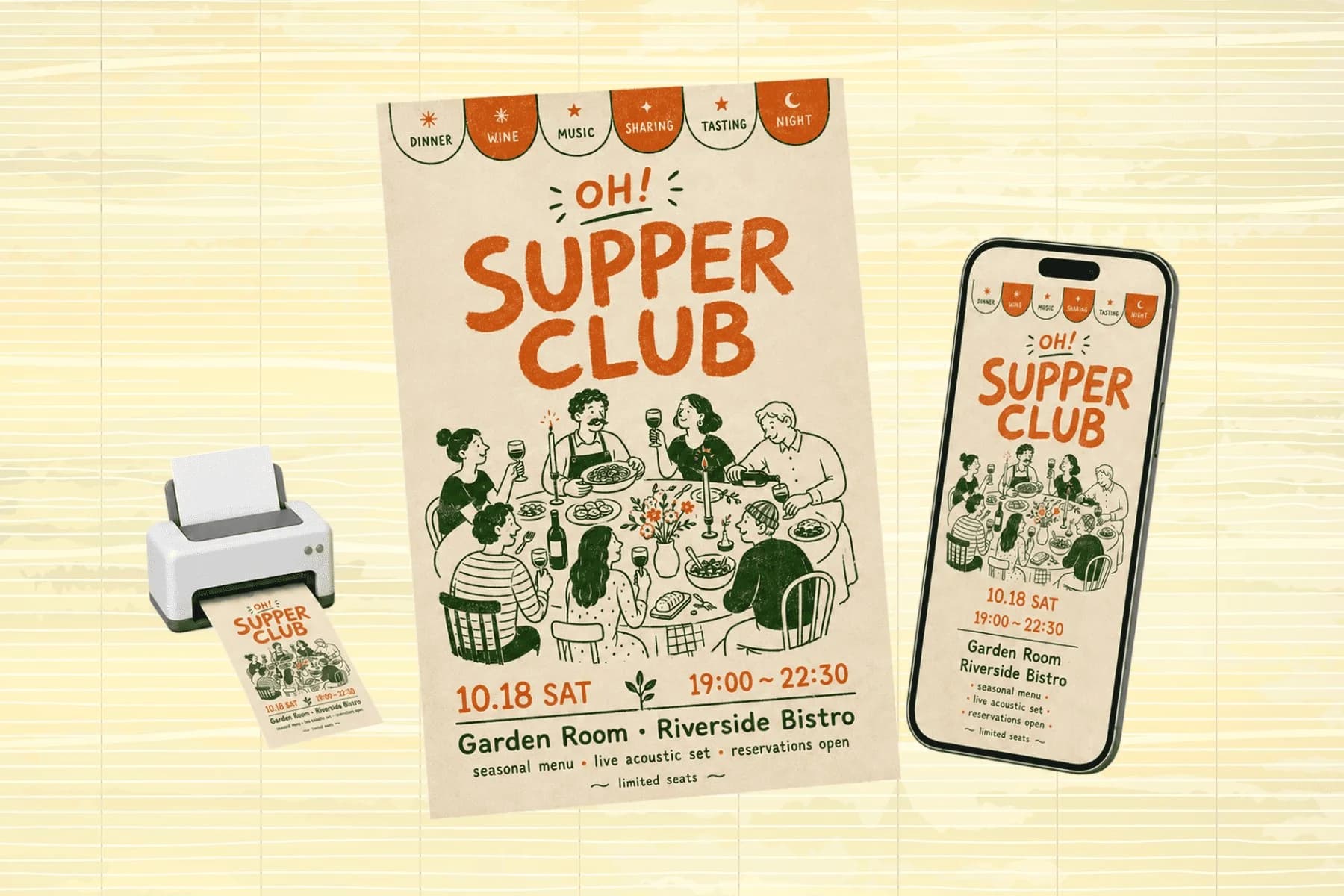
Upload a finished design — poster, ad creative, social template, or product image — and Playyy separates it into independent text and image layers. No source Figma file or PSD required. Works on exported JPEGs and PNGs, including images you never had the original file for.
Try for free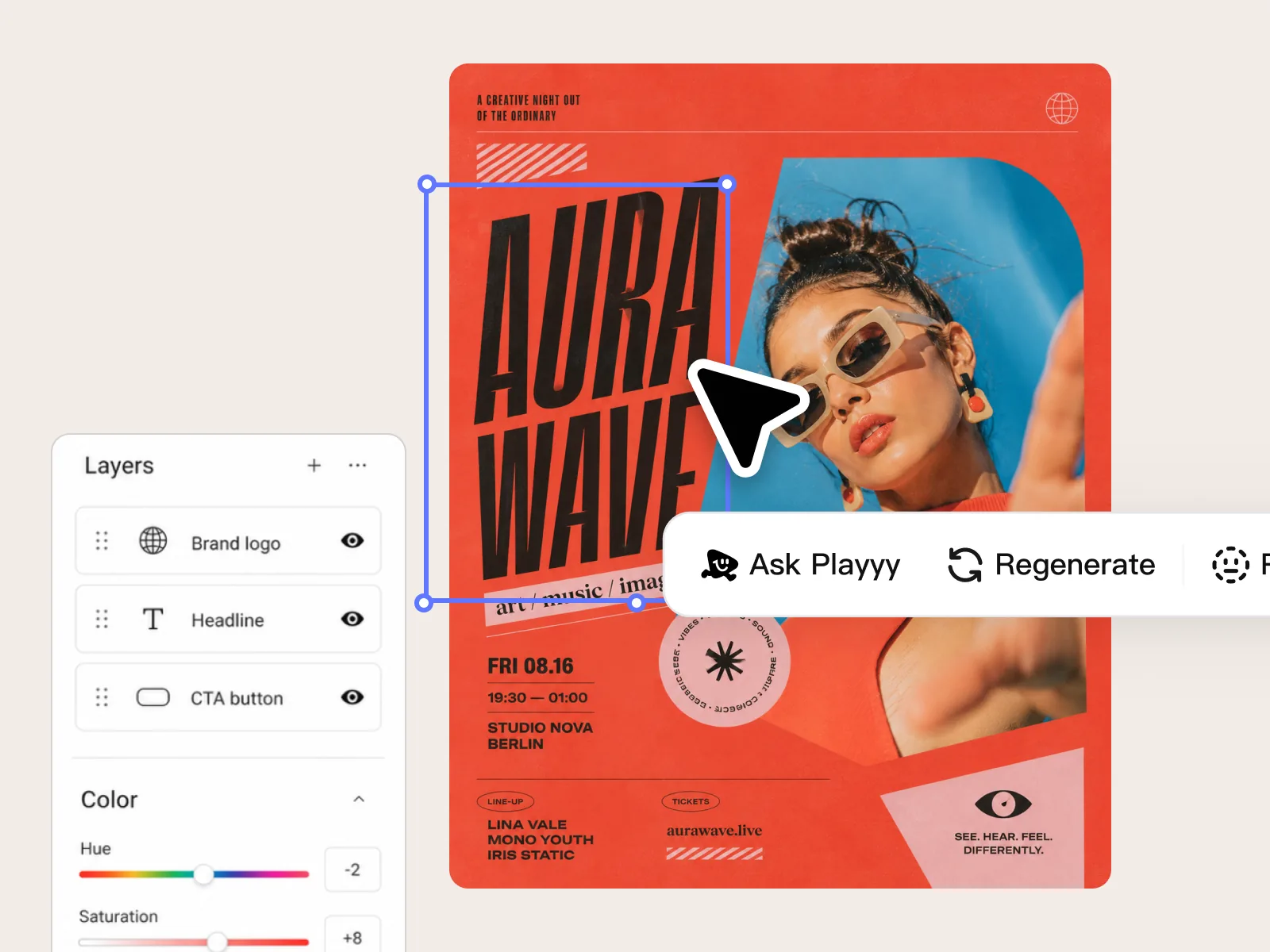
Once separated, every layer is fully editable. Move the headline, resize the product image, swap the background, or re-layer elements in a different order. The adjustments that would normally require the original design file can now be done directly from any flat image.
Try for free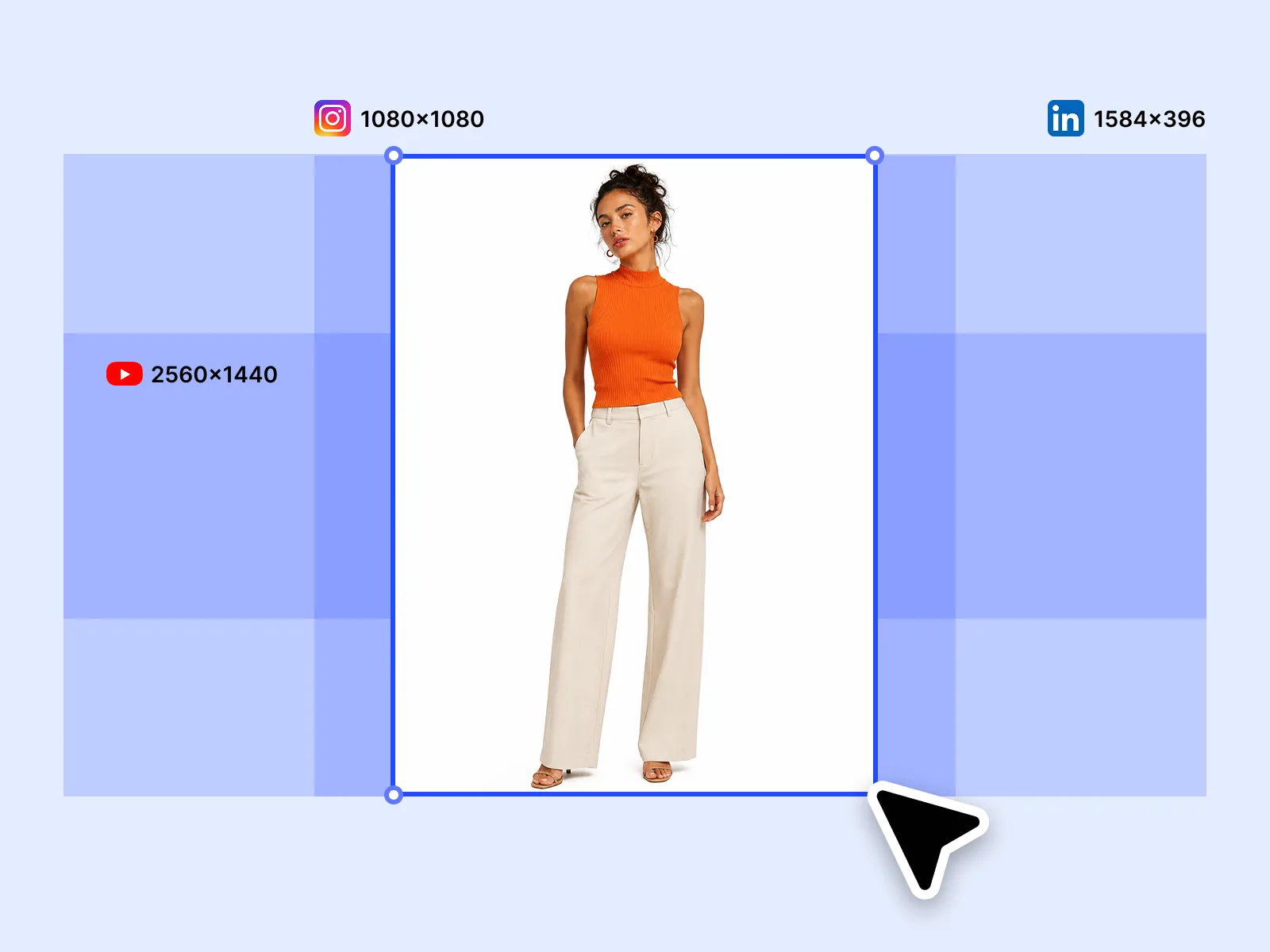
Split a high-performing creative and reuse its structure across new campaigns, new products, and new channels. Swap the product, update the copy, and re-export for Instagram, LinkedIn, and email — without rebuilding the layout from scratch each time.
Try for freeUpload any exported JPEG, PNG, or WEBP and Playyy detects the underlying structure — no Figma file, no PSD, no original asset required.
Logos, ad creatives, landing page screenshots, product mockups — if it's a flat image, Playyy can split it into editable layers in seconds.
AI identifies and isolates text, foreground elements, and background layers with precision, keeping spatial relationships intact so nothing shifts out of place.
Once a design is split, save it as a layout template. Apply the same composition to any new product image or campaign without touching the structure again.
Move, resize, recolor, or replace any detected layer. Edit headline copy, swap product images, or adjust background treatments — all within the same canvas.
Bring in a new product image, drop it into the existing layer structure, and export. Replicate a winning layout across ten SKUs in the time it used to take to rebuild one.
“Clients send me finished assets all the time with no source file attached. With Split Layers I can actually open and edit those designs instead of asking them to track down a Figma link that may not exist anymore.”

Aiko Tanaka
Independent Designer & Visual Systems Consultant
“We found a Facebook ad layout that consistently hit our ROAS targets. Split Layers let us pull that exact structure and apply it to eight other products in an afternoon — same composition, new creative, same results.”

Emily Carter
Growth Marketing Strategist
“Our agency had a hero section design we wanted to reuse across a new campaign, but nobody had the original file. I uploaded the exported PNG, split the layers, swapped the headline and product shot, and we were done in twenty minutes.”

Daniel Brooks
Startup Brand & Content Advisor
Most design tools lock layers inside proprietary formats. Playyy works directly on flat images — the kind you already have in your asset library, your email archive, or your ad account. Upload a JPEG you exported six months ago and get back a fully editable, layered canvas.
When a design performs well, the instinct is to rebuild it from scratch for the next campaign. Split Layers skips that entirely. Isolate the layout, swap the content, and keep everything that already works.
A single winning layout can power dozens of campaigns across different products, markets, or audience segments. Split once, reuse indefinitely — no designer handoff required each time.
One hero visual, every platform format — YouTube, LinkedIn, Instagram — without manual resizing.
Explore workflow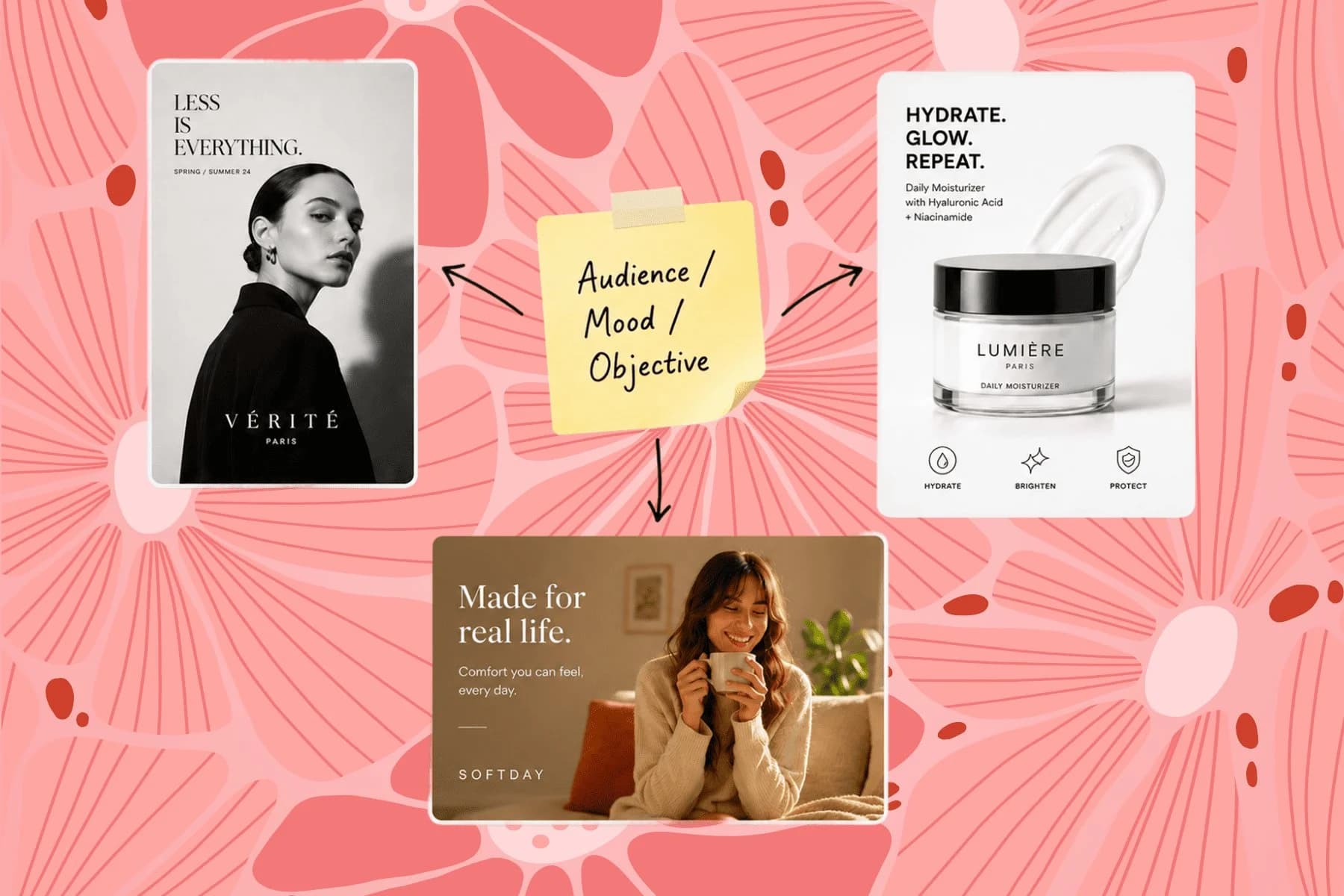
From one campaign brief to every channel asset — AI image generator, creator, and editor in one workflow.
Explore workflowIt works on any flat image: JPG, PNG, WEBP. You don't need the original design file, Figma export, or source PSD. Upload a finished image and the AI infers the layer structure.
For most commercial designs — ads, posters, product images, social templates — layer separation is clean enough to edit directly. Very complex compositions with overlapping elements or heavy blending may need a light manual review pass.
Yes. Text layers become editable text blocks after splitting. You can change the copy, font weight, size, and color.
Yes. After splitting, replace the product image and update the text, then export as a new creative. This is the fastest way to build a multi-product content library from a single winning layout.
Split Layers separates structural elements into independent layers so you can move and reuse them. AI Inpaint fills or replaces specific image areas using generative AI. They're complementary — split first to restructure, then inpaint areas that need replacing.
See how teams are using Playyy to ship better visuals, faster.
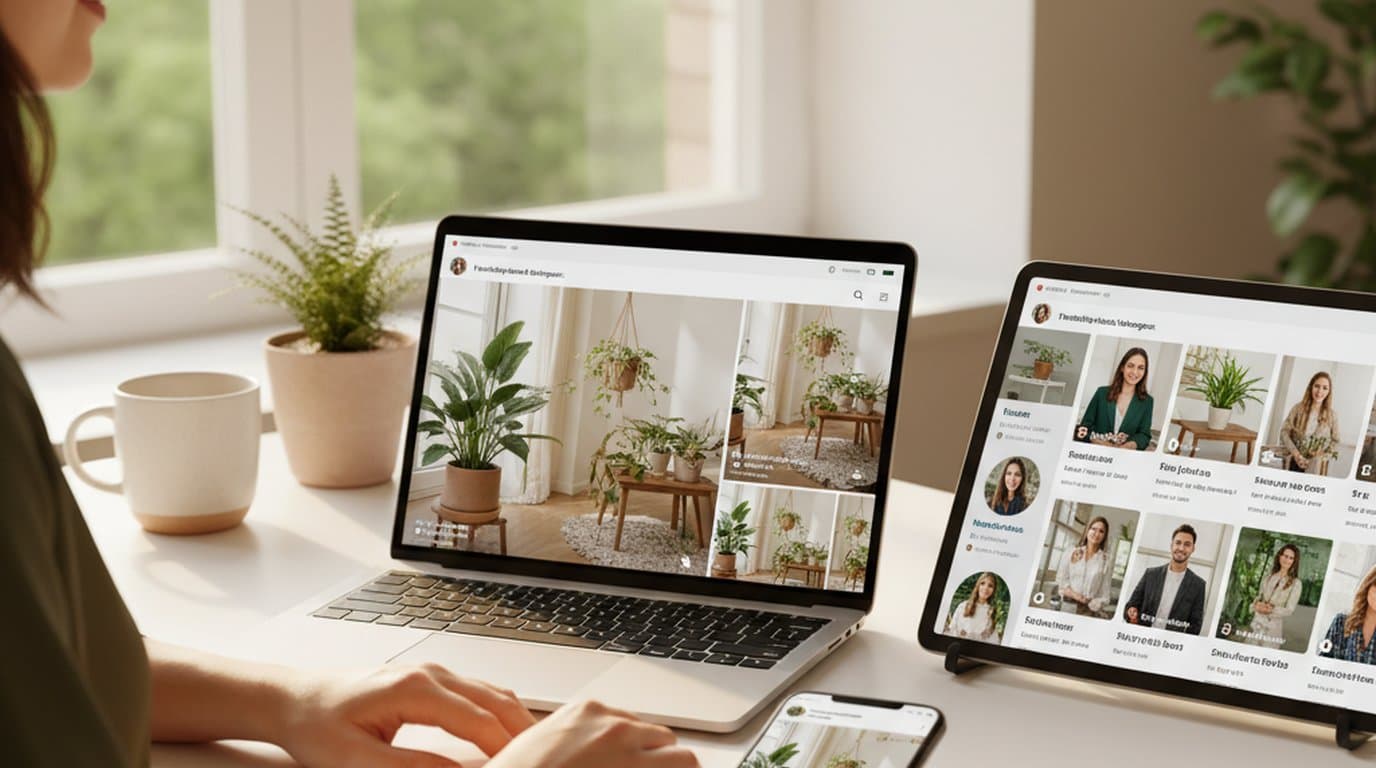
One person, three platforms, zero visual drift — how the brand stopped rebuilding the same visuals from scratch for each channel.
 Sophie Whitmore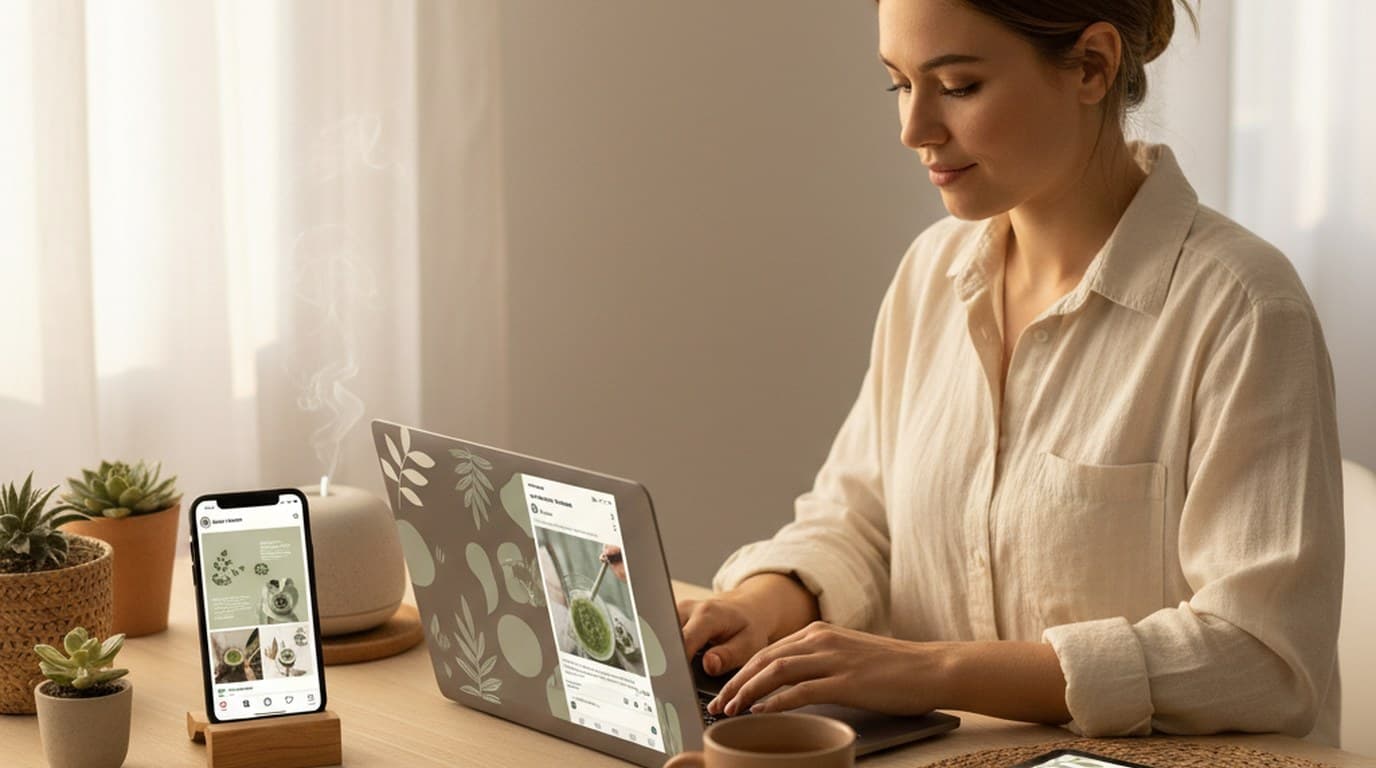
Same campaign, three channels, zero brand drift — and 60% less time per launch cycle.
Sophie Whitmore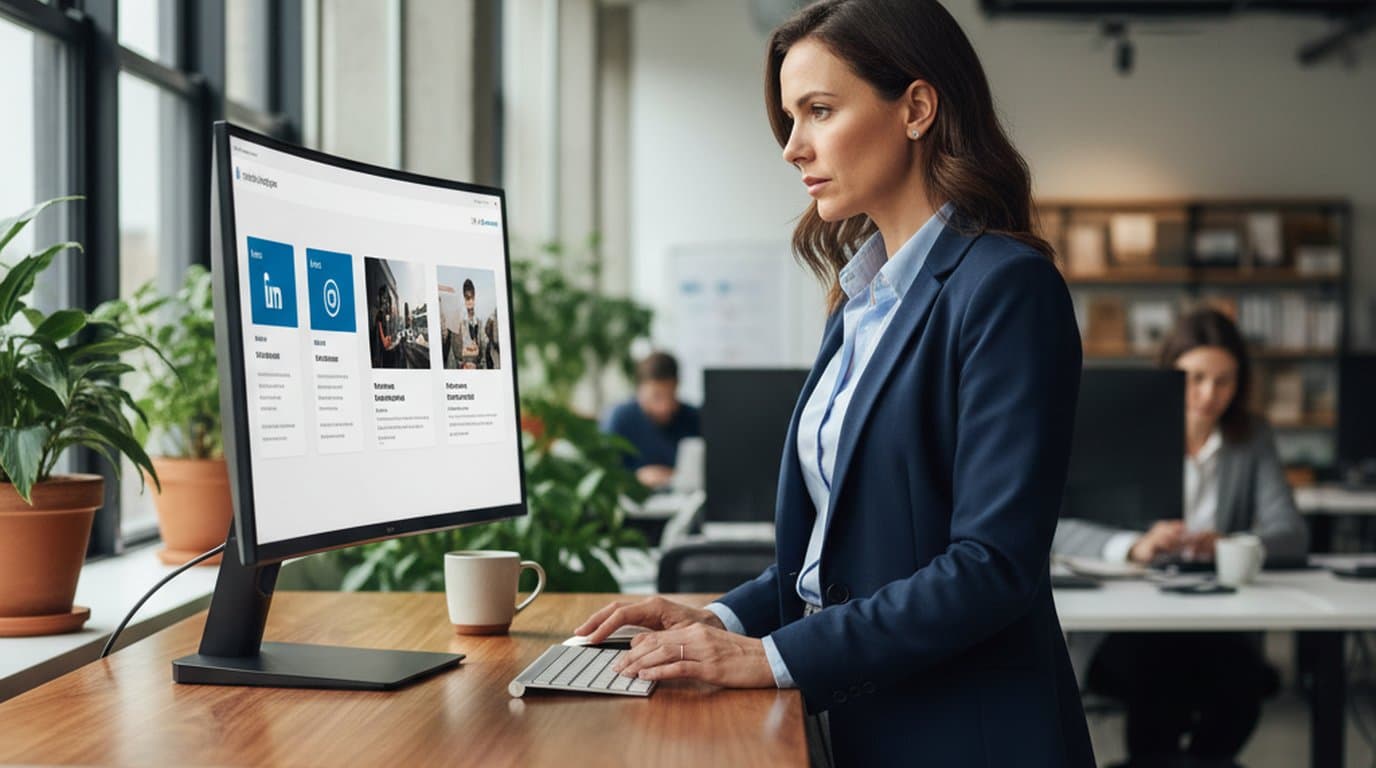
LinkedIn ads and organic posts, two different tones, one brand — produced in a single creative session without separate workflows.
 Emily Carter
Keep every image on brand, control the final look, and turn campaign ideas into polished assets without waiting on another design cycle.














