






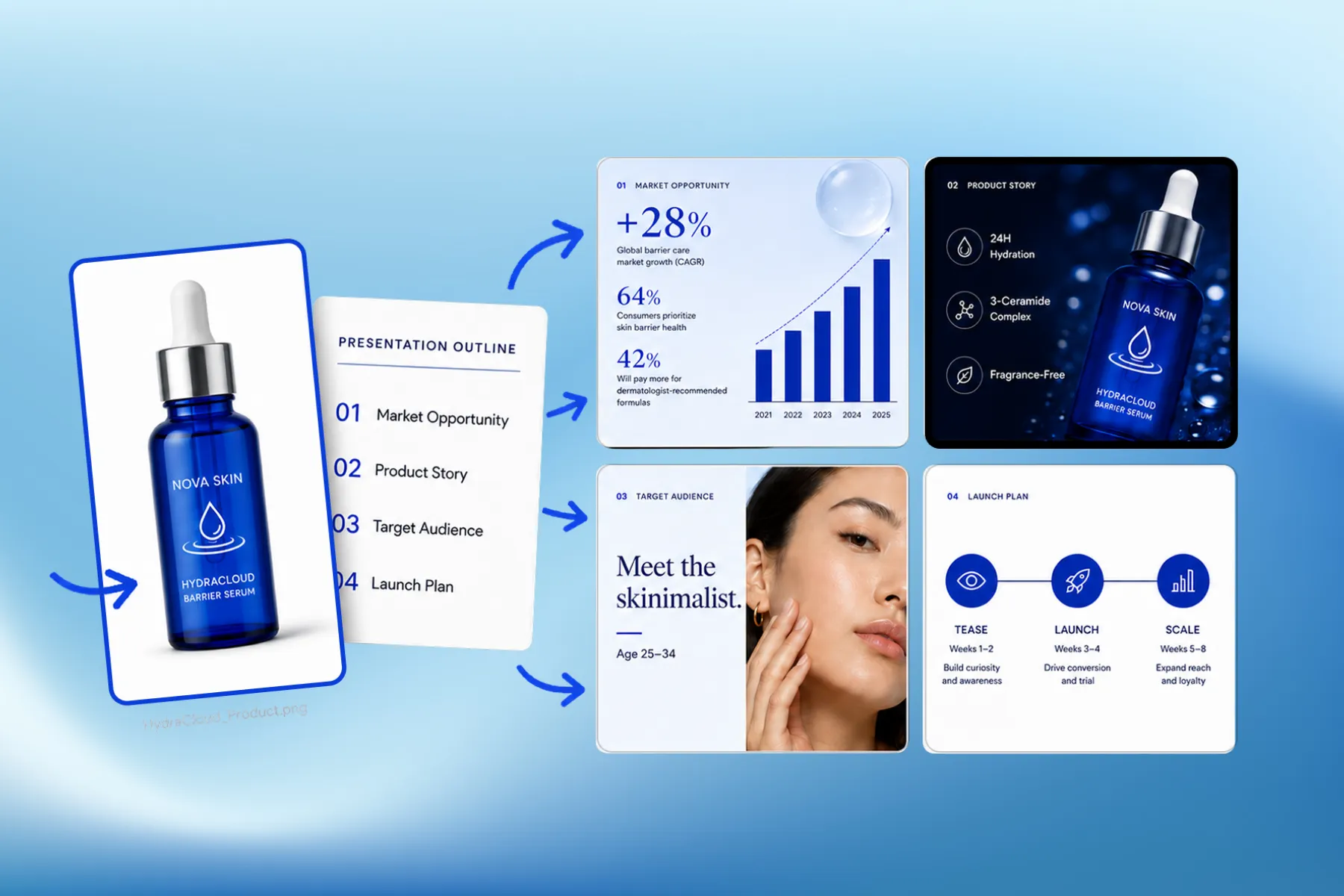
Presentation Software for Marketing, Educational & Corporate Decks
Presentation software that designs marketing, educational, and corporate decks from your brand kit — edit any slide, share a link, or export a PPT.
Explore workflowDescribe the deck, and AI outlines and designs every slide in a consistent visual style — ready to edit, share, or export as a PPT
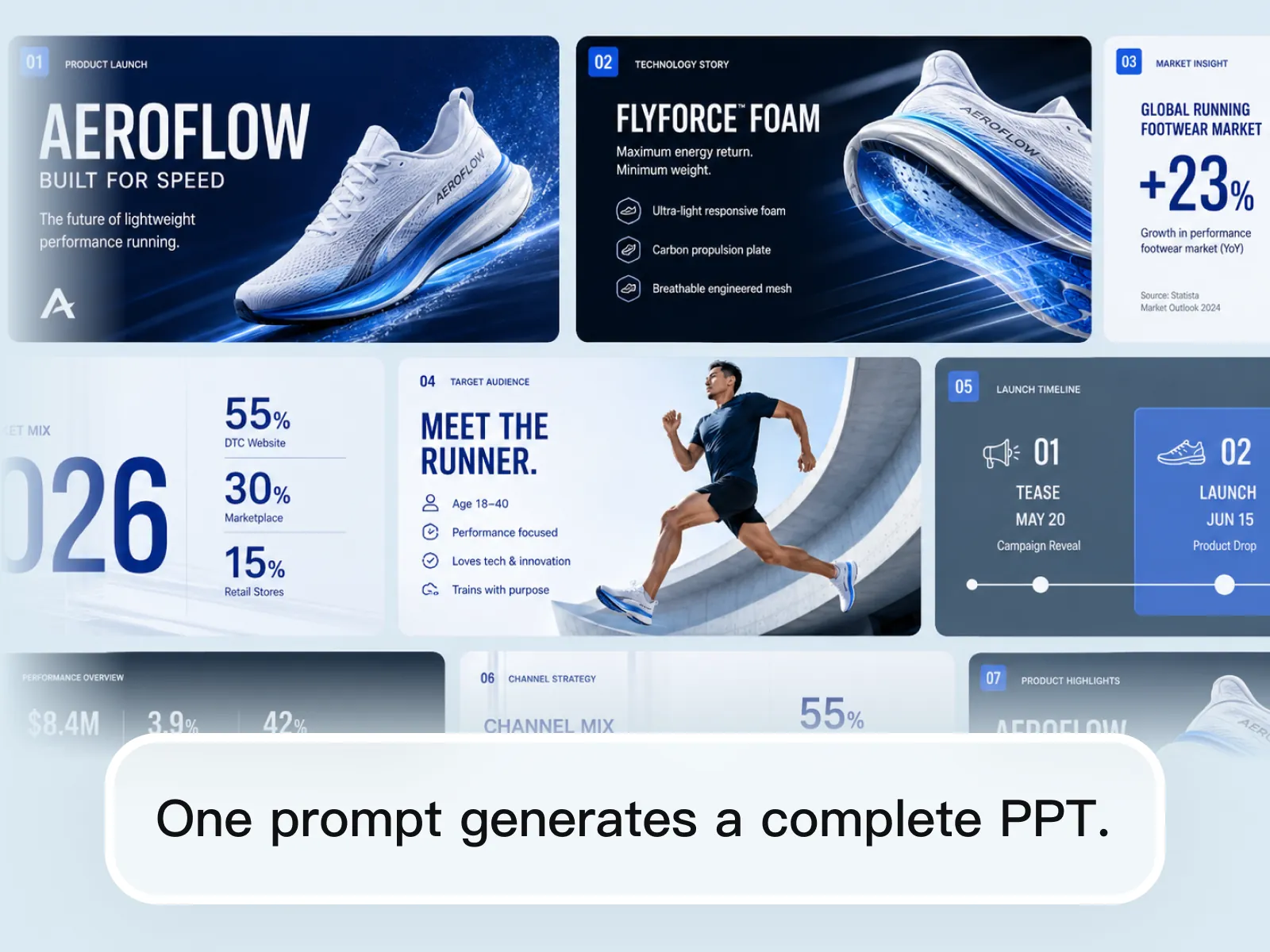
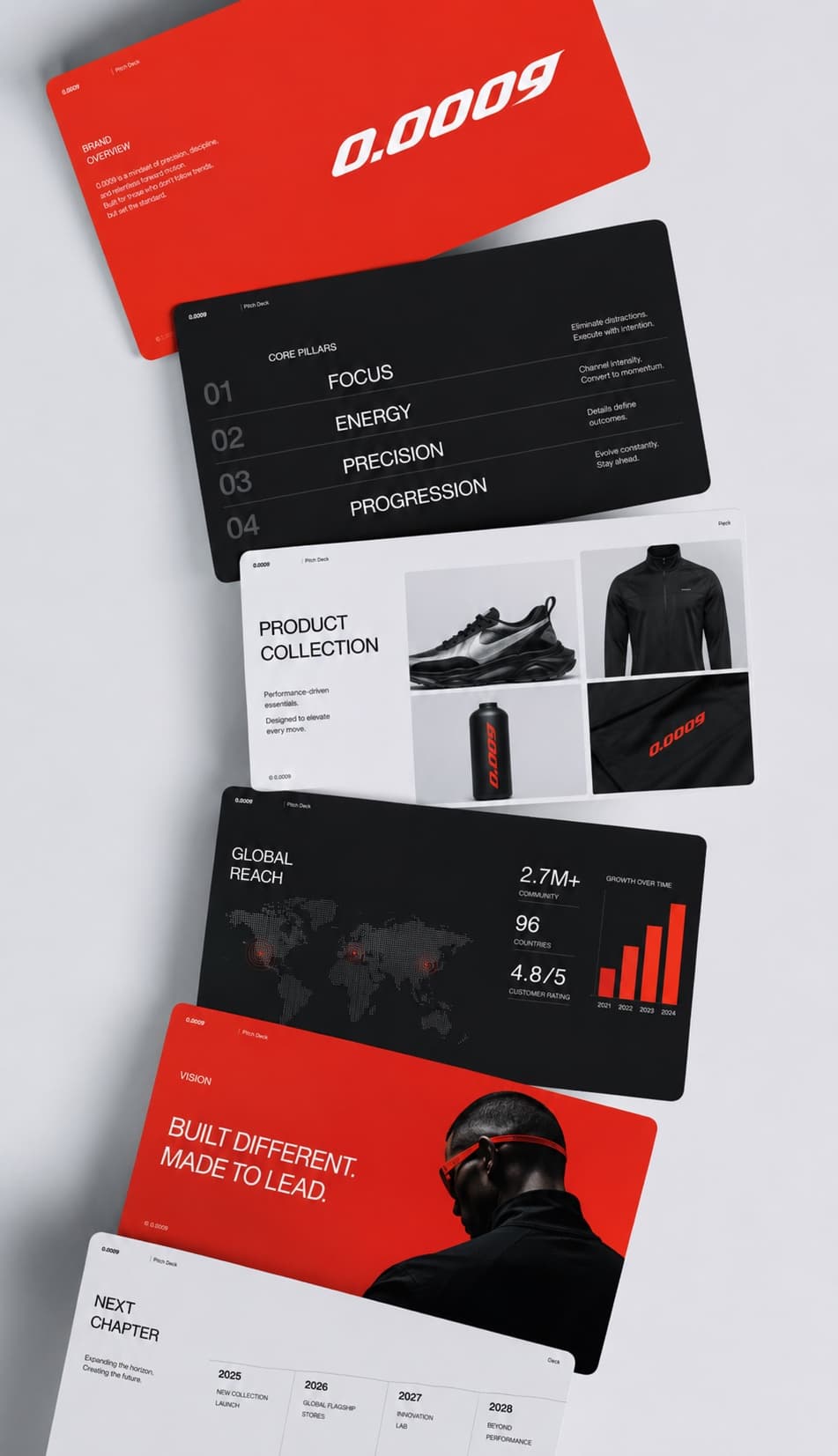
Describe the deck in a single sentence and the AI presentation generator returns the whole thing — title slide, product or technology story, market context, audience, timeline, and channel plan. You are not filling boxes in a template: the structure is decided first, then every slide is designed against it. Say how many slides you need and who the audience is and it plans to that shape.
Try for free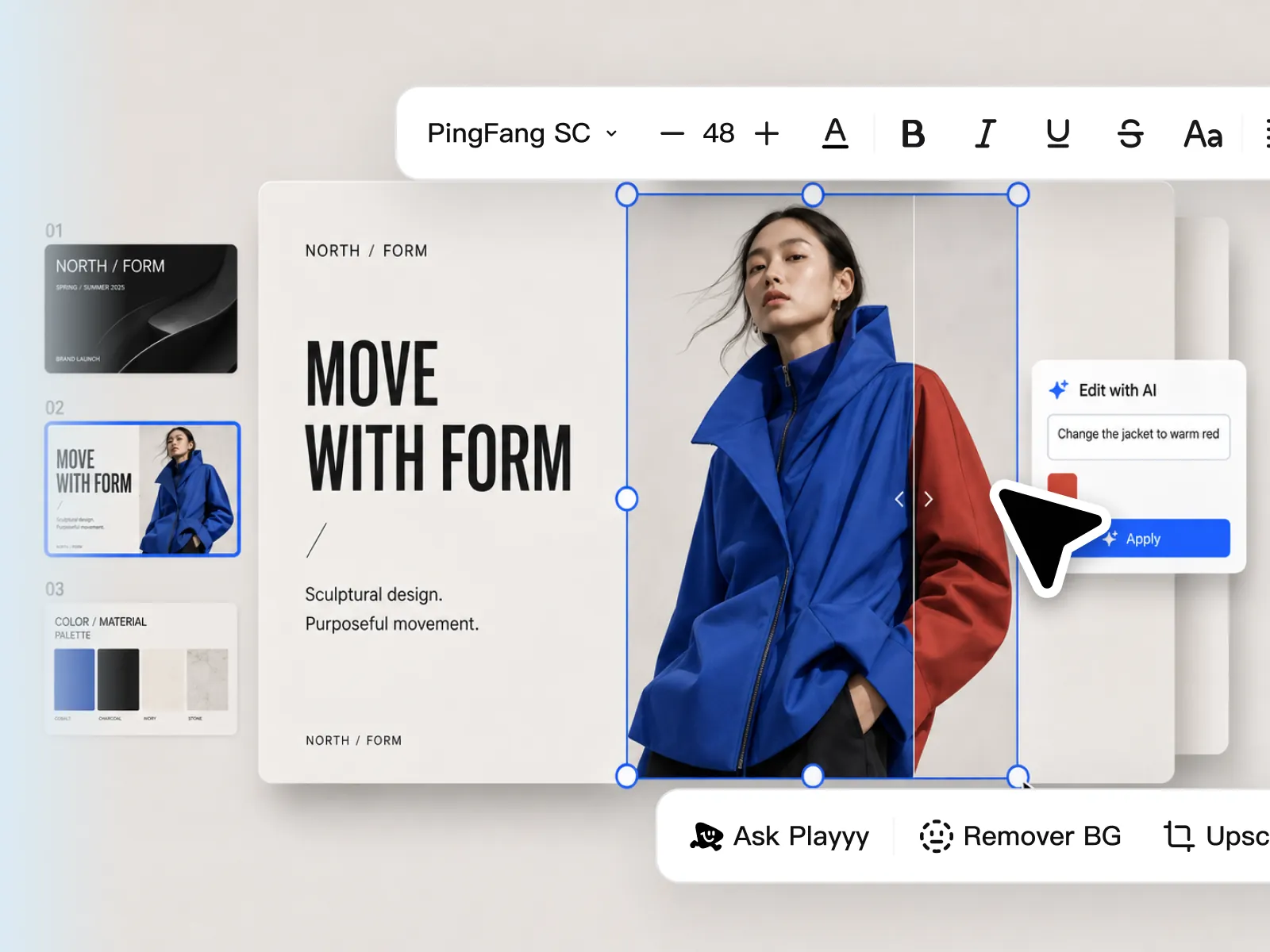
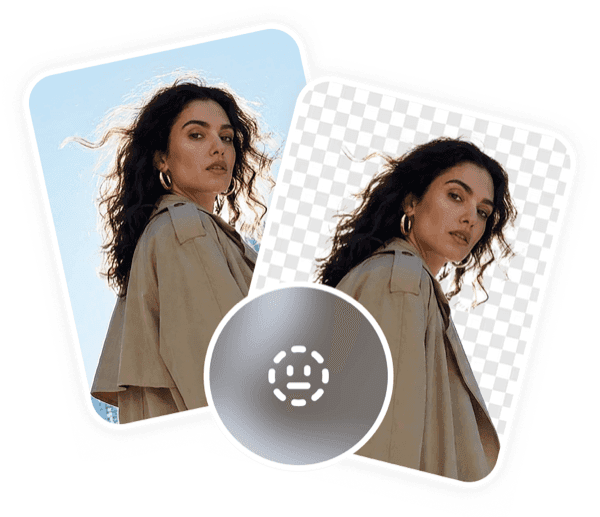
Generation is the first draft, not a flat export you cannot touch. Select any element and describe the change — "change the jacket to warm red" — and that slide updates while the rest of the deck keeps its style. Type, size, and colour stay on a normal toolbar, and background removal and upscaling sit right there on the slide, so a wrong headline or an off-brand product shot is a ten-second fix.
Try for free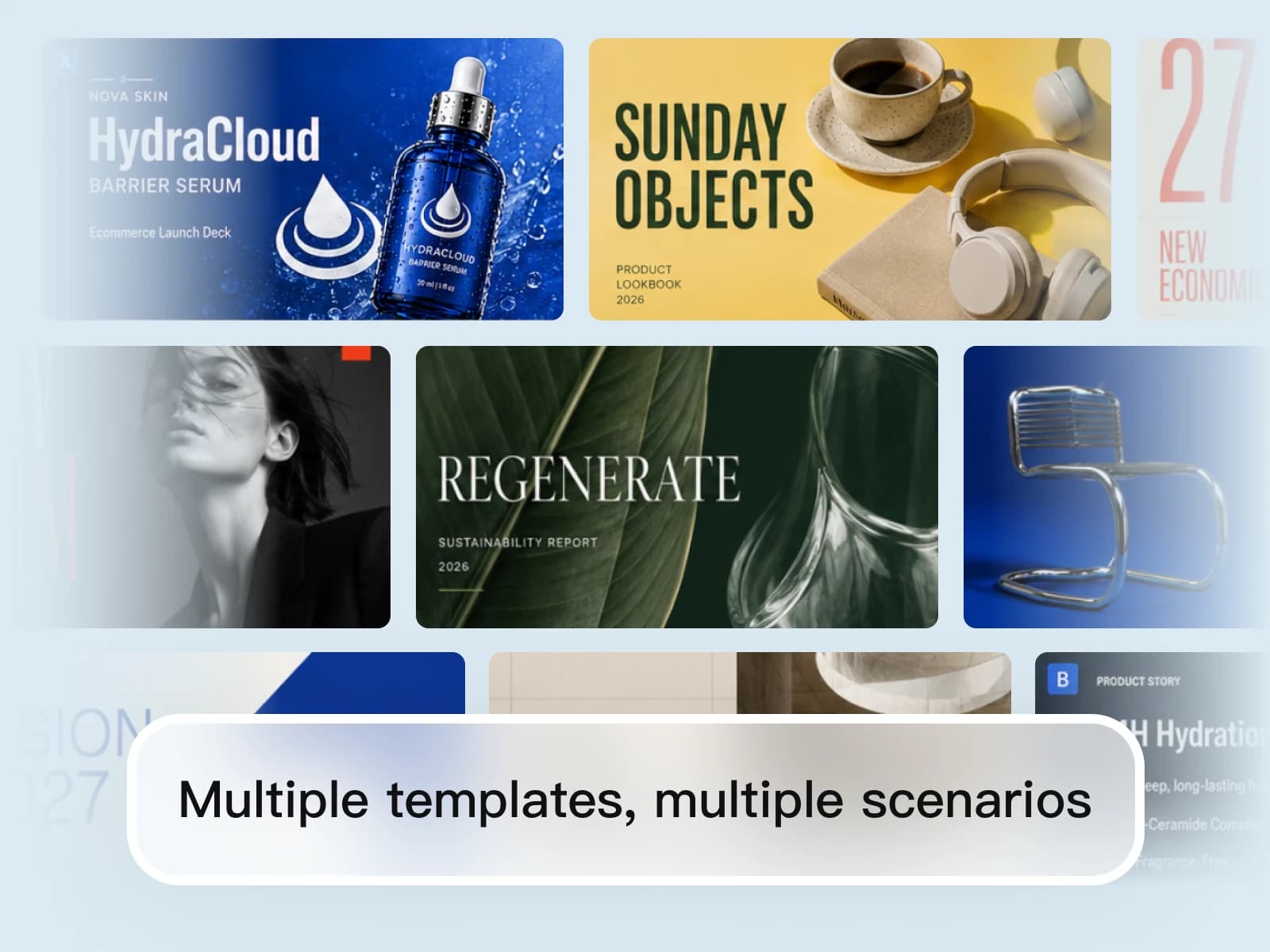
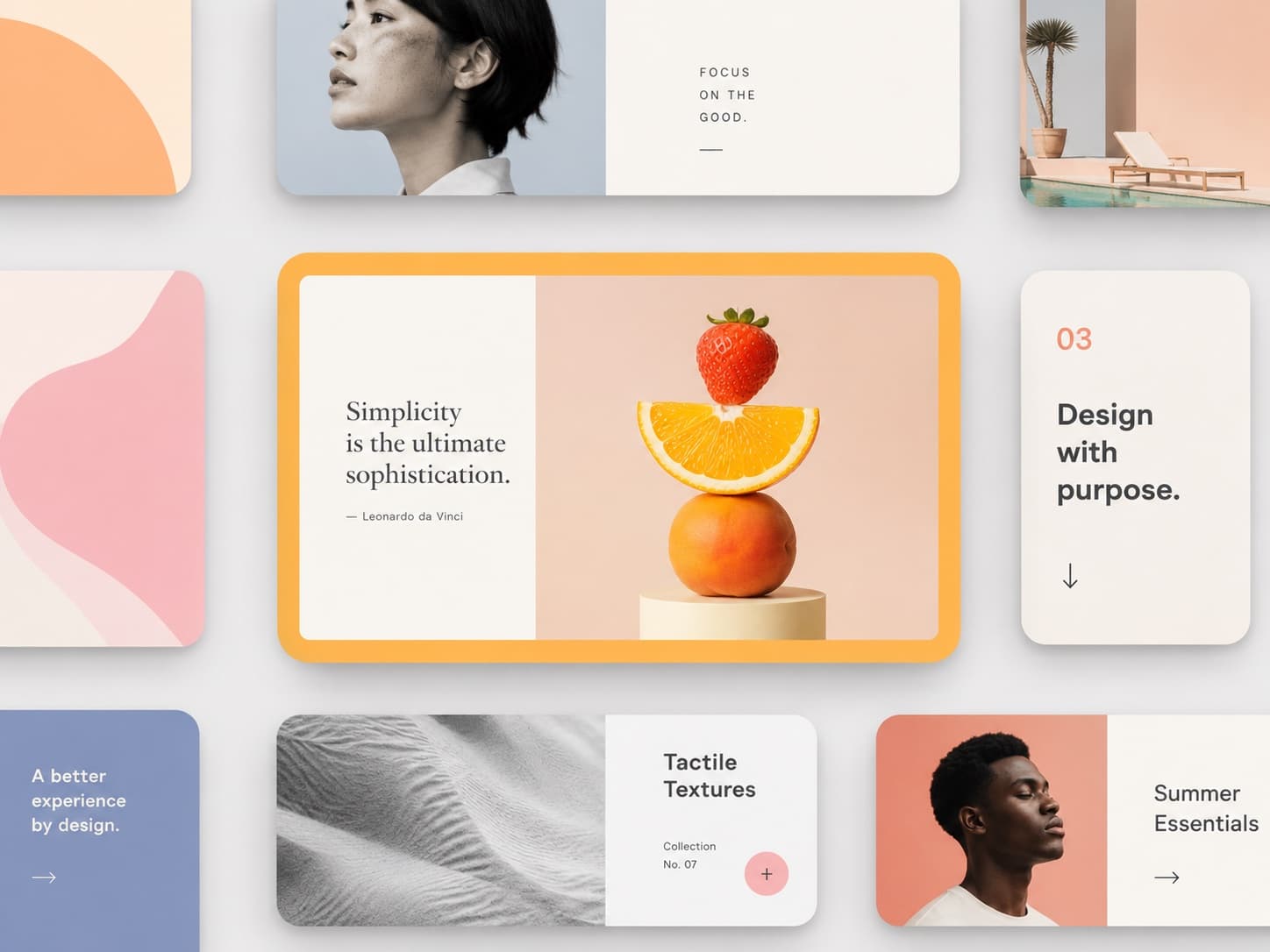
Name the look and the occasion — an ecommerce launch deck, a product lookbook, a sustainability report, an editorial brand story, a classroom module — and the slides are generated in that style rather than pulled from one stock theme. The visual system holds across the whole deck, so a report and a lookbook each look like what they are instead of like the same template twice.
Try for freeAlready have the product photo, the brief, or the brand kit? Build the presentation around it instead
See the current Design Arena standings
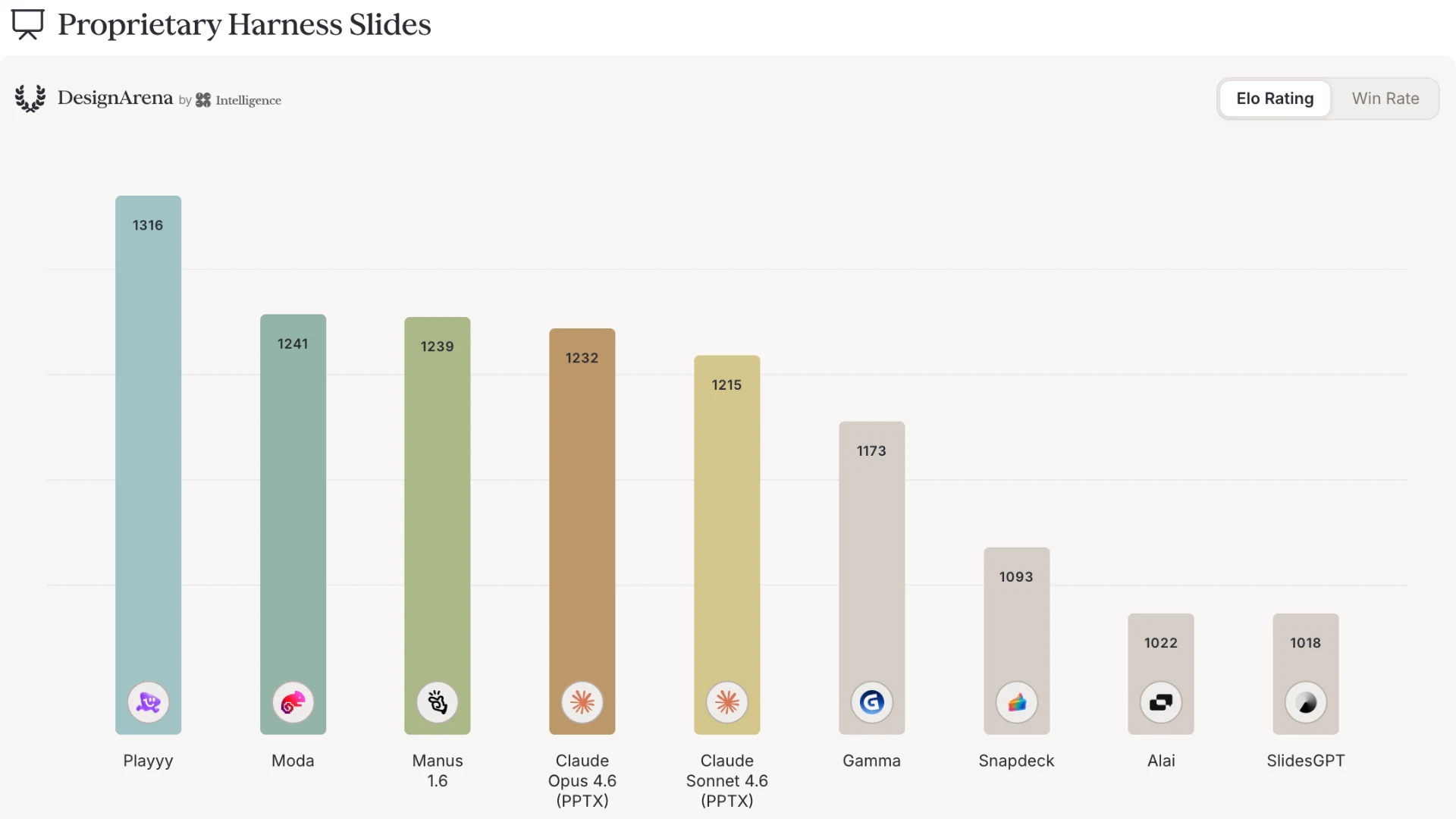
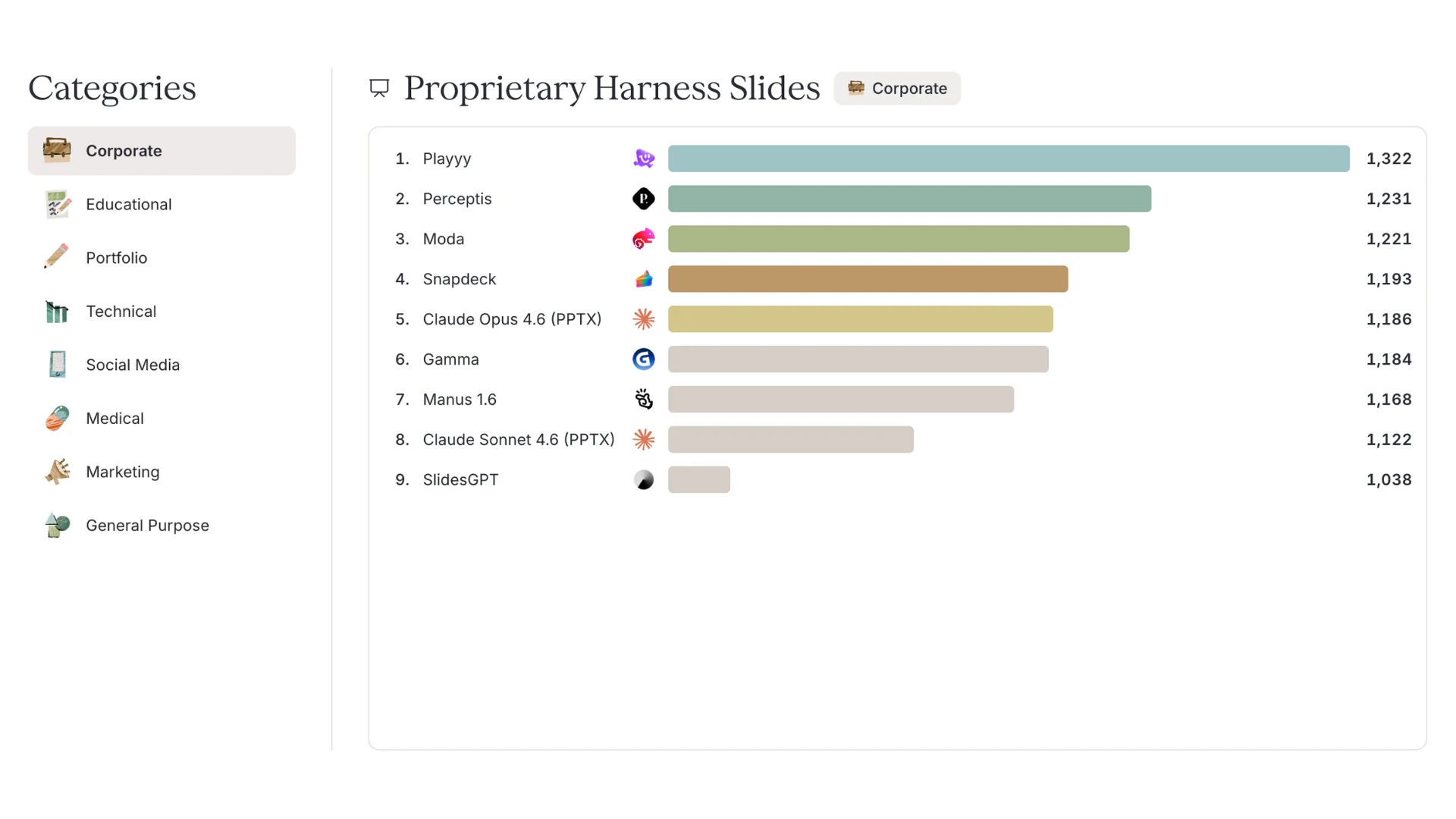
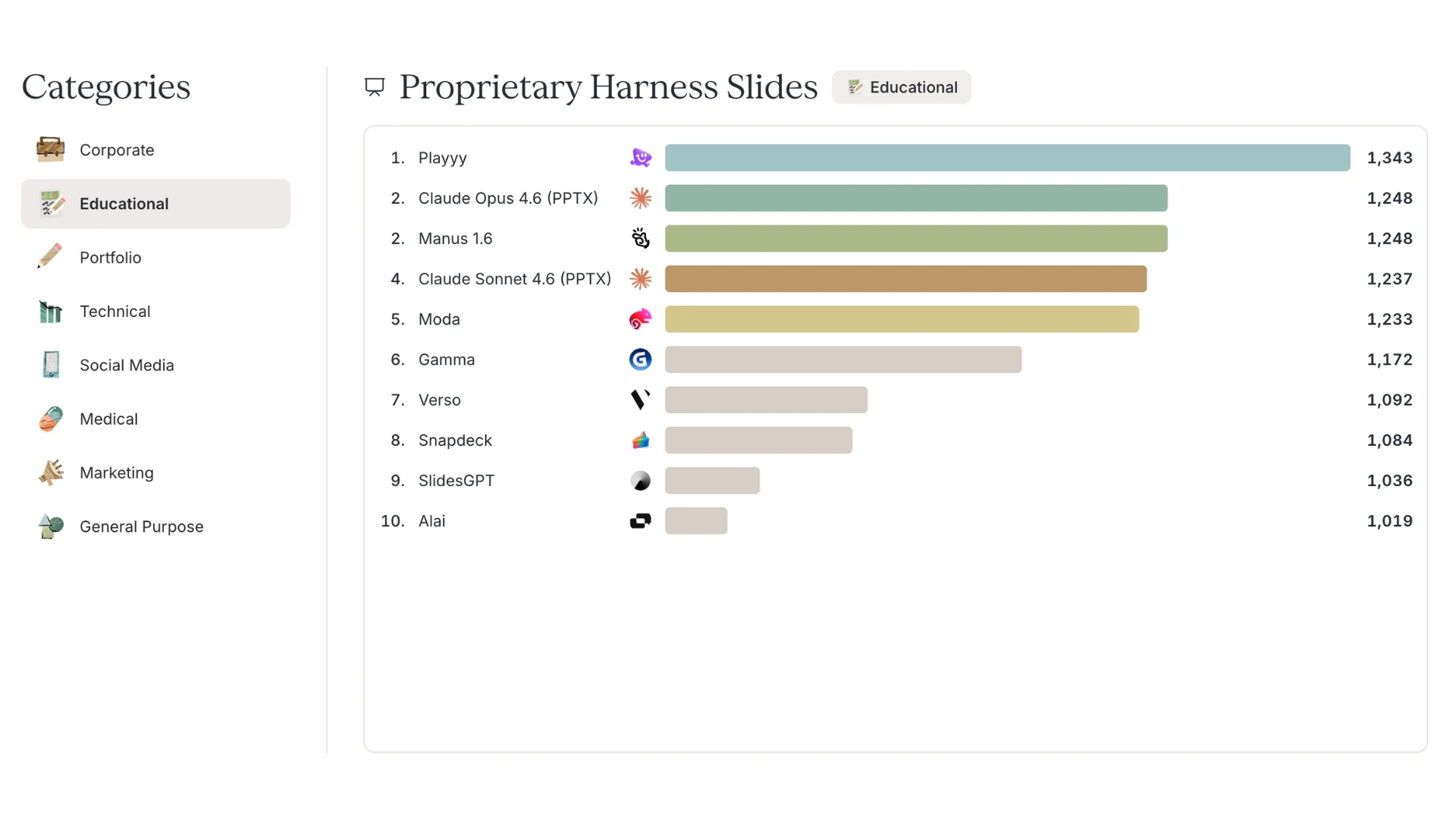
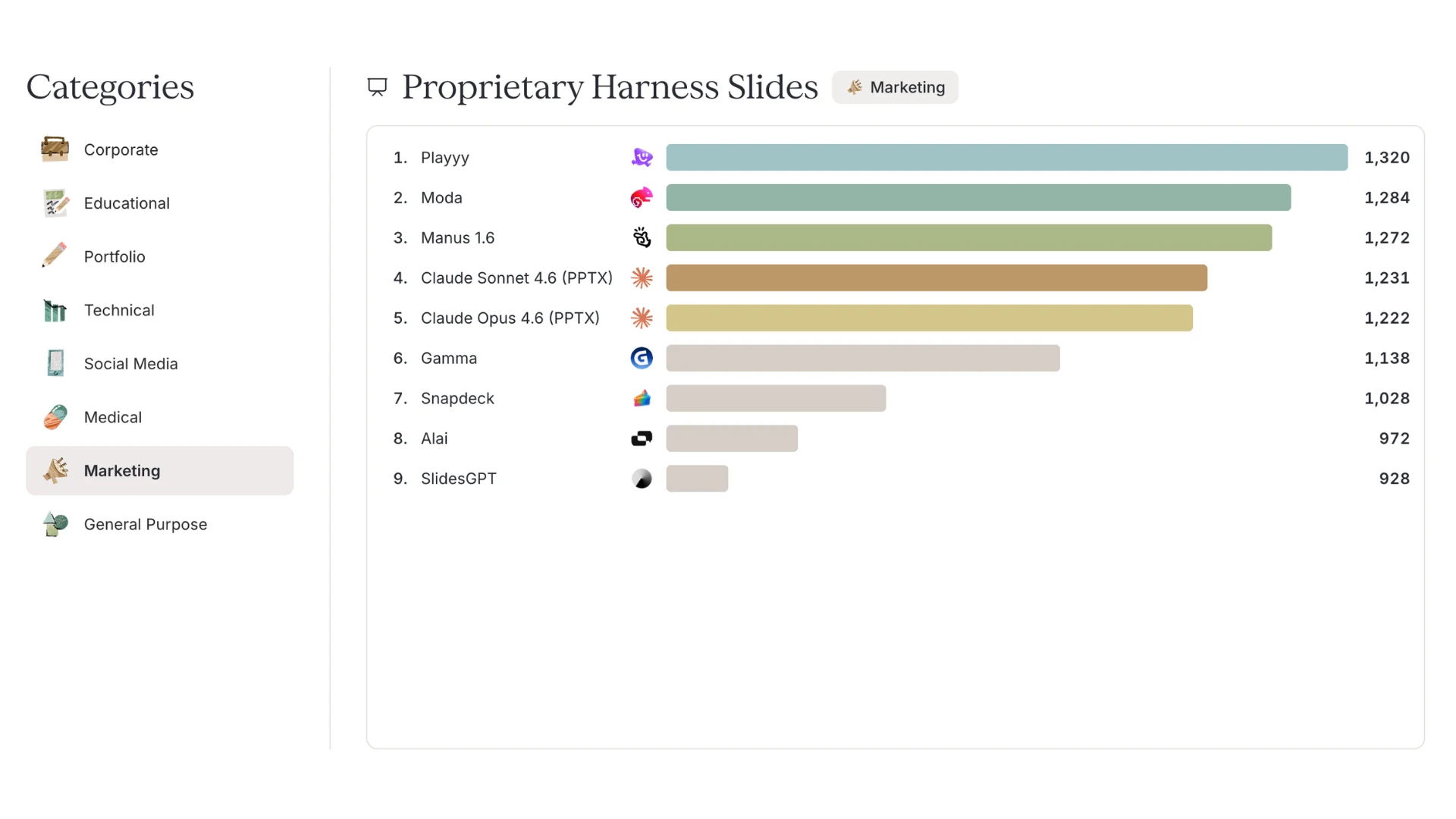
Playyy places 1st overall on Design Arena with an Elo of 1316, a clear lead in Slides (Proprietary Harness). It ranks 1st in 3 of 8 subcategories — Corporate, Educational, and Marketing. On the overall board that is a 75-point Elo gap over Moda, Manus, and Claude Opus 4.6 (PPTX).
Unlike Agentic Slides, Proprietary Harness rankings cover tools owned by external builders (Gamma, Manus) rather than a specific model from a lab (OpenAI, Meta). Claude Opus 4.6 with the PPTX skill is included as a baseline.
Behind the scenes at Playyy
See how we study failed runs, test our assumptions, and decide what to improve next.
One description generates the outline and every slide behind it. No blank deck or mandatory template setup before you can start.
The generator plans the story — context, argument, evidence, close — before it designs anything, so the slides follow an order you can defend in the room.
Type scale, colour, and layout rhythm are generated once and applied across the deck. Twenty slides read as one presentation instead of twenty separate designs.
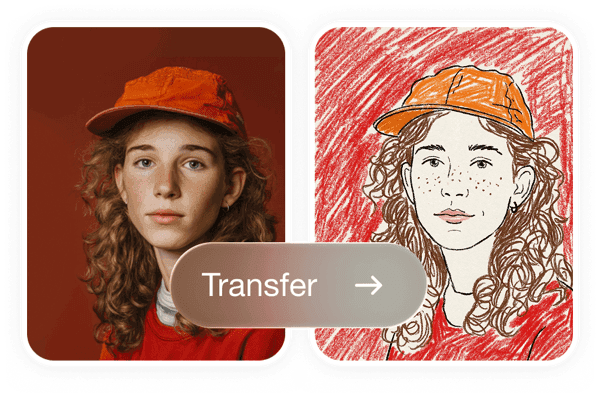
Say the look you want or attach a reference image, and the slides are generated to match rather than to a stock theme.
Select an element, describe the change, and only that slide updates. Restyle the whole presentation in one instruction when the direction is wrong.
Send a live link for review, or download a PPT when a meeting or a corporate template needs a file. Both stay available after you generate.
Plenty of AI presentation generators are template engines with a prompt box bolted on: you get a nice theme and a set of headings you still have to write into. Playyy generates the words, the data layout, and the imagery together, so the first pass is something you can actually read through instead of an outline you have to finish by hand.
This is the part worth checking before you commit to any free AI presentation generator. Many hand back a flat export you cannot touch, or put editing behind a paid seat. In Playyy the generated slides stay editable — click any element, describe the change in plain language, and keep going.
The presentations this generator is tuned for are product launches, pitch decks, quarterly reviews, and client proposals — work where the visuals carry as much weight as the text. Generate the deck, drop in the real product shot, and present the same day.
Presentation software that designs marketing, educational, and corporate decks from your brand kit — edit any slide, share a link, or export a PPT.
Explore workflow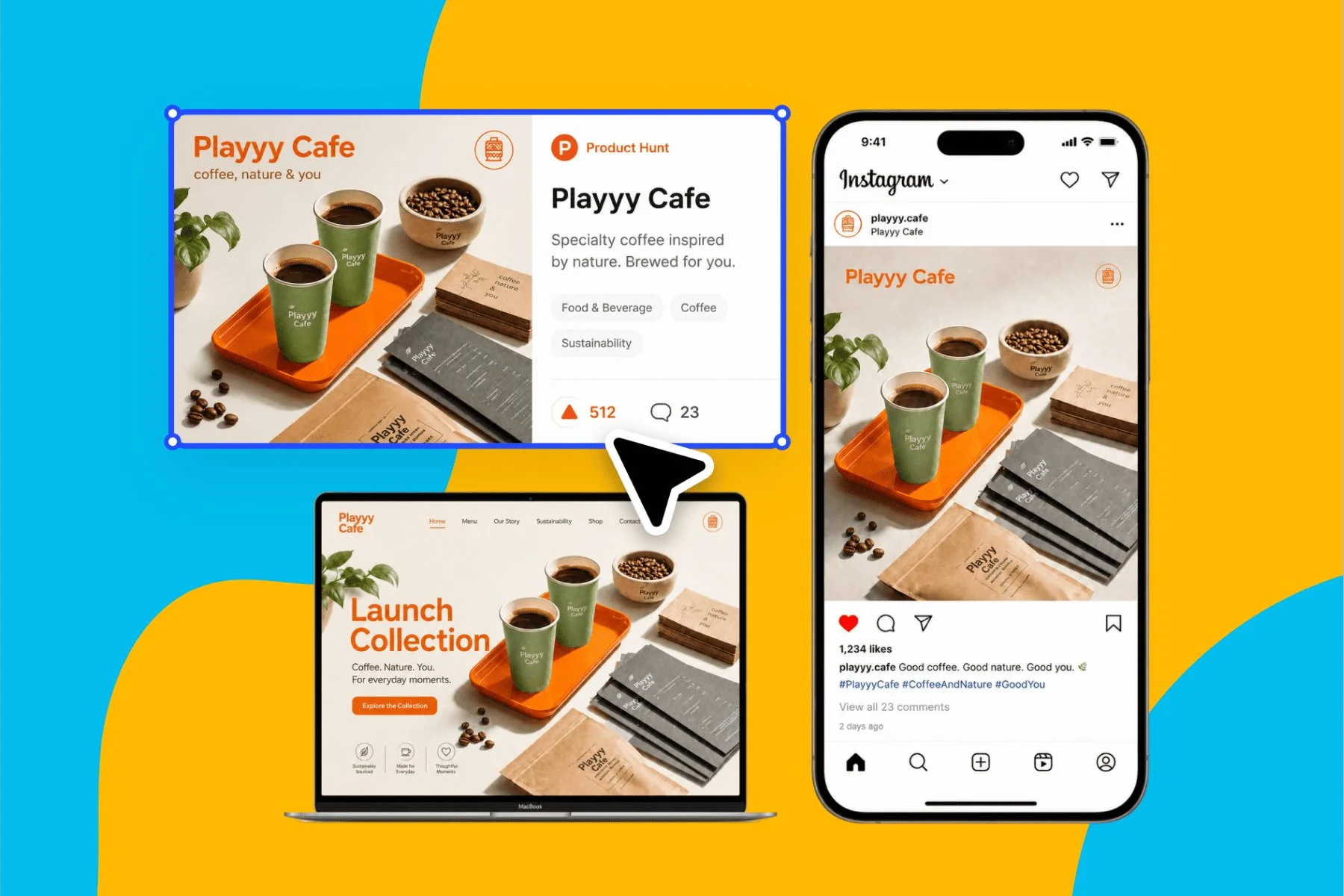
From brand identity direction to a complete launch kit — without hiring a designer or an agency.
Explore workflowDescribe the deck in the prompt box — the topic, the audience, roughly how many slides, and the look you want. Playyy generates the outline first, then designs every slide against it. You can attach up to ten reference images so a product, a palette, or a style carries through the presentation. The result opens in the editor, where you can change anything before sharing or exporting.
Playyy's is free to start. Sign up, describe the deck, and generate slides in the browser — no PowerPoint install and no template marketplace. Paid plans add volume rather than unlocking the core generate-and-edit workflow.
That is the question worth asking before you pick one. Plenty of free AI slide generators hand back a flat export you cannot touch, or lock editing behind a paid seat. In Playyy the generated slides stay editable on the free tier — click any element and describe the change.
Yes, in the sense that matters: you describe a presentation, it generates the slides, and you can export a PPT that opens in PowerPoint, Keynote, or Google Slides. It runs in the browser rather than as a PowerPoint add-in, so there is nothing to install and nothing tied to one desktop.
That is exactly what this tool does. A prompt as short as "a 10-slide pitch deck for a skincare brand, minimal editorial style" is enough — the generator infers the section order, writes the copy, picks the layouts, and designs the visuals. The more you specify about audience, length, and style, the closer the first pass lands.
Say the number in the prompt and the generator plans to it — a 5-slide summary, a 10-slide pitch, a 20-slide review. Leave it out and it picks a length that fits the topic. You can add or remove slides afterwards without regenerating the rest of the presentation.
Yes. Click an element — a headline, a chart, a product image — and describe the change in plain language. Only that slide updates. You can also restyle the entire presentation at once so colour and type stay consistent across every slide.
Yes. Download a PPT when a meeting, a client, or a corporate template needs a file. You can also share a live link and present straight from the browser — exporting does not replace sharing, both stay available.
The starting point. This page generates a presentation from a written prompt when you have nothing but the idea. The AI presentation maker at /tools/presentation-maker builds around an asset you already have — a product photo, a brand kit, a brief, a screenshot. Both open the same editor and export the same PPT, so pick whichever matches what is on your desk.
See how teams are using Playyy to ship better visuals, faster.

ChatGPT images buried in chat, no brand kit, no spec control. How a 12-person B2B SaaS team switched workflows and tripled creative output in the same time budget.
 Emily Carter
LinkedIn ads and organic posts, two different tones, one brand — produced in a single creative session without separate workflows.
Emily Carter
Phone photos, an AI photo editor, and a clear brand vision — how one indie maker's first launch looked like a studio produced it.
 Minji Park
Keep every image on brand, control the final look, and turn campaign ideas into polished assets without waiting on another design cycle.














