
Ecommerce Product Photo Editing: Amazon & Shopify
Ecommerce image editing across every SKU — background removal, cleanup, and upscaling that meet marketplace specs.
Explore workflowBuild a detail page out of one product photo — modules that answer what it is, why it's good, and whether it fits
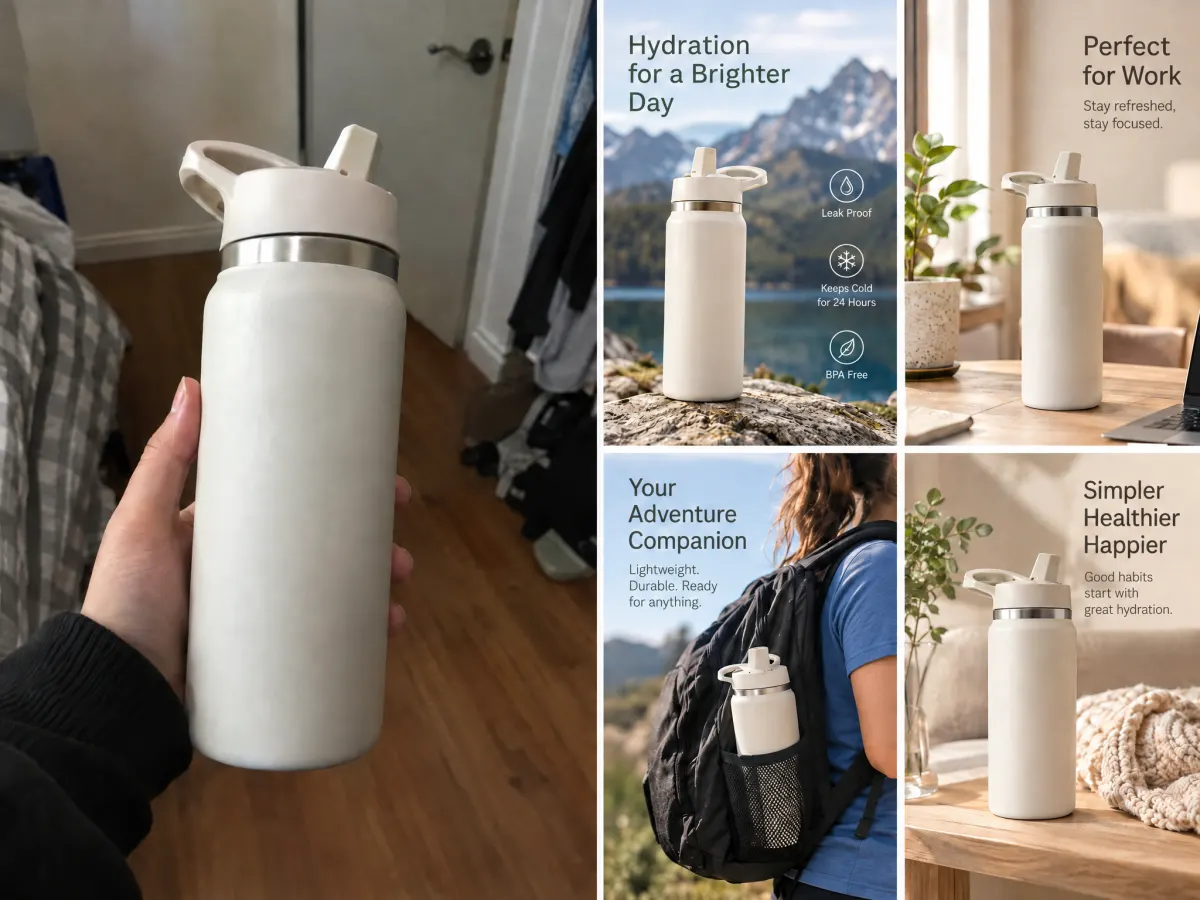
A workflow built around your real creative needs — from first direction to final asset.
The modules come back in reading order, and each one answers a single buyer question: what is it and who is it for, what makes it special, what else it does, how you'd actually use it, what it's made of. Every verified detail you give is assigned to one module and one only, so the set builds an argument instead of repeating the same sentence in four layouts — which is the failure mode of most detail pages assembled by hand.
Try for free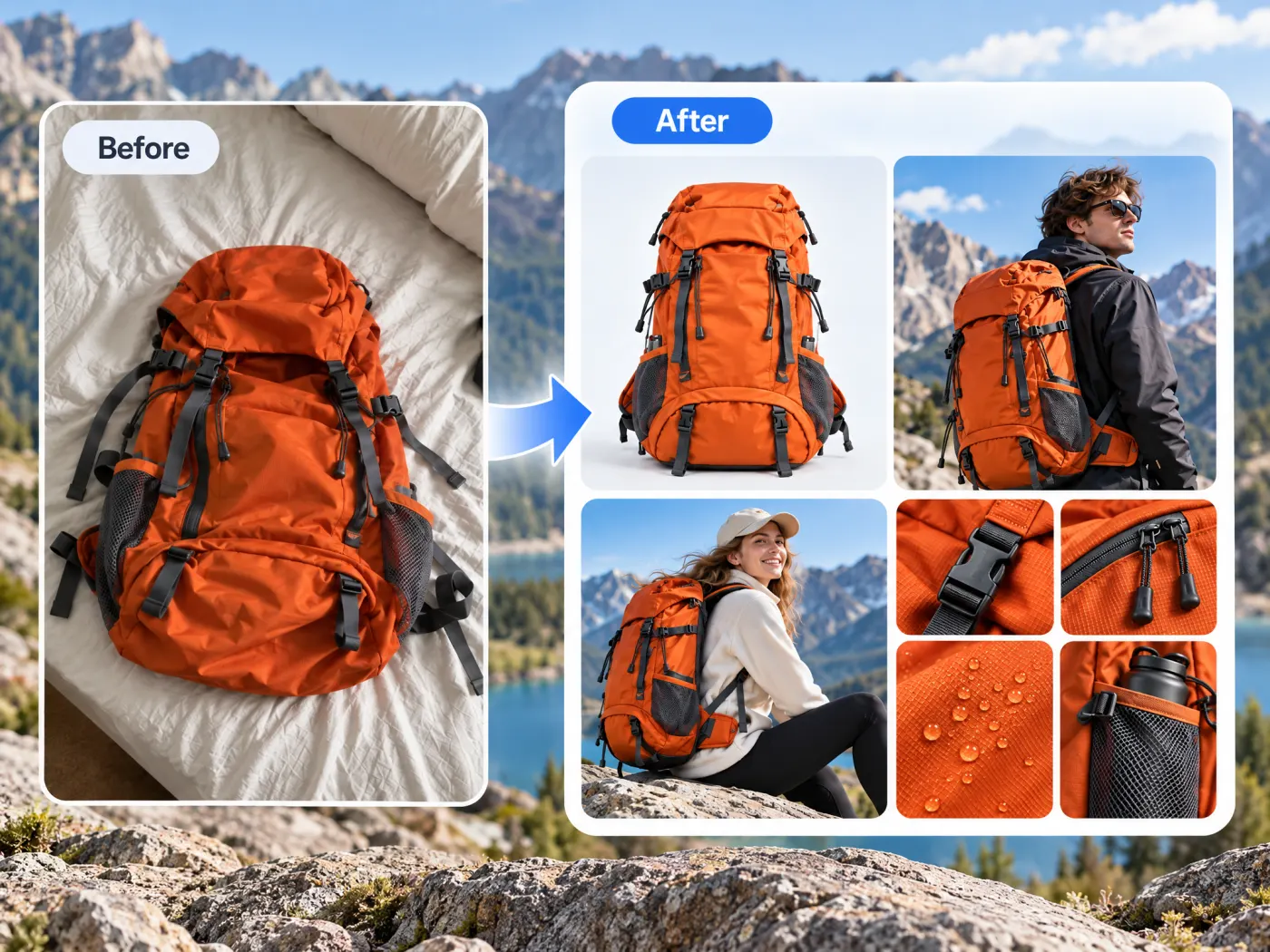
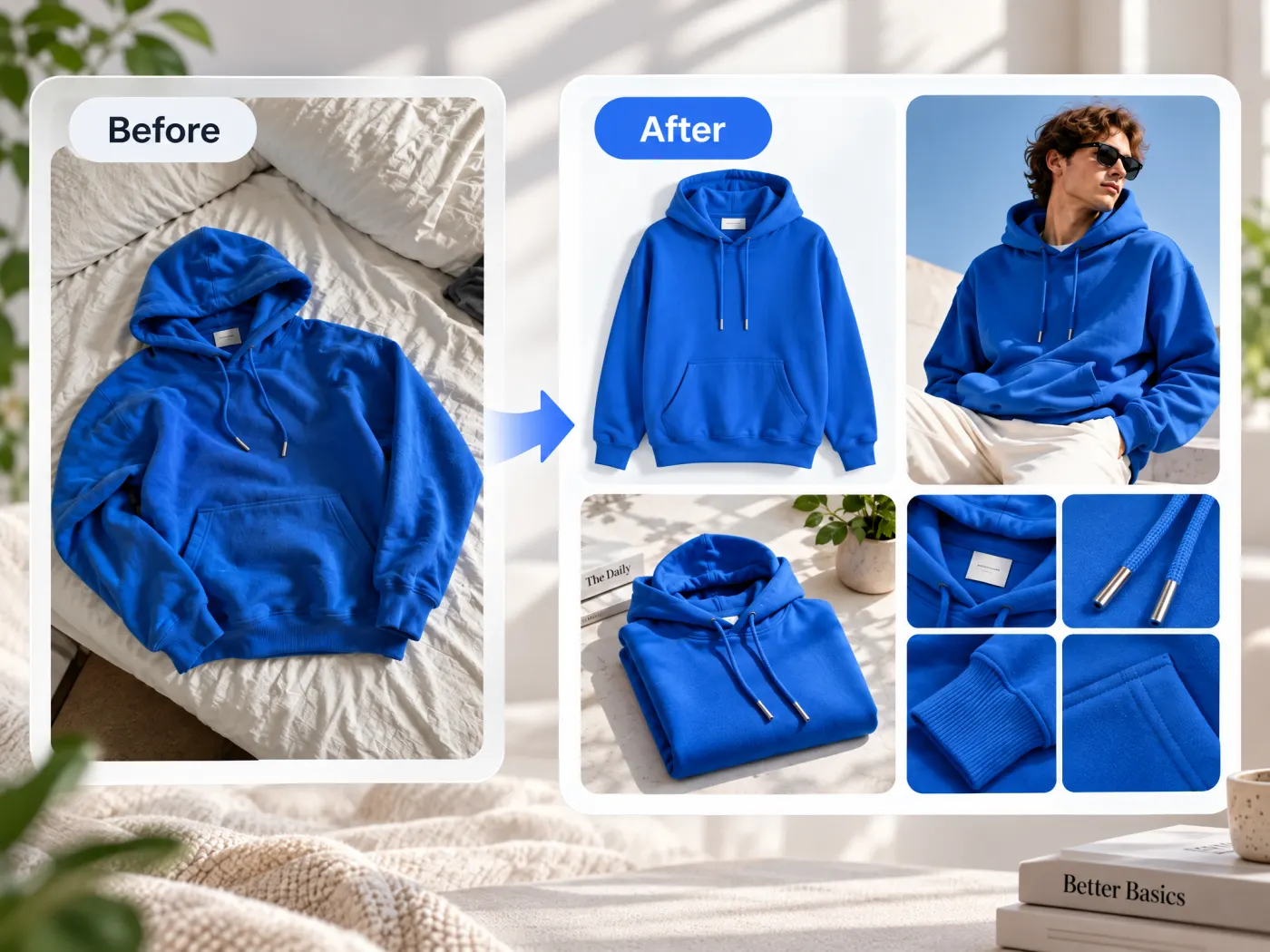
Six modules run by default. The four that lean hardest on facts — will it fit, what's in the box, which options exist, why trust the brand — are opt-in. A module whose fact you haven't supplied comes back as a draft: the real product and its headline, with room where the numbers belong, never a guessed measurement or material. That boundary matters on a marketplace: a specification module that guesses is a returns problem and a compliance one, not a design choice.
Try for free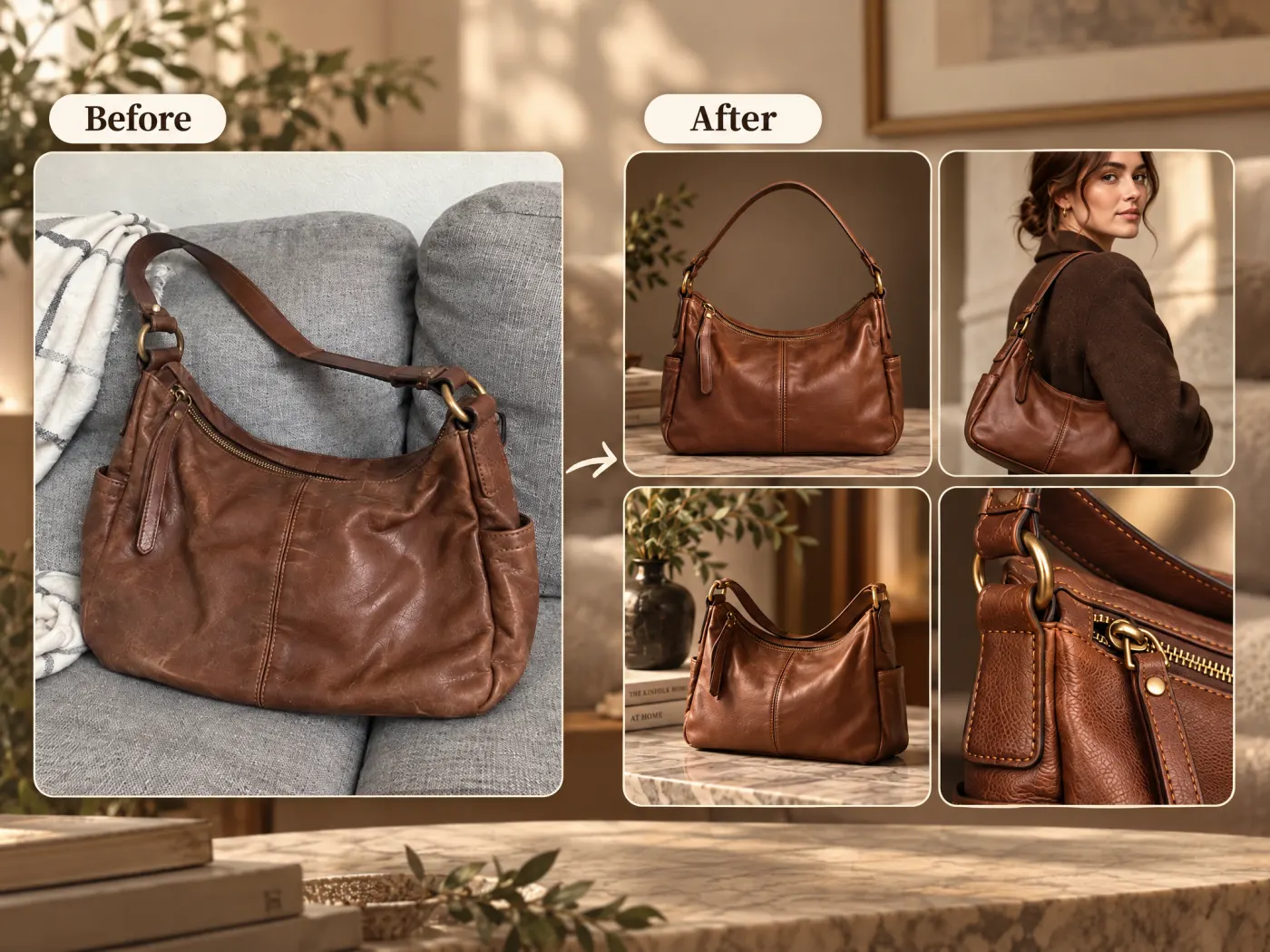
Each module is a finished raster image at Amazon's A+ header proportions, so it drops into the module slots without being rebuilt. The copy is rendered into the pixels, which means the language is chosen before generation rather than after — English, German, French, Spanish, Italian, Japanese, Portuguese or Chinese — and a second market means a second run rather than an editable text layer.
Try for freeStill need the gallery images the detail page sits under? Start with a clean main image
Hero, three feature modules, in-use and materials run out of the box. Size, what's in the box, range and brand are there when you have the facts to fill them.
A detail you supply is assigned to at most one module, so the page reads as a sequence of answers rather than the same claim restated in four layouts.
Every module comes out at the size the detail-page slot expects, so nothing has to be rebuilt or recropped to go live.
English, German, French, Spanish, Italian, Japanese, Portuguese and Chinese. The copy is part of the image, so the market is chosen up front.
The product in every module is the product you uploaded — same silhouette, same finish, same hardware — not a stock lookalike standing in for it.
The alternative is a designer, a copywriter and a shoot. For a catalog where most SKUs will never get that, this is the difference between a detail page and a bare listing.
“Our top twenty SKUs had proper detail pages and the other four hundred had a single supplier photo. That gap is the thing this closed.”

James Walker
Ecommerce Creative Strategist
“Being able to run the same modules in Japanese and German without rebuilding the layout is what made the second marketplace worth opening.”

Minji Park
Creator Marketing Strategist
“I like that a size module with no numbers comes back empty instead of guessed. I don't want a spec panel inventing a fabric weight.”

Daniel Brooks
Startup Brand & Content Advisor
The gallery proves what the product looks like; the detail page argues why to buy it. Sellers who treat the second as more photos end up with a scroll of near-identical shots and no answers, which is why the modules here are organized around buyer questions rather than around camera angles. The photographs still matter — they just aren't the same deliverable.
Marketplaces publish conversion lifts for enriched detail pages, which is why the modules are worth building at all. It also means a page assembled from vague claims underperforms visibly. Tying each module to one specific, supplied fact is what keeps the set saying something — and what keeps the specification modules off the page when the specifications aren't known.
A hero SKU gets a shoot, a designer and a copy pass. The long tail gets whatever the supplier sent, which is why detail pages across a large catalog are so uneven. Generating the modules from the one photo that already exists is what makes the tail worth doing at all.
Ecommerce image editing across every SKU — background removal, cleanup, and upscaling that meet marketplace specs.
Explore workflow
Turn any product photo into channel-ready studio imagery — no studio, no reshooting.
Explore workflowA set of detail-page modules, in reading order: a hero that says what the product is and who it's for, three feature modules, an in-use module, and a materials module. Size, what's in the box, range and brand are available too, and are filled from details you supply.
The modules come out at Amazon's A+ header proportions, so they fit those slots directly. They are ordinary images, though, so the same set works on a Shopify product page, an Etsy listing, or anywhere else a detail page takes pictures.
Not as text. The copy is rendered into the pixels, which is why the language is chosen before the modules are generated rather than after. Changing the wording means running the module again; a second market means a second run.
English, German, French, Spanish, Italian, Japanese, Portuguese and Chinese. One language per run, since the words are part of the image.
No. Size, contents, range and brand are opt-in, and every module is built only from facts you provide. One whose fact is missing comes back as a draft — the product and its headline, no numbers — which you finish by adding the fact and running it again. A plausible-sounding fabric weight or box contents is a returns problem, not a design detail.
Those are separate tools, and the listing usually wants both. The White Background maker produces the clean main image, Multi-Angle Product Photos fills the alternate slots with the sides your photo didn't show, and Virtual Model puts apparel on a model.
One product per run — the modules are built around one set of facts. For a catalog, the practical order is to standardize the photography first with a white-background pass, then build detail pages for the SKUs that earn them.
See how teams are using Playyy to ship better visuals, faster.

A 200-SKU Amazon pet brand used AI image expansion to turn one product shot into every channel format — and cut per-SKU image cost by 70%.
 James Walker
Ninety marketplace-ready product images, four days, no studio. How one pet brand replaced its entire catalog workflow with AI.
James Walker
Sixty lifestyle images, three days, no studio. How one Shopify brand cut product shoot costs by 80% using AI photo editing.
James WalkerKeep every image on brand, control the final look, and turn campaign ideas into polished assets without waiting on another design cycle.














