7 Best Photoroom Alternatives in 2026 (Free & Paid)
 James Walker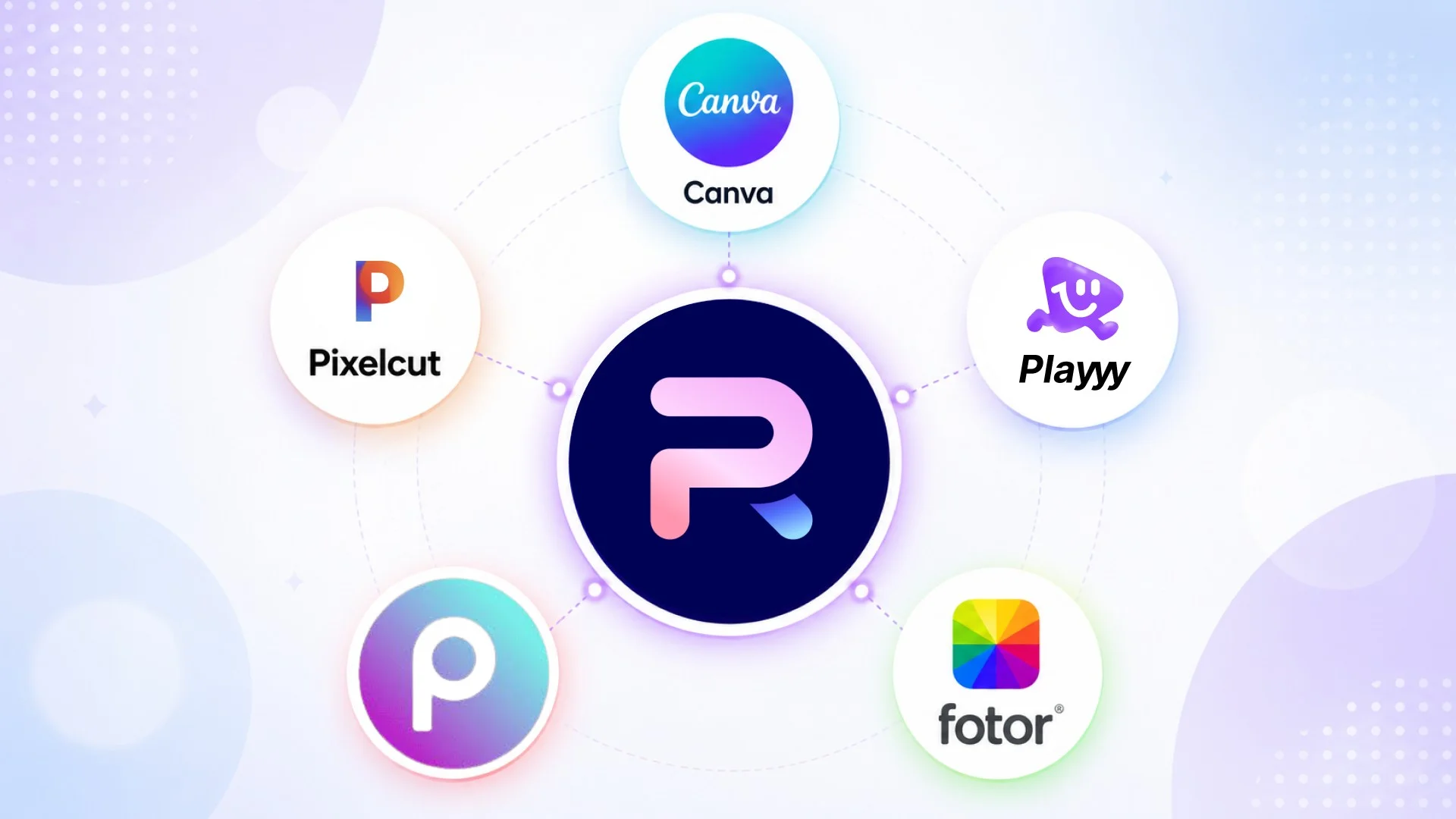
Photoroom built its reputation on one thing: clean product photos with backgrounds removed in seconds, and it's genuinely good at that. The friction is everything around it — the free plan is limited, and higher export volumes and features like video and 4K output sit behind progressively more expensive Pro, Max and Ultra tiers. Several tools have since matched or exceeded its core capability with more generous free tiers and broader editing features.
Direct answer. The best Photoroom alternatives in 2026 are Playyy for a complete product photo workflow with generative AI and brand tools, Pixelcut for mobile-first product sellers who need batch processing, and PicWish for high-volume cutouts on a budget. All three offer cleaner pricing or broader capabilities than Photoroom's tiered plans.
1. Playyy — Best All-in-One AI Photoroom Alternative
Best for: Product sellers, creators, and small teams who need background removal, product photo generation, and brand assets in one tool.
Playyy is the closest thing to a full replacement for Photoroom — and for most workflows, it does more. The AI background removal handles complex edges (hair, transparent objects, detailed clothing) at accuracy comparable to Photoroom, with a free plan that refreshes bonus credits daily.
Where Playyy separates from Photoroom is in what happens after the background is removed. The product photo generation engine places your product into realistic lifestyle scenes, studio environments, or seasonal setups using a text prompt — a workflow that would normally require Photoroom plus a separate generative AI tool. The brand kit stores your logos, color palette, and typography so every product image stays consistent across batches without manual re-application.
The template library covers e-commerce listings, social media formats, and marketing banners — enough to complete the full asset workflow without leaving the app.
Pricing: Free plan with daily bonus credits (no watermark). Paid plans from $18/month, or $15/month billed annually; as of October 2026 the first month of a monthly plan is half price ($9 for Basic).
Standout features: AI product photo generation, batch background removal, brand kit, 1,000+ templates.
Online shoppers can't handle a product, so the photograph carries the entire job of communicating material, scale and finish — which is why photo quality behaves less like presentation and more like product information. Consolidating background removal and scene generation into one workflow matters most at catalogue scale, where the per-image overhead is repeated across every SKU.
2. Pixelcut — Best for Mobile Product Sellers
Best for: iOS and Android users who shoot and edit product photos entirely on mobile.
Pixelcut is Photoroom's most direct competitor. Both target the same use case — fast product photography, mobile first — and both produce clean cutouts at typical e-commerce resolutions.
Pixelcut's edge is batch processing at a low price: the Pro tier includes unlimited background removal and up to 1,000 batch exports a month, so whole product catalogs can go through in one session. AI credits also cover generated backgrounds and object removal.
The limitation is depth: Pixelcut runs on iOS, Android and in the browser, but it has no full design workspace. If your workflow involves multi-format layouts or brand templates, you'll still need a second tool.
Pricing (as of October 2026): Free (limited background removal, no watermark). Pro at $10/month or $8/month billed annually; Business at $30/month.
Standout features: Batch background removal, unlimited cutouts on Pro, AI backgrounds, consistent white backgrounds.
3. Canva — Full Design Suite with Background Removal
Best for: Teams who need design assets beyond product photography — social posts, presentations, marketing materials.
Canva is the wrong choice if background removal is your primary workflow. Background removal is only available on paid plans (Canva Pro is US$144/year as of October 2026). But if you're already on Canva Pro and background removal is one task among many, the consolidation makes sense economically.
Canva's Background Remover is accurate on standard product shots. The Magic Eraser and AI Expand tools cover most retouching needs. The real workflow advantage: you can remove a background, drop the product into a template, resize it for every platform, and share it — without exporting to another tool. For teams managing multiple content formats, this matters.
Pricing: Free (no background removal). Pro at US$144/year.
Standout features: Template library, Brand Kit, Magic Resize, full design suite.
Catalogue updates are where tool sprawl gets expensive. A seasonal refresh touches every SKU, so any per-image overhead — exporting a cutout, reimporting it into a design tool, resizing for each channel — multiplies by the size of the catalogue rather than staying fixed. For a small seller handling both photography and marketing assets alone, collapsing those steps into one platform is usually the single largest efficiency gain available.
4. PicWish — Free Bulk Background Remover
Best for: High-volume background removal without a subscription.
PicWish is the most purpose-built tool on this list: it removes backgrounds quickly and accurately with a usable free tier — a limited number of non-HD downloads per day, with no design workspace to navigate. Paid plans unlock HD downloads, and a separate API covers batch integration.
The AI handles standard product types well — apparel, footwear, electronics, food — with accurate edge detection on most subjects. There are no generative features, no template library, no brand tools. For sellers who handle design work elsewhere and just need clean cutouts at volume, PicWish is one of the cheapest options here.
Pricing: Free (limited non-HD downloads per day). Paid plans for HD downloads.
Standout features: Fast batch processing, API access, consistent accuracy on product categories.
5. Fotor — Online Photo Editor with AI Tools
Best for: Photographers and content creators who need both background removal and general photo enhancement.
Fotor sits between a photo editor and a design tool. The background remover works accurately on standard subjects, but the more useful feature set is the combination of AI photo enhancement, portrait retouching, and an AI Image Generator in a single interface.
The AI Image Generator creates photos from text prompts — useful for generating lifestyle backgrounds to place products into, or creating supporting visuals for blog and social content. One-click enhancement (exposure, sharpness, color grading) handles quick corrections faster than Lightroom for routine social content. The template library is smaller than Canva's but covers the most common formats.
Pricing: Free Basic plan (exports are not watermark-free). Paid Pro, Pro+ and Max plans.
Standout features: AI photo enhancement, portrait retouching, AI image generator, one-click filters.
6. Picsart — Creative AI Photo Editor for Social Content
Best for: Content creators and social media teams focused on high-volume visual storytelling.
Picsart is better understood as a creative platform than a product photo editor. Background removal is accurate and fast, but the distinguishing tools are generative: AI Photo Generator, Sketch to Image, and the Quicktools batch processor cover workflows Photoroom doesn't support.
The app has a very large user base and a large library of stickers, overlays, and effects aimed at social content. For e-commerce product photography in the traditional sense, Picsart is weaker than Photoroom or Pixelcut. For content that needs to look polished but has a lifestyle or creative angle — brand campaigns, creator content, event visuals — Picsart produces results faster than manually compositing in a photo editor.
Pricing (as of October 2026): Free plan available. Pro at $15/month or $10.50/month billed annually.
Standout features: AI Photo Generator, Quicktools batch processing, creative overlays.
7. Remove.bg — Background Removal API
Best for: Developers and high-volume workflows that need background removal integrated into existing pipelines.
Remove.bg does one thing: remove backgrounds. Its edge detection accuracy on complex subjects — loose hair, transparent objects, reflective surfaces — is among the strongest in the category. It has been owned by Canva since 2021, and its standalone site and self-serve API close on December 1, 2026: background removal moves into Canva and the developer API moves to Leonardo.ai.
Until then, the free tier provides preview-resolution downloads, and API credit pricing (rather than a monthly flat fee) suits variable-volume workflows. There's no design environment and no generative features — just an API and a drag-and-drop web interface.
For teams that need background removal as a component of a larger pipeline, plan the move to the Leonardo.ai API before the December 2026 cutoff.
Pricing: Free previews; pay-as-you-go API credits until December 1, 2026.
Standout features: Strong edge accuracy, API, no subscription requirement.
Photoroom Alternatives Compared
| Tool | Background Removal | AI Generation | Design Workspace | Free Tier |
|---|---|---|---|---|
| Playyy | ✅ Excellent | ✅ Yes | ✅ Full suite | ✅ Generous |
| Pixelcut | ✅ Excellent | ✅ Yes | ⚠️ Basic | ✅ Limited |
| Canva | ✅ Good (Pro) | ✅ Yes | ✅ Full suite | ⚠️ No bg removal |
| PicWish | ✅ Good | ❌ No | ❌ None | ✅ Limited, non-HD |
| Fotor | ✅ Good | ✅ Yes | ✅ Moderate | ⚠️ Watermark |
| Picsart | ✅ Good | ✅ Yes | ✅ Creative | ⚠️ Watermark |
| Remove.bg | ✅ Strong edges (closes Dec 1, 2026) | ❌ No | ❌ None | ✅ Previews |
If you're replacing Photoroom for product photography and want to do more with the images afterward, Playyy covers the full workflow without requiring a second subscription. For volume background removal with no design context, PicWish or Pixelcut handle the job more cheaply than Photoroom's paid tiers. See the full guide to removing backgrounds from product photos and the AI photoshoot workflow for creators for detailed side-by-side comparisons.
Complete Guide: Background Remover: The Complete Guide (2026)

James Walker
I help Shopify and Amazon sellers improve product images, promotional banners and ad creatives. I focus on practical visual improvements that help products look more credible and conversion-ready — no design jargon, just what works.
Frequently asked questions
Playyy is the strongest all-around Photoroom alternative in 2026 — it combines AI background removal, product photo generation, and brand kit tools in a single workspace. For pure background removal on a budget, PicWish is a solid free option (Remove.bg's standalone site closes on December 1, 2026). Pixelcut is the closest competitor to Photoroom specifically for mobile product photography.