
Free AI Product Photography for Ecommerce Brands
Turn any product photo into channel-ready studio imagery — no studio, no reshooting.
Explore workflowDriven by GPT Image 2.5 & Nano Banana Pro 🍌
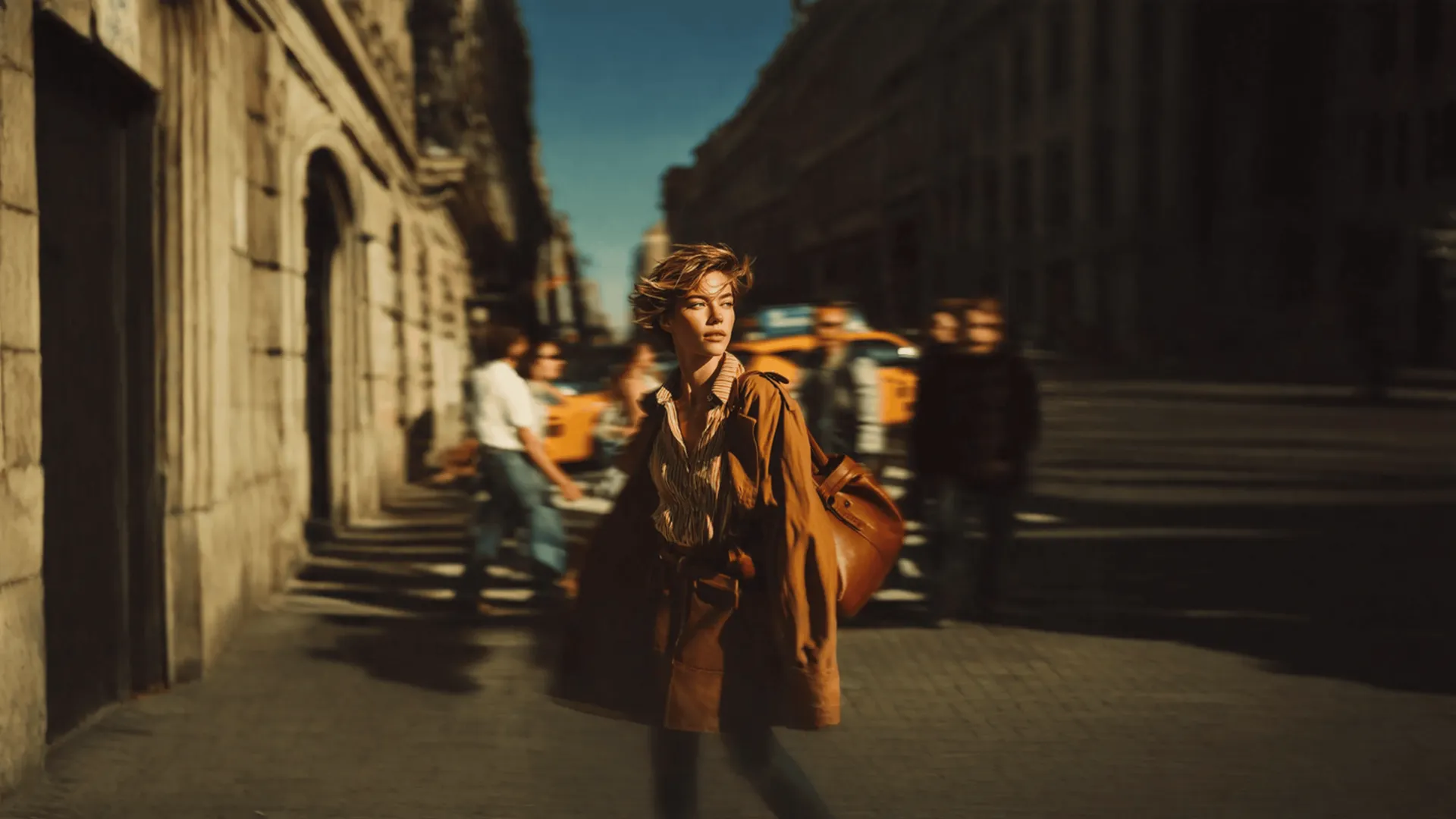
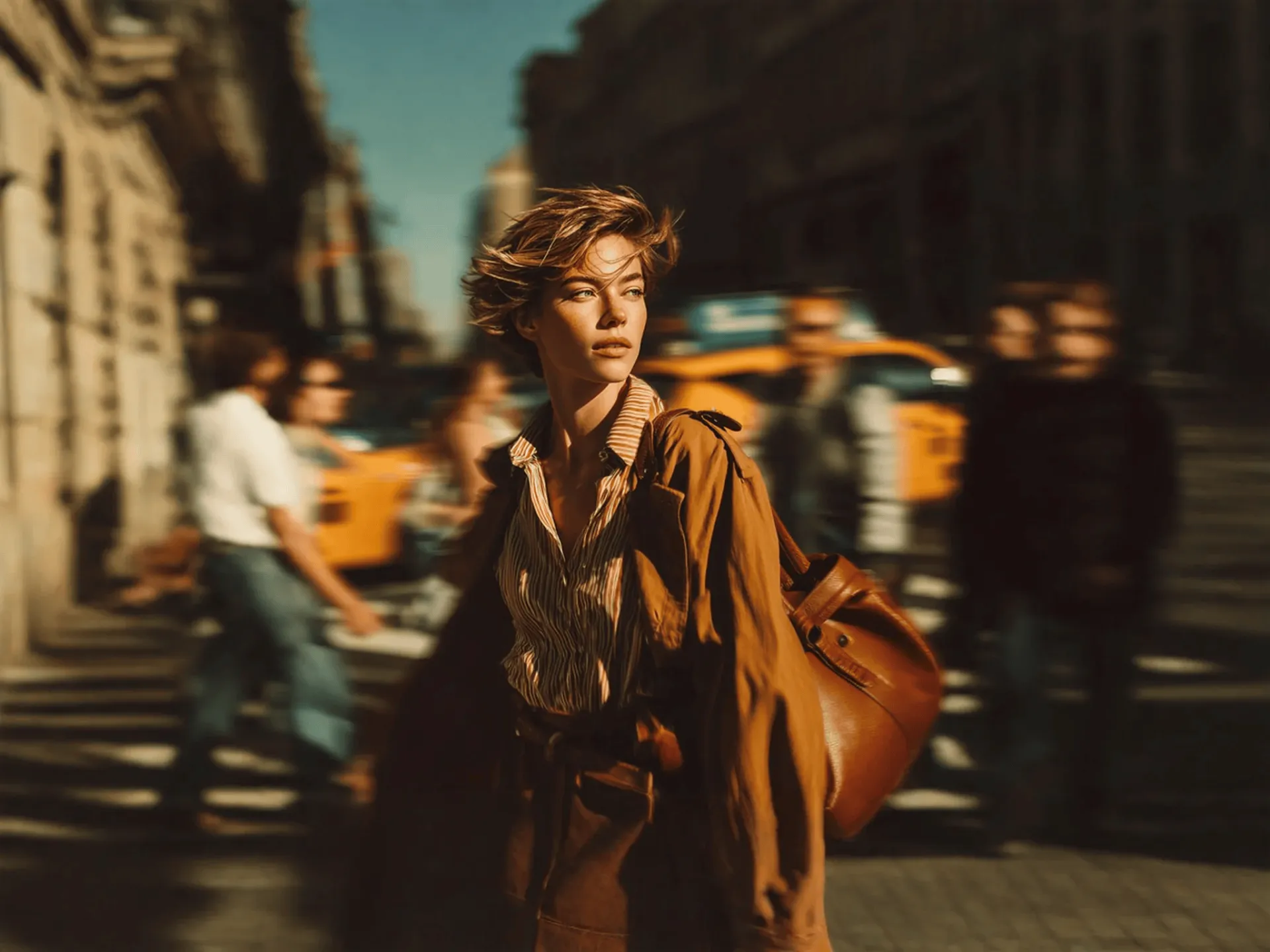
Extend any image beyond its original borders and resize the canvas without cropping the subject

A workflow built around your real creative needs — from first direction to final asset.
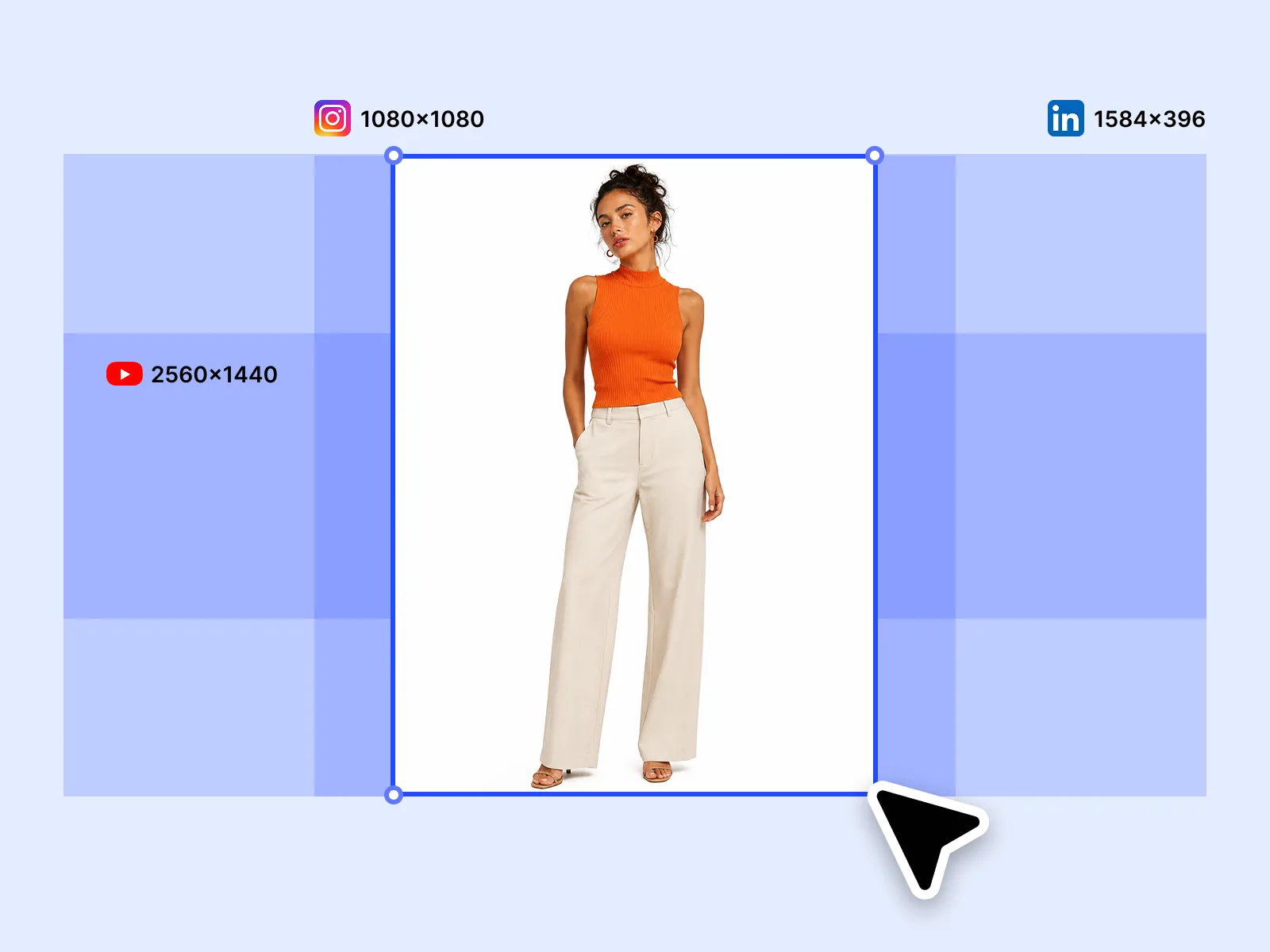
Drag the canvas edge and AI fills the extended area with content that matches the original image's style, lighting, and composition. Extend a product shot to fill a wider banner slot, add sky above a landscape, or extend a portrait downward without cropping. The fill is generative — not a mirror or blur.
Try for free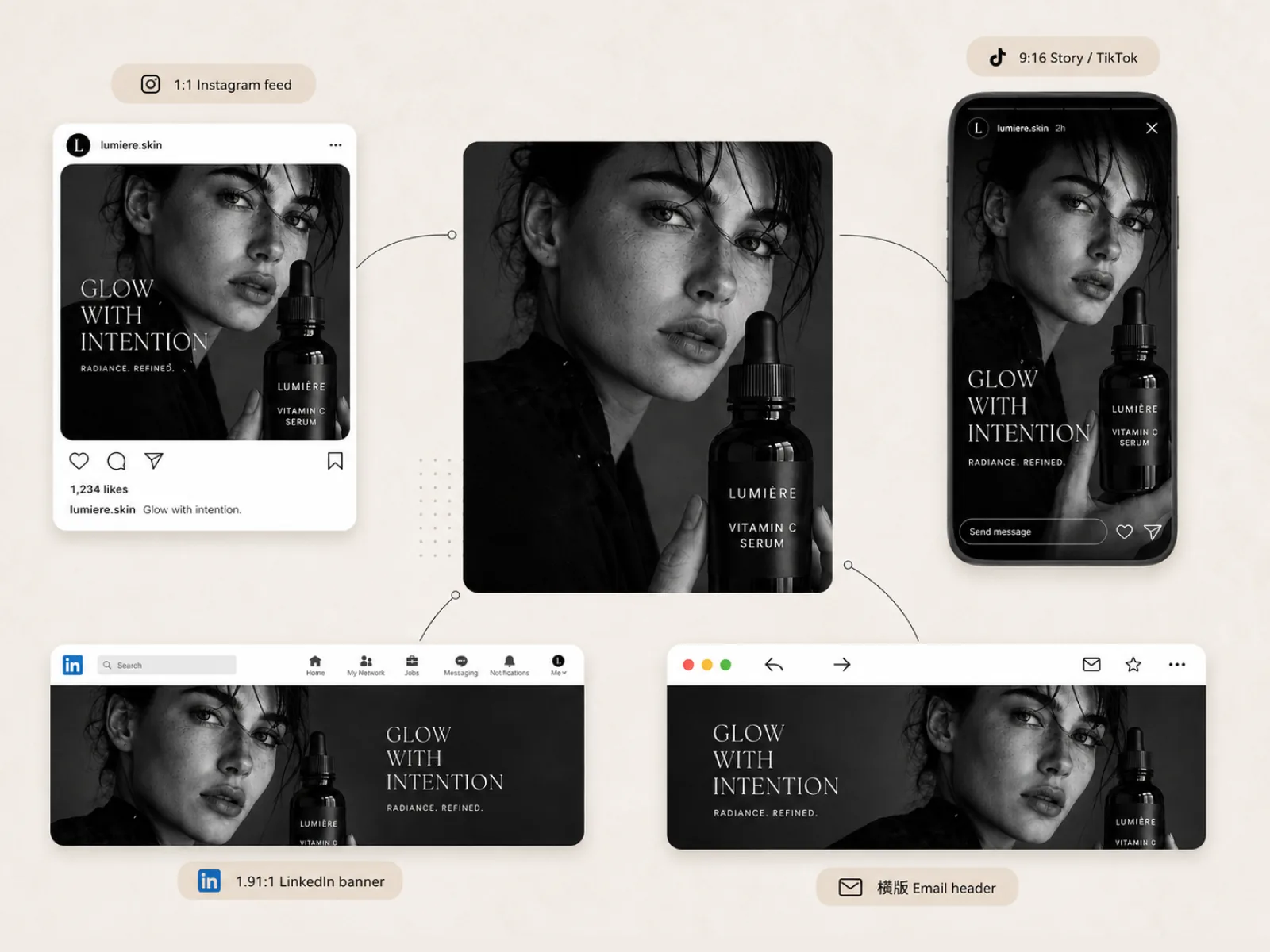
A square product image needs to become a 16:9 banner for YouTube, a 4:5 for Instagram feed, and a 1.91:1 for LinkedIn. Image Expander adapts the same source image to every required ratio without cropping the subject. No reshooting per channel, no compromising the product in frame.
Try for free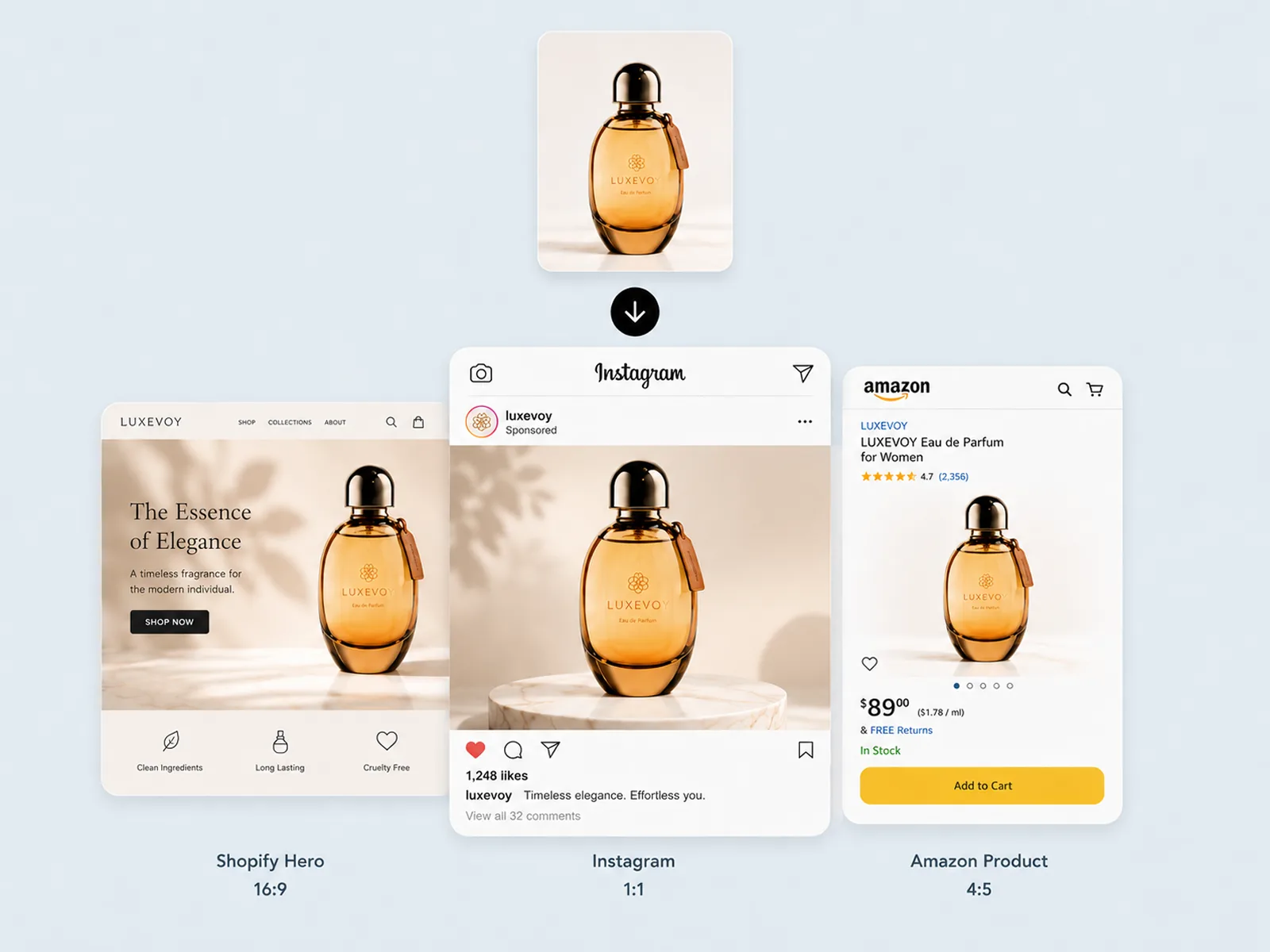
Traditional resizing forces a choice: crop the subject or leave blank space. Image Expander removes that tradeoff — the subject stays fully in frame at any output ratio while AI extends the composition around it. The result reads as intentional, not padded.
Try for freeExpand any image to 16:9 for YouTube, 1:1 for Instagram, 4:5 for feed, 1.91:1 for LinkedIn, or 9:16 for Stories — all from a single source image.
AI analyzes the original scene — colors, textures, lighting, depth — and generates extended content that blends seamlessly with what was already there.
Your subject is never cropped or repositioned. The AI expands outward, preserving exactly what matters while filling the new canvas space intelligently.
Select a target ratio, preview the expansion, and export. No manual cloning, no patching in Photoshop, no back-and-forth with a designer.
Take a single hero shot and output a full set of platform-ready assets in one session. YouTube banner, Instagram post, LinkedIn cover — done simultaneously.
Solid colors, complex environments, outdoor scenes, studio setups — the expander handles them all without seams, artifacts, or visible edges.
“We shoot one hero image per campaign and used to pay for manual resizes for every channel. With Playyy I expand it to every ratio in under two minutes — same image, every format, no designer needed.”

Emily Carter
Growth Marketing Strategist
“I was spending half my week reformatting content for YouTube banners, LinkedIn covers, and Instagram. Image Expander just does it. The fill looks real — clients can't tell it was extended.”

Sophie Whitmore
Social Media Manager & Brand Content Consultant
“Clients always come back asking for a different format after delivery. Now I run the expansion in Playyy and hand it over the same day. It holds up at full resolution and I never have to rebuild the composition.”
Aiko Tanaka
Independent Designer & Visual Systems Consultant
Traditional resizing forces you to choose what gets cut. Playyy's image expander keeps your subject centered and intact, then uses AI to generate new content in the extended space that matches the original scene's lighting, texture, and style. The result looks like the wider shot was always there.
Every platform has its own required dimensions, and getting one image to work across all of them usually means multiple exports, manual edits, or paying someone to redo the crop. Image Expander adapts a single image to every standard ratio automatically — no resizing, no rebuilding, no guesswork on safe zones.
Expanded images land directly in your Playyy canvas, where you can keep editing. Apply Style Transfer to match a campaign look, refine with Edit Elements, or generate additional visuals with the AI Image Generator — all in the same session without exporting and re-importing.
Turn any product photo into channel-ready studio imagery — no studio, no reshooting.
Explore workflow
Ecommerce image editing across every SKU — background removal, cleanup, and upscaling that meet marketplace specs.
Explore workflowThe AI reads the image's context — background type, color palette, lighting direction, texture — and generates fill content that continues naturally from the existing edges. For studio backgrounds, it extends the floor or wall. For lifestyle images, it continues the environmental scene.
Yes. Set the target aspect ratio or dimensions and the expander adapts the canvas to fit. Useful for hitting exact platform specs — YouTube thumbnails, LinkedIn banners, Instagram carousels, or print bleed areas.
Simple and consistent backgrounds — plain studio, natural outdoor environments, architectural interiors — produce the cleanest expansions. Highly patterned or cluttered backgrounds may show occasional discontinuities that a quick inpaint pass can resolve.
Yes. A clean cutout on a transparent or solid background expands very cleanly — there's no existing background pattern for the AI to match, so it fills the extended area with your chosen background context.
Yes — image expansion is outpainting. Playyy implements it as a practical channel-formatting tool, so the workflow is oriented around aspect ratio targets and platform specs rather than open-ended canvas extension.
See how teams are using Playyy to ship better visuals, faster.
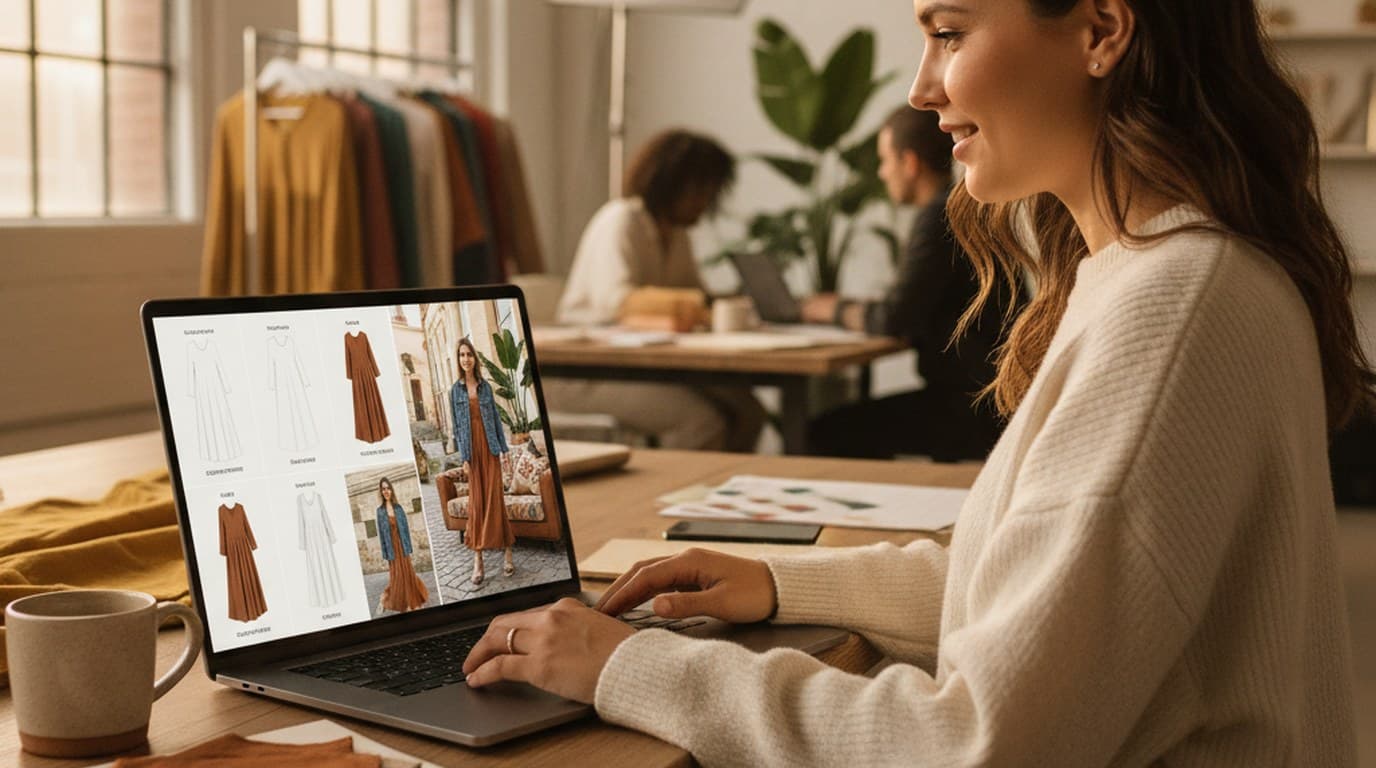
Sixty lifestyle images, three days, no studio. How one Shopify brand cut product shoot costs by 80% using AI photo editing.
 James Walker
Phone photos, an AI photo editor, and a clear brand vision — how one indie maker's first launch looked like a studio produced it.
 Minji Park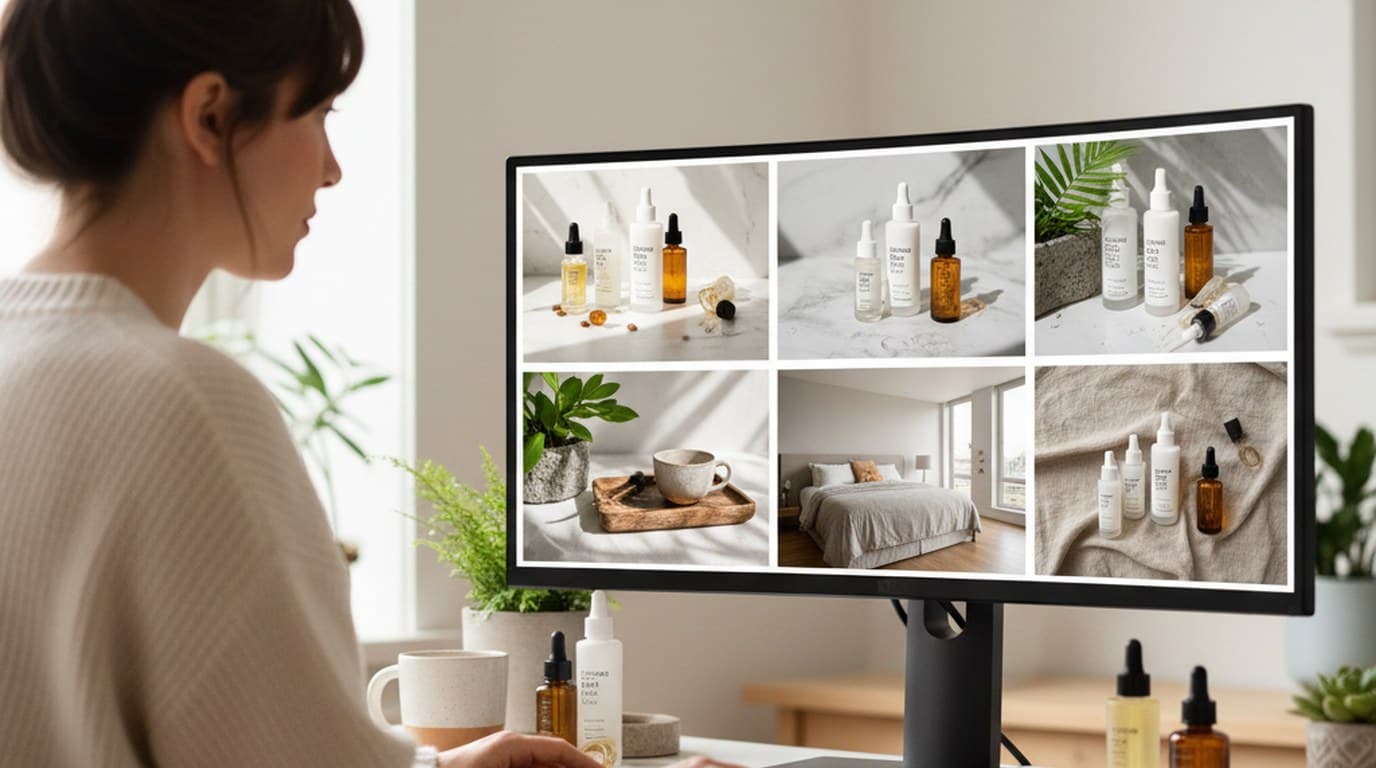
Six creative directions, one working day, real market data — before the studio was ever booked.
 Emily Carter
Keep every image on brand, control the final look, and turn campaign ideas into polished assets without waiting on another design cycle.














