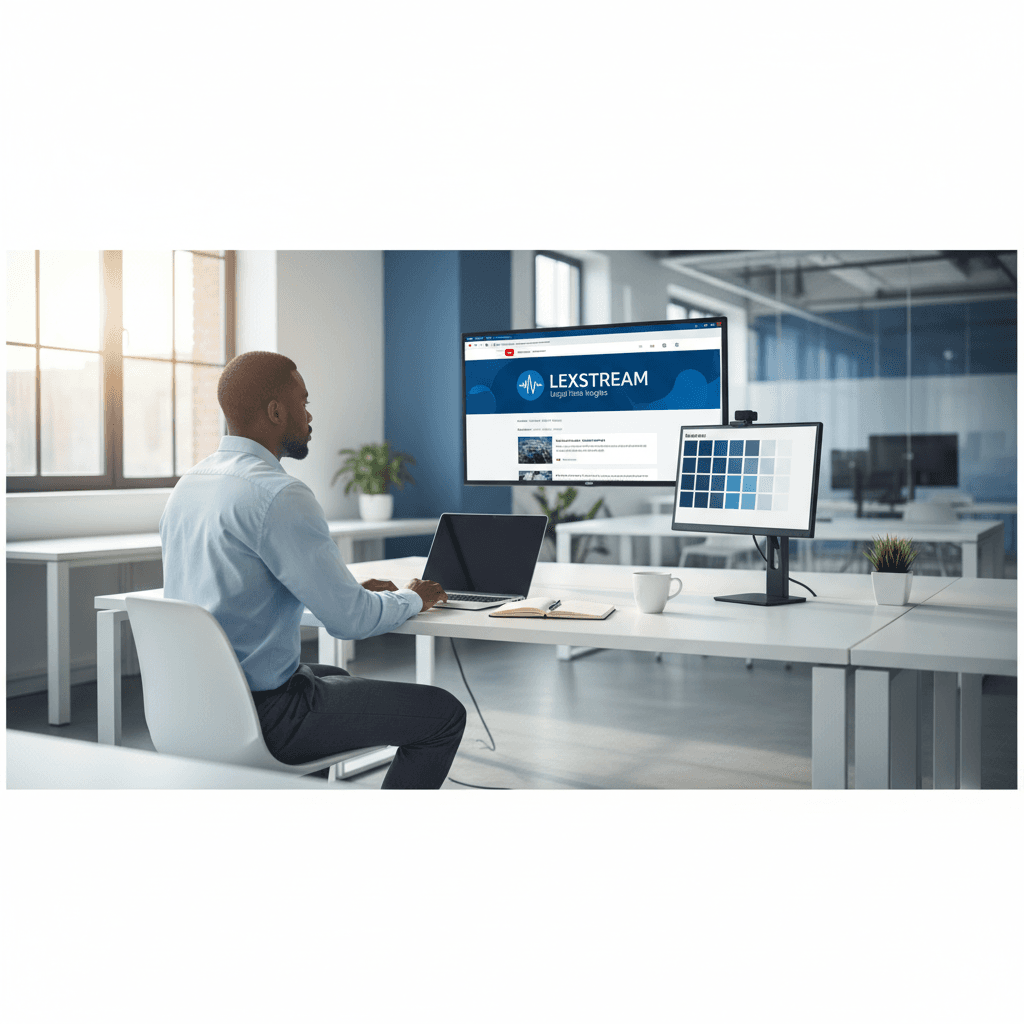
How a Founder Built a YouTube Brand Without a Designer
A legal-tech startup founder, no designer, 22 YouTube thumbnails — how the startup built a consistent channel identity in one week using Playyy's brand kit.
 Daniel Brooks
Generate campaign visuals from brief to publish. One session covers social posts, banners, display ads, and email, with no agency and no rebuilding per channel.
Start creating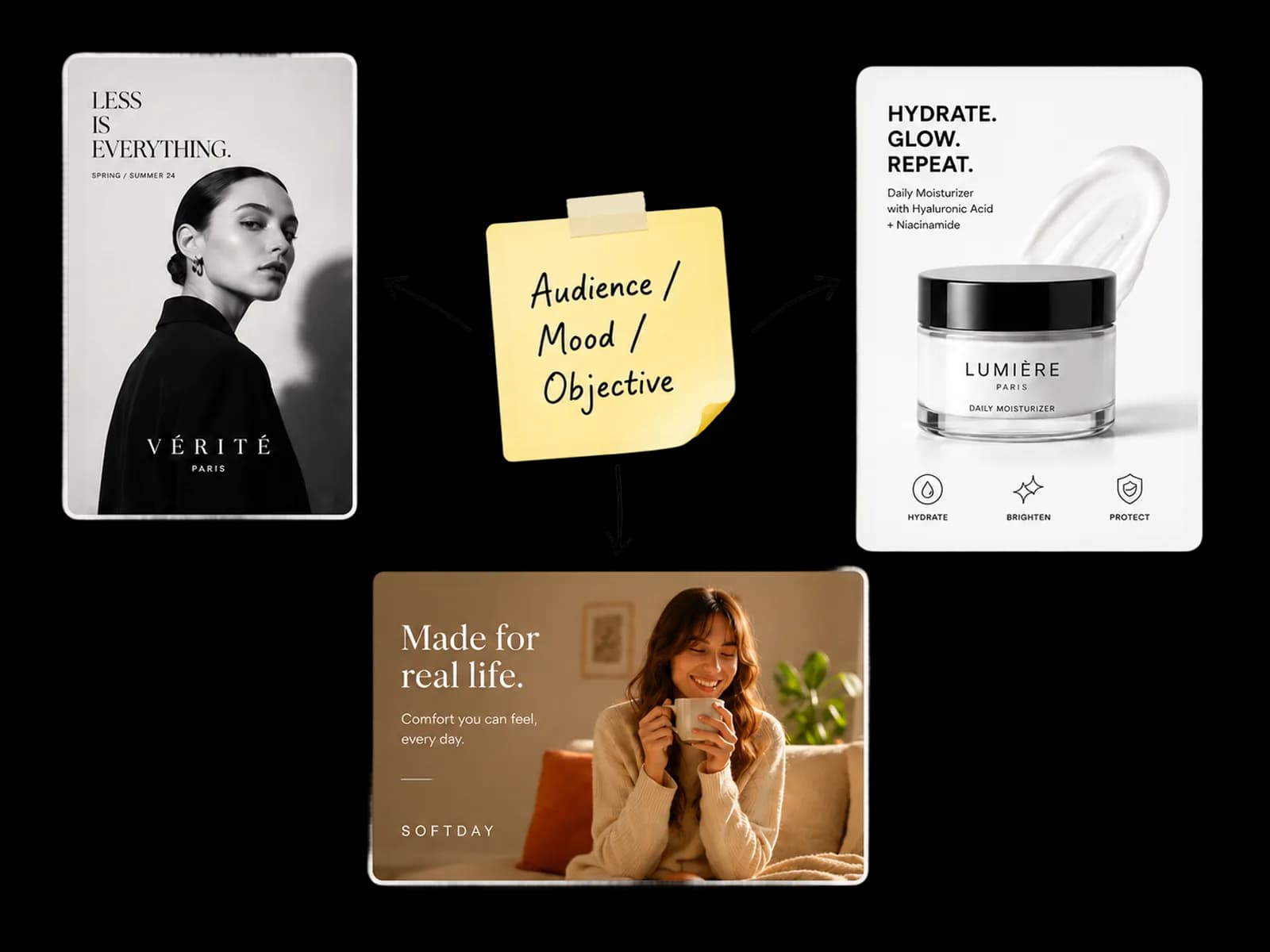
One brief. One creative direction. Every channel format — without rebuilding the image per output.
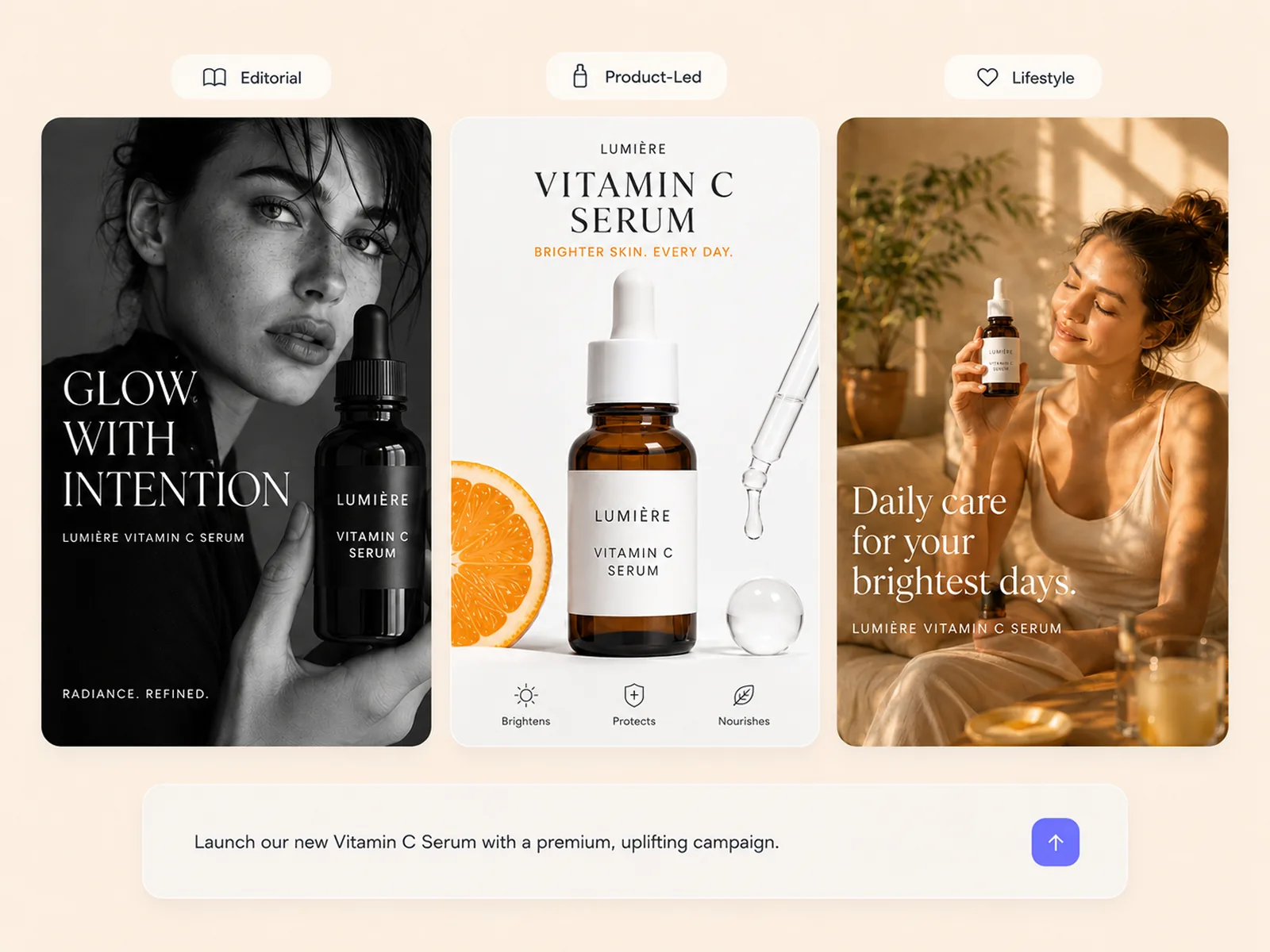
Write the brief in plain language — audience, mood, campaign objective. The AI image generator produces 2–3 distinct visual directions from that brief: editorial, product-led, lifestyle. Each direction is specific enough for the team to choose between real options, not minor variations of the same output.
Try for free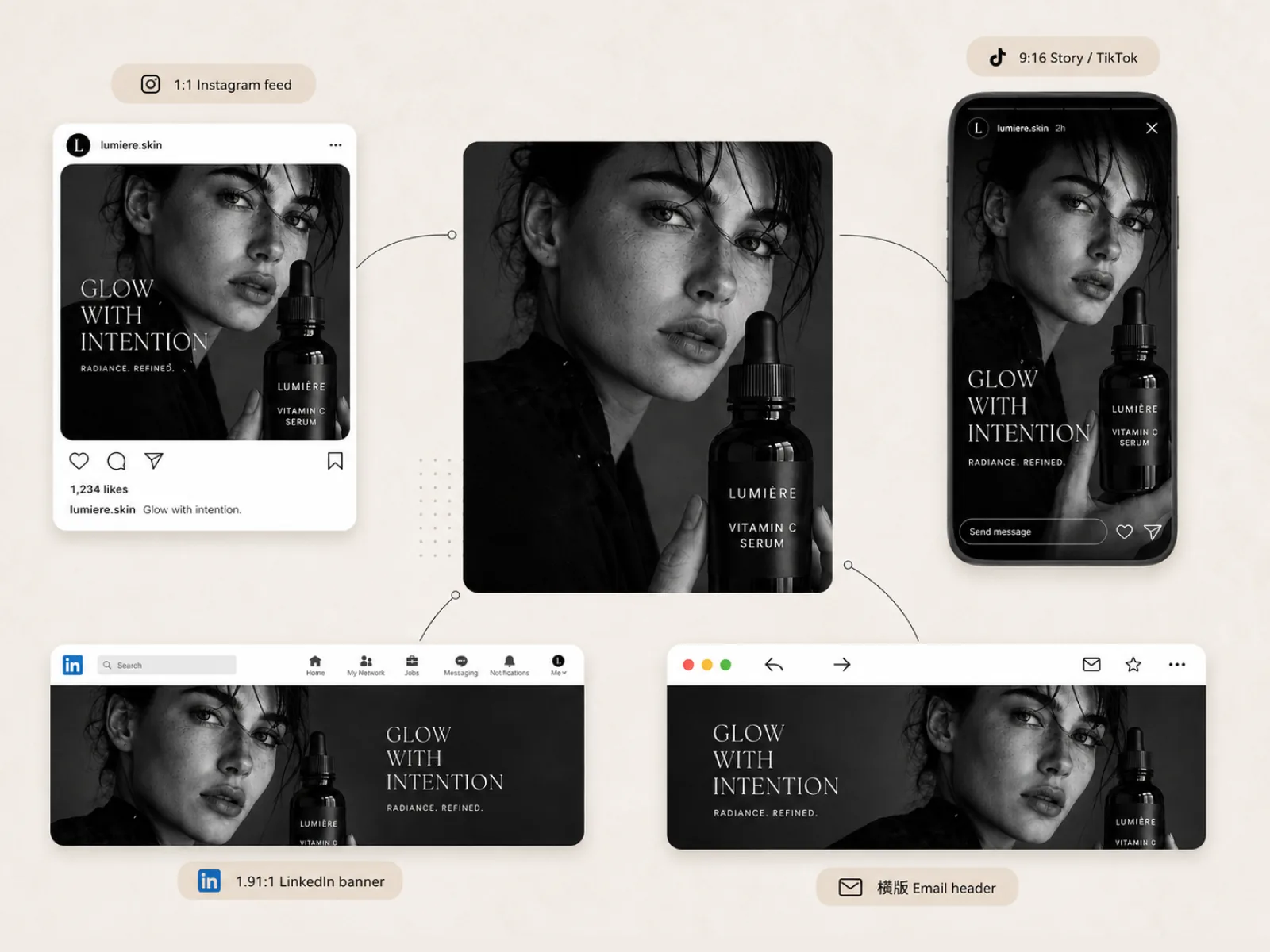
Image Expander adapts the selected direction to every required ratio — 1:1 Instagram feed, 9:16 Story and TikTok, 16:9 YouTube banner, 1.91:1 LinkedIn — without recreating the image per channel. The AI fills extended areas by reading the scene's spatial logic, so expanded versions feel composed rather than stretched. One creative direction, every format, no rebuilding.
Try for free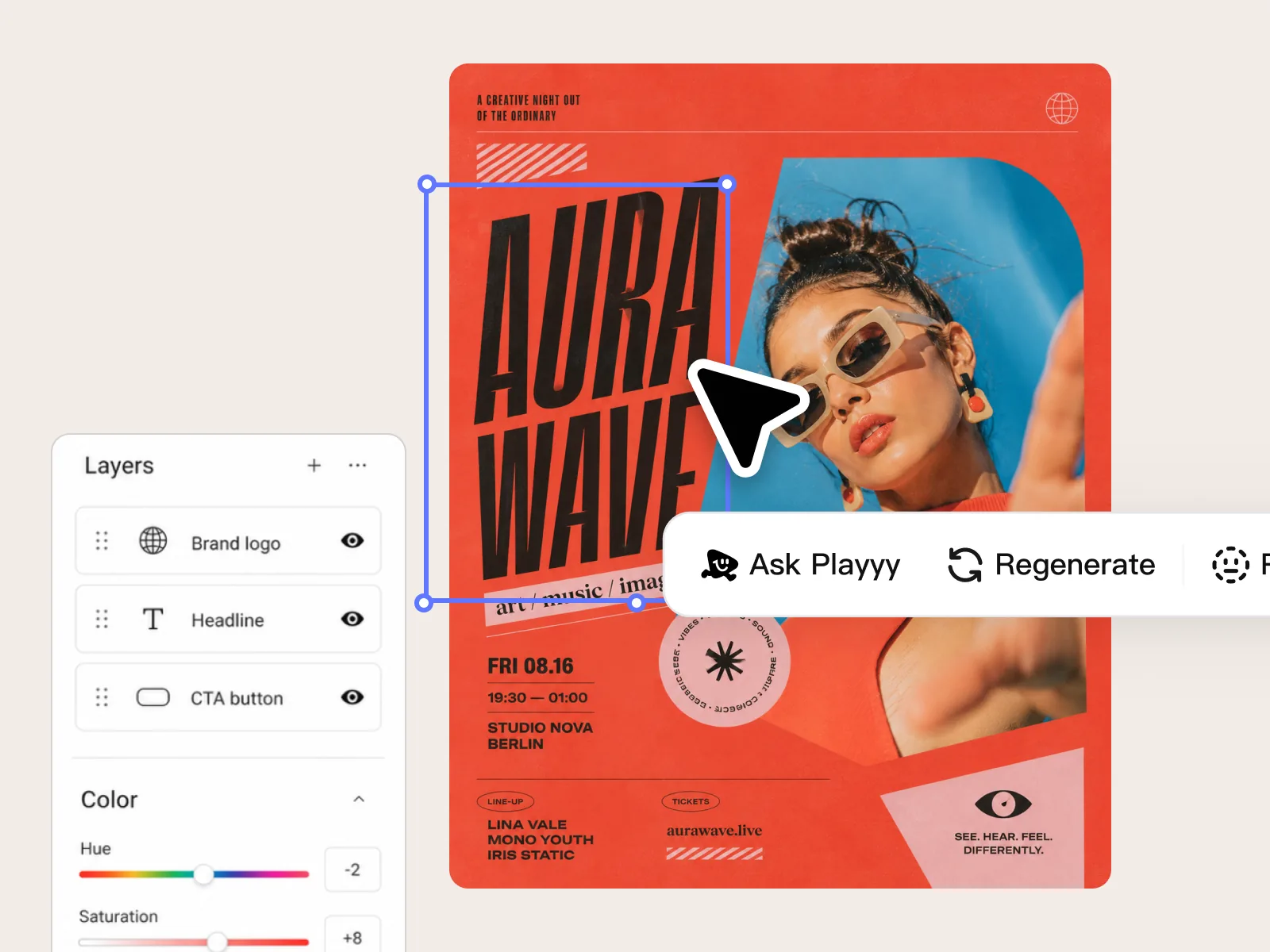
Edit Elements places headline copy, brand colors, CTA text, and product details accurately across each format's composition. Visual Enhancer runs the final resolution and sharpness check before export. This is the judgment layer the campaign needs — not a workaround, the designed last step before anything goes live.
Try for freeDescribe the campaign concept in plain language and Playyy's AI image generator produces photorealistic or illustrated visuals ready for ads, landing pages, and social. No stock library browsing, no licensing negotiations.
Use Image Expander to push a single hero visual into 16:9 for YouTube, 1:1 for Instagram feed, and 9:16 for Stories — without rebuilding the composition. Campaign visuals scale across every placement from one source image.
Playyy's AI image editor lets you swap out elements, adjust backgrounds, and refine details after generation — no need to regenerate from scratch. Object Remover and Inpaint handle specific corrections without touching the rest of the image.
Style Transfer applies the color treatment and visual aesthetic from a reference image to every new creative you generate. Run a whole campaign through the same style filter and every asset looks like it came from the same shoot.
Generate the hero image, expand it to all ratios, place headline copy with Edit Elements, and export every format — social, email header, display banner — without switching tools. A full campaign asset set in one browser session.
Brief an agency and wait two weeks, or describe the campaign and export in an hour. Playyy gives in-house teams the tools to produce commercial-quality campaign visuals without external dependencies.
“Campaigns used to die in the format pass — one concept, then a rebuild for social, display, and email. I brief Playyy once and expand the same visual to every ratio instead of starting over.”

Emily Carter
Growth Marketing Strategist
“When a channel needs a square and a story cut by Friday, I do not have time for a second creative direction. One hero, then Image Expander. The feed stays on-brief without a designer in the loop.”

Sophie Whitmore
Social Media Manager & Brand Content Consultant
“Stakeholder notes used to mean sending the file back. I change the background or the headline in Playyy and ship the same afternoon. The campaign moves at the pace the calendar actually needs.”
Daniel Brooks
Startup Brand & Content Advisor
See how teams are using Playyy to ship better visuals, faster.
A legal-tech startup founder, no designer, 22 YouTube thumbnails — how the startup built a consistent channel identity in one week using Playyy's brand kit.
Daniel Brooks
ChatGPT images buried in chat, no brand kit, no spec control. How a 12-person B2B SaaS team switched workflows and tripled creative output in the same time budget.
 Emily Carter
YouTube channel banner, profile picture, and 4 end-card variants — zero design cost, one afternoon, no designer.
 Luca Moretti
Write the campaign concept once, generate the hero visual, then use Image Expander to push it into every channel ratio — landscape, square, vertical — without rebuilding the layout for each format. What used to require separate files per placement now comes from a single source image. The result is consistent campaign visuals across every surface with no manual resizing.
Playyy's AI image creator produces visuals at the quality level campaigns need — not generic stock aesthetics, but photorealistic scenes built around your specific brief. Style Transfer then locks in the visual treatment so every follow-up asset stays on-brand. There are no per-image fees and no usage license to clear before publishing.
When a stakeholder wants a background change or a different product placement, Inpaint and Object Remover handle it directly in Playyy. Edit Elements lets non-designers add or update headline copy, pricing, and CTAs on any generated image. Revision cycles that used to take days now take minutes.
A single session typically yields 2–3 creative directions, each expanded across 4–6 channel formats, resulting in 10–20 distinct assets. The limiting factor is creative decision-making, not production time. Once a direction is chosen, the format expansion step is fast and does not require rebuilding the original concept.
Yes. Describe your brand's visual characteristics in the brief — color palette, tone, subject treatment, preferred composition style. The AI image generator uses that description as a consistent constraint across all outputs. For tighter control, upload a reference image and use Style Transfer to anchor the aesthetic across the campaign.
YouTube banners require 2560×1440px with a 1546×423px safe zone. LinkedIn link posts use 1.91:1; standard updates use 1:1. Instagram feed ads perform best at 1:1 or 4:5; story and reel placements use 9:16. Image Expander generates all of these from the same source image — no separate crops, no manual resizing between campaign formats.
Yes. An AI image generator produces the base visual — scene, product placement, or campaign concept — that becomes the foundation for print layouts. Edit Elements places the copy, CTA, and brand details. Visual Enhancer brings the output to print resolution (2×–4× upscale), covering standard formats: A4 flyers, A3 posters, and banner sizes. The same creative direction that produced the digital campaign assets supports print without rebuilding the concept.
Yes. Playyy is designed for marketers and content teams who own the campaign brief but not a design resource. Brief the campaign in plain language — audience, mood, channel, objective. The AI image generator produces distinct creative directions from that brief, not generic stock output. The rest of the workflow — channel expansion, copy placement, final resolution pass — follows without design software or creative staff. Agencies use the same tools to go faster; teams without agencies use them to go at all.

Turn any product photo into channel-ready studio imagery — no studio, no reshooting.
Explore workflow
Ecommerce image editing across every SKU — background removal, cleanup, and upscaling that meet marketplace specs.
Explore workflow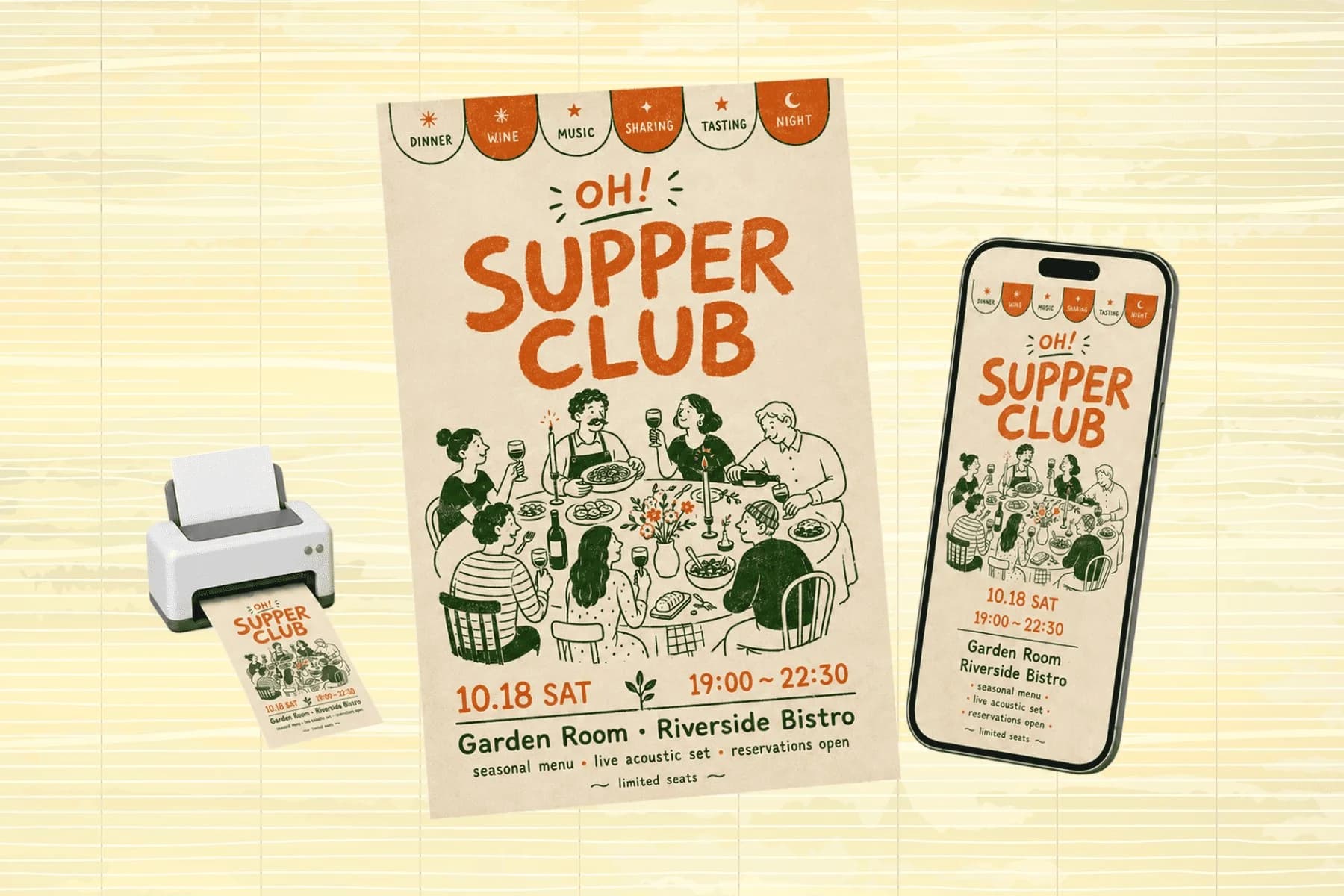
One hero visual, every platform format — YouTube, LinkedIn, Instagram — without manual resizing.
Explore workflowKeep every image on brand, control the final look, and turn campaign ideas into polished assets without waiting on another design cycle.














