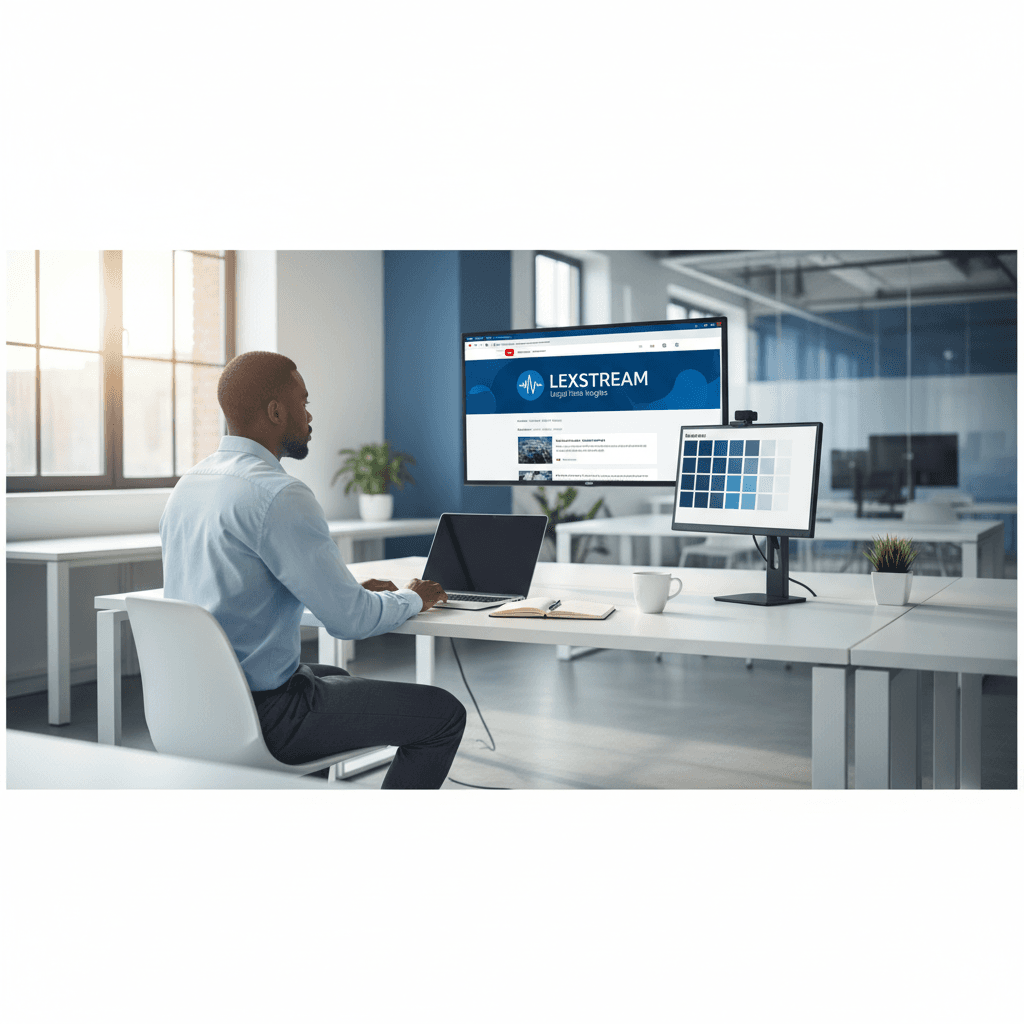
How a Founder Built a YouTube Brand Without a Designer
A legal-tech startup founder, no designer, 22 YouTube thumbnails — how the startup built a consistent channel identity in one week using Playyy's brand kit.
 Daniel Brooks
Generate on-brand marketing creatives with a free AI image generator: social posts, email headers, display ads, and promo images in one session, no design team.
Start creating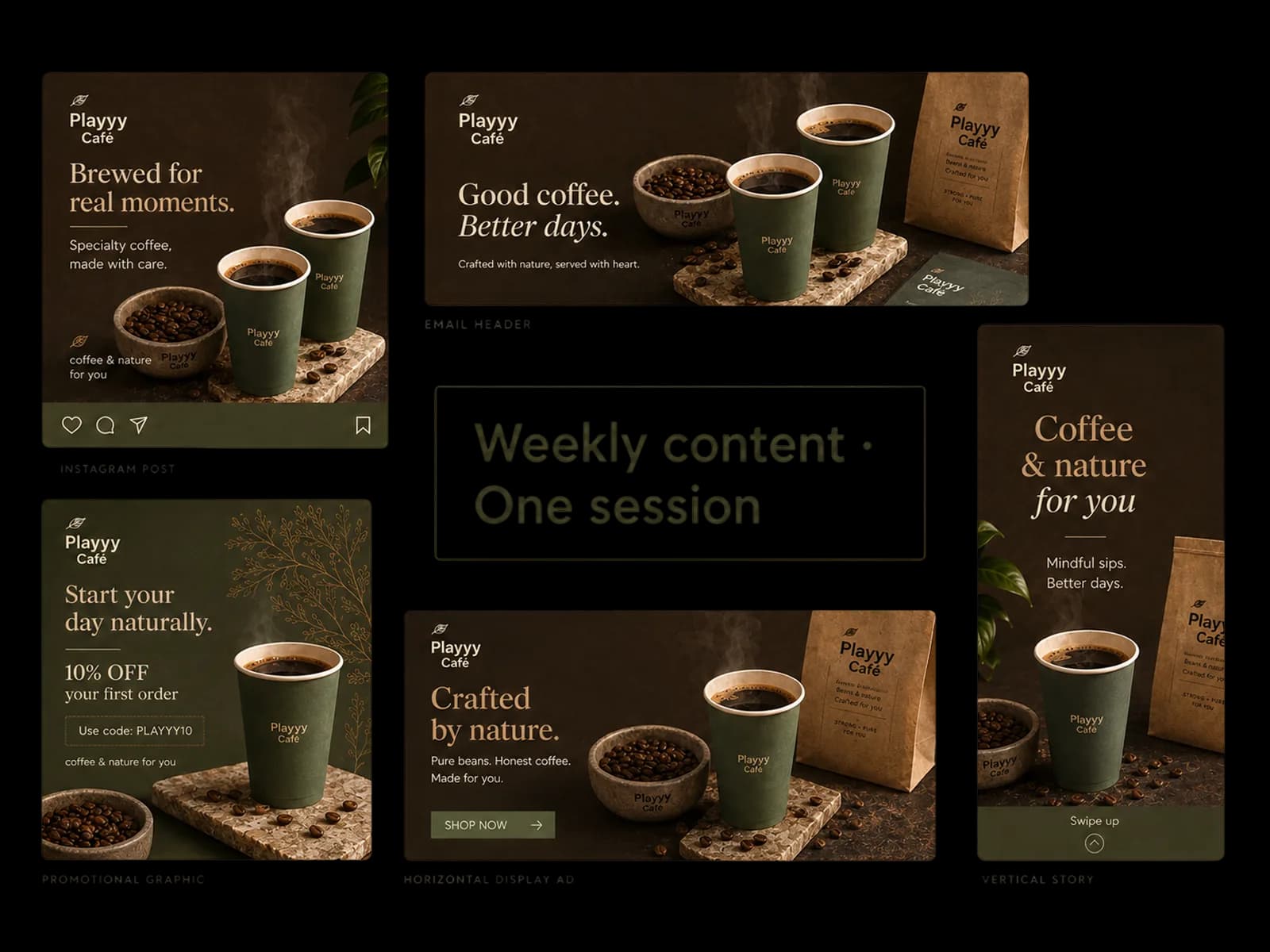
Describe what the content needs to do. The AI image generator produces on-brand options. Place copy, prep resolution, and publish — one session covers a week of content.
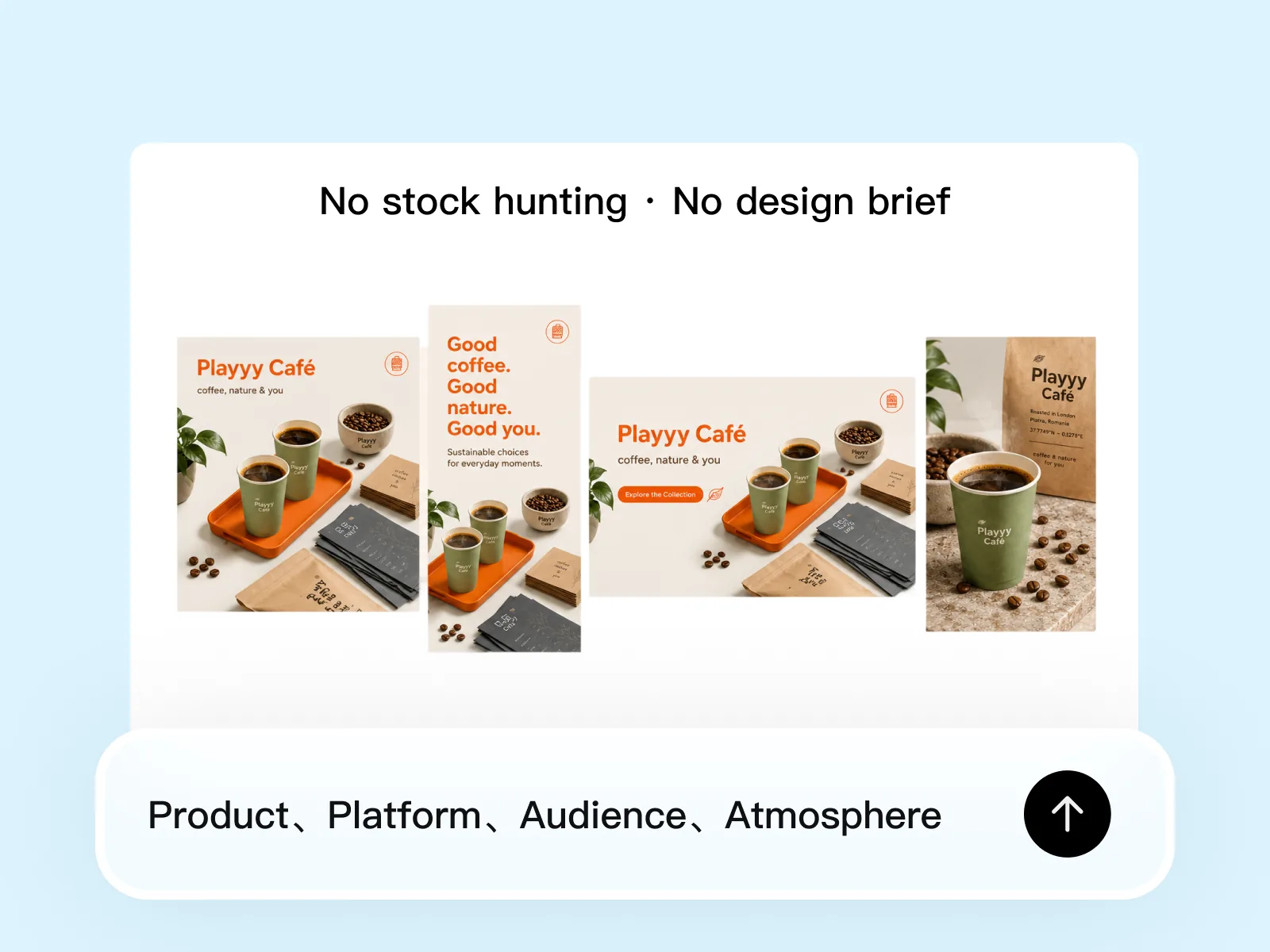
Write what the content needs to do — product, audience, platform, mood. The AI image generator produces multiple options from that plain-language input: promotional images, social post backgrounds, email headers, product-in-context shots. Each output is specific enough to publish or adapt immediately, not a rough starting point that requires design work to finish. Unlike stock libraries, the output matches your exact subject and context rather than approximating it.
Try for free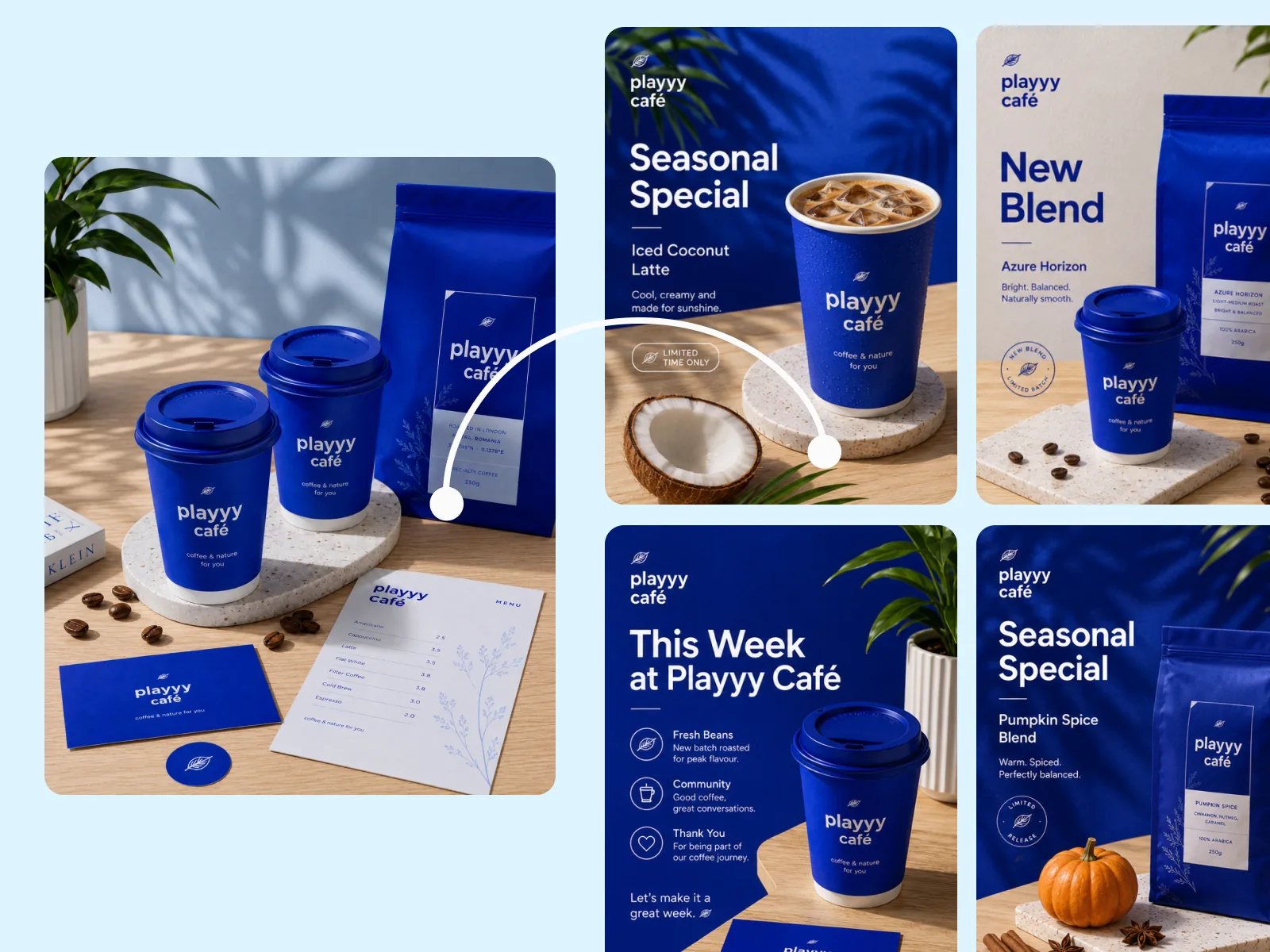
Style Transfer anchors new content to your approved visual aesthetic. Upload a reference image from your feed, a past campaign, or an approved asset — the free AI image generator applies that aesthetic to new subjects and contexts without copying the original. Your seasonal promotion, new product announcement, and weekly social post all look like they belong to the same brand, without manually recreating the visual rules each session. Teams without a documented brand style guide can use a single reference image as the style guide.
Try for free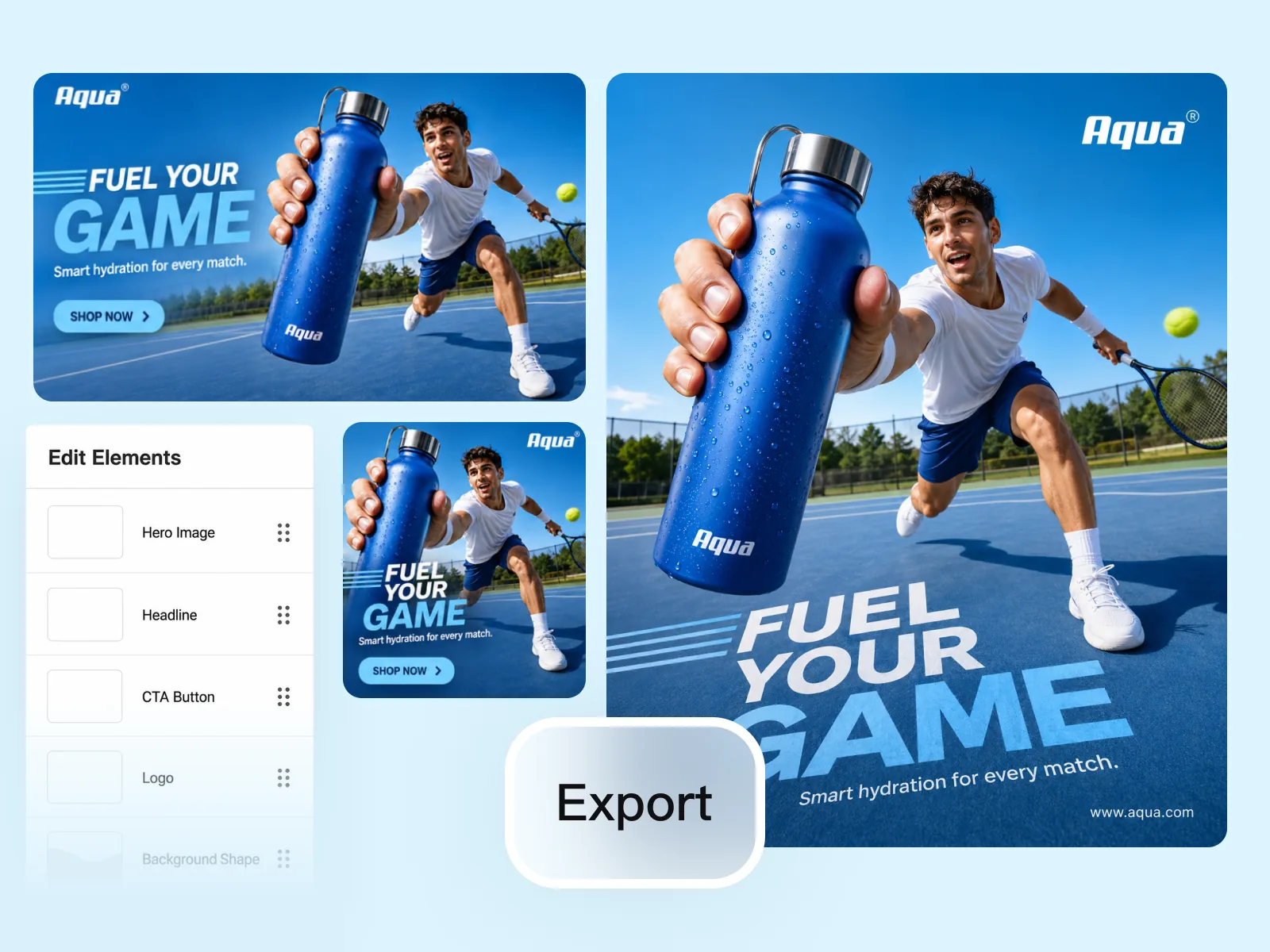
Edit Elements places headlines, CTAs, pricing, and product details accurately within the image composition. Visual Enhancer brings the output to platform-ready resolution — right dimensions for Instagram feed, email header width, or display ad spec. The same session that generated the base image finishes with a publish-ready creative. A full week of marketing content — social posts, email headers, and display ads — can come out of one working session without switching tools or exporting to a separate design workflow.
Try for freeDescribe the marketing visual in plain language — product in use, aspirational lifestyle, abstract concept — and Playyy's free AI image generator produces it at commercial quality. No prompt engineering required to get marketing-ready output.
Upload a reference image that represents the brand aesthetic and Style Transfer applies that visual treatment to every new creative generated in the session. Color grading, lighting character, and compositional style carry across the full asset set automatically.
Use Edit Elements to add headlines, CTAs, pricing callouts, and legal text directly onto any generated image — no need to export and finish in a separate design tool.
Generate the hero creative, apply brand style, expand to all channel ratios, place copy, and export social posts, email headers, and display ads in parallel. Marketing creatives that span a full content calendar come out of one focused session.
Image Expander pushes the source creative into 1:1 for Instagram feed, 16:9 for email headers, 300×250 for display ads, and 9:16 for Stories — without rebuilding the layout for each.
Marketing teams without a dedicated designer produce the same output as teams with one. Generate, edit, and export publish-ready marketing creatives entirely in the browser — no Photoshop, no Illustrator, no design background required.
“We spent more time hunting images than making ads. I describe the gap in Playyy, place the headline, and export at the platform size. A content hole that used to wait on design closes the same day.”

Emily Carter
Growth Marketing Strategist
“Email, social, and a display unit used to mean three stock searches. One on-brand generator pass covers the week, and Style Transfer keeps the set from looking like it came from four libraries.”

Sophie Whitmore
Social Media Manager & Brand Content Consultant
“Stock is fast until it is off-brand. Playyy lets me generate from a reference look, then edit the copy in place. The creatives feel directed, not licensed.”
Claire Dubois
Creative Director & Brand Aesthetic Consultant
See how teams are using Playyy to ship better visuals, faster.
A legal-tech startup founder, no designer, 22 YouTube thumbnails — how the startup built a consistent channel identity in one week using Playyy's brand kit.
Daniel Brooks
ChatGPT images buried in chat, no brand kit, no spec control. How a 12-person B2B SaaS team switched workflows and tripled creative output in the same time budget.
 Emily Carter
YouTube channel banner, profile picture, and 4 end-card variants — zero design cost, one afternoon, no designer.
 Luca Moretti
Identify the missing creative, describe it to Playyy's AI image generator, place the headline with Edit Elements, expand to every channel ratio, and export — all without leaving the tool. The workflow that used to span a brief, a designer, two rounds of revisions, and a handoff now runs in a single browser session. Marketing teams close content gaps the same day they're identified.
Style Transfer functions as a living style guide — upload one on-brand reference image and every marketing creative generated afterward inherits the same color treatment, lighting, and aesthetic. There's no need to document hex codes or lighting ratios; the visual reference does the work. The result is a consistent set of marketing creatives that looks coordinated across every channel, even when produced by different team members.
Stock libraries charge per image and restrict commercial use on lower tiers. Playyy's free AI image generator produces visuals you own and can publish anywhere — ads, packaging, campaigns — with no per-image fee and no usage license to track. Teams that previously spent budget on stock photography redirect that toward other production costs.
Marketing creatives are the ongoing output — the weekly social post, the promotional email header, the display ad refreshed for a new product or season. Campaign visual creation is a structured project: one brief, a creative direction decision, and a defined set of deliverables expanded across every channel format before a launch date. Playyy supports both. Use the AI image generator to keep channels fed with fresh, brand-consistent content week to week. Run the full campaign workflow — brief to direction to multi-format expansion — when you're producing a defined campaign from scratch.
Playyy's AI image generator is free to start — no credit card required to generate marketing images. The free tier covers social posts, email headers, and promotional images at quality standards that meet paid advertising platform requirements. For higher output volume, additional resolution passes, and priority generation, paid plans are available. Generated assets work across Meta, Google Display, LinkedIn, and TikTok ad formats.
Upload a reference image that represents your brand's visual aesthetic — a past post, an approved campaign asset, or a product photo that captures the look you want. Style Transfer reads the visual language of that reference and applies it to new subjects and contexts. New promotional images inherit the color relationships, composition style, and lighting treatment of the reference without reusing the original image. This works without a documented brand style guide — the reference image functions as the guide.
Yes. One AI image generator session can produce assets for multiple channel needs. Generate the base image, then adjust the output format and composition for each placement — square for Instagram feed, horizontal for email header, standard display ad dimensions. Edit Elements places the channel-specific copy and CTA for each. Visual Enhancer exports at the resolution each platform requires. The same creative direction produces channel-specific assets without rebuilding the concept or opening design software.
A single session typically covers a full week of marketing content — 5–10 distinct images across social, email, and display. The limiting factor is the number of content briefs you're working through, not generation speed. Unlike design software where each image is a separate project, one AI image generator session handles multiple content types from the same starting direction. Teams producing content across multiple product lines or audience segments can run sessions in parallel.
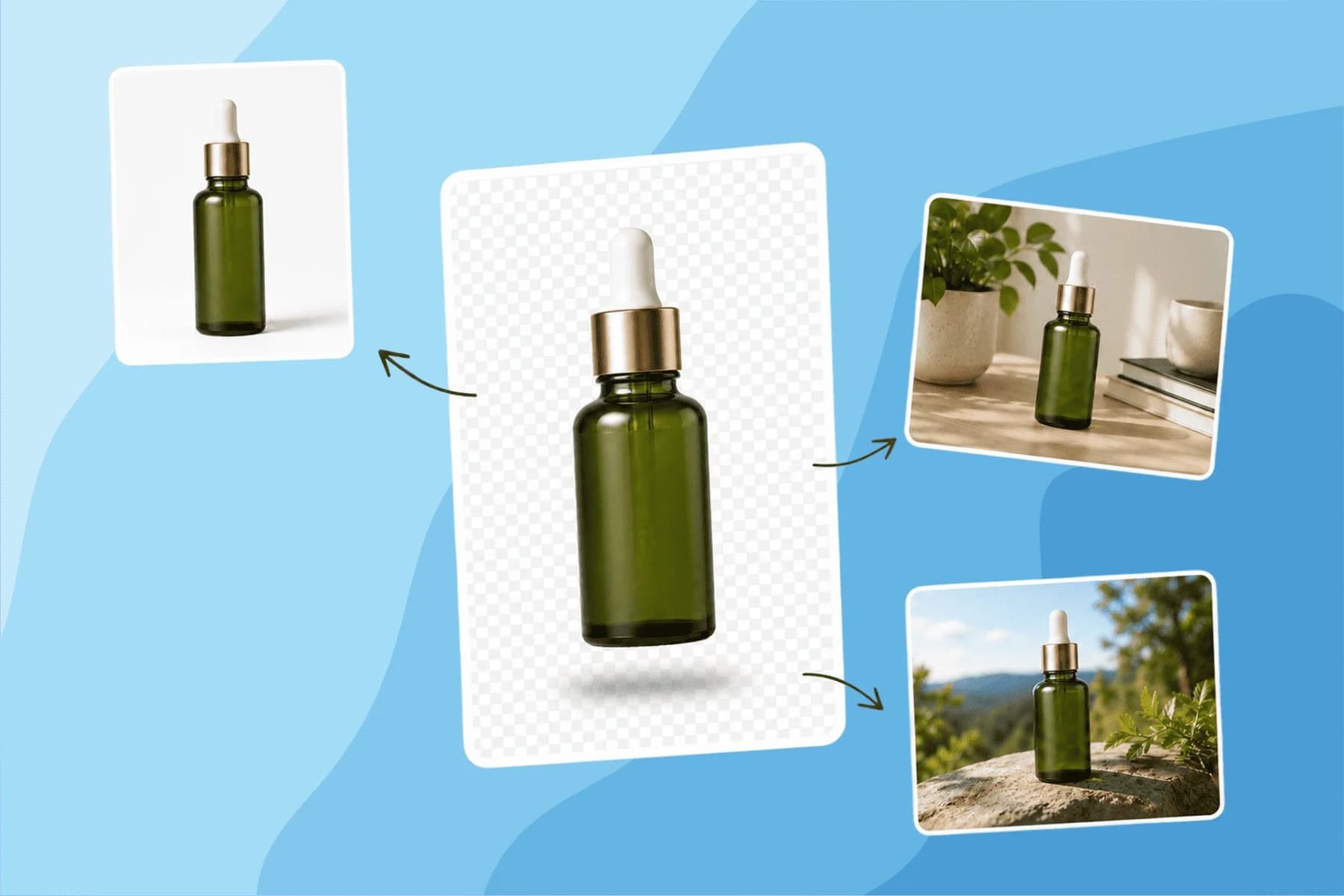
Turn any product photo into channel-ready studio imagery — no studio, no reshooting.
Explore workflow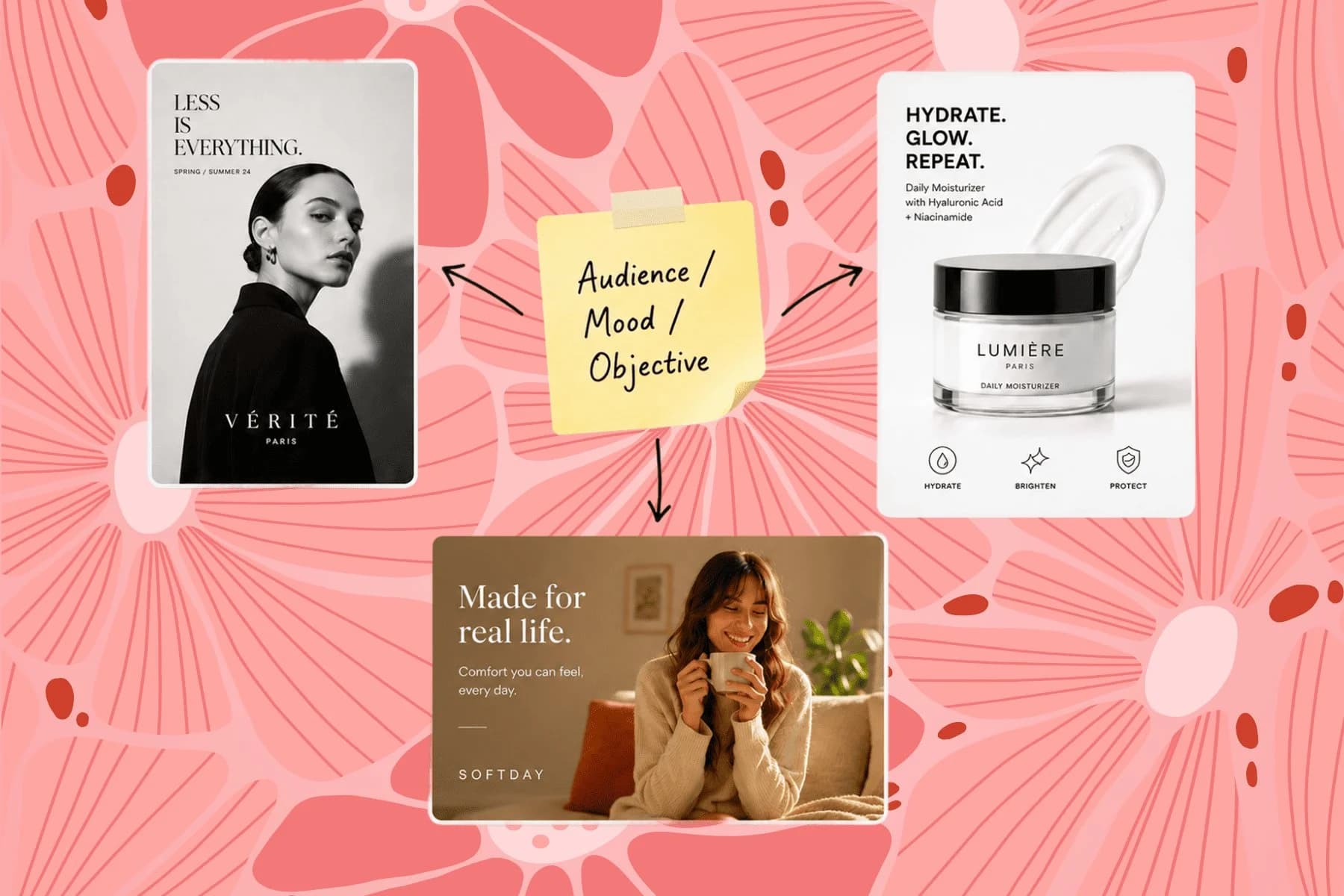
From one campaign brief to every channel asset — AI image generator, creator, and editor in one workflow.
Explore workflow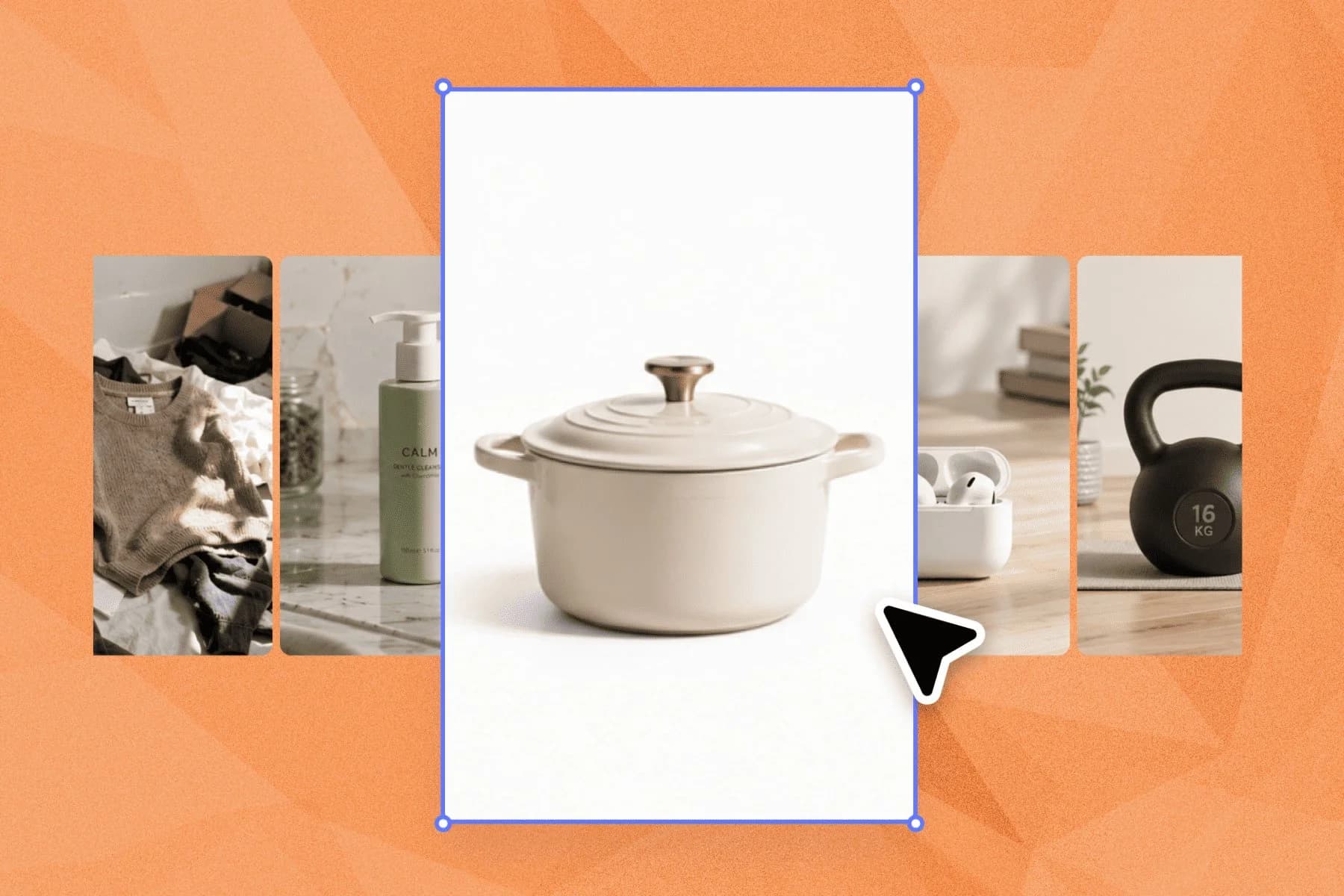
Ecommerce image editing across every SKU — background removal, cleanup, and upscaling that meet marketplace specs.
Explore workflowKeep every image on brand, control the final look, and turn campaign ideas into polished assets without waiting on another design cycle.














