Launch Visuals for Creators and Indie Makers Without a Design Team
From brand identity direction to a complete launch kit — without hiring a designer or an agency.
Explore workflowDescribe the graphic you want and get print-ready t-shirt artwork in seconds — download it as a vector SVG or a transparent PNG and send it straight to any print shop
Most t-shirt tools hand you a template and a clipart library and leave the drawing to you. This one starts from a sentence and ends with a file your printer accepts.
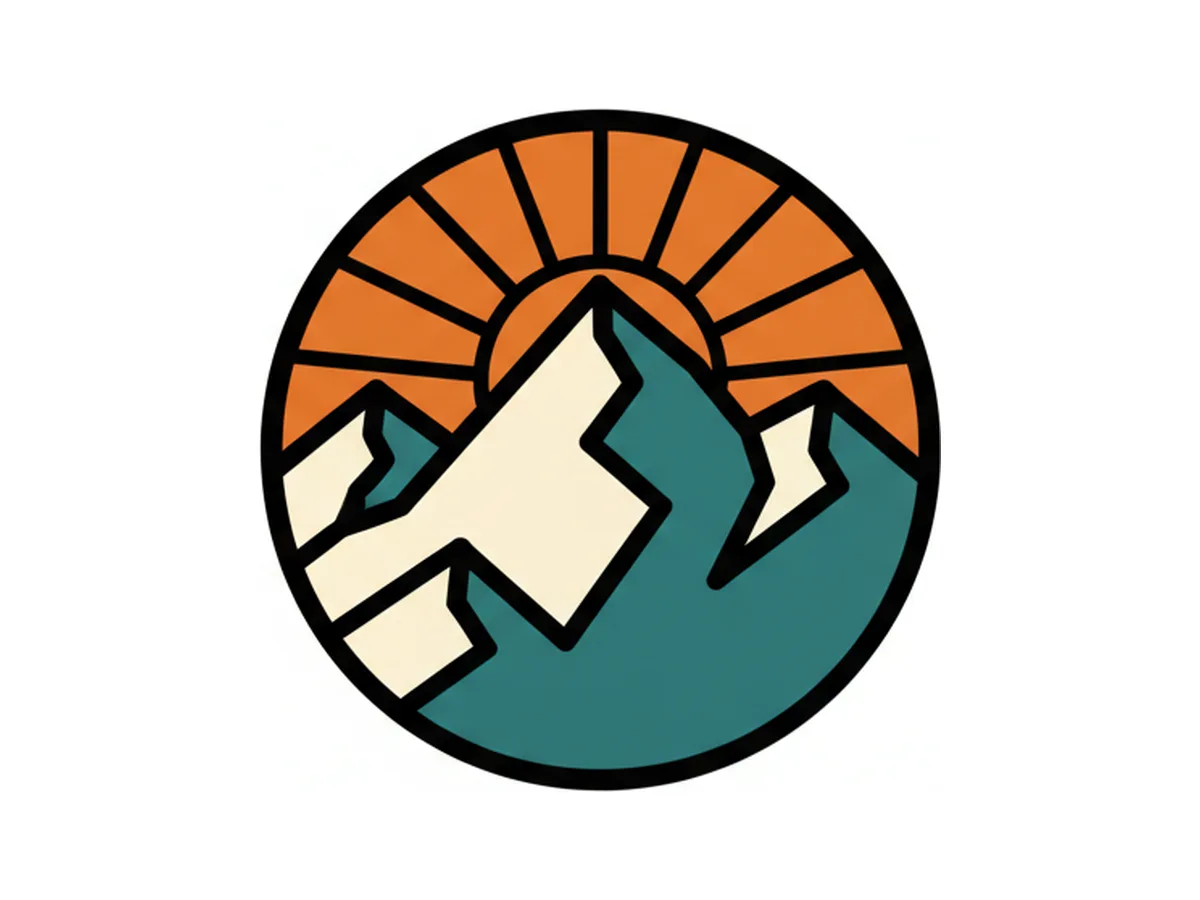
Type what you want on the shirt — a retro sunset badge, a monoline skate illustration, a bold slogan lockup — and the AI draws it. No template to fill in, no clipart to hunt through, no tracing someone else's design. Ask for a different colorway, a heavier line weight, or a vertical version, and it redraws rather than restarting.
Try for free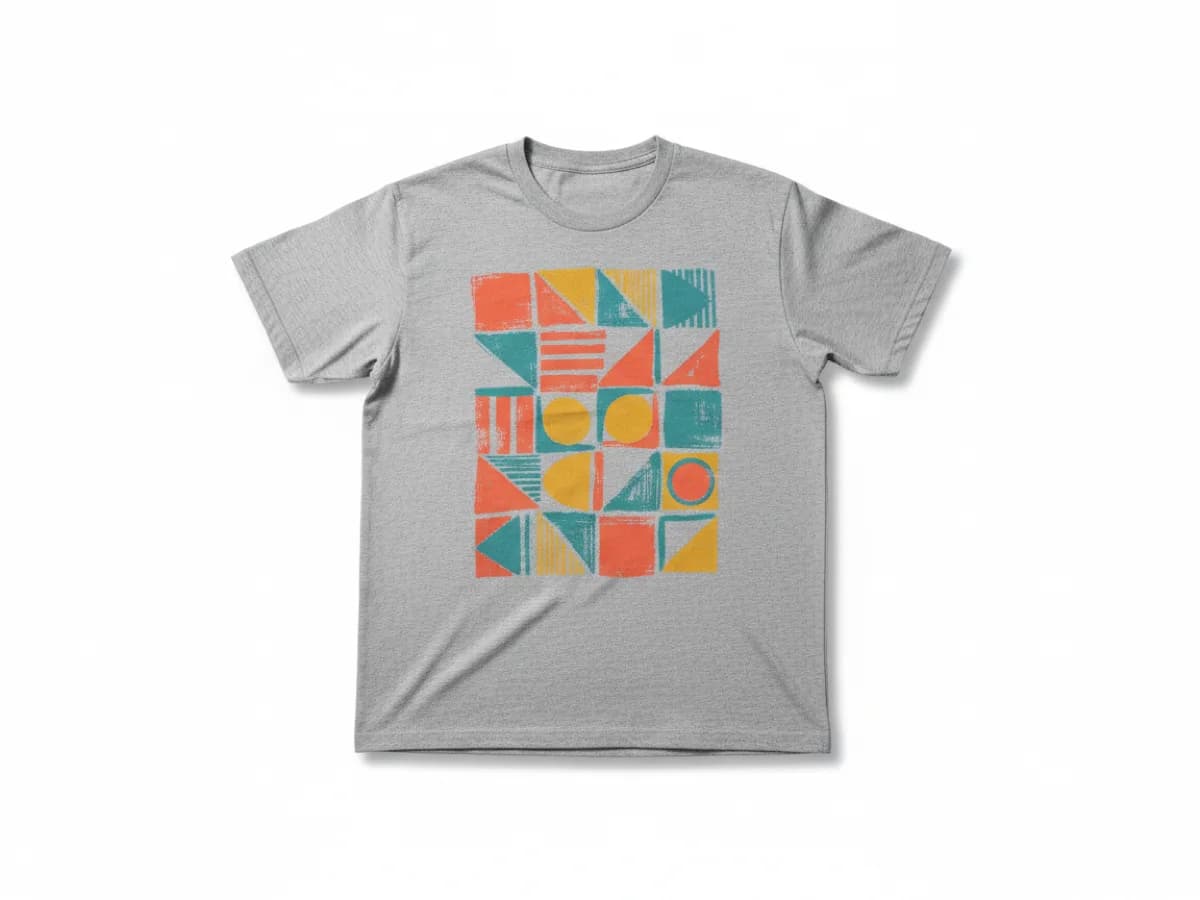
Drop the artwork onto a shirt and check the things that only show up in context: how the graphic sits against heather gray versus black, whether the print is too wide for a small, whether the linework survives at chest-hit size. Generate the mockup from the same design file, so what you review is what gets printed.
Try for free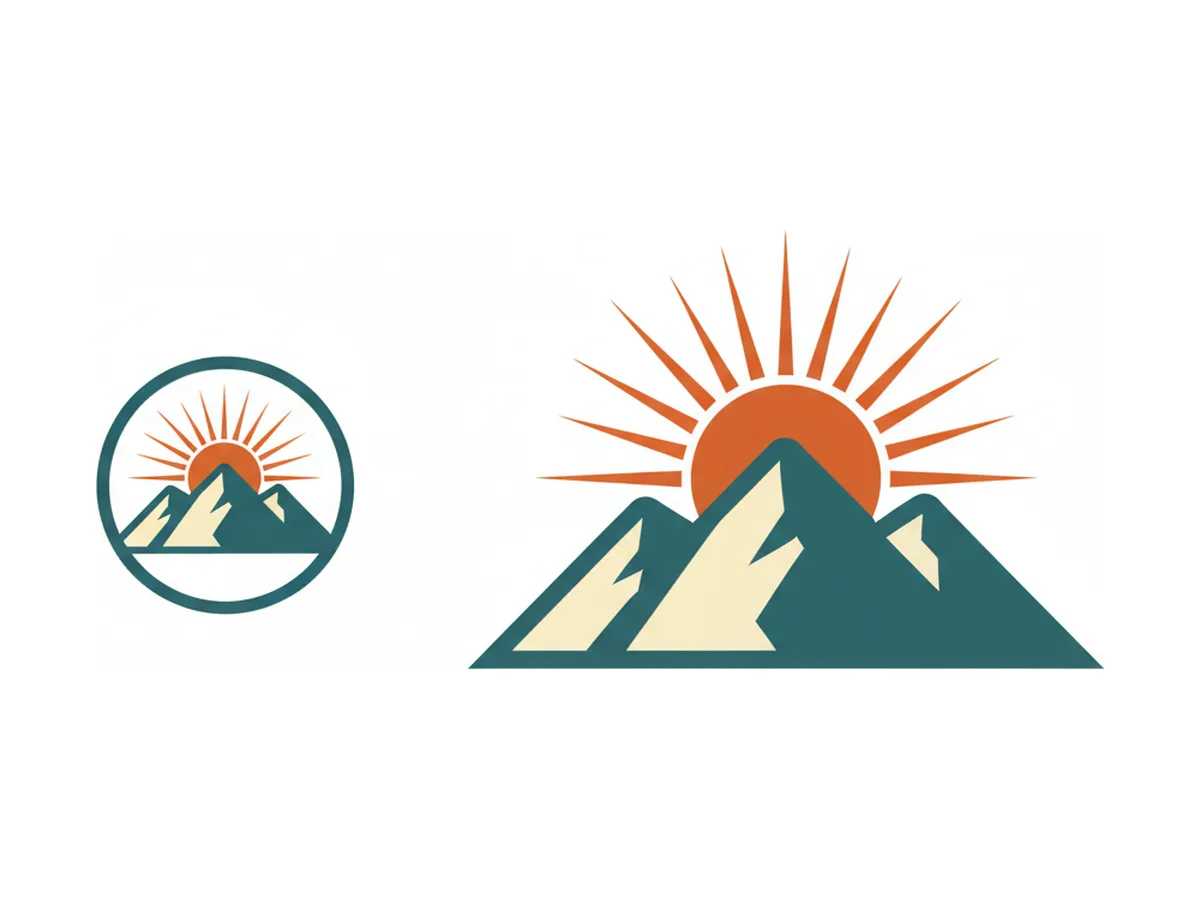
Download the design as an SVG and it stays sharp at any size — a left-chest print and a full-front print come from the same file, with no reprocessing and no soft edges. Need raster instead? Export a transparent PNG for DTG and print-on-demand uploads. Both drop straight into Printful, Printify, Gelato, or your local screen printer.
Try for freeDesign ready? See it on a real shirt. Open the t-shirt mockup generator
Describe the graphic in plain language and get original artwork back — no template to start from and no stock library to license.
Vintage badges, single-line illustration, streetwear graphics, minimalist type lockups, distressed screen-print looks — ask for the style by name.
Export vector for screen printing and vinyl, or a transparent PNG for DTG and print-on-demand uploads.
Recolor a design for light and dark garments while keeping the linework and composition identical across the set.
Resize the same artwork for a left-chest hit, a full-front print, or a back print without it going soft at the larger size.
Put the finished design on a shirt to review scale and contrast before committing to a print run.
Template editors give you shapes and fonts and leave the design to you. Here the AI produces the artwork itself, so you can start from an idea rather than from someone else's layout.
A vector SVG carries no resolution ceiling, so the file that looks right on your screen is the same file that holds up at 14 inches wide on a press.
Colorways, line weights, and placements are all cheap to try. The expensive part of a t-shirt is the print run, so the exploring should happen first.
From brand identity direction to a complete launch kit — without hiring a designer or an agency.
Explore workflow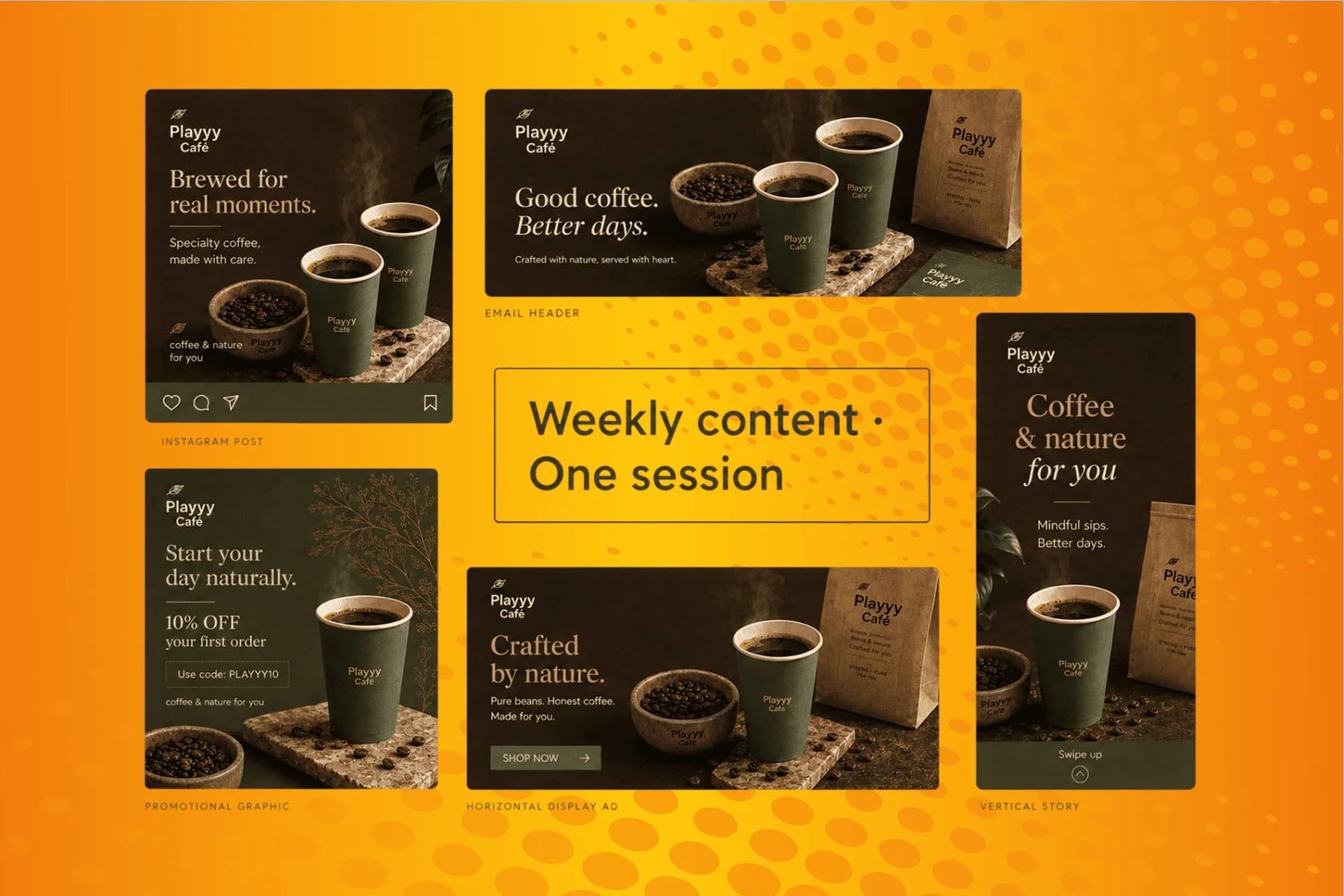
From content gap to publish-ready creative — AI image generator, brand style matching, and copy placement in one session.
Explore workflowDescribe the graphic you want — the subject, the style, and the colors — and generate it. Creating and previewing designs is free; you sign in to export the print-ready SVG or transparent PNG.
It can generate an image of a design, but the output is a raster picture at a fixed resolution, usually with a background baked in. For printing you need a transparent cutout or a vector file that scales to the press size. This tool generates the artwork and exports it as an SVG or transparent PNG, which is the part a general chatbot leaves you to solve.
It depends on what you already have. If you want to arrange existing clipart and fonts, a template editor like Canva is quicker. If you want original artwork from a description and a file that goes straight to a printer, an AI generator with vector export fits better. The practical test is what file you can download at the end, not how many templates are on the front page.
Yes. Designs you generate are yours to use commercially, including on Etsy, Shopify, Amazon Merch, and print-on-demand platforms. Avoid prompting for real brands, logos, or copyrighted characters — those raise the same rights problems they would in any other tool.
Most DTG and print-on-demand services want a transparent PNG at print dimensions; screen printers and vinyl cutters usually prefer vector. Export the SVG for the second case and the transparent PNG for the first — both come from the same design, so you don't have to choose up front.
As an SVG, yes — vector artwork has no fixed pixel size, so a 3-inch chest print and a 14-inch full-front print are the same file. For raster exports, generate at the larger placement size rather than scaling up a small PNG after the fact.
Yes, and it's worth being specific: give the exact wording you want, plus the feel you're after — condensed and athletic, hand-lettered, stacked and centered. Check the spelling on the result before you export, the same as you would with any generated artwork.
See how teams are using Playyy to ship better visuals, faster.

Phone photos, an AI photo editor, and a clear brand vision — how one indie maker's first launch looked like a studio produced it.
 Minji Park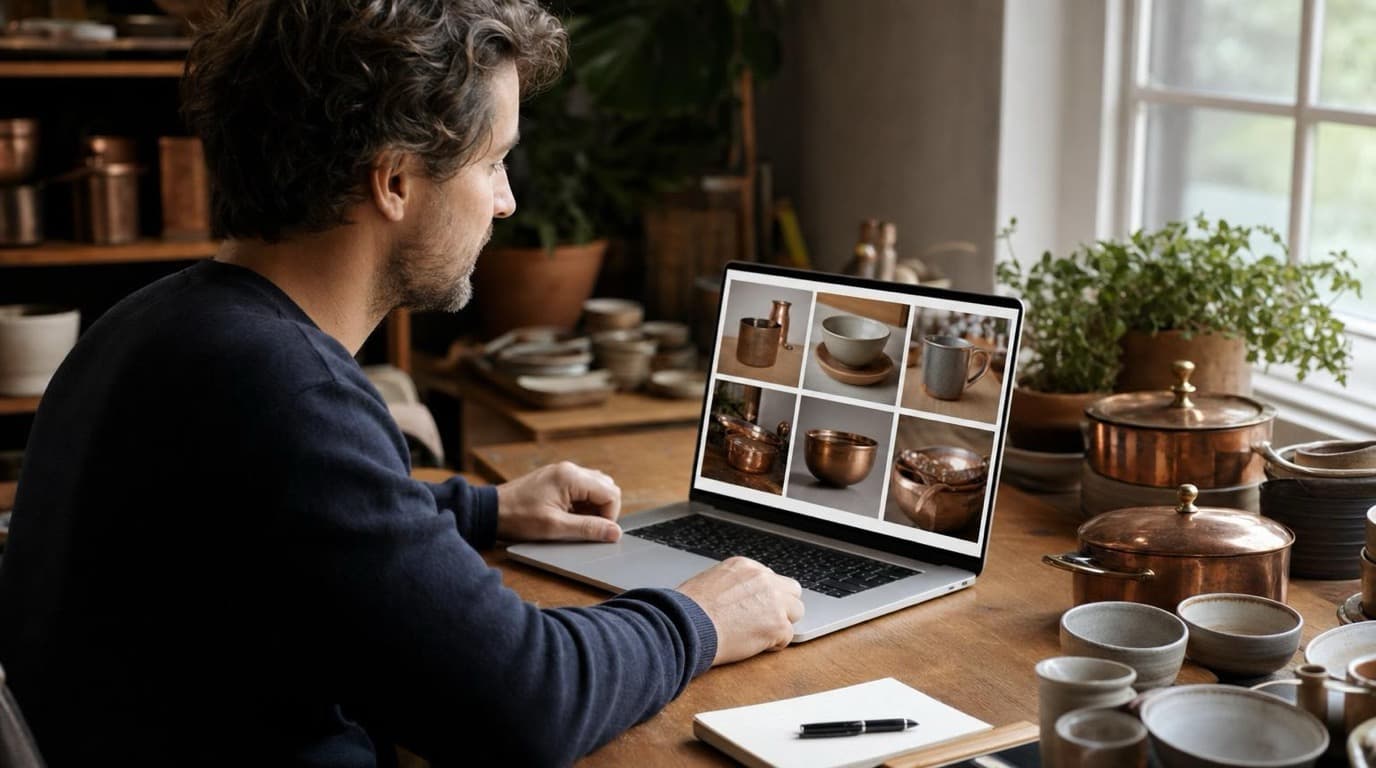
A 300-SKU Shopify founder cancelled $800/year in Adobe CC and upscaler subscriptions after switching to Playyy for background removal, object cleanup, and AI lifestyle images.
 James Walker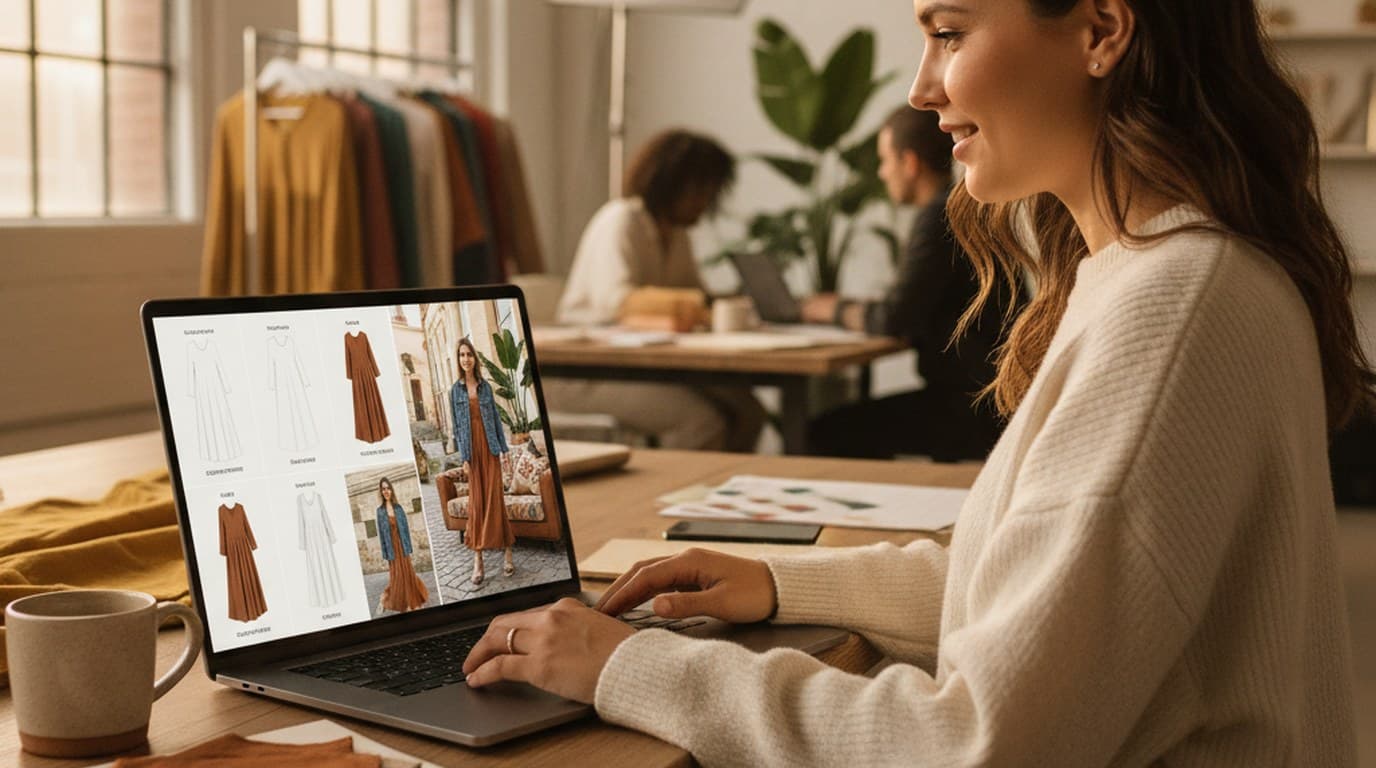
Sixty lifestyle images, three days, no studio. How one Shopify brand cut product shoot costs by 80% using AI photo editing.
James WalkerKeep every image on brand, control the final look, and turn campaign ideas into polished assets without waiting on another design cycle.














