
Ecommerce Product Photo Editing: Amazon & Shopify
Ecommerce image editing across every SKU — background removal, cleanup, and upscaling that meet marketplace specs.
Explore workflowPut your design on real t-shirt mockup photos, place and scale the print, change the shirt color, and export listing images for your store
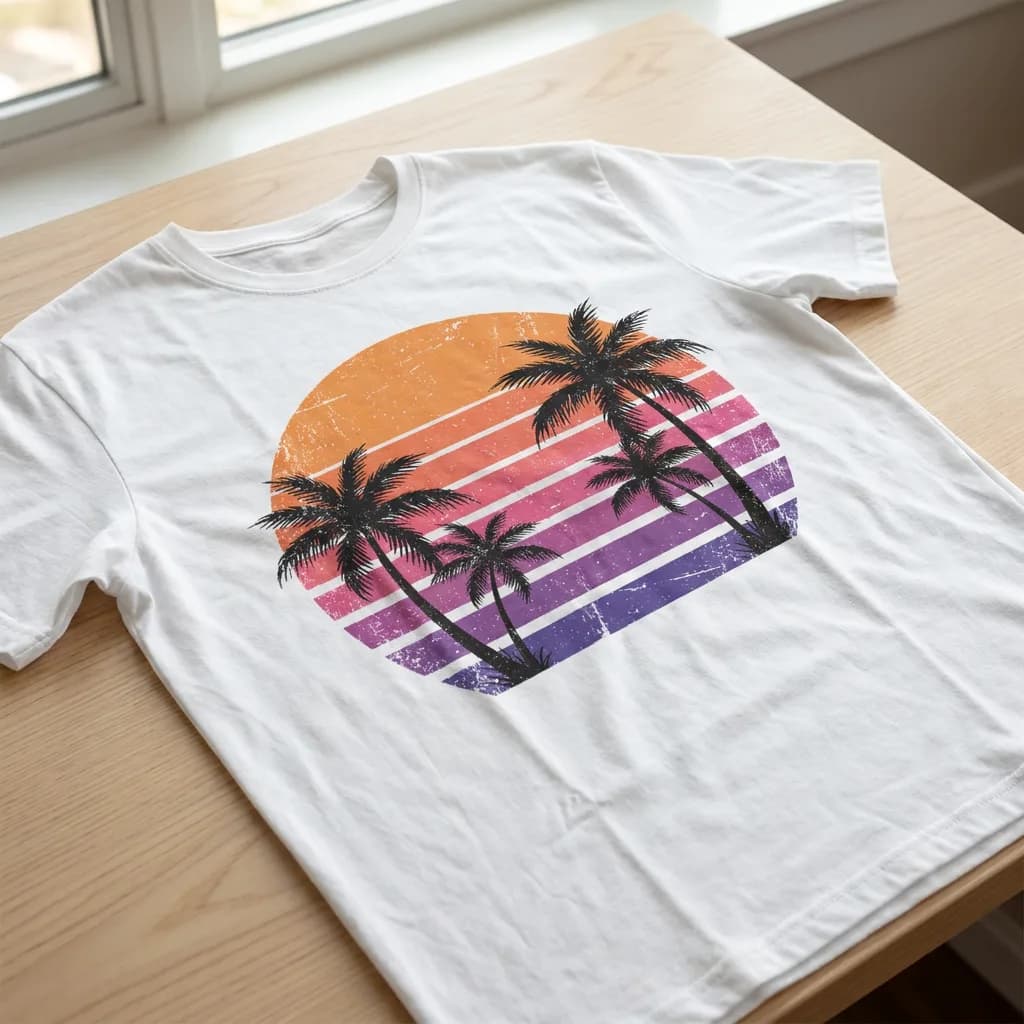
Upload your design in the box above to see it on every t-shirt at once, pick one to place, scale and recolor the print, then download the PNG or open it in Playyy.
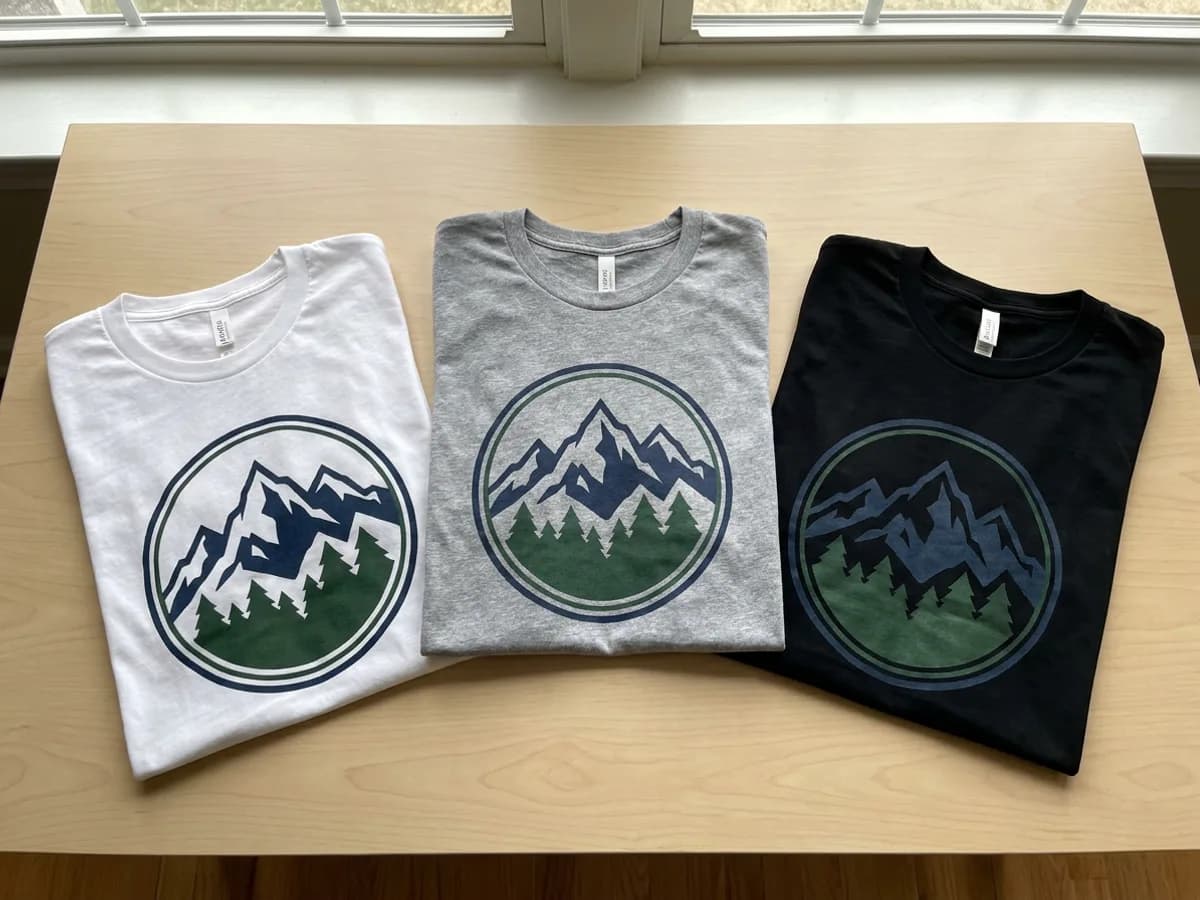
The Mockups panel in the Playyy editor (Elements → Mockups) holds dozens of t-shirt mockup photos. Insert one, then drop your design onto it, or drag an image that is already on the canvas onto the shirt. The fabric folds and wrinkles show through the print, so a mountain badge on a white, heather gray or black tee reads as a real printed garment. Put several mockups on one page and you can compare colorways side by side before you pick the ones to sell.
Try for free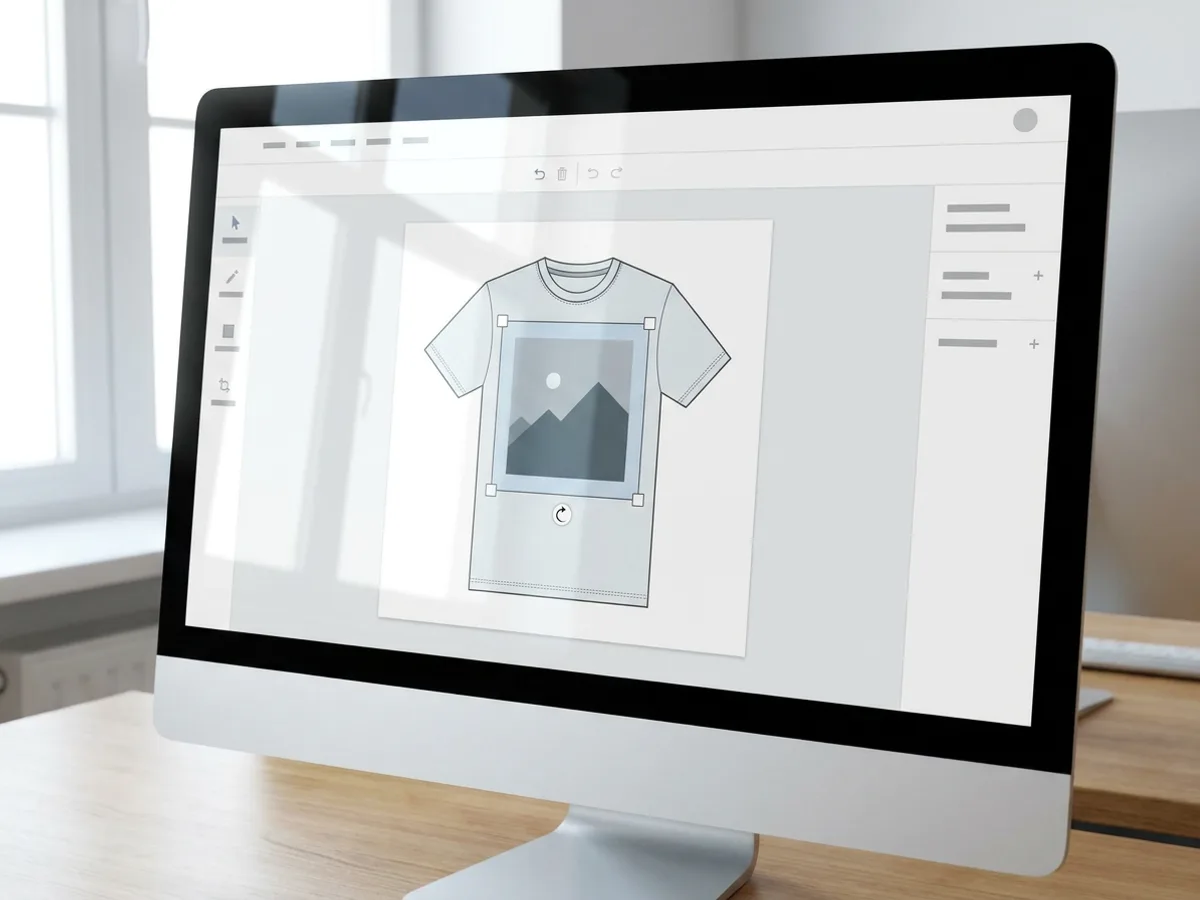
Double-click the mockup to place the print. Drag the graphic to move it, pull a corner handle to scale it, and use the top handle to rotate it. The Print size menu gives you two quick starting points: Recommended size for a balanced placement, or Fill print area to cover the whole printable zone. Change the shirt color with the color picker and the folds, wrinkles and shadows stay in place while your print stays exactly as you designed it.
Try for free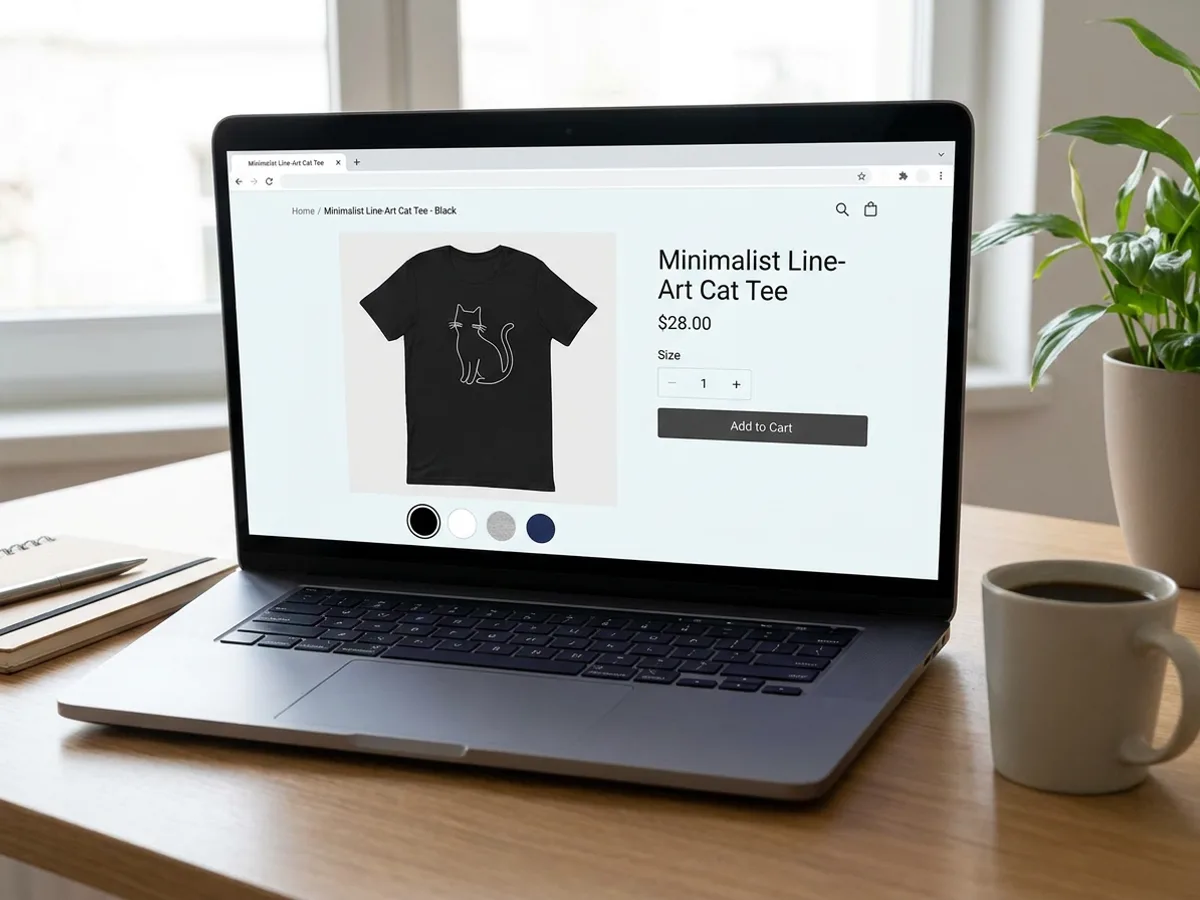
When the mockup looks right, export it as PNG or JPG for product listings, or as a PDF for proofs and approvals. Several images download together as a ZIP, which keeps a full set of colorways in one file. A black tee with a line-art cat print becomes the main listing photo, with the white and gray versions behind the color swatches. Mockups render the same in Playyy presentations and published sites, so your launch page and store share one set of shots.
Try for freeStill need the artwork? Generate it with the t-shirt design generator
Choose from dozens of real t-shirt mockups in the Mockups panel, with sweatshirts and hoodies alongside.
Drop your artwork onto a mockup, or drag an image from the canvas straight onto the shirt.
Drag to move, pull corners to scale, and use the top handle to rotate the print.
Change the tee color while folds, wrinkles and shadows stay realistic and the print stays untouched.
Lay out several mockups together to show every shirt color at once.
Export store-ready images, with several images bundled as a ZIP, or a PDF for proofs.
Every mockup starts from a photo of an actual t-shirt. Your design picks up the folds and shadows of the garment, so shoppers see a believable product.
Placement, recoloring and export all happen in the Playyy editor. You go straight from artwork to listing images in a single tab.
Create the graphic with the AI t-shirt design generator, then drop it onto a tee in the same editor. The whole path from idea to store photo lives in one place.
Ecommerce image editing across every SKU — background removal, cleanup, and upscaling that meet marketplace specs.
Explore workflow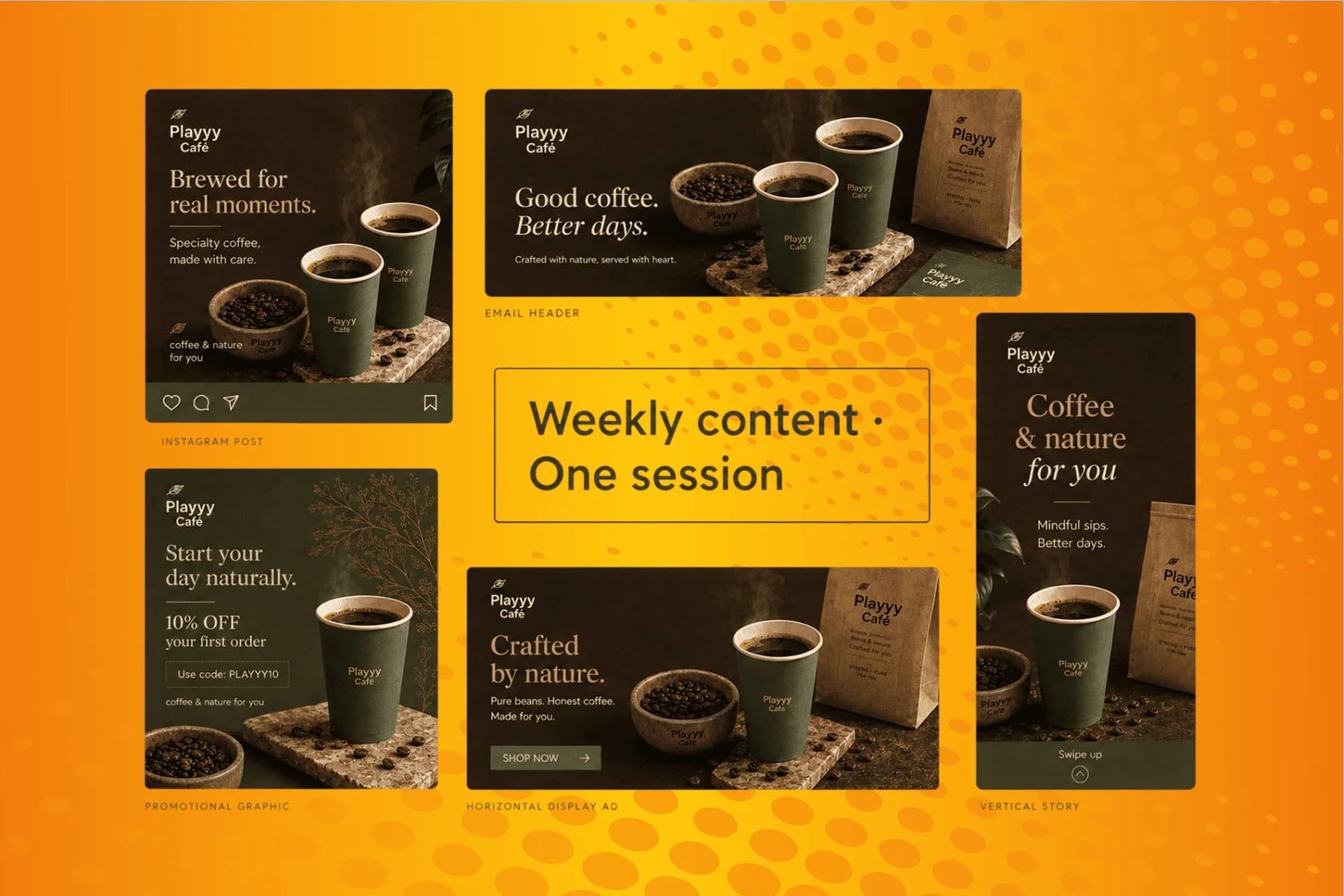
From content gap to publish-ready creative — AI image generator, brand style matching, and copy placement in one session.
Explore workflowOpen the Playyy editor and go to Elements → Mockups. Insert a t-shirt, then drop your design onto it or drag an image from the canvas onto the shirt. Double-click to place the print, drag to move it, pull a corner to scale and use the top handle to rotate. Pick a shirt color, then export the mockup as PNG, JPG or PDF.
Yes. Uploading your design, previewing it on every t-shirt and placing and recoloring the print all run free in your browser, so you can try it before signing up. A free Playyy account downloads the mockup as a PNG at the template's full size, or opens it in Playyy to keep editing next to your other designs.
Yes. Select the mockup and use the color picker to change the shirt color. The folds, wrinkles and shadows stay in place, so the tee keeps its real fabric look, and your print stays exactly as you placed it. Add a few mockups to one page to show white, heather gray, black and any other colorway together.
Use the Print size menu for a fast start. Recommended size gives a balanced placement on the chest, and Fill print area stretches the design to cover the full printable zone. From there you can fine-tune by dragging the corner handles. Upload your artwork at a good resolution so the print looks sharp in the exported image.
Yes. The mockups you make are yours to use commercially, including product listings on Etsy, Shopify and print-on-demand stores. Export PNG or JPG images sized for your listings, and use the same mockups in launch pages and presentations. Make sure the artwork itself is yours to sell.
You can export PNG or JPG at 1x or 2x, and several images download together as a ZIP. PDF export works well for sharing proofs and approvals. Mockups also render the same inside Playyy presentations and published sites, so one set of shirt images covers your store, your launch page and your pitch.
Playyy handles the whole job in your browser. The mockup photos, print placement, shirt recoloring and export all live in the Playyy editor, so you can go from a finished graphic to listing images in a few minutes, on any computer.
See how teams are using Playyy to ship better visuals, faster.

Phone photos, an AI photo editor, and a clear brand vision — how one indie maker's first launch looked like a studio produced it.
 Minji Park
Sixty lifestyle images, three days, no studio. How one Shopify brand cut product shoot costs by 80% using AI photo editing.
 James Walker
A 300-SKU Shopify founder cancelled $800/year in Adobe CC and upscaler subscriptions after switching to Playyy for background removal, object cleanup, and AI lifestyle images.
James WalkerKeep every image on brand, control the final look, and turn campaign ideas into polished assets without waiting on another design cycle.














