
Free AI Product Photography for Ecommerce Brands
Turn any product photo into channel-ready studio imagery — no studio, no reshooting.
Explore workflowDriven by GPT Image 2.5 & Nano Banana Pro 🍌
Create clean cutouts for products, portraits, and marketing visuals — no masking, no manual selection
A workflow built around your real creative needs — from first direction to final asset.
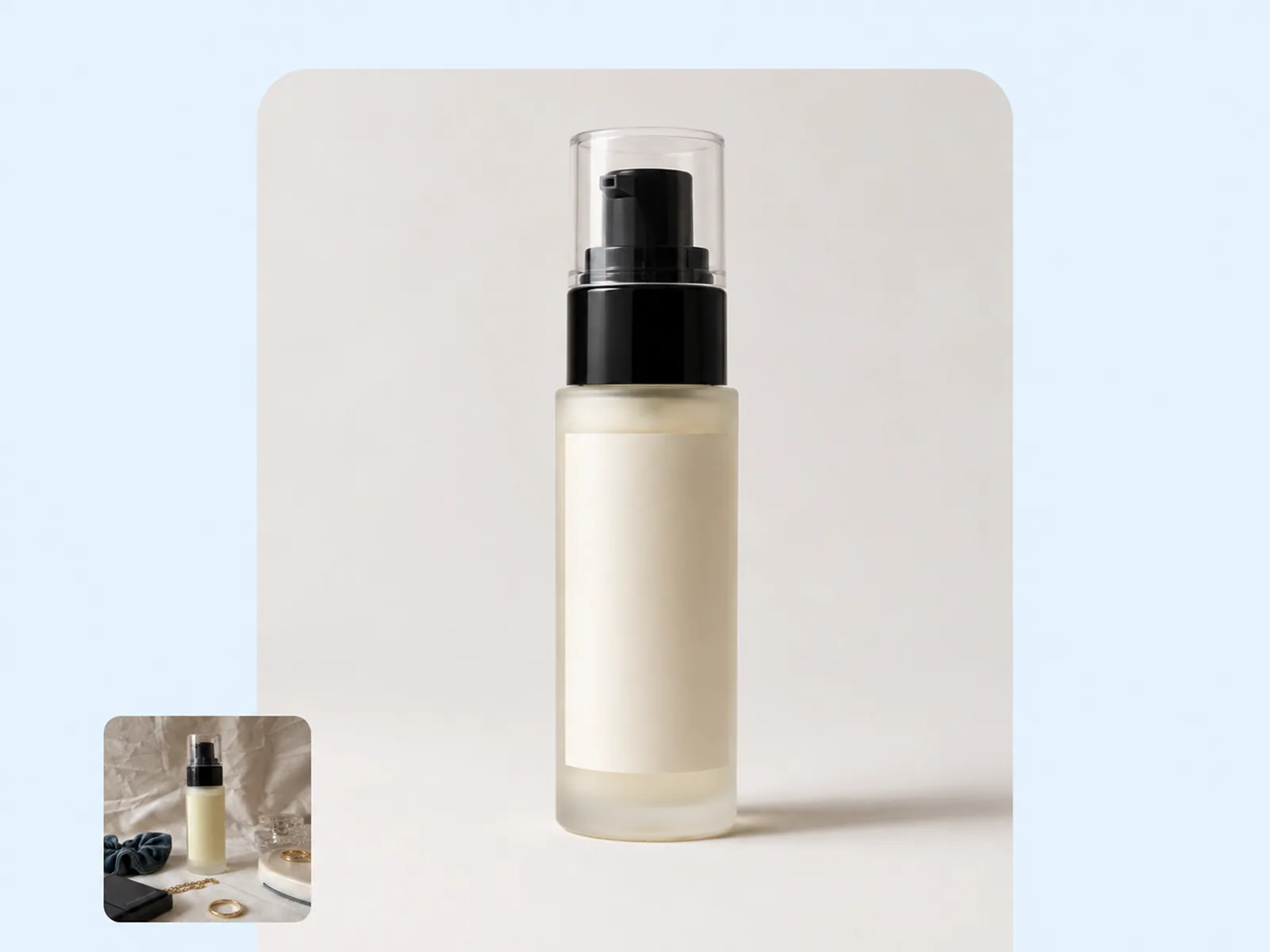
Upload a product image, portrait, or lifestyle photo and the background is gone in seconds. The AI isolates the subject with clean edges — no path drawing, no selection tools, no manual cleanup. Works across product types, complex textures, hair, and frayed fabric without post-processing.
Try for free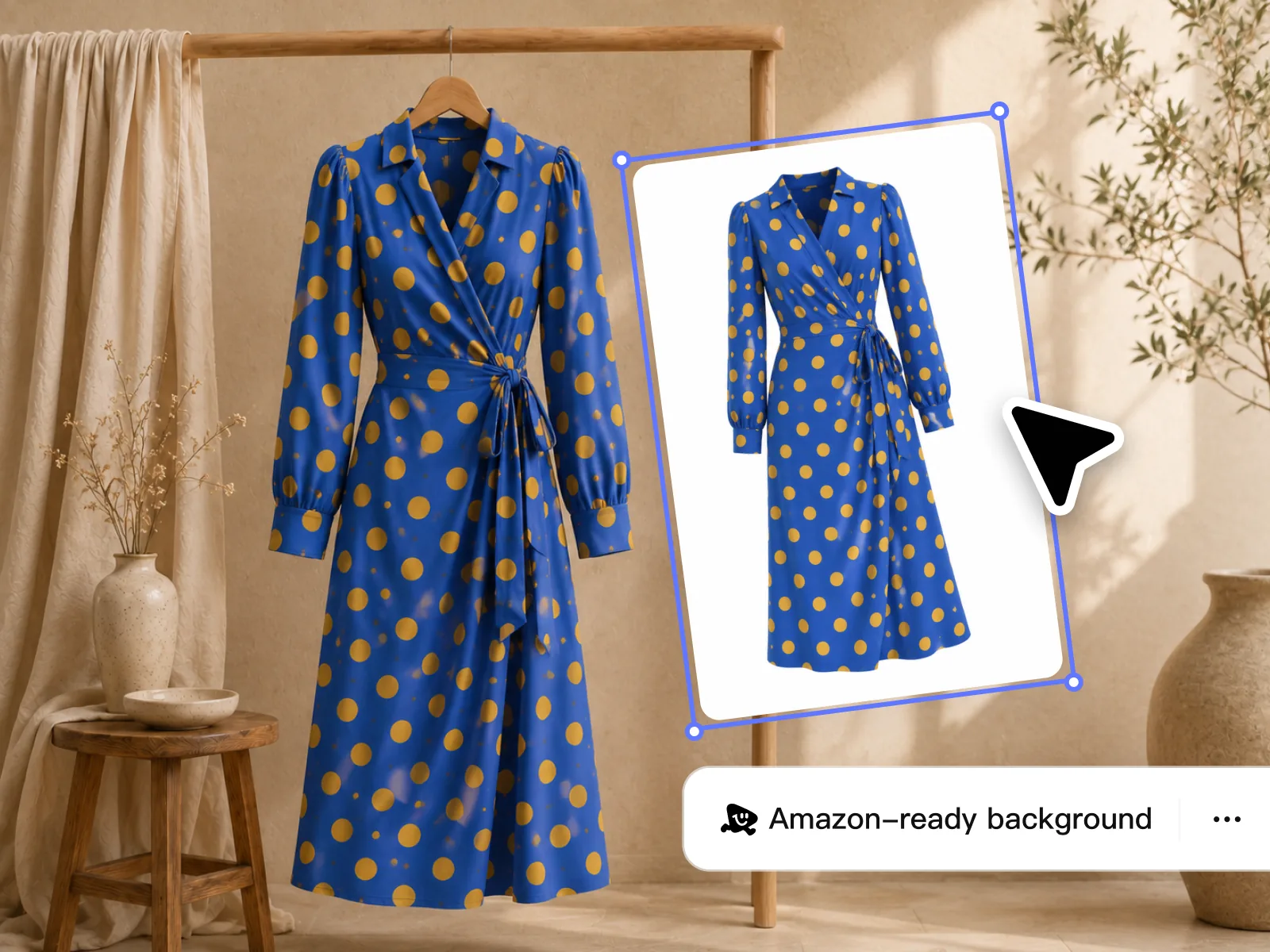
Edge detection handles the details that manual selection misses — fine hair strands, transparent glass, product labels, and sheer fabric. Object Remover handles residual shadow remnants or background artifacts left after the initial pass. The result is a production-ready cutout, every time.
Try for free
With a clean cutout, drop the subject onto white for Amazon listings, into a lifestyle scene for Instagram, or onto a color-blocked card for ads. Export at any resolution for Shopify product grids, printed catalogs, or social campaigns — all from the same source image without reshooting.
Try for freeUpload any photo and Playyy isolates your subject in under three seconds. No selection tools, no manual masking, no Photoshop skills required.
Our model traces hair strands, sheer fabric, and transparent glass with sub-pixel precision. You get a cutout that holds up at any size, not just thumbnail preview.
Shoot on your phone, export from a mirrorless camera, or pull a screenshot — Playyy handles all of them. JPEG, PNG, WebP, and HEIC are all supported without conversion.
Remove backgrounds from dozens of product images in a single upload. Every file is processed in parallel so a hundred images takes the same time as one.
Export your transparent PNG, or choose a white, black, or custom-color fill for platforms that don't support transparency. Amazon, Shopify, Instagram — pick the right output for each channel.
Once the background is gone, drop in a new one from Playyy's AI generator or your own asset library. Go from raw product photo to styled scene without leaving the browser.
“I was manually clipping product photos in Photoshop for two hours a week. With Playyy I batch-process an entire drop the night before it goes live — white backgrounds for Amazon, styled scenes for Shopify, all done before I go to bed.”

James Walker
Ecommerce Creative Strategist
“We run a lot of performance ads that need clean product cutouts on colored or gradient backgrounds. Playyy cuts the background in one click and the edges are good enough to go straight into our ad creative without any retouching.”

Emily Carter
Growth Marketing Strategist
“The edge quality on glass and transparent materials is what got me. Most tools leave a fringe you have to clean up by hand — Playyy's cutouts drop into my Figma files without any post-processing.”

Aiko Tanaka
Independent Designer & Visual Systems Consultant
Most background removers fail on flyaway hair, fine fur, and semi-transparent product packaging — Playyy's model was trained specifically on these hard cases. It distinguishes a glass bottle from its background without flattening the label or blowing out the edges. For fabric and apparel, you get clean drape lines instead of the jagged halos that plague cheaper tools.
A single Shopify catalog can run into hundreds of SKUs, each needing a white-background version, a lifestyle version, and a square crop for marketplaces. Playyy's batch pipeline handles all three variants in one pass. There's no per-image credit system — process your whole catalog without counting shots.
Background removal in Playyy feeds directly into the rest of the editor — resize, add text, generate a new scene, or export to multiple formats without re-uploading. It's one step in your workflow, not a detour to a separate app.
Turn any product photo into channel-ready studio imagery — no studio, no reshooting.
Explore workflow
Ecommerce image editing across every SKU — background removal, cleanup, and upscaling that meet marketplace specs.
Explore workflowYes. The AI handles hair strands, fur, transparent fabric, and fine product detail without manual masking. For very difficult textures, Object Remover handles residual artifacts in a second pass.
Yes — supplier JPEGs are the most common input. The tool isolates the product cleanly regardless of the original background: warehouse floor, fabric backdrop, or outdoor setting.
JPG, PNG, and WEBP are all supported. The tool processes at whatever resolution you upload. Run the output through Image Upscaler to meet platform minimums like Amazon's 1,000 px zoom requirement.
Yes. After removing the background, use AI Image Generator or Style Transfer to place the cutout into any context — lifestyle scene, studio gradient, seasonal setting, or a plain color card.
Playyy produces comparable or cleaner results for most product and portrait images in seconds, without any path drawing or selection painting. It's designed for high-volume use cases where speed and consistency per image matter more than manual pixel control.
See how teams are using Playyy to ship better visuals, faster.

Sixty lifestyle images, three days, no studio. How one Shopify brand cut product shoot costs by 80% using AI photo editing.
 James Walker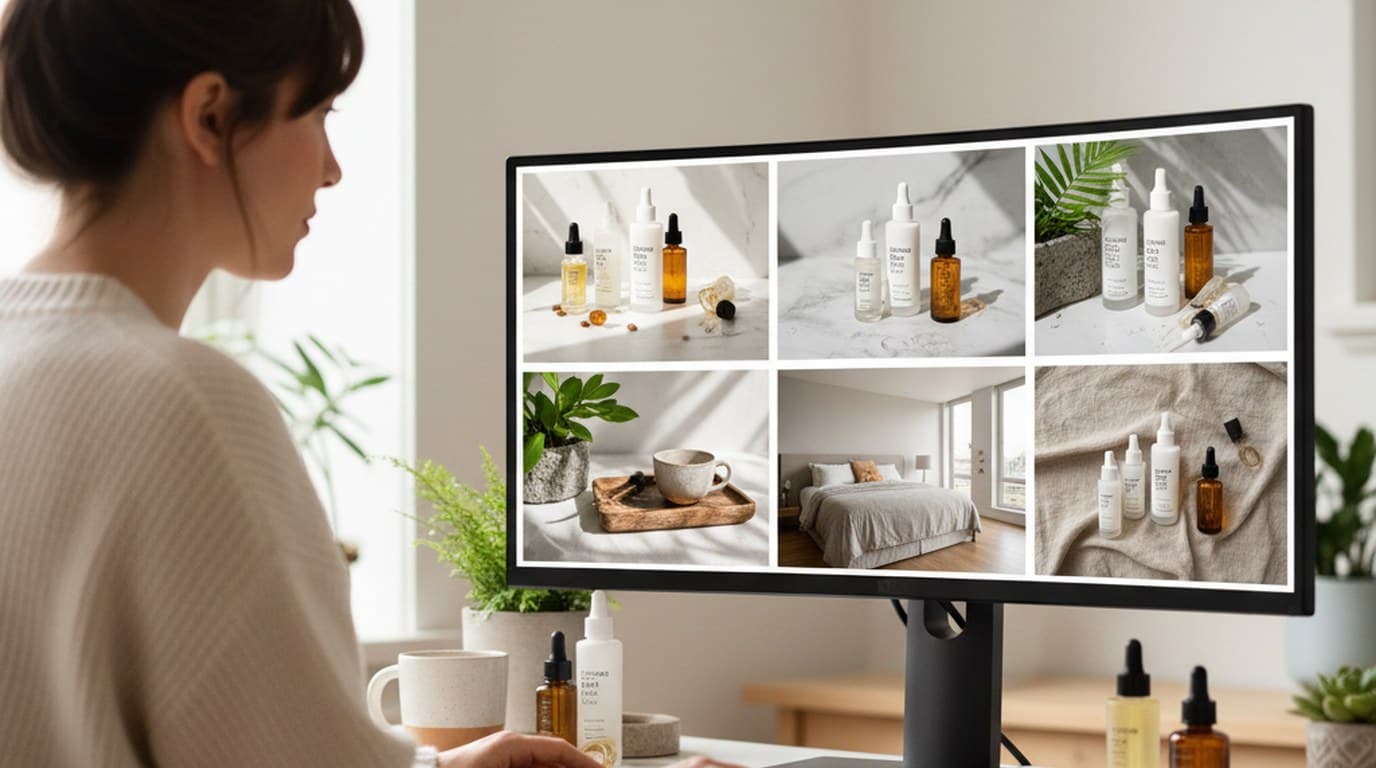
Six creative directions, one working day, real market data — before the studio was ever booked.
 Emily Carter
Phone photos, an AI photo editor, and a clear brand vision — how one indie maker's first launch looked like a studio produced it.
 Minji Park
Keep every image on brand, control the final look, and turn campaign ideas into polished assets without waiting on another design cycle.














