7 Best Pixlr Alternatives in 2026 (Free & Paid)
 Emily Carter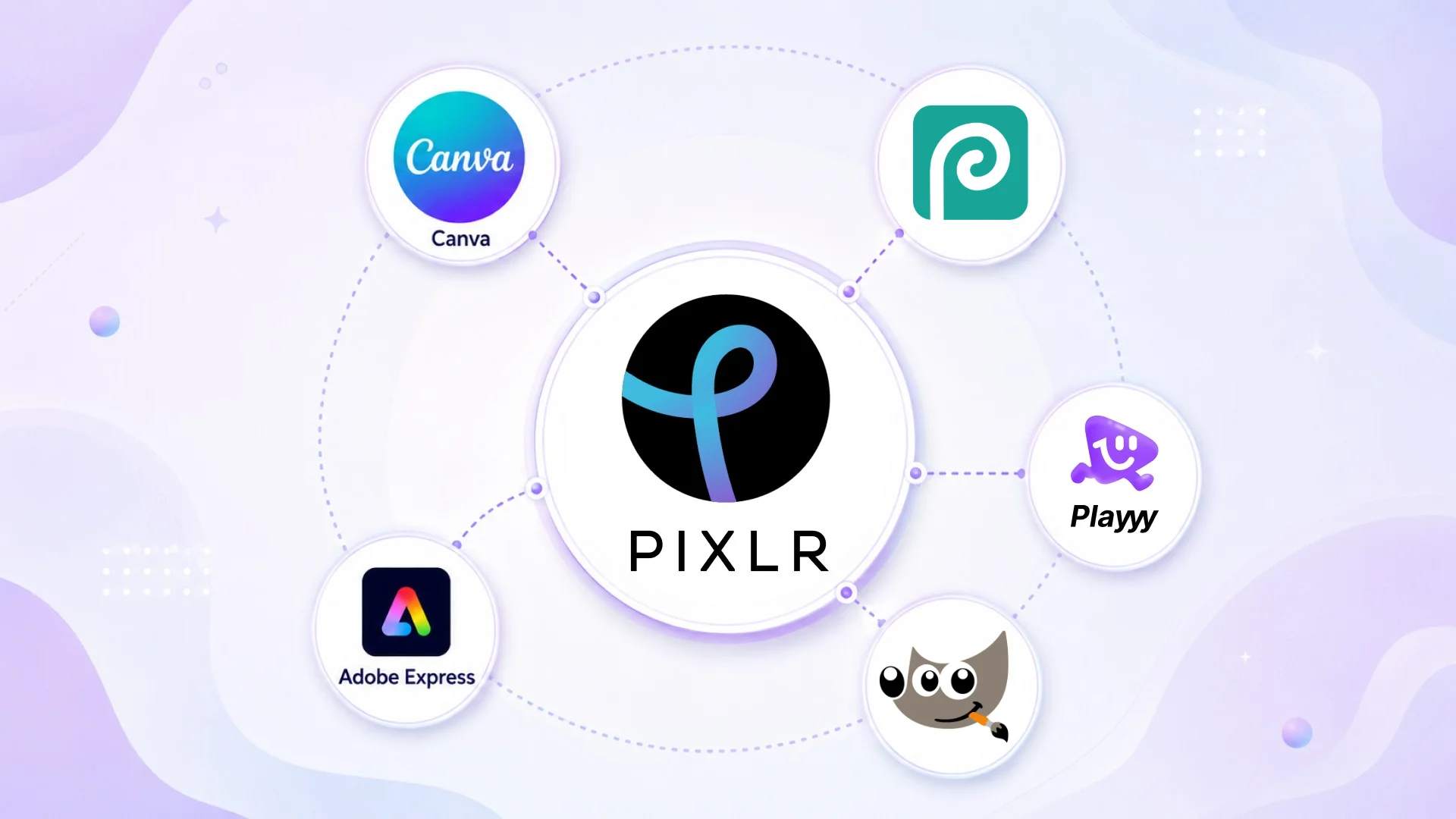
Pixlr used to be one of the cleanest free online photo editors. The free tier has narrowed over the years — ads, save limits, and AI credits tied to paid plans make it less compelling than it once was. Pixlr Plus starts at $1.99/month billed annually (as of October 2026), which is fair, but the free experience has eroded enough that looking at alternatives makes sense.
Direct answer. The best Pixlr alternatives in 2026 are Playyy for AI-powered photo editing and brand assets with a more generous free tier, Canva for template-driven content creation, and Photopea for full browser-based layer editing at no cost. For desktop power users, GIMP provides professional editing capabilities without any subscription.
1. Playyy — AI-Powered Photo Editing Without the Restrictions
Best for: Creators, marketers, and small teams who need photo editing, background removal, and design tools in one workspace.
Where Pixlr focuses on photo editing with limited design context, Playyy integrates AI editing into a full creative workflow. Background removal, object erasing, product photo generation, image enhancement, and template-based design all live in one place — and the free tier is more generous than Pixlr's in 2026.
The AI tools are the main differentiator. Pixlr's AI credits come mainly with its paid plans. In Playyy, AI background removal and basic AI editing are available on the free plan. For creators who primarily need clean product photos, social assets, and marketing materials, this matters.
Pricing: Free tier available. Paid plans from $18/month (Basic), or $15/month billed annually.
Standout features: AI background removal, product photo generation, brand kit, template library.
2. Canva — Template-First Design for Non-Designers
Best for: Social media managers, marketers, and anyone who creates content regularly without a design background.
Canva's free tier is more generous than Pixlr's in most practical ways: no ads, a large template library, and basic photo editing without a subscription. The Background Remover and Magic Resize require Pro, but for content creation that doesn't rely heavily on those features, the free tier covers a lot of ground.
The editing toolkit is simpler than Pixlr's — no layer controls, limited filter options — but the template library compensates by handling formatting automatically. For users who use Pixlr primarily to resize images and apply quick adjustments for social posts, Canva is faster to the same result.
Pricing: Free (limited). Pro at US$144/year (as of October 2026).
Standout features: Huge template library, brand kit, Magic Resize, AI image generation.
3. Photopea — Browser Editor with Full Layer Support
Best for: Users who need Pixlr's browser convenience plus Photoshop-level layer editing.
Photopea is free with no watermarks and no export caps (it is ad-supported; a paid Premium account removes the ads) — and it supports PSD files, layers, adjustment layers, and the full range of Photoshop-style tools. For users who outgrew Pixlr's layer controls Photopea is the obvious step up.
The tradeoff is learning curve: Photopea assumes some Photoshop familiarity. First-time users will find it less approachable than Pixlr or Canva. For anyone who already knows layer-based editing, it's the cleanest free browser option available.
Pricing: Free (ad-supported). Optional Premium removes ads.
Standout features: Full PSD support, layer editing, no watermarks.
4. Fotor — Photo Enhancement and Design Templates
Best for: Photographers and content creators who need quick photo enhancement plus design templates.
Fotor's strength is photo quality enhancement: one-click adjustments for exposure, color, and sharpness that produce better results than Pixlr's auto-enhance for most photo types. The AI Portrait Retoucher handles skin retouching, and the AI Image Generator creates supporting visuals.
The template library covers social media, e-commerce, and marketing formats. The free tier watermarks exports — the main friction point — and the paid Pro plans remove watermarks and unlock the full AI features.
Pricing: Free (watermarked). Paid Pro plans.
Standout features: AI photo enhancement, portrait retouching, AI image generator.
5. Adobe Express — Quick Content Creation for Adobe Users
Best for: Adobe Creative Cloud users who want a faster, simpler tool alongside their main Adobe workflow.
Adobe Express is the simplified Adobe alternative to Pixlr. No layers, no complex editing — but strong Adobe font integration, a large asset library, and included-at-no-extra-cost access for Creative Cloud subscribers. The AI Generative Fill feature (powered by Adobe Firefly) handles background generation and object replacement cleanly.
For users already in the Adobe ecosystem, Express is the most friction-free Pixlr replacement: same Creative Cloud login, same assets, faster for content creation tasks.
Pricing: Free tier available. Paid Premium plan (included with Creative Cloud Pro).
Standout features: Adobe fonts, Generative Fill, brand kit, Creative Cloud integration.
6. BeFunky — Photo Editor and Collage Maker
Best for: Users who primarily use Pixlr for collages, touch-ups, and social-ready edits.
BeFunky is a niche pick that does one thing well: it's the fastest tool for creating collages, applying effects, and doing quick touch-ups without any design knowledge. The free tier covers basic editing and collage features without a subscription.
The AI background removal, touch-up tools, and effects are gated behind the paid Plus and Pro plans, but the free tier handles casual editing well.
Pricing: Free (limited features). Paid Plus and Pro plans.
Standout features: Photo collage maker, one-click effects, portrait touch-up, clean free tier.
7. GIMP — Professional Free Desktop Editor
Best for: Power users who want the full capabilities Pixlr approximates, at zero cost, on desktop.
GIMP exceeds Pixlr in every technical dimension: layers, scripting, filters, color management, batch processing. It's completely free with no usage limits. The cost is installation, setup, and a significantly steeper learning curve — GIMP is not beginner-friendly.
For users who use Pixlr for serious editing work and want to remove the free-tier restrictions without paying, GIMP is the correct answer. For casual users, it's overkill.
Pricing: Free, open-source.
Standout features: Full layer editing, scripting, batch processing, professional color tools.
Ads and watermarks damage a free tier differently from usage caps. A cap is a known quantity you can plan around; an interruption breaks concentration mid-task, and a watermark makes the output unusable for the reason you made it. Both convert a free product into a trial, which is why free-tier restrictions tend to trigger tool evaluation rather than upgrades — the user re-opens the comparison instead of the checkout page.
Pixlr Alternatives Compared
| Tool | Browser-Based | AI Tools | Templates | Free Tier | Best For |
|---|---|---|---|---|---|
| Playyy | ✅ Yes | ✅ Advanced | ✅ 1,000+ | ✅ Generous | AI editing + design workflow |
| Canva | ✅ Yes | ✅ Good | ✅ 250k+ | ✅ Limited | Content creation |
| Photopea | ✅ Yes | ❌ No | ❌ No | ✅ Ad-supported | Layer editing, PSD support |
| Fotor | ✅ Yes | ✅ Good | ✅ Yes | ⚠️ Watermark | Photo enhancement |
| Adobe Express | ✅ Yes | ✅ Good | ✅ Large | ✅ Limited | Adobe ecosystem |
| BeFunky | ✅ Yes | ⚠️ Basic | ✅ Yes | ✅ Limited | Collages and effects |
| GIMP | ❌ Desktop | ❌ No | ❌ No | ✅ Full | Power editing, no limits |
If you're leaving Pixlr because the free tier has become too restricted, Playyy and Canva offer the most complete free alternatives for content creation. Photopea is the right move if you specifically need layer editing without paying.
For a complete picture of what each tool does best in visual workflows, see the guide to AI photoshoots for creators and social media image sizing for 2026.

Emily Carter
I help marketing teams at early-stage SaaS companies and DTC brands produce more campaign assets without losing brand consistency. My focus is on practical workflows for growth marketers — from paid social testing to creative iteration.
Frequently asked questions
Pixlr still has a free tier in 2026, but it's more restricted than it used to be — ad-supported, with save limits and most AI credits reserved for paid plans. The free Pixlr X editor covers basic editing. For comparable free tools with fewer restrictions, Playyy, Canva's free tier, and Photopea offer more complete access without a subscription.