Social Media Visuals for Every Platform, From One Image
One hero visual, every platform format — YouTube, LinkedIn, Instagram — without manual resizing.
Explore workflowDriven by GPT Image 2.5 & Nano Banana Pro 🍌
Describe a style or drop in a reference image and the AI changes the whole look — oil painting, anime, editorial film — while your subject stays intact


Three ways to run style transfer: from a text prompt, from a reference image, or across a whole set at once.
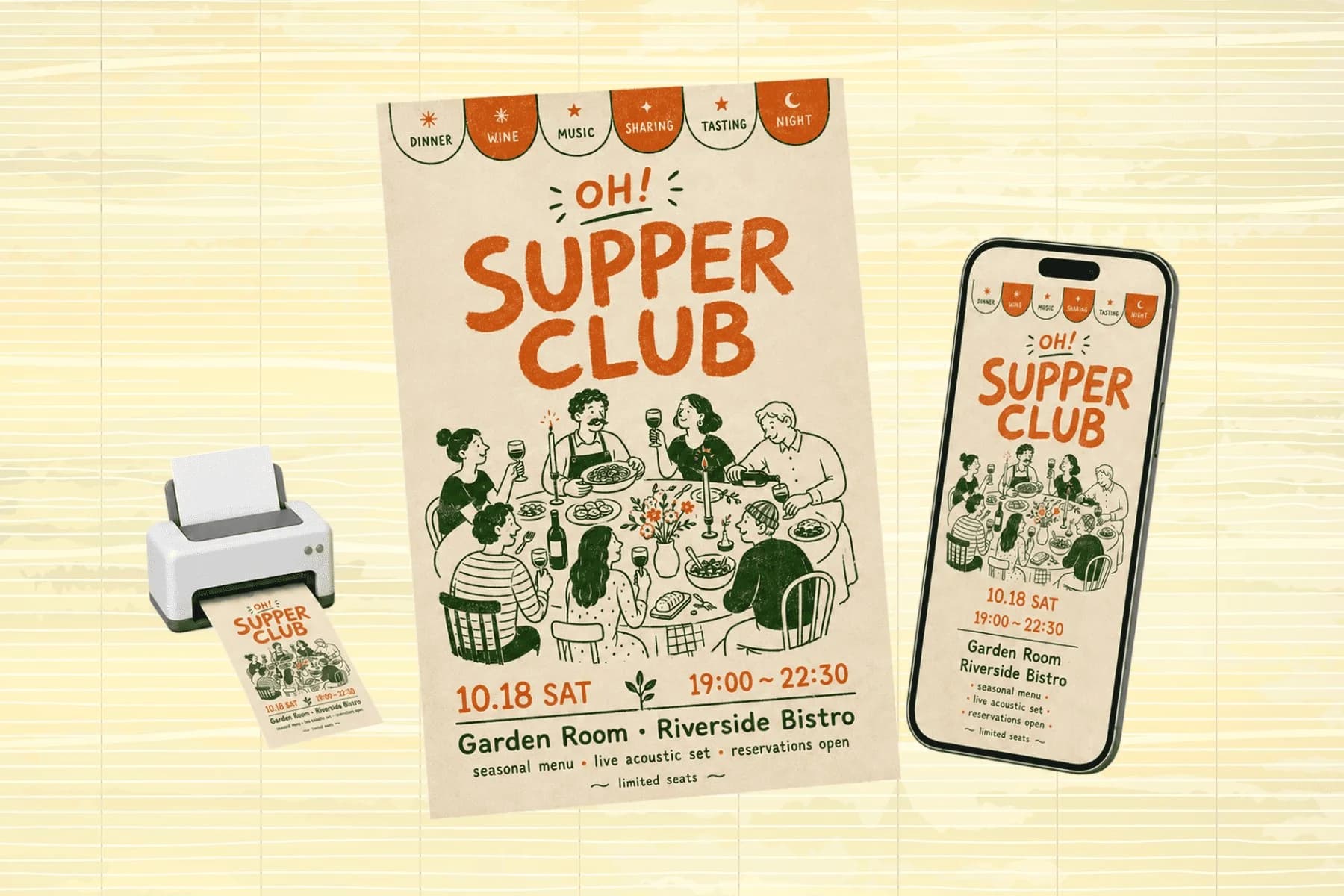
Give the AI a style direction — 'warm editorial film photography with soft shadows', 'high-contrast black and white fashion', 'flat illustration with a pastel palette' — and it transfers that aesthetic onto your source photo. This is image style transfer driven by a sentence: no reference file to hunt down, no filter stack to tune, no sliders. The subject stays recognizable while the visual language changes around it.
Try for free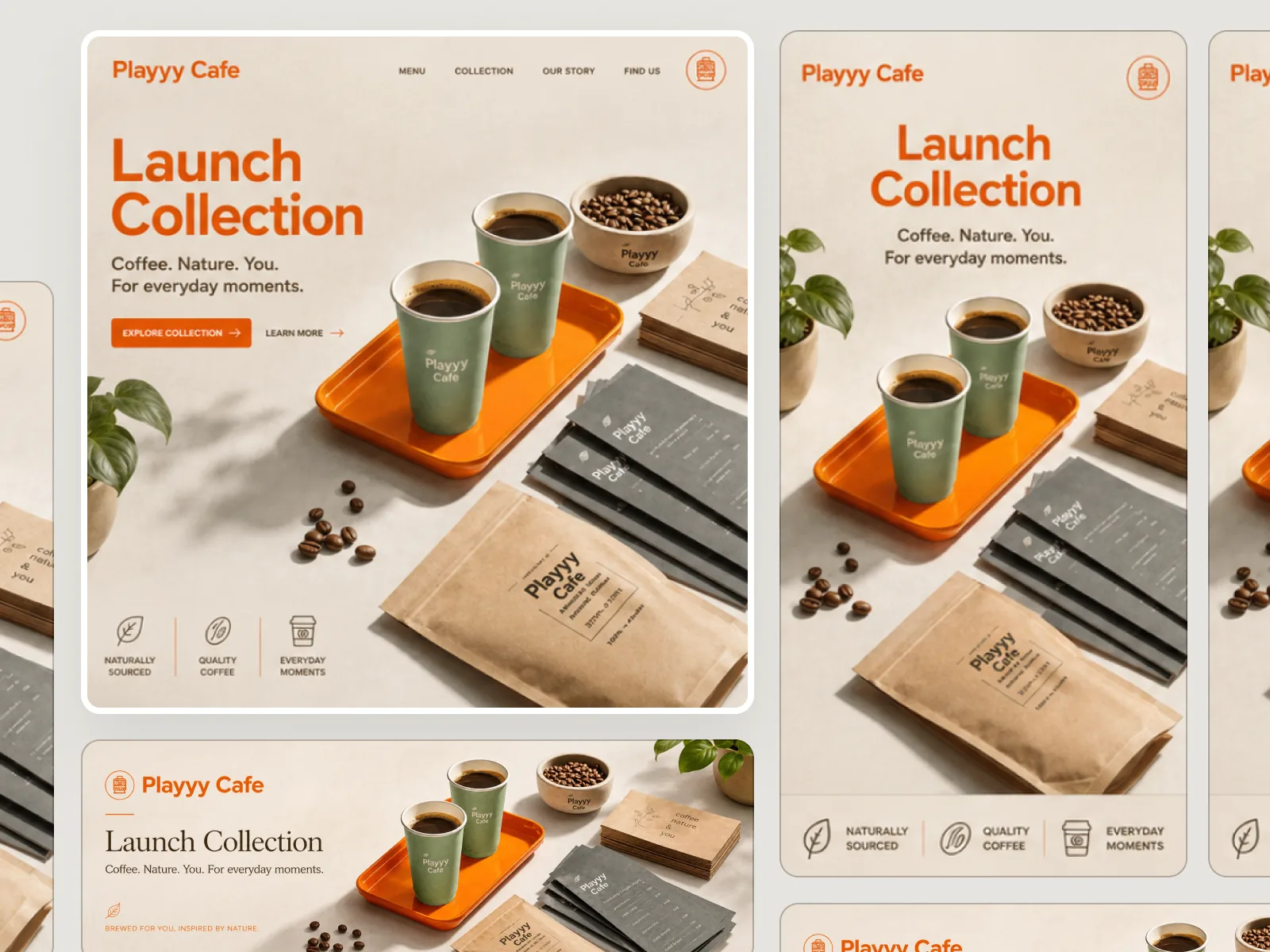
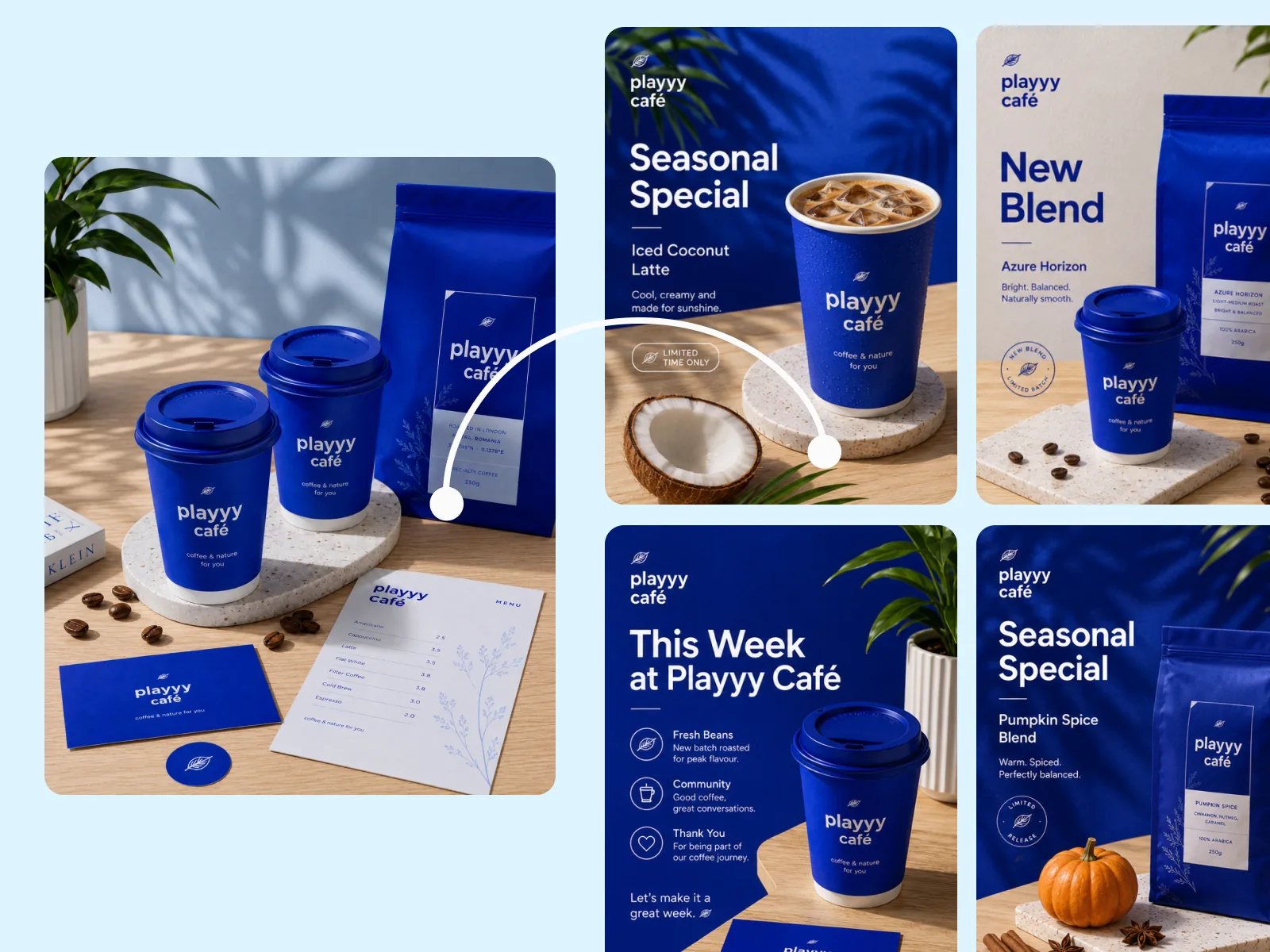
Upload a reference photo and Playyy reads its visual language — palette, texture, lighting character, edge treatment — then transfers it onto your image. Image-to-image style transfer is the shortcut for a look you can show but can't describe: a client-approved frame, a competitor's grade, a painting you like. The subject, product shape, and model position all survive the transfer.
Try for free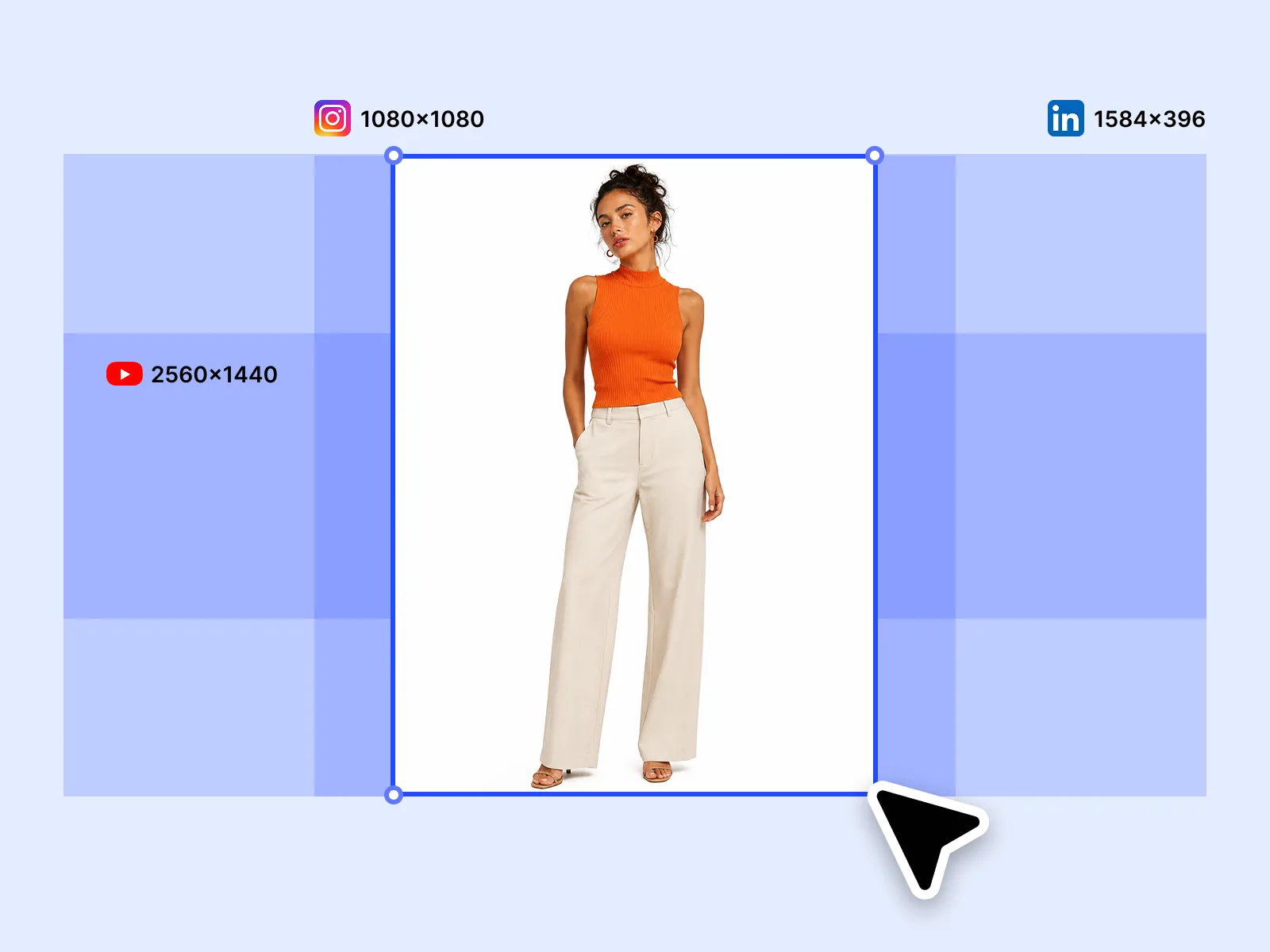
Run the same style transfer across a batch and get a visually cohesive set for a campaign launch or channel rebrand. Shift an archive of product shots into an autumn palette, put a month of social photos on one grade, or change the style of every image in a catalog — without reshooting and without editing each file by hand.
Try for freeDescribe the style you want in plain language — 'muted earth tones with film grain', 'bold graphic novel lines', 'soft watercolor wash' — and the AI changes your image's style to match. No reference image required.
Upload any image as a style source and Playyy extracts its visual language — color palette, texture, lighting mood, stroke weight — then applies it to your subject. Lock a visual identity without documenting every design decision.
Style transfer changes how a photo looks, not what it shows. Your subject — product, person, or object — stays structurally intact while the aesthetic around it changes.
Transfer one style across multiple images in a single pass. Useful for campaign asset sets, product catalog variants, or anywhere visual consistency across dozens of files matters.
Turn a photo into an oil painting, watercolor, anime frame, line drawing, or film still. Art styles and photographic grades run through the same style transfer — pick the look, not the tool.
Style outputs stay within the parameters you define. Describe your brand aesthetic once, use it as a reference, and every restyled image pulls from the same visual source rather than drifting between sessions.
“I used to spend hours briefing retouchers on brand aesthetic for each campaign. Now I upload one reference image into Playyy and every asset in the set comes back reading the same visual language. The consistency across 20+ deliverables used to be aspirational — now it's just the baseline.”
Claire Dubois
Creative Director & Brand Aesthetic Consultant
“We run three seasonal content pushes a year and reshooting for each one wasn't sustainable. Style transfer let me take our best-performing evergreen images and dress them for the season. Same products, same compositions, totally different feel — and it took an afternoon, not a shoot day.”

Sophie Whitmore
Social Media Manager & Brand Content Consultant
“For client work, locking a visual style early is everything. I upload a reference image the client has approved and use it as the style source throughout the project. There's no ambiguity about what 'warm and editorial' means when every output is pulling from the same reference.”

Aiko Tanaka
Independent Designer & Visual Systems Consultant
Filters apply a fixed overlay. Style transfer reads the actual visual characteristics of a reference — how light falls, how edges are treated, what the color relationships are — and reinterprets your image through that lens. You can describe a style in text when you know what you want, or upload a reference image when you have an example but can't articulate it. Either way, the result is specific, not generic.
Brand visual consistency breaks down when different team members edit images separately. By using one reference image or style description as the input, every output shares the same aesthetic origin. A 12-image campaign set looks like it was shot and edited by the same person, because it was guided by the same source.
Seasonal creative doesn't require new photography when the underlying assets are solid. Style transfer lets you take product or lifestyle images that already perform well and shift them into the current seasonal palette. What took a shoot day and post-production now takes minutes.
One hero visual, every platform format — YouTube, LinkedIn, Instagram — without manual resizing.
Explore workflow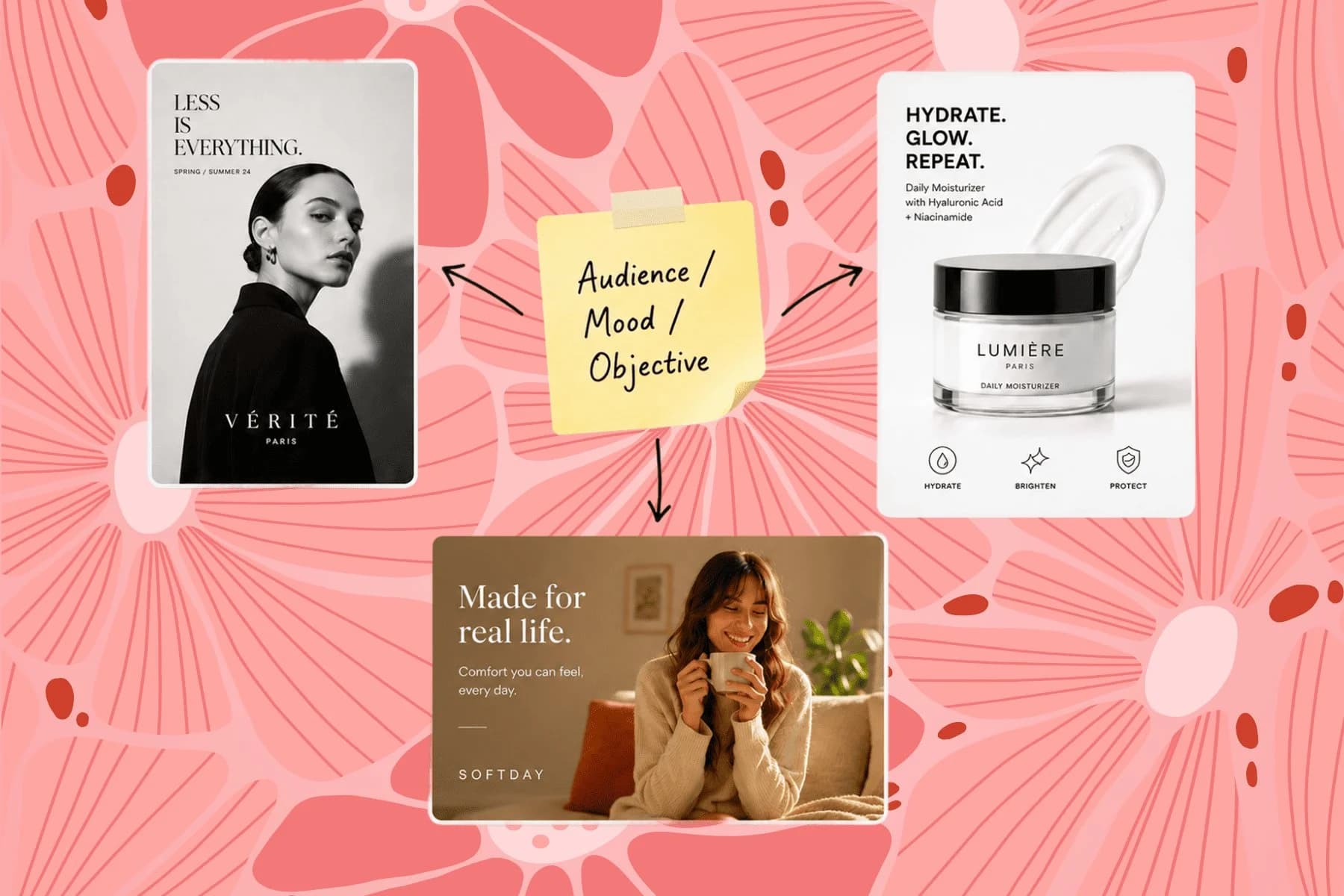
From one campaign brief to every channel asset — AI image generator, creator, and editor in one workflow.
Explore workflowAI style transfer takes the visual style of one thing — a painting, a photograph, a written description — and applies it to a different image, keeping that image's subject and composition. Classic neural style transfer needed a reference image and a training run; Playyy does image style transfer from a plain-language prompt or an uploaded reference, in seconds, in the browser.
It depends on which of three things you need. For a style you can describe in words, any prompt-driven image model works — the differentiator is whether your subject survives the restyle. For a style you can only show, you need a tool that accepts a reference image, not just a preset list. For more than a handful of images, you need batch, or you'll be re-prompting one file at a time. Playyy does all three; Adobe Firefly and OpenArt cover reference-image transfer well, and TensorFlow's neural style transfer is the option if you want to run a model yourself.
Yes. Upload the photo, describe the style you want or supply a reference image, and the AI rebuilds the treatment around your subject — palette, lighting, texture, and edge character all change while the product or person stays where it was.
Yes — several, including Playyy. The things worth checking before you commit to one: whether the free tier watermarks output, whether it caps resolution, whether it counts credits per image, and whether batch is paywalled. Playyy's free tier has no watermark and no per-image credit counting.
Upload the photo, describe the style you want or attach a reference image, and download the result. On Playyy that takes a sign-up but no subscription and no desktop install — the whole thing runs in the browser.
Yes, that's image-to-image style transfer. Upload the image whose look you want as the reference, then the photo you want restyled. Playyy extracts the reference's palette, texture, and lighting character and transfers it onto your source image.
Use one of your own pieces as the reference image and the style transfer will pull from its palette, brush character, and contrast. Reuse the same reference across a project and every output reads as one hand. Playyy uses the reference to guide your results. Content may also help improve Playyy's AI models as described in our Privacy Policy.
Yes. Oil painting, watercolor, gouache, ink line work, anime, and comic styles all work from either a text prompt or a reference image. Photo-to-painting runs through the same style transfer as photographic grades, so you can try a few directions on the same source.
The subject — product shape, model, key props — is preserved. The AI changes the visual treatment around it: background, lighting mood, color temperature, texture, and overall aesthetic. Fine surface details may shift slightly to match the new style.
A filter is a fixed overlay: the same curve and grain on every photo regardless of content. Style transfer reads the image and reinterprets it — light gets redirected, textures get rebuilt, backgrounds get regraded to suit the style. That's why it can turn a product shot into an oil painting, which no filter can do.
Enhancement improves visual quality — better lighting, sharper detail, more accurate color — while preserving the original aesthetic. Style transfer deliberately changes the visual language. Use enhancement for quality improvements; use style transfer for intentional aesthetic shifts.
See how teams are using Playyy to ship better visuals, faster.
Channel repositioning, three visual touchpoints, one weekend — how a YouTube creator built a new visual identity without a designer.
 Minji Park
One person, three platforms, zero visual drift — how the brand stopped rebuilding the same visuals from scratch for each channel.
 Sophie Whitmore
Same campaign, three channels, zero brand drift — and 60% less time per launch cycle.
Sophie WhitmoreKeep every image on brand, control the final look, and turn campaign ideas into polished assets without waiting on another design cycle.














