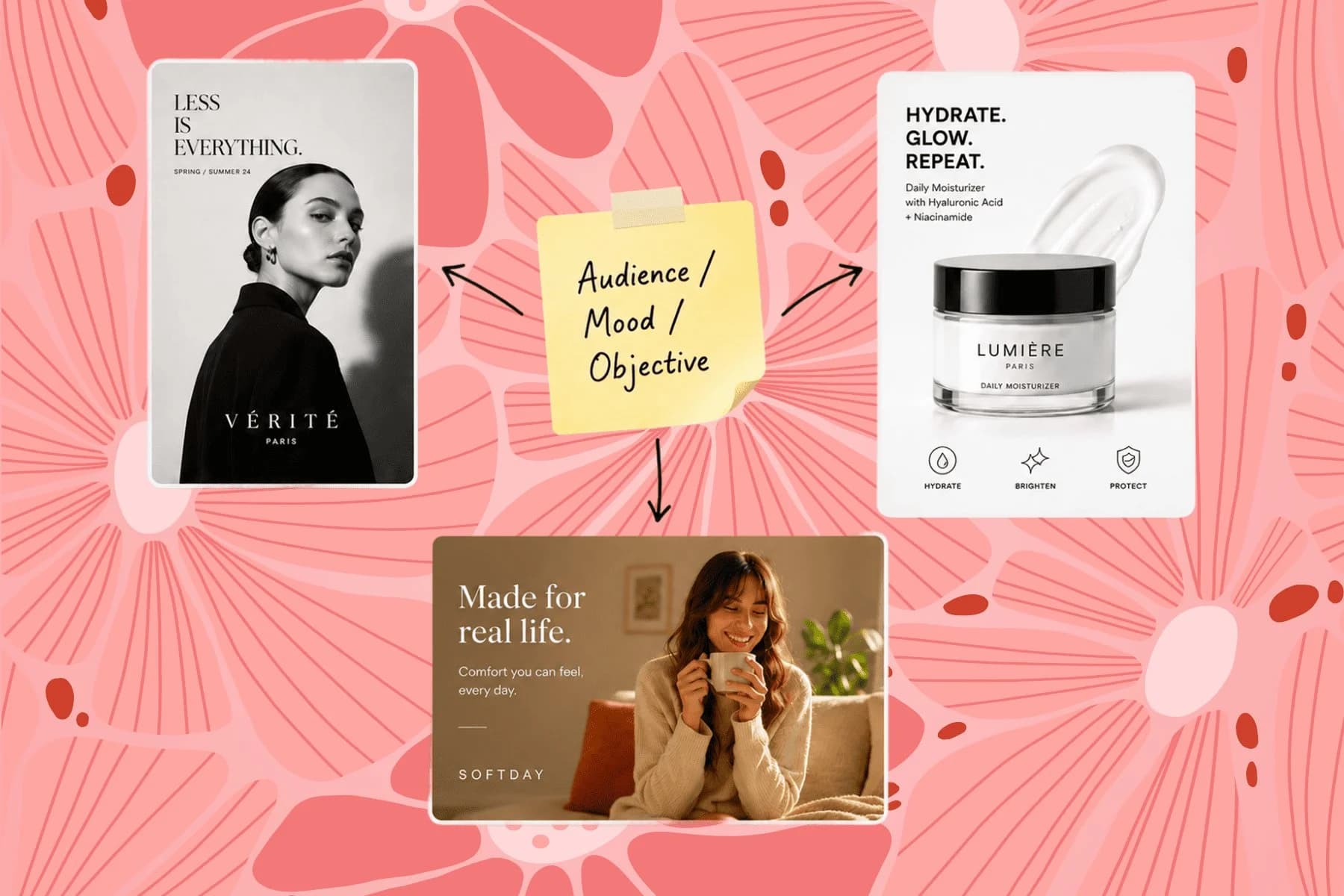
AI Campaign Visual Creator — From One Brief to Every Channel
From one campaign brief to every channel asset — AI image generator, creator, and editor in one workflow.
Explore workflowDriven by GPT Image 2.5 & Nano Banana Pro 🍌
Click any element in your image, describe the change in plain language, and AI applies it exactly where you clicked
A workflow built around your real creative needs — from first direction to final asset.
Select any part of an image — a text block, product detail, background area, or object — and type what you want changed. The AI targets your click location and applies the edit precisely, without affecting the rest of the image. No selection tools, no layer management, no masking.
Try for free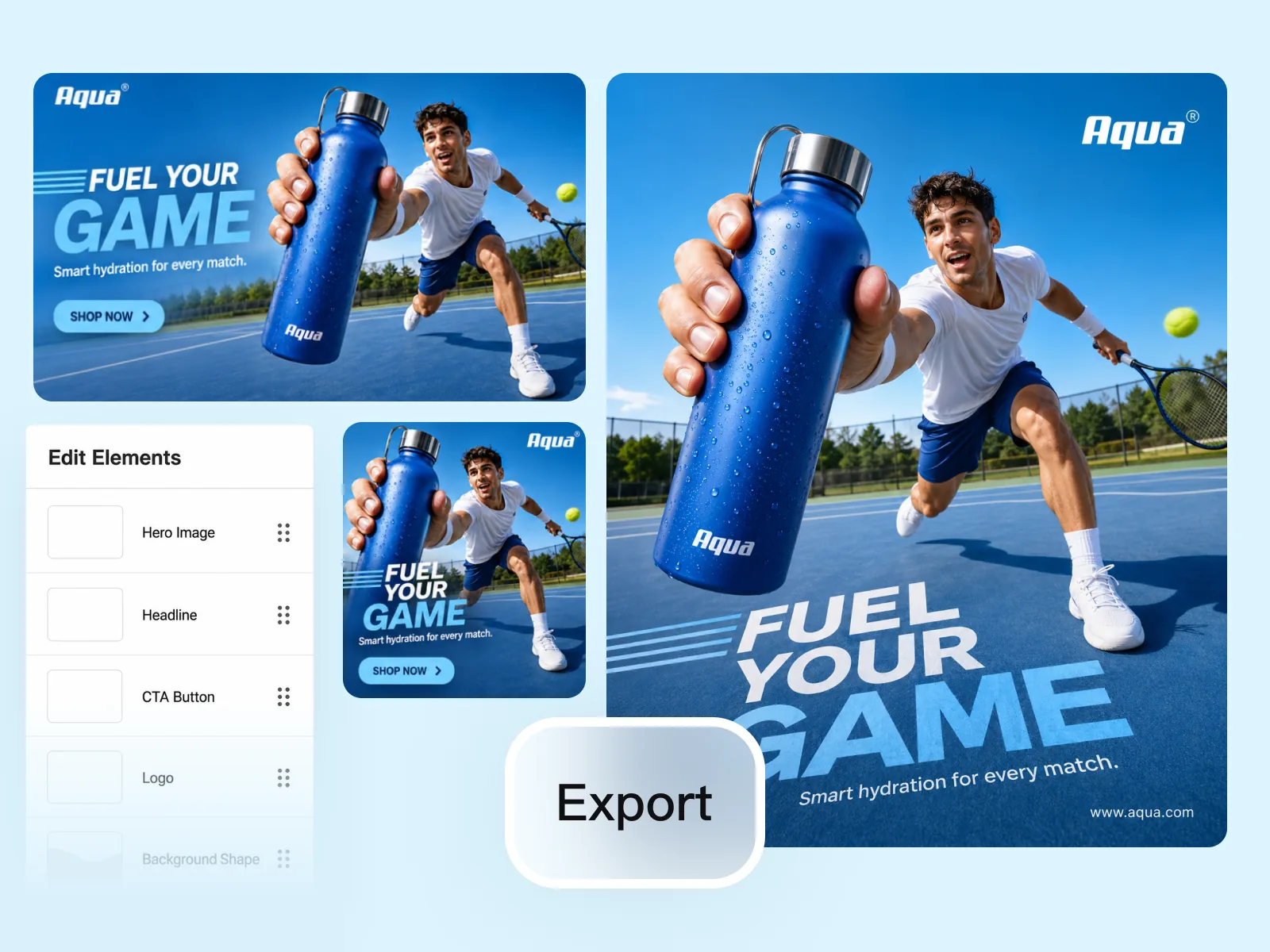
Change copy on an ad, swap a product's color, replace the background, add a graphic element, or adjust the overall color grade — all from a single text instruction per edit. Works on any image format: product photos, social creatives, event posters, and ad banners.
Try for free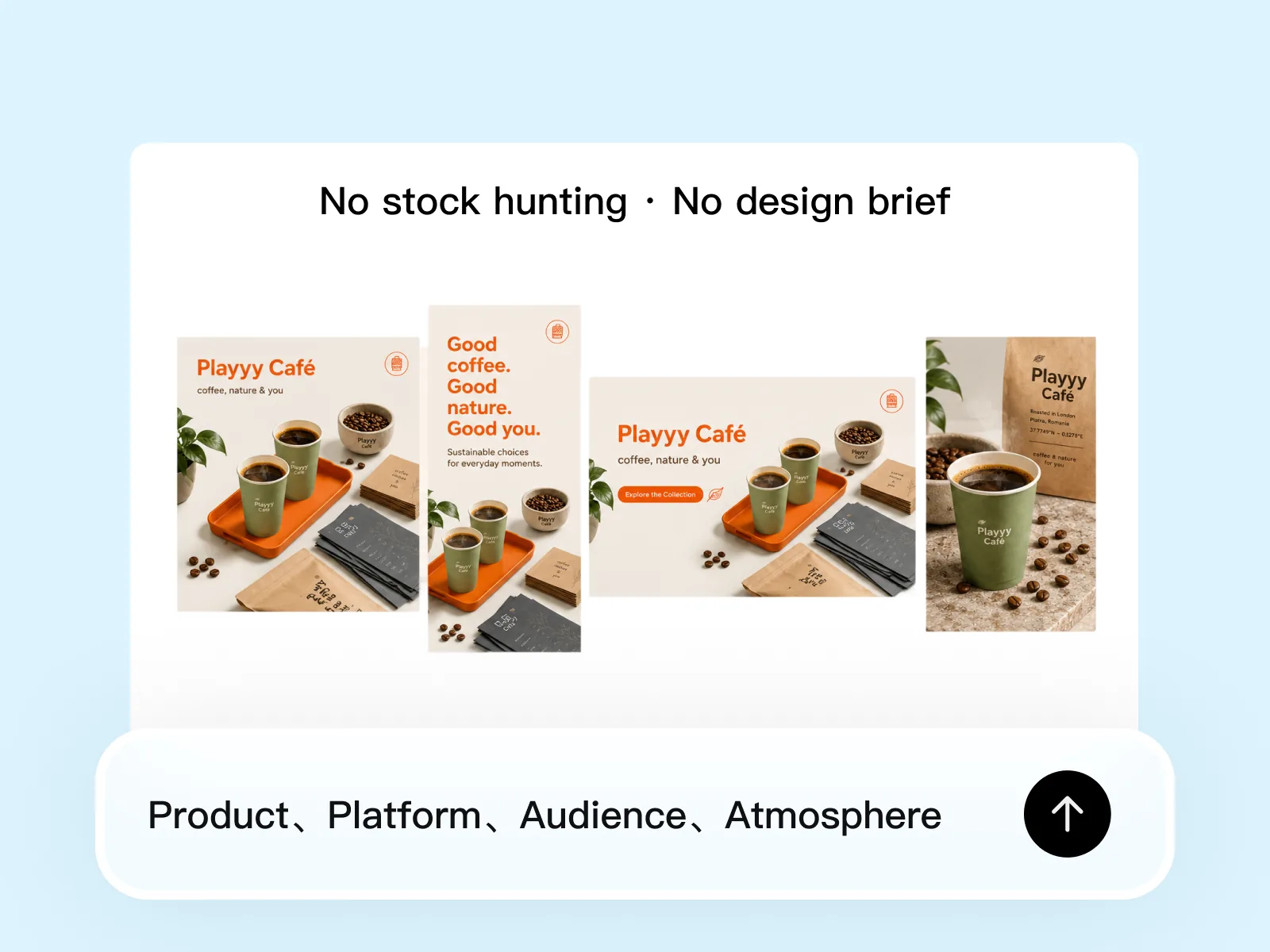
Upload an existing brand asset and iterate on it without rebuilding from scratch. Update the CTA, change the featured product, or swap the seasonal visual — then export a full set of format variants. Teams use it to produce 20–30 ad variations in the time it previously took to make one.
Try for freeClick directly on any element in your image — a word, a button, a product, a background area — and the AI edits exactly that element without disturbing anything around it.
Describe what you want in plain English: 'make the text bold and white,' 'change the jacket to navy,' 'replace the background with a clean studio gradient.' No command syntax, no layer panel.
Every edit is applied as a discrete step. Step back to any previous state, try a different direction, or branch off into a new variation — your original image is never permanently altered.
Edit headline copy, adjust brand colors, swap product variants, modify background scenes, or change clothing and accessory details — the same workflow handles all of it.
Systematically click through elements and apply targeted changes to produce 20 to 30 distinct ad variations from a single starting image, without opening a design tool.
Product photos, ad creatives, landing page screenshots, social posts — if you can see it, you can click it and edit it. No file format restrictions, no special setup required.
“I needed 25 ad variations for a split test and had one hero creative to start from. I clicked through the elements, described the changes I wanted, and had everything exported before the end of the day. That used to be a week of back-and-forth with a designer.”

Emily Carter
Growth Marketing Strategist
“When a client asks for 'the same post but with the sale price updated and the button in green,' I used to dread it. Now I click the price, type the new number, click the button, say change it to green, and I'm done in under two minutes.”

Sophie Whitmore
Social Media Manager & Brand Content Consultant
“We refresh campaign visuals constantly and rarely have time to go back to the source file. Being able to click into a live hero image and change the headline or background on the spot means our team can move at the pace the campaign actually needs.”
Daniel Brooks
Startup Brand & Content Advisor
Instead of drawing selections or painting masks, you point — the AI infers intent from where you clicked and what you described. Click on the headline and say 'make it shorter and punchier' and the edit lands exactly there, leaving the rest of the image untouched.
Testing ad creative at scale means producing variations quickly without ballooning design costs. One session in Playyy can yield 20 to 30 distinct versions — different CTAs, different color treatments, different product angles — ready to upload directly to your ad platform.
You don't need the original design file, a layer structure, or a designer's help. Pull any image from your asset library, your live site, or a screenshot and start editing it immediately. Everything you already have becomes editable.
From one campaign brief to every channel asset — AI image generator, creator, and editor in one workflow.
Explore workflow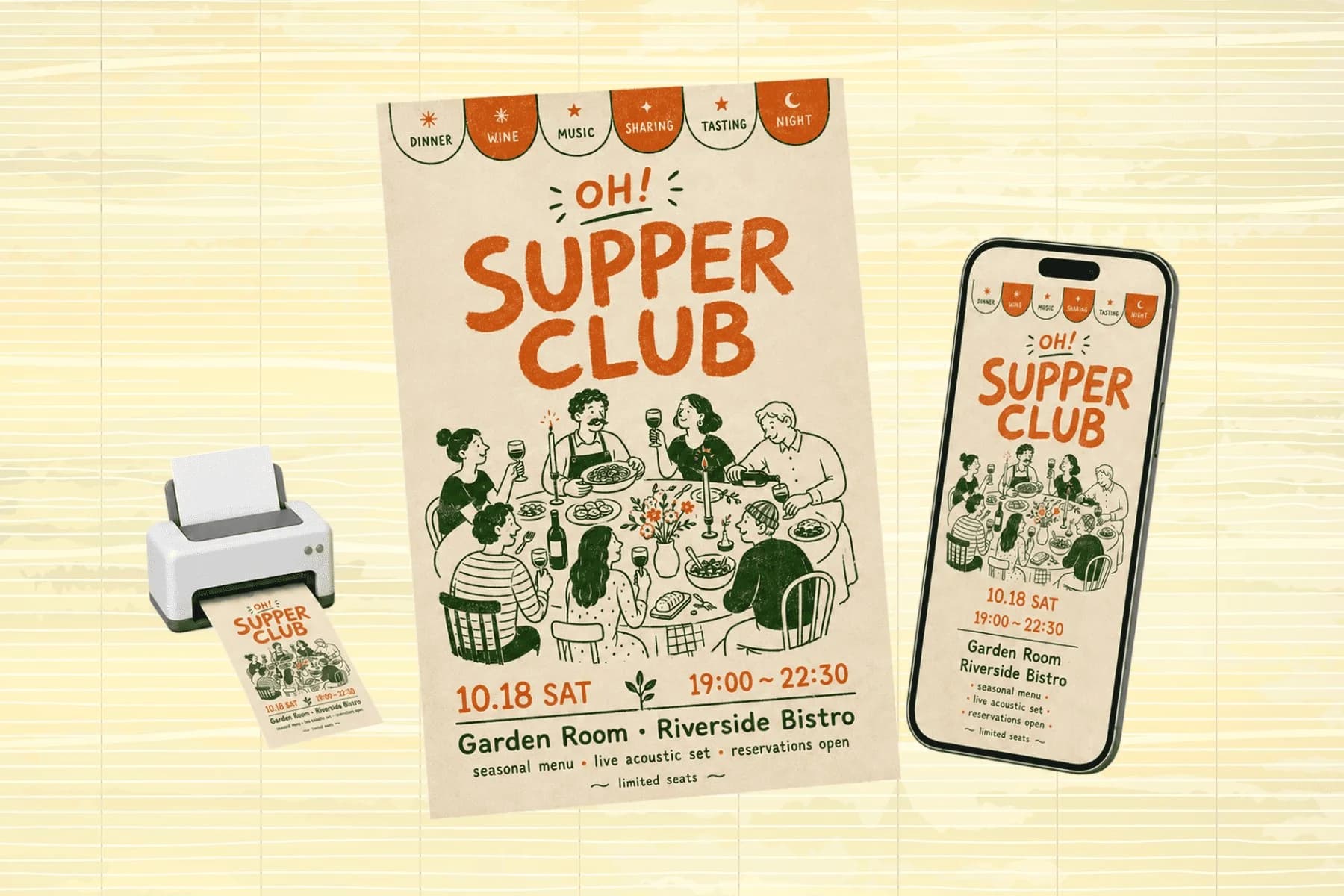
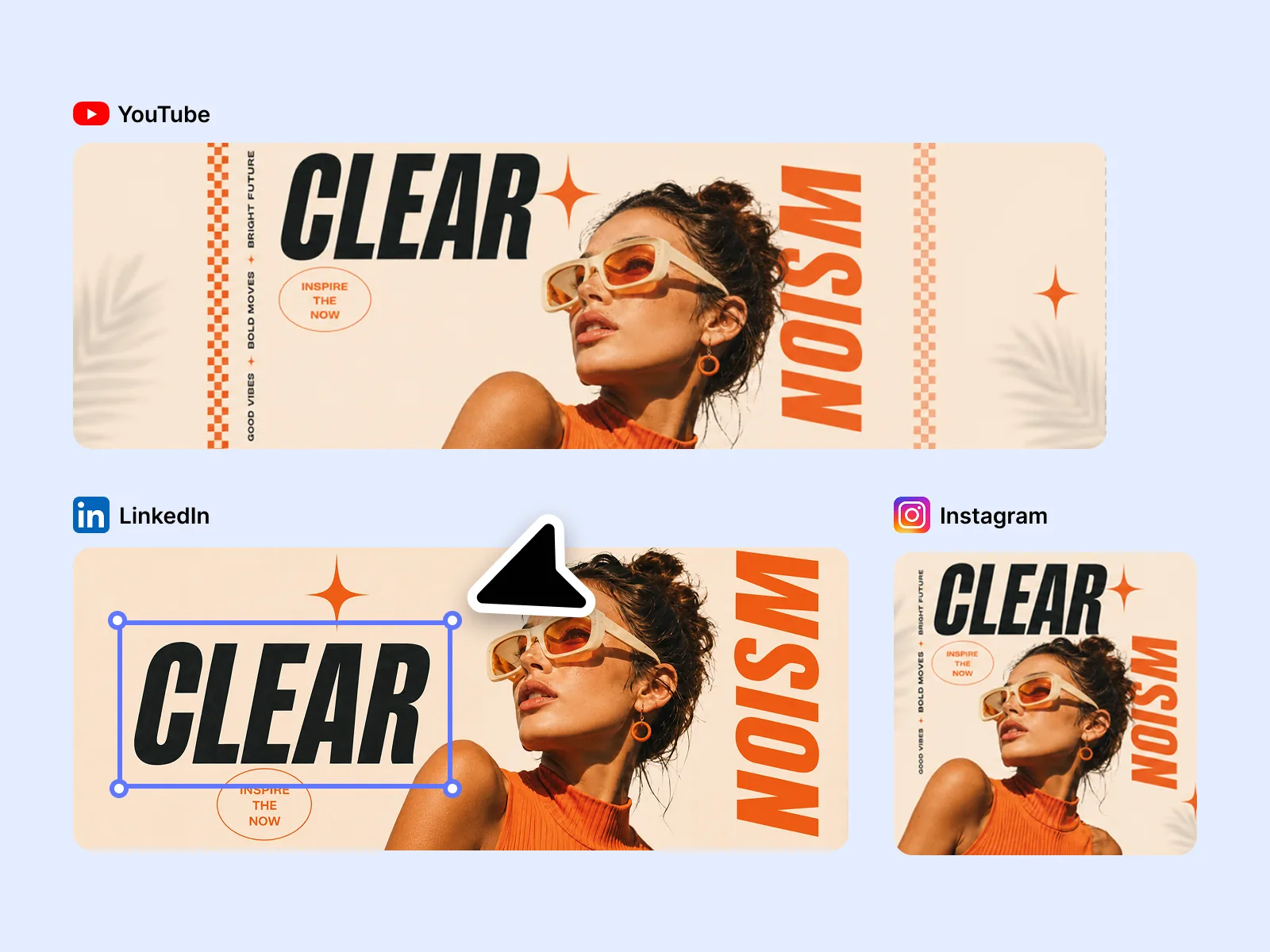
One hero visual, every platform format — YouTube, LinkedIn, Instagram — without manual resizing.
Explore workflowText, colors, objects, backgrounds, and specific areas of any image. Click directly on what needs changing and describe the update in plain language — the AI applies it precisely at your click location.
No. Click on the element you want to change and describe the update. The AI uses your click as a location signal and applies the edit without any selection tools or masking.
Yes. Upload any existing image — ad creative, social post, product photo — and edit it directly. It's faster than rebuilding from scratch and maintains your existing composition and layout.
No. The AI targets only the element you clicked. Surrounding content stays unchanged unless you explicitly include it in your edit instruction.
Yes. After each edit, the result becomes the new working state. Continue clicking and editing other elements in sequence to build up the final image through multiple targeted changes.
See how teams are using Playyy to ship better visuals, faster.

LinkedIn ads and organic posts, two different tones, one brand — produced in a single creative session without separate workflows.
 Emily Carter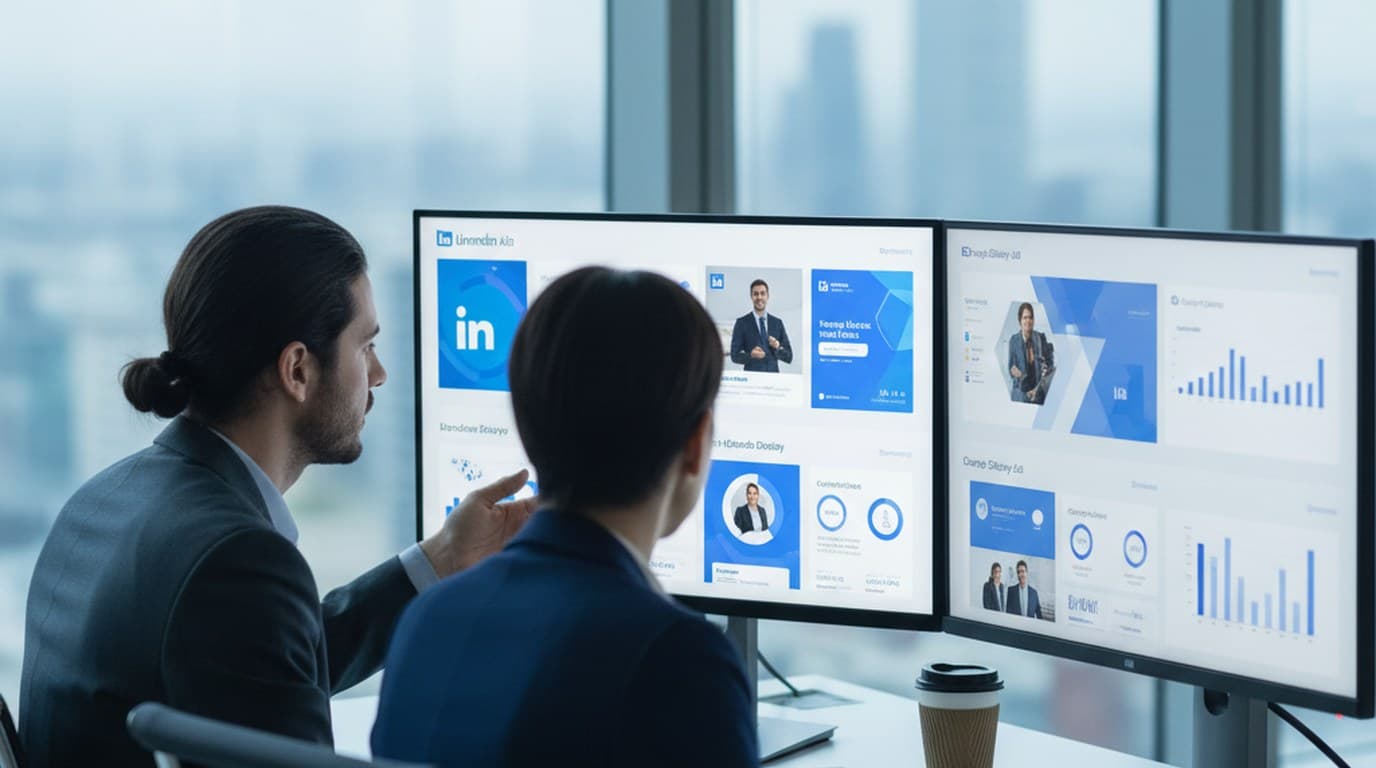
30 ad creatives, two channels, three days — how a SaaS growth team ran a quarter-end campaign push without an agency on retainer.
Emily Carter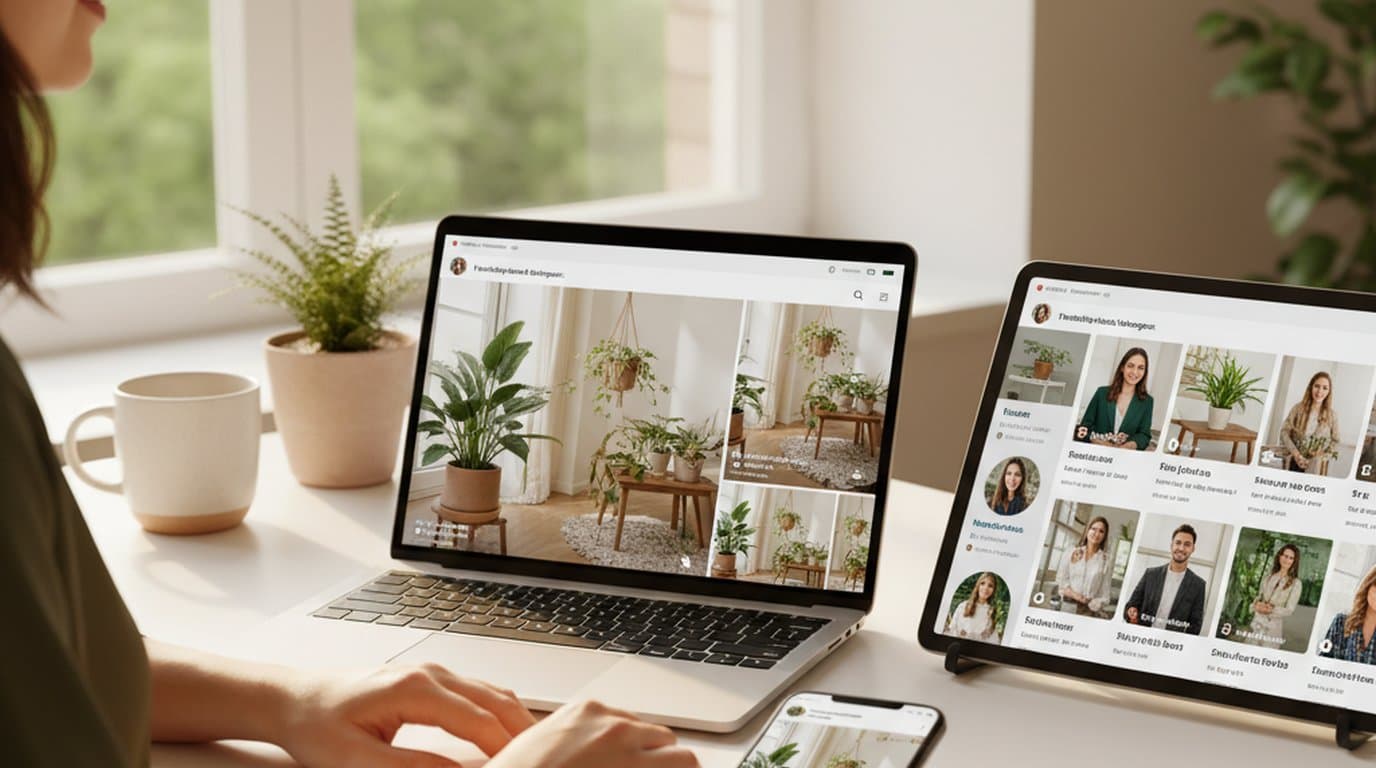
One person, three platforms, zero visual drift — how the brand stopped rebuilding the same visuals from scratch for each channel.
 Sophie Whitmore
Keep every image on brand, control the final look, and turn campaign ideas into polished assets without waiting on another design cycle.














