AI Campaign Visual Creator — From One Brief to Every Channel
From one campaign brief to every channel asset — AI image generator, creator, and editor in one workflow.
Explore workflowDriven by GPT Image 2.5 & Nano Banana Pro 🍌
Upload a photo and describe the change in plain words — this AI image editor works online and edits it in seconds
A workflow built around your real creative needs — from first direction to final asset.
Upload any photo, poster, or social post and write what should change: "replace the background with a beach at sunset", "remove the coffee cup", "make the headline white". The AI finds the right part of the image and edits it, keeping the light, texture, and layout of everything around it.
Try for free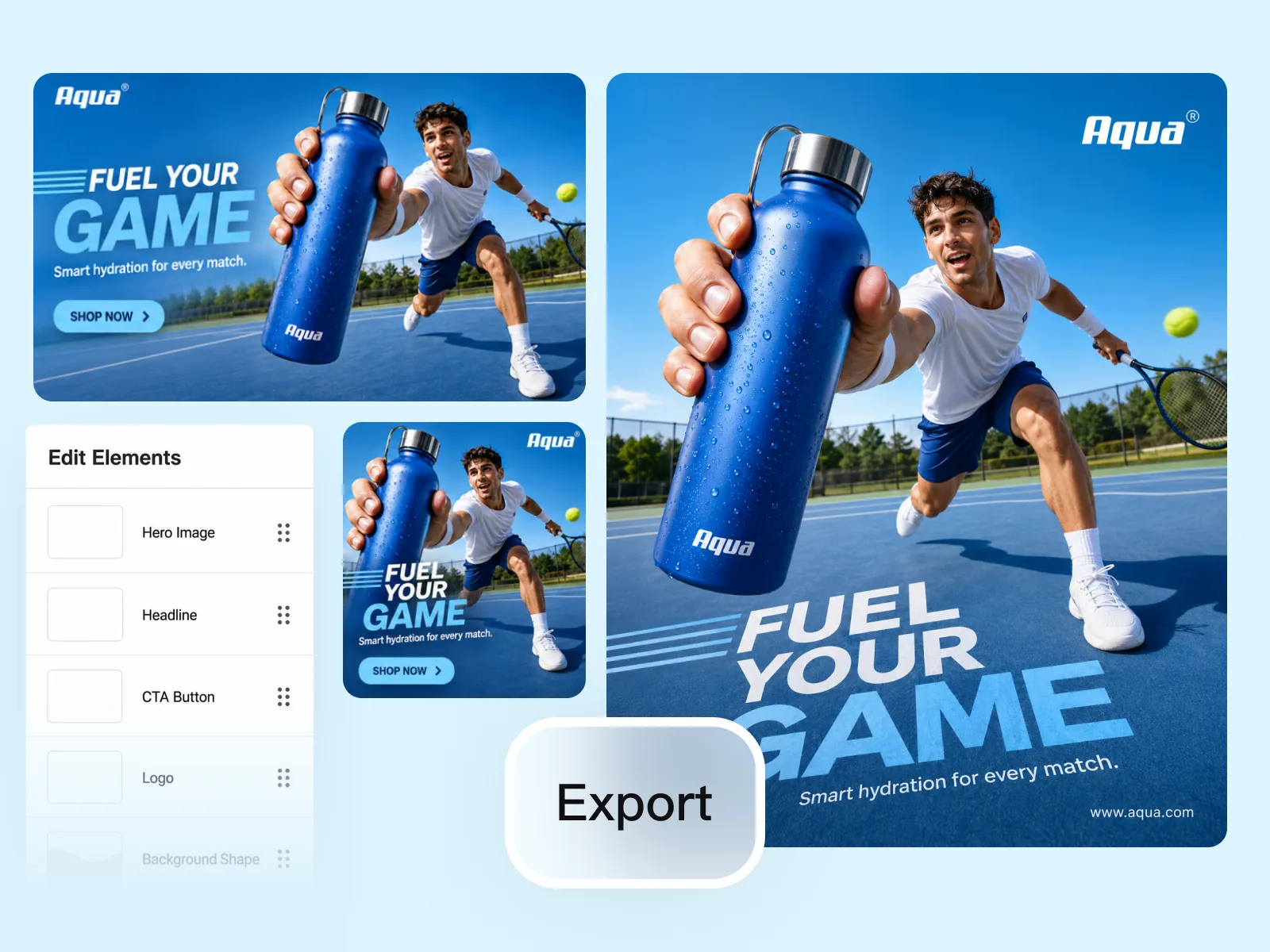
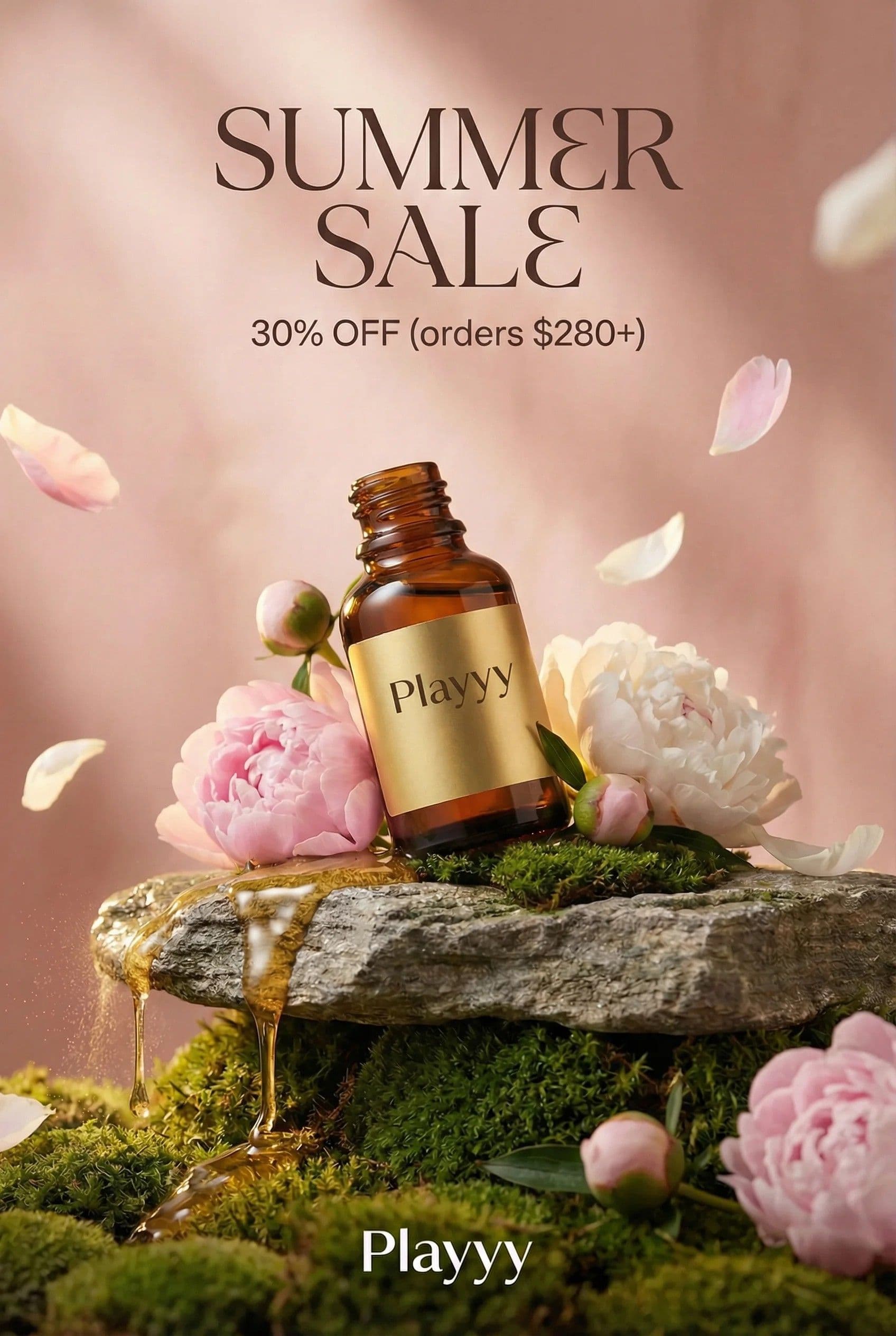
Rewrite a headline, update a price, add a sale badge, recolor a jacket, or swap a product for another — each from a single instruction. Works on product photos, ad creatives, event posters, and banners alike.
Try for free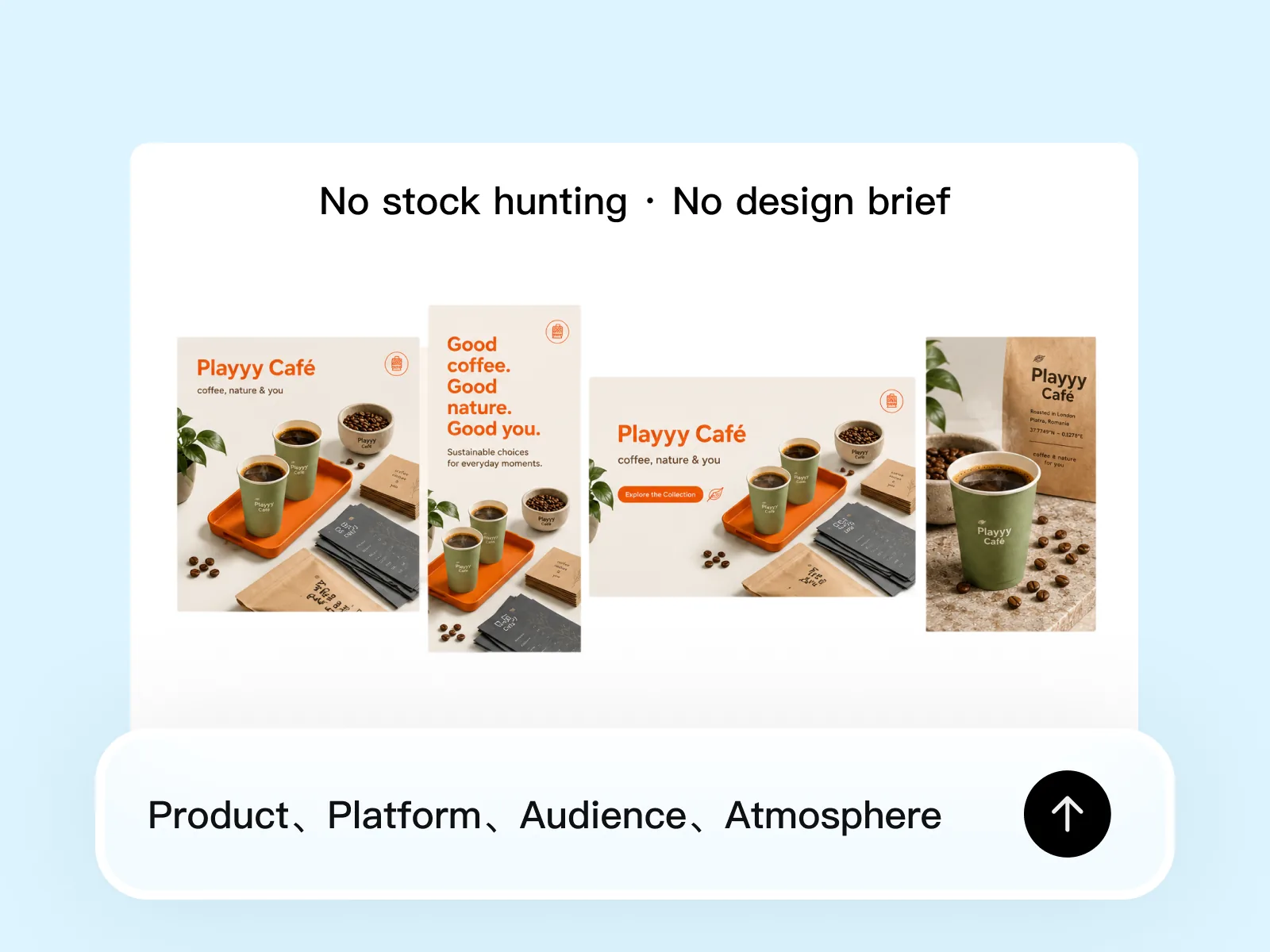
Keep editing the result: try a new background, another color, a different headline. Each instruction builds on the last, so one starting photo becomes a full set of variations for ads, social posts, and product listings.
Try for freeWrite a text prompt the way you would brief a designer: "make the sky stormy", "add sunglasses", "brighten the room". The AI reads the photo and applies exactly what you asked for.
Clear out photobombers, cables, stray objects, and clutter. The space they leave is filled with background that matches the scene.
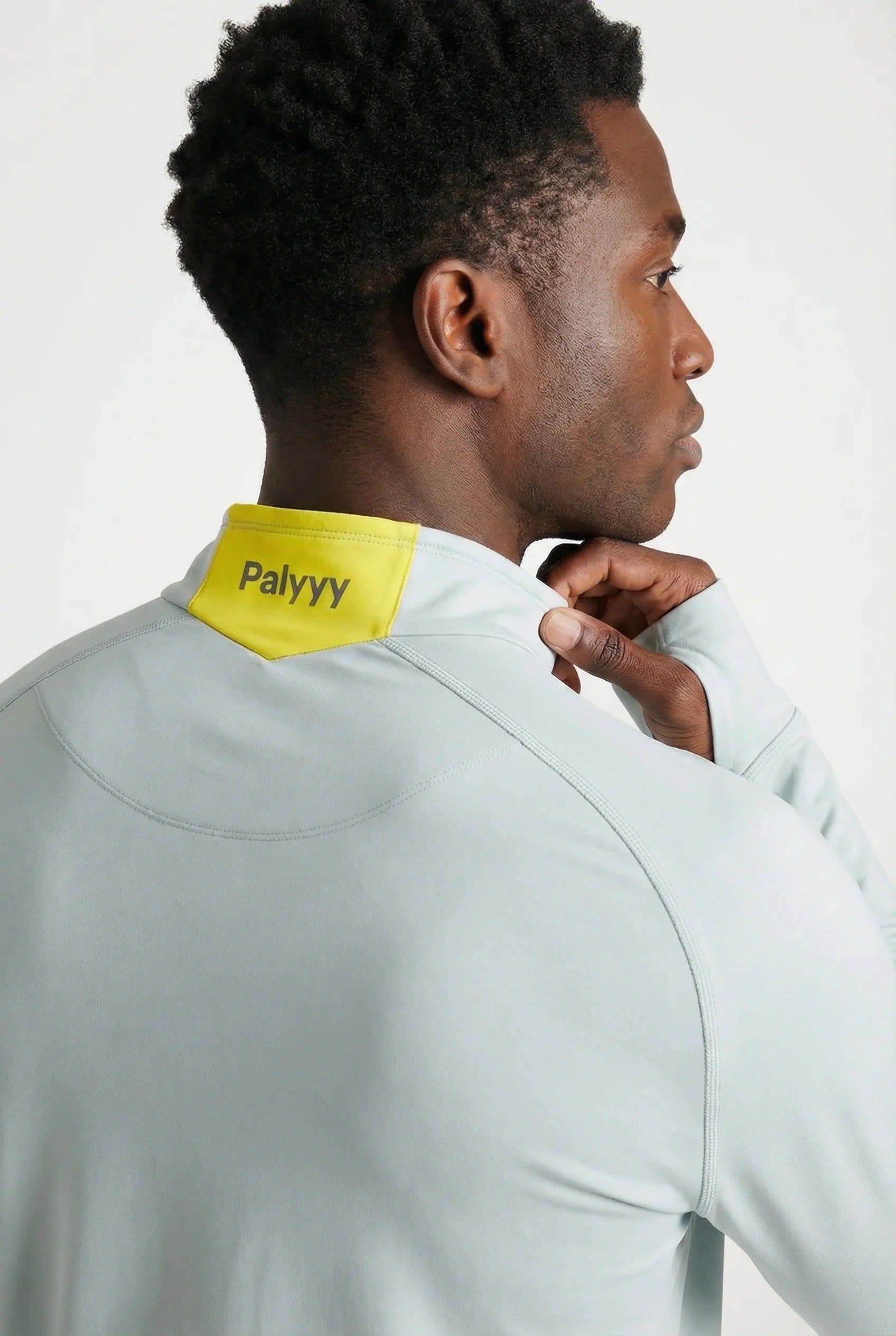
Change the color of clothing, products, walls, cars, or hair while texture, folds, and lighting stay realistic.
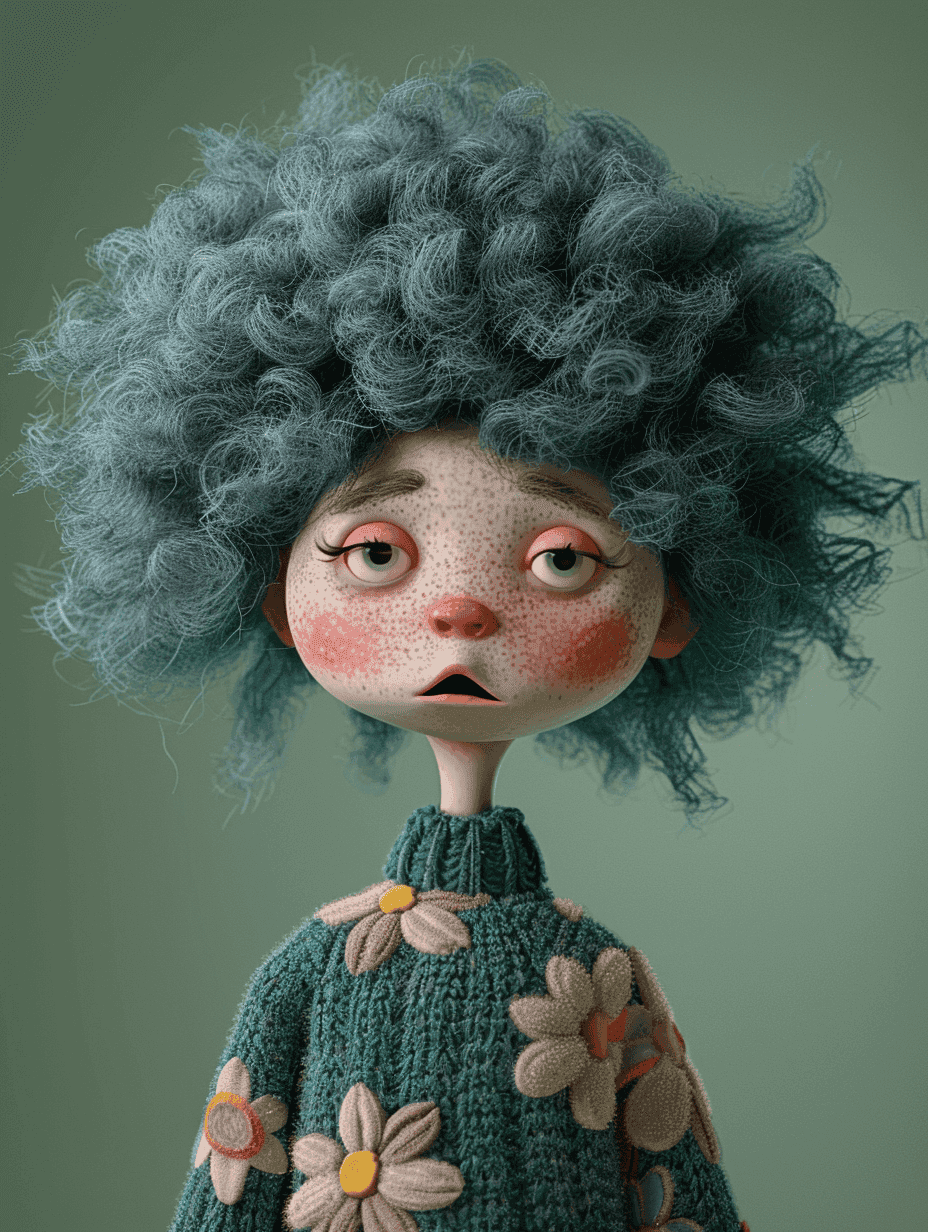
Move a product into a lifestyle scene, swap a dull backdrop for a studio set, or restyle the whole photo as a painting, sketch, or film shot.
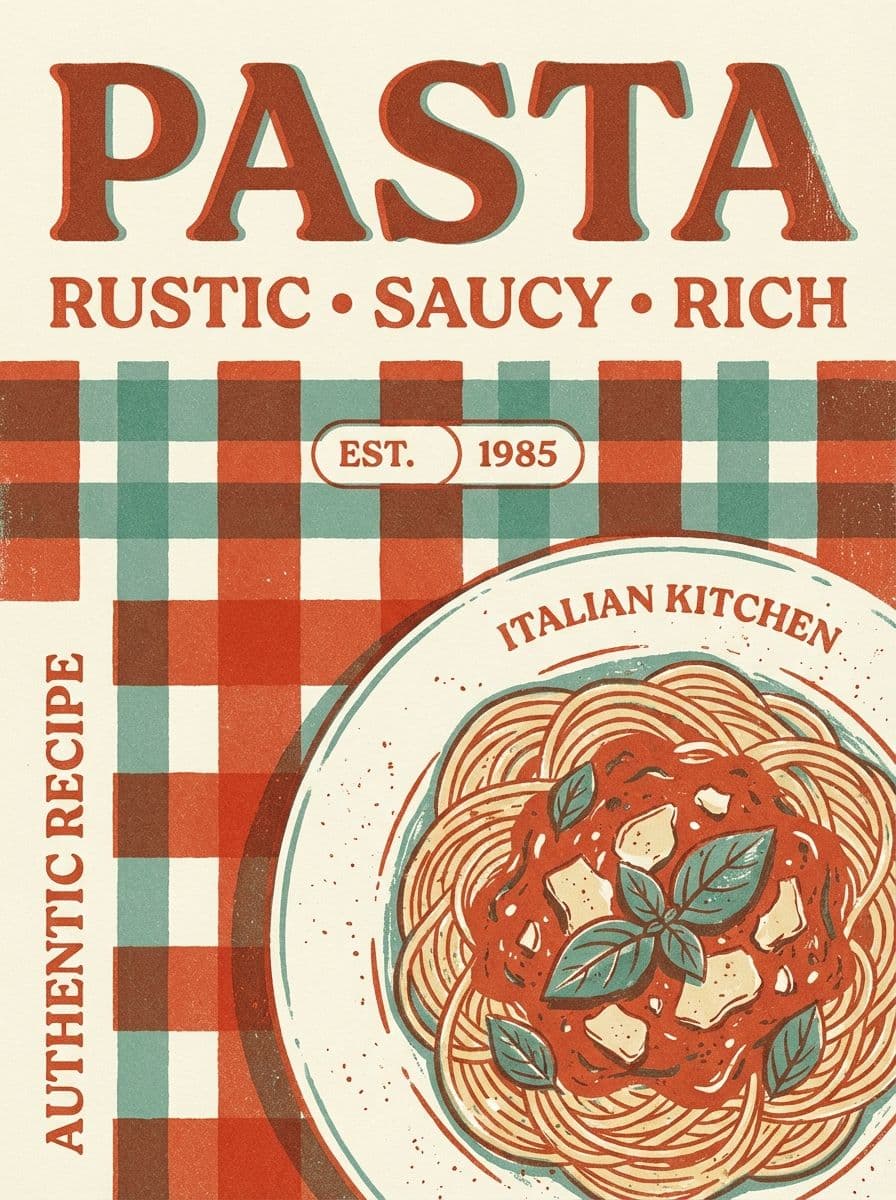
Ask for a headline, a price tag, or a sale badge on the image, or describe the wording you want on a sign or label.
Each edit builds on the last one. Add another instruction, undo a step, or switch to the brush, eraser, or upscaler on the same photo.
“I needed 25 ad variations for a split test and had one hero creative to start from. I clicked through the elements, described the changes I wanted, and had everything exported before the end of the day. That used to be a week of back-and-forth with a designer.”
Emily Carter
Growth Marketing Strategist
“When a client asks for 'the same post but with the sale price updated and the button in green,' I used to dread it. Now I click the price, type the new number, click the button, say change it to green, and I'm done in under two minutes.”
Sophie Whitmore
Social Media Manager & Brand Content Consultant
“We refresh campaign visuals constantly and rarely have time to go back to the source file. Being able to click into a live hero image and change the headline or background on the spot means our team can move at the pace the campaign actually needs.”
Daniel Brooks
Startup Brand & Content Advisor
Describing an edit is faster than tracing a selection or painting a mask. Name the object and the change, and the AI works out where it is in the photo and what should happen there.
Open the editor, upload a photo, and run AI edits without an account. Create a free account when you want to save or download the result — downloads carry no watermark.
The edit opens in a full photo editor, so the same image can go straight on to background removal, upscaling, expanding, or a new design on the canvas.
From one campaign brief to every channel asset — AI image generator, creator, and editor in one workflow.
Explore workflow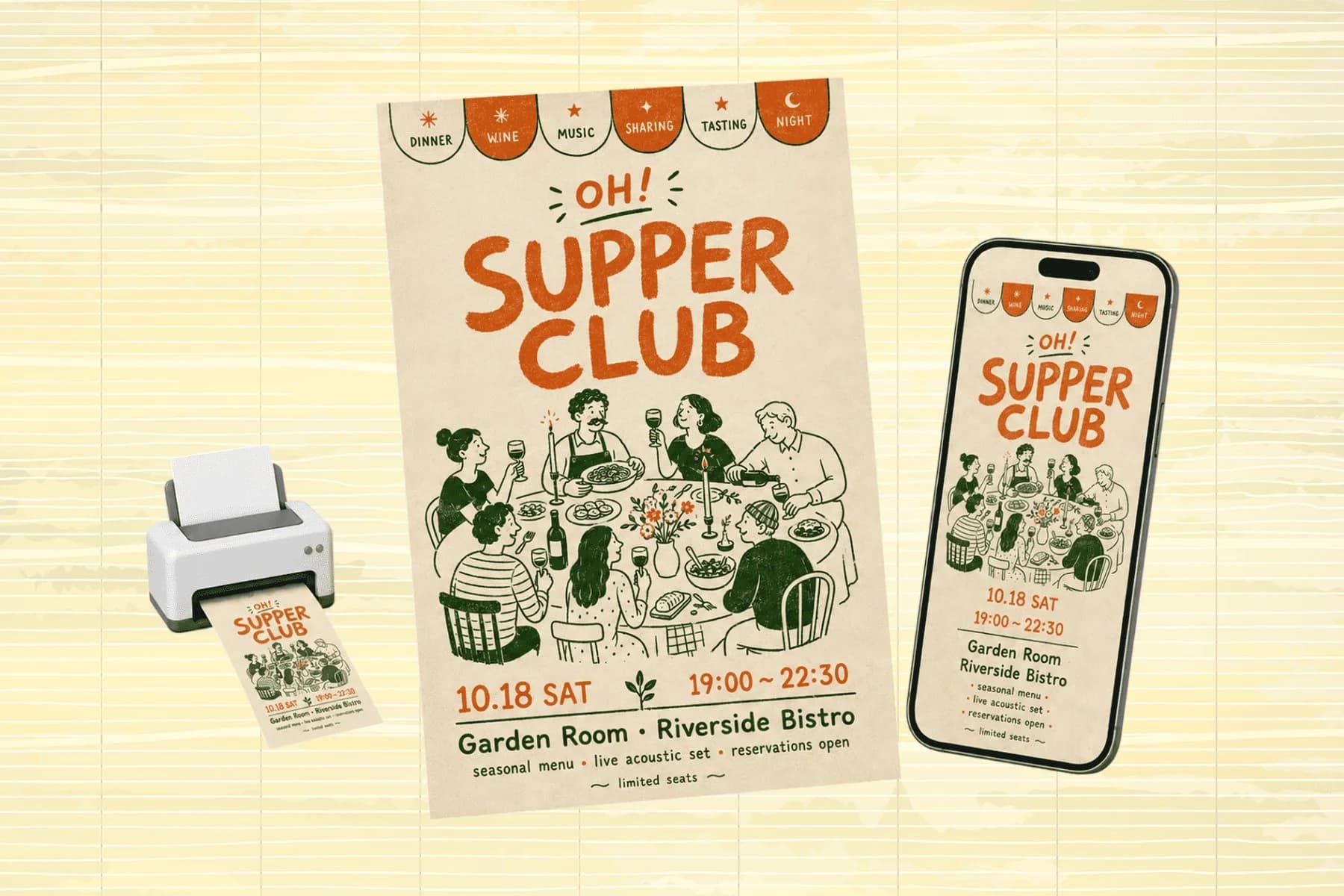
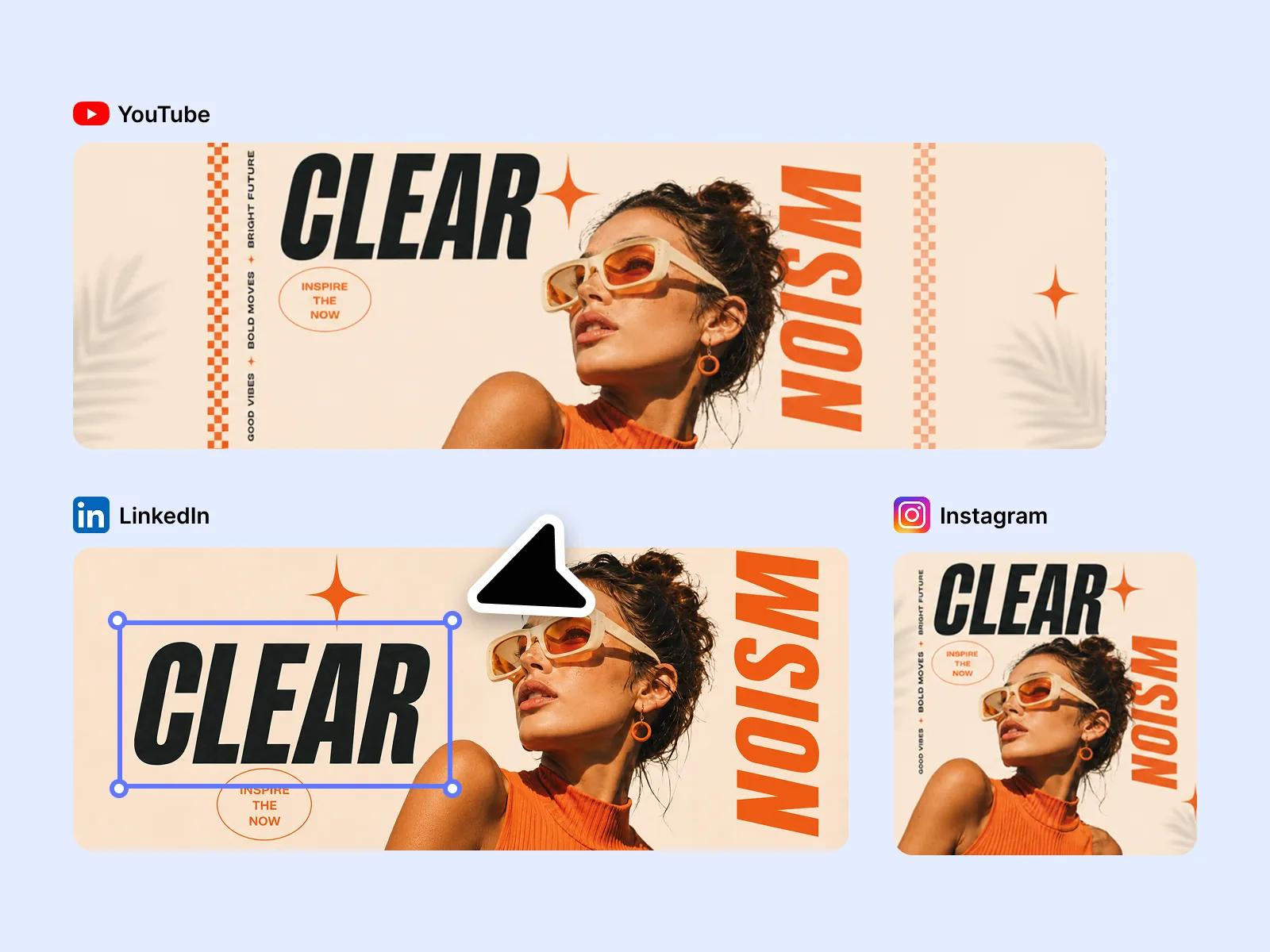
One hero visual, every platform format — YouTube, LinkedIn, Instagram — without manual resizing.
Explore workflowYes. You can open the editor, upload a photo, and run AI edits without an account. A free account lets you save and download the result without a watermark, and gives you 150 credits when you sign up plus 50 more every day.
Select Start editing for free, upload your photo in the editor, and type the change you want in the AI box at the bottom — for example "replace the background with a beach at sunset". The AI applies it in seconds. Add another sentence to keep refining.
Removing objects or people, recoloring clothes and products, replacing backgrounds, restyling the whole image, adding text or graphics, and adjusting lighting or mood. Short, specific instructions that name the object and the change work best.
The AI changes what your sentence describes and keeps the rest of the photo as close to the original as it can. For a change limited to one exact area, brush over that area with the inpainting tool in the same editor and describe what should fill it.
PNG, JPG, WebP, and HEIC photos, one image at a time.
See how teams are using Playyy to ship better visuals, faster.
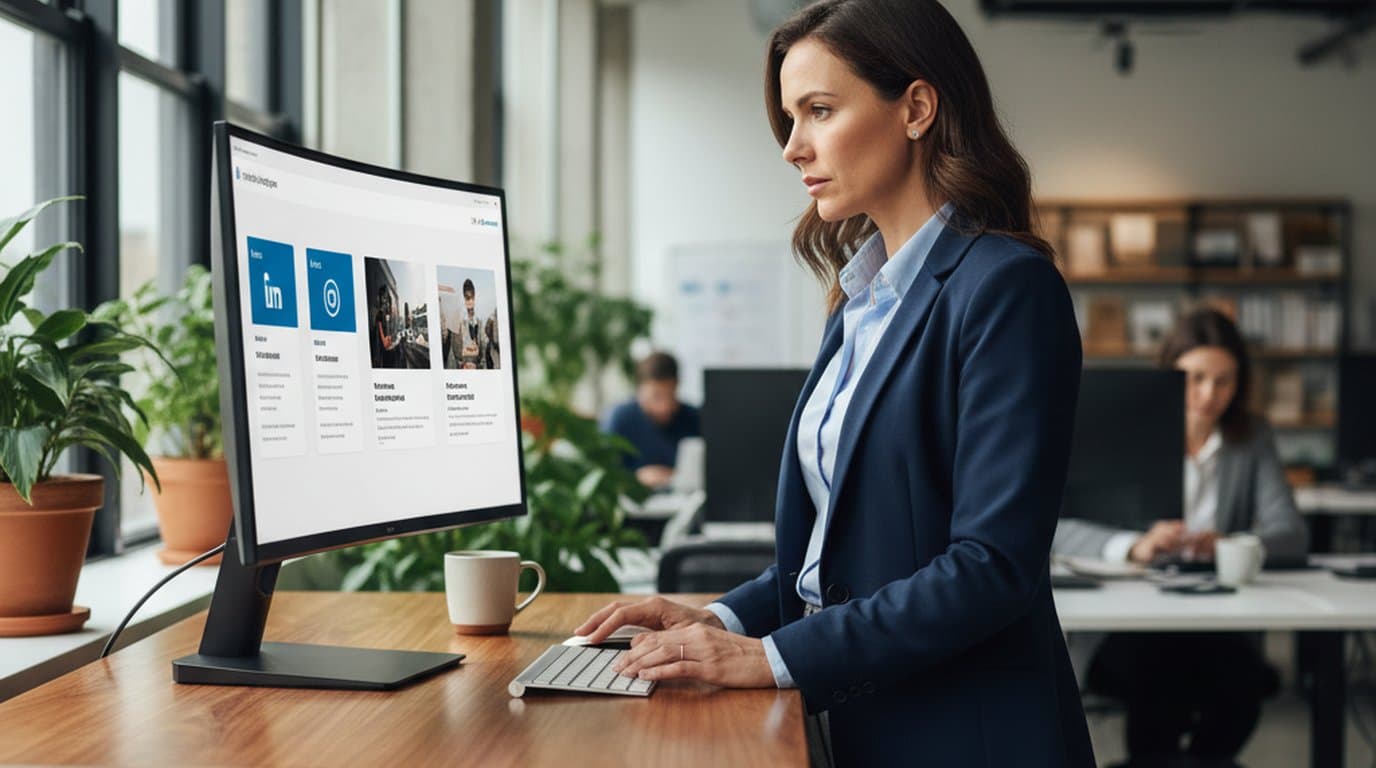
LinkedIn ads and organic posts, two different tones, one brand — produced in a single creative session without separate workflows.
 Emily Carter
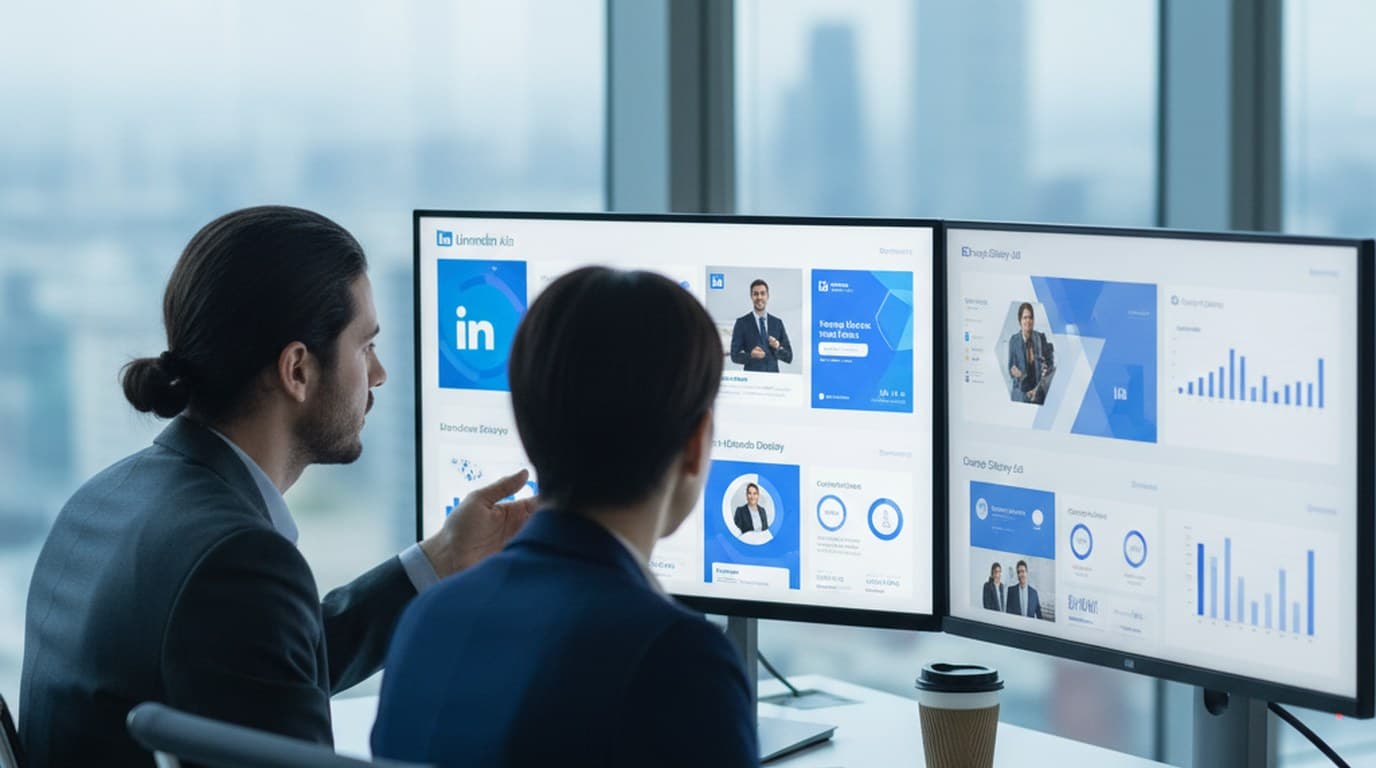
30 ad creatives, two channels, three days — how a SaaS growth team ran a quarter-end campaign push without an agency on retainer.
Emily Carter
One person, three platforms, zero visual drift — how the brand stopped rebuilding the same visuals from scratch for each channel.
 Sophie Whitmore
Keep every image on brand, control the final look, and turn campaign ideas into polished assets without waiting on another design cycle.