
Ecommerce Product Photo Editing: Amazon & Shopify
Ecommerce image editing across every SKU — background removal, cleanup, and upscaling that meet marketplace specs.
Explore workflowConvert PNG and WebP to JPG with adjustable quality. Files stay on your device.
A workflow built around your real creative needs — from first direction to final asset.
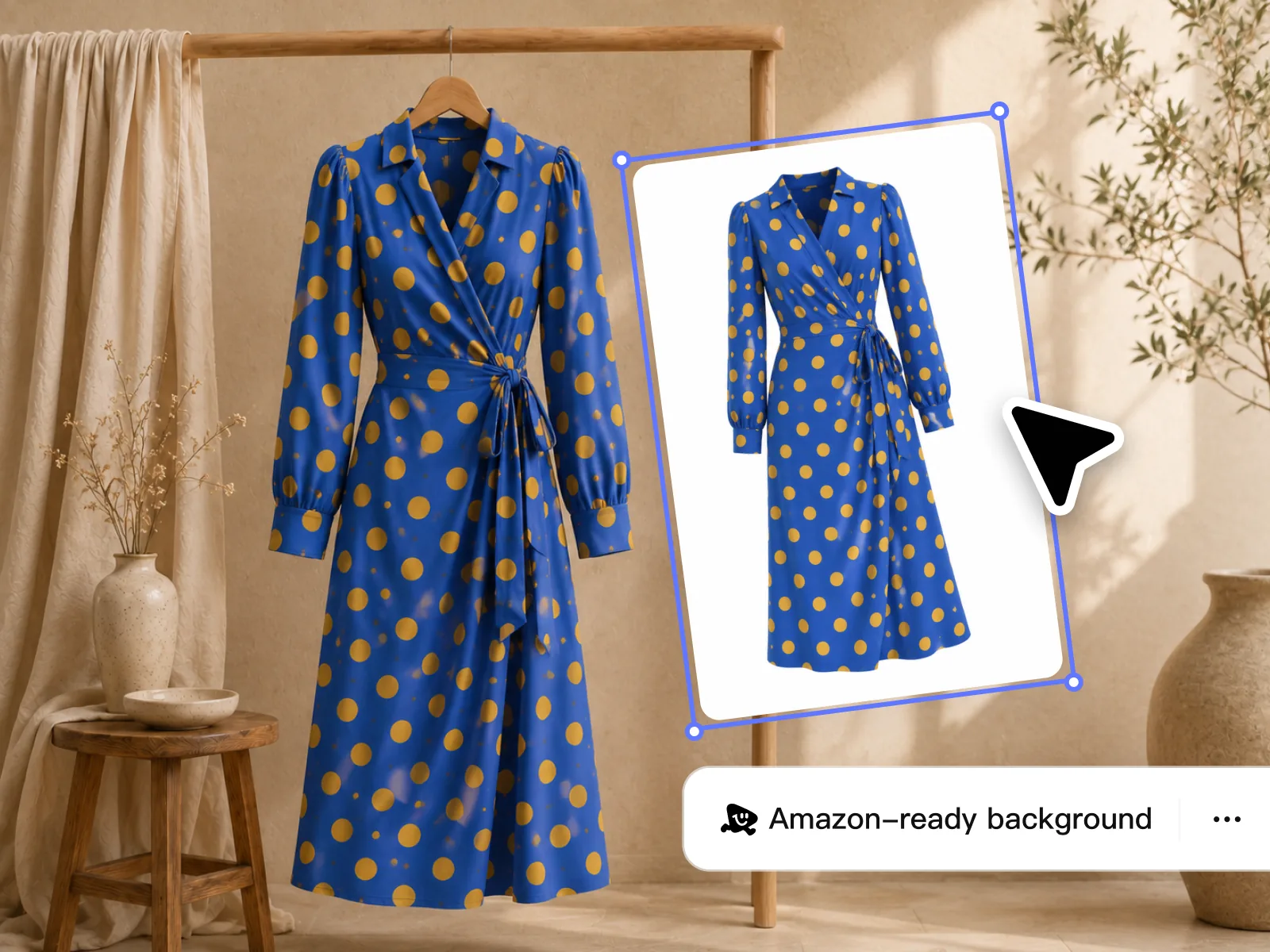
Convert PNG and WebP files to a widely supported format for websites, marketplaces, ads, email, and social media. Adjust quality to balance file size and detail.
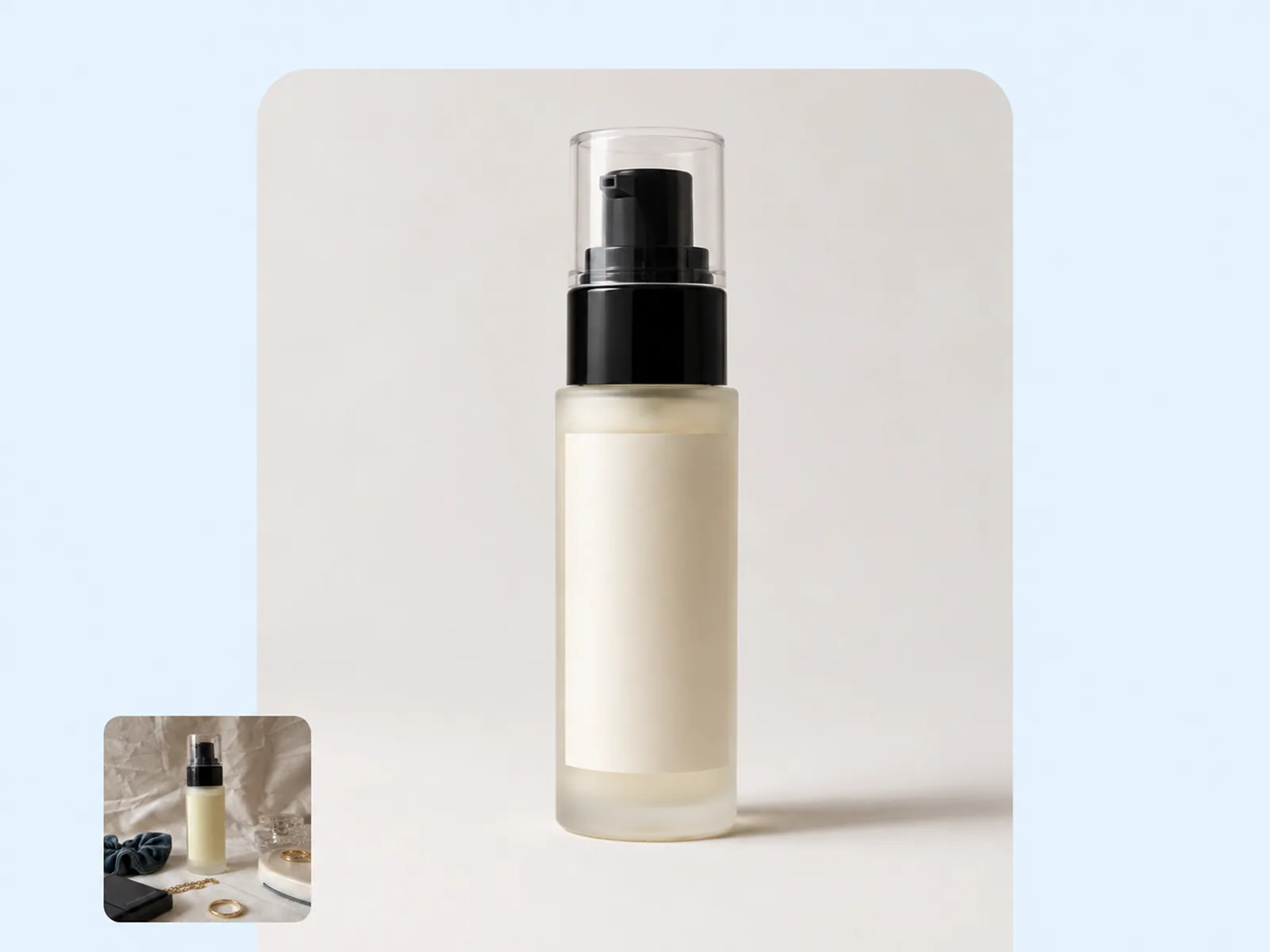
JPG does not support transparent backgrounds, so transparent areas become white. Choose PNG or WebP instead when you need to keep transparency.
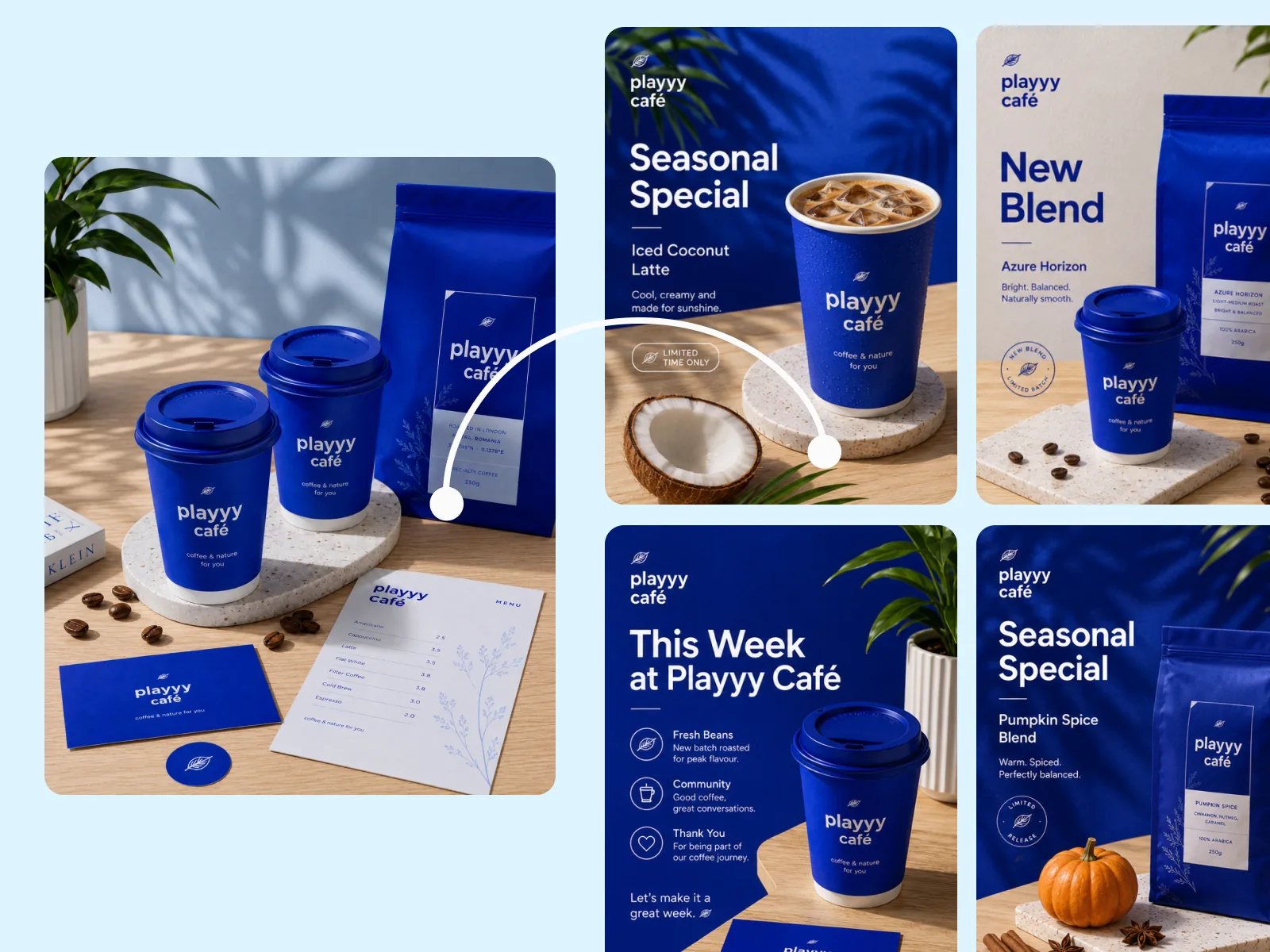
Adjust quality to balance a smaller JPG file with the detail each image needs.
Choose a smaller file or preserve more detail before converting.
JPG is widely supported across websites, marketplaces, ads, email, and social media.
Convert PNG or WebP to JPEG in your browser — the two input formats this tool accepts.
Queue up to 10 images at once and use the same quality setting across the batch.
Conversion runs locally in your browser. Files are never uploaded to a server or stored after download.
Each file gets its own download button as soon as conversion finishes.
“Our supplier sends product images as PNG exports. Converting them to JPG before upload used to be a separate step in a separate app. Now I batch convert locally in the same session.”

James Walker
Ecommerce Creative Strategist
“Some of our ad platforms still reject WebP. Converting the final creatives to JPG before upload means zero format rejection errors — the files just work.”

Emily Carter
Growth Marketing Strategist
“I convert PNG exports from Figma to JPG for email campaigns. The file size drops significantly and email clients render them consistently across every client I test.”

Aiko Tanaka
Independent Designer & Visual Systems Consultant
Use JPG when a website, marketplace, ad platform, or email tool does not accept your current format.
Use higher quality to preserve more detail or lower quality for a smaller JPG. Download one result and compare it with the original.
Conversion runs directly in your browser, so there is no upload queue or server wait. Files stay on your device.
Ecommerce image editing across every SKU — background removal, cleanup, and upscaling that meet marketplace specs.
Explore workflow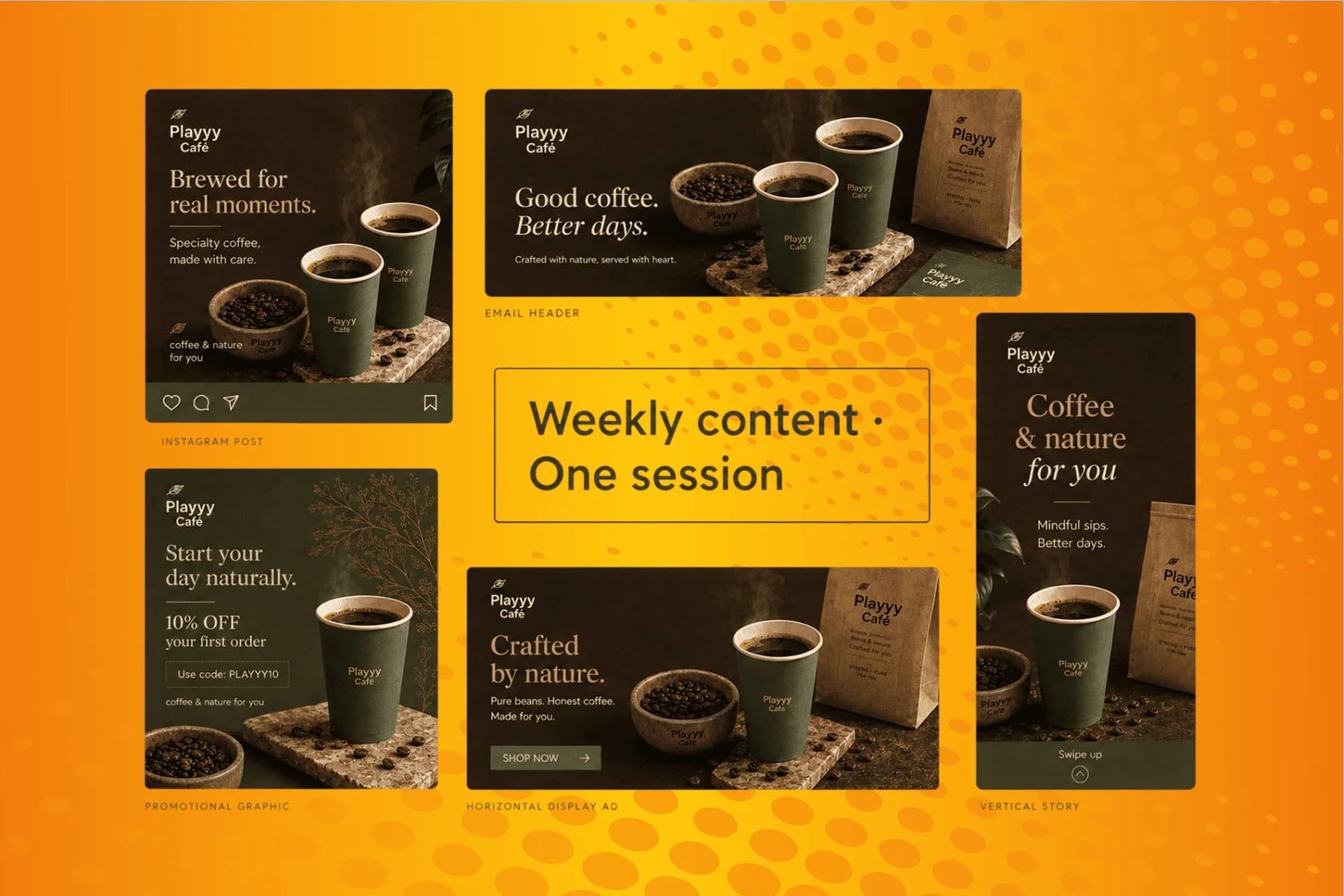
From content gap to publish-ready creative — AI image generator, brand style matching, and copy placement in one session.
Explore workflowTransparent areas become white because JPG does not support transparency. Convert to PNG or WebP instead if the background must stay transparent.
Yes. Use the quality control to choose a smaller file or preserve more detail before converting.
This preset accepts PNG and WebP. Select files on your device and download JPEG output without uploading them to a server.
Transparent areas become white in JPG files. Use PNG or WebP if you need to keep transparency.
Converting changes the format, such as PNG to JPG. Compressing makes a file smaller without changing its format.
See how teams are using Playyy to ship better visuals, faster.

Sixty lifestyle images, three days, no studio. How one Shopify brand cut product shoot costs by 80% using AI photo editing.
 James Walker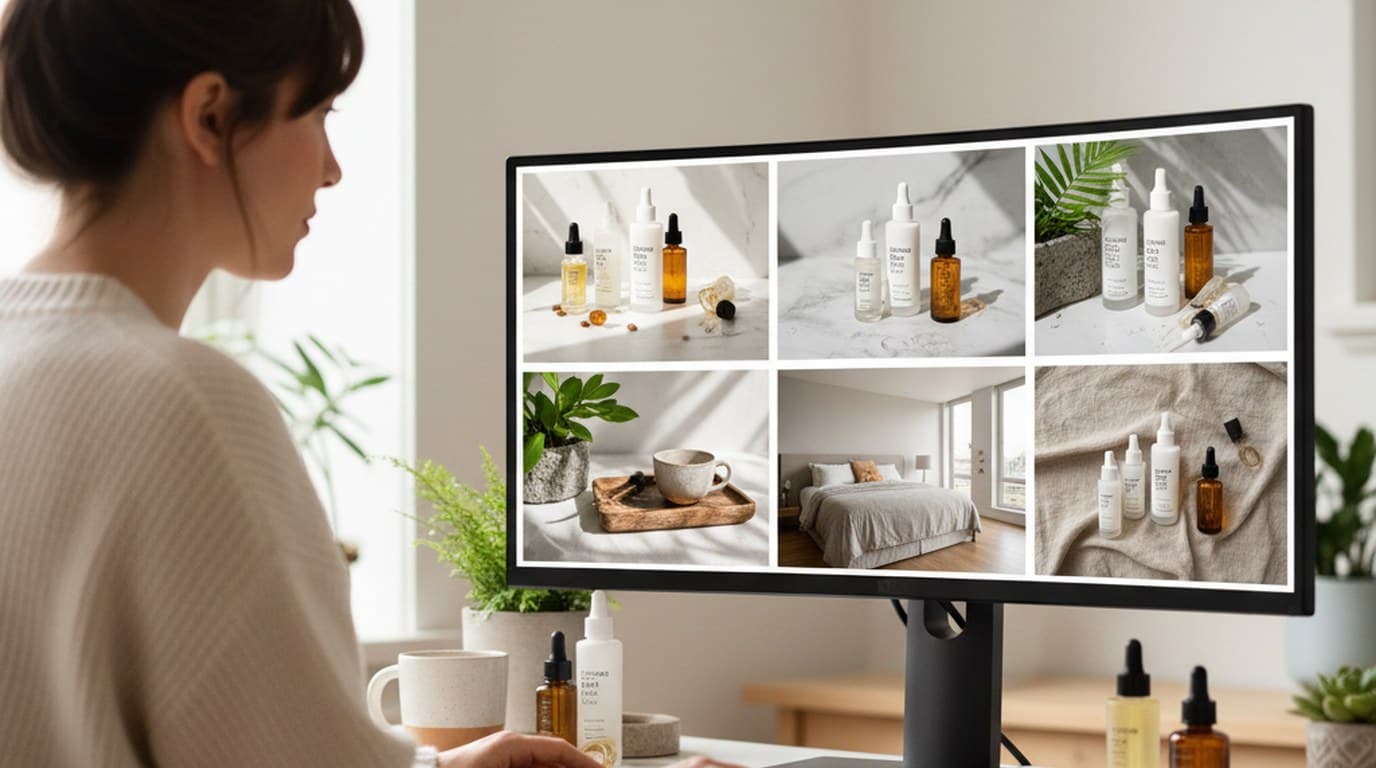
Six creative directions, one working day, real market data — before the studio was ever booked.
 Emily Carter
30 ad creatives, two channels, three days — how a SaaS growth team ran a quarter-end campaign push without an agency on retainer.
Emily CarterKeep every image on brand, control the final look, and turn campaign ideas into polished assets without waiting on another design cycle.














