
Ecommerce Product Photo Editing: Amazon & Shopify
Ecommerce image editing across every SKU — background removal, cleanup, and upscaling that meet marketplace specs.
Explore workflowCompress JPG, PNG, and WebP fast in your browser. Adjust quality with no uploads or sign-up.
A workflow built around your real creative needs — from first direction to final asset.
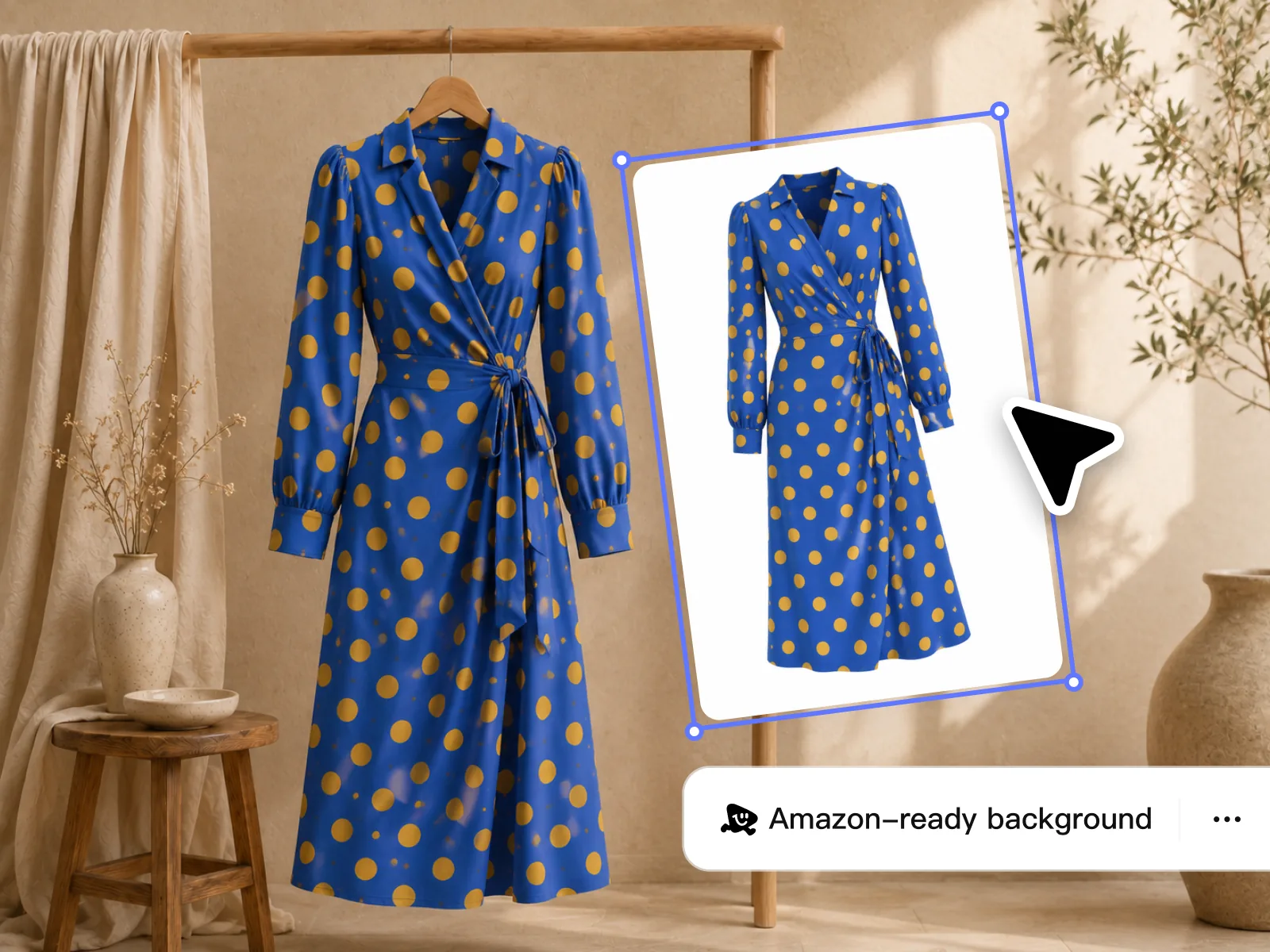
Add JPG, PNG, or WebP files, choose the quality you want, and download each result as soon as it is ready.
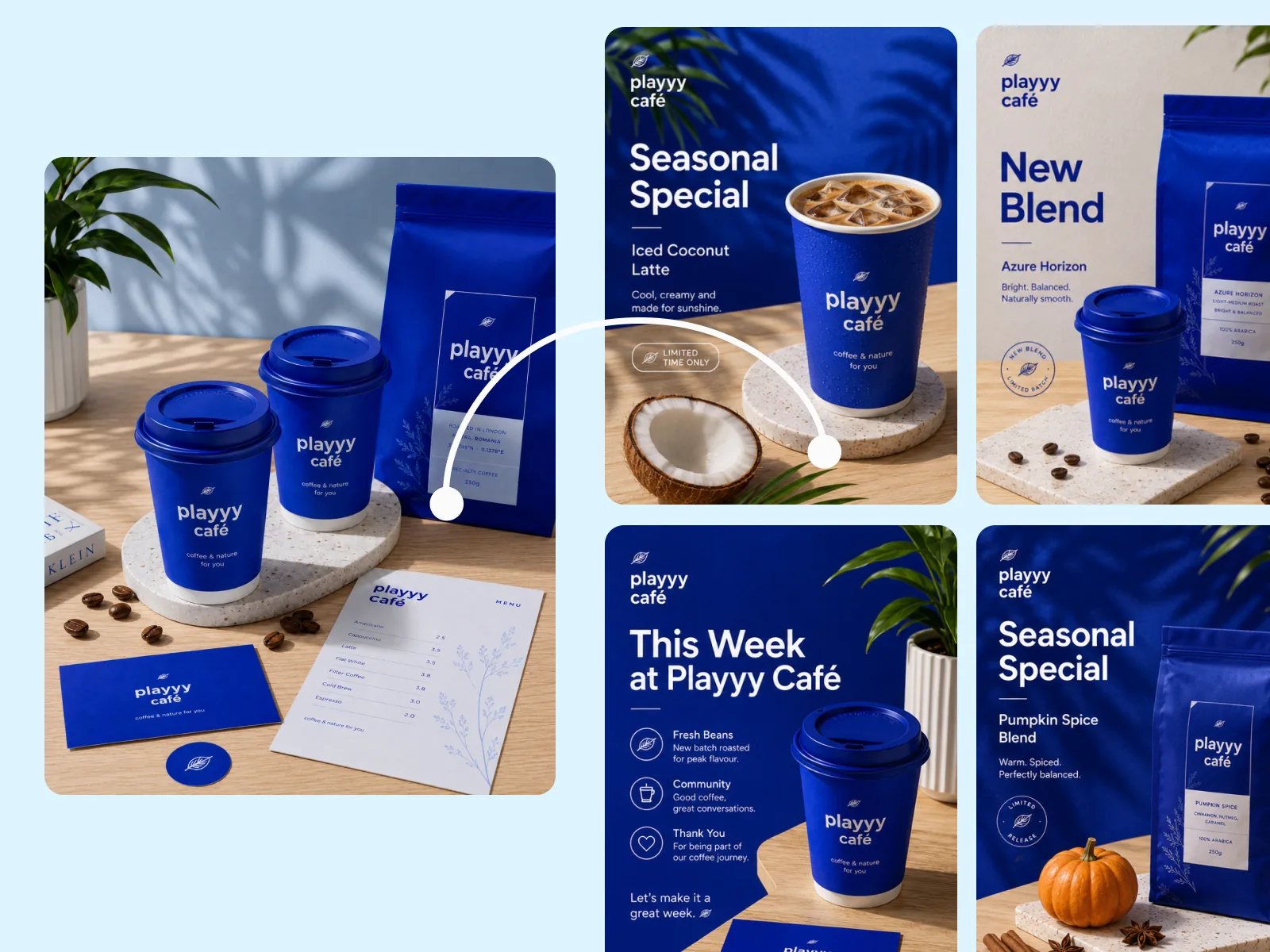
Compress the three most common web image formats in one place. Adjust quality for smaller files, or choose lossless PNG when every detail matters.

Processing runs directly in your browser, so there is no upload queue or server wait. Files stay on your device from selection to download.
Adjust quality to balance file size and clarity. For PNG, choose lossy compression for smaller files or lossless to preserve every detail.
Queue up to 10 images per batch and reuse one setting across the files. Results are ready as each image finishes.
See the original size, compressed size, and percentage saved for every file. If a file cannot be made smaller, it stays unchanged.
Compress JPG, PNG, and WebP files with controls that fit each format.
Images never leave your device. Nothing is uploaded or stored on our servers.
Download each compressed file as soon as it is ready. There is no need to wait for the rest of the batch.
“We were compressing product images one at a time in Photoshop before uploading to Shopify. It was eating an hour of every launch day. With Playyy I batch-compress the whole drop in under two minutes — everything is web-ready before I even check the product pages.”

James Walker
Ecommerce Creative Strategist
“Our email newsletter images used to push campaigns over the 600KB recommended size. After switching to Playyy for compression, every send comes in under budget and load times in clients' email apps are noticeably faster.”

Emily Carter
Growth Marketing Strategist
“I shoot product photos at full RAW resolution and the web versions used to be way too large for our landing pages. Playyy gets them down to the right size without any visible difference — clients can't tell the compressed version from the original.”

Sophie Whitmore
Social Media Manager & Brand Content Consultant
Use higher quality to preserve more detail or lower quality for a smaller file. PNG also offers lossless compression when the image must stay unchanged.
Local processing removes upload time from the workflow. Queue up to 10 files and download each result as it finishes.
Use one quality setting across product photos, blog images, campaign assets, and social graphics, then repeat with the next batch.
Ecommerce image editing across every SKU — background removal, cleanup, and upscaling that meet marketplace specs.
Explore workflow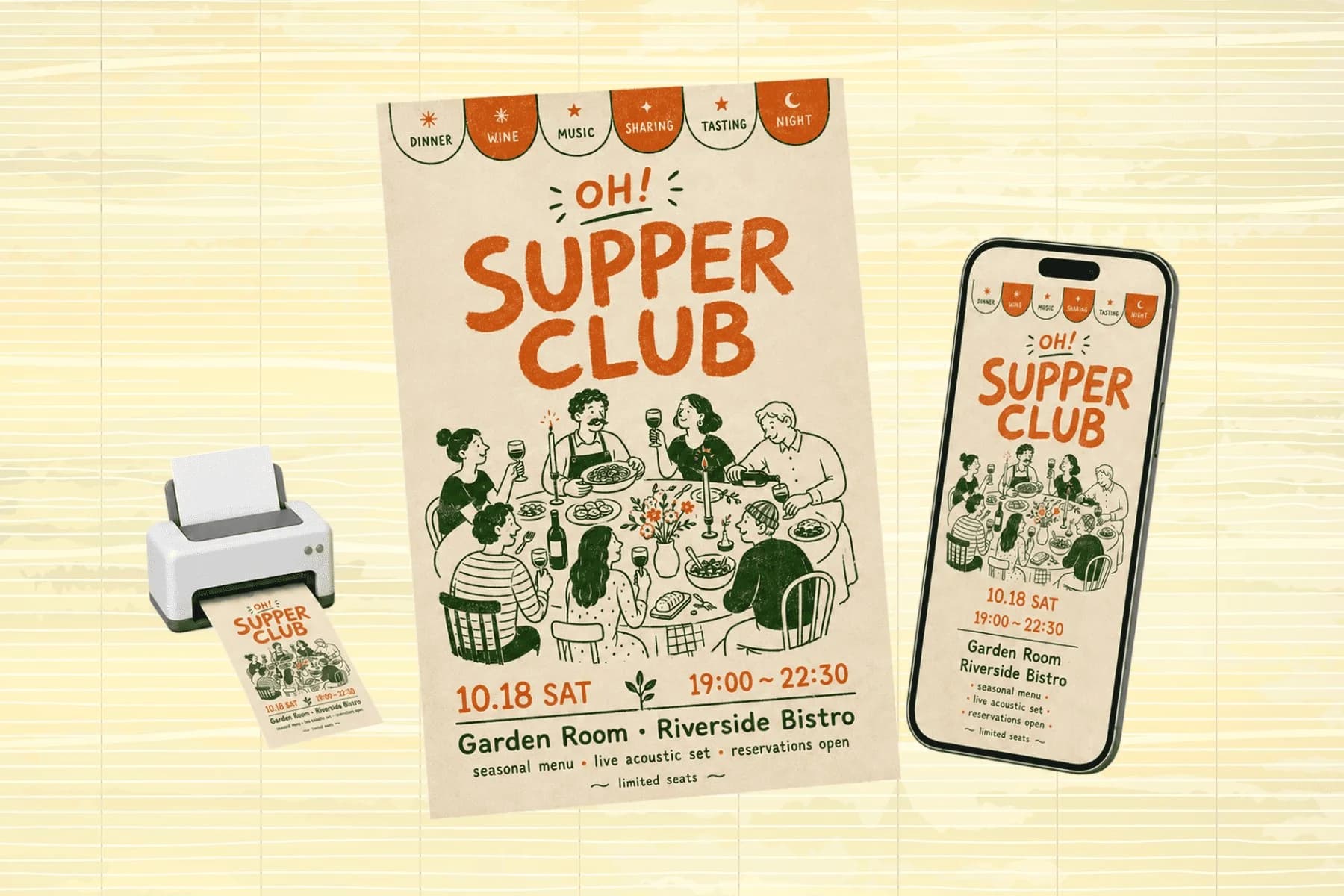
One hero visual, every platform format — YouTube, LinkedIn, Instagram — without manual resizing.
Explore workflowJPG, PNG, and WebP are all supported. Each format gets compression suited to the file type — JPEG and WebP use lossy compression, while PNG supports both lossless and lossy compression.
You can queue up to 10 images at a time, with a 20 MB limit per file. Large images may take longer to process, but nothing is uploaded.
Savings depend on the format, image, and quality setting. The tool shows the exact reduction for every file before downloading.
No. Processing runs locally in your browser. Files are never uploaded and nothing is retained on our servers.
Yes for PNG files. Choose lossy compression for a smaller file or lossless compression when every detail must stay unchanged. JPG and WebP use adjustable quality.
See how teams are using Playyy to ship better visuals, faster.
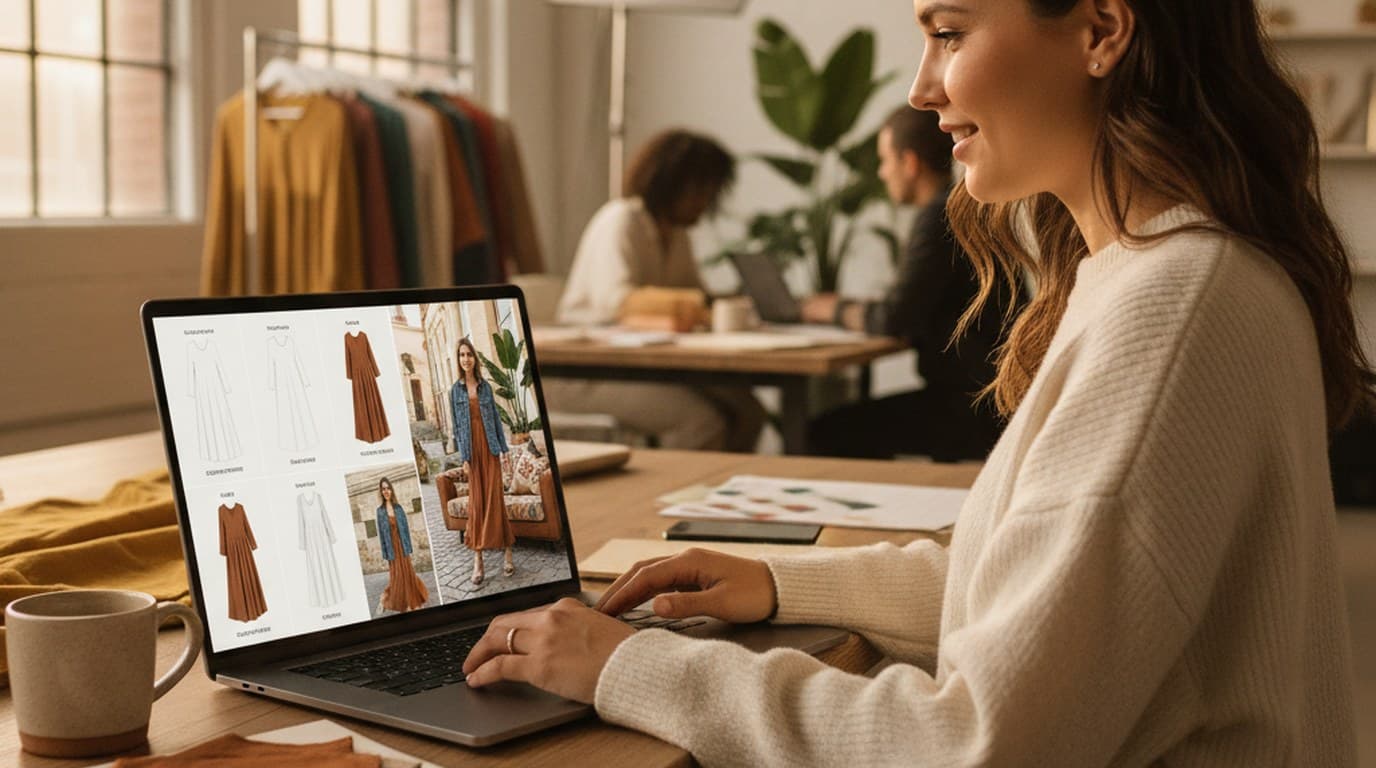
Sixty lifestyle images, three days, no studio. How one Shopify brand cut product shoot costs by 80% using AI photo editing.
 James Walker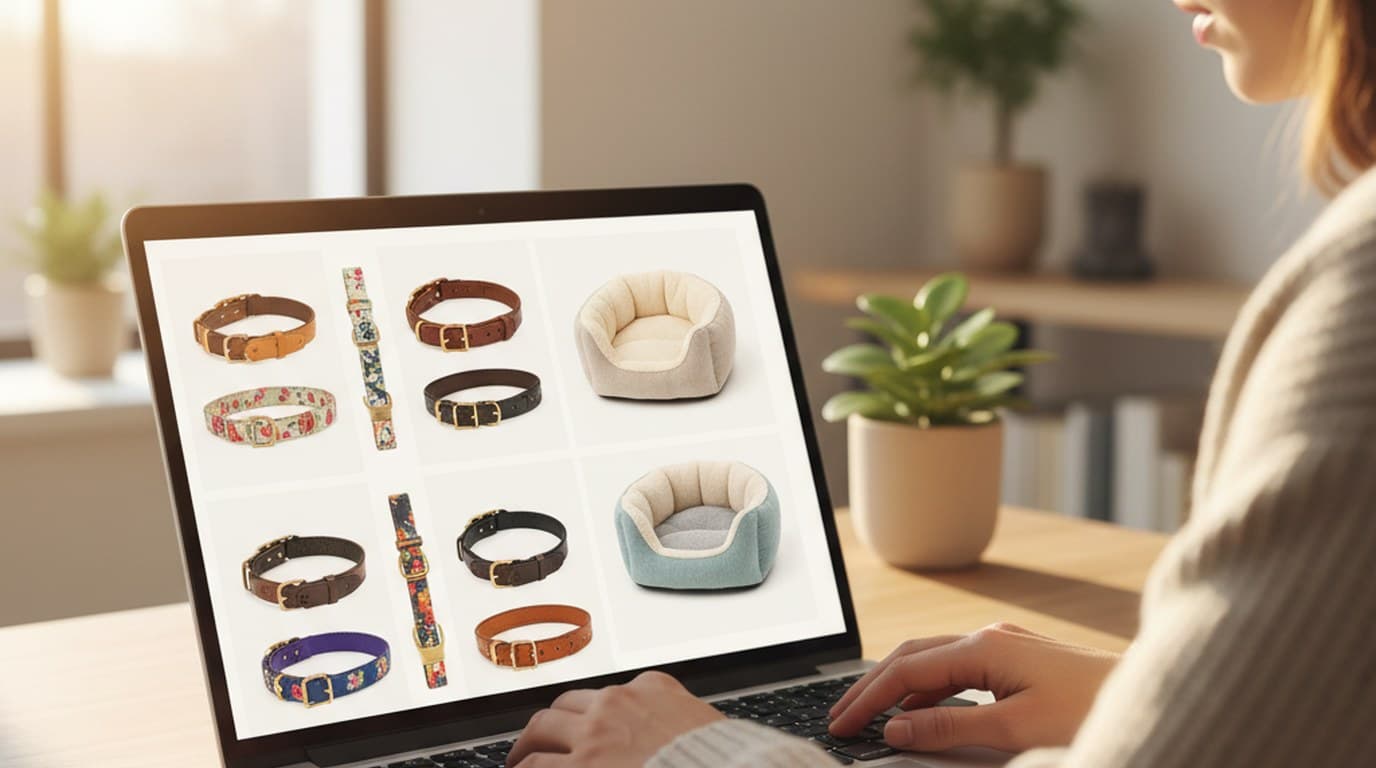
Ninety marketplace-ready product images, four days, no studio. How one pet brand replaced its entire catalog workflow with AI.
James Walker
One flatlay shoot, four seasonal campaigns. How Ingrid Larson swaps photo backgrounds on Playyy's editable AI canvas instead of rebooking the photographer.
 Sophie Whitmore
Keep every image on brand, control the final look, and turn campaign ideas into polished assets without waiting on another design cycle.














