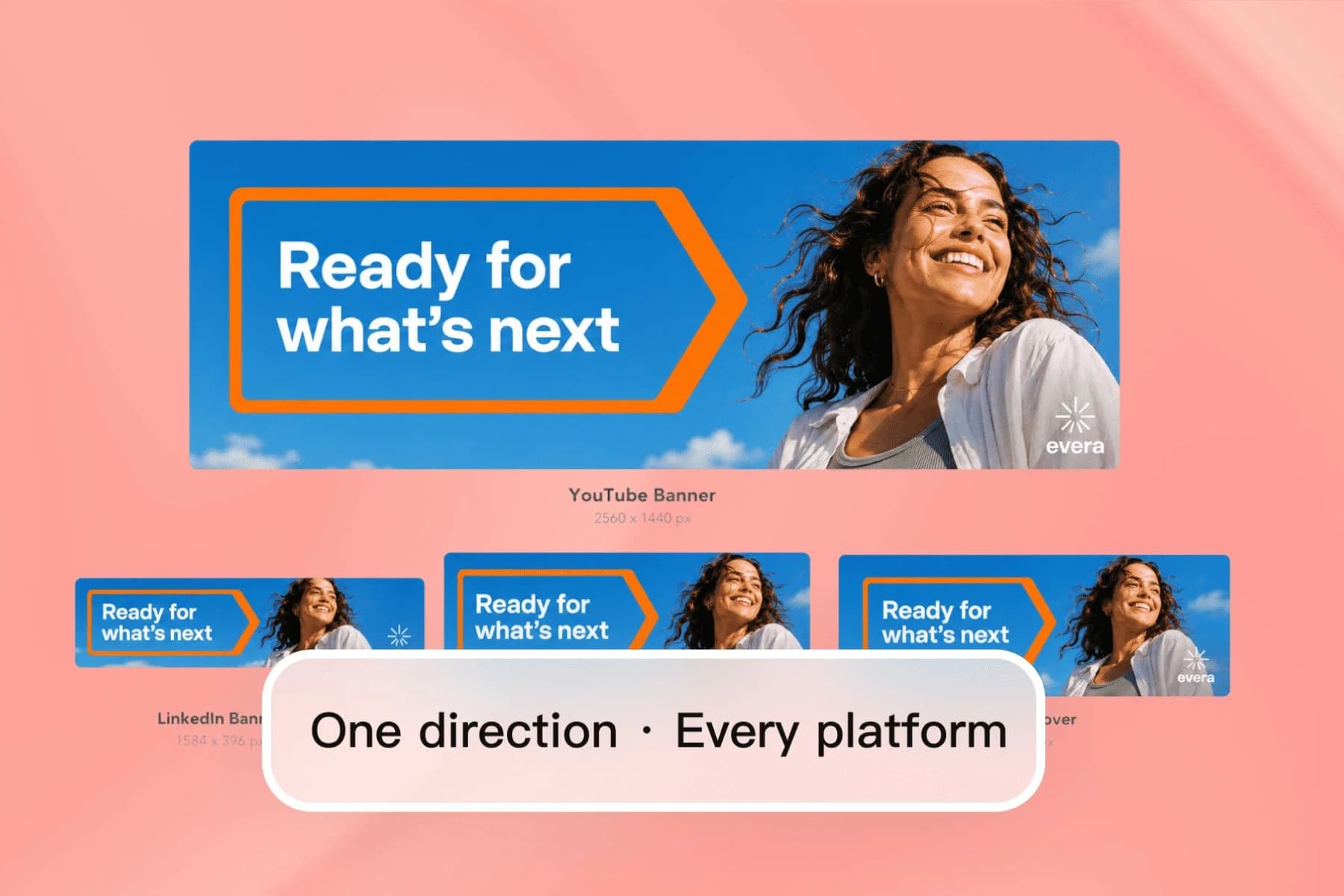
Create YouTube and LinkedIn Banners with AI
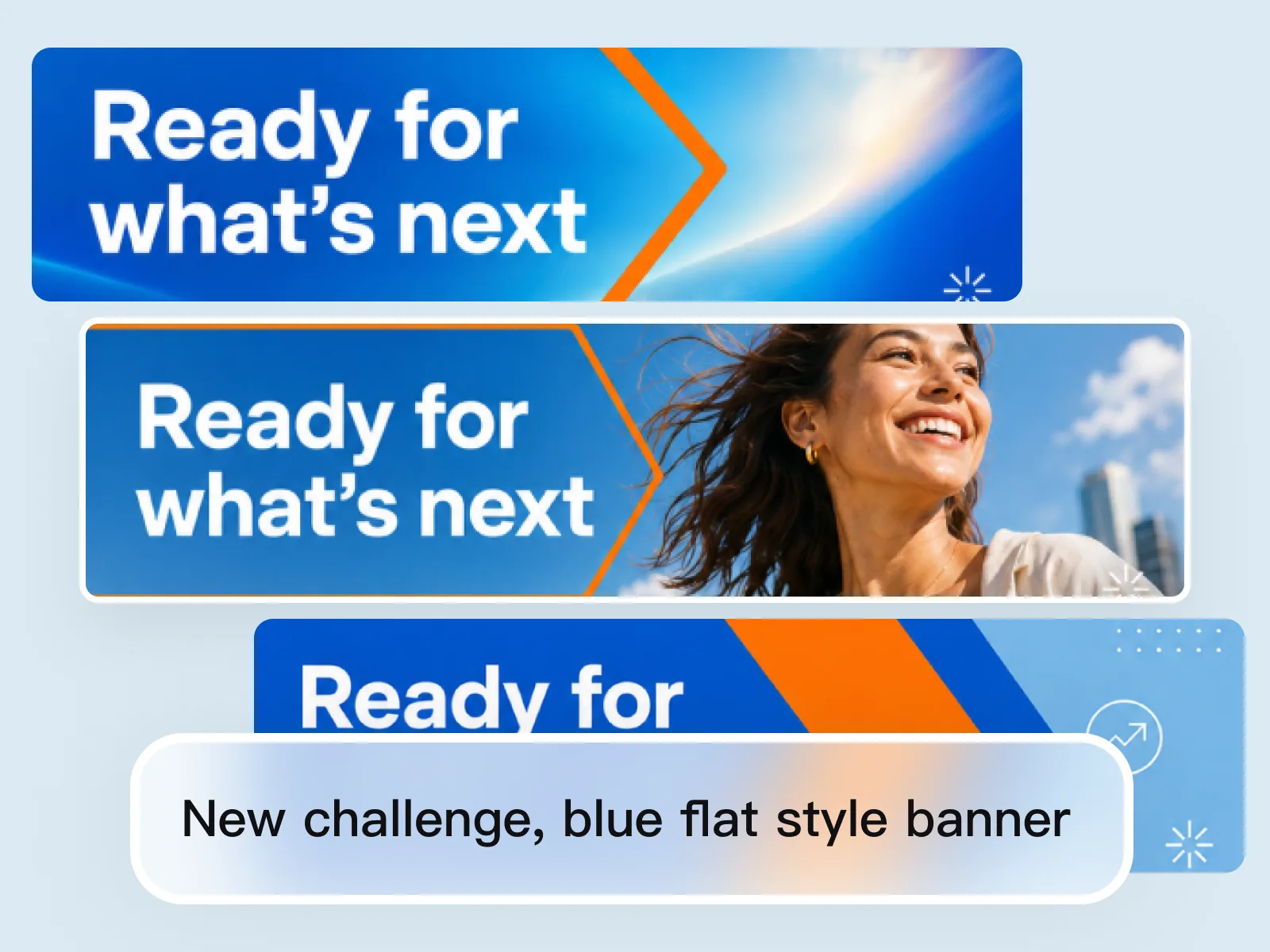
From one AI direction to YouTube, LinkedIn, Twitter, and Facebook covers — no designer, no templates.
Explore workflowCompress PNG files fast. Adjust quality or choose lossless, with no uploads.
A workflow built around your real creative needs — from first direction to final asset.
Use lossy compression for a smaller file and adjust quality as needed. Switch to lossless when every detail matters.
Add up to 10 PNG files and apply one setting to the whole batch. Results are ready as each file finishes, with no upload wait.
Files stay on your device from selection to download. Nothing is uploaded or stored on our servers.
Choose lossy compression for smaller files or lossless compression to preserve every detail. Adjust quality whenever you need a different balance.
Reduce PNG file size while keeping the image clear. See the actual savings for every file before downloading.
PNG supports transparent backgrounds in both modes. Choose lossless when soft edges and shadows must stay unchanged.
Queue up to 10 PNGs at once — useful for icon libraries, logo variants, screenshots, and product assets.
Images stay on your device. Nothing is uploaded or stored on our servers.
Each file gets its own download button as soon as compression finishes. There is no need to wait for the rest of the batch.
“I export a lot of transparent PNG logos from Figma and they're always larger than I'd like. Playyy compresses them in seconds, and lossless mode keeps the soft edges unchanged for our templates.”

Aiko Tanaka
Independent Designer & Visual Systems Consultant
“We have an icon library of about 200 PNGs that ships with our marketing site. Running the set through Playyy cut the total weight by about 60% — meaningful for a CDN-served asset.”

Luca Moretti
Local Business & Event Marketing Consultant
“Uploading every PNG to an online compressor used to slow me down. Playyy lets me queue each batch, set the quality once, and download files as they finish.”

Sophie Whitmore
Social Media Manager & Brand Content Consultant
Compression runs in your browser when you start the batch. There is no upload queue, and files never leave your device.
Use lossy compression when file size matters most. Choose lossless when the image must stay exactly the same.
Compress logos, icons, screenshots, product images, and transparent graphics with the same simple controls.
From one AI direction to YouTube, LinkedIn, Twitter, and Facebook covers — no designer, no templates.
Explore workflow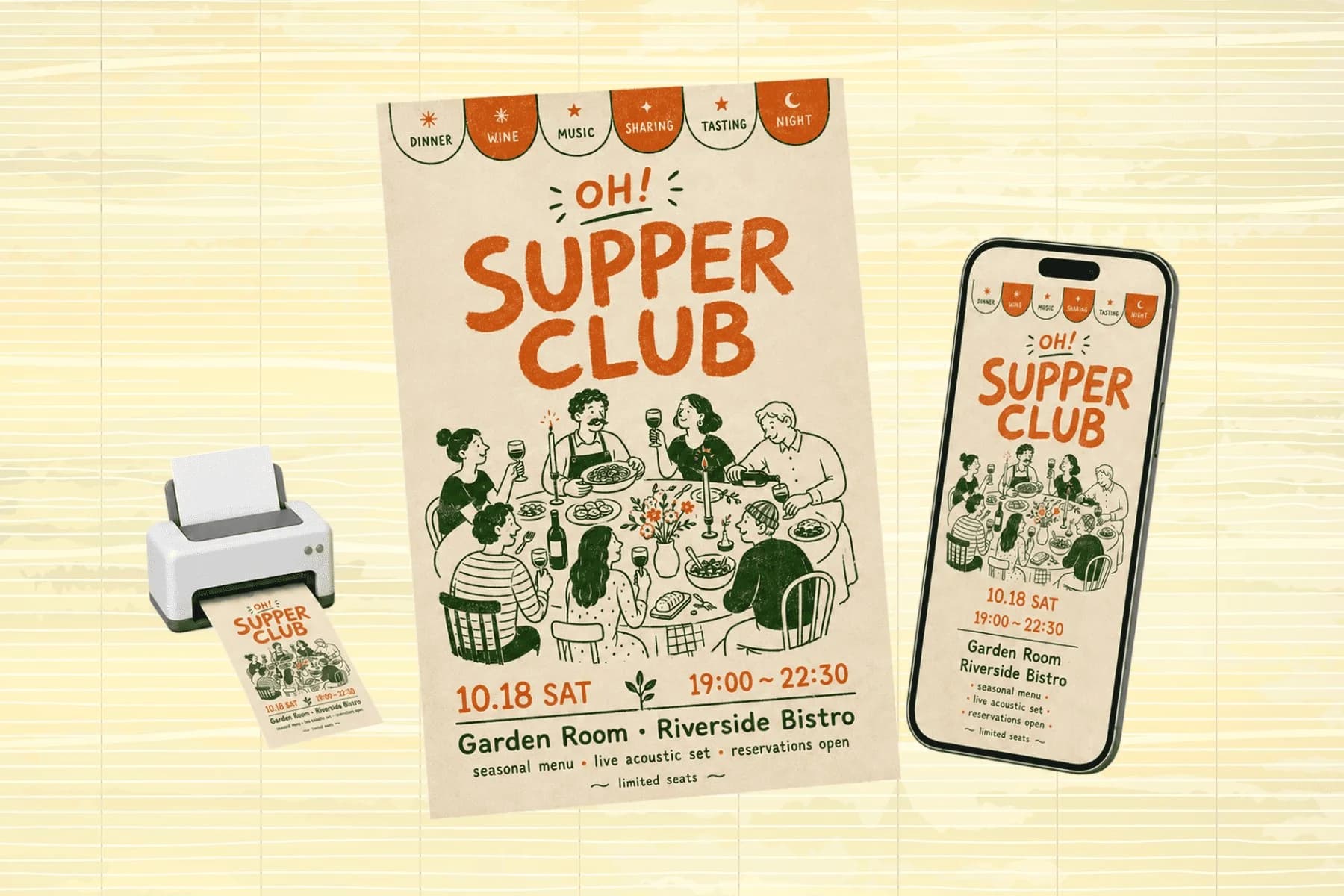
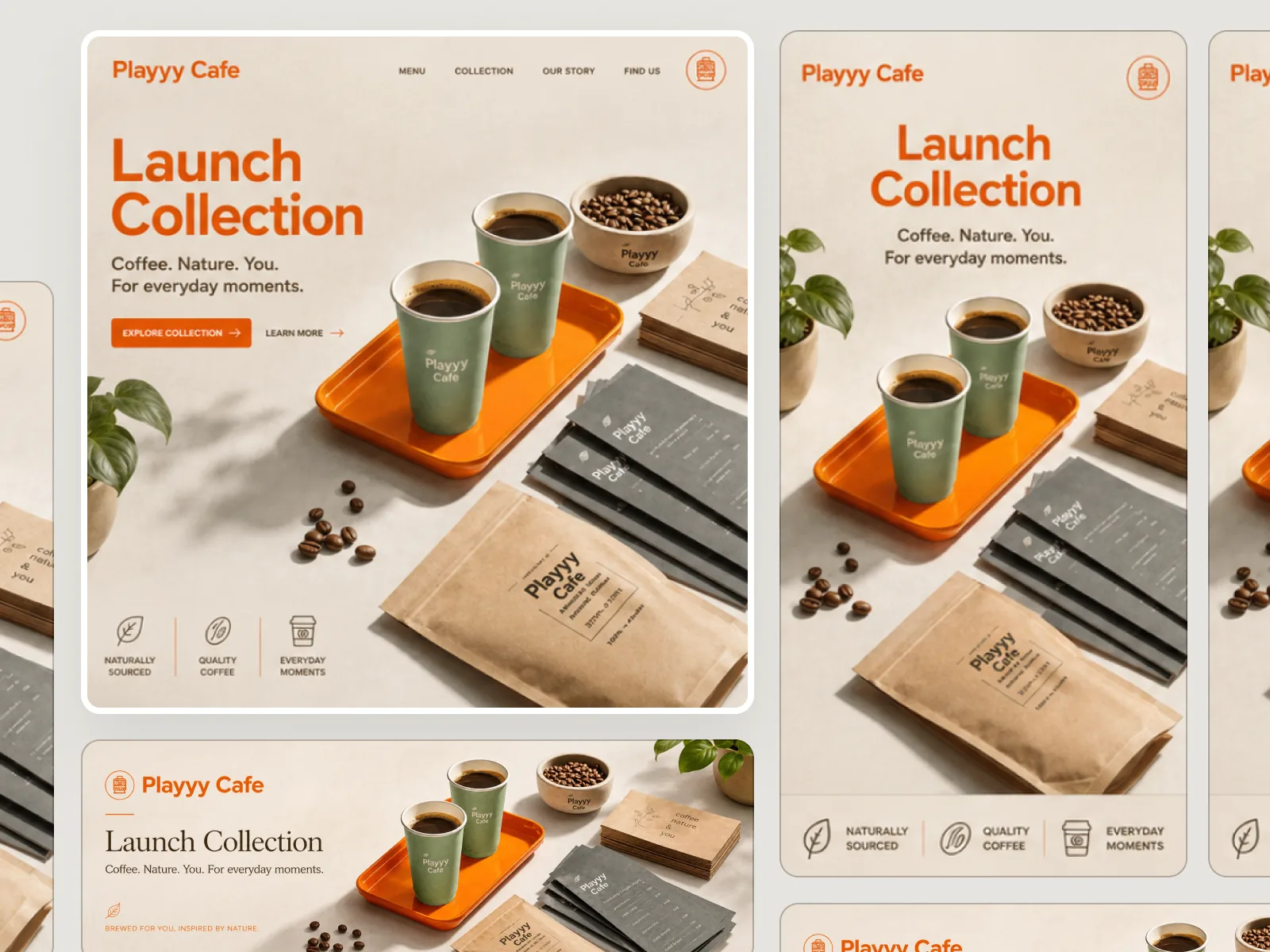
One hero visual, every platform format — YouTube, LinkedIn, Instagram — without manual resizing.
Explore workflowLossy compression creates smaller files by removing some detail. Lossless compression keeps the image unchanged, but the file may be larger.
Choose lossy when a smaller file matters most. Choose lossless when every detail must stay unchanged. You can switch modes before compressing.
PNG supports transparent backgrounds in both modes. Choose lossless when soft edges, shadows, and transparency details must stay unchanged.
No. Compression runs directly in your browser. Files never leave your device and are not stored on our servers.
20 MB per file. Most PNG exports from design tools are well within this limit.
See how teams are using Playyy to ship better visuals, faster.
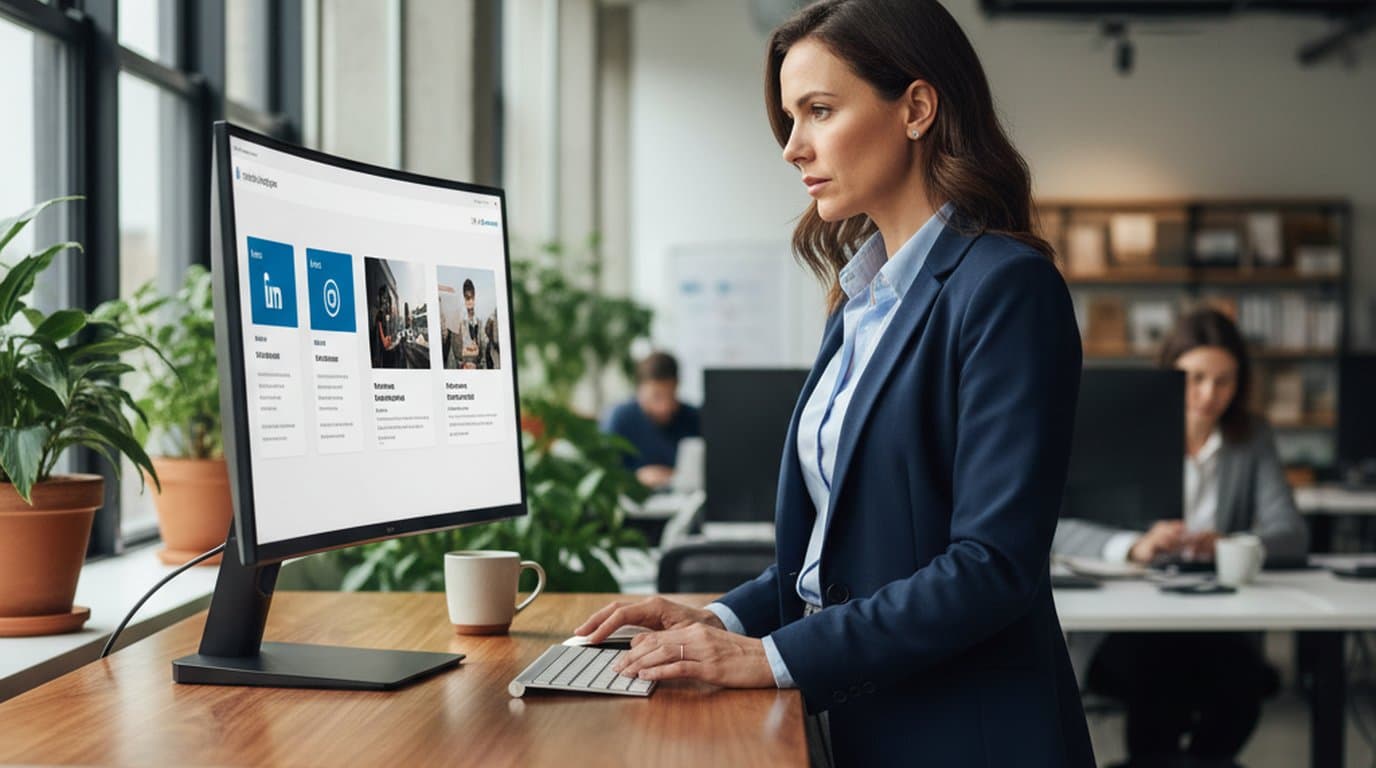
LinkedIn ads and organic posts, two different tones, one brand — produced in a single creative session without separate workflows.
 Emily Carter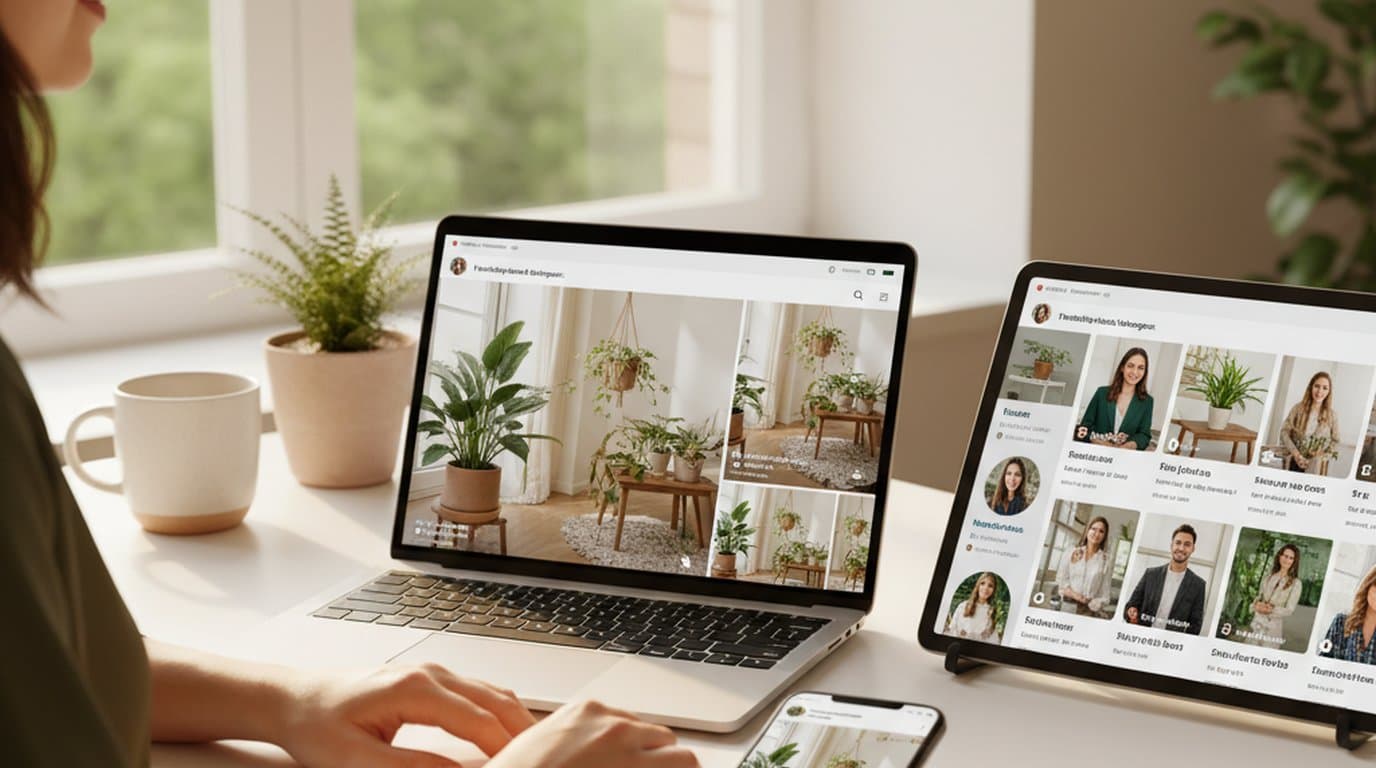
One person, three platforms, zero visual drift — how the brand stopped rebuilding the same visuals from scratch for each channel.
 Sophie Whitmore
LinkedIn banner, Facebook cover, and profile picture — one visual direction, one afternoon, zero design budget.
 Minji Park
Keep every image on brand, control the final look, and turn campaign ideas into polished assets without waiting on another design cycle.














