
Turn Low-Quality Images Into Marketing Assets
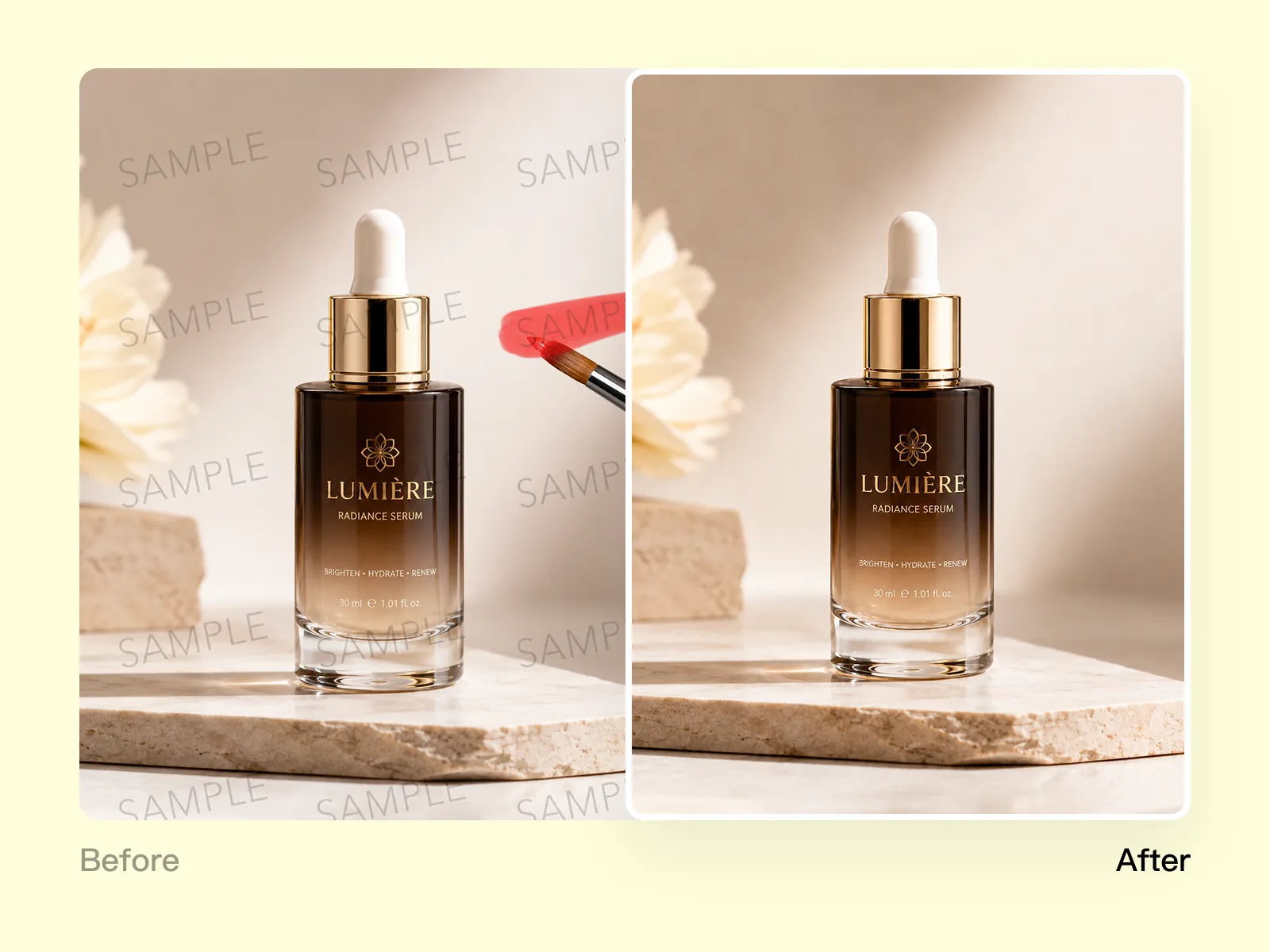
From watermarked or blurry source image to clean, channel-ready marketing visual — no Photoshop required.
Explore workflowRemove ISO noise, grain, and digital artifacts from any photo — AI-powered, no sign-up required
A workflow built around your real creative needs — from first direction to final asset.
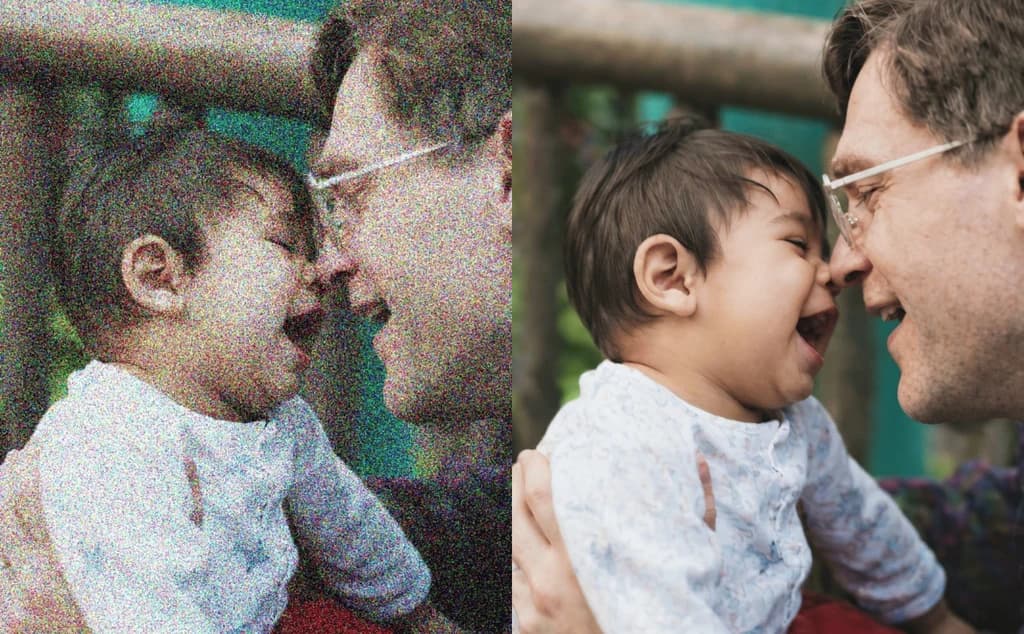
Photos taken in low light, at high ISO settings, or with older camera sensors accumulate visible noise — the random color variation and grain that makes images look low-quality. The AI analyzes the image at a pixel level, distinguishes real detail from noise patterns, and removes the noise while preserving edges, textures, and fine subject detail. No manual masking, no blur filters that soften the whole image.
Try for free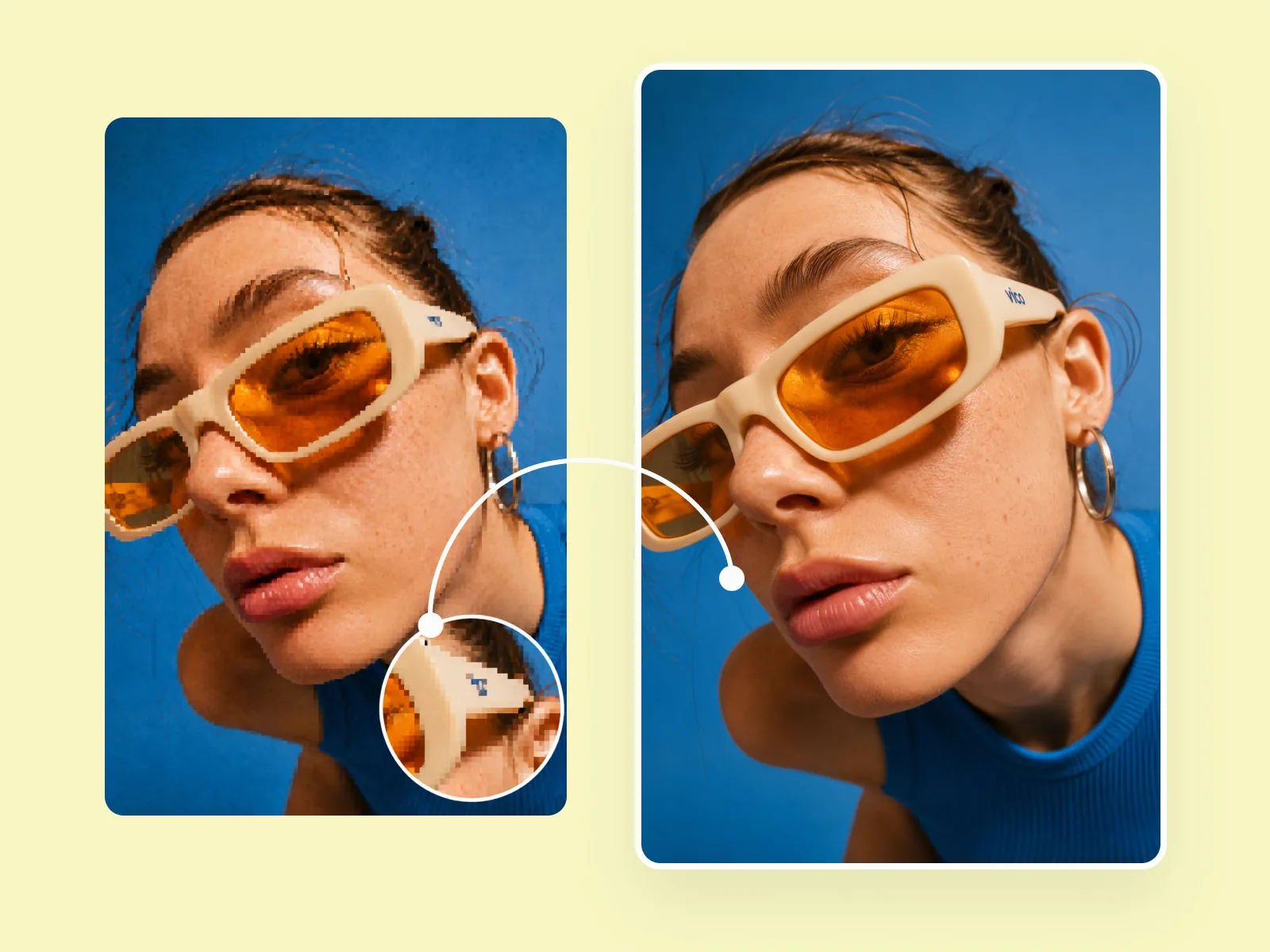
Standard noise-reduction tools blur everything equally — which removes grain but also softens hair, skin texture, fabric, and product label text. The AI model distinguishes between noise (random, uncorrelated between pixels) and real detail (structured, edge-aligned). The result is clean background areas and sharp subject edges — not a uniformly softened image.
Try for free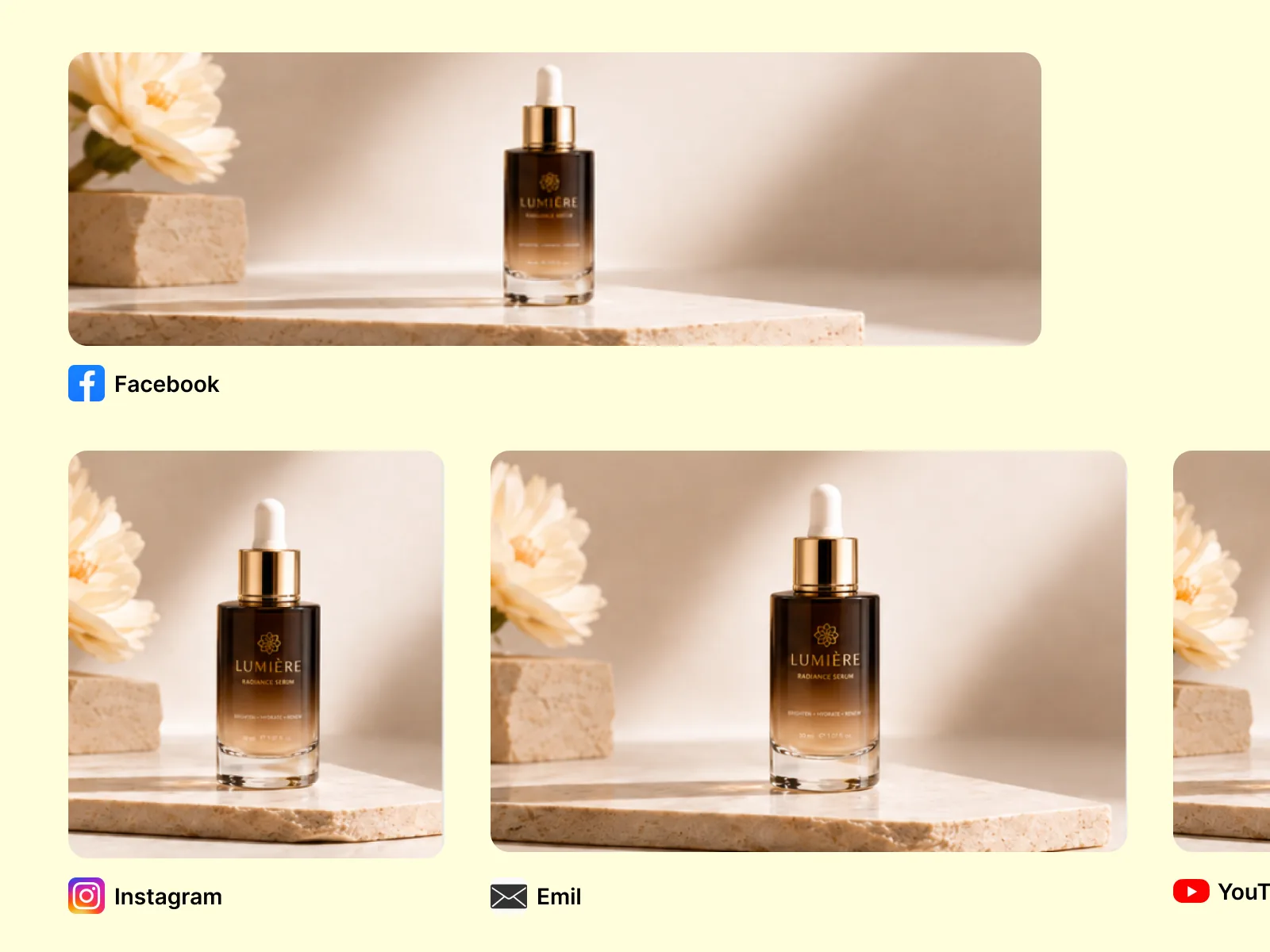
Old scanned photographs, underexposed event shots, and screenshots from video footage all carry noise that obscures detail. AI denoising recovers usable images from sources that would otherwise be discarded — making archival family photos printable, low-light event photos postable, and product shots from grainy supplier images publishable.
Try for freeThe model identifies noise patterns specific to each image — ISO grain, sensor noise, compression artefacts — and targets them precisely without affecting real detail.
Hair, skin texture, fabric weave, and product label text remain sharp while noise is removed from background and smooth areas — not a uniform blur across the whole image.
Low-light portraits, high-ISO event photos, old scanned images, underexposed product shots, and video frame captures all benefit from AI denoising.
JPEG, PNG, and WebP are all supported. Upload a noisy photo in any format and download a clean version — no format conversion required.
Your photos are processed and immediately discarded after download. Nothing is retained on our servers between sessions.
The denoised image is ready as soon as processing completes. Download immediately or continue editing in Playyy's AI editor.
“Supplier product photos always arrive too grainy to use directly. Running them through Playyy's denoiser cleans up the noise and makes them look like they were shot properly. Half our catalog photos have been through it at this point.”

James Walker
Ecommerce Creative Strategist
“We shoot event content in available light and always end up with a mix of sharp and grainy shots. The denoiser recovers most of the grainy ones — we went from discarding about 30% of event photos to using almost everything.”

Emily Carter
Growth Marketing Strategist
“I had a set of old scanned family photos that were too grainy to print at reasonable size. Denoising cleaned them up enough to print at A4 — the detail that was hidden under the grain came back.”

Aiko Tanaka
Independent Designer & Visual Systems Consultant
Most noise reduction tools — including the built-in filters in Lightroom, Photoshop, and phone editing apps — work by blurring the image. Blur removes grain but also removes the fine detail that makes portraits look sharp and products look credible. Playyy's AI model identifies noise statistically and removes it without touching edge-aligned detail. The result is a clean image, not a soft one.
A shoot at an indoor event with available light produces dozens of usable moments — and dozens of images too grainy to post. AI denoising recovers a significant portion of those images, extending the usable output from every shoot without reshooting. For product photos from suppliers that arrive noisy, denoising produces a publishable image without arranging a reshoot.
Denoising is often the first step before upscaling, background removal, or editing. Running it in Playyy means you can denoise, then upscale to platform-minimum resolution, remove the background, and edit — all without re-uploading between tools.
From watermarked or blurry source image to clean, channel-ready marketing visual — no Photoshop required.
Explore workflow
Turn any product photo into channel-ready studio imagery — no studio, no reshooting.
Explore workflowISO noise (the grain that appears in low-light or high-sensitivity camera shots), sensor noise (random pixel-level variation from camera sensors), JPEG compression artefacts (the blocky patterns that appear in heavily compressed images), and film grain from scanned photographs are all handled. The AI identifies each type statistically and removes it without affecting real image detail.
No — Playyy's AI model distinguishes between noise (random, uncorrelated) and real detail (structured, edge-aligned) and only removes the noise. Edges, textures, hair, and fine detail remain sharp. If you've seen blurry results from other denoising tools, it's because those tools use blur filters rather than AI-based noise detection.
JPEG, PNG, and WebP are all supported for input. The denoised output is returned in the same format as the input.
Yes. Smartphone low-light photos are one of the most common inputs for AI denoising — the small sensor sizes and computational photography pipelines on phones produce characteristic noise patterns that the model handles well.
Yes. Denoising doesn't reduce resolution — it removes noise from the existing pixel data. For print at larger sizes, running the denoised image through Image Upscaler after denoising is the recommended workflow: denoise first (cleaner input produces better upscaling results), then upscale to the required print resolution.
See how teams are using Playyy to ship better visuals, faster.
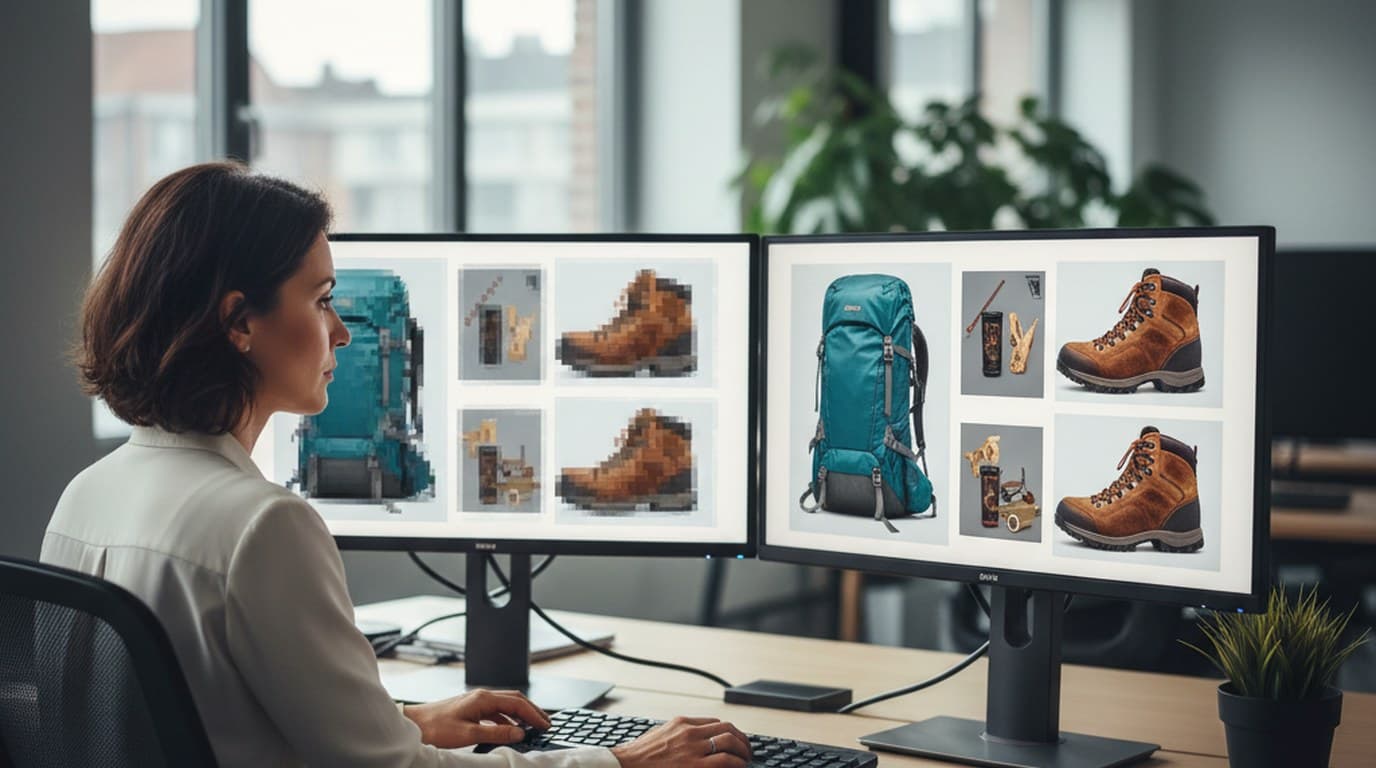
200 blurry and watermarked legacy images, two days, one campaign deadline — how Elena Torres recovered her entire visual archive with AI.
 James Walker
Portfolio-ready, visually invisible — how a career changer's professional headshot and LinkedIn banner unlocked the recruiter callbacks his work deserved.
 Minji Park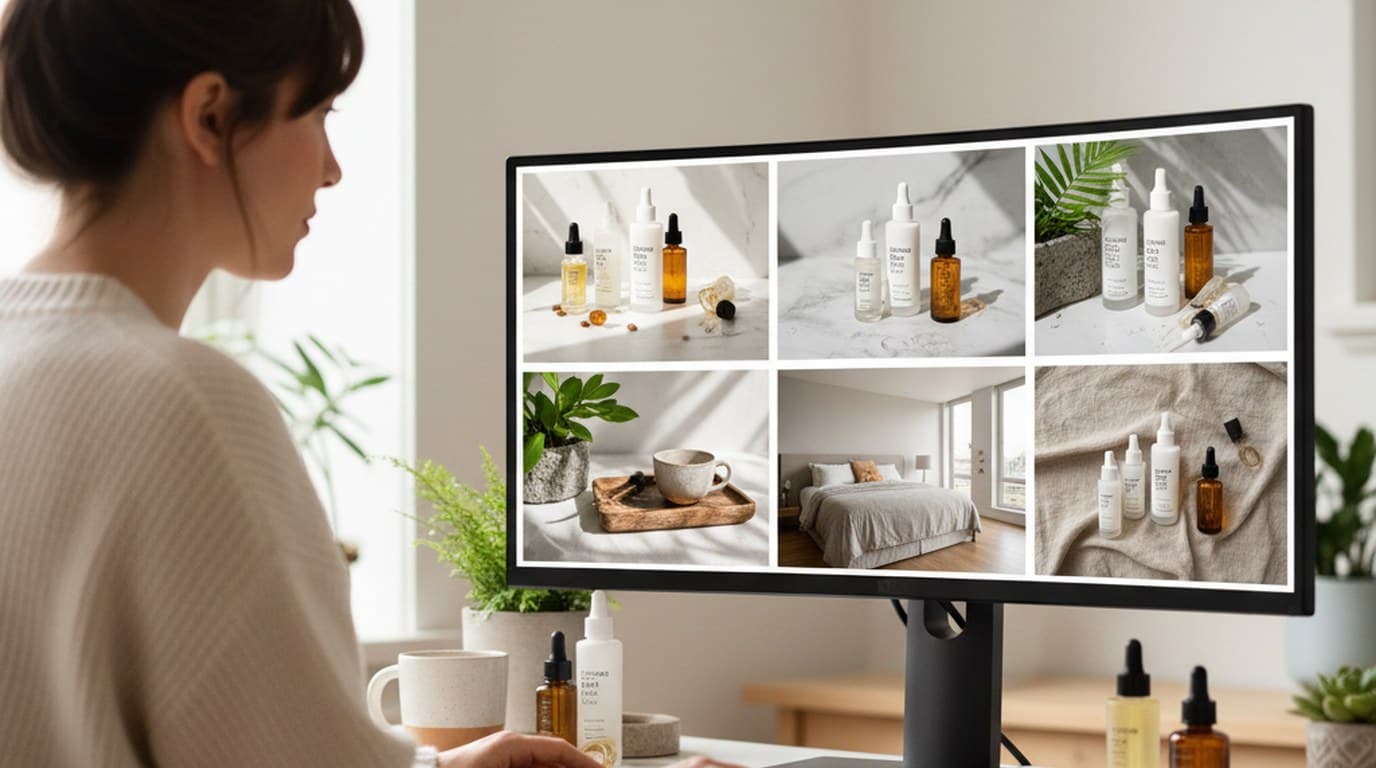
Six creative directions, one working day, real market data — before the studio was ever booked.
 Emily Carter
Keep every image on brand, control the final look, and turn campaign ideas into polished assets without waiting on another design cycle.














