
Free AI Product Photography for Ecommerce Brands
Turn any product photo into channel-ready studio imagery — no studio, no reshooting.
Explore workflowDriven by GPT Image 2.5 & Nano Banana Pro 🍌
Enhance the visuals in a product shot, banner, or campaign image with AI while preserving the subject, composition, and brand feel
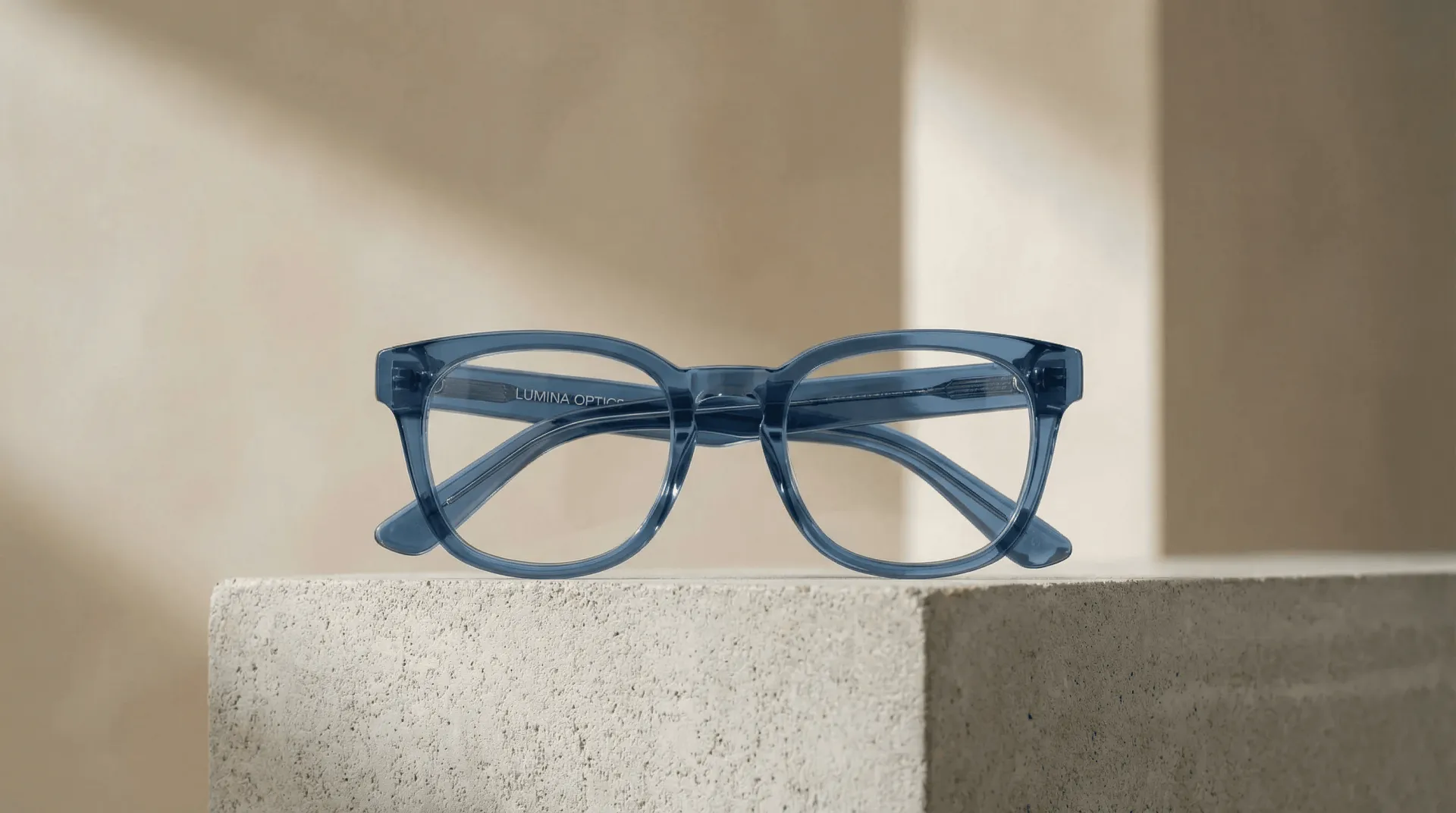
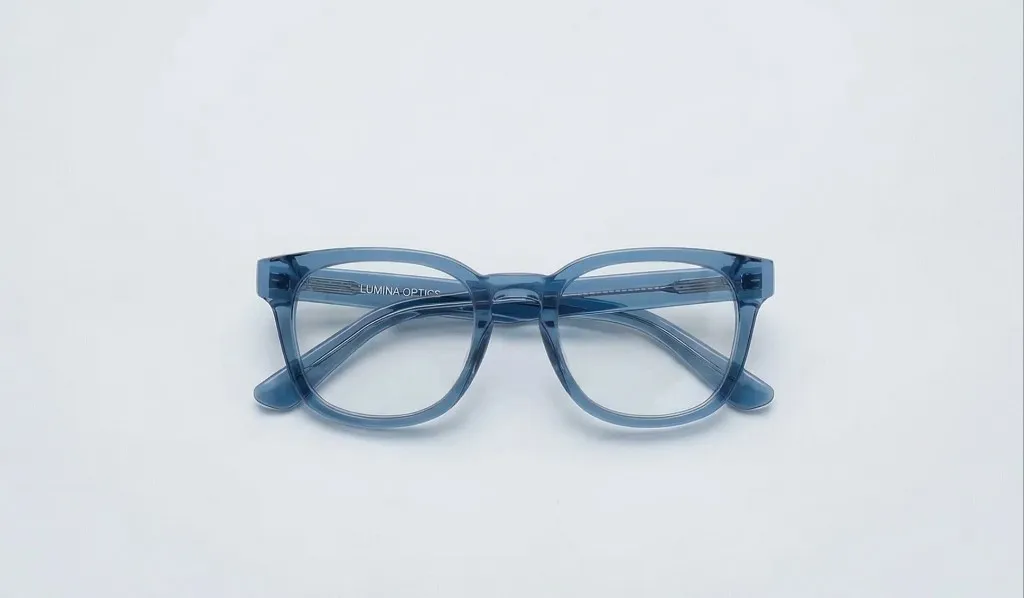
A workflow built around your real creative needs — from first direction to final asset.
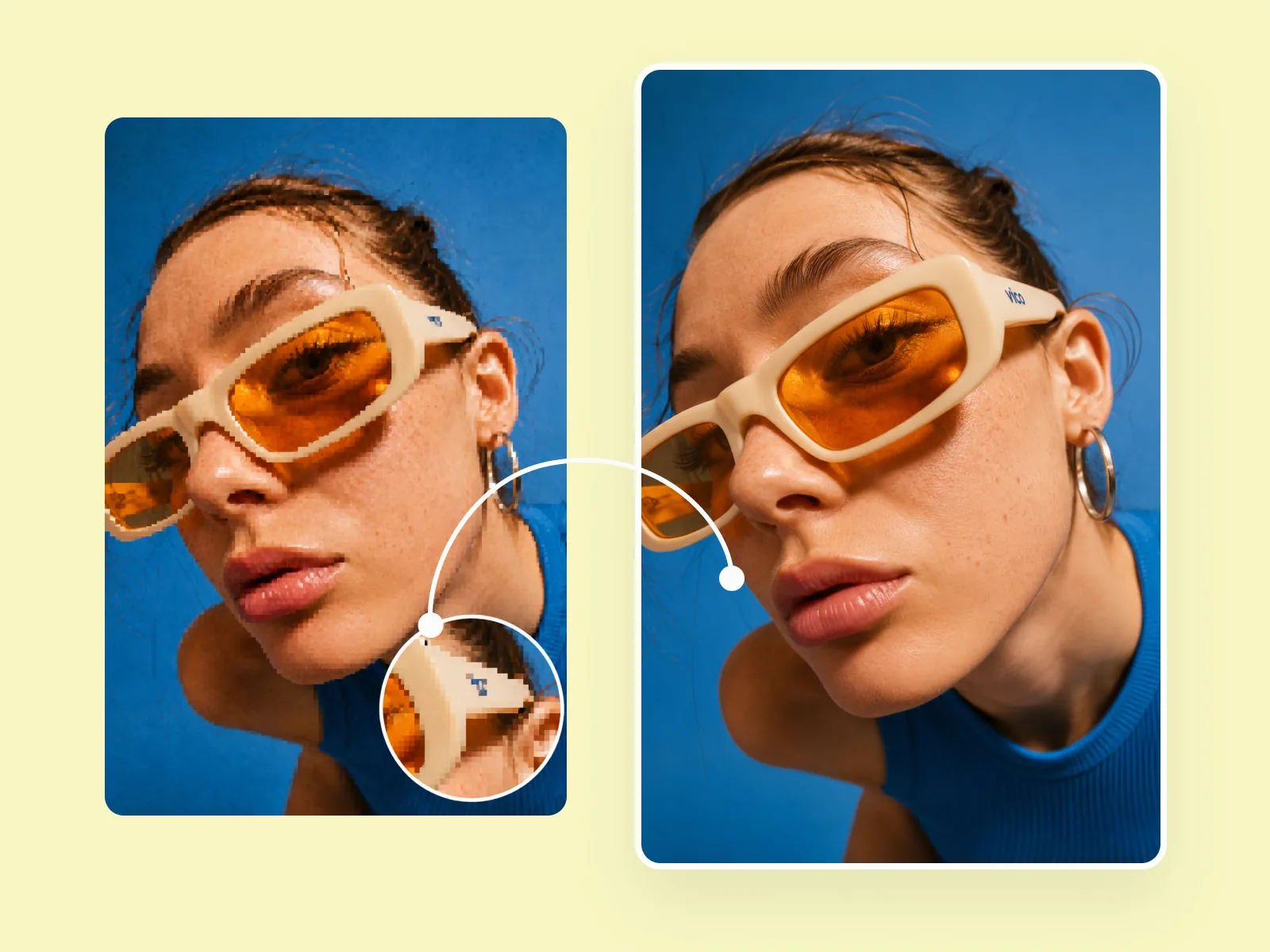
Feed the enhancer a source image and a direction — 'studio lighting', 'warmer tones', 'sharper contrast', 'more dramatic shadows' — and it produces a new version with improved visual quality while preserving the layout, subject placement, and composition. No reshooting, no rebuilding.
Try for free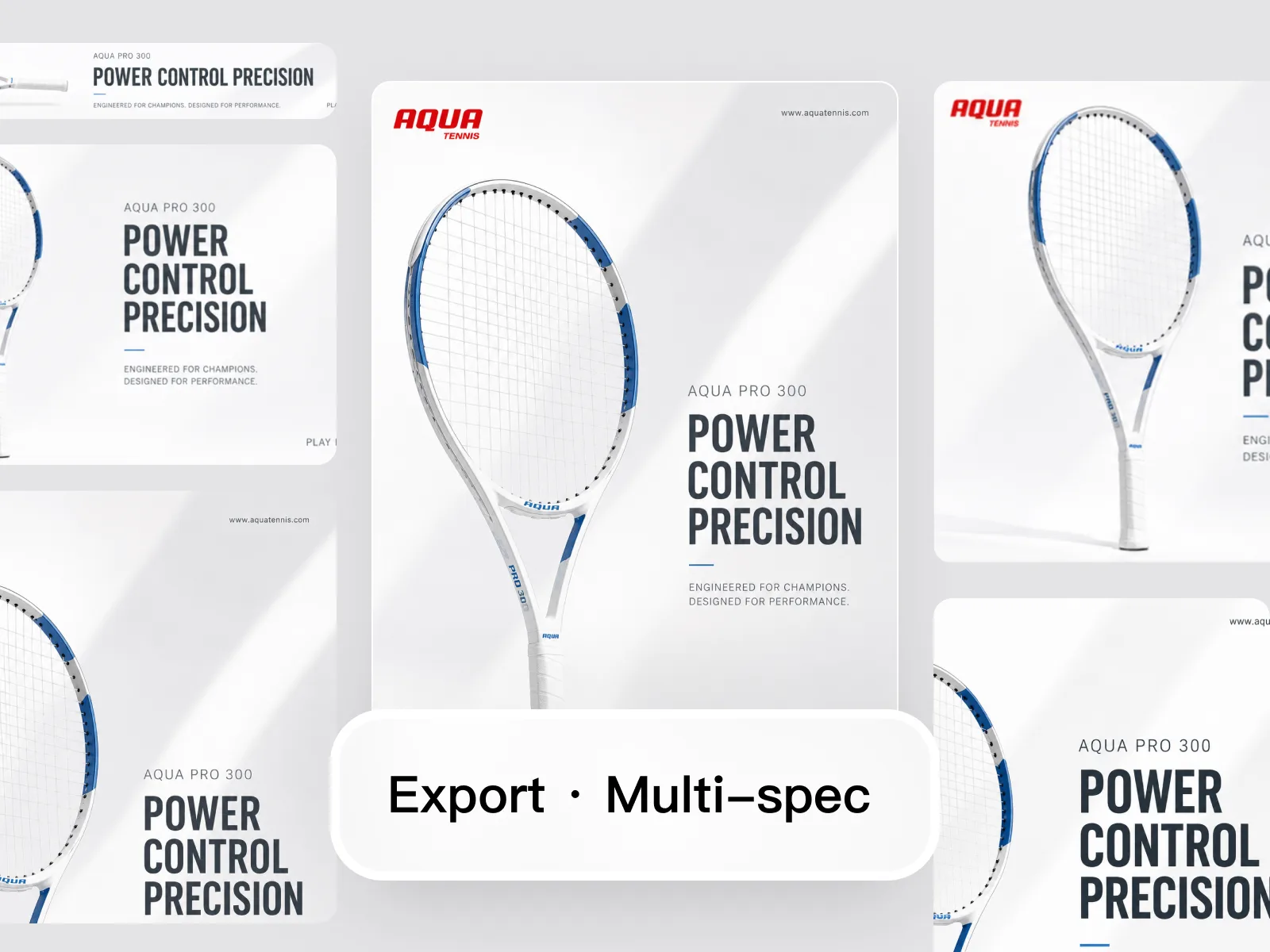
Most teams have archives full of usable-but-not-great images: a product shot with flat lighting, a lifestyle image with an off-brand color grade, a banner that needs a refresh. The enhancer brings them to a level that's genuinely campaign-ready without requiring a new shoot or file handoff.
Try for free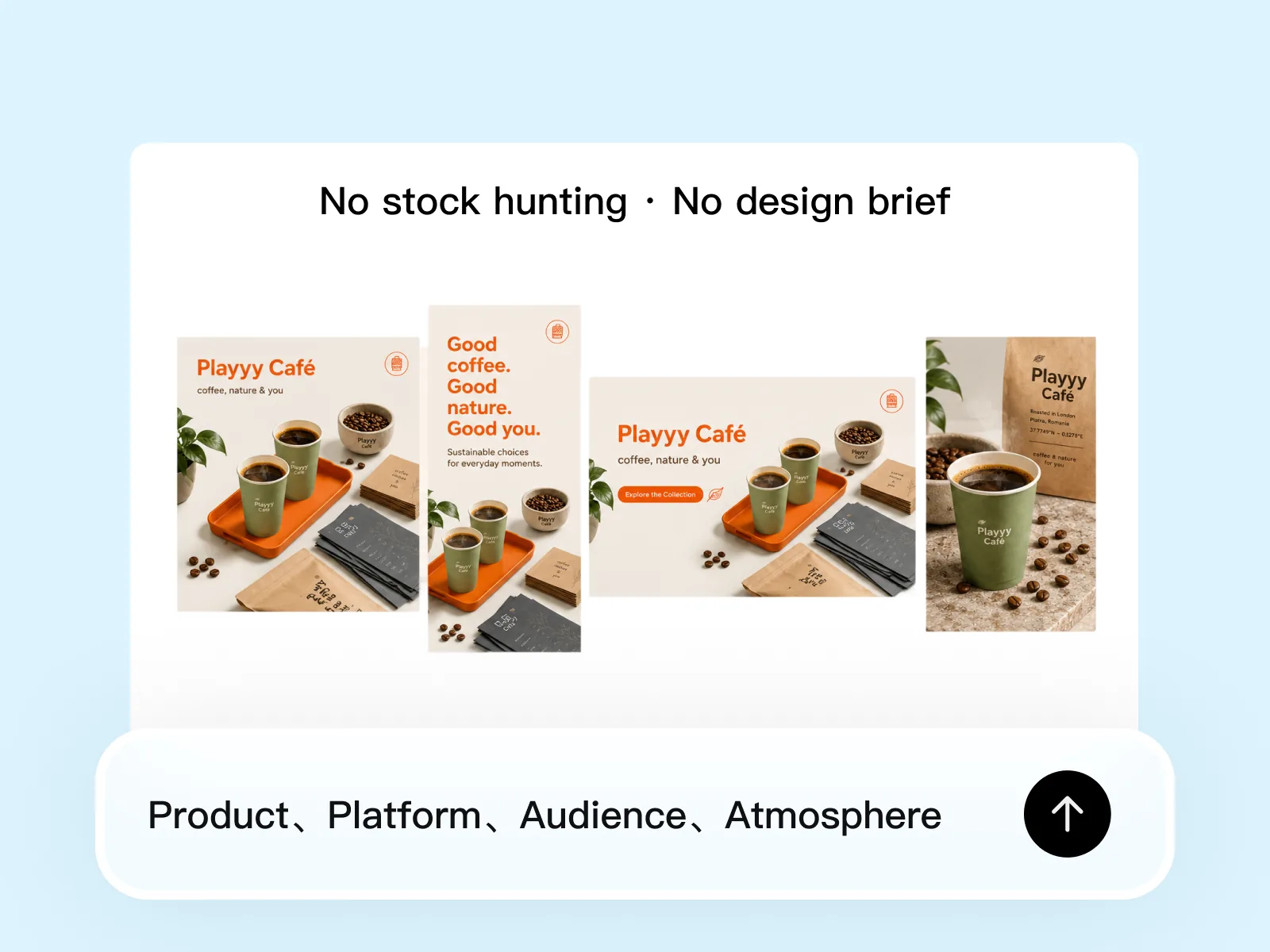
Product photography, lifestyle imagery, event graphics, food shots, fashion editorial, and abstract campaign visuals — the enhancer adapts its output to the type of content. It doesn't apply one universal filter but responds to the source image's existing style and the direction you provide.
Try for freeThe model analyzes exposure, color balance, and sharpness in your image and applies targeted corrections — not a generic filter pass, but adjustments tuned to what that specific image actually needs.
Describe where you want the image to go — 'warmer tones', 'studio lighting', 'muted and editorial' — and the AI steers the enhancement to match. You get creative control without touching a single slider.
Enhancement changes lighting, color, and sharpness — not the subject. Your product, face, or scene looks better without any warping, color bleeding onto the main object, or loss of identity.
Supplier JPEGs, phone shots, old campaign photography, screenshots — the enhancer improves whatever you put in. You don't need a controlled studio shoot to get a polished result.
Aggressive sharpening creates bright rings around edges. Playyy's model sharpens structure and removes compression artifacts without introducing halos, keeping the image looking natural at any zoom level.
Enhanced images export at the spec your channel needs — whether that's a square for Instagram, a wide banner for a Shopify hero, or a high-res file for a paid ad. No re-editing for each format.
“I used 'cooler tones, editorial lighting' as the direction and the AI actually interpreted it correctly — the images came out consistent with our campaign look without me touching color curves manually.”
Claire Dubois
Creative Director & Brand Aesthetic Consultant
“I had product photos shot under yellow warehouse lighting that looked terrible on Amazon. The visual enhancer fixed the white balance and brought the shadows up — looked like a proper studio shot without a reshoot.”

James Walker
Ecommerce Creative Strategist
“I refreshed six months of old campaign content for a new push — the enhancer cleaned up the compression and updated the color treatment so the images didn't look out of place next to fresh creative.”

Sophie Whitmore
Social Media Manager & Brand Content Consultant
Most one-click enhancers apply the same generic boost to every image. Playyy lets you describe the visual direction you want — 'cooler and sharper', 'warm studio light', 'clean white balance' — and the AI applies corrections that move the image toward that intent. The result matches your brand brief, not just a default preset.
Campaign photography from two years ago can look dated in lighting and color treatment even if the product is unchanged. Running older images through the visual enhancer brings them in line with current brand standards — consistent white balance, better shadow recovery, compression artifacts removed — without a reshoot budget.
Visual enhancement is one step in the Playyy pipeline: enhance first to fix lighting and color, then remove background if needed, then upscale to platform spec. Keeping everything in one tool means edits stay consistent and you're not re-importing between applications to get a finished asset.
Turn any product photo into channel-ready studio imagery — no studio, no reshooting.
Explore workflow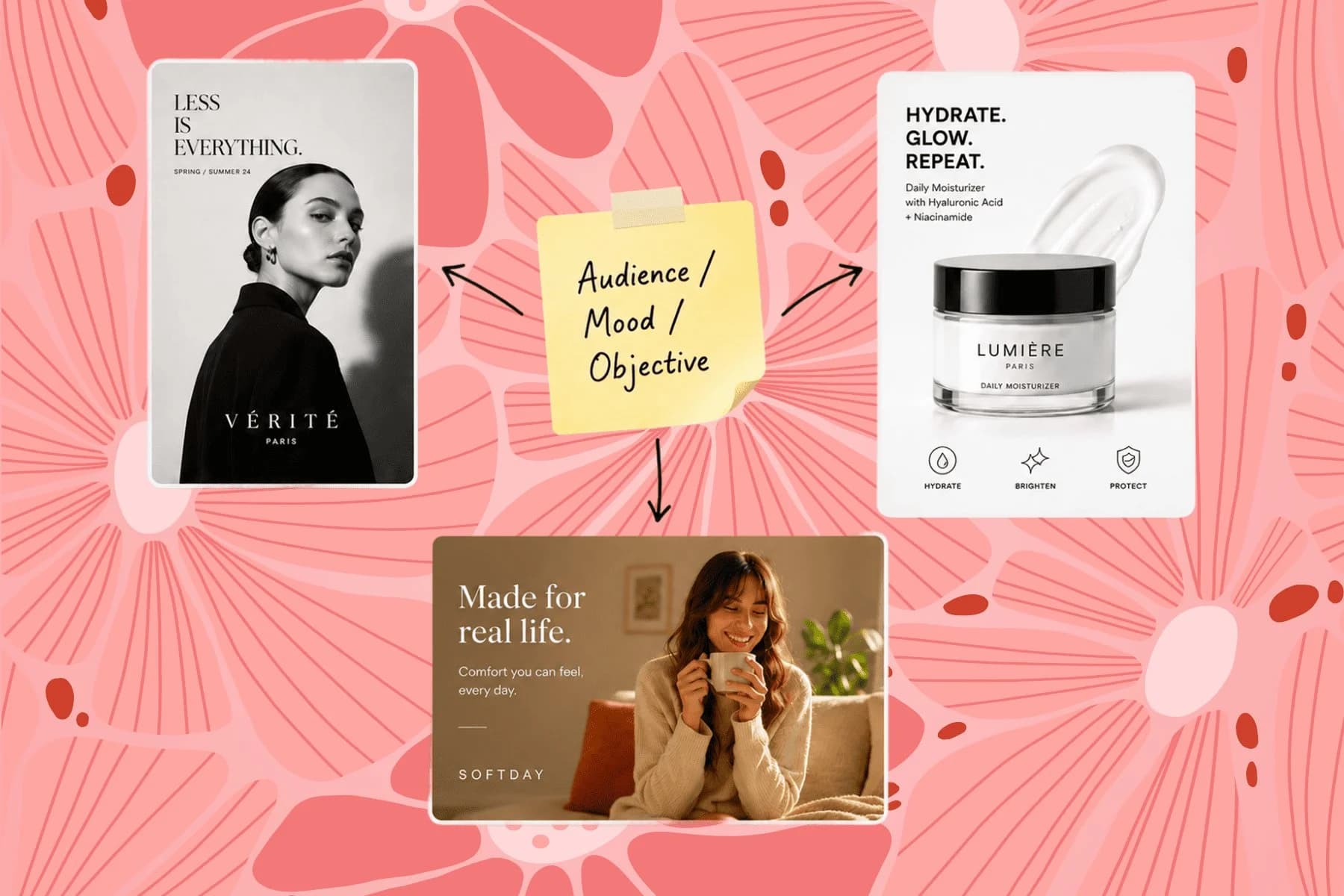
From one campaign brief to every channel asset — AI image generator, creator, and editor in one workflow.
Explore workflowIt improves visual quality — lighting, color, sharpness, and tonal range — while preserving the image's composition, subject placement, and overall feel. You can guide the output with a plain-language brief: 'warmer light', 'sharper detail', 'more editorial contrast'.
The enhancer is designed to improve visual quality, not alter the subject's identity. Product colors, labels, and key details are preserved. If you want a deliberate style change, Style Transfer is a better fit.
Yes. Older campaign images — flat lighting, dated color grades, or lower-resolution originals — can be run through the enhancer and brought to a quality level that works alongside newer visuals.
No. An AI filter applies a fixed preset. The enhancer analyzes your specific image and responds to it — improving the parts that need improvement without applying an uninstructed uniform transformation.
Image Upscaler increases resolution and sharpens edges. AI Image Enhancer improves overall visual quality — lighting, color, contrast, and mood. They're complementary: upscale first for resolution, then enhance for visual quality.
See how teams are using Playyy to ship better visuals, faster.
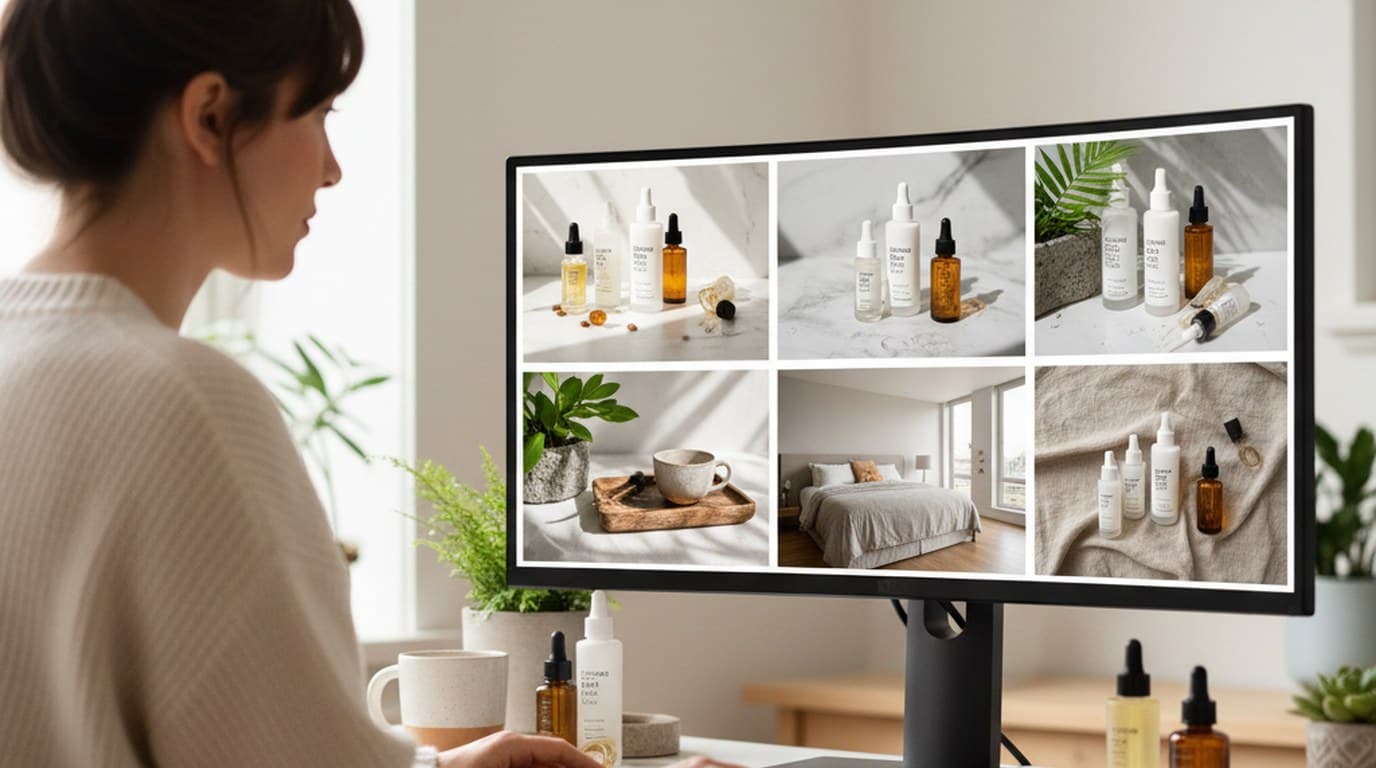
Six creative directions, one working day, real market data — before the studio was ever booked.
 Emily Carter
Sixty lifestyle images, three days, no studio. How one Shopify brand cut product shoot costs by 80% using AI photo editing.
 James Walker
One person, three platforms, zero visual drift — how the brand stopped rebuilding the same visuals from scratch for each channel.
 Sophie Whitmore
Keep every image on brand, control the final look, and turn campaign ideas into polished assets without waiting on another design cycle.














