
Ecommerce Product Photo Editing: Amazon & Shopify
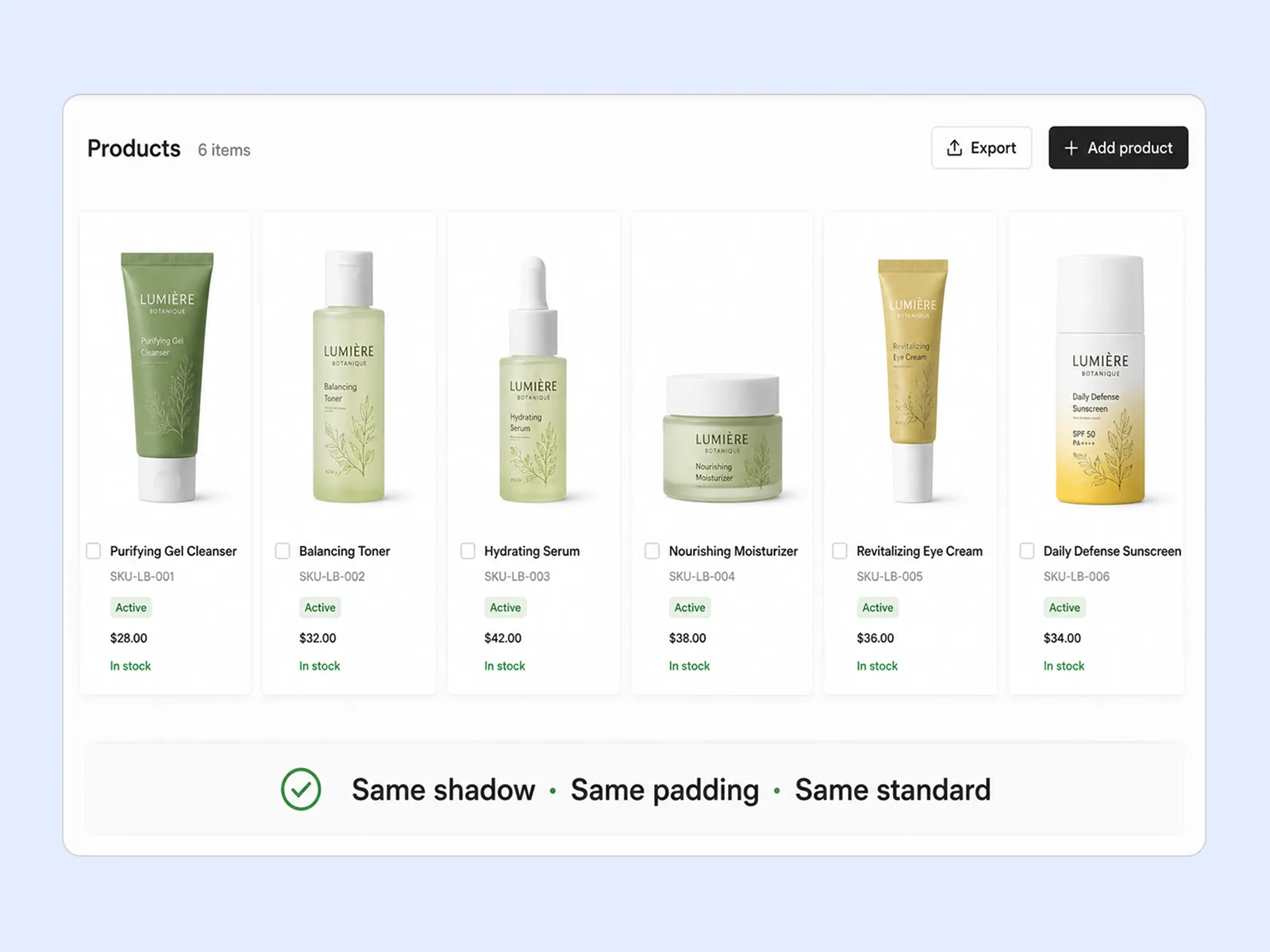
Ecommerce image editing across every SKU — background removal, cleanup, and upscaling that meet marketplace specs.
Explore workflowConvert JPG and PNG to WebP with adjustable quality. Private and account-free.
A workflow built around your real creative needs — from first direction to final asset.
Convert JPG and PNG images to WebP for efficient web delivery. Adjust quality to balance file size and clarity.

Convert transparent PNG files to WebP while keeping transparent backgrounds, soft shadows, and smooth edges.

Conversion runs directly in your browser, so there is no upload queue or server wait. Files stay on your device.
WebP can reduce file size while keeping images clear. Adjust quality to choose the balance you need.
Convert transparent PNGs to WebP while keeping clean edges on any background.
Convert JPEG or PNG to WebP in your browser.
Queue up to 10 JPG or PNG files and use the same quality setting across the batch.
Files are converted locally in your browser. Nothing is uploaded or stored on our servers.
WebP is supported by all major modern browsers and is a strong choice for websites and web apps.
“We converted our entire product image library from JPEG to WebP. Page load scores improved measurably and CDN costs dropped — all from a format change with no visible quality difference.”

Luca Moretti
Local Business & Event Marketing Consultant
“I use WebP for all ad creatives now. Same visual quality as the PNGs we were using, but the files are consistently smaller — under the upload limits without any manual compression.”

Emily Carter
Growth Marketing Strategist
“Converting transparent PNGs to WebP for our marketing site cut image weight significantly. The transparency is identical, the files are smaller, and Safari handles them fine on all our tested devices.”

Daniel Brooks
Startup Brand & Content Advisor
Convert JPG and PNG assets to WebP to reduce page weight. Adjust quality to keep the detail each image needs.
WebP works for both photos and transparent graphics, making it a flexible choice for web projects.
Convert up to 10 files per batch directly in your browser. Nothing is uploaded or stored on our servers.
Ecommerce image editing across every SKU — background removal, cleanup, and upscaling that meet marketplace specs.
Explore workflow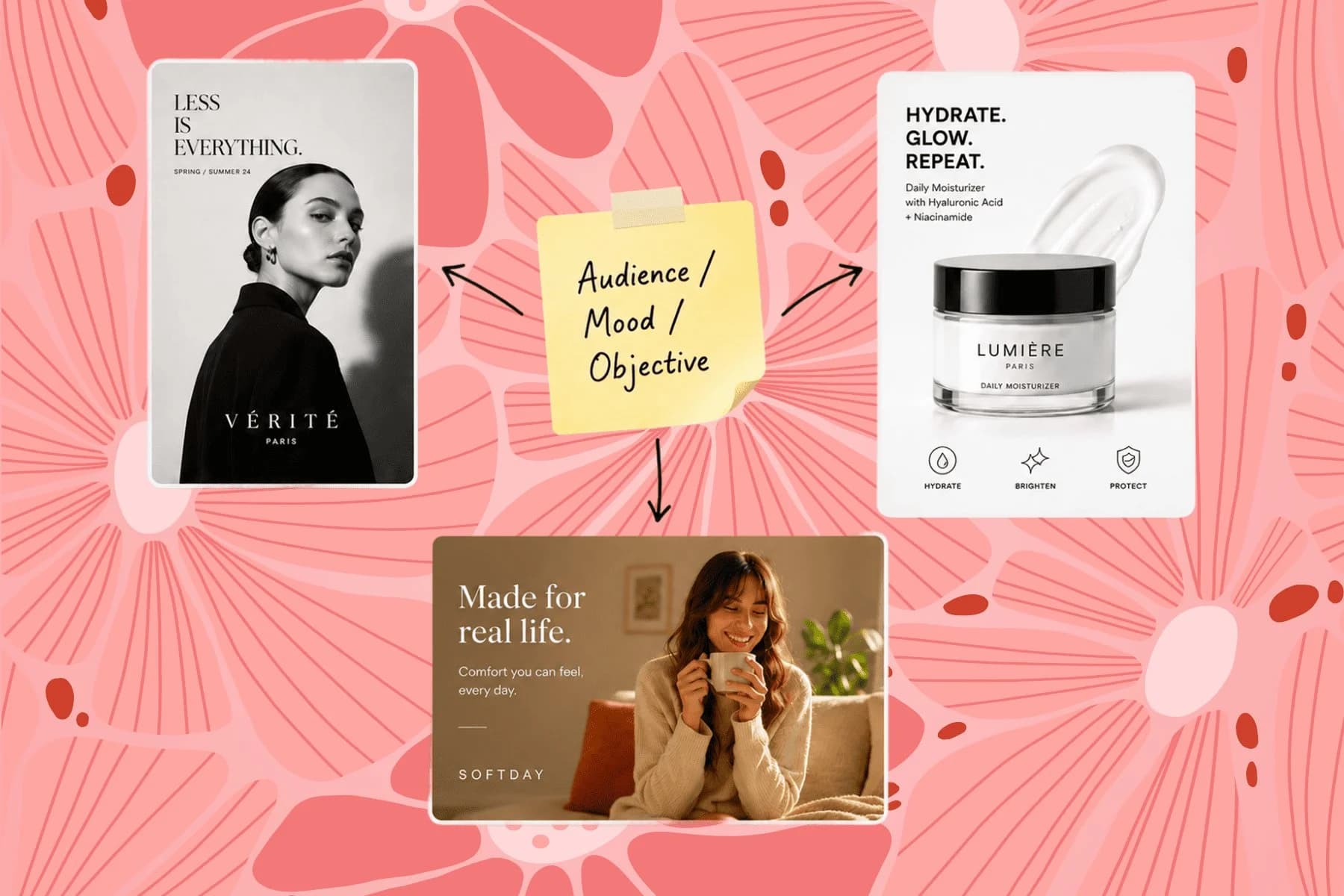
From one campaign brief to every channel asset — AI image generator, creator, and editor in one workflow.
Explore workflowYes. WebP is supported by current versions of Safari, Chrome, Firefox, Edge, and major mobile browsers.
Yes. Transparent backgrounds, soft shadows, and smooth edges stay intact when PNG files are converted to WebP.
Savings depend on the image and the quality you choose. The tool shows the resulting file size before download; download one result to inspect its visual quality.
Email client support for WebP is limited — Gmail renders it but Outlook does not. For email, JPEG remains the safest choice. Use WebP for web pages, ads, and modern app contexts.
Yes. Adjust quality to balance file size and detail before converting. Transparent PNG sources keep their transparent backgrounds.
See how teams are using Playyy to ship better visuals, faster.

One person, three platforms, zero visual drift — how the brand stopped rebuilding the same visuals from scratch for each channel.
 Sophie Whitmore
30 ad creatives, two channels, three days — how a SaaS growth team ran a quarter-end campaign push without an agency on retainer.
 Emily Carter
Six creative directions, one working day, real market data — before the studio was ever booked.
Emily CarterKeep every image on brand, control the final look, and turn campaign ideas into polished assets without waiting on another design cycle.














