AI Photography: What It Is and How It Works in 2026
 Minji Park
"AI photography" means something different to almost everyone using the term. One founder means generating product photos without a photographer. Another means enhancing photos they already have. A third means removing a background from a headshot. All three are describing AI photography, and none of them are describing the same job.
This matters because the tools, workflows, and realistic expectations are different for each category. Pointing someone who wants photo enhancement at an image generator wastes their time. Sending someone who needs to remove a background to an upscaler produces confusion. The starting point is understanding which type of AI photography you're actually dealing with.
Direct answer. AI photography refers to three distinct uses of AI in image work: generating photos from text prompts, enhancing the quality of existing photos, and editing specific elements within existing photos. Each category serves different use cases, uses different underlying technology, and requires different tools. Most creators use all three at different stages of a visual production workflow.
The Three Types of AI Photography
Type 1 — AI Image Generation
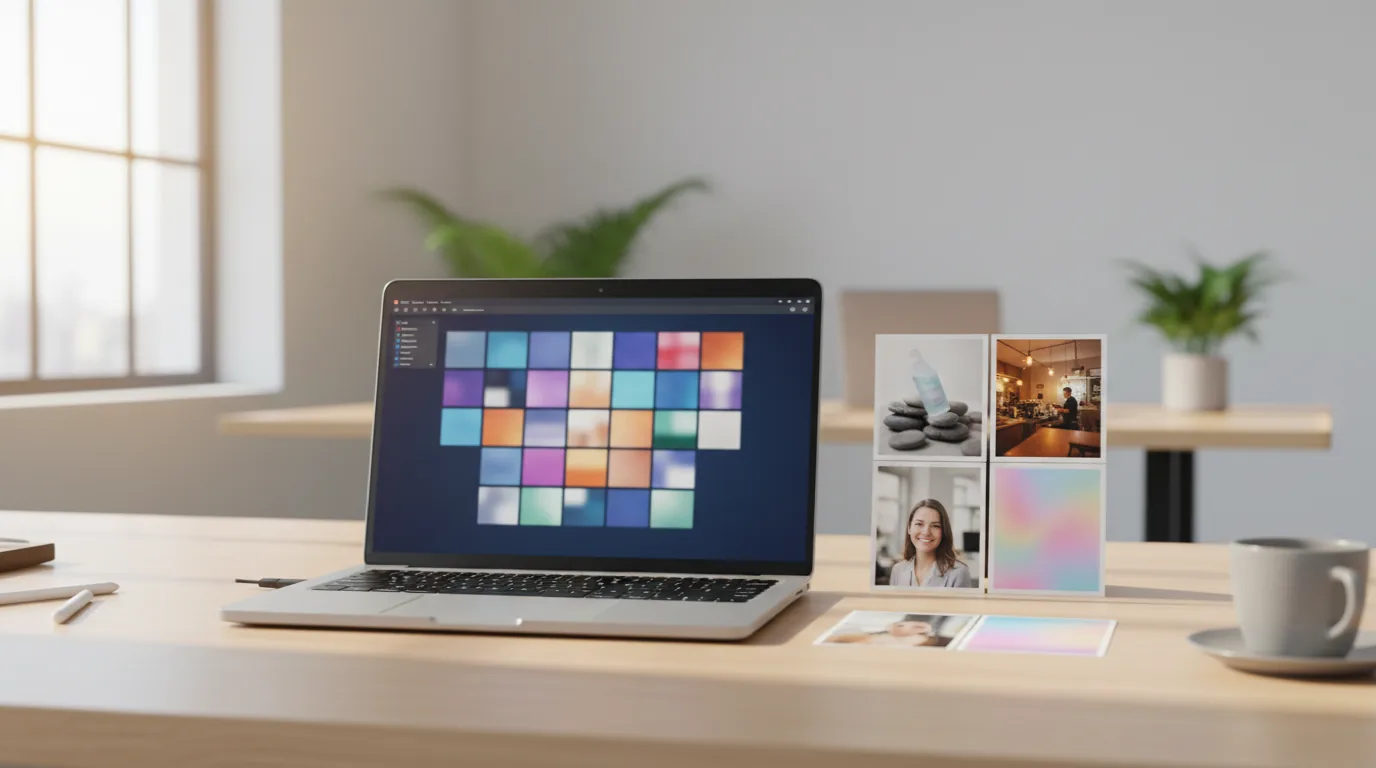
This is what most people picture when they hear "AI photography": a text prompt goes in, a realistic-looking image comes out. The images are synthesized — no camera, no location, no photographer — but at the quality levels current models produce, the output is genuinely useful for many commercial applications.
In practice, AI image generation works well for: concept exploration (generating 10 variations of a scene in 5 minutes), background environments (generating a studio setting or lifestyle backdrop for a product shot), and social content at high volume where creative iteration matters more than photographic authenticity.
It works less well for: specific branded products (models can't reproduce real logos or packaging accurately), situations requiring a specific real person, and documentation of actual events or physical spaces.
Type 2 — AI Photo Enhancement
Enhancement works on existing photographs and improves their quality properties: sharpness, resolution, noise reduction, color accuracy. No content is added or removed — the photo is the same photo, rendered better.
The underlying technology is different from generation. Enhancement models are trained on paired datasets of degraded and high-quality images, learning to predict what the high-quality version of any given degraded input should look like.
Practical use cases: upscaling low-resolution archival photos to usable sizes, sharpening slightly out-of-focus shots that otherwise have good composition, denoising high-ISO photos from low-light environments. For creators who shoot on phones in variable lighting, enhancement is often the difference between a usable and unusable capture.
Type 3 — AI Photo Editing
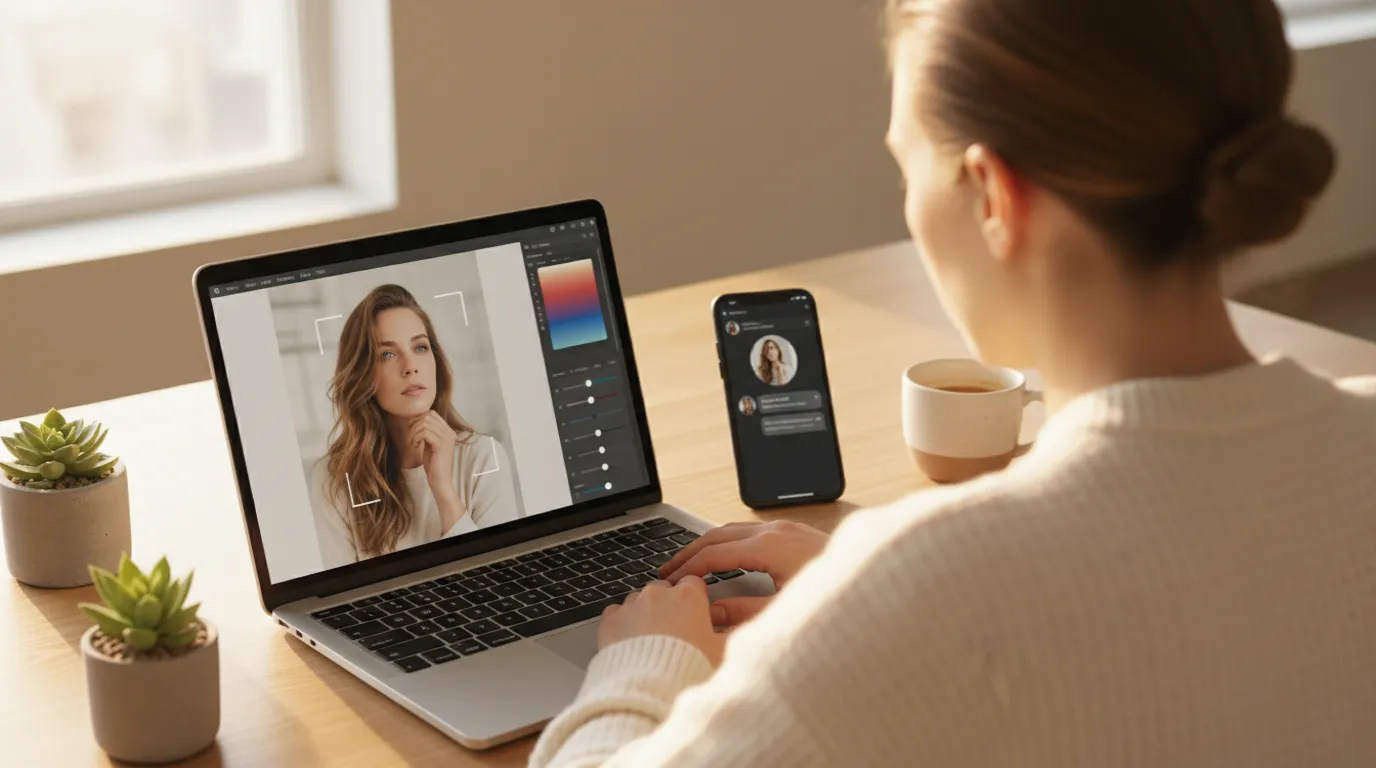
Editing targets specific regions or elements within an existing photo: removing an object, swapping a background, retouching a specific area, replacing a product colorway. The photo is real; specific parts are changed.
This is the category most relevant to launch creative work. When creators prepare product and personal brand imagery, the most time-consuming tasks — removing distracting backgrounds, fixing a lighting issue in one part of the frame, removing a crew member who wandered into the shot — are now handled in minutes with AI editing tools rather than hours in Photoshop.
How creators actually use AI in photography. The common pattern isn't replacement — it's cleanup. Background removal and enhancement get adopted first because they operate on a real photograph you already control, so the output is predictable and the subject stays accurate. Full generation gets adopted later and more selectively, since it's the option that can't guarantee the product on screen matches the product you ship.
How AI Image Generation Actually Works
Diffusion models — the architecture behind most current AI image generators — work by learning to reverse a process of progressive noise addition. During training, real images are degraded step by step into random noise. The model learns to predict, at each step, how to partially restore the image. At inference time, the model starts from pure noise and progressively predicts its way back to a coherent image conditioned on a text prompt.
The practical implication: the model isn't retrieving a stored image or combining parts of training images. It's synthesizing pixels that are consistent with both the text prompt and the statistical patterns of realistic imagery it learned during training. This is why AI-generated images can look photographically real while depicting scenes that don't exist — the realism comes from learned visual statistics, not from photographing a real scene.
Playyy's AI Image Generator runs this process with additional guidance that allows control over style, aspect ratio, and subject type. See AI Photoshoots for Creators for a practical workflow built on top of this capability.
How AI Photo Enhancement Works
Enhancement models use a different architecture — typically convolutional networks trained specifically for image restoration tasks. An upscaling model, for example, is trained on pairs of high-resolution and artificially downscaled images, learning to predict the high-resolution version from the low-resolution input.
The key difference from generation: enhancement models are constrained by the input. They're improving what's there, not inventing new content. This makes them more predictable and reliable for workflow use — a good enhancement model produces consistent results on similar inputs, whereas a generation model has inherent variance.
Playyy's Visual Enhancer handles the most common enhancement tasks — sharpening, noise reduction, color correction, and moderate upscaling — in a single automated pass. For creators who shoot in variable conditions, running every photo through the enhancer before selecting finals is a standard step that improves the selection pool noticeably.
How AI Photo Editing Fits the Creator Workflow
For most creator use cases, editing is where the most time is saved. Generation produces a first draft; enhancement improves a real capture; editing is where you finish either one for actual publication.
The editing operations that consume the most time in traditional workflows — and are now handled in minutes by AI:
Background removal and replacement. Isolating a subject from a background used to require careful manual masking. Playyy's split layers does this automatically for most subjects, producing a clean separation that can then be placed against any background.
Object removal. Removing a distracting element — a stray prop, an unwanted person in the background, a wire — from a real photo using inpainting. The AI fills the removed area with contextually appropriate content reconstructed from the surrounding image.
AI headshots and portraits. For creators who need professional-looking headshots without scheduling a photographer, AI editing on existing self-portraits (enhancing, retouching, background replacement) is now producing results that work for LinkedIn, press kits, and about pages. See AI Headshot Generator Guide for the specific workflow.
What AI Photography Can and Can't Replace
AI photography is a genuinely useful set of tools. It's also not a replacement for everything traditional photography does.
What it replaces well: Stock photography for generic scenes, product photography on standard backgrounds, headshots for professional profiles, concept and mood imagery for proposals, social media volume content.
What it replaces poorly: Documentation of real events, candid moments with real people, specific branded products with accurate logos and packaging, images where provenance and authenticity matter (journalism, legal documentation), and any use case where the audience needs to trust that the image is a record of something that actually happened.
For indie creators, online educators and small product teams, the practical boundary is clear. AI photography tools cover the majority of the visual production work that used to require a budget, a photographer, and a schedule. The remainder is real photography, which AI tools can then help you enhance and edit. The combination is what makes a creator-level visual production capability genuinely competitive with brand budgets that are an order of magnitude larger.
For a practical workflow on building creator launch visuals using AI photography from generation through editing, see AI Photoshoots for Creators and Personal Branding for Creators.

Minji Park
I help indie creators, online educators and small product teams prepare launch visuals and social campaigns. My goal is to make launches feel polished and trustworthy — even when you are working without a designer.
Frequently asked questions
AI photography is an umbrella term covering three distinct uses of artificial intelligence in image creation: AI image generation (creating photos from text prompts), AI photo enhancement (improving quality, sharpness, and color of existing photos), and AI photo editing (removing objects, changing backgrounds, retouching specific elements). Each category uses different underlying technology and serves different use cases.