5 Best Airbrush App Alternatives in 2026 (Free & Paid)
 Claire Dubois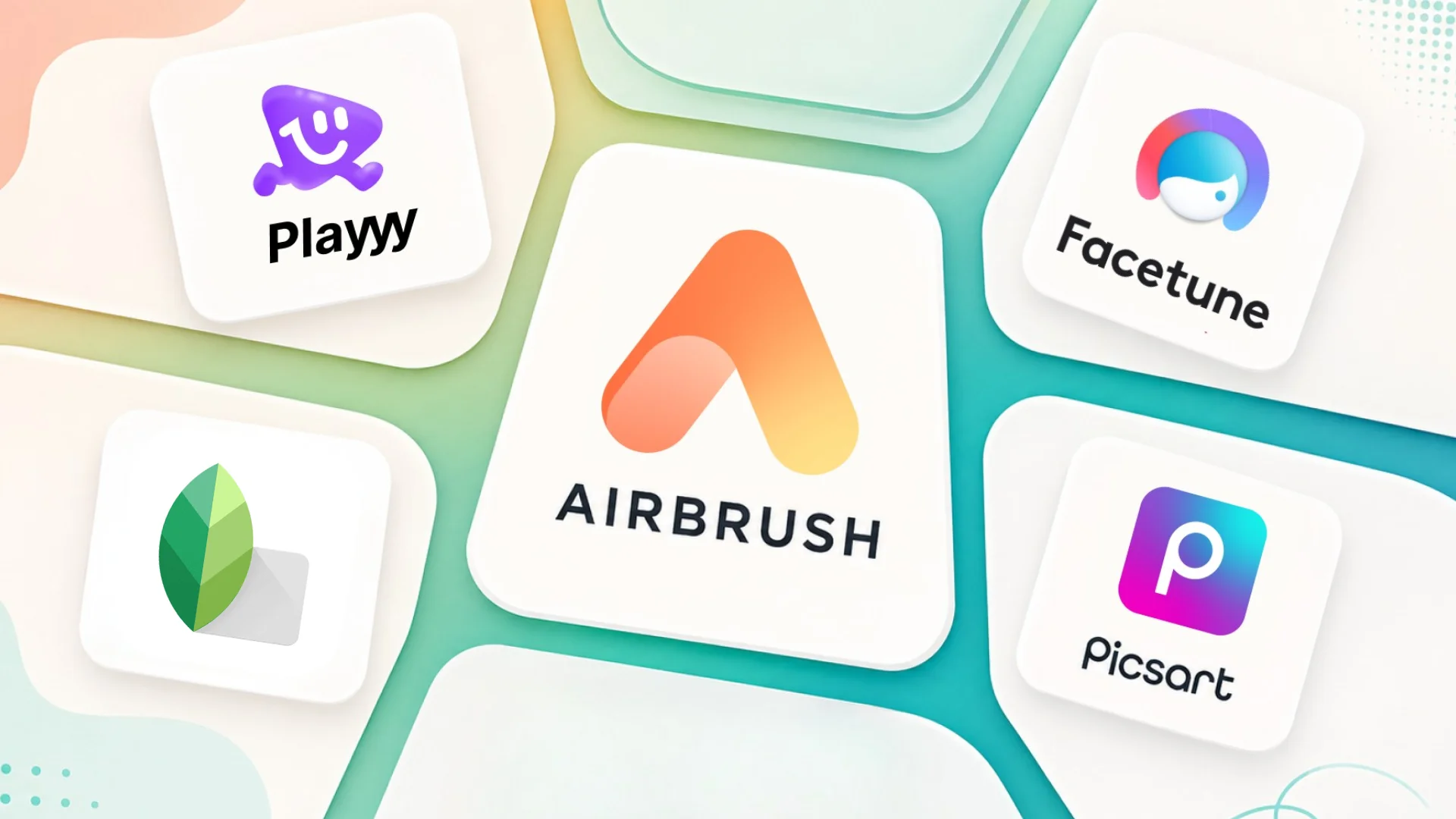
Airbrush does one thing well: portraits and selfies polished automatically, with skin smoothing, brightening and feature adjustments applied by AI and no retouching knowledge required. Its limitation is the same as its strength — it is built around the face, with no design workspace, no branded templates and no brand assets. The moment you need anything beyond a portrait touch-up, you're opening another app.
Direct answer. The best Airbrush alternatives in 2026 are Playyy for portrait retouching within a broader AI design workflow, Facetune for precise feature editing, Picsart for creative social content, Snapseed for free professional retouching, and Lightroom Mobile for photographers who need color grading alongside skin work.
1. Playyy — Portrait Retouching Plus AI Photo Editing
Best for: Creators who need portrait enhancement alongside background removal, product photos, and brand asset creation.
Playyy handles portrait touch-ups as part of a broader photo editing and design platform. Click an area and describe the fix — a blemish, stray hairs, uneven lighting — or run the visual enhancer for clarity and detail, all through the same AI-first interface used for background removal, product photo generation, and template-based content creation.
The practical advantage over Airbrush is consolidation. If you're retouching portraits for social content and also need to create branded graphics, resize images for multiple platforms, or generate product photos, Playyy handles all of it without switching apps.
The retouching tools are less specialized than Facetune or dedicated beauty apps — there's no jaw reshaping or specific feature sculpting — but for social-ready portraits and creator content, targeted fixes keep results natural-looking.
Pricing: Free plan with daily bonus credits. Paid plans from $18/month, or $15/month billed annually; as of October 2026 the first month of a monthly plan is half price ($9 for Basic).
Standout features: Prompt-based touch-ups, background removal, design workspace, brand kit.
2. Facetune — Best for Precision Portrait Editing
Best for: Influencers and creators who need detailed control over specific facial features.
Facetune is the closest direct alternative to Airbrush for portrait editing, with significantly more control over individual features. The Whiten tool targets teeth, the Reshape tool handles contouring and face shaping, and the Smooth tool applies adaptive skin retouching that avoids the uniform blur that makes over-edited photos look artificial.
The app is more work than Airbrush's one-tap filters, but the results are better calibrated for natural-looking enhancements. Facetune's AI Portrait mode automates the process for users who don't want to adjust each feature manually.
Pricing: Free tier (limited). Monthly, quarterly and yearly subscriptions; prices vary by region and app store.
Standout features: Precision feature editing, adaptive skin smoothing, teeth whitening, face reshaping.
3. Picsart — Creative Photo Editor with AI Tools
Best for: Social media creators who need portrait editing alongside broader creative editing tools.
Picsart includes portrait retouching within a full creative editing platform. The AI Face Retouch handles skin smoothing and eye enhancement; the background removal and replacement tools let you set portrait backgrounds without additional apps. The broader platform — stickers, effects, templates, AI art — means more of the social content workflow stays in one place.
For Airbrush users who want retouching plus creative editing capabilities, Picsart is the most versatile upgrade. The free tier is functional for basic retouching; the paid tiers unlock full AI features.
Pricing: Free (AI features watermarked). Plus from $13/month billed monthly, less on an annual plan.
Standout features: AI face retouch, background removal, creative overlays, AI art generation.
4. Snapseed — Professional Free Retouching
Best for: Photographers who want professional manual retouching tools at zero cost.
Snapseed (Google) is the most technically capable free retouching tool available on mobile. The Healing tool removes blemishes with context-aware fill. The Portrait tool handles skin smoothing, eye clarity, and face lighting. The Selective tool lets you adjust exposure, color, and sharpness on specific areas — a professional workflow that Airbrush doesn't offer.
The tradeoff is learning time: Snapseed requires more knowledge to use well than Airbrush's automated filters. For photographers who want control rather than automation, it's a significant upgrade at no cost.
Pricing: Free (Google).
Standout features: Professional healing and retouching, selective adjustments, Portrait mode, zero cost.
5. Lightroom Mobile — Professional Color and Portrait Workflow
Best for: Photographers who need portrait retouching integrated with color grading and RAW editing.
Adobe Lightroom Mobile's AI Masking detects faces and skin tones automatically, letting you adjust skin color, texture, and exposure selectively. The Heal and Clone tools handle specific blemish removal. AI Denoise processes high-ISO portrait photos with fewer artifacts than manual sharpening.
The free tier is functional for basic editing; a paid Lightroom plan (also included in Creative Cloud photography plans) unlocks the full AI retouching toolkit. For photographers who want retouching integrated with color workflow, Lightroom handles both without switching apps.
Pricing: Free (limited). Paid mobile and Lightroom plans unlock premium features.
Standout features: AI skin masking, selective adjustments, RAW editing, professional color tools.
Beauty and portrait apps create a predictable second step. They finish the retouch and then can't publish it — no caption layer, no story crop, no branded frame — so the image gets exported and reopened somewhere else. The friction isn't the retouching, which these apps do well; it's that the last 10% of the job lives in a different application, and that handoff happens every single time.
Airbrush Alternatives Compared
| Tool | Portrait Retouching | AI Tools | Design Workspace | Free Tier | Best For |
|---|---|---|---|---|---|
| Playyy | ✅ Prompt-based | ✅ Advanced | ✅ Full suite | ✅ Yes | Portrait + design in one place |
| Facetune | ✅ Precision | ⚠️ Basic | ❌ No | ✅ Limited | Feature-specific portrait editing |
| Picsart | ✅ AI-powered | ✅ Good | ✅ Creative | ⚠️ Watermark | Social content creation |
| Snapseed | ✅ Professional | ⚠️ Basic | ❌ No | ✅ Full | Manual professional retouching |
| Lightroom Mobile | ✅ Professional | ✅ Good | ❌ No | ✅ Limited | Photography + color workflow |
If you use Airbrush for portrait retouching as part of creating broader social content, Playyy or Picsart handle both without requiring two apps. For precise feature editing, Facetune is the correct upgrade. For professional photography retouching without a subscription, Snapseed matches or exceeds Airbrush's output quality with more manual control. See personal branding for creators for guidance on building a consistent visual style across portrait content.

Claire Dubois
I advise fashion, beauty, lifestyle and hospitality brands on campaign direction, brand storytelling and visual consistency. I care deeply about how brands use AI tools while preserving taste, restraint and a coherent art direction.
Frequently asked questions
Snapseed and Playyy are strong free options in 2026. Playyy handles prompt-based touch-ups (click an area, describe the fix) and photo enhancement alongside background removal and design tools. Snapseed (Google) provides professional-level manual retouching and AI heal tools at no cost. Facetune offers a more targeted beauty editing experience with a free tier.