How to Make a Flyer in 7 Steps (With Examples)
 Luca Moretti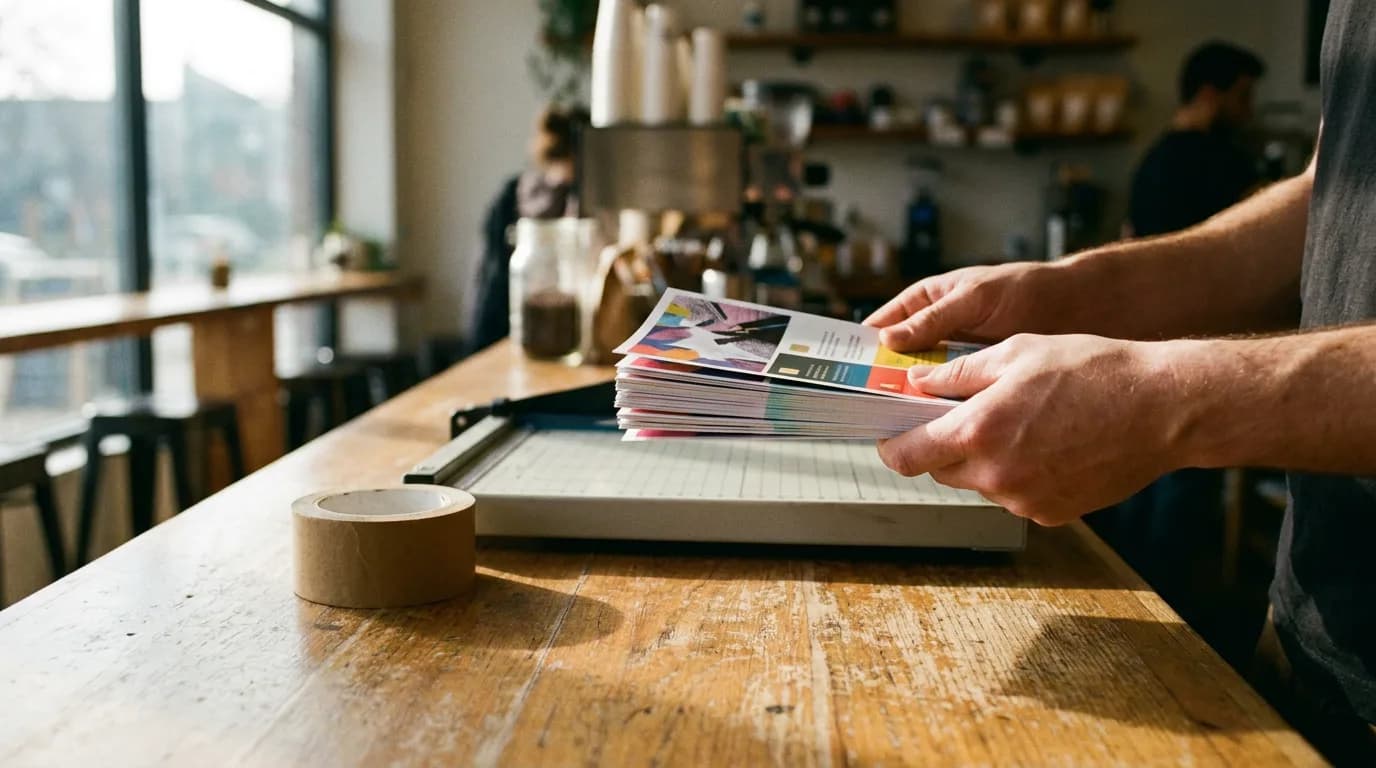
Knowing how to make a flyer matters most on a deadline: a grand opening this Saturday, a yoga class with empty mats, a bake sale that needs a crowd, a lost cat. Flyers still work because they reach people where they already are, on café counters, school noticeboards and lamp posts. Most flyers that underperform go wrong before anyone opens a design app: the purpose is vague, the copy is too long, and the size gets picked last. The seven steps below fix those in order, followed by flyer examples and ideas you can adapt.
Direct answer. To make a flyer, decide the one action you want, pick a size (US Letter, half-letter, A4 or A5), write a short headline and essential details, arrange them in a clear top-to-bottom layout, add one strong image and your branding, prepare a print file with 0.125-inch bleed, then print and share it digitally.
Step 1: Decide the One Thing the Flyer Must Do
Every flyer needs a single goal you can write in one sentence: "Get parents to sign up for Saturday soccer camp" or "Bring 50 people to the shop on opening day". That sentence decides the headline, the call to action and where the flyer goes.
Write down three things before designing anything:
- Who will see it: commuters, parents at school pickup, students, neighbors.
- Where it will live: a counter rack, a noticeboard, a door, an email.
- What they should do next: show up, call, scan, book, buy.
A flyer for a counter rack can carry more detail because people pick it up and read it. A flyer on a crowded corkboard gets two seconds, so it needs a headline that works from a meter away.
Step 2: Pick a Flyer Size and Format
Size follows placement. US Letter (8.5 x 11 in) is the default in North America and fits every noticeboard. Half-letter (5.5 x 8.5 in) suits counters and handouts, and it's cheaper to print in bulk. Outside the US, A4 and A5 play the same two roles. The flyer size guide lists pixel dimensions at 300 DPI for each.
A few format variations are worth knowing:
- Tear-off flyer: a strip of phone numbers or QR codes along the bottom edge, ideal for tutoring, pet sitting and room rentals.
- Double-sided flyer: front for the hook, back for the schedule, menu or map.
- Digital flyer: the same design exported as a PNG for Instagram, WhatsApp groups and email.
Choose portrait unless the content is naturally wide, like a timeline or a menu with columns.
Step 3: Write the Copy Before the Design
Copy first, because the amount of text decides the layout. A good flyer has five pieces of text and very little else:
- Headline (3-7 words): the benefit or the event. "Fresh Bread Every Morning" beats "Bakery Now Open".
- Subhead (one line): the detail that makes the headline concrete.
- Essential details: date, time, place, price. Put each on its own line.
- Call to action: one verb. "Book your spot", "Scan for the menu", "Call today".
- Contact: phone, website or a QR code, plus a logo if people know the business.
Read the copy out loud and cut anything that isn't one of those five. A full schedule, a long bio or a paragraph of history belongs on the web page the QR code opens.
Step 4: Lay It Out in Reading Order
People scan a flyer top to bottom, so arrange the five pieces of copy in exactly that order. The headline sits at the top in the largest type. The image takes the middle third. Details and call to action fill the bottom, with the call to action set apart by color or a box.
Three layout rules handle most problems:
- One focal point. Either the headline or the image dominates, never both at the same size.
- Two fonts at most. One bold display face for the headline, one readable face for details.
- Margins. Leave empty space around the edges. Text jammed against the border looks cheap and risks being trimmed.
Contrast matters more than color choice. Dark text on a light background, or white text on a dark photo, reads from across a room; mid-grey on pastel does not.
Step 5: Add Visuals and Your Brand
The image does the emotional work: a steaming latte, a packed dance floor, a smiling teacher. Use one strong image rather than a collage of small ones, which turn to noise at flyer size.
This is the step where AI changes the workload most. Instead of arranging a photoshoot or digging through stock libraries, Playyy's AI flyer generator designs the imagery, headline, details and call to action together from a description like "grand opening flyer for a neighborhood coffee shop, Saturday May 18, 20% off all drinks, warm and friendly". Choose Editable design, and every line comes back as its own text layer, so a changed start time is a quick edit. With a brand kit set, your logo, colors and fonts are applied from the first draft, and design remake can rebuild a flyer layout you already like around your own content.

Step 6: Proof It and Prepare the Print File
Proofread every number. Dates, times, prices and phone numbers cause the most expensive reprints, so read them against the original source, then have someone else read them too.
For printing, three technical settings matter:
- Bleed: extend background colors and images past the trim line. 4OVER4's flyer printing FAQ specifies 0.125 inches (3 mm) of bleed on all four sides, so an 8.5 x 11 flyer becomes 8.75 x 11.25 inches with bleed added.
- Safe zone: keep text and logos at least 0.125 inches inside the trim line.
- Resolution: 300 DPI at the final print size, which for a Letter flyer is 2550 x 3300 pixels.
Bleed exists because commercial cutters trim stacks of sheets at once, and the blade can drift slightly. Artwork that stops exactly at the edge leaves thin white slivers when that happens; artwork that runs past it trims cleanly. Playyy exports a print PDF with bleed and crop marks, which is the file most print shops ask for.
Step 7: Print It, Post It and Share It Digitally
Print a single test copy first and look at it from the distance people will see it. Then decide quantity by placement: a few dozen for noticeboards, a few hundred for door-to-door or counter racks.
Placement checklist:
- Community boards in libraries, cafés, gyms and laundromats (ask first).
- Partner businesses that share your audience.
- Inside shopping bags or with receipts.
- At the point of sale, beside the register.
Then reuse the same design online. Export a PNG for social posts and messaging groups, or ask the Playyy agent to resize the flyer for an Instagram post or story so the printed version and the digital version match. A QR code on the printed flyer, linked to a booking page, also tells you which placements actually brought people in.
Flyer Examples and Ideas by Occasion
These flyer examples show how the seven steps play out for common occasions.

Grand opening. Headline: "Now Open". Image: the storefront or signature product. Details: address, opening hours, a first-week offer. Call to action: "Show this flyer for 20% off". The offer doubles as a way to count redemptions.
Fitness or yoga class. Headline names the result ("Stretch Out the Workweek"). Image: one calm figure mid-pose. Details: day, time, level, price for the first class. Tear-off strips or a QR code to book.
Live music or event night. A bold headline and the date as large as the band name. Two-color palettes work well on cheap paper. For poster-scale versions of the same event, see these event and movie-style poster ideas.
Real estate open house. Exterior photo, address, open house hours, three standout features as short bullets, agent photo and phone at the bottom.
Tutoring or local service. Headline as a question ("Struggling with Algebra?"), three short bullets of what's offered, and tear-off contact strips.
Fundraiser or bake sale. The cause in the headline, a photo of the goods, the goal ("Help us raise $2,000 for new books"), and date, place and payment methods.
Organizers who run recurring events usually keep a matching set: a poster for the venue, a flyer for handouts and a square post for social. The event poster and flyer design workflow shows how that set comes from one design.
Make Your Flyer This Afternoon
Start with the single action you want, write the copy before touching the design, and prepare the file with bleed before it goes to print. Those three habits fix most flyers. To skip the blank page, describe your event in the Playyy AI flyer generator, edit any detail on the canvas, and export a print PDF or a PNG for sharing.
Keep Reading
- 25 Poster Ideas Sorted by What the Poster Is For — large-format ideas for the same events your flyers promote.
- Standard Poster Sizes for Print and Events — when a handout should become a wall poster, and which size to print.
- 20 Business Card Ideas and Examples by Profession — the small-format print piece that pairs with a local flyer campaign.
- AI Poster Generator — design the wall-sized version of your flyer at 11x17 up to 24x36.

Luca Moretti
I help restaurants, venues, schools, workshops and small service businesses create posters, menus, invitations, event flyers and social promotions. I write for non-designers who need practical, good-looking visuals for real-world promotions.
Frequently asked questions
A flyer is a single printed sheet, usually US Letter (8.5 x 11 in), half-letter (5.5 x 8.5 in), A4 or A5, in portrait orientation. The usual format runs top to bottom: a headline, one main image, the key details (what, when, where, price), and a call to action with a link, phone number or QR code. Leave a margin of empty space around the edges.