9 Best Free Resources for Content Creators in 2026
 Emily Carter
Building a content creation workflow on a budget used to mean accepting quality trade-offs. That's changed. The current free tiers on the best tools — AI image editors, video makers, design platforms — are genuinely functional for professional-level output, not just demos designed to frustrate you into paying.
The tools below are the ones that consistently show up in DTC and indie creator stacks — not because they're free, but because they're good. The free tier is a bonus.
Direct answer. The 9 best free resources for content creators in 2026 are: Playyy AI (image generation + editing in one canvas), FlexClip (AI video creation and editing), Canva (design templates), CapCut (social video editing), Pixabay (stock photos, videos, and music), Pinterest (visual research and mood boarding), Behance (portfolio and creative inspiration), Adobe Express (branded quick design), and ChatGPT (writing and content ideation). All nine have usable free tiers.
1. Playyy AI — AI Image Generation and Editing in One Canvas
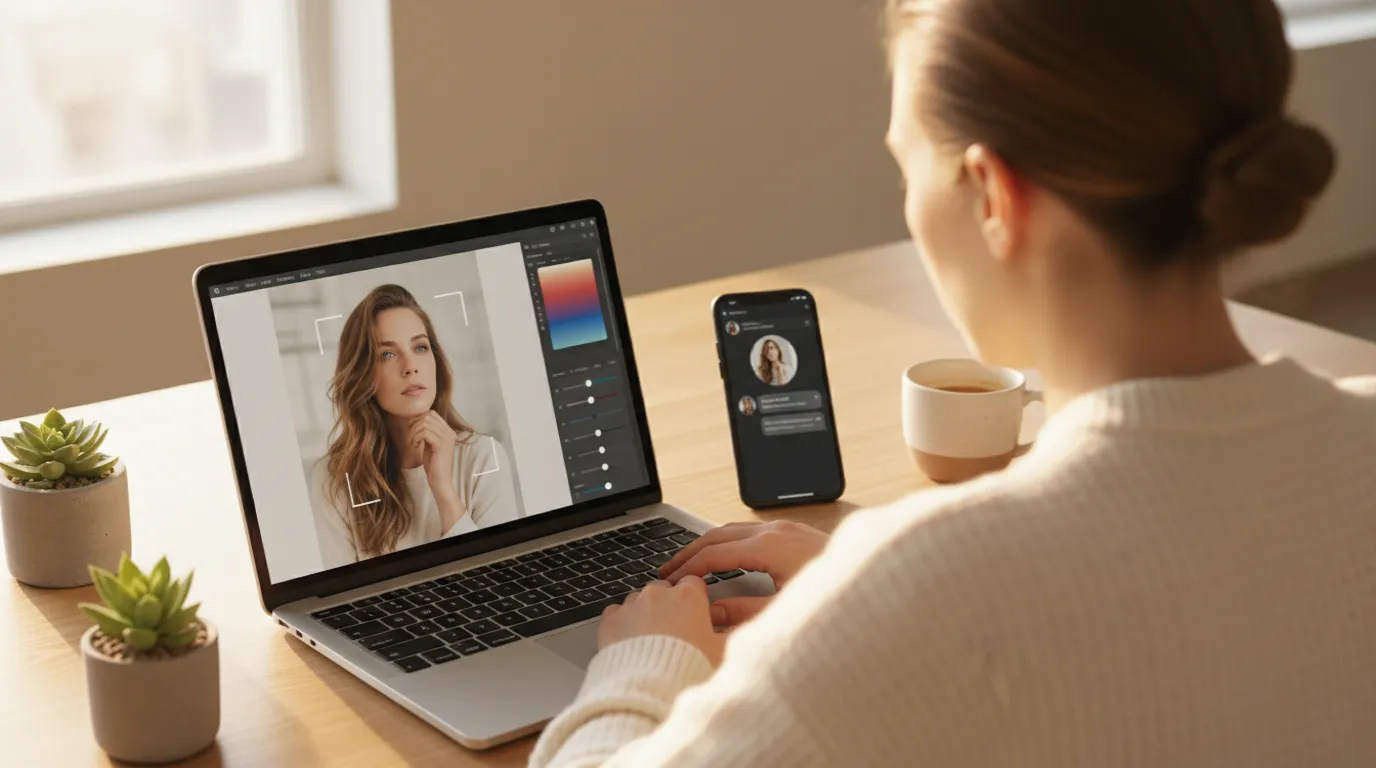
Most image tools split generation and editing into two separate products. You generate in one app, download, open a second app to edit, download again, and repeat every time something needs changing. Playyy combines both steps on one canvas.
You describe what you want — a lifestyle product shot, a branded background, a social media scene — and Playyy generates it. If the background is wrong, you swap it without leaving the tool. If an element needs removing or fixing, you inpaint it directly. If the image needs to be extended for a banner, you expand it. The AI image editor handles generation, background removal, inpainting, and visual enhancement in one session.
For content creators producing promotional images, product shots, or branded social content, this matters practically. A restaurant owner can generate a seasonal dish image, swap the background to match their brand color, add text space for an event name, and export at the right size for Instagram and print — in one session, without exporting and re-importing between tools.
The free plan covers image generation with daily bonus credits, plus background removal, inpainting, and basic enhancement. For most creators, that's enough to produce a full week of visual content.
Free tier: Unlimited image generation (moderate resolution), background removal, inpaint, visual enhancement. No watermark.
Visual production is the time cost independent creators most consistently underestimate, because it's invisible in the plan and unavoidable in practice: every post, thumbnail and story needs an image before it can ship. The saving from combining generation and editing in one session comes from removing the round trip between two tools, not from either step being faster — which is why it scales with how often you revise rather than how much you produce.
2. FlexClip — AI Video Creation and Editing
Video is the dominant content format across every major platform, and FlexClip is one of the strongest free options for creators who need to produce it consistently. It handles everything from short social clips to longer AI-powered videos — with a drag-and-drop interface that doesn't require video editing experience.
The AI features are the differentiator. FlexClip's text-to-video converts a script or prompt into a video with auto-selected stock footage, transitions, and music — useful for explainer content, product demos, and YouTube intros when you don't have original footage for every segment. The AI background remover works on video as well as images, which is useful for green-screen-style recording without a physical green screen.
For content creators, the most practical features are the social media templates (correctly sized for TikTok, Instagram Reels, YouTube Shorts, and LinkedIn), the integrated stock footage library, and the direct export to different aspect ratios. You can take one video idea and produce three platform-specific versions in one editing session.
Free tier: Basic video editing, AI features, stock assets, and platform-ready export options. Check current terms for export resolution and watermark details on flexclip.com.
3. Canva — Design Templates and Social Graphics
Canva is the default design tool for a reason: 250,000+ templates, a clean drag-and-drop interface, and a free tier that covers most social media content production without requiring any design knowledge. If you're creating Instagram posts, YouTube thumbnails, email headers, or presentation slides, Canva has a template that gets you 80% of the way there.
For content creators already spending time in Canva, the built-in AI image generator lets you produce visual assets without leaving the tool. The quality is adequate for background scenes and lifestyle imagery, though for product photography or more specific image directions, a dedicated AI generator produces stronger results.
The free tier is genuinely useful: 250,000+ templates, unlimited designs, basic AI features, and collaboration. The Pro tier adds background removal, Magic Resize, and a full Brand Kit — worth it for teams, less critical for solo creators who can handle those tasks in Playyy.
Free tier: 250,000+ templates, basic AI image generation, unlimited designs, collaboration. Limitation: Background removal and Magic Resize require Pro ($14.99/month).
4. CapCut — Mobile and Desktop Video Editing for Social Creators
CapCut started as a mobile video editor built specifically for TikTok-style content and has since expanded to a full desktop application. The AI features — auto-captions, speech-to-text, background removal for video, auto-highlight for long-form content — are available on the free tier and handle the most time-consuming parts of social video production.
For creators producing Reels, TikToks, and YouTube Shorts, CapCut's auto-caption feature alone saves significant editing time. It transcribes speech, adds styled captions, and handles most of the post-production formatting for short-form video without manual input.
The free tier removes the watermark on exports (a meaningful distinction from some competitors), which means CapCut-edited content looks clean in a professional context.
Free tier: Full editing, AI auto-captions, background removal, no watermark on export.
5. Pixabay — Free Stock Photos, Videos, and Music
Pixabay hosts over 4.5 million royalty-free assets — photos, illustrations, videos, and music — released under the Pixabay License, which allows commercial use without attribution required. For content creators who need stock assets to supplement original content, it's one of the most practical free libraries available.
The asset quality is uneven — as with any community-sourced library — but the search filters are good enough to find usable content quickly. The video library is particularly useful for B-roll in YouTube content and for background footage in video productions where original filming isn't available.
The music library covers background and instrumental tracks, which solves one of the most common pain points for video creators: sourcing music that won't trigger copyright claims on YouTube.
Free tier: Unlimited downloads, commercial use, no attribution required.
Pixabay's music library contains over 150,000 tracks verified for use on major platforms including YouTube, TikTok, and Instagram without copyright strikes. For creators who produce video content regularly, having a reliable royalty-free music source removes one of the most common post-production blockers.
6. Pinterest — Visual Research and Mood Boarding
Pinterest's value for content creators isn't discovery — it's research. The platform's image recognition and categorization makes it the fastest way to build a visual reference library for a specific aesthetic, color direction, or content style before you start creating.
Before producing a seasonal content campaign, a creator can build a Pinterest board of 30–50 reference images, extract the dominant colors, and use that palette to guide image generation prompts, Canva template selection, and video grading decisions. The mood board becomes a brief that keeps every piece of content visually coherent.
Pinterest also functions as a distribution channel: content that performs well — particularly infographics, long-form visuals, and step-by-step graphics — gets meaningful organic reach on Pinterest independently of social media algorithm changes elsewhere.
Free tier: Unlimited boards, pins, and search. Creator account with analytics is free.
7. Behance — Portfolio and Creative Inspiration
Behance is Adobe's portfolio platform and one of the strongest free resources for creative inspiration and professional benchmarking. Where Pinterest surfaces casual content, Behance features finished professional work from designers, illustrators, photographers, and brand studios — presented with process documentation and project context.
For content creators, Behance is most useful for two purposes: building a portfolio of your own work (free, with direct sharing links for client presentations) and researching how professionals handle specific visual problems you're working on — brand identity systems, packaging design, social campaign structures.
The quality floor on Behance is higher than most inspiration platforms. Featured projects represent professional-grade work, which makes it a calibration tool as much as an inspiration source.
Free tier: Full portfolio hosting, project creation, network features. No watermark on portfolio.
8. Adobe Express — Quick Branded Design With Commercial-Safe Assets
Adobe Express sits between Canva (more templates, more accessible) and full Adobe Creative Suite (more control, much steeper learning curve). Its primary advantage over Canva is the asset library: Express uses Adobe Stock and Firefly-generated content, which comes with explicit commercial use rights.
For creators who run paid advertising or need assets for commercial campaigns, that legal clarity matters. Adobe Firefly images are designed for commercial use by default — Adobe's terms are explicit on this — which removes the uncertainty that applies to some other AI generators' free tiers.
The AI photoshoot workflow for product photography works well when combined with Adobe Express: generate the lifestyle scene in Express using Firefly, then bring it into Playyy to composite your actual product photo on top.
Free tier: 25 AI-generated images per month (Firefly), templates, basic editing, social media sizing.
9. ChatGPT — AI Writing and Content Ideation
ChatGPT's free tier (GPT-4o on the free plan as of 2026) is sufficient for most content creation tasks: writing captions, drafting scripts, generating content calendar ideas, repurposing long-form content into short-form formats, and researching topics before recording.
The practical workflow for video creators: outline an episode or video in ChatGPT, use it to generate a script draft, then edit the draft to your own voice before recording. For written content — newsletters, blog posts, LinkedIn articles — ChatGPT handles the blank-page problem, producing a rough draft that you refine rather than writing from scratch.
Where ChatGPT is less useful: anything requiring real-time information (knowledge cutoff applies), anything requiring branded images or specific visual output, and final copy that needs to sound like you without significant editing. It's a drafting and ideation tool, not a publishing tool.
Free tier: chat and image generation with ChatGPT Images 2.5, both with usage limits.
Quick Comparison
| Tool | Category | Best For | Free Tier Limit |
|---|---|---|---|
| Playyy AI | Image | AI generation + editing | Unlimited (mod. res.) |
| FlexClip | Video | AI video creation | Basic features, check site |
| Canva | Design | Social templates | 250K+ templates |
| CapCut | Video | Short-form editing | No watermark |
| Pixabay | Assets | Stock photos/video/music | Unlimited downloads |
| Research | Visual mood boarding | Unlimited | |
| Behance | Portfolio | Inspiration + showcase | Full portfolio |
| Adobe Express | Design | Commercial-safe assets | 25 AI images/month |
| ChatGPT | Writing | Scripts and captions | GPT-4o with limits |
How to Build Your Free Creator Stack
Most creators don't need all nine tools. The practical combination depends on your content mix:
Short-form video creators (TikTok, Reels, Shorts): CapCut for editing, Pixabay for B-roll and music, Canva for thumbnail templates. Add ChatGPT for script drafts when needed.
Visual content creators (Instagram, Pinterest, product brands): Playyy for image generation and editing, Canva for social graphics, Pixabay for supplementary stock. See how to make a social media collage for the multi-image post workflow.
Long-form video creators (YouTube, podcasts with video): FlexClip for AI-assisted production, CapCut for editing, Pixabay for music. ChatGPT for outlines and research.
Freelance designers and brand creators: Behance for portfolio and inspiration, Adobe Express for client presentations, Playyy for AI-generated assets. Use background removal to clean up product photos for client deliverables.
The tools above remove the cost barrier that used to make content creation expensive. The remaining investment is time and consistency — which is where most content creation outcomes are actually decided.
Frequently Asked Questions
What is the best free app for content creation?
It depends on what you're creating. For images and visual content, Playyy combines AI generation and editing in one canvas. For video, FlexClip handles short to long-form AI-powered production. For design templates and social graphics, Canva is the most widely used free option. Most creators use two or three of these in combination.
What supplies do I need to become a content creator?
The practical minimum: a smartphone camera, a free video editor like CapCut or FlexClip, a free image editor like Playyy or Canva, and a free stock asset library like Pixabay. Most full-time creators started with exactly this stack before investing in lighting, microphones, or paid tools.
What are the 5 C's of content?
The 5 C's are Clarity, Conciseness, Consistency, Compelling, and Conversion. Strong free tools — particularly AI writers and design platforms — help most with Clarity and Consistency, where templates and AI drafts provide a reliable starting structure.
What are the 3 C's of content creation?
The 3 C's most often referenced are Create (original content you produce), Curate (relevant content you contextualize for your audience), and Connect (engagement with your community). Pinterest and Behance are particularly useful for the Curate phase — they help organize reference material that informs your original work.

Emily Carter
I help marketing teams at early-stage SaaS companies and DTC brands produce more campaign assets without losing brand consistency. My focus is on practical workflows for growth marketers — from paid social testing to creative iteration.
Frequently asked questions
It depends on what you're creating. For images and visual content, Playyy's AI image generator lets you generate and edit in one canvas without switching tools. For video, FlexClip handles everything from short social clips to longer AI-powered videos. For design templates and social graphics, Canva is the most widely used free option. Most creators end up using two or three of these in combination rather than one single app.