The AI image editor built for marketing visuals.
Edit photos with AI on a fully editable canvas — change colors, remove backgrounds, expand and upscale images, all in one workspace. Free to start.
Every AI photo editing tool you need — on one canvas.
Background removal, color edits, image expansion, upscaling, and generative fill — replace the Photoshop + Canva loop with one editable AI image editor.

Fully editable canvas
Generated images land on a real canvas — refine, extend, and combine tools without exporting.

On-brand marketing output
Built for campaign visuals, product photos, and social content — not experiment-quality drafts.

10 AI tools in one place
Generate, edit, remove backgrounds, upscale, inpaint, and expand — one subscription.

Commercial usage rights
Ship visuals in ads, on packaging, and in client work on paid plans.
Six ways to edit photos with AI — without leaving the canvas
Click any element to edit AI-generated images, remove backgrounds, change picture backgrounds, upscale, inpaint, or restyle — every workflow lives in the same editable canvas.

AI Image Editing
Click any element in your image and describe the change. AI applies edits exactly where you clicked — no masks or selection tools.
Try AI Image Editing
Background Removal
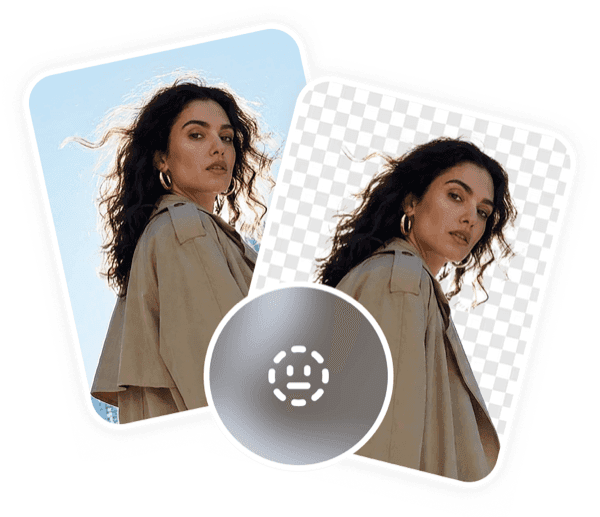
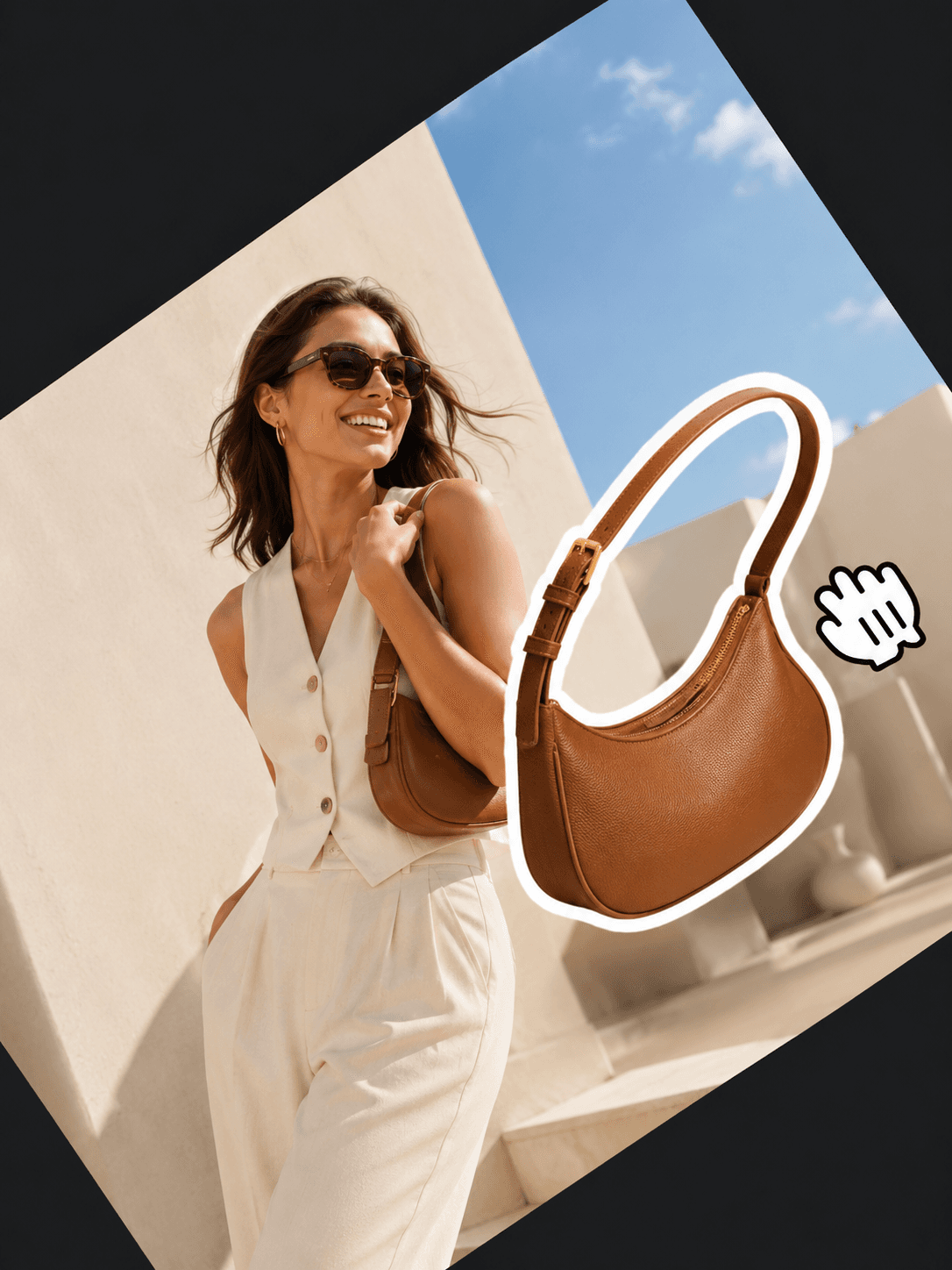
Create clean cutouts for products, portraits, and marketing visuals in one click — sharp edges on hair, fabric, and glass.
Try Background Removal
Image Upscaling
Increase resolution and sharpen detail for Amazon zoom, Shopify catalogs, and print-ready output.
Try Image Upscaling
Generative Editing
Fill or replace selected areas with Smart Inpaint. Add objects, swap backgrounds, or rebuild regions in context.
Try Generative Editing
Style Transfer
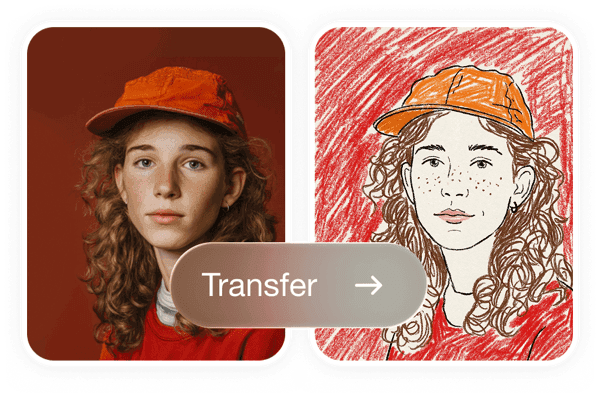
Apply any visual style while keeping the subject intact — brand consistency across seasonal campaigns.
Try Style Transfer
Campaign Visuals
From one brief to every channel format — social, banner, email, and product imagery in a single session.
Try Campaign VisualsEdit any image element by clicking — no masks, no tutorials
Describe the change in plain language, click the element you want to edit, or pick a tool. No selection brushes, no path tracing — the AI image editor handles the rest.
Prompt
Make the product label sharper and shift the background to a clean studio gradient.
On-brand marketing visuals you can keep editing
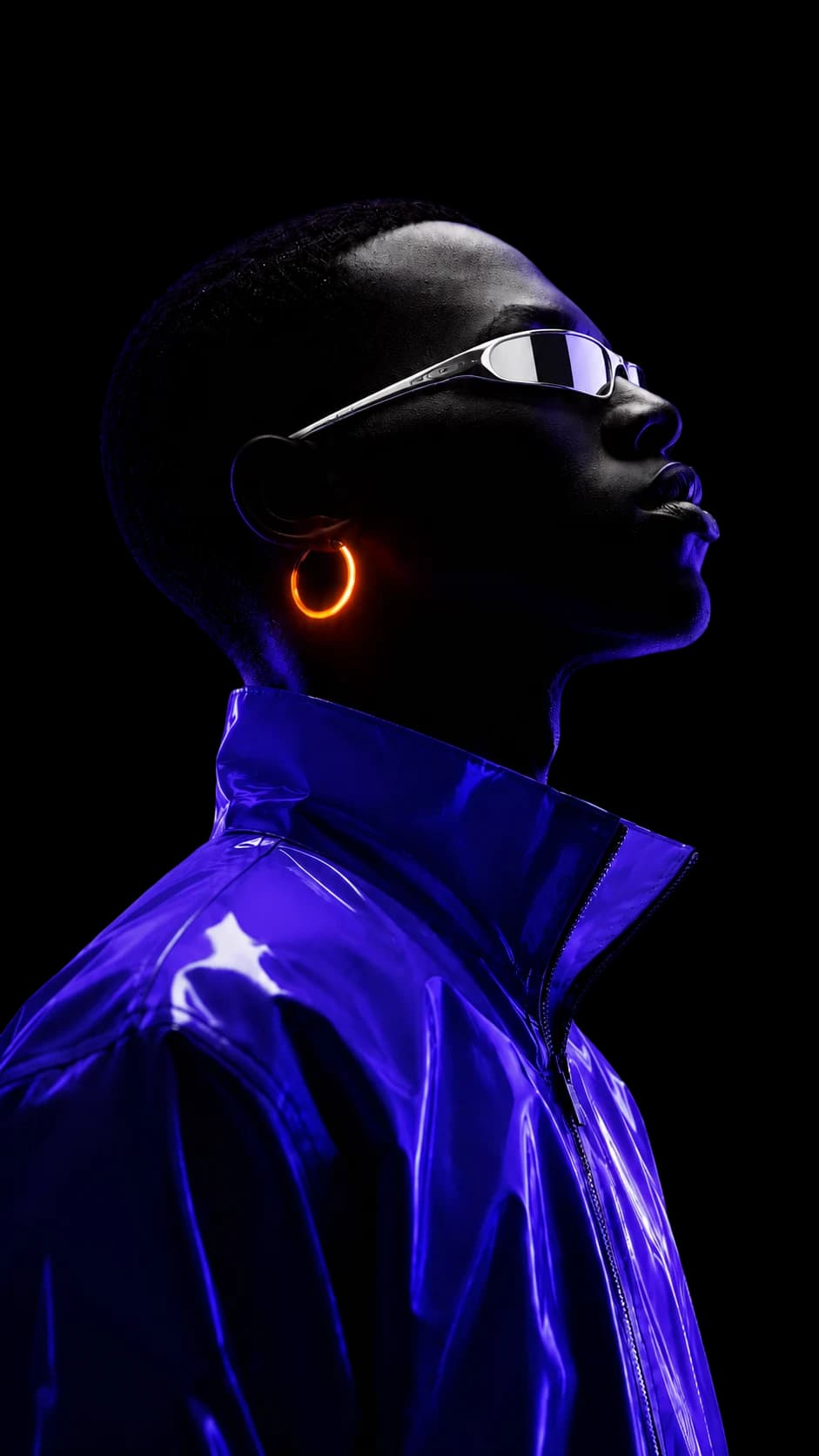
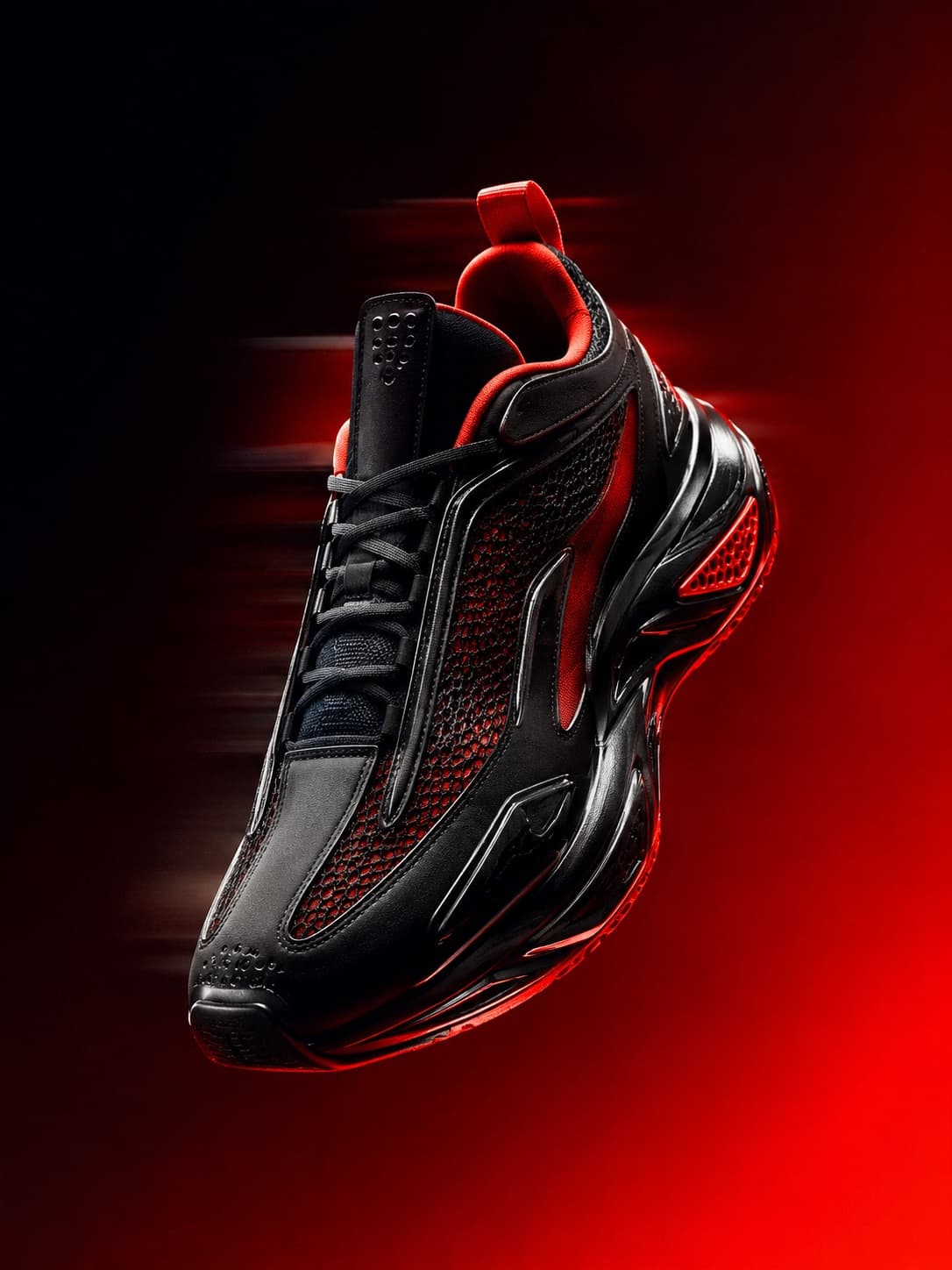
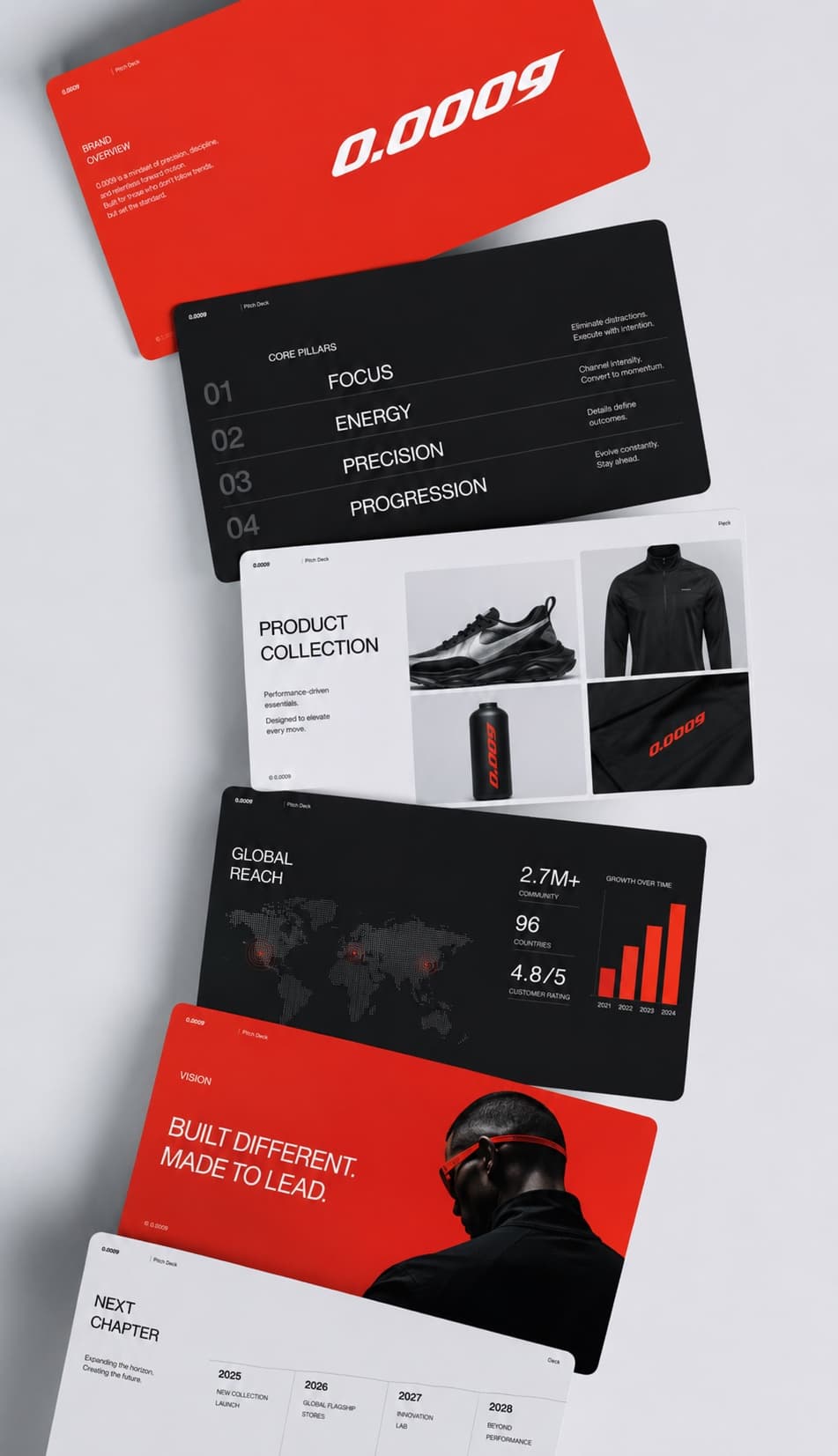
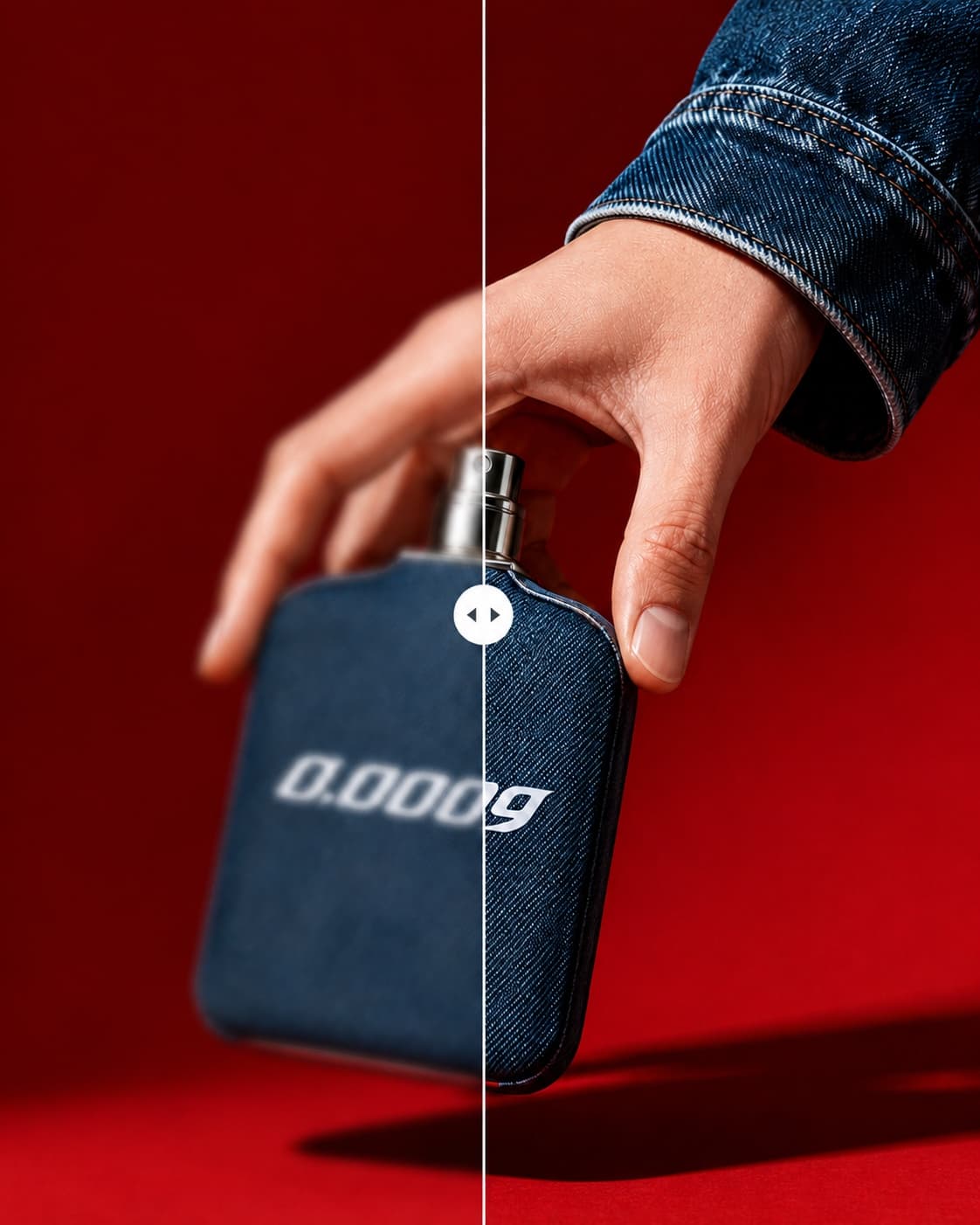
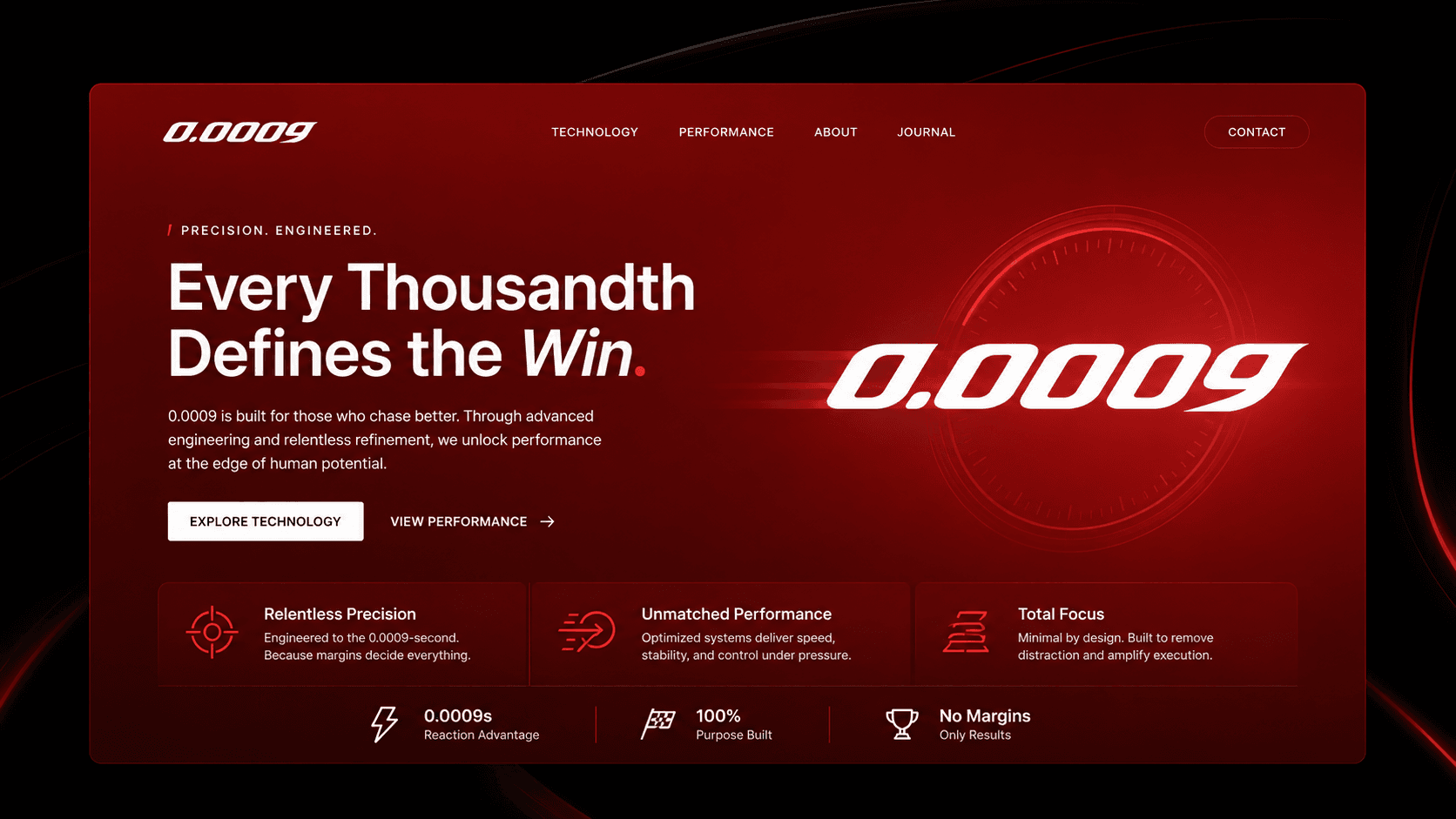
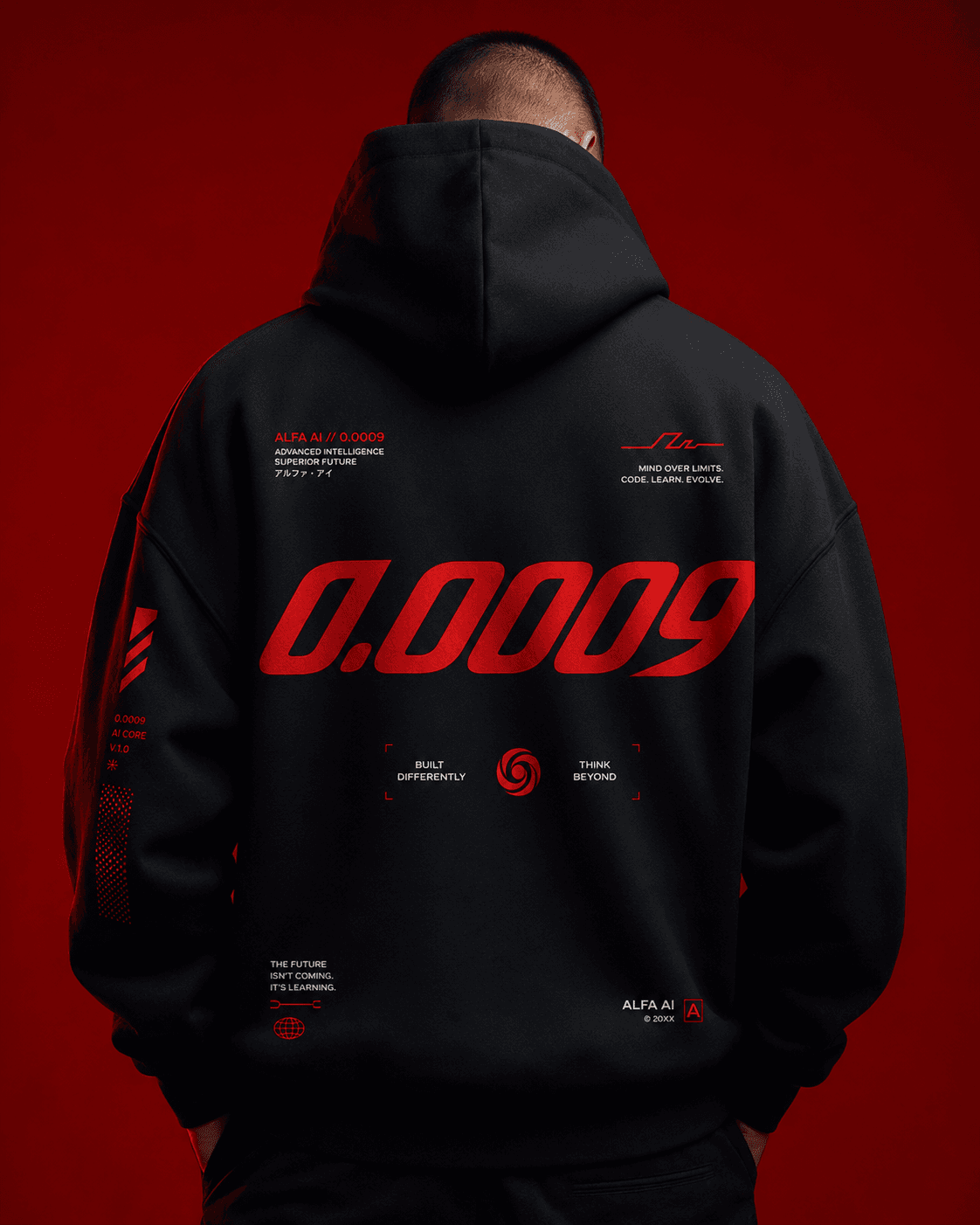
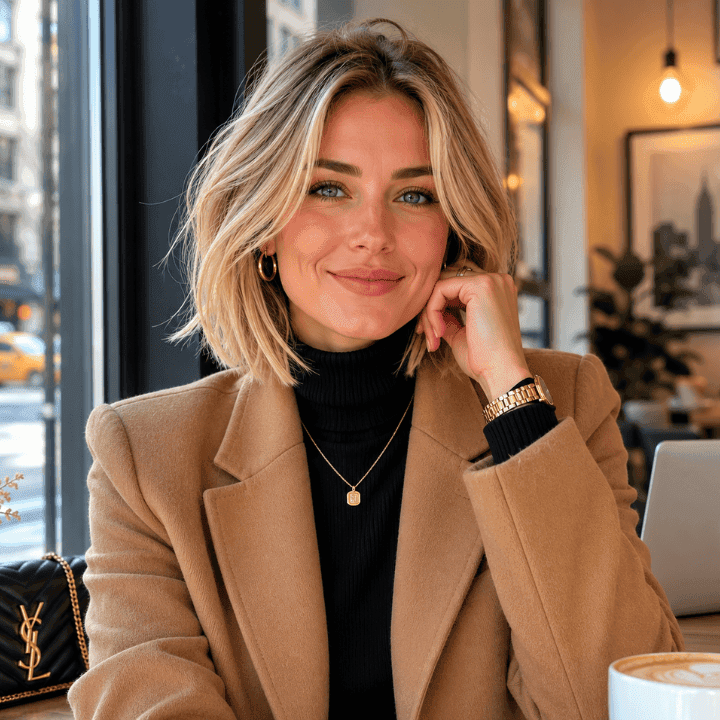
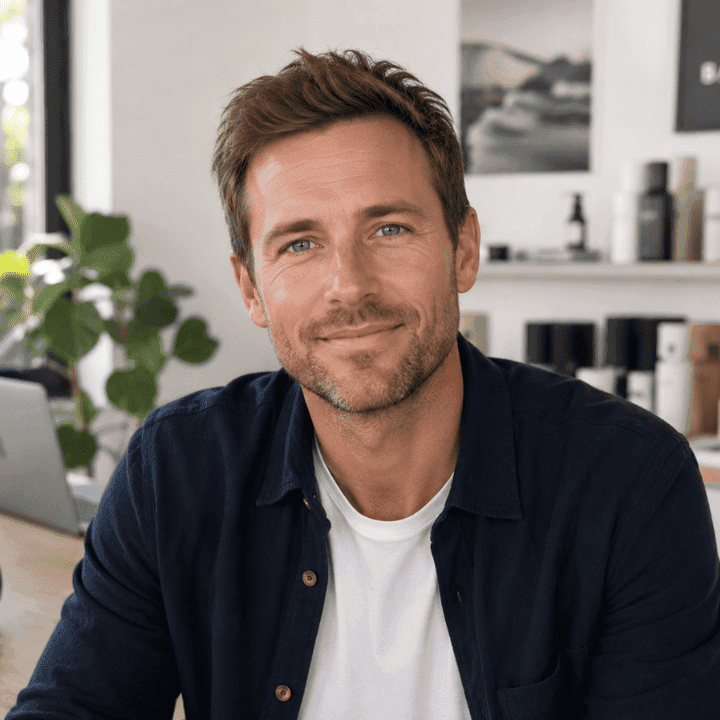
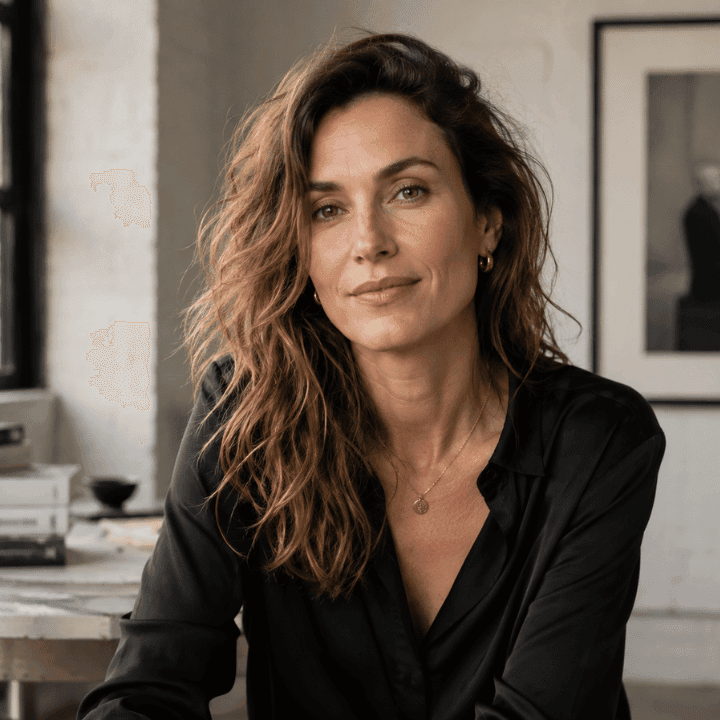
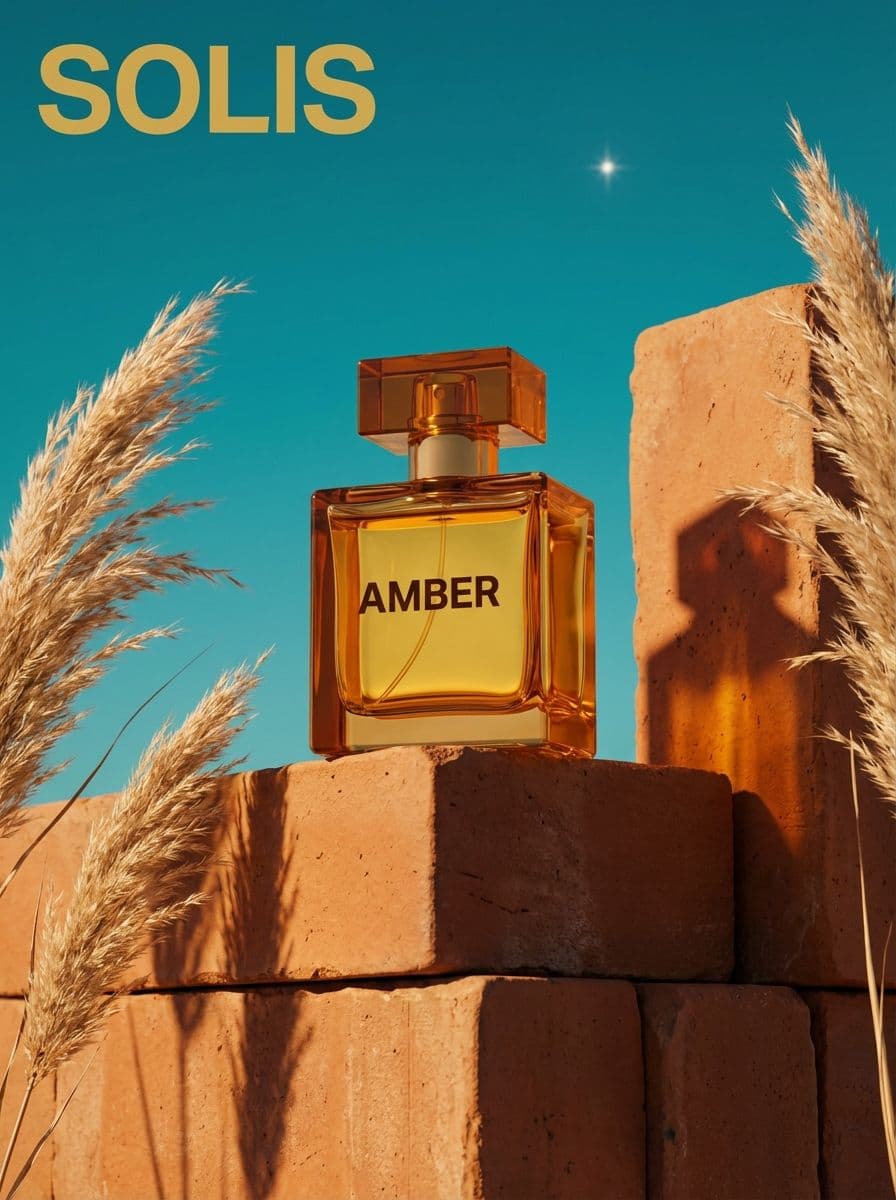
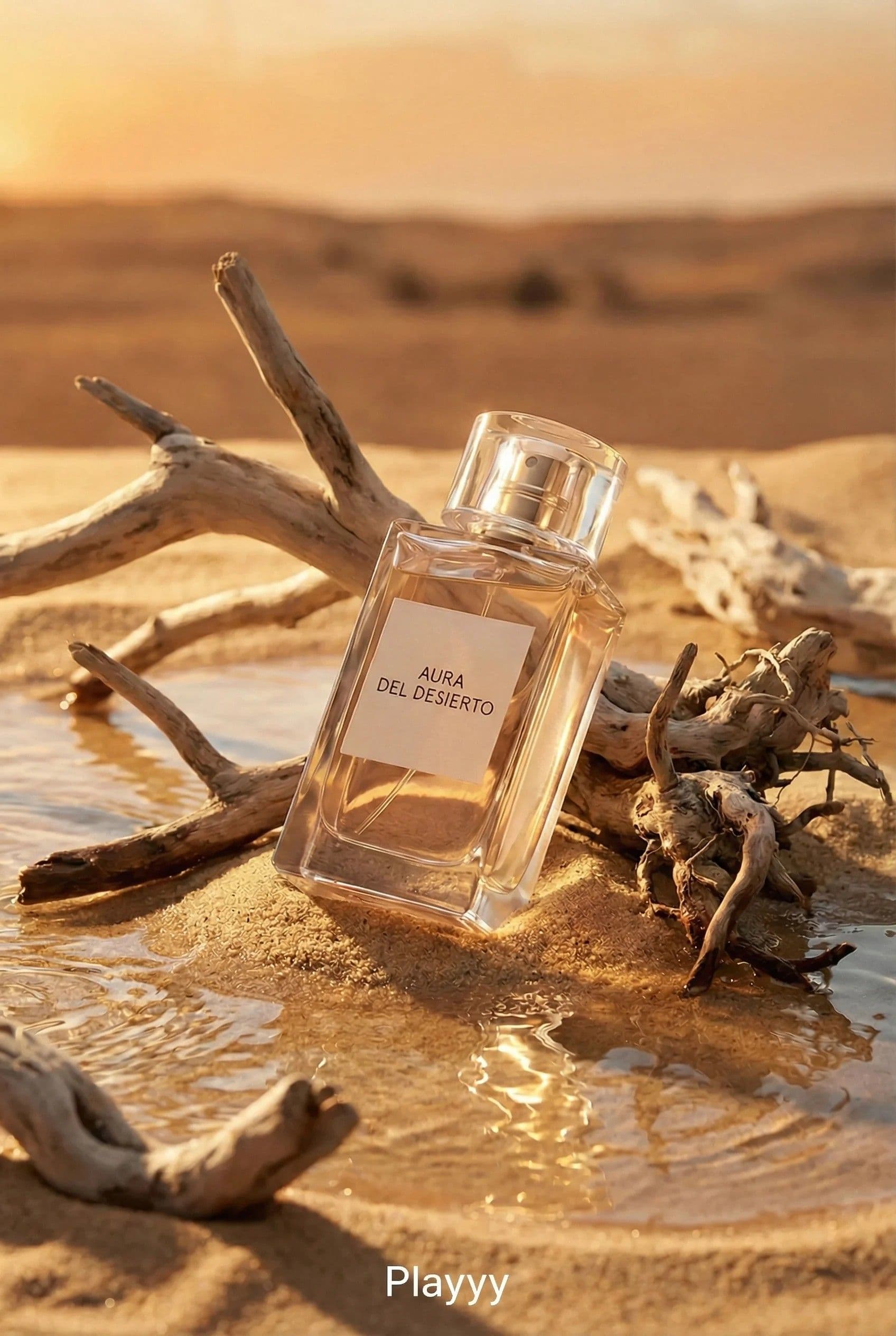
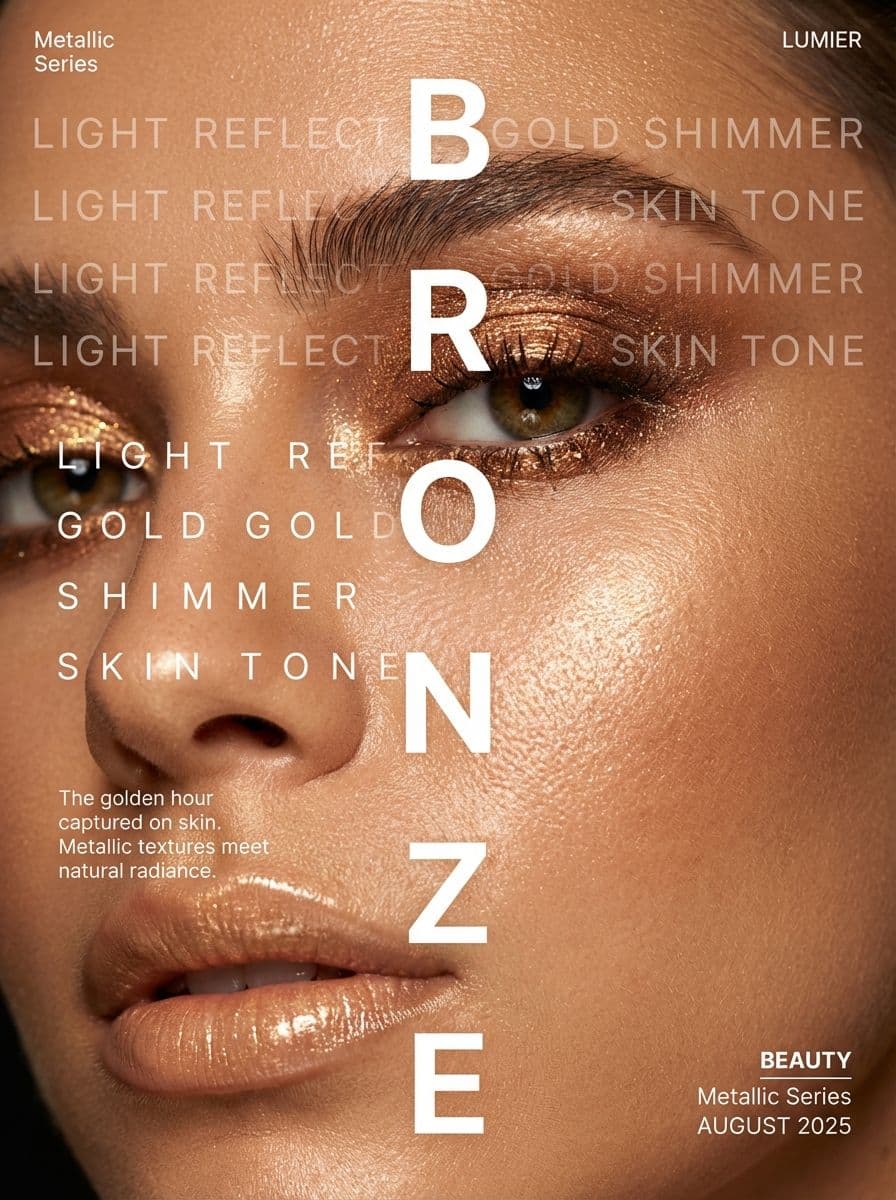
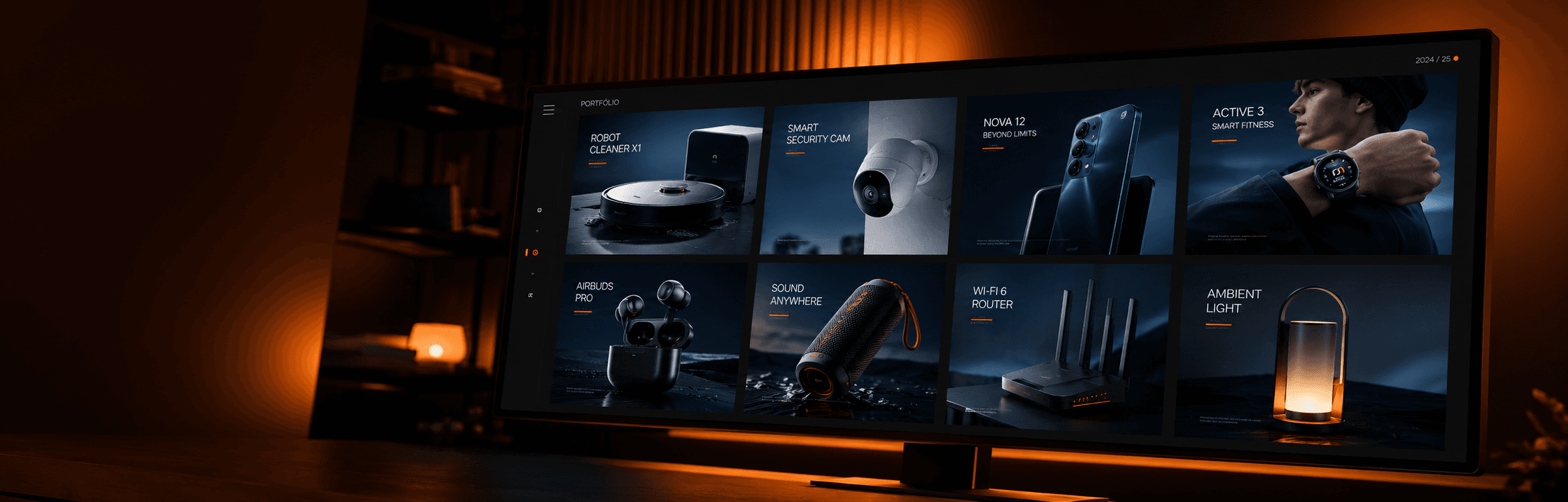
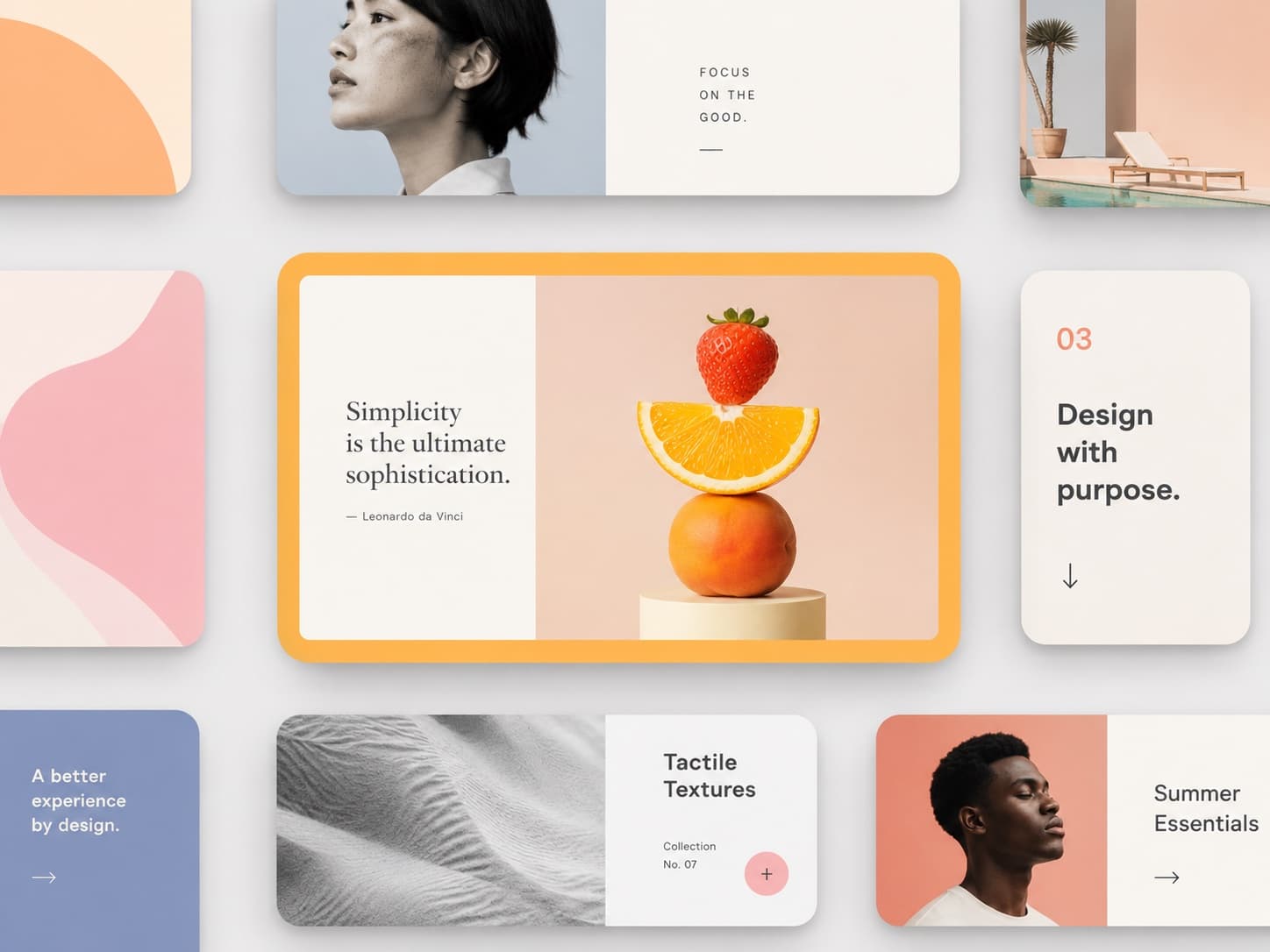
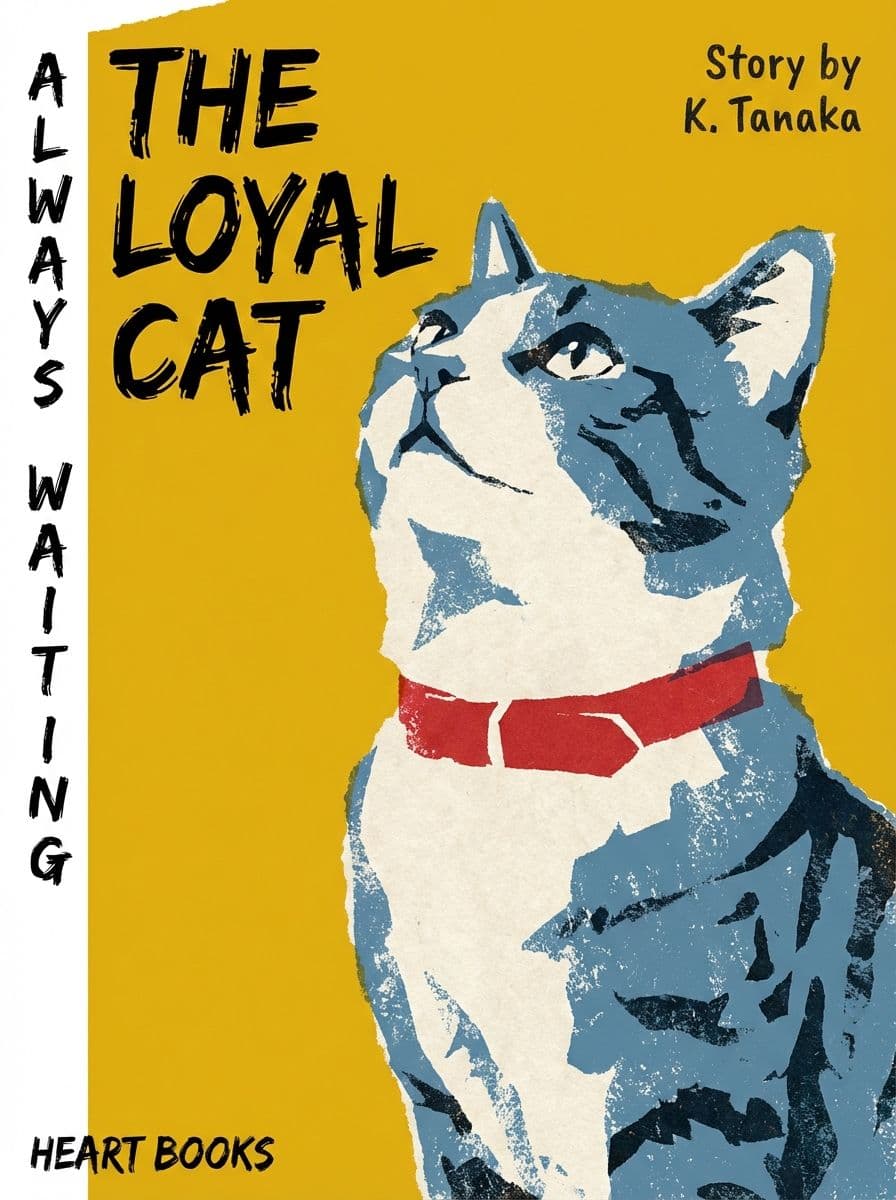
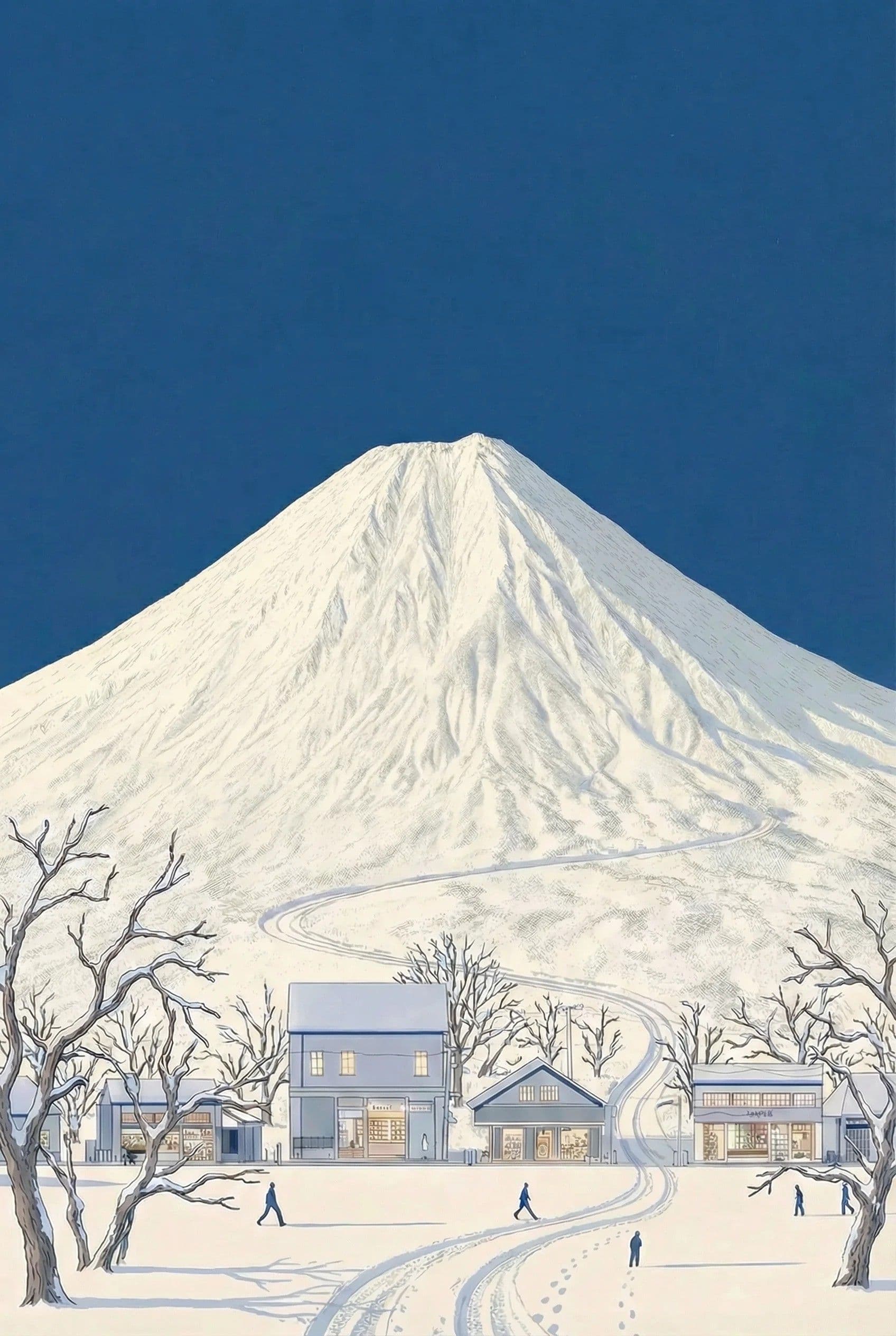
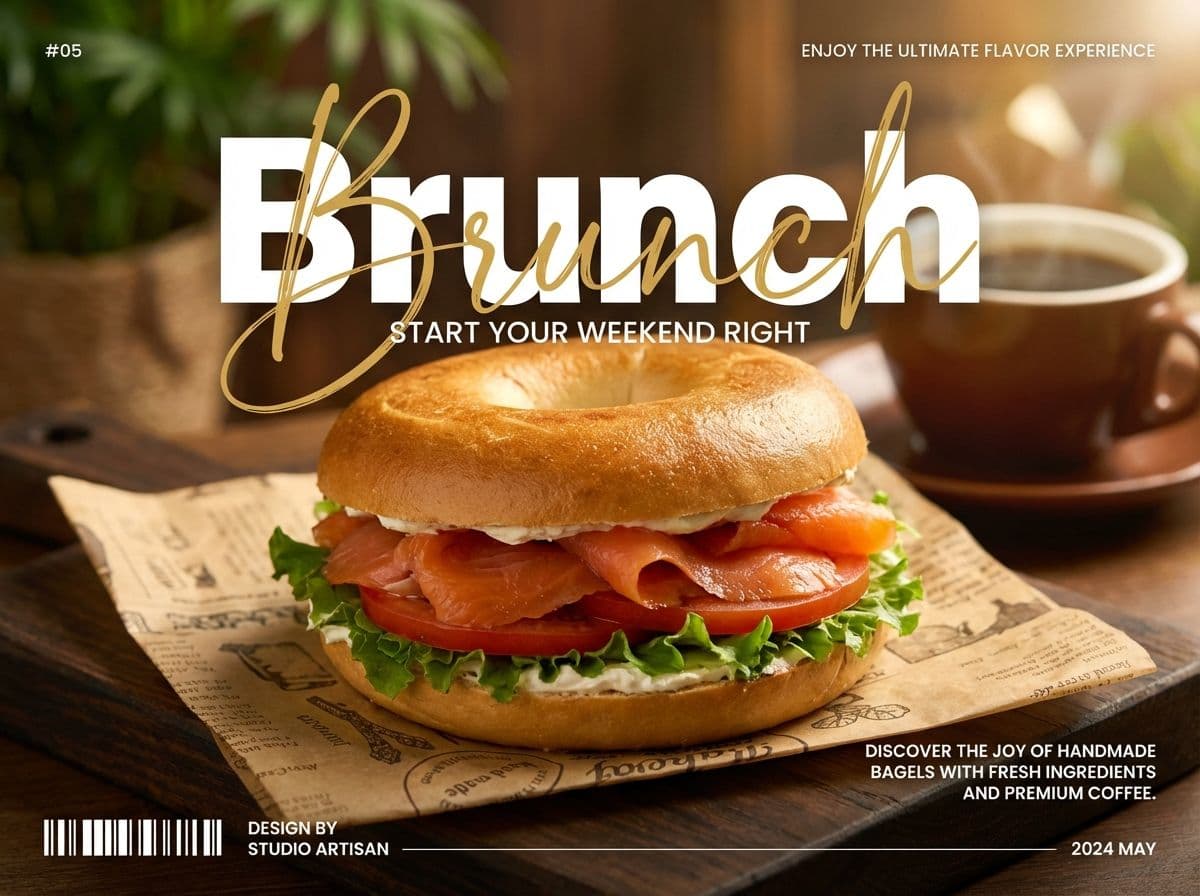
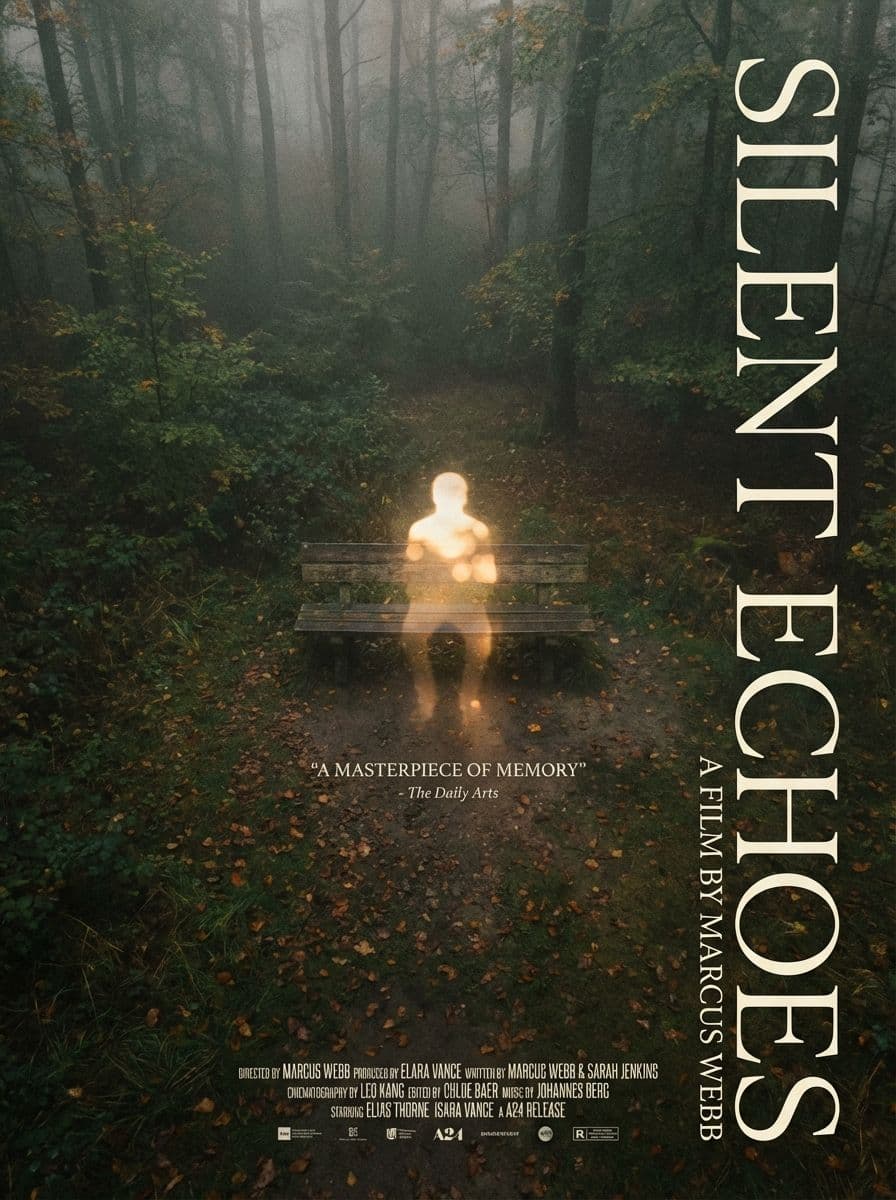
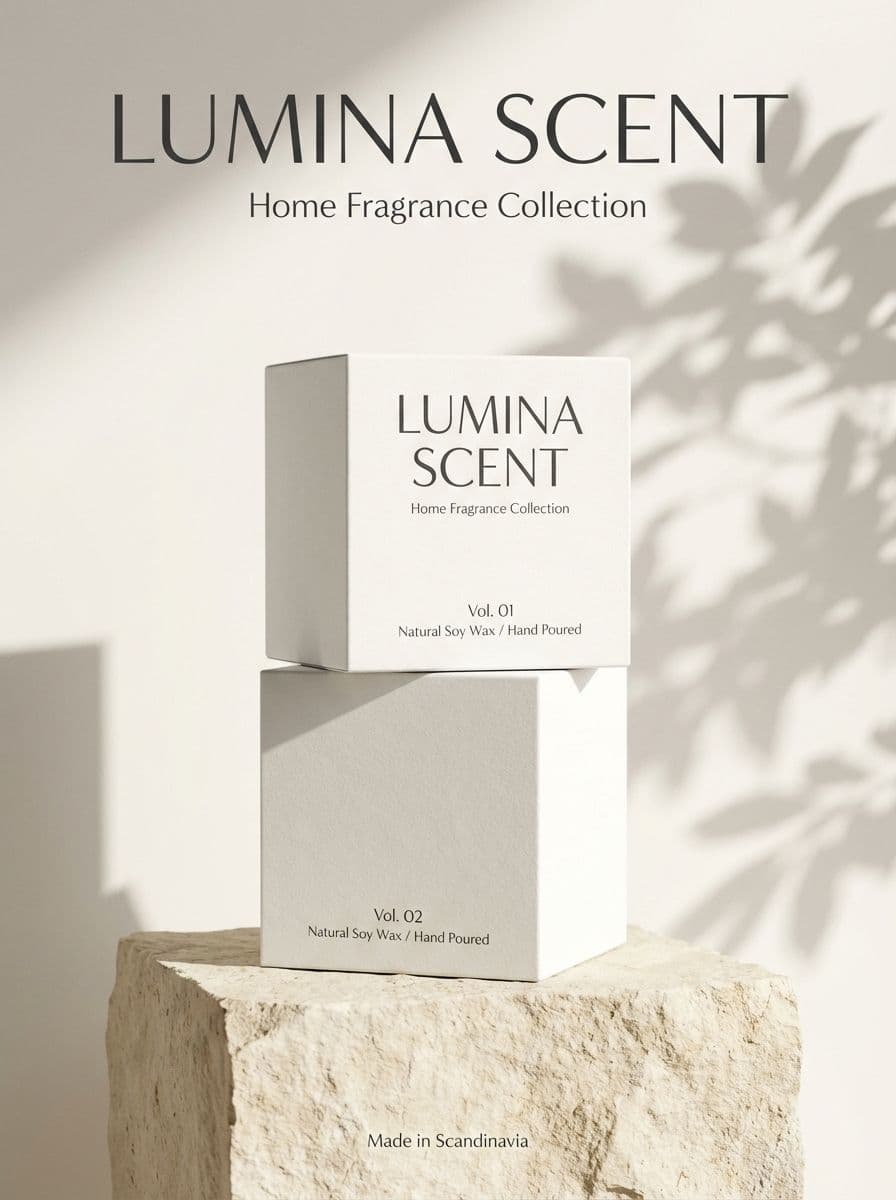
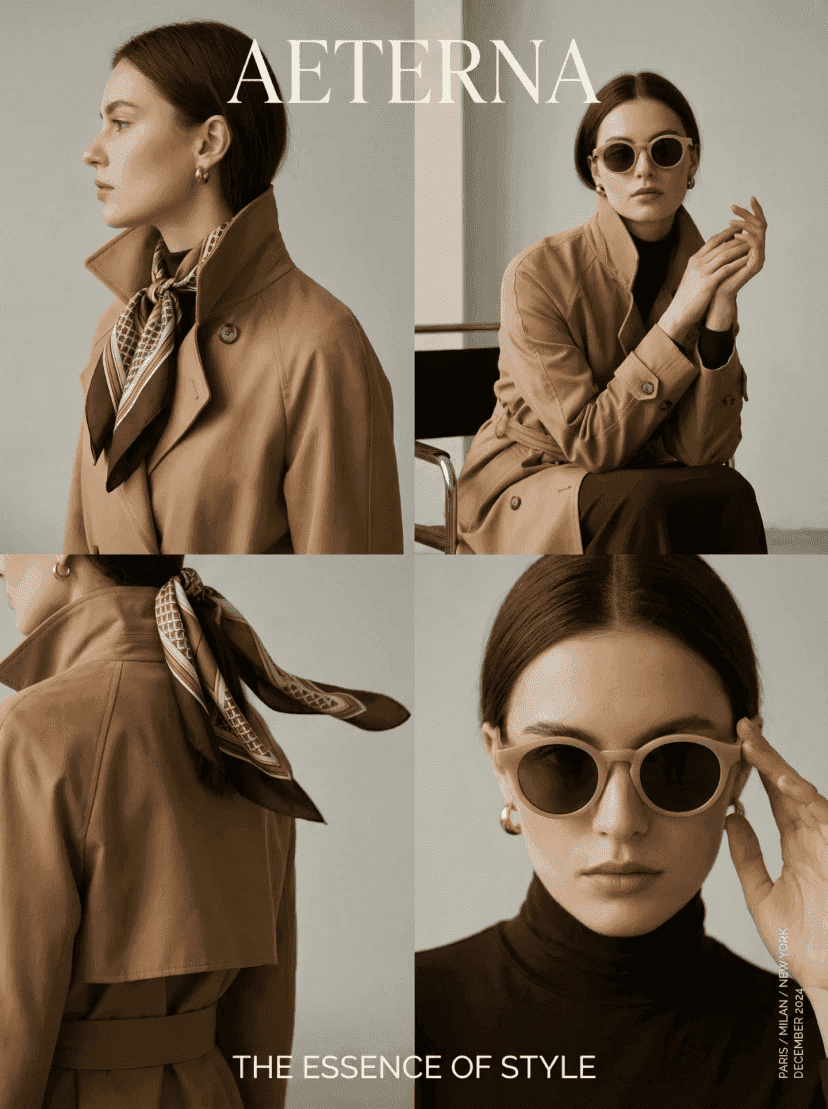
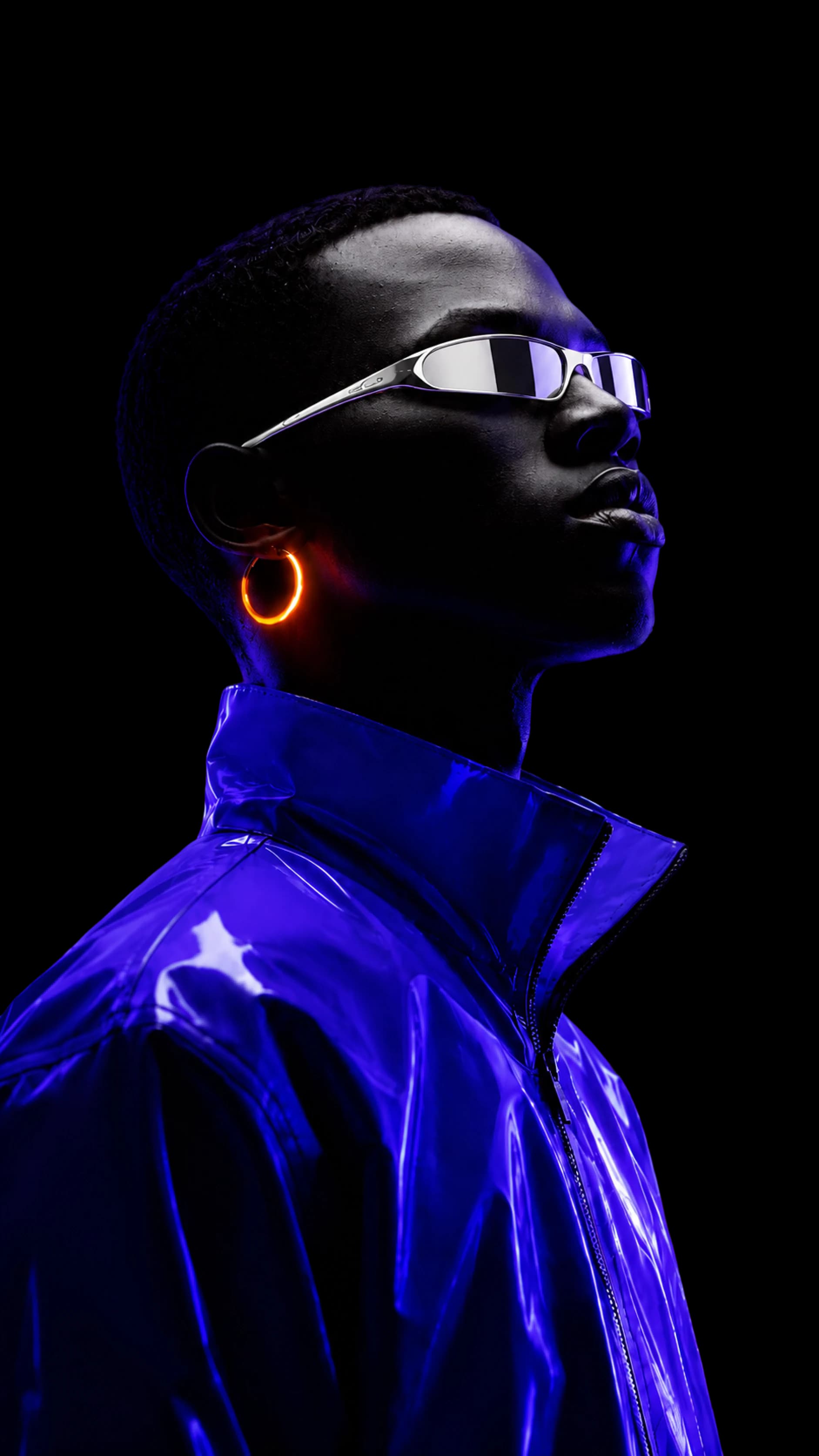
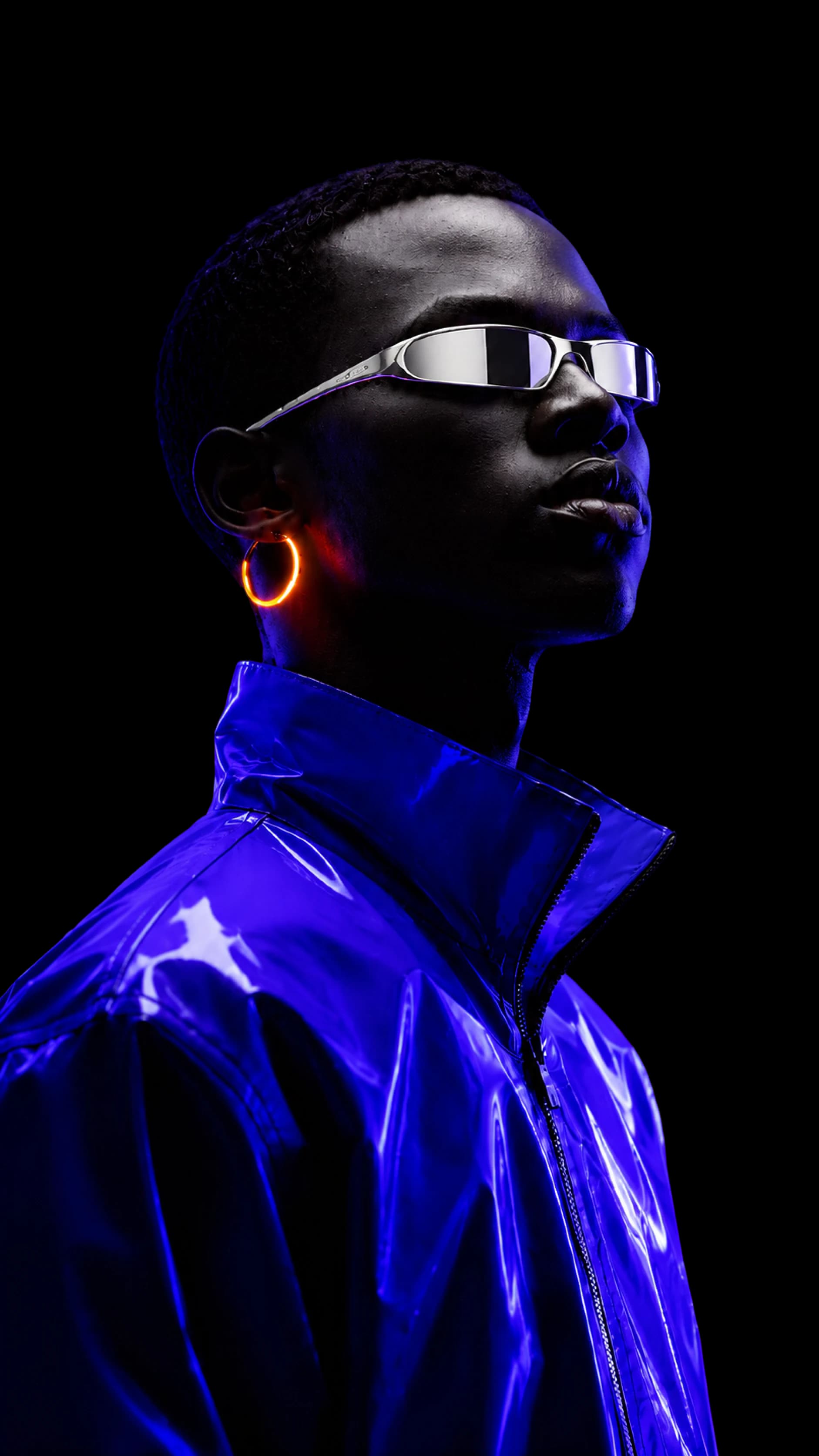
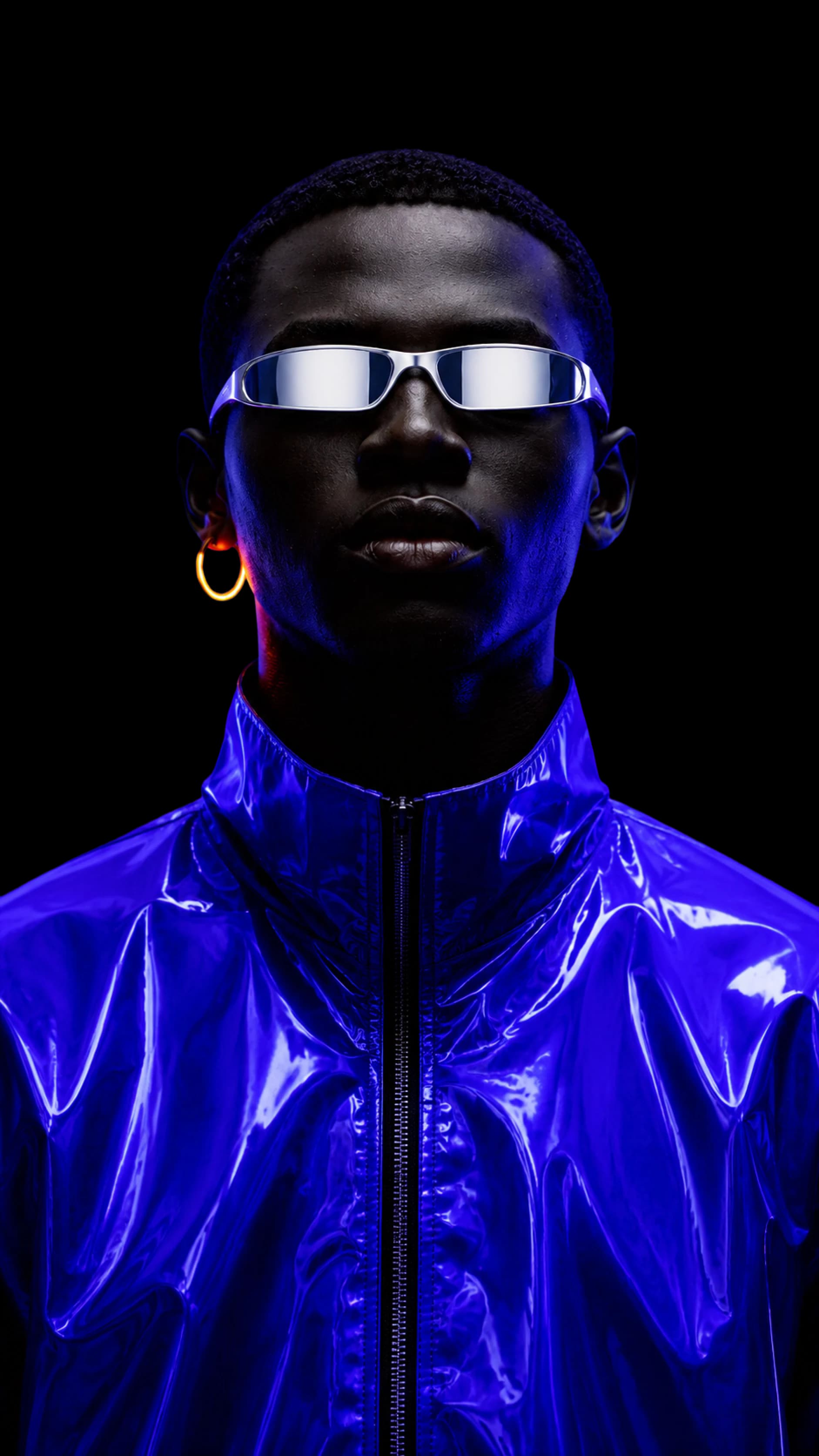
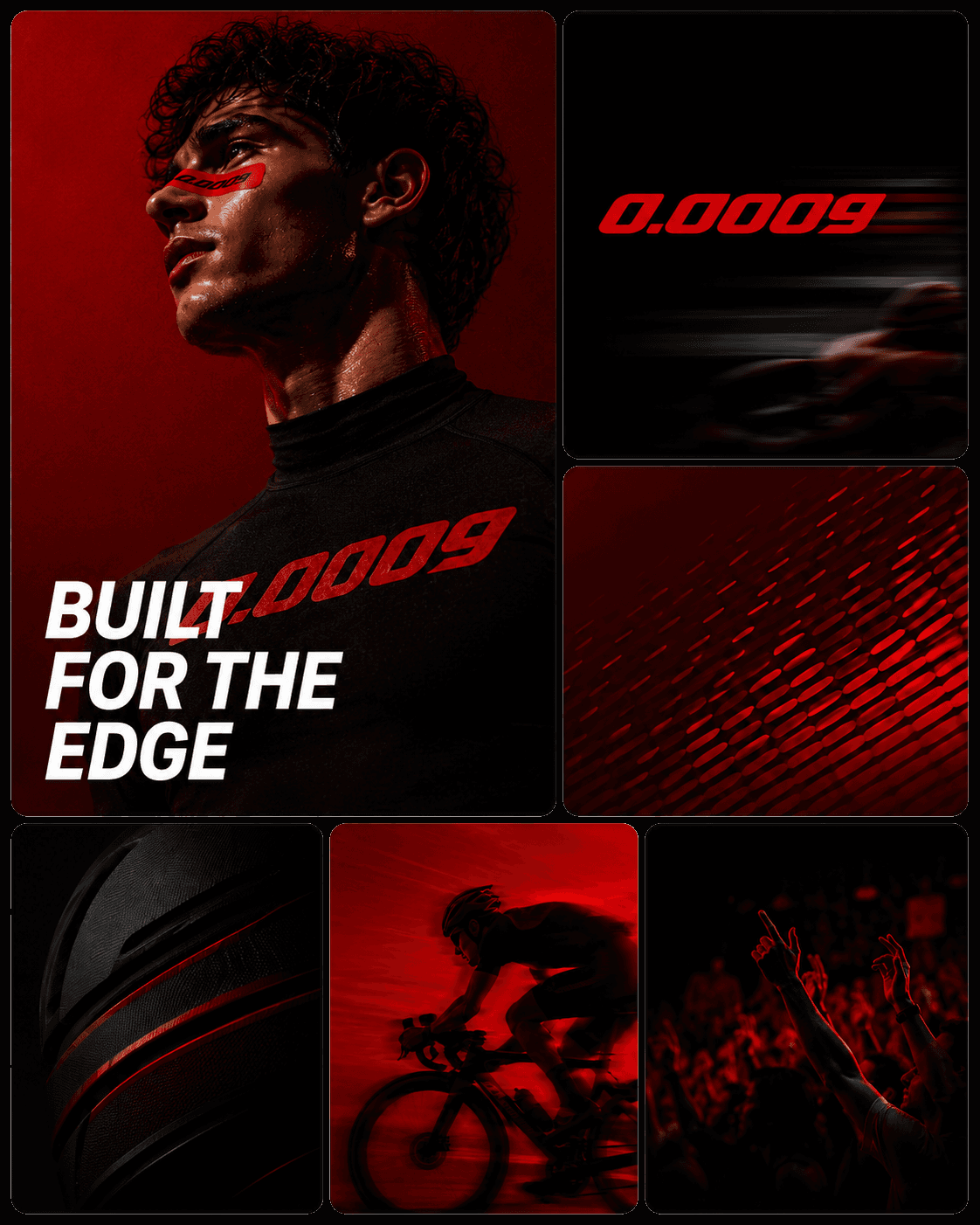
Real examples generated and refined inside Playyy's AI image editor — product photography, campaign creative, social posts, and more.


Start for free, upgrade for more
Start free with daily credits, no credit card required. Upgrade for unlimited generations, higher resolutions, and commercial usage rights on every image you ship.
Frequently asked questions
What is an AI image editor?+
An AI image editor lets you change anything in a photo by describing the edit in plain language instead of drawing masks or paths. Playyy's AI image editor pairs text-to-image generation with a fully editable canvas — click any element to recolor, replace, remove, expand, or restyle it. The result is one workspace that covers generation, background removal, image upscaling, inpainting, and outpainting without exporting between tools.
Is there a free AI photo editor online?+
Yes — Playyy's AI image editor is free to start with daily generation credits and no credit card required. The free tier covers the core workflow: generate an image, edit elements on the canvas, remove backgrounds, change picture backgrounds, and expand images for different aspect ratios. Paid plans unlock commercial usage rights, higher resolutions, and unlimited generations for marketing teams shipping campaigns at scale.
Can I edit AI-generated images element by element?+
Yes. Most text-to-image tools only let you regenerate the whole image with a new prompt. Playyy's editable canvas treats each element — product, background, text, lighting — as something you can click and refine independently. Change a single color, swap one object, expand the frame, or restyle the background while keeping the rest of the composition intact.
How do I change the color of an image with AI?+
Open the image in the AI image editor, click the element you want to recolor, and describe the new color or palette. The AI applies the change only to the selected region and preserves shadows, highlights, and surface texture. This is the fastest way to edit color in an image for A/B testing campaign creatives, seasonal refreshes, or matching brand palettes.
Can I make a photo background transparent with AI?+
Yes. The background remover inside the AI image editor isolates the subject with clean edges on hair, fabric, and glass in one click. Export as a transparent PNG for design work, or stay on the editable canvas and drop the subject into a new AI-generated scene without leaving the workspace.
Can I expand or outpaint an image with AI?+
Yes. The built-in AI image expander outpaints additional canvas in any direction, so one source image becomes every aspect ratio you need — 1:1 for marketplaces, 4:5 for Instagram feed, 9:16 for Stories and TikTok, 1.91:1 for ad banners. The expansion stays consistent with the original lighting, color, and composition.
Can I remove people or objects from a photo?+
Yes. Select the person, object, or distracting element you want gone, and the AI fills the area in context — no clone-stamping or masking. It works for cleaning up tourist photos, removing photobombers from product shots, or stripping competitor logos from supplier images before launch.
Does the AI image editor work for commercial marketing use?+
On paid plans, every image you generate or edit comes with commercial usage rights — paid ads, packaging, client work, marketplace listings. The platform is designed for marketing teams, Shopify and DTC brands, freelance creatives, and content creators who need on-brand visuals at production quality rather than experiment-grade drafts.
Start editing photos with AI — free forever
Generate, edit, and ship on-brand marketing visuals from a single editable AI canvas — no design experience required.