Kittl vs Yuptees vs Playyy: Best for T-Shirt Design?
 Aiko Tanaka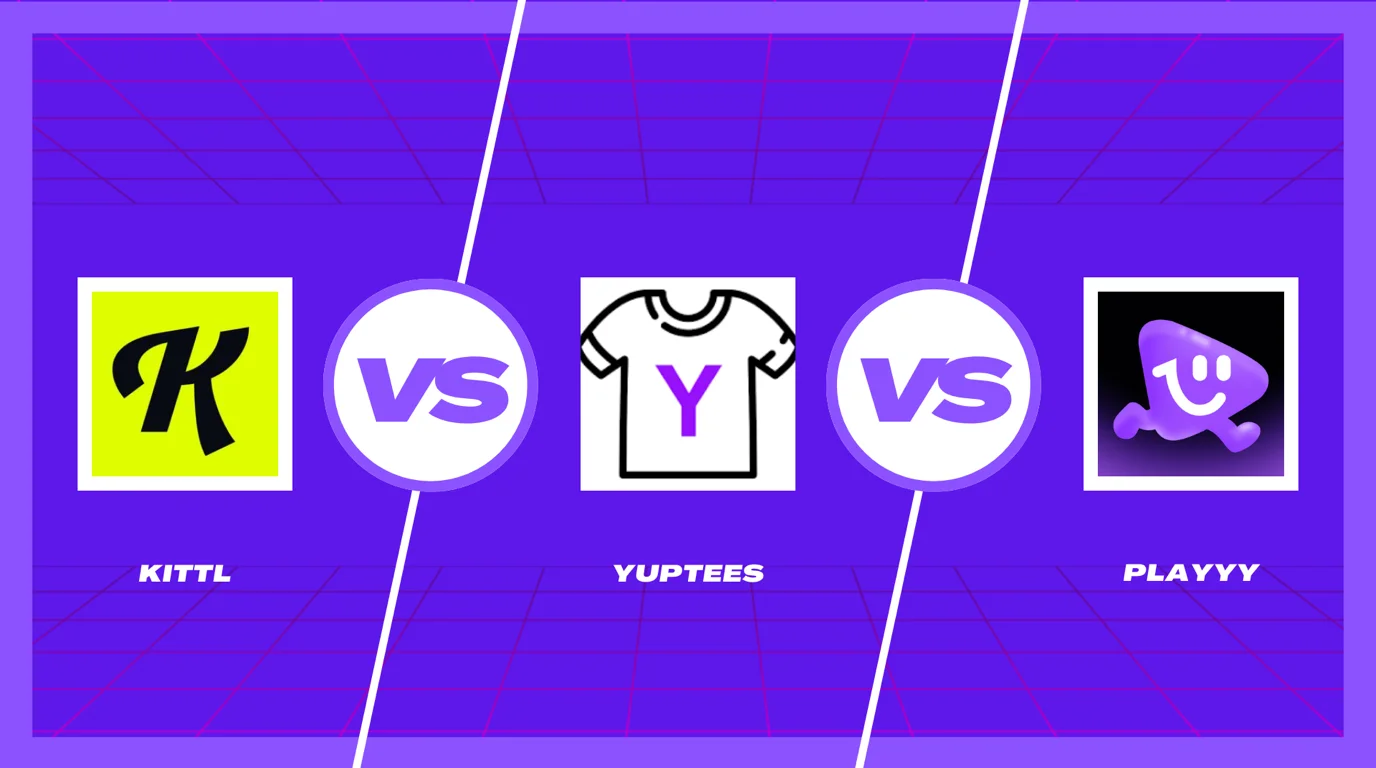
For small businesses and e-commerce sellers choosing a design tool, three options often get compared: Yuptees, Kittl, and Playyy. They suit different work, and the right pick depends on what yours actually requires.
Yuptees is free and built only for apparel — generate, edit, download, done. Kittl is a broader design platform with strong typography tools and a large template library, with a free plan for personal use and paid plans for commercial work. Playyy adds AI generation, a brand kit, and a canvas editor for teams producing content beyond just merchandise.
The short answer. For t-shirt design only: start with Yuptees — it's free, it's built for apparel, and the output is commercially usable with no subscription. Choose Kittl if you want more design control — curved text, badge layouts, vintage typography — and don't mind a paid plan for commercial use. Choose Playyy if you're building a brand beyond merch: social media, product photos, and marketing content alongside your apparel line.
What Each Tool Is Actually Built For
Before comparing features, it helps to understand what problem each tool was designed to solve — because the overlap between them is smaller than it looks.
Kittl is a full AI design platform targeting designers, sellers, and businesses. Its strongest differentiator is typography — curved text, vintage badge layouts, ornamental elements, label design — backed by a large library of professional templates and assets. It's broader than a typography tool: it covers social media, merchandise, branding, and more. But its decorative design features are what most POD sellers come for.
Yuptees is built specifically for POD apparel design. The workflow is straightforward: describe a design, the AI generates artwork optimized for print-on-demand, then you can edit text, fonts, and element positions before downloading a print-ready file (4500×5400px) cleared for commercial use — free. It's not a general design canvas, but it's not zero-editing either.
Playyy combines an AI image generator with a Canva-style canvas editor, plus a brand kit, 1,000+ templates, and a Prompt Gallery of 1,000+ prompts. The key workflow is generate-then-edit: output stays layer-aware after generation, so you can keep adjusting images, text, subjects, and backgrounds without starting over. The brand kit — created by pasting your website URL, which pulls in your colors, fonts, brand voice, and logo — keeps everything you produce on-brand.
1. Playyy — AI Generator with Canvas Editor and Brand Kit
Best for: Brands, creators, and small teams producing ongoing visual content across social media, e-commerce, and marketing.
Playyy's core workflow is generate-then-edit. You generate an image from a text prompt, and the output lands on an editable canvas where images, text, subjects, and backgrounds remain as separate layers — adjustable by chat prompt or drag. This is different from template-first tools like Canva, where you start from a layout, and from pure generators, where the output is a flat file. You're generating and refining in the same workspace.
On top of that, Playyy's brand kit pulls your colors, fonts, brand voice, and logo from your website URL (or you add them manually), and the AI uses them to keep designs on-brand. 1,000+ templates and 1,000+ ready prompts mean you're not starting from scratch each time — you can work from existing formats or proven prompts and customize from there. AI image generation, background removal, and product photography tools are all in the same workspace.
For a POD seller with a growing brand — one who needs not just t-shirt designs but also social media posts, product listing images, and marketing assets — Playyy covers the full content workflow in a way neither Kittl nor Yuptees does.
Many independent designers end up running two toolchains — one for brand identity, another for product design — because few tools cover both well. The cost isn't the subscriptions; it's that brand assets live in one place and the work that needs them lives in another. The generate-then-edit model with a shared brand kit is built to collapse that into a single workspace.
Pricing: Free plan with daily bonus credits. Paid plans from $18/month, or $15/month billed annually; as of October 2026 the first month of a monthly plan is half price ($9 for Basic). See brand guidelines for startups for more on building a brand system with a limited budget.
Limitation: If your only output is t-shirt designs and you have no budget, Yuptees does that job free. If you need decorative typography as your core output, Kittl's specialized tools are stronger for that specific aesthetic.
2. Kittl AI — AI Design Platform with Strong Typography Tools
Best for: Designers, sellers, and businesses who want professional templates and strong decorative typography — particularly for merchandise, labels, and badge graphics.
Kittl is a broader platform than its reputation for typography might suggest. It has a large library of professional templates across social media, merchandise, branding, and marketing, backed by photos, graphics, and fonts. AI features include image generation, vector generation, a vectorizer, and background removal — closer to a full design suite than a specialist tool.
Where Kittl genuinely stands apart is decorative typography: curved text, vintage badge layouts, ornamental elements, and label design. These are features that Canva and general-purpose tools handle poorly, and where Kittl's template library and design tools are strongest. If your POD work leans toward typographic apparel — text-heavy vintage designs, badge-style graphics — Kittl gives you more creative control than Yuptees and more polish than starting from a blank AI prompt.
The gap vs. Playyy is the workflow model. Kittl is a traditional editor — you start from a template or a blank canvas and build from there. Playyy starts from a generated image and lets you refine it on a layer-aware canvas. Both have brand kit functionality and template libraries; the difference is whether you prefer to generate-first or design-first. For sellers focused on decorative typography, Kittl's traditional editor with its specialized type tools is the stronger fit.
Pricing: Free plan for personal use only. Paid plans (Pro, Expert, Max) add a commercial license and more AI usage; check Kittl's pricing page for current rates.
See also: Kittl alternatives for tools covering different workflows.
3. Yuptees — Free AI T-Shirt Design for Print on Demand
Best for: Print-on-demand sellers who need quick AI-generated shirt designs with no design background and no subscription cost.
Yuptees keeps the workflow minimal by design. Describe a concept, the AI generates apparel-optimized artwork, then you can edit text, fonts, and element positions before downloading — all free. The editing layer is scoped to the generated design: you're not working on a general canvas, but you're also not locked into whatever the AI produced first. Output is 4500×5400px, cleared for commercial use, and sized for Printful, Printify, Redbubble, and similar platforms.
Apparel output has three hard constraints that general design tools handle badly: the artboard has to match a print area, resolution has to survive DTG printing, and the licence has to permit resale. A 15×18 inch print area at 300 DPI is exactly 4500×5400 pixels, which is why apparel-specific tools export at that size by default rather than leaving sellers to work it out. Yuptees addresses exactly this need.
The limitation is equally clear: Yuptees is a single-purpose tool. It can't help you build a brand, create social media content, manage product photography, or produce marketing materials. For sellers who need anything beyond AI-generated apparel designs, a second tool is required.
Pricing: Free. No subscription or sign-up, commercial use included.
Feature Comparison at a Glance
| Feature | Playyy | Kittl AI | Yuptees |
|---|---|---|---|
| AI image generation | ✓ | ✓ | ✓ (apparel-optimized) |
| Canvas editor | ✓ generate-then-edit | ✓ traditional editor | ✓ post-gen text/elements |
| Brand kit (logo, colors, fonts) | ✓ | ✓ | — |
| Template library | ✓ 1,000+ | ✓ | — |
| Prompt library | ✓ 1,000+ | — | — |
| Background removal | ✓ | ✓ | ✓ |
| Product photography AI | ✓ | — | — |
| Typography / curved text | — | ✓ (core strength) | — |
| POD / apparel output | — | ✓ | ✓ (4500×5400px, print-ready) |
| Social media templates | ✓ | ✓ | — |
| Free tier | ✓ | ✓ (personal use) | Fully free |
| Starting price | $18/month or $15/month billed annually | Paid plans for commercial use | Free |
Which Tool Is Right for You
Choose Playyy if you're producing ongoing visual content for a brand — social media posts, product listings, marketing assets — and you want a consistent brand system with AI tools integrated into the same workspace. It's the right choice for anyone doing content production at volume rather than one-off design projects. See visual brand strategy for more on structuring a visual content workflow.
Choose Kittl if your primary design output is typography-heavy — label design, vintage badge graphics, decorative merchandise artwork, or any format where curved text, ornamental fonts, and intricate typographic layouts are the core of what you're making. Kittl's specialized tools for that aesthetic aren't matched by either of the other two.
Choose Yuptees if you're a print-on-demand seller who needs quick AI-generated designs for apparel listings and has no budget for a paid design tool. It does one thing well and costs nothing.
The tools that most often get confused are Kittl and Playyy — both cover design for brand content and have broad template libraries. The distinction is in the workflow: Kittl uses a traditional editor where you start from a template or blank canvas; Playyy uses a generate-then-edit model where the AI produces a starting point you refine on a layer-aware canvas. For decorative typography specifically, Kittl's tools are deeper. For AI-native brand content production with consistent style across campaigns, Playyy's workflow is faster.

Aiko Tanaka
I work with boutique brands, cafes, creators and small businesses on visual systems, layout discipline, typography and moodboards. My focus is on fast concept exploration that still has a strong design point of view.
Frequently asked questions
Kittl and Playground AI are built for different jobs. Kittl specializes in typography-heavy graphic design — curved text, vintage badges, label layouts — with a strong template library for that aesthetic. Playground AI is a general-purpose image generation tool. If you need designed graphics with text and layouts, Kittl is the stronger choice. If you need AI-generated images from prompts, Playground is more capable. For a platform that does both — brand design plus AI image generation — Playyy covers both use cases in a single workspace.