7 Best EzCreate AI Alternatives (Free & Paid)
 James Walker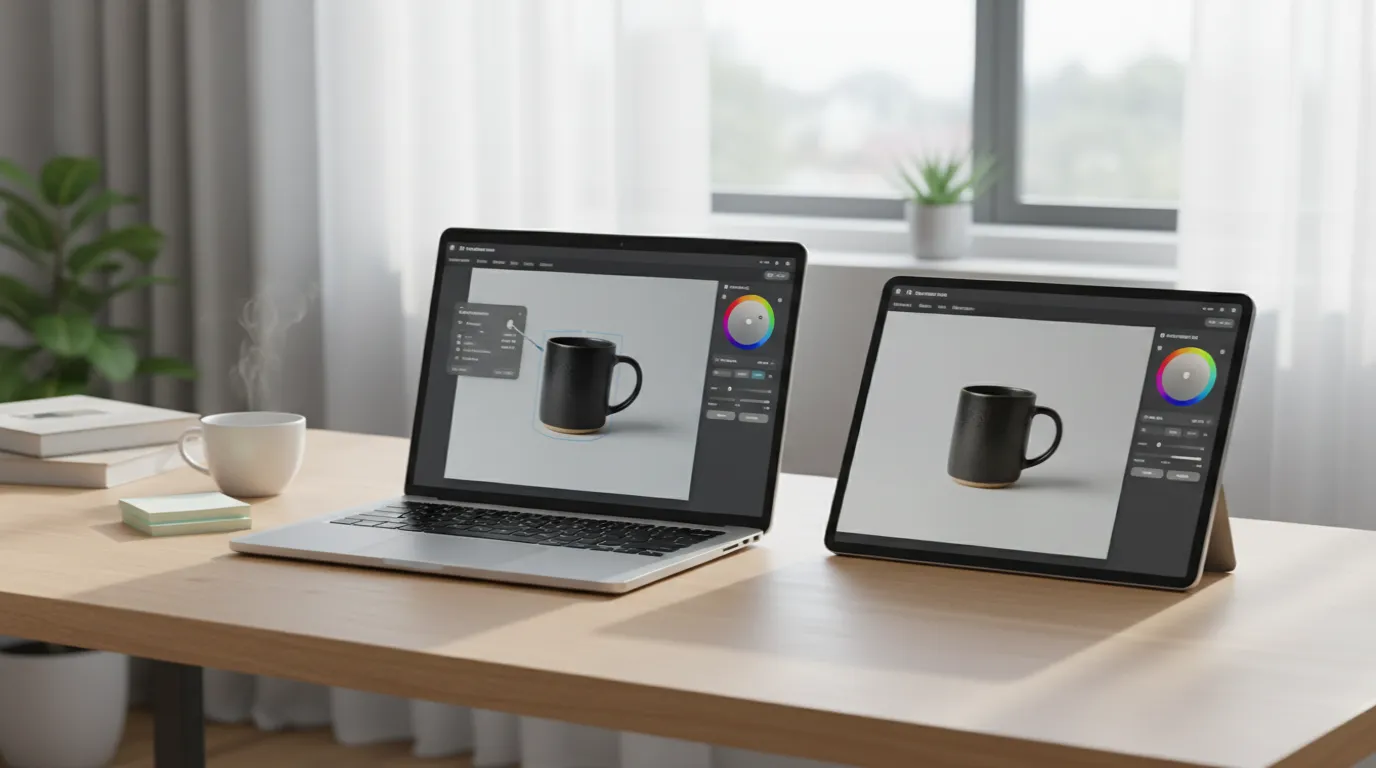
The best EzCreate AI alternative depends on the edits you make most: one-off prompt edits, precise changes to one part of a photo, or edited photos that go straight into ads and social posts.
Direct answer. The best EzCreate AI alternatives in 2026 are Playyy for masked, multi-step editing on a canvas, the Gemini app and ChatGPT for free prompt-based edits straight from Google's and OpenAI's own models, Adobe Firefly for Generative Fill with clear commercial terms, and Pixlr for the cheapest paid plan. Canva and Fotor fit when the edited photo goes straight into a design.
EzCreate AI Alternatives Compared at a Glance
| Tool | Edit method | Free option | Masked inpainting | Commercial terms |
|---|---|---|---|---|
| EzCreate AI | Prompt per image | 8 credits guest, 15/day signed in | ❌ | ⚠️ FAQ and terms disagree |
| Playyy | Canvas: click, brush, prompt | ✅ Free plan | ✅ | ✅ On paid plans |
| ChatGPT | Conversation + in-image comments | ✅ Daily limit (unpublished) | ⚠️ Spot comments | Per OpenAI terms |
| Gemini app | Conversation | ✅ Nano Banana 2 on all plans | ❌ | Per Google terms |
| Adobe Firefly | Brush + prompt (Generative Fill) | ✅ Free daily generations | ✅ | ✅ Adobe licensing |
| Pixlr | Layers + AI tools | ⚠️ Limited | ✅ Generative fill | Per Pixlr terms |
| Canva | Design editor + Magic tools | ✅ Up to 20 AI uses | ⚠️ Magic Edit | Per Canva license |
| Fotor | Editor + AI tools | ⚠️ Watermarked | ⚠️ Object removal | Per Fotor terms |
EzCreate charges per edit by model: its house models cost 2 credits, Nano Banana Pro 10 or more, so the free 15 daily credits cover about seven basic edits or one premium one. Its homepage describes outputs as royalty-free for client work, while its terms license the service "for personal and non-commercial use", so commercial users should read both.
1. Playyy — Best for Masked, Multi-Step Editing
Best for: Product sellers, marketers and creators who need to change one part of an image and keep everything else exactly as it was.
Playyy is the closest fit when EzCreate's prompt-only workflow is the problem. Instead of regenerating the whole image, you work on a canvas: click an element and describe the change, or brush over an area with AI inpainting and say what should go there. Only the selected region is regenerated. That's the difference between "make the mug blue" changing the mug, and the whole table shifting with it.
Around that, the canvas covers the rest of a typical product-photo job: an object eraser, background remover, image expand for changing the aspect ratio, upscaler, crop with social presets, color adjustments, film filters and split-into-layers. Generation and editing run on GPT Image 2.5 by default, with Nano Banana Pro and Nano Banana Lite selectable, across nine aspect ratios at 1K, 2K or 4K.
The masked approach matters most for small fixes on catalog shots, like a reflection on a bottle or a stray cable, where a full regeneration can subtly change the label.
Where EzCreate stops at the edited photo, Playyy also handles the design around it. Paste your website URL and it builds a brand kit, extracting your brand colors, fonts, voice and tone, and logo, then uses that kit to draft on-brand ads and social posts around your product. There are 1,000+ templates to drop an edited shot into, and the Prompt Gallery has 1,000+ ready-made GPT Image and Nano Banana prompts for new scenes.
Pricing: Free plan with daily bonus credits. Basic is $18 a month ($15 a month billed annually) for 1,800 credits, Pro $48 a month for 7,200 credits, and Mega $98 a month for 16,000 credits. As of October 2026, the first month of a monthly plan is half price (Basic $9, Pro $24, Mega $49), then the regular price applies. Paid plans add commercial-use rights for exported outputs, per Playyy's terms.
Standout features: Click-an-element editing, brush inpainting, object eraser, image expand, split into layers, batch photo editor, brand kit from your website, 1,000+ templates and a 1,000+ prompt gallery.
2. ChatGPT — Best Free Conversational Editor
Best for: Quick edits described in plain language, especially ones involving text inside the image.
ChatGPT's image model has moved fast. ChatGPT Images 2.0 (gpt-image-2, April 2026) brought a large jump in text rendering, and Images 2.5 (September 2026) cut generation latency by up to 50%, preserves the subject of reference photos better and follows editing instructions more reliably across multiple turns. It also added in-image comments, where you mark a spot and ask for a targeted change.
GPT Image 2 is one of the models EzCreate resells; going direct removes the credit layer. The trade-off is the chat format: edits are still conversational, and the free plan has a daily image limit that OpenAI doesn't publish as a fixed number.
Pricing: Free plan with an unpublished daily image limit; paid ChatGPT plans raise it.
Standout features: Strong in-image text, multi-turn editing, in-image comments, Sketch references.
3. Google Gemini — Best Free Source for Nano Banana
Best for: Anyone choosing EzCreate mainly for the Nano Banana models.
Nano Banana is Google's image model family, and Google's Gemini Apps limits page lists image generation with Nano Banana 2 on every plan, including free, with "Redo images with Nano Banana Pro" on the Plus, Pro and Ultra tiers. On EzCreate, Nano Banana 2 costs 5–15 credits per edit and is flagged for a paid upgrade.
The Gemini app edits by conversation, so it shares EzCreate's lack of masking. Google also doesn't publish a fixed daily image count, saying only that it "may at times have to cap" usage.
Pricing: Free; Google AI Plus, Pro and Ultra add Nano Banana Pro and higher limits.
Standout features: Direct access to Nano Banana 2, multi-image fusion, conversational edits.
4. Adobe Firefly — Best for Generative Fill With Clear Terms
Best for: Freelancers and teams who need masked fills plus explicit commercial-use terms.
Firefly's Generative Fill is a true brush-and-prompt inpainting tool, which addresses EzCreate's biggest workflow gap. Adobe's Firefly plans page says you can get free daily generations without a plan, including access to partner models like Nano Banana, and that paid plans include unlimited access to standard image features like Generative Fill. Paid tiers come with monthly generative credits for premium features: 2,000 on Standard, 4,000 on Pro, 10,000 on Pro Plus and 50,000 on Premium.
Firefly is heavier than EzCreate and leans into Adobe's ecosystem. If the edited file then goes into Photoshop or Express, that's an advantage rather than a cost.
Pricing: Free daily generations; Standard, Pro, Pro Plus and Premium plans priced by region.
Standout features: Generative Fill and Expand, partner models, Photoshop and Express integration.
5. Pixlr — Cheapest Paid Credits
Best for: Occasional users who want a full browser photo editor plus some AI credits for a few dollars.
Pixlr pairs a traditional layer-based editor (Pixlr Editor) and a simpler one (Pixlr Express) with AI tools such as generative fill and image generation. Where it beats EzCreate is the entry price: Pixlr's pricing page lists Plus at $2.49 a month (or $1.99 a month billed yearly) with 80 monthly AI credits, and Premium at $9.99 a month with 1,000 credits.
The AI output is serviceable rather than cutting-edge, and the interface assumes some photo-editing comfort. The manual tools matter, though: when an AI edit is 90% right, Pixlr lets you fix the last 10% by hand.
Pricing: Plus $2.49/month; Premium $9.99/month; Ultra $24.99/month.
Standout features: Layer-based editor, generative fill, low-cost credit plans.
6. Canva — Best When the Photo Goes Into a Design
Best for: Social posts, ads and presentations where the edited photo is one element of a layout.
Canva's photo tools (Magic Edit, Magic Eraser, background remover, Magic Expand) sit inside its design editor, so an edited product shot can drop straight into a template and be resized for every channel. Canva's pricing page lists Free at $0 with up to 20 Standard or Premium AI uses, and Pro at US$144 a year for one person.
As a pure photo editor, Canva is less precise than a dedicated inpainting tool. As the step after editing, it saves an export-and-reimport round trip.
Pricing: Free with capped AI uses; Pro US$144/year.
Standout features: Templates, Magic Edit, Magic Expand, brand kit, resize for channels.
7. Fotor — All-in-One Editor With AI Extras
Best for: Casual users who want filters, retouching and AI generation in one familiar interface.
Fotor combines a classic online photo editor with AI tools: background removal, object removal, enhancement, an AI image generator and AI headshots. Its credit-based Pro, Pro+ and Max tiers raise concurrent generations and storage. The free Basic plan includes a limited number of credits and adds a watermark, which EzCreate doesn't.
For more on how it compares with similar editors, see our Fotor alternatives roundup.
Pricing: Free Basic plan with watermark; paid Pro, Pro+ and Max tiers.
Standout features: One-click enhance, portrait retouching, AI generator, templates.
How to Pick an EzCreate AI Alternative
The deciding question is how much of the image you want to change.
The whole image, quickly. If every edit is a one-shot restyle or background swap and the result is for personal use, the Gemini app or ChatGPT does what EzCreate does with the same underlying models and no credit layer.
One area, and nothing else. If the product, face or text has to stay pixel-identical while one region changes, use a mask-based tool. That's Playyy's inpainting, Firefly's Generative Fill or Pixlr's generative fill. Our explainer on what inpainting is and how it works covers why a mask keeps the rest of the image stable.
A finished asset, not just a photo. If the edit is step one of a social post or listing image, pick the tool that also handles the next step: Canva for layouts, or Playyy for removing objects, expanding to a new ratio, batch-editing a catalog and building on-brand layouts from a brand kit without leaving the canvas.
For a wider look at free browser editors, including how EzCreate fits among them, see our guide to the best free AI photo editors online. If the images you're editing start life in ChatGPT, our ChatGPT image editing guide walks through the canvas workflow step by step.

James Walker
I help Shopify and Amazon sellers improve product images, promotional banners and ad creatives. I focus on practical visual improvements that help products look more credible and conversion-ready — no design jargon, just what works.
Frequently asked questions
Partly. As of October 2026, EzCreate's own FAQ says guests get 8 free credits without logging in, and signed-in users can claim 15 free credits per day. Each edit costs 2 to 18 credits depending on the model, so the free allowance covers about seven edits on the cheapest model or one on Nano Banana Pro. Extra credits are sold as paid packages.