Image Prompting: How to Write Better Prompts
 Claire Dubois
Image prompting is mostly a matter of replacing feelings with facts. "A premium, eye-catching product shot" gives a model nothing to draw, so it falls back on its own defaults; "a frosted glass serum bottle on grey travertine, late sun from the right, 4:5, space on the left for copy" gives it a picture. GPT Image 2.5, the model behind ChatGPT Images, follows that kind of instruction closely, and the same habits carry over to Nano Banana Pro and most other image models.
The short version. A good image prompt states what the image is for, then describes the subject, setting, light and composition in terms a camera could see, quotes any text that must appear, and names what to leave out. Edits work best as "change only X, keep Y", one change per turn.
What Makes an Image Prompt Good
Three qualities separate prompts that work from prompts that don't.
It describes visible things. Image models translate words into visual features. "Soft window light from the left" maps to a shadow direction and a contrast level; "premium" maps to nothing in particular. Every adjective in a prompt should pass one test: could a photographer or designer point at it in the finished image? If not, replace it with something they could.
It states the result first. OpenAI's image prompting guide recommends naming the subject and intended use (a product photograph, an advertisement, a diagram) before anything else, along with the composition, aspect ratio and placement constraints. Knowing it's an ad tells the model to leave room for copy; knowing it's a diagram tells it to stay flat and legible.
It is specific where it matters and silent where it doesn't. A prompt doesn't need to describe every pixel. It needs the details you would reject the image for getting wrong: the product's color, the text, the framing, the mood of the light. Leave the rest to the model and judge the output.
Format matters less than people assume. The same guide notes that short prompts, descriptive paragraphs, JSON-like structures, plain instructions and tags can all express the same intent; what counts is a prompt that's easy to read and update, not special syntax.
The Five Parts of an Image Prompt
Most strong prompts contain the same five parts, in roughly this order:
| Part | What to write | Example |
|---|---|---|
| 1. Result and subject | What the image is for, then the main object or person, with materials | "Product photo of a frosted glass serum bottle with a gold dropper" |
| 2. Setting | Surface, place, background | "on a slab of rough grey travertine" |
| 3. Light and color | Light source, direction, quality, palette | "late-afternoon sun from the right, long soft shadow" |
| 4. Composition and format | Framing, camera angle, placement, aspect ratio | "4:5 vertical, bottle left of center, empty space on the right" |
| 5. Text and exclusions | Exact words in quotes and where they go; what to leave out | "no text, no props" |
Put together:
Product photo of a frosted glass serum bottle with a gold dropper on a slab of rough grey travertine, late-afternoon sun from the right casting a long soft shadow, 4:5 vertical, bottle slightly left of center with empty space on the right for copy, no text, no props.
The order isn't magic, but it mirrors how a designer reads a brief: what is it, where is it, how is it lit, how is it framed, what goes on it. When a result is wrong, the five parts also tell you where to look. A flat, lifeless image is usually a missing part 3; an image that crops badly in a layout is usually a missing part 4.
For complex scenes with several people or objects, OpenAI suggests splitting the prompt into labeled sections (scene, subject, details, constraints) instead of one long sentence. That keeps each object's attributes attached to the right object.
Weak Prompts vs Strong Prompts
The fastest way to improve is to rewrite one weak prompt at a time. Each rewrite below fixes a specific gap:
| Weak prompt | Strong prompt | What changed |
|---|---|---|
| "A professional photo of our coffee" | "Product photo of a 12 oz kraft paper coffee bag on a dark walnut counter, morning window light from the left, loose beans in front, 4:5, bag on the right third, no text" | Named the object, surface, light and framing |
| "A stunning sunset landscape, 8K, ultra detailed" | "Wide landscape photograph of a salt marsh at sunset, low sun behind thin clouds, orange and violet sky reflected in the channels, 16:9, horizon on the lower third" | Swapped quality words for scene and color |
| "Make a poster for our event" | "2:3 poster for a summer night market. Title at the top: "Night Market" in bold retro serif. Below: "Saturday, July 12 · 6–11 PM". Illustration of string lights and food stalls, navy, yellow and coral palette" | Stated the format, text hierarchy and palette |
| "A happy woman using a laptop" | "Candid photo of a woman in her thirties laughing at something on her laptop at a café window table, natural side light, shot at eye level, 3:2, face in three-quarter view" | Gave an action, a place and a camera position |
| "Make it look better" | "Keep the composition and every object unchanged. Brighten the shadows slightly and warm the white balance, as if lit by late-afternoon sun" | Named the change and what stays fixed |
Notice that none of the strong prompts use "beautiful", "high quality" or "professional". Those words don't hurt much, but they don't help either, and they crowd out the details that do.
How to Prompt for Text in Images
Readable text was the biggest jump in ChatGPT Images 2.0, and GPT Image 2.5 keeps it. It still needs to be asked for precisely:
- Quote the exact words. The model treats quoted strings as copy to set, not as a description.
- Say where the text goes and how it looks. "Across the top in bold condensed sans serif, white" gives position, weight and color.
- Keep it short. Headlines, prices, dates and short labels render cleanly; paragraphs are where spelling slips appear.
- Spell unusual names letter by letter. OpenAI's guide recommends this for brand names and rare words.
- Ban filler. Add "no extra text" so the model doesn't invent taglines around your copy.
Then proofread. Every output, every time, before it goes anywhere public.
How to Prompt an Edit: Change Only X, Keep Y
Editing a photo you already have is a different kind of prompt. The model needs to know what to leave alone as much as what to change. The pattern OpenAI recommends is "change only X", followed by a list of what to preserve:
Change only the color of the sofa to deep olive green. Keep its fabric texture and shape, the lighting, and every other object in the room exactly as they are.
What to list in the "keep" part depends on the edit. For a person: face, hairstyle, skin tone, expression. For a product: shape, label, colors, proportions. For a scene: layout, camera angle, lighting.
Edits fail in a predictable way: the more you change in one request, the more the model reinterprets. Swapping the background, relighting and recropping in a single prompt gives it three chances to drift. One change per turn, with the "keep" list repeated each time, holds the subject steady far longer.
How to Iterate Without Drift
Iteration is where most of the quality comes from, and it has its own rules:
- Change one thing per round. If you change the light and the framing together and the result gets worse, you won't know which change caused it.
- Compare before you add. Look at the new result against the previous one before stacking another instruction on top.
- Restate what matters. "Same style as before" works for a turn or two. When details start to slip, write them out again.
- Feed the latest output back in. Edit the image you like rather than regenerating from the original prompt, which starts the dice roll over.
Using Reference Images
Reference photos let you show instead of describe, but the model has to know what each one is for. Number them and assign a role: "Image 1 is the product, keep it exactly as shown. Image 2 is the style reference for lighting and color only. Image 3 is the background." Without roles, a model may borrow the wrong thing from the wrong image, such as the color of the background photo bleeding into the product.
For people, the same keep-then-change structure applies: "Use my uploaded photo. Keep my face, hairstyle and expression unchanged. Change the background to plain light grey and the top to a navy blazer." The AI headshot generator guide covers what to do when a likeness still drifts.
Common Image Prompting Mistakes
- Mood words instead of visuals. "Innovative", "premium", "vibrant" — replace each with a color, a material or a light source.
- Asking for the aspect ratio only in words. Writing "16:9" helps, but setting the ratio in the tool before generating is more reliable. Check the platform's dimensions first, such as the Instagram story size.
- Too many subjects in one sentence. Attributes get swapped between objects. Use labeled sections or separate sentences.
- Rewriting from scratch after every miss. Edit the closest result instead.
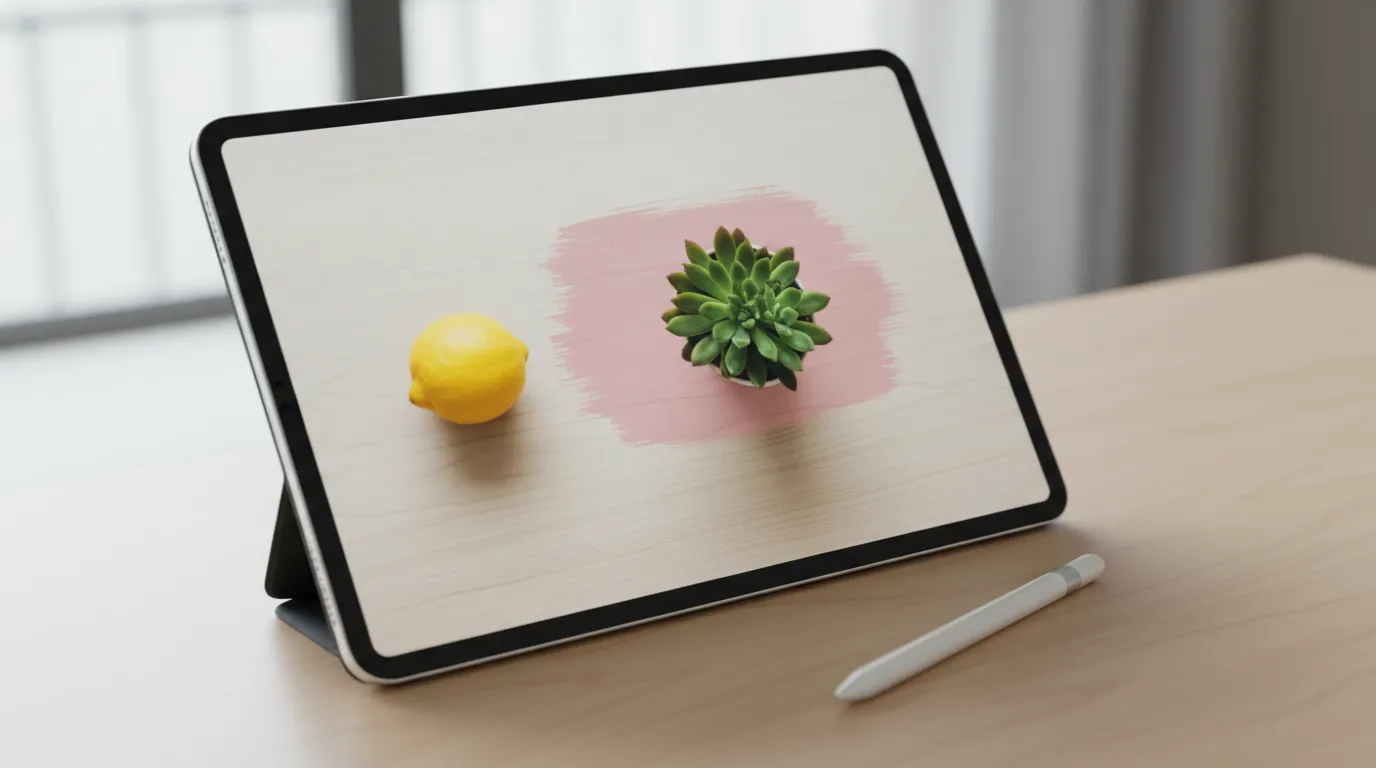
- Fighting the model for pixel-level control. If an edit keeps touching areas it shouldn't, switch to a tool that edits only a selected region.
Where to Practice
The method works in any GPT Image 2.5 tool. In ChatGPT, Images 2.5 is available on the free plan with a daily limit, and you can comment on a spot in the image to target an edit.
Playyy's GPT Image 2.5 generator runs the same model by default, with Nano Banana Pro and Nano Banana Lite in the same menu so you can run one prompt on several models. You set one of nine aspect ratios and 1K, 2K or 4K resolution before generating, and the result opens on an editable canvas, where crop, color adjustments, background removal and click-to-edit handle the changes that are hard to get from a prompt.
Two things there cut down on prompt writing. The Prompt Gallery holds 1,000+ worked GPT Image and Nano Banana prompts, useful for seeing how specific prompts look across dozens of jobs. And if you paste your website URL, Playyy builds a brand kit from it, extracting your brand colors, fonts, voice and logo, so you don't have to describe your palette in every prompt. If you mostly work in Gemini, the Gemini AI photo prompts guide applies the same ideas to Nano Banana.
The Bottom Line
Good image prompting comes down to three habits. Describe what a camera could see, in the order a designer reads a brief: result, subject, setting, light, framing, text. Quote every word that must appear and name what to leave out. And edit one change at a time, saying what stays fixed. Write one prompt that way, compare it with what you were writing before, and the difference shows in the first round.
Claire Dubois
I advise fashion, beauty, lifestyle and hospitality brands on campaign direction, brand storytelling and visual consistency. I care deeply about how brands use AI tools while preserving taste, restraint and a coherent art direction.
Frequently asked questions
Image prompting is writing the text instructions, and sometimes attaching the reference photos, that an AI image model turns into a picture or an edit. A good image prompt names the subject and its use, the setting, the light, the composition and format, and any exact text or exclusions. The more of it a camera could see, the less the model has to guess.